Commercial message: If you are with your iPhonem or iPad, you have been put in an unpleasant situation where you cannot turn on the device, it flashes a white screen, you are stuck in recovery mode, install updates, are experiencing frozen screens, annoying hangs, looping reboots, and other issues, then you might need professional system recovery software. iOS WooTechy iPhixer. In this article, we will look directly at it and analyze what problems in iPadOS, iOS and tvOS actually solves it.
How WooTechy iPhixer works
What exactly is WooTechy iPhixer?
WooTechy iPhixer is a fairly handy all-in-one iPadOS troubleshooting tool, iOS and tvOS problems without losing our valuable data. It is practically an indispensable software for repairing iOS devices. This is one of the most effective software that can handle solving practically any problem. It can help us solve both minor and more serious problems on our devices. iPhoneand iPads.

Moreover, this tool is user-friendly. Pro It is easy to use without any technical knowledge. WooTechy iPhixer is also well known for its efficiency, compatibility, speed and security. The application also offers lifetime free updates, as well as garancand a 30-day money back guarantee. Available for operating systems Windows and Mac.
Is WooTechy iPhixer safe?
This software is verified and safe on both mentioned platforms (Windows, Mac). ProYou can test the program yourself using your antivirus software. At the same time, WooTechy iPhixer does not store any user data, so there is no risk of its leakage. You will also be pleased with its full compatibility with any version of operating systems.
Is WooTechy iPhixer free?
Program is completely free to try out with a free trial version to see if your device is supported. It also has one-click access to enter/exit recovery mode, and it also has highly rated customer support. However, if you want to take full advantage of WooTechy iPhixer, you will have to pay for it. Monthly software subscription for one iOS the device will cost you $29,95 and a yearly subscription for one iOS devices for $39,95. A lifetime plan for up to 5 devices is still available for $59,95.
What iPhixer can actually do
WooTechy iPhixer can fix your iPhone within minutes, no matter how complex the problem you are facing. Key issues iOS, among which it ranks stuck Apple logo. , black screen, frozen screen, update error, iPhone locked in DFU mode or looped power-on can be solved practically immediately.
iPhixer also allows you to update or restore your Apple device without using iTunes without facing the familiar error messages like 4005, 4010 and 4013. If you use the software to solve common problems, you can be sure that you will solve them in a flash without losing give.
To make matters worse, the program can also be used to reset an iPhone, iPad or iPod touch, even in cases where you forget the password. In such a case, however, it is necessary to expect that all data will be deleted.
How to use WooTechy iPhixer
1. Download and install
First, of course, you need to download the WooTechy iPhixer application from official website. After installing it, you can (at Windows/Mac) turn it on, select Standard Mode and then click the button Next.
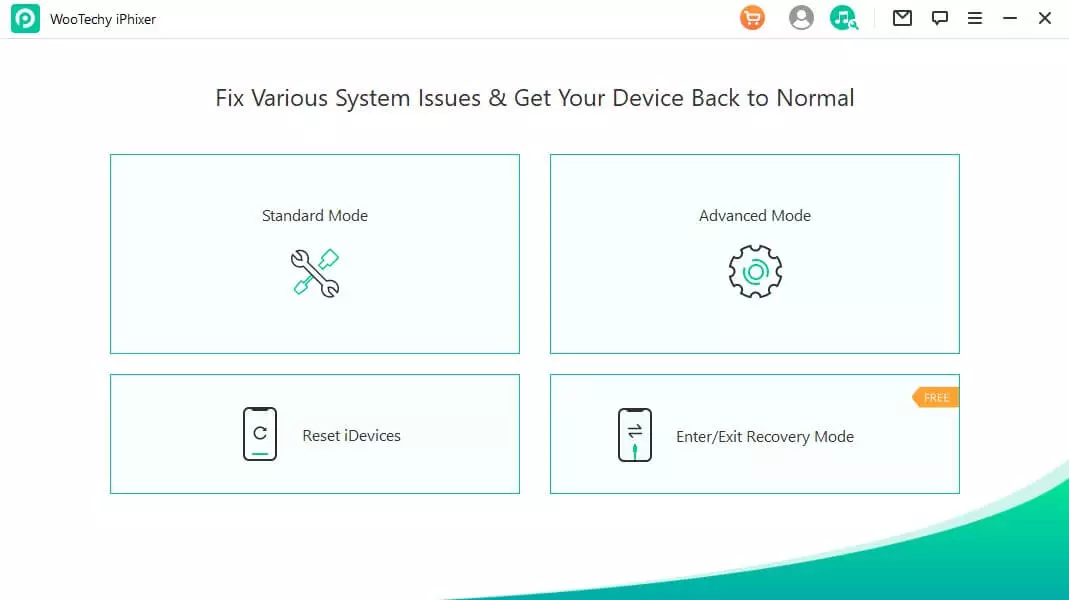
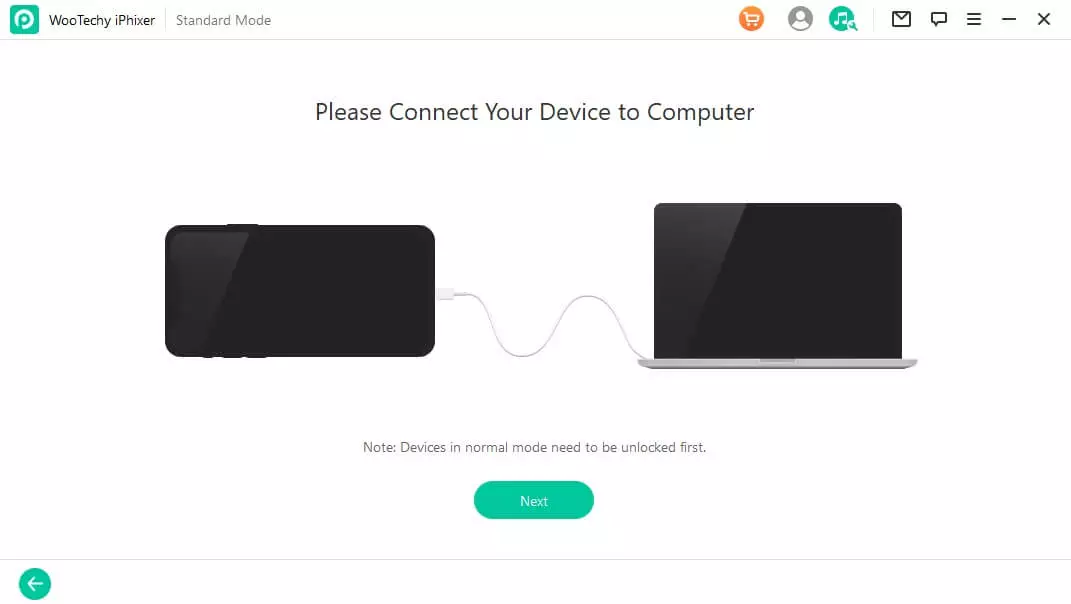
Then, using a USB cable, you will need to connect the iPad/iPhone to the computer and unlock them. Without this, the software will not recognize the connected device and will not be able to continue solving the given problems.
2. Firmware update
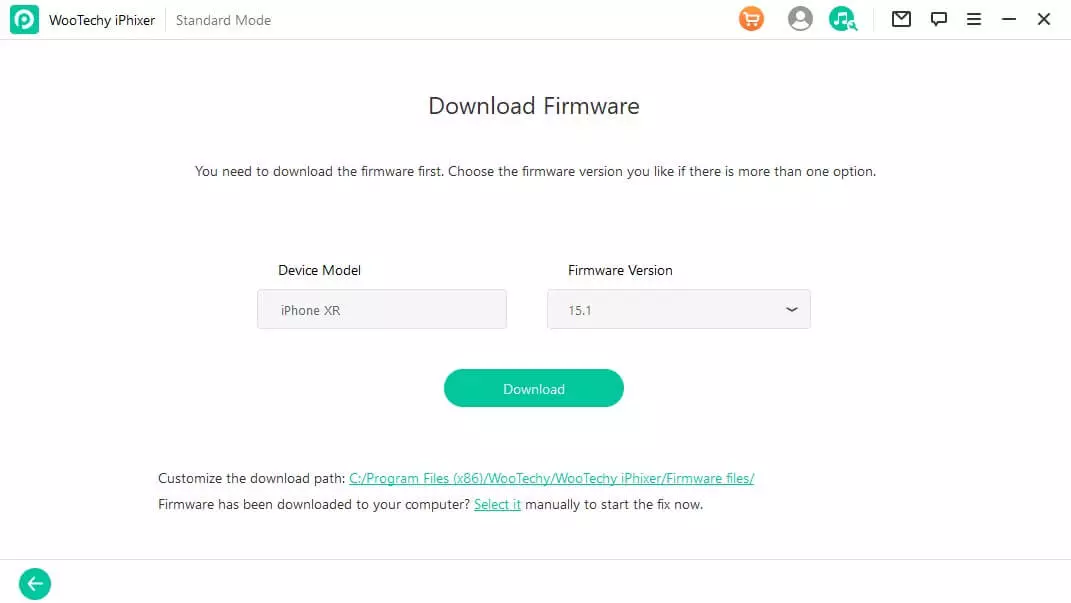
Next, it is necessary to proceed to the firmware iOS device, for which you just need to click on the Download option. WooTechy iPhixer will automatically display the connected device and find the appropriate firmware version, or you can choose it yourself according to your own needs. The program will then take care of its processing and extraction.
3. Repair iOS device
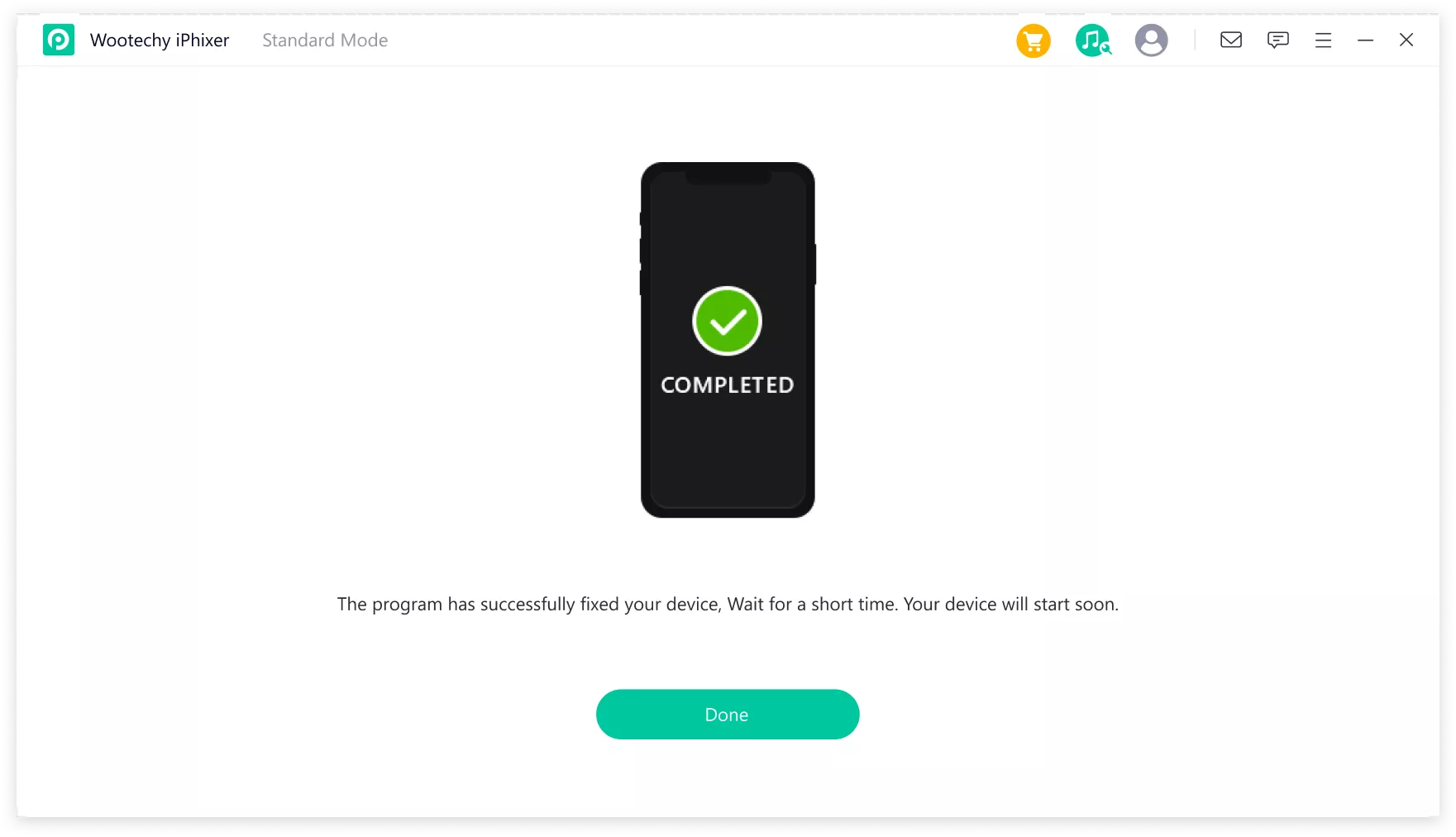
Now it's easy. If we want to repair our device, just click on the Start button to start the whole process. We must not disconnect our device during the process itself. Otherwise, the process would terminate. However, as soon as it is finished, all we have to do is restart it and then we can start using it.
If Standard Mode does not resolve the issues with the device, Adv Mode is also available.ance Mode or advanced mode. In this case, just select it from the main application environment and proceed exactly the same as before.
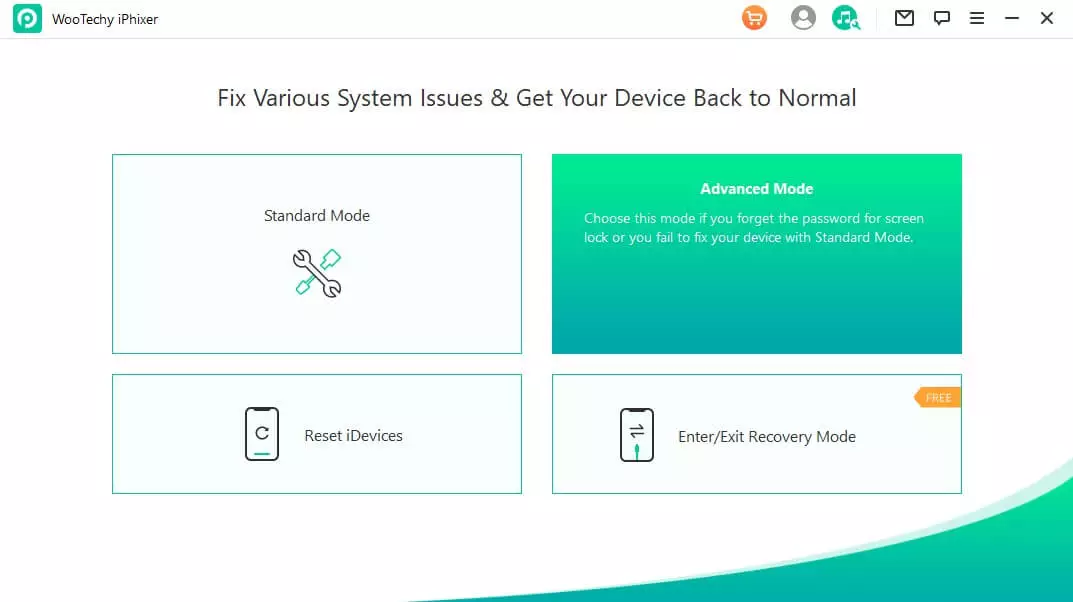
In any case, it is necessary to take into account that Advanced Mode will completely erase the entire device. So if nestWhen using the Standard mode options, this must be taken into account.
Summary
When choosing a repair tool iOS device, it is necessary to take into account the given functions, features, security, availability, compatibility, possible support, success, simplicity, possibility of updates and more. The WooTechy iPhixer application literally wins hands down in this. Download this tool and try it out for yourself.
Discussion of the article
Discussion is not open for this article.