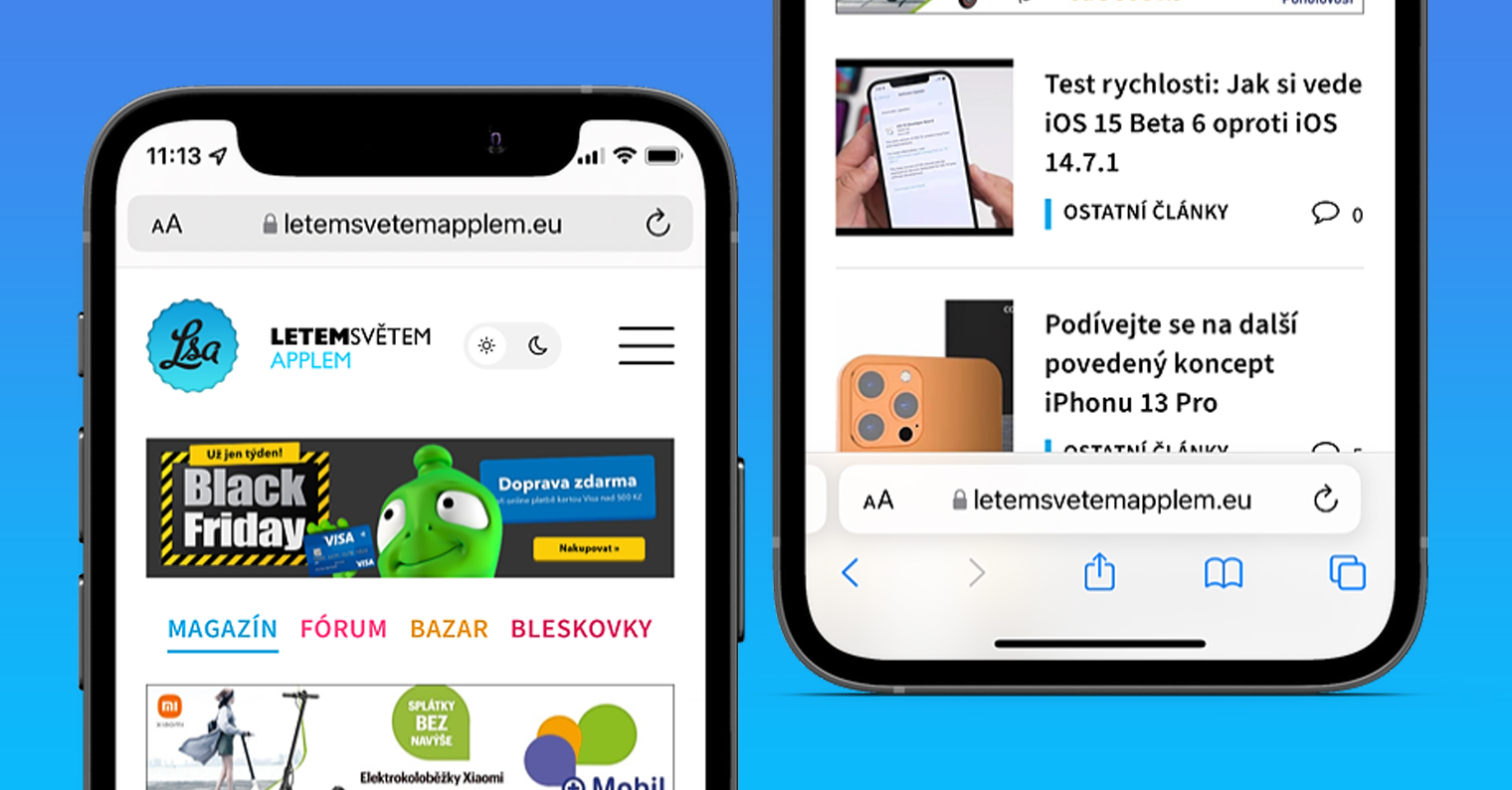
With the arrival iOS 15 with native web browser Safari has received several great new features. Primarily, of course, we are talking about a brand new interface, in which Apple decided to move the address bar from the top of the display all the way down. This step is taken by the apple company for the reason that smartphone displays keep getting bigger, which means that it becomes more and more difficult to touch the top of the display with one hand. However, this change did not bring much praise - on the contrary, a huge avalanche of criticism came down. Apple so he was forced to add an option to the settings to choose between the new and old interface.
You might be interested in
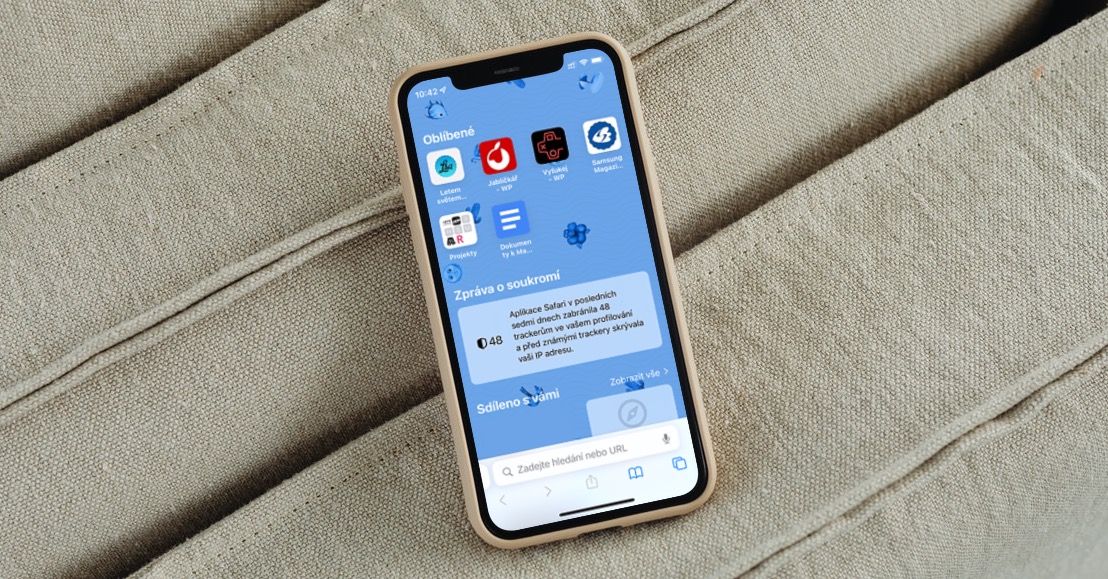
As iPhone v Safari (de)activate page tinting
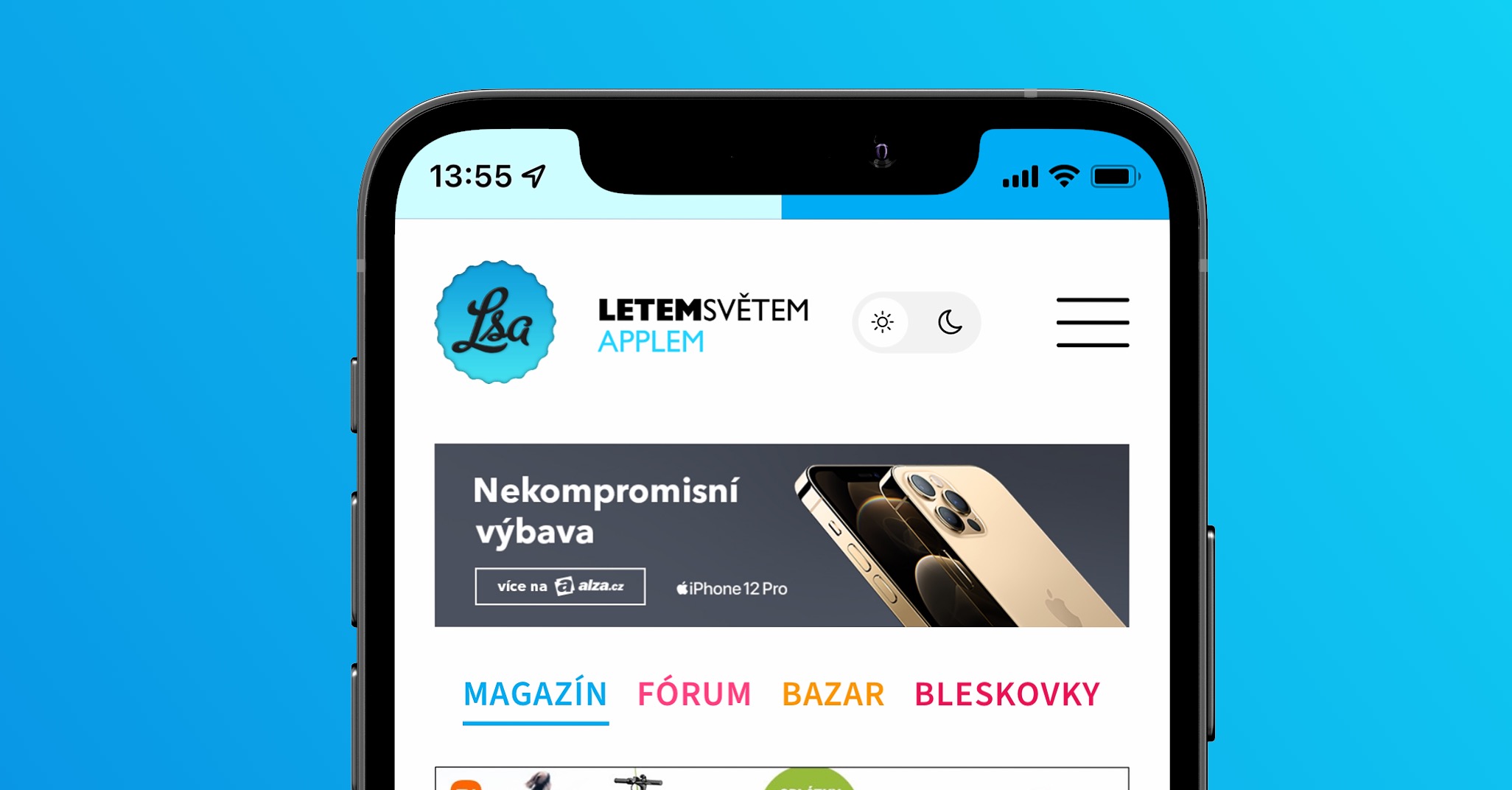
Along with this change came another new design element, namely page tinting, which shows up if you have the new address bar layout active at the bottom of the screen. From the name of page tinting, you might not be very clear about what this feature does. If you have it active, the upper part of the screen, where the top bar and other elements are located, will be colored in the color of the page. So if the top part of the page you are on is blue, then the top part of the screen with the top bar will also turn blue, which will blend in. If you don't like this feature, or if you don't use it, you can turn it on or off in this way:
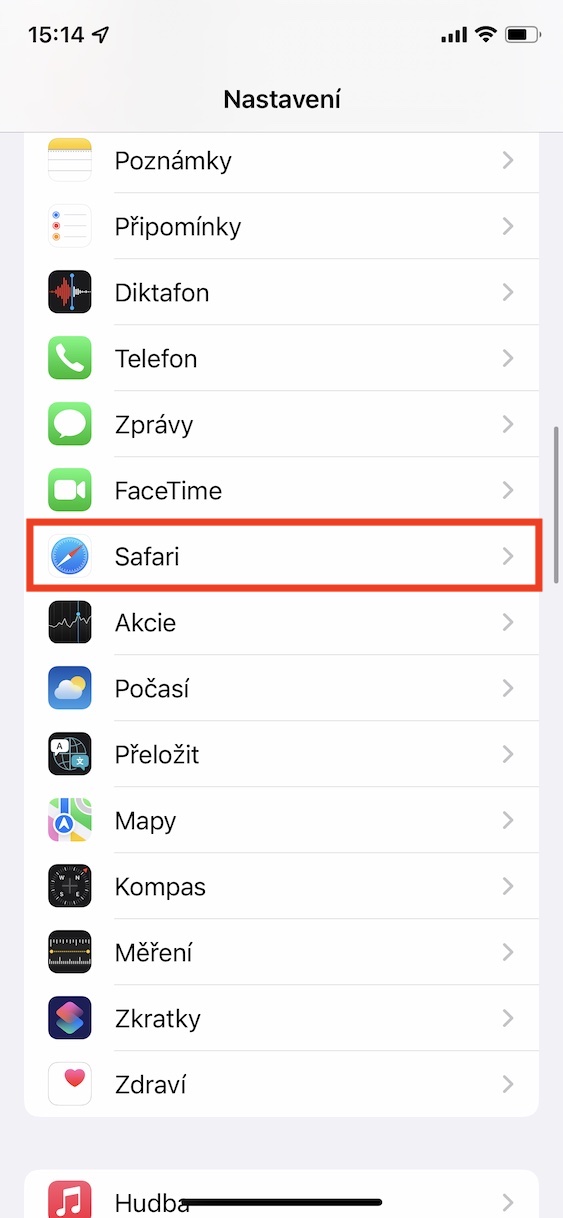
- First, you need to go to the native app on your iPhone Settings.
- Once you've done that, go down a notch below, where locate and open the box Safari.
- Here, then move again below, specifically down to the category named Panels.
- nakonec using the switch (de)activate possibility Enable page tinting.
Gallery
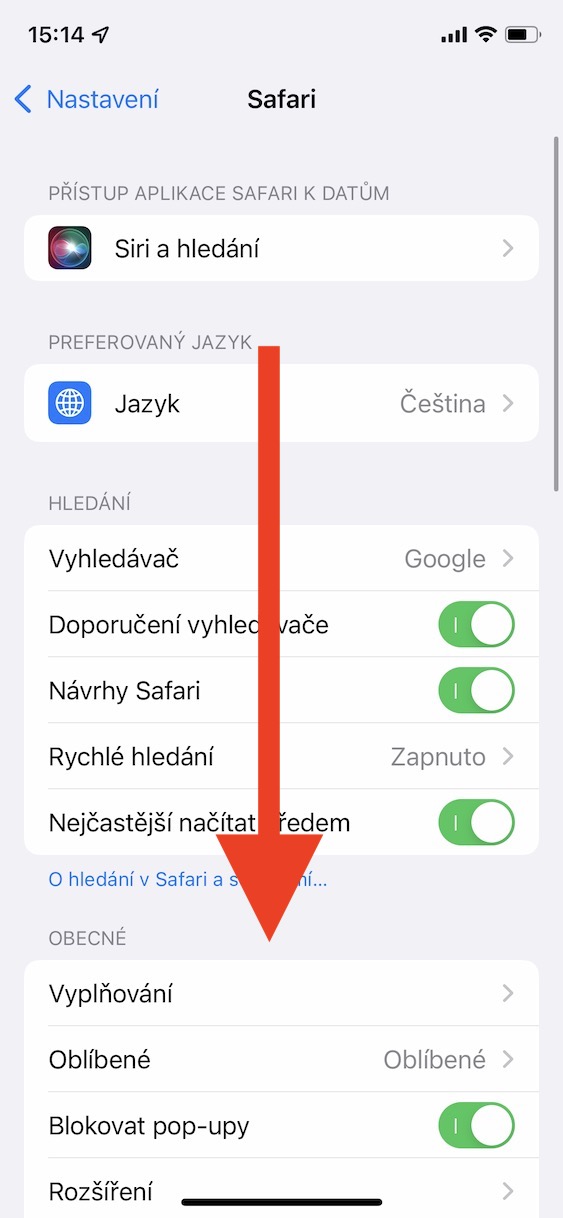
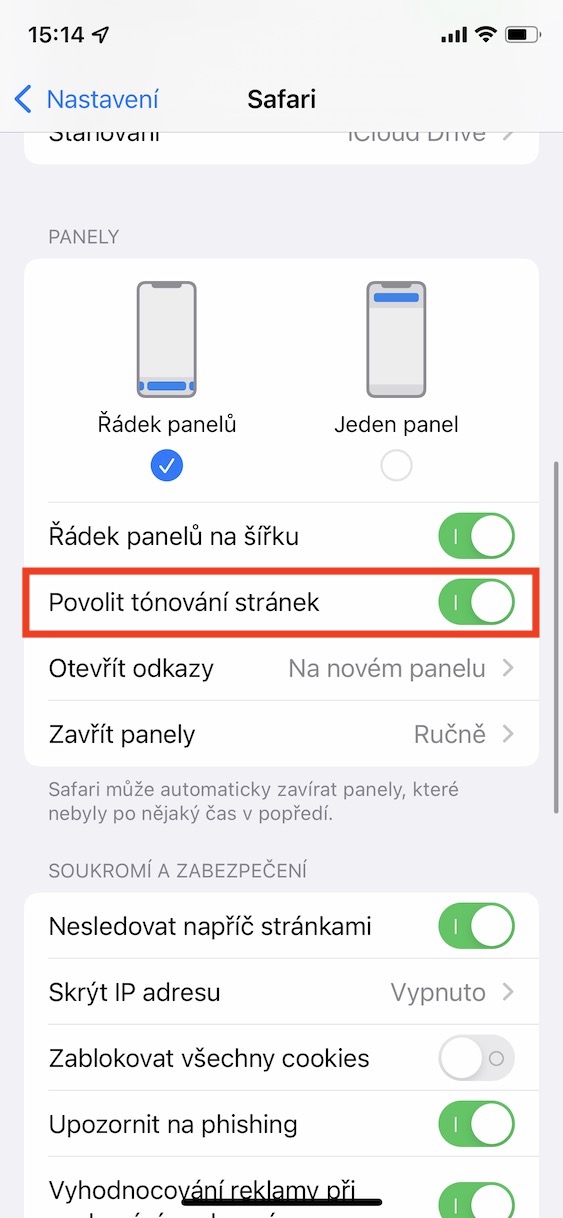
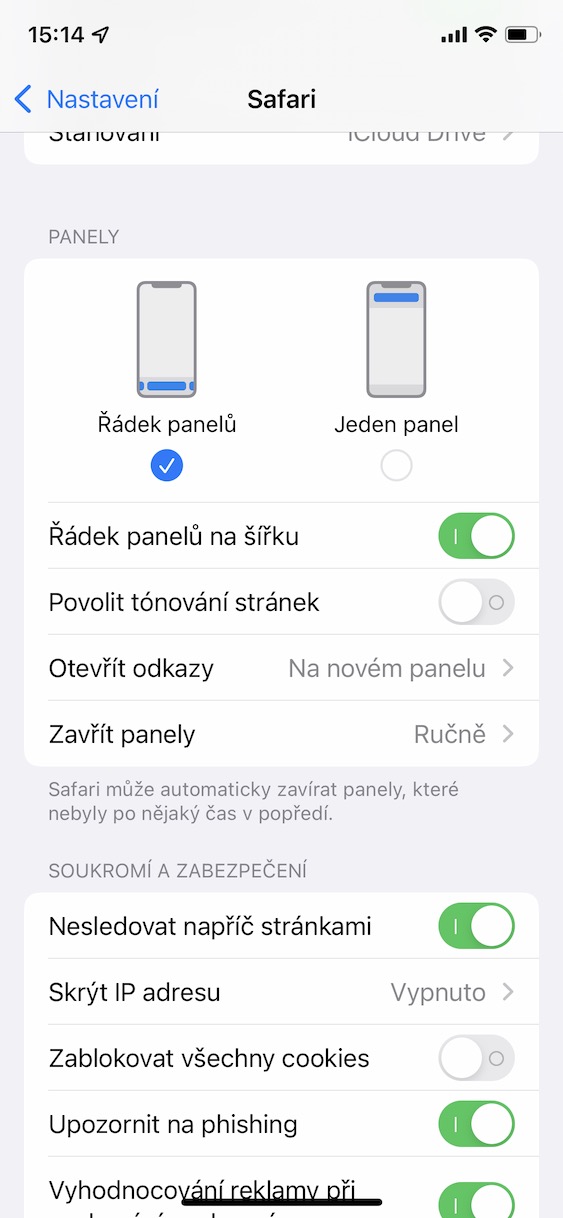
Using the above procedure, it is therefore possible on the iPhone within Safari turn page tinting on or off. If you are still not sure what the tinting might look like, just take a look at the image I have attached below, where you can see the difference. In addition to page tinting, in the above section you can also see options for changing the address bar display, as there is a function for changing the settings for displaying panels in landscape mode, the way new links are opened and the way panels are closed.