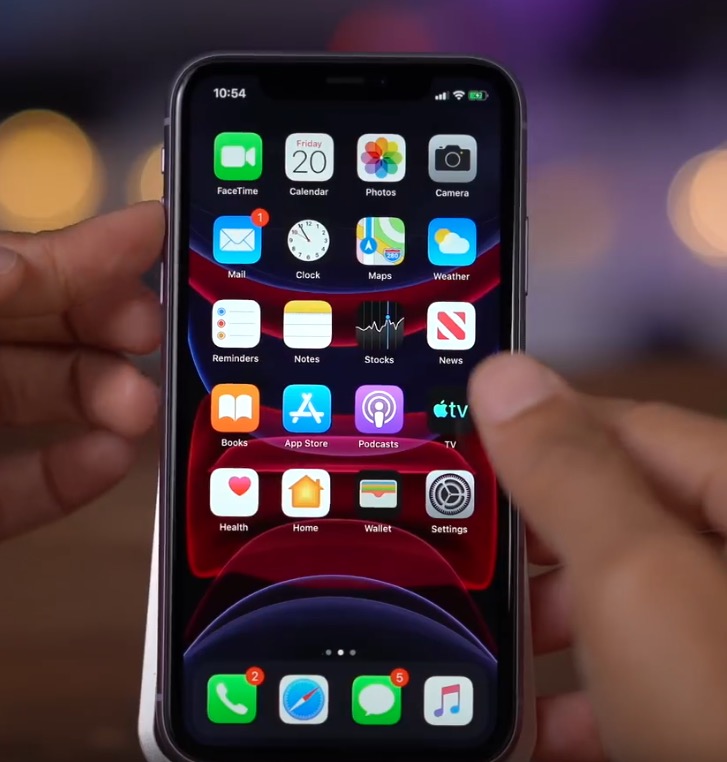
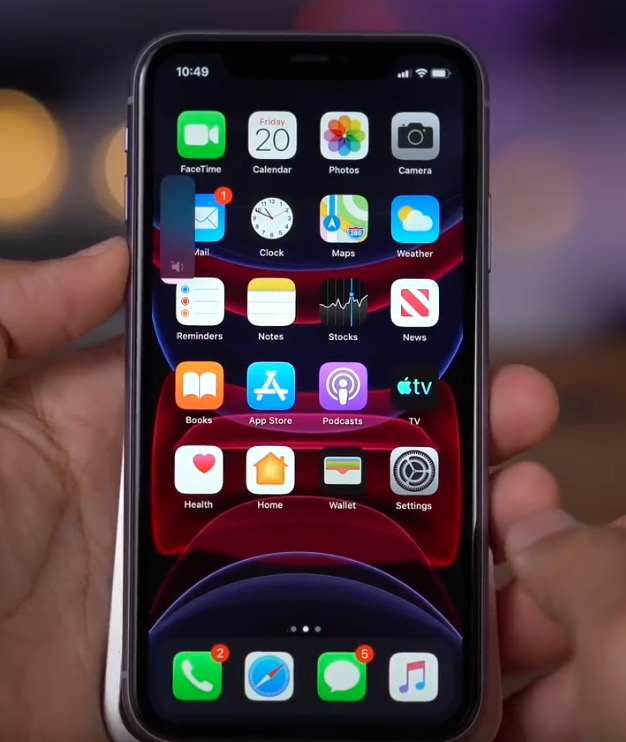
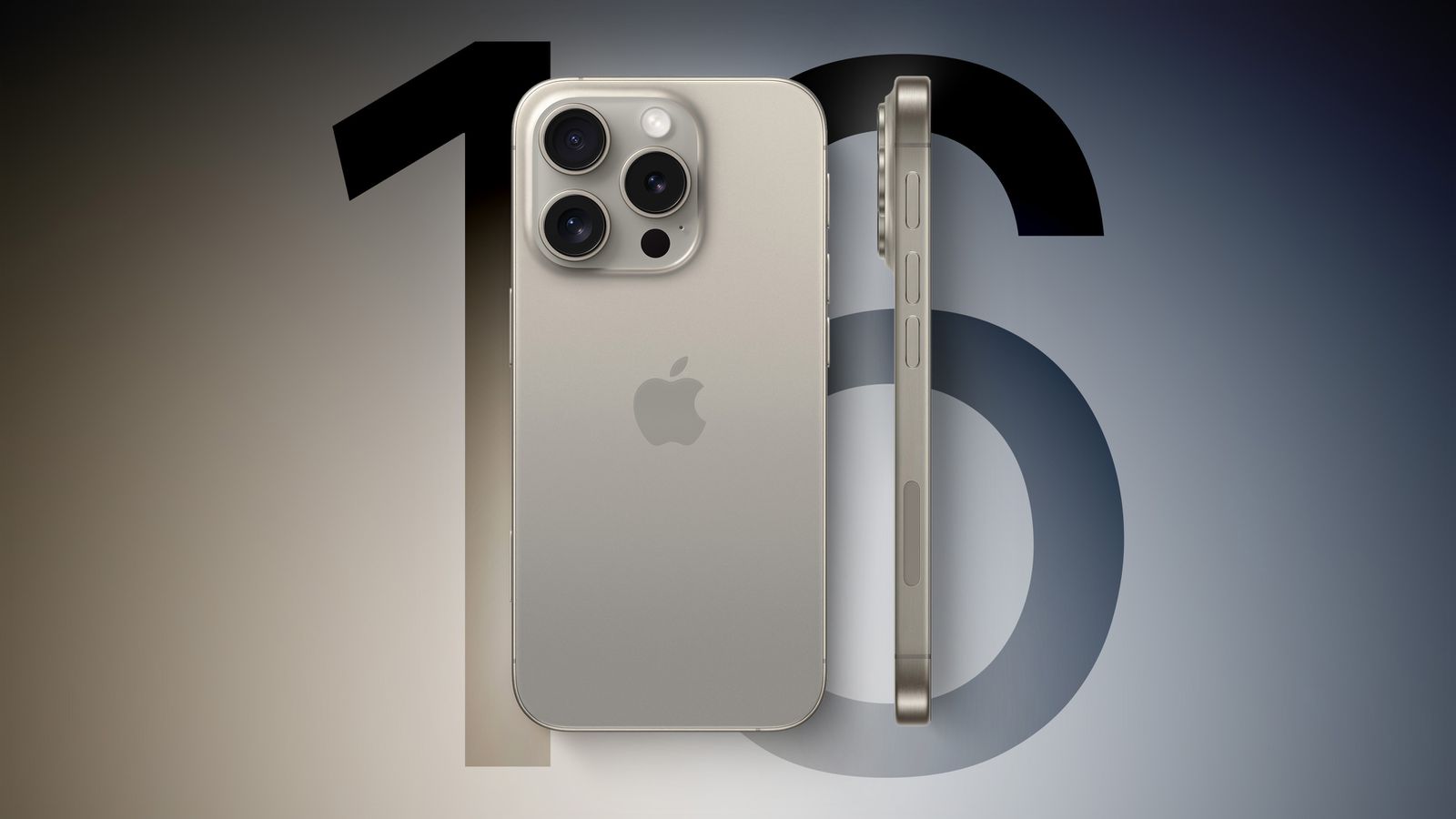
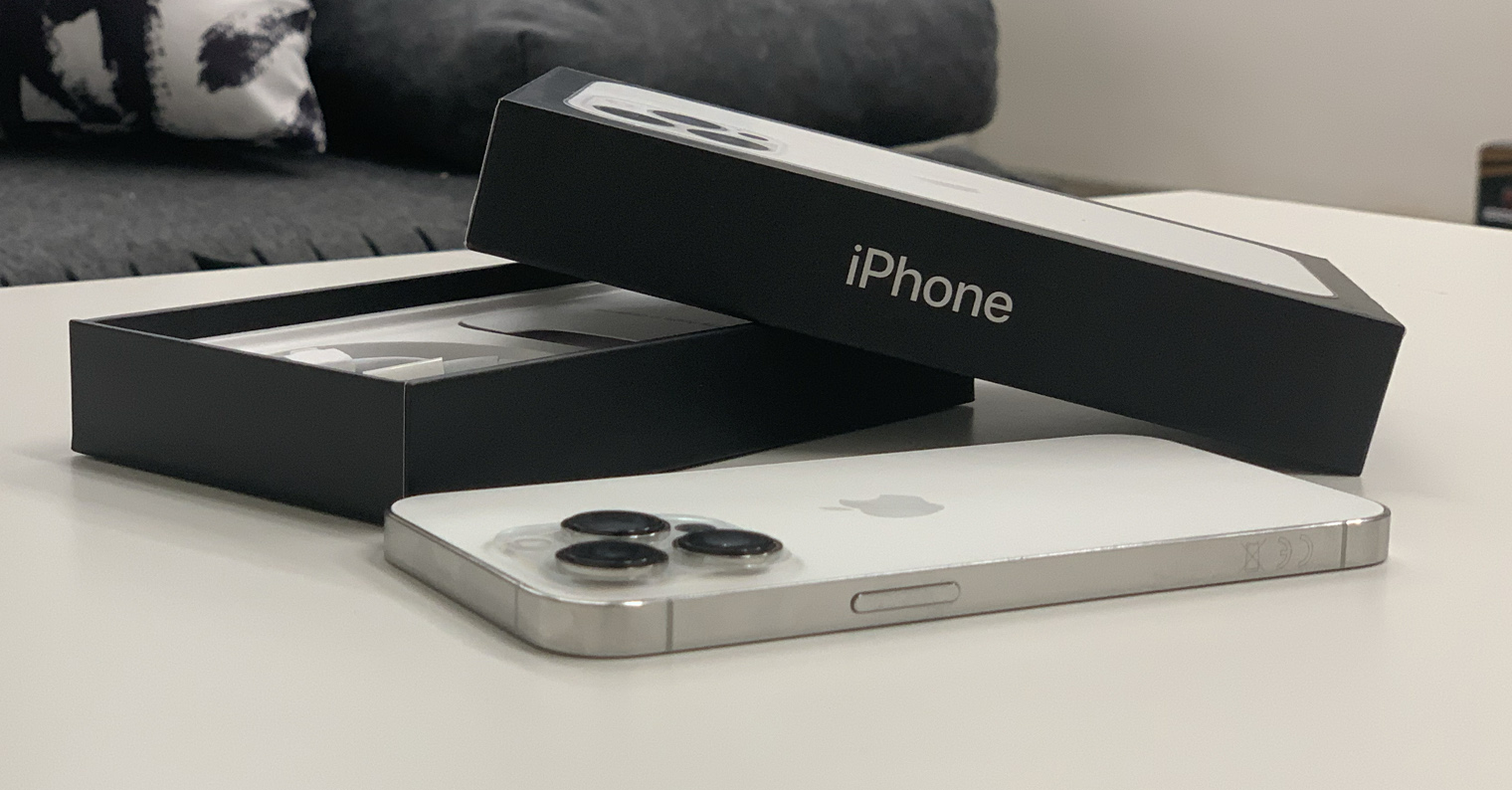
With the new iPhones 13 (Pro) came Apple a few months ago, specifically in September. Traditionally, we saw the introduction of four models, namely 13 mini, 13, 13 Pro to 13 Pro MaxThese latest Apple phones boast, for example, the brand new, powerful and energy-efficient A15 Bionic chip, as well as ProMotion display with an adaptive refresh rate of up to 120 Hz, improved cameras, a smaller notch for Face ID and much more. Even though these are new devices, you may find yourself in trouble with them, where you may want to perform a forced restart, or enter recovery or DFU mode. In this article, we will look at how to do that.
You might be interested in
Jak iPhone 13 force restart
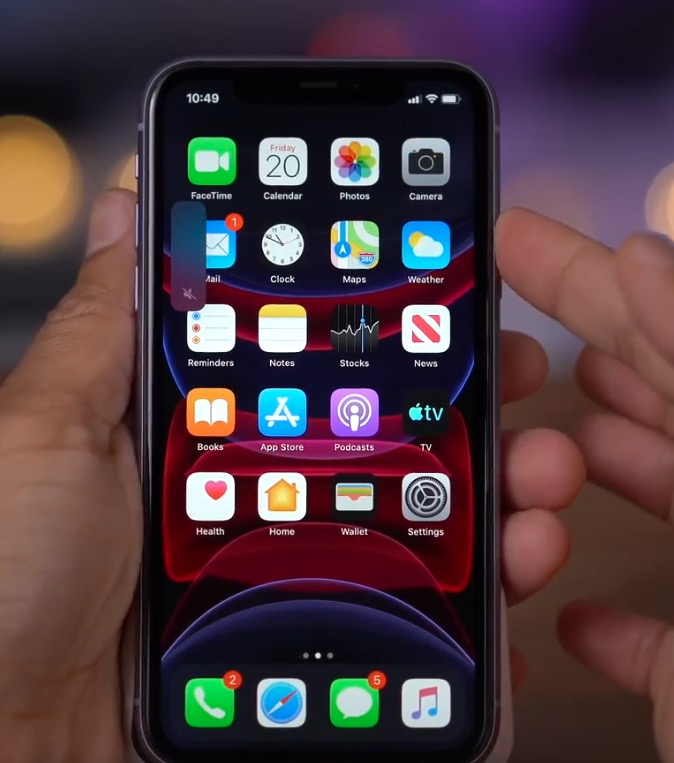
Yours has stopped iPhone 13 (Pro) to respond because it is stuck in an application or somewhere else in the system? If you answered yes and you are unable to perform a classic shutdown and restart, then a forced restart will definitely help you. The procedure is as follows:
- First, it is necessary that you they pressed a pustili button for increase the volume.
- Once you do so, press a let go button for volume down.
- After that, it's enough hold the side button until the device restarts.
Gallery
Jak iPhone 13 get into recovery mode
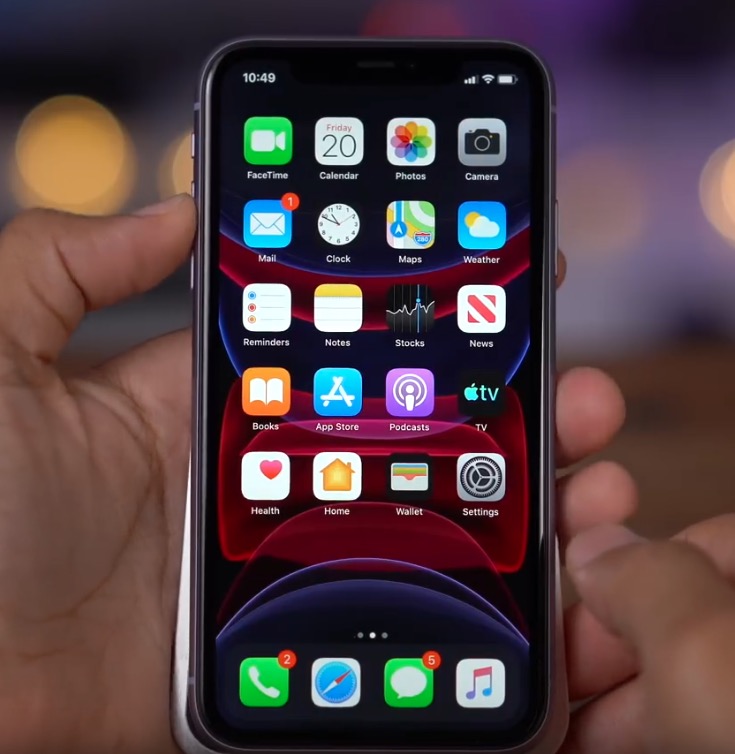
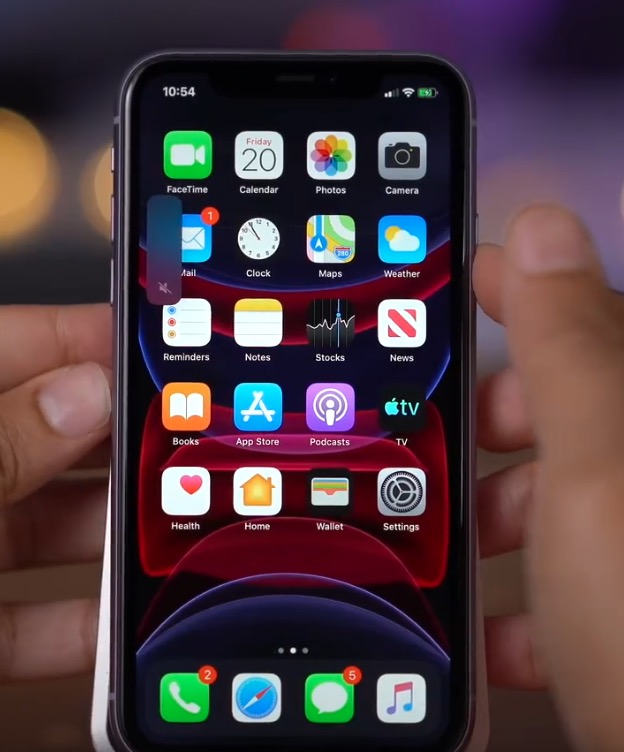
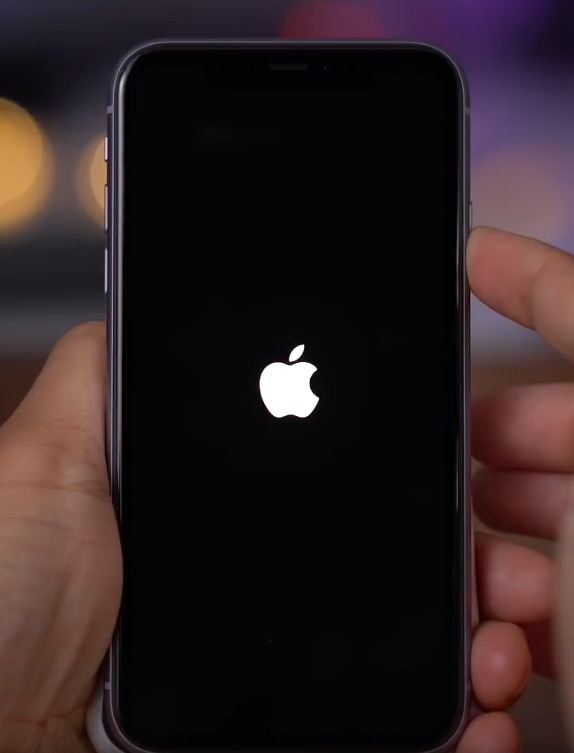
Have you found yourself in a situation where your iPhone unexpectedly shut down and now you can't get into the system with it? Is there a constant loading screen with the icon, or a restart after going to iOS? In these situations, recovery mode can help, through which you can reinstall the system iOS, both with data preservation and, if necessary, with its deletion. To enter recovery mode on the iPhone 13, follow these steps:
- Yours first iPhone 13 connect help Lightning – USB cable to a Mac or PC.
- Once you connect the device, press a let go button for increase the volume.
- Now it is necessary that you they pressed a pustili button for volume down.
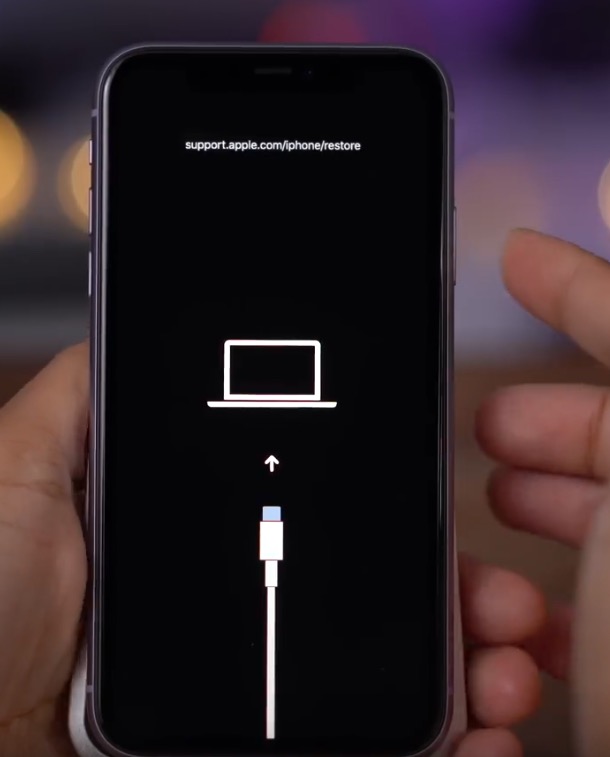
- Then hold the side button until it appears on the screen information about connecting the device to iTunes.
- On your Mac, now move to Finderu and tap on your device, run the application on your computer iTunes.
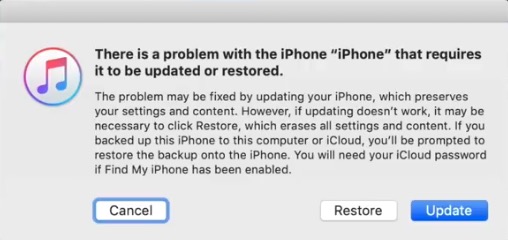
- Then a message will be displayed There's a problem with your iPhone that requires an update or restore.
- nakonec just choose whether you want iPhone update whether restore.
- If you decide to abandonment recovery mode, that's enough hold the side button.
Gallery
Jak iPhone 13 get into DFU mode
If you have already tried a forced restart, along with a recovery mode restore, and your device still doesn't work, iPhone 13 still won't boot, then it could be a bigger problem. The last option you can use in such a situation is to enter DFU (Direct Firmware Upgrade) mode, which allows you to perform a complete system restore. iOS to factory settings. You can enter DFU mode even if your iPhone It has practically failed completely. The procedure is as follows:
- Yours first iPhone 13 connect help Lightning – USB cable to a Mac or PC.
- Once the device you connect so press and release the pro button increase the volume.
- Now it is necessary that you they pressed a pustili button for volume down.
- Then hold the side button for approx 10 secondsuntil the display turns black.
- Hold constantly side button and to hold add button for volume down.
- After 5 seconds, release the side button and the button for keep volume down alone more 10 seconds.
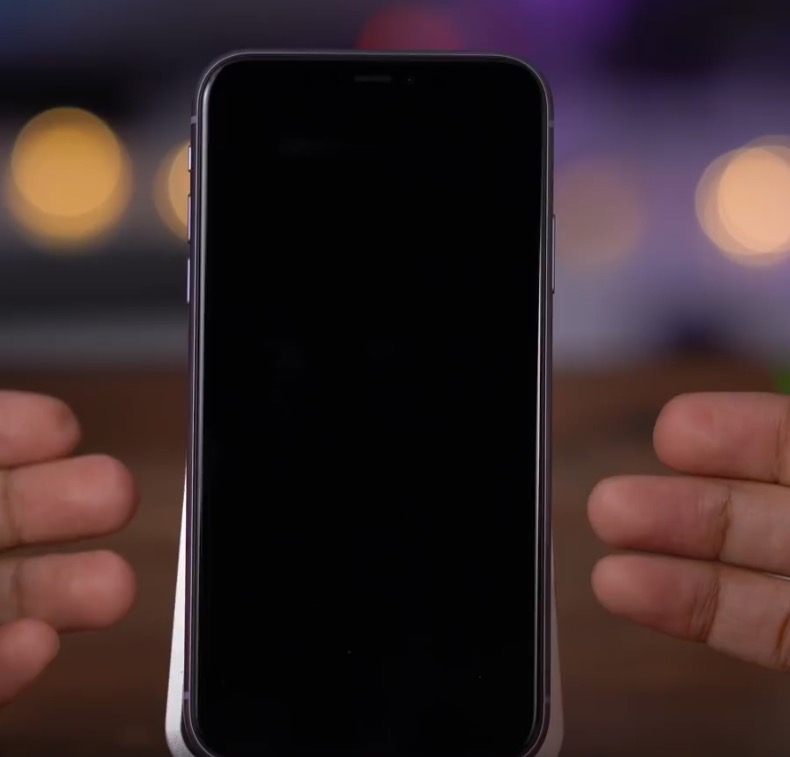
- It should not appear correctly on the screen no icon and she should stay black.
- Then on your Mac, run Finder and tap on your device, or open on your computer iTunes.
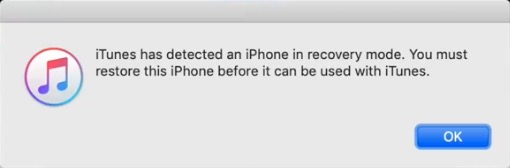
- A message should then appear iTunes found iPhone in recovery mode, before using with iTunes you will need iPhone restore.
- If you decide to exit DFU mode, then press and release the boost button volume, and then press and release the decrease button volume. Nakonec press and hold the side button until appears on the iPhone display.
Gallery