
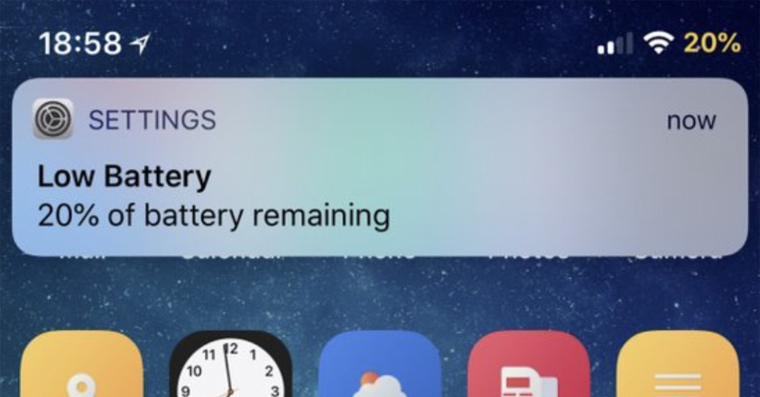
If you want the battery on your iPhone or other Apple To make your device last as long as possible, it is important to take care of it. This is because it is a consumable item that loses its properties over time and with use. You will be informed that you should charge your iPhone battery as soon as possible by dialog boxes that appear when the charge drops to 20% and later also when it drops to 10%. You can also activate Low Power Mode in these windows. We recently showed you how to turn Low Power Mode off withoutchat automatically activate when the battery drops to a certain level. Today we'll look at how you canchat to notify you that the battery level has dropped or risen to a certain value.
You might be interested in
As iPhone set your own notification for battery charging or discharging
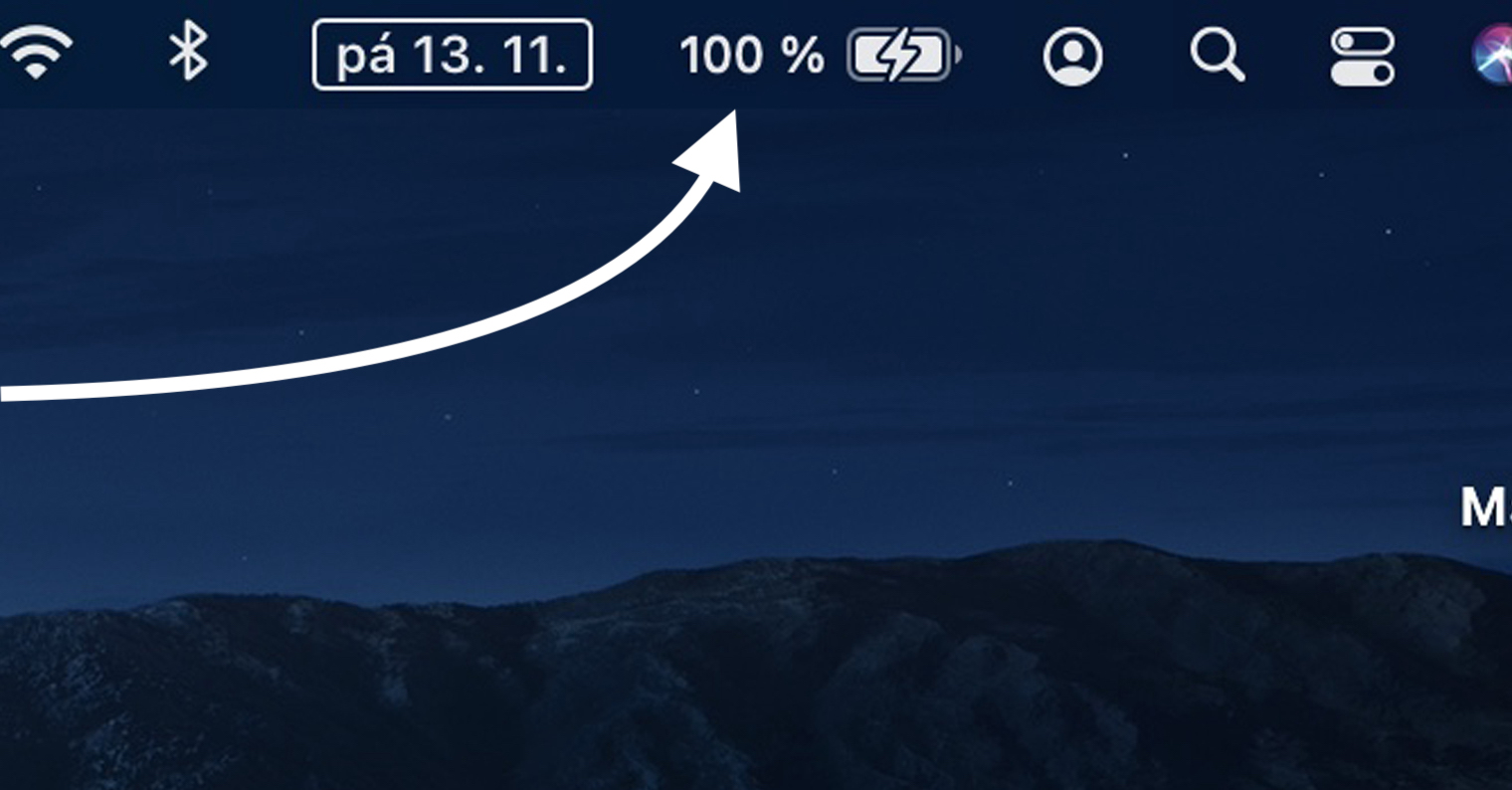
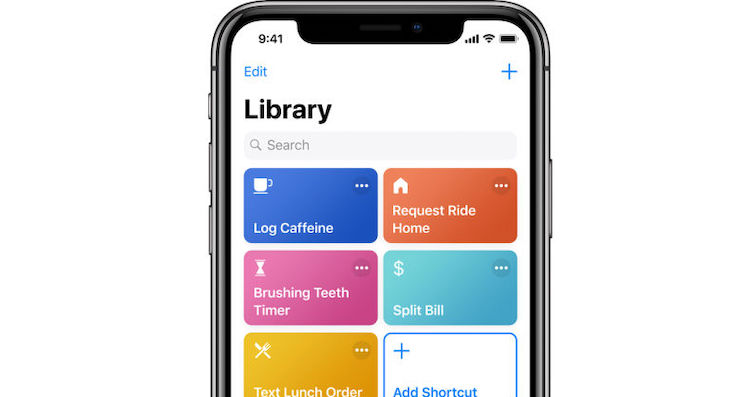
For example, if the iPhone is fully charged on 100 %, then your Apple phone will not let you know about this fact. It will only let you know in the two situations already mentioned, i.e. when the battery charge level drops to 20% or 10%. Similar notifications about a full charge are only available for Apple Watch. But the good news is that there is a simple option with which you can set your own notification for a certain battery status, through the Shortcuts and Automation application. Just proceed as follows:
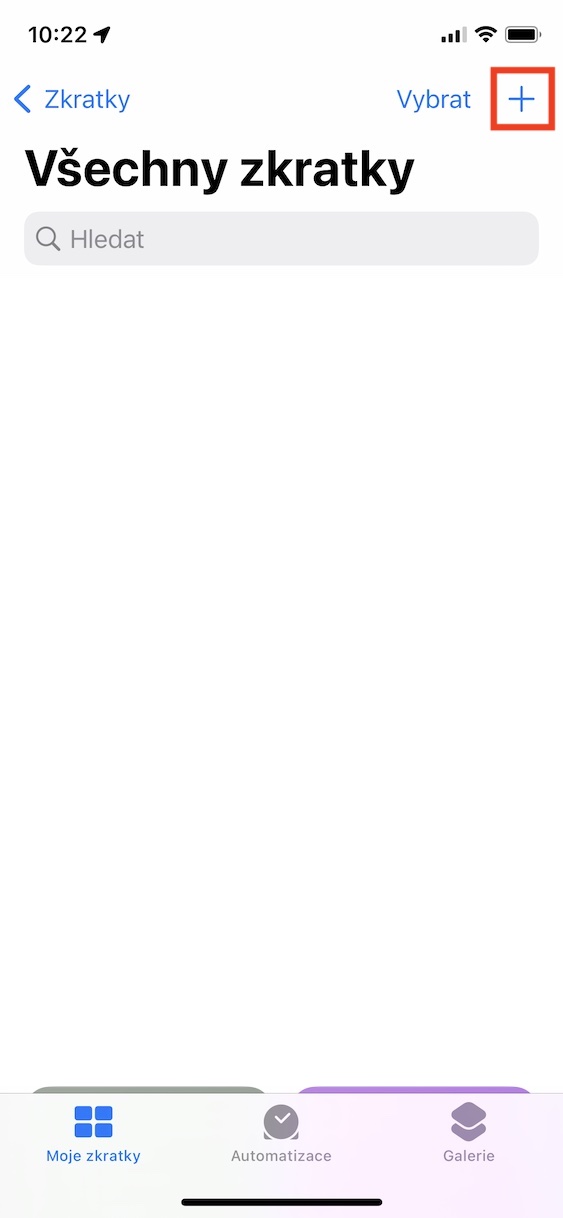
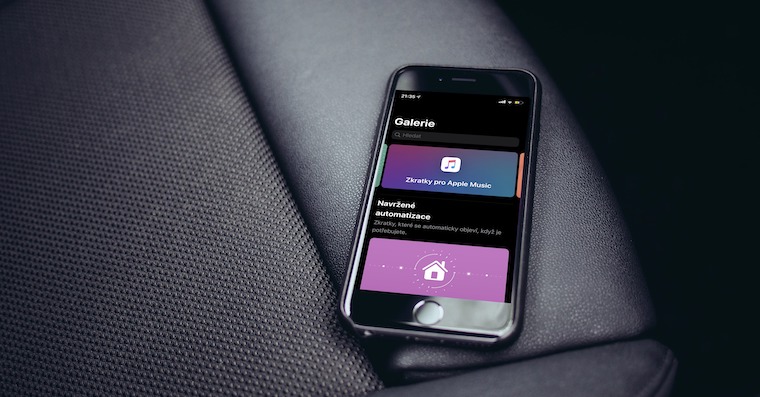
- First, you need to go to the Shortcuts app.
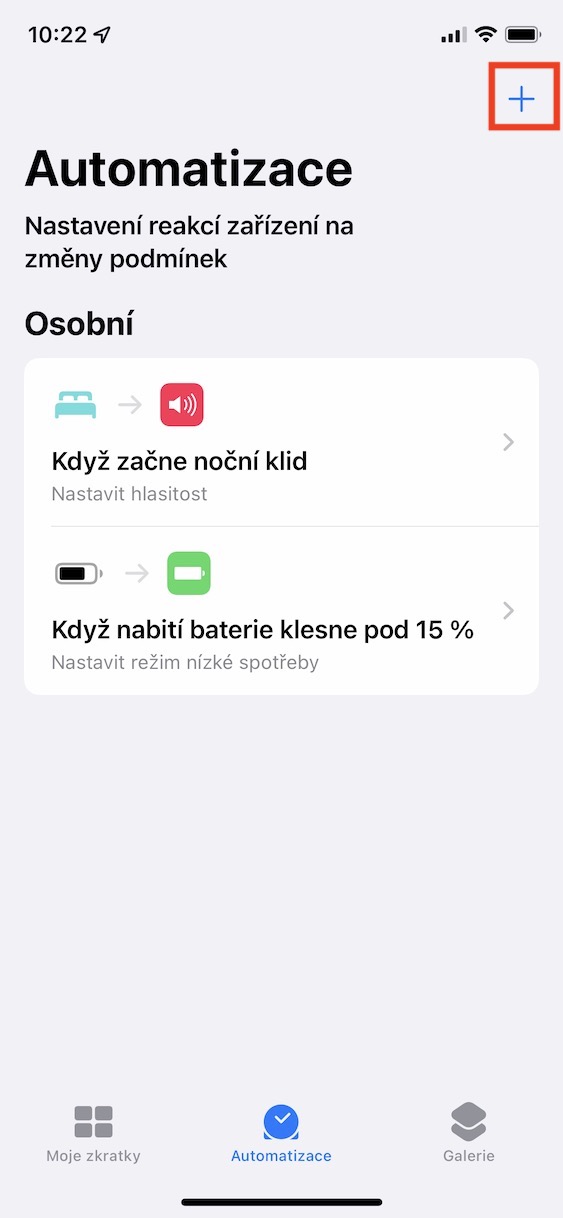
- Once you do so, all the way down go to section Automation.
- Then, in the upper left corner, tap on the + icon.
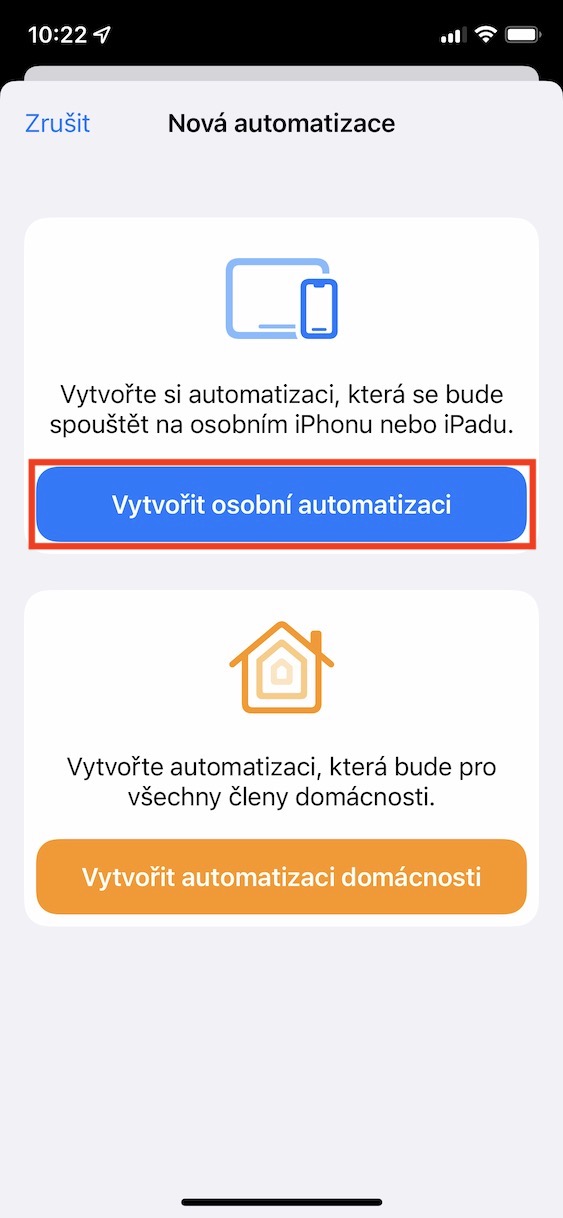
- After that you need to press the option Create personal automation.
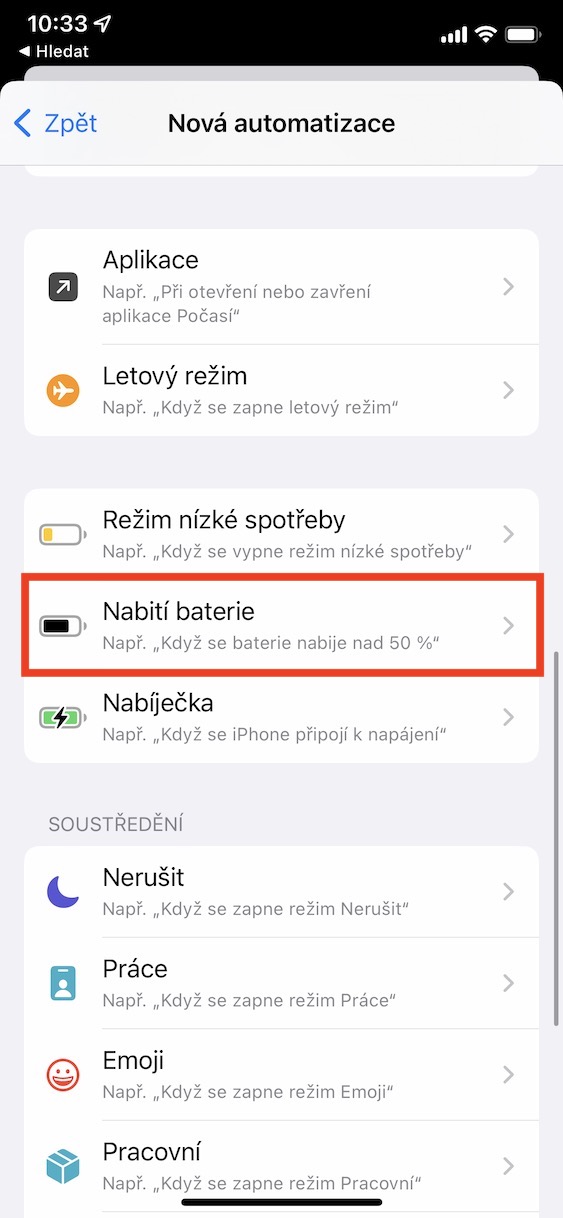
- You will find yourself in the interface where you get off below and select an option Battery charging.
- On the next screen you then use the slider to select charge percentages, when the notification is to be sent.
- Apart from that, also choose when you want to receive notifications – is equal, rise above or falls below
- Once you've done that, tap on the top right Next.
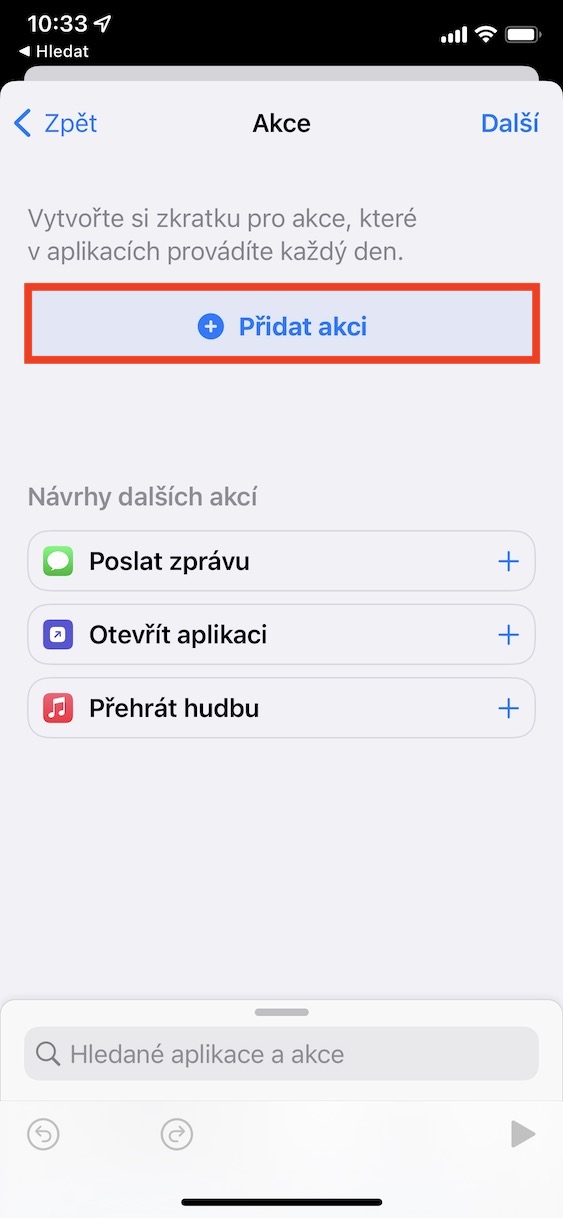
- You will now be in the automation creation interface. Click on + Add action.
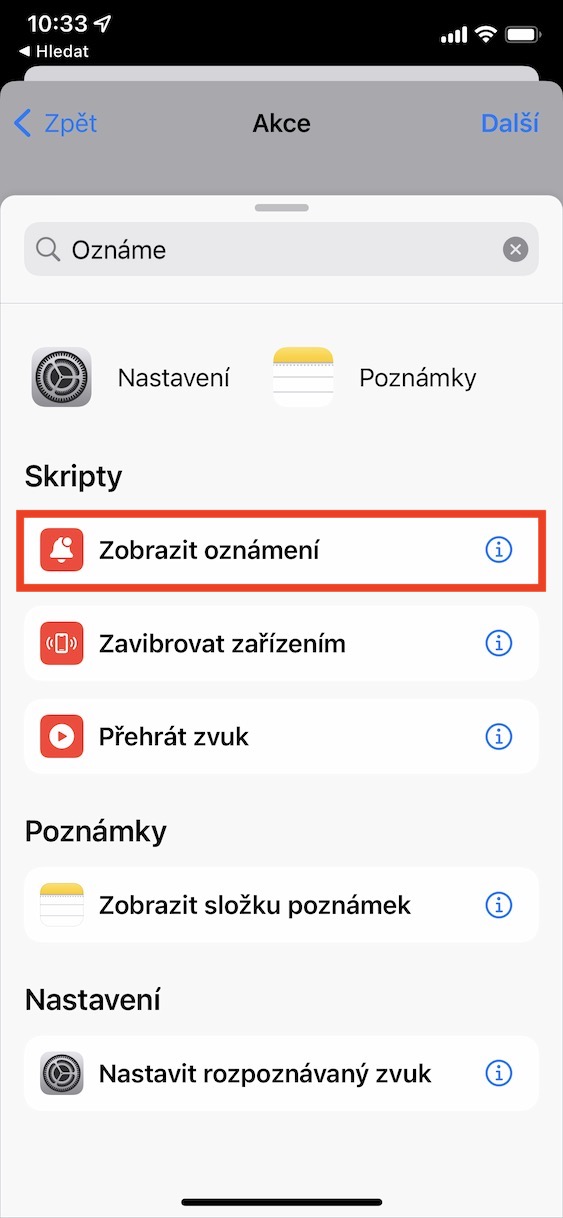
- Then find the action that has the name Show notifications and click on it.
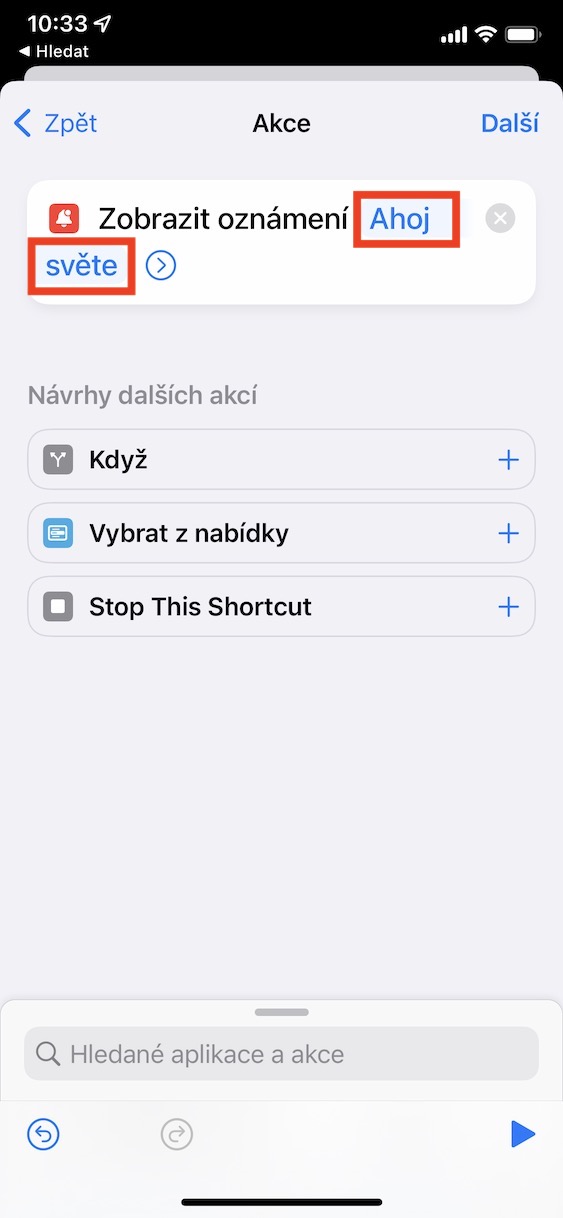
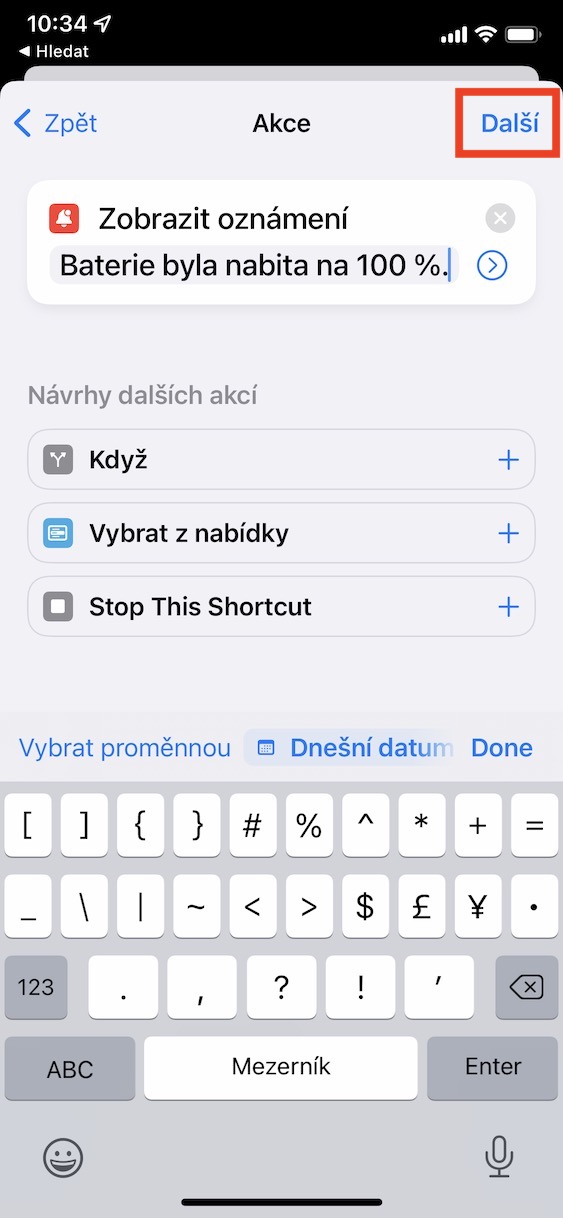
- This will add the action to the automation. Click on the text in it Hello world.
- Then delete the text and set up one to be displayed in the notification.
- Then click on the button at the top right Next.
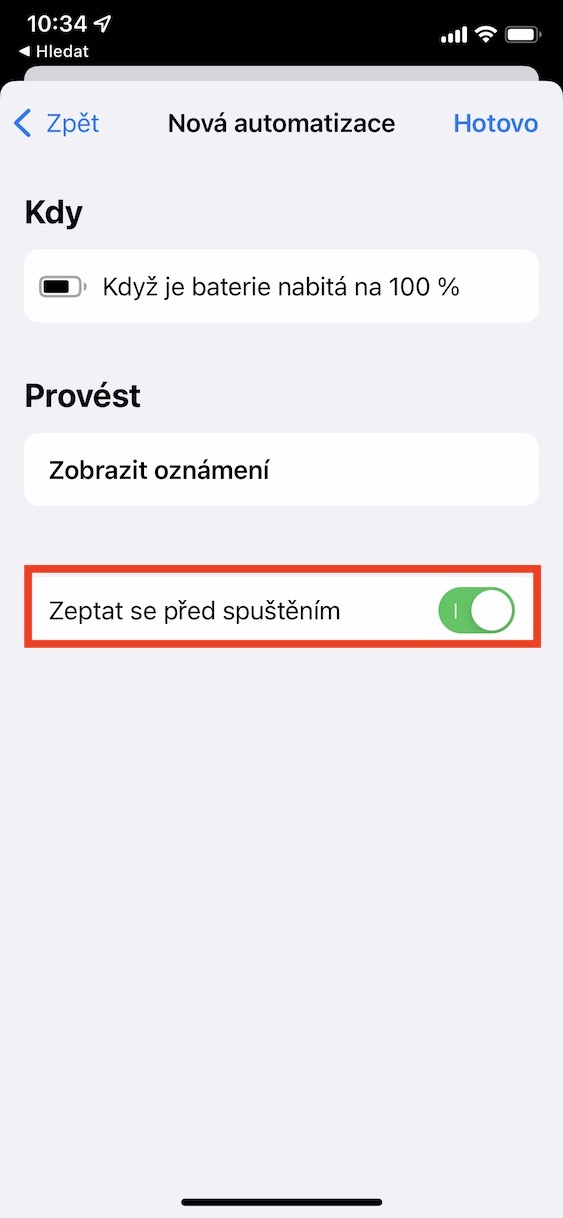
- Then at the bottom of the screen using the switch disable Ask before startup.
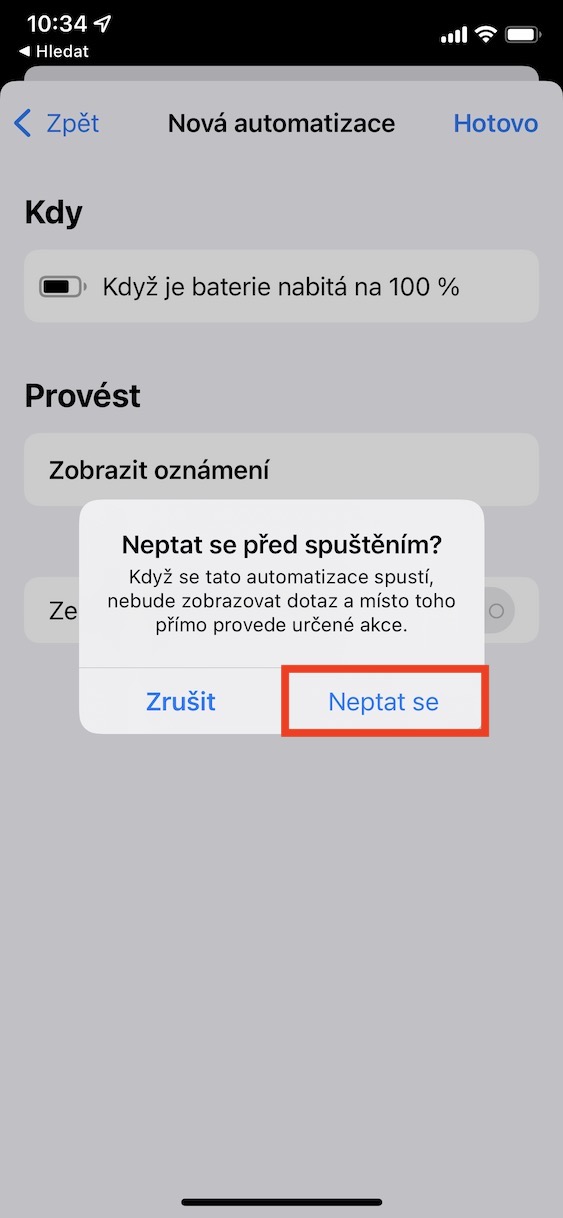
- A dialog box will appear, press the option Don't ask.
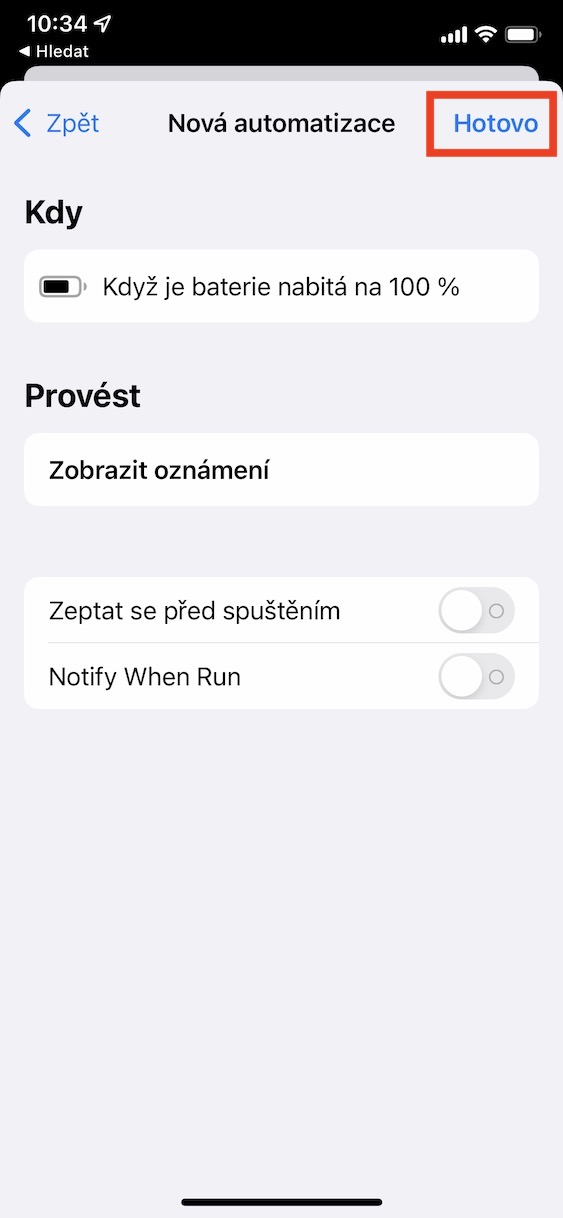
- nakonec just click on the top right done making the automation complete.
Gallery


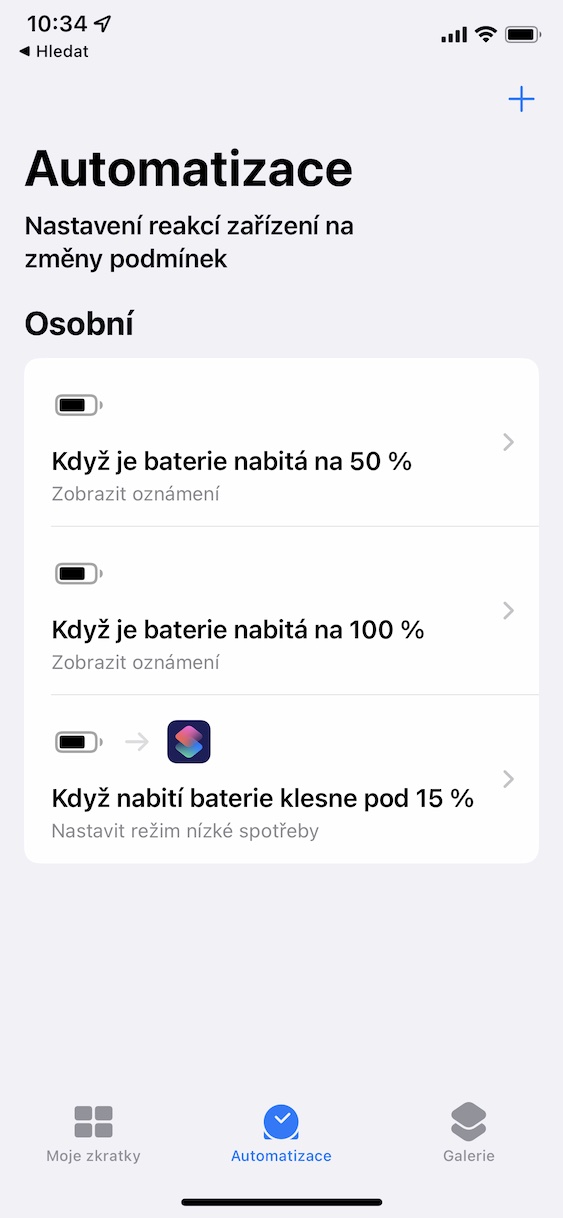
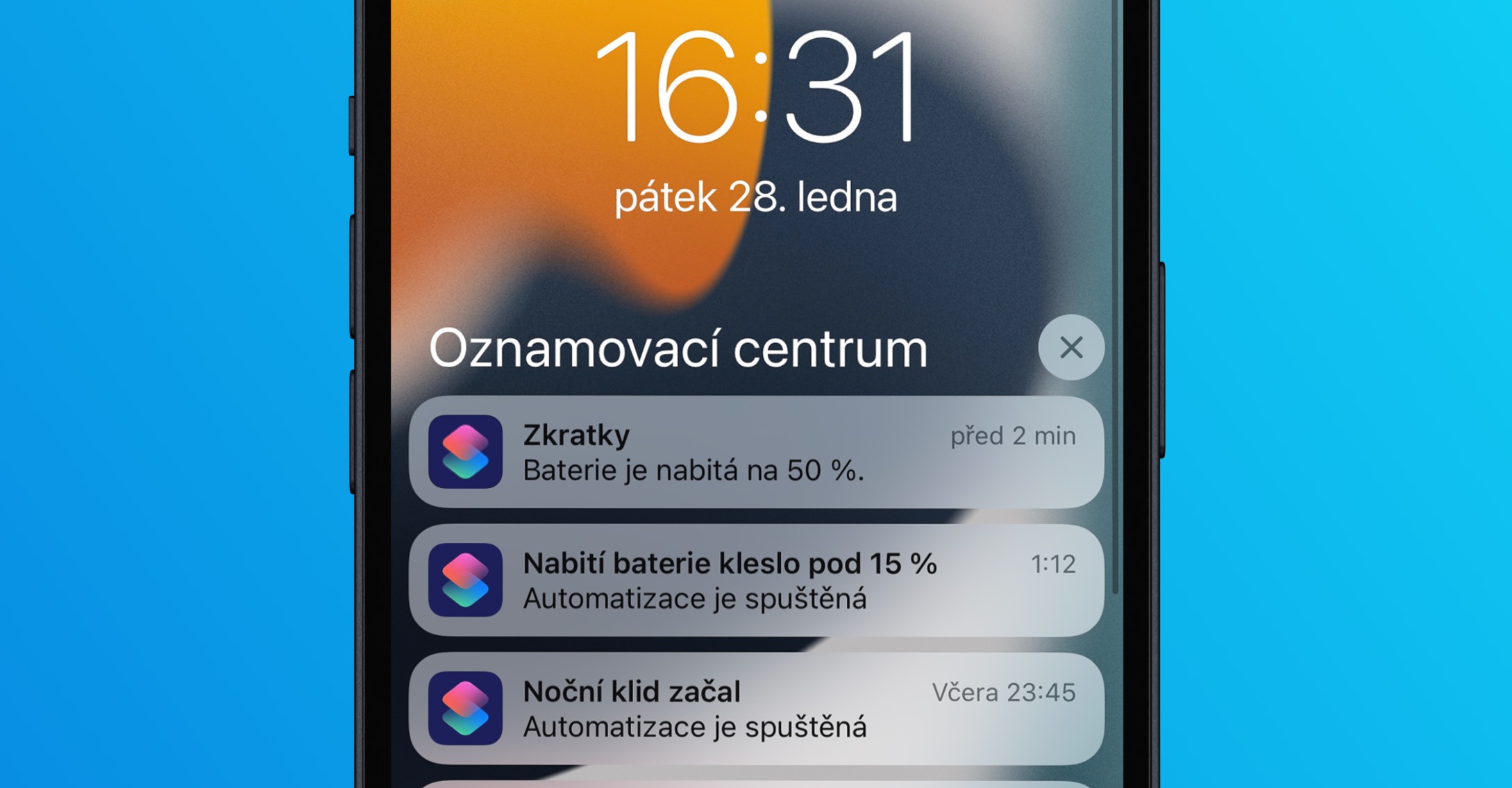
Using the above procedure, it is therefore possible to set the battery charge or discharge notification to a certain value on your iPhone. You can also set your own message as part of the notification, which can even be funny - there are no limits to your imagination. In general, users do not spend much time on the Shortcuts and Automations application, some do not even know that this application is available. That's a real shame, because Shortcuts and Automations have tons of great options that you can use to make your day-to-day operations on your iPhone or other device more enjoyable or automated. Apple device. So, if you have at least a moment of time, be sure to go through the Shortcuts and Automation application - you might come across an option that will surprise you.





Thanks a lot! 👍
And can a condition be added there so that Automation is not performed in a certain concentration mode or at a certain time?