When we think of a movie streaming service, most of us think of Netflix. It is already used by more than 200 million users worldwide, which means that Netflix is one of the most popular services ever. Gone are the days when we searched for or downloaded various movies from the Internet. Now it's much easier to pay a few hundred a month for a service that gives you access to countless movies, series and other titles that you're sure to choose from. If you are a Netflix user, you might like this article in which we look at 5 tips and tricks for the service. Let's get straight to the point.
You might be interested in

Delete your tracking history
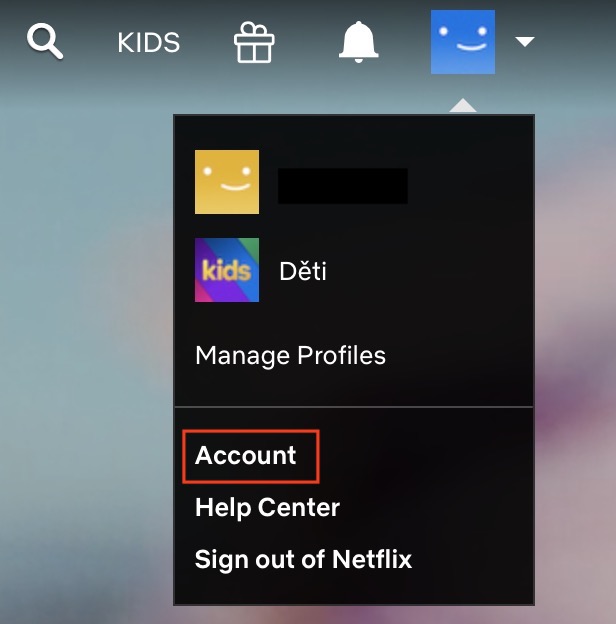
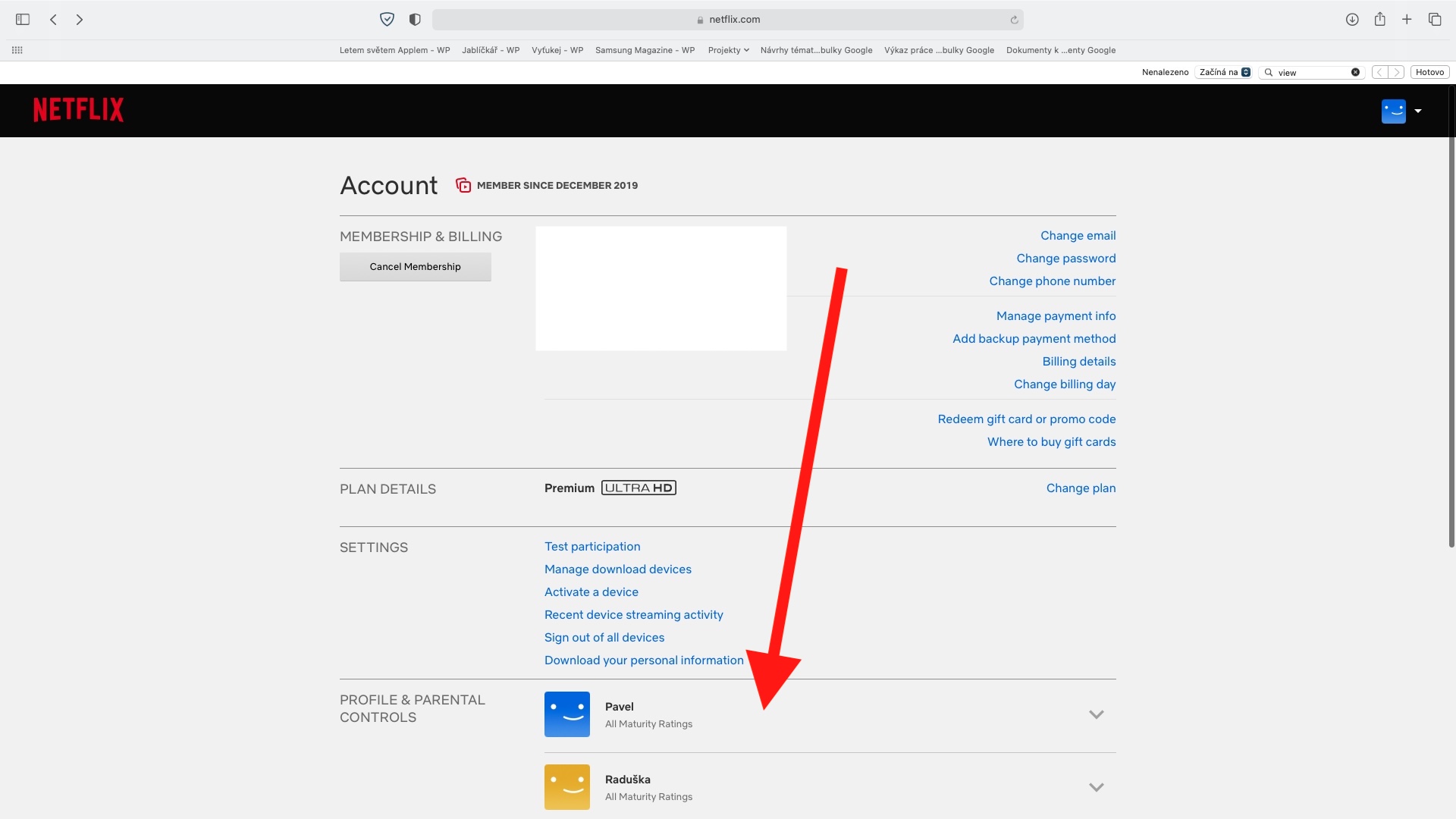
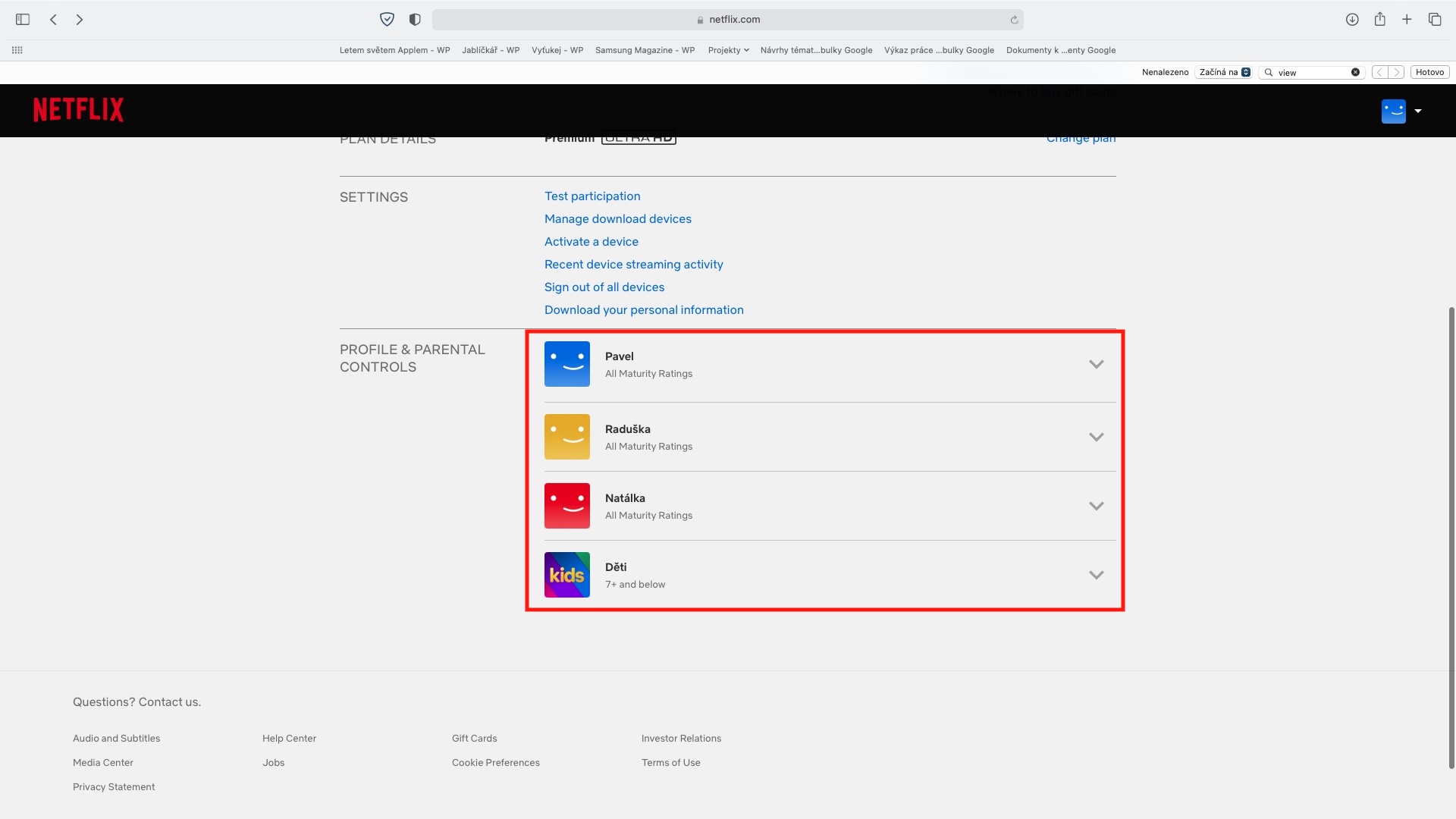
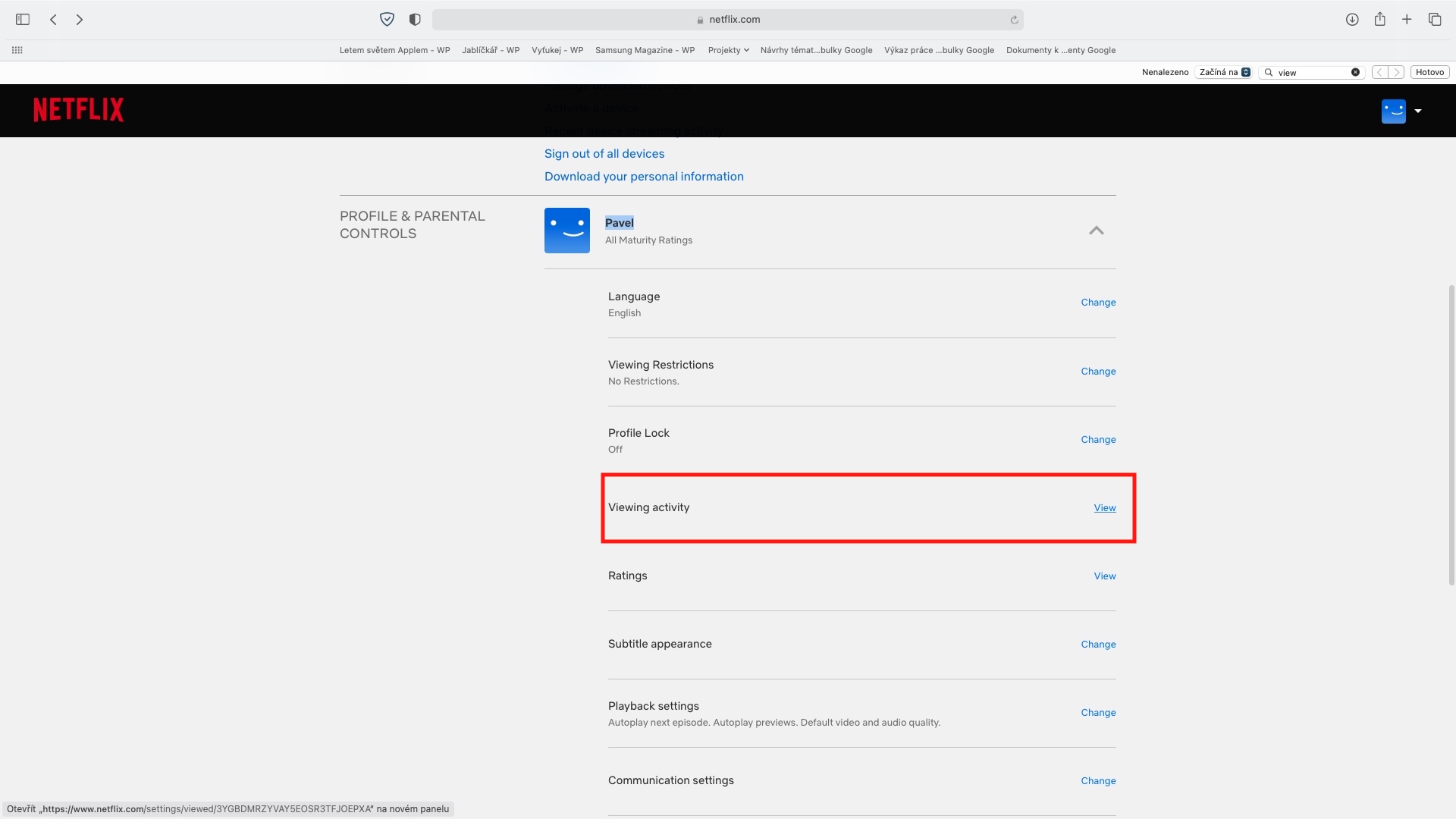
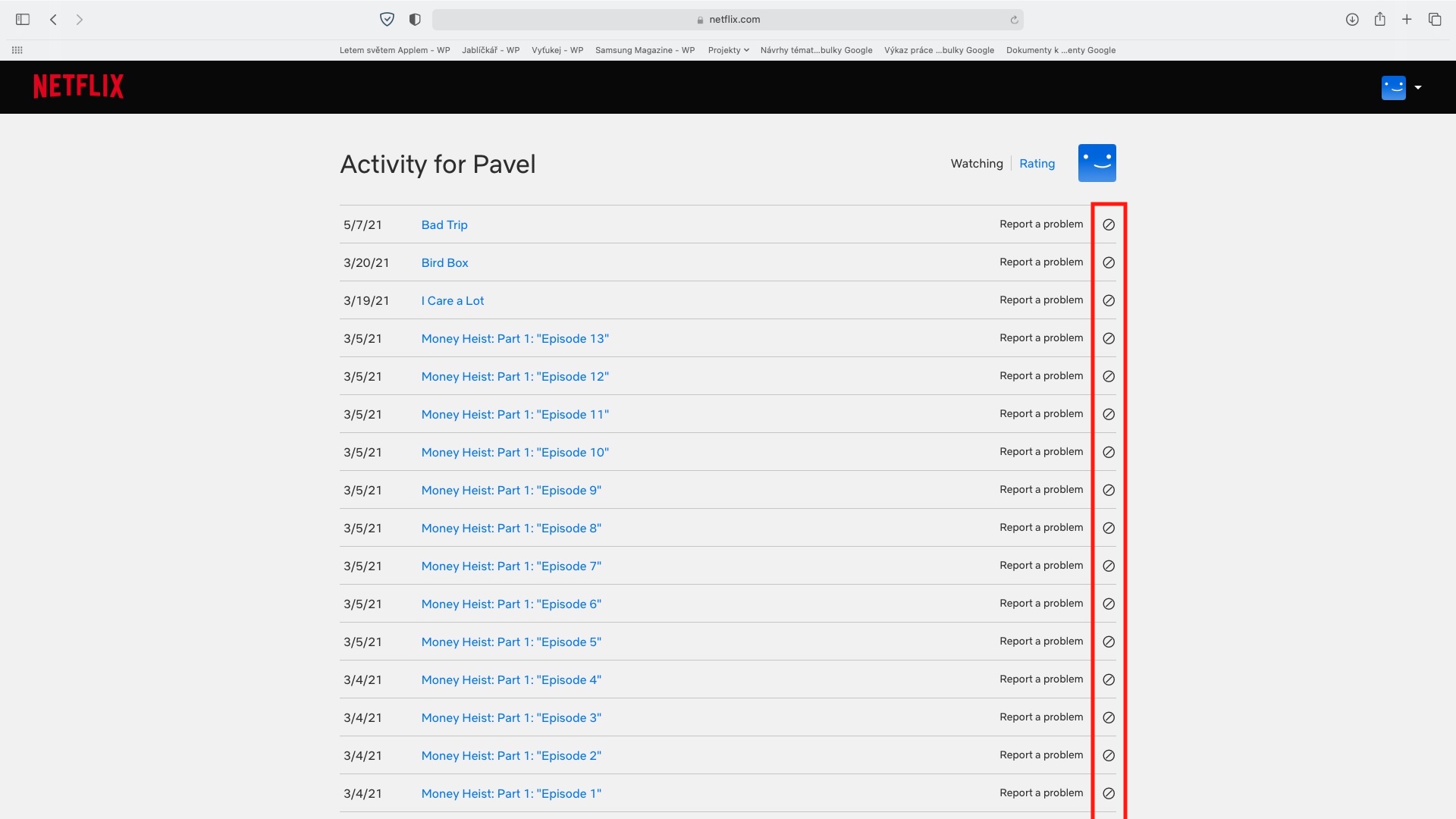
Many of us watch various series together with our partner. As soon as you start watching a series together, in most cases there is an unwritten rule that you will not watch any of the following episodes alone. If you've ever found yourself in this situation, you'll tell me that it's really, really difficult - even more so when the series is really great. Sometimes the lust is so great that you break the rule and play one episode in advance. However, in order to be inconspicuous in such a case, it is necessary to delete the viewing history, thanks to which your significant other could find out that you watched the next episode alone. To delete your watch history, go to Netflix site, where subsequently login to your account and profile. Then in the top right click on profile icon, select from the menu account, and then get off below to the section Profile & Parental Controls, where are you click profile for which you want to delete history. Then move to Viewing activity, where it is enough to delete the tracking history.
Gallery
Use of I (dis)like and profiles
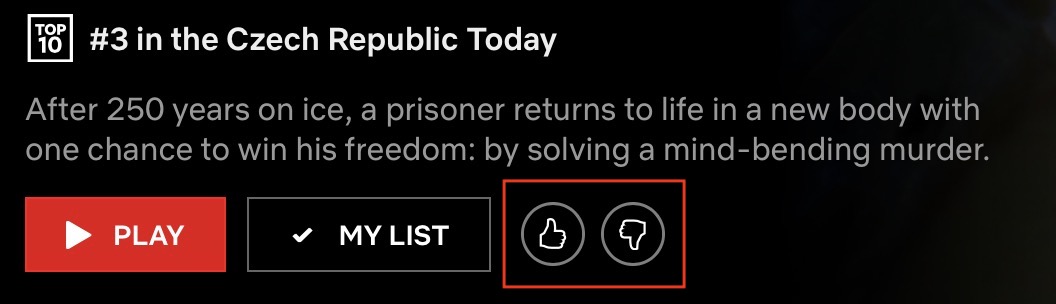
If you play a movie or series on Netflix, you get the option to rate it, by giving it a thumbs up or down . However, you should know that rating individual shows is not just for fun - on the contrary, it is very important, if you want Netflix to subsequently offer you movies and series that you might like. It is thanks to the rating that Netflix can determine that you (don't) like a show, and then takes this into account when recommending subsequent shows. So if you give a thumbs up to a movie in the sci-fi genre, you can be sure that Netflix will offer you this genre more than others. Simply put, you will only watch content that will really interest you.


Secret codes
If you are currently on the Netflix homepage and are looking for something to watch, you have probably noticed that the individual titles are divided into several categories. For example, in the top rows there is a selection of TOP films and series, below you will find titles that are similar to those you have recently watched and might be of interest to you. Once you have gone through these interesting categories, you will start to see titles with certain genres. The truth is, however, that some users can have really strange “genre tastes” – and that is exactly why there are secret codes for Netflix. Thanks to them, you can easily filter out films and series from completely specific genres. For example, do you like lesbians? You canchat search for movies and series with lesbians. Do you believe in Satan? No problem, you can choose not to.chat to display such titles in which Satan is found. Each of these specific genres has its own code, which you can then just enter on konec of the following link, after the last slash: https://www.netflix.com/browse/genre/. But where to get the secret codes? Just go to the site, for example Netflixhiddencodes. You can find more info about secret codes on Netflix in the article below.
You might be interested in
Turn off previews
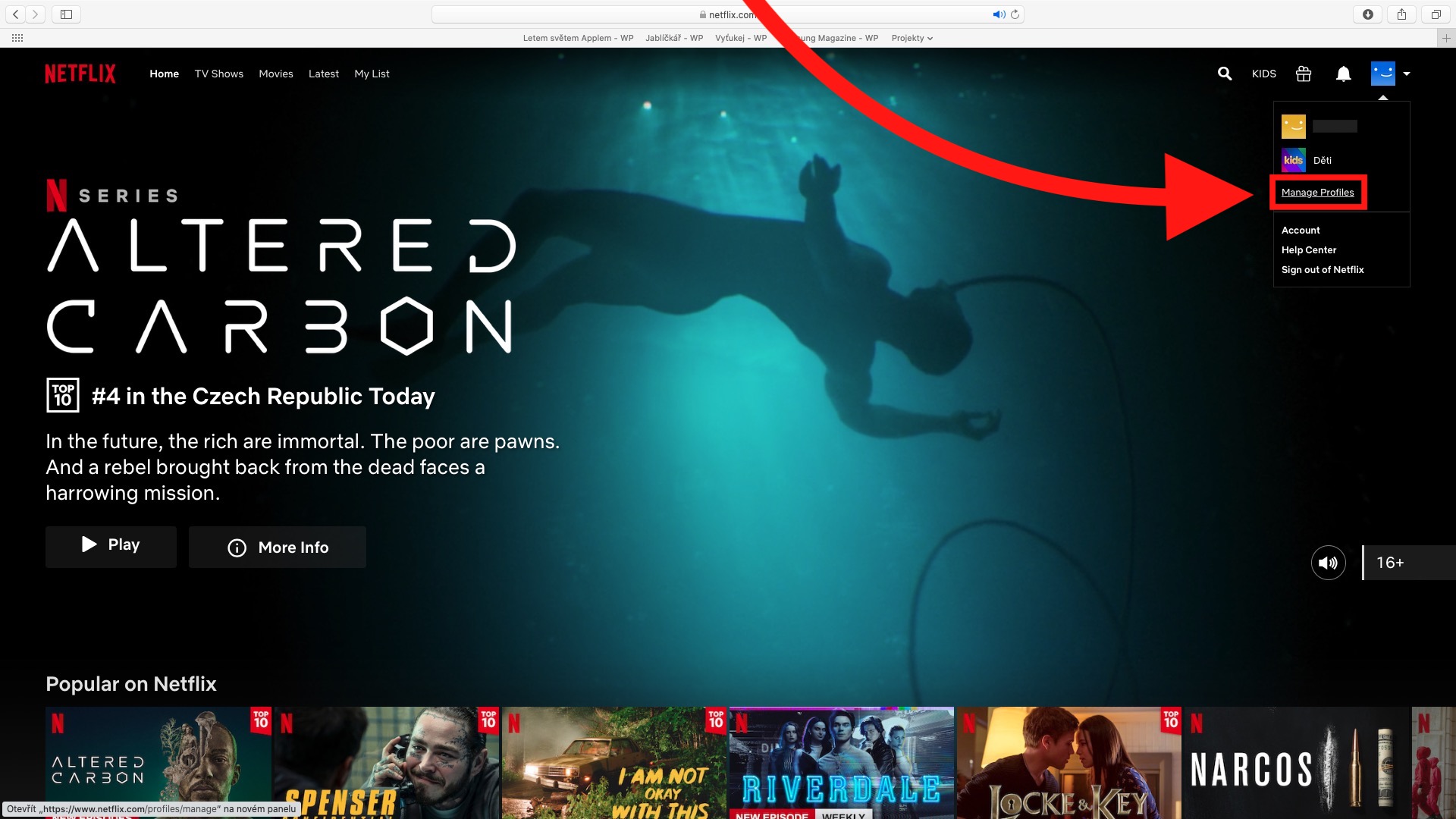
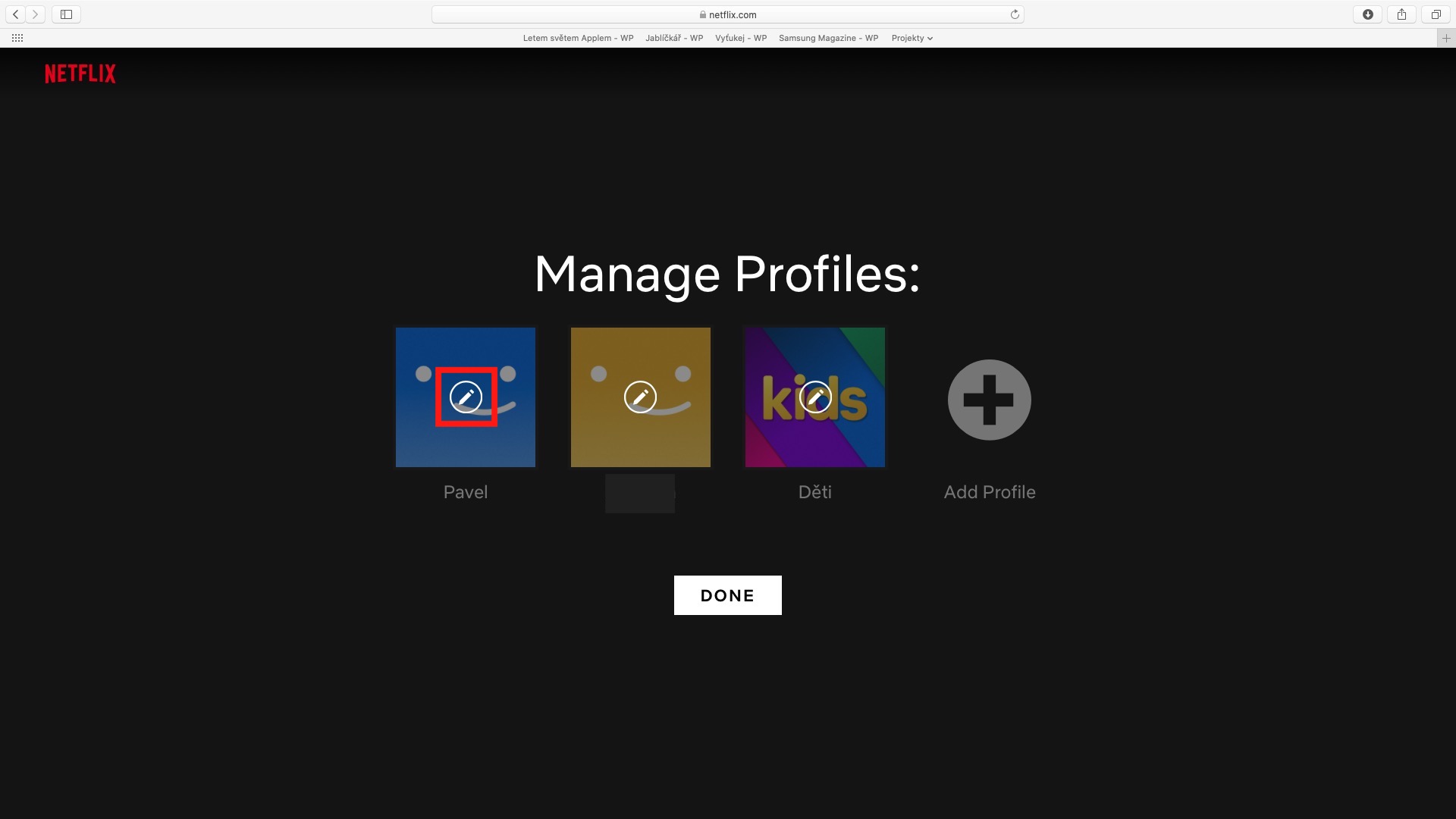
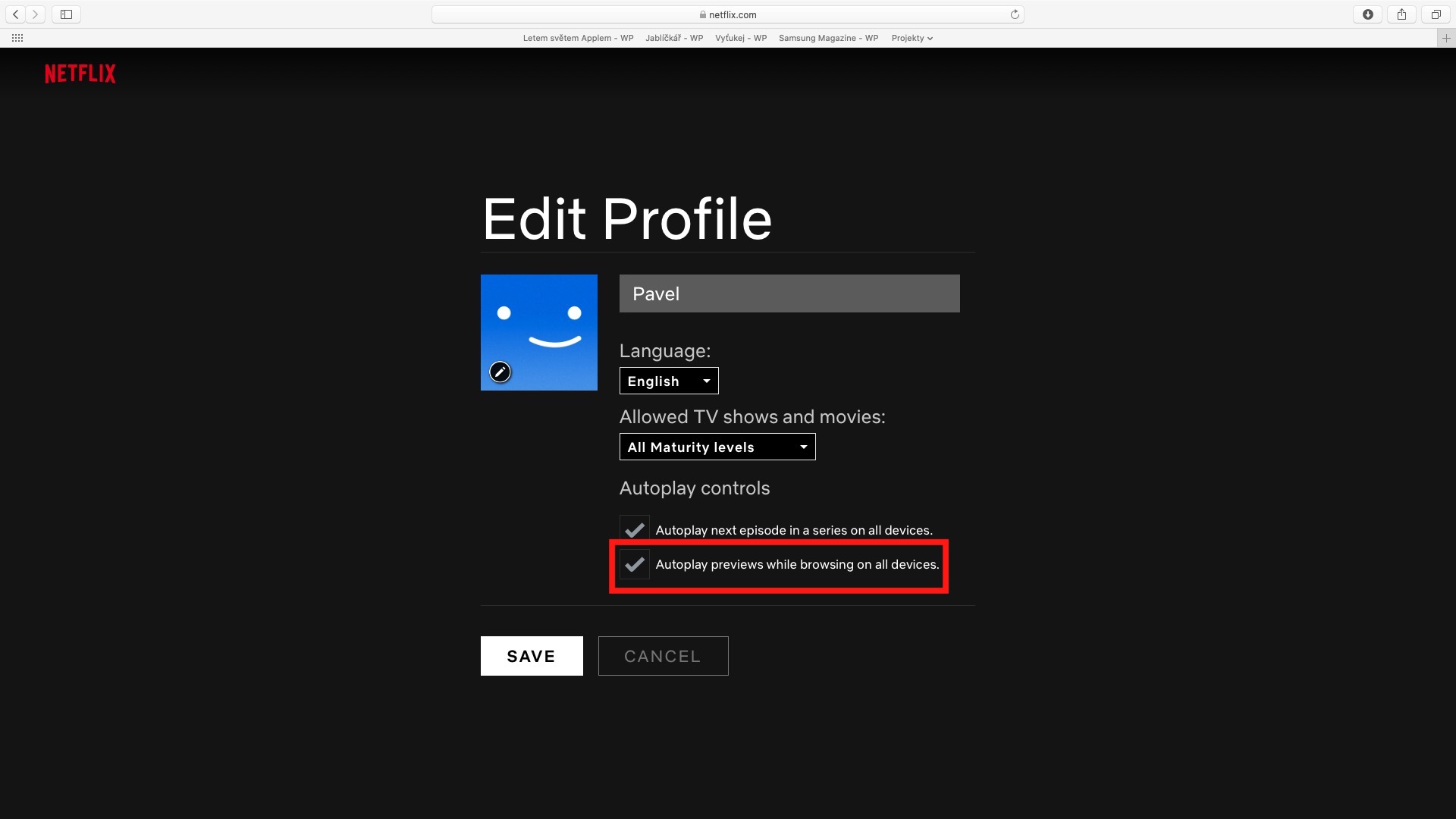
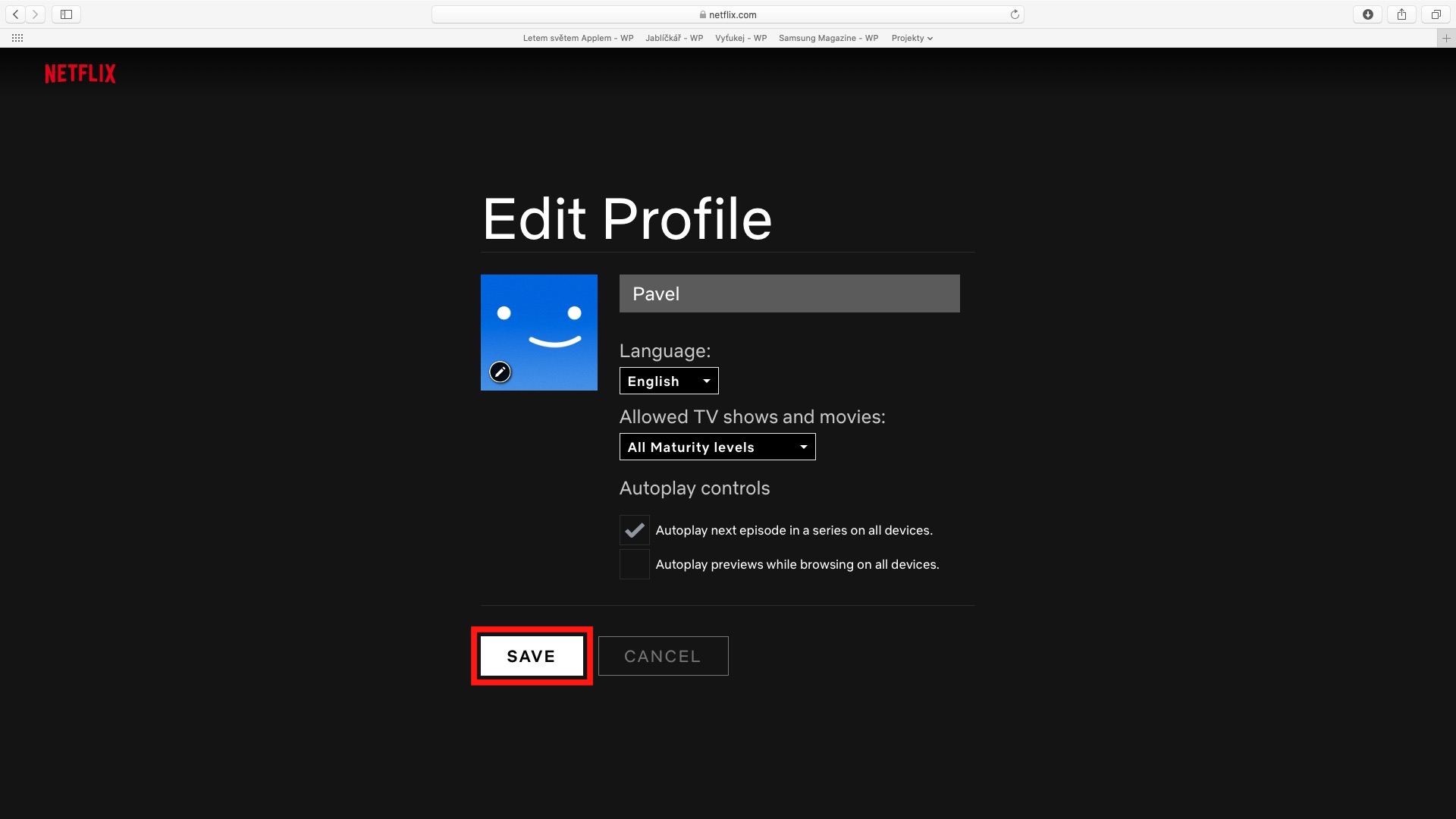
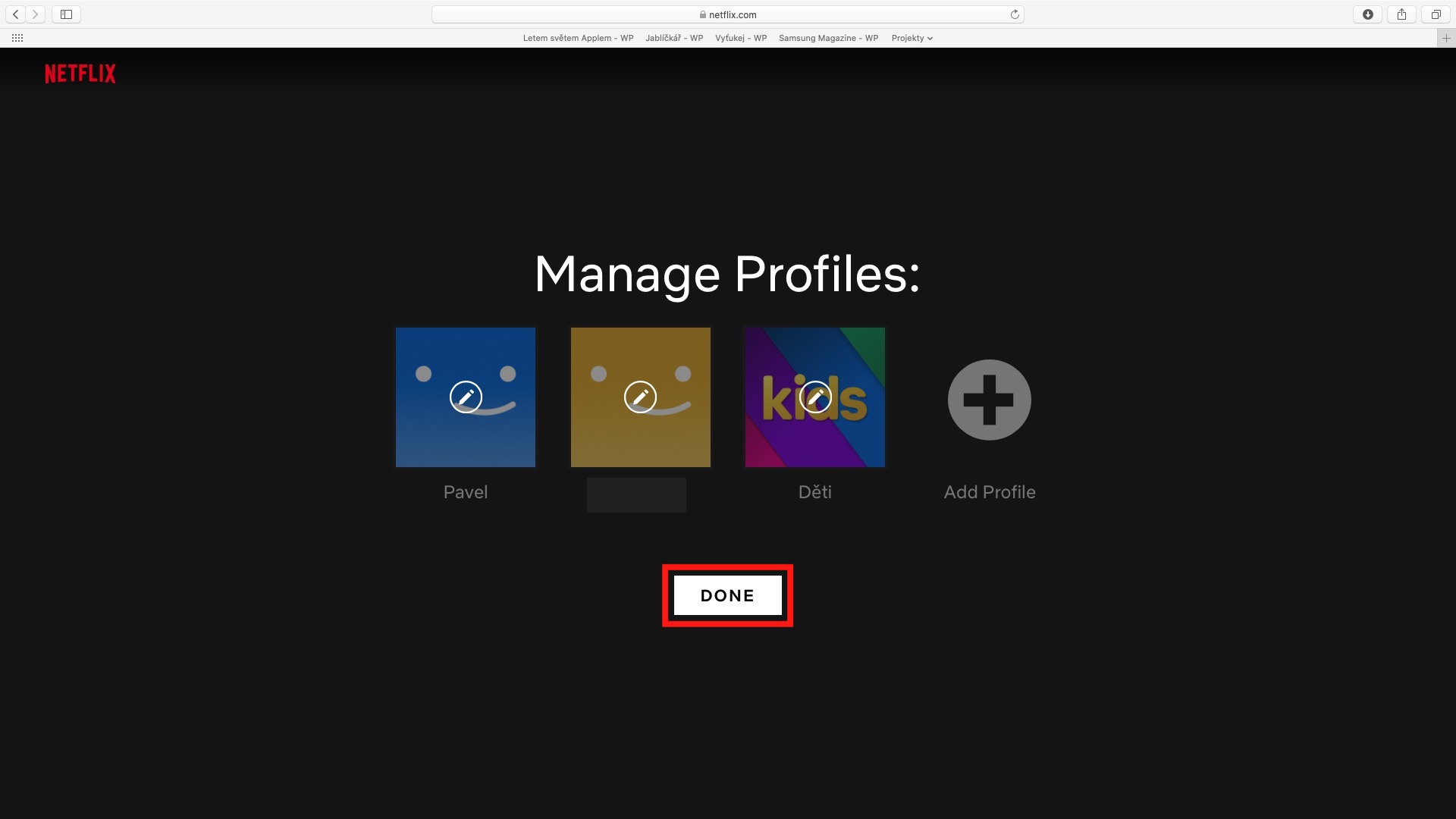
When you select a show on Netflix, a preview will automatically start after you select it by default. The truth is that if you are looking for a movie or series, this preview can make your choice much easier, because you will find out what to expect from the title. However, some users do not like these previews, both because the previews often reveal too much and because they can be distracting when choosing. The good news is that you can disable show previews on Netflix – and it is not difficult. First, you need to go to Netflix site, where subsequently login to your account and profile. Then select the option at the top right Manage Profiles, and then tap on pencil icon for the profile for which you want to disable the display of previews. After that, it's enough deactivate possibility Autoplay previewwith while browsing on all devices and thenonec save the selection by clicking Save.
Gallery
Don't know what to watch?
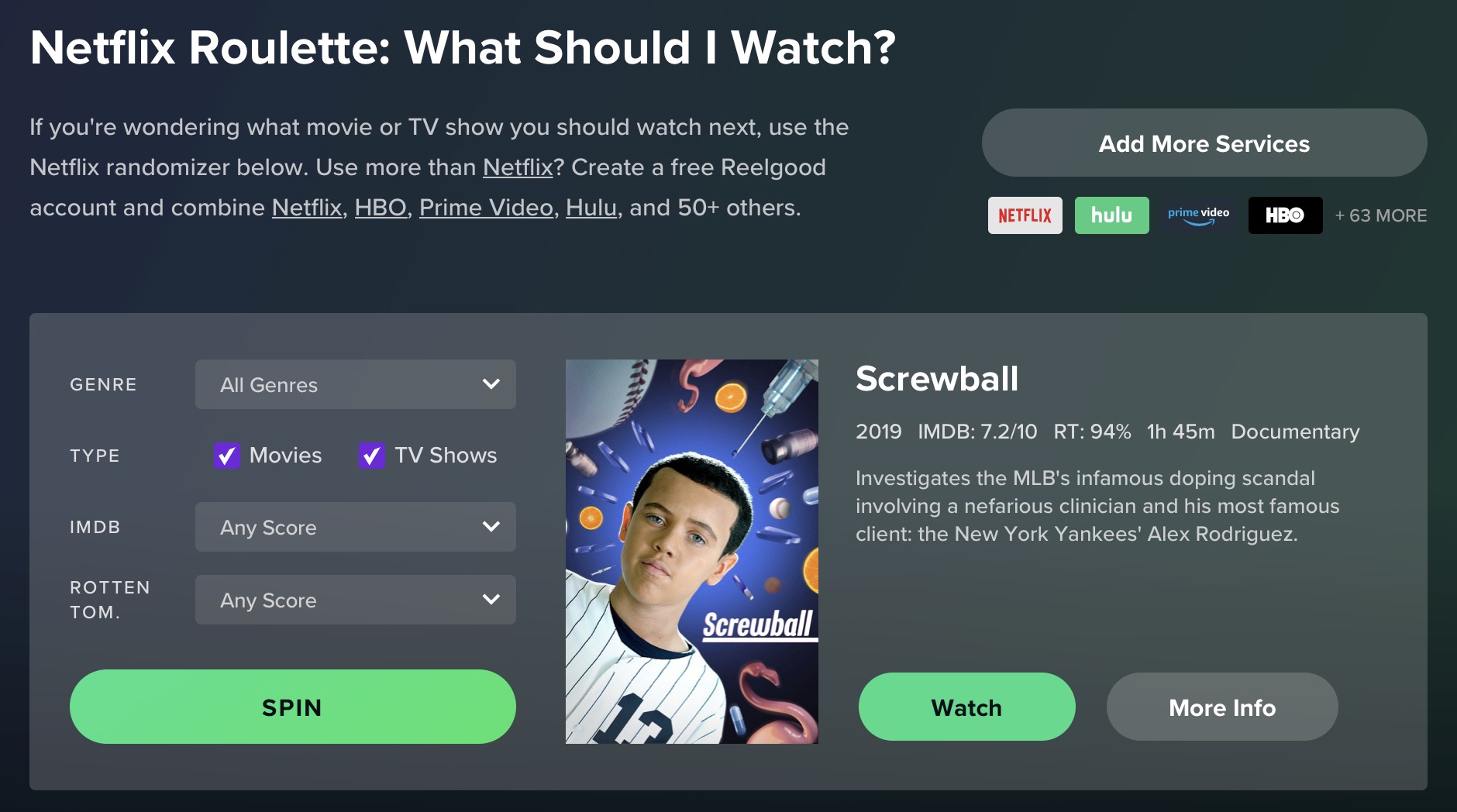
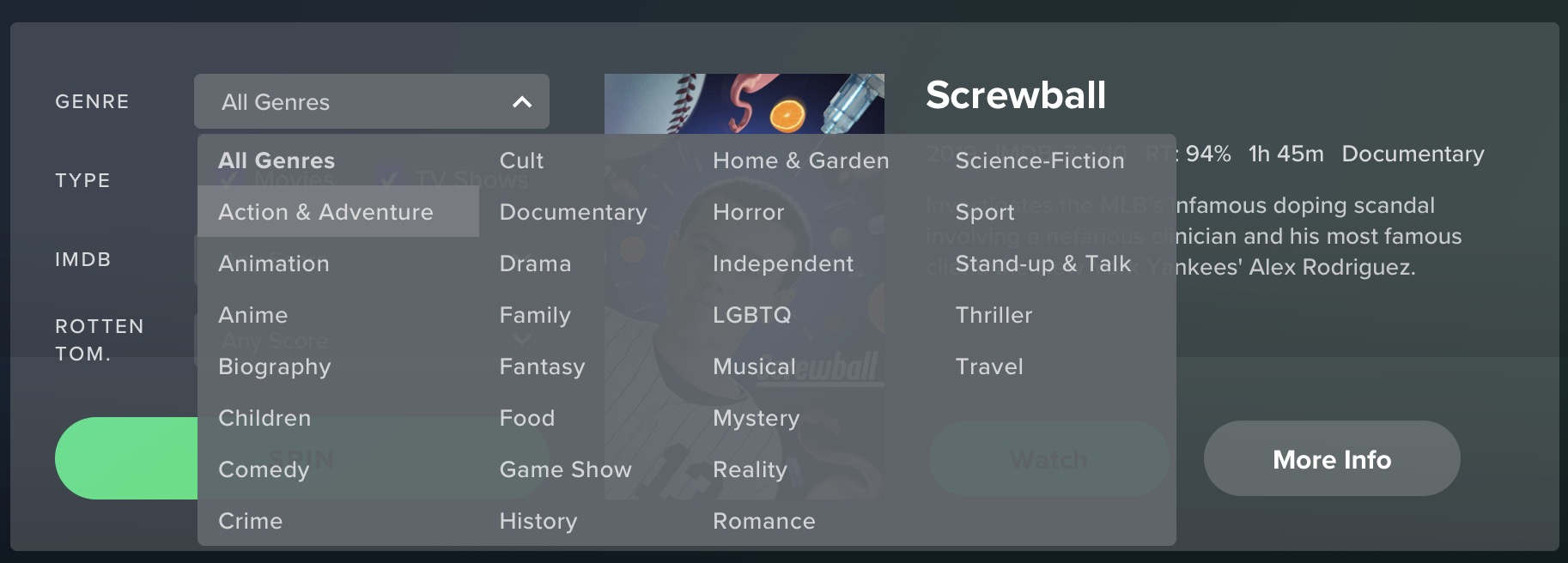
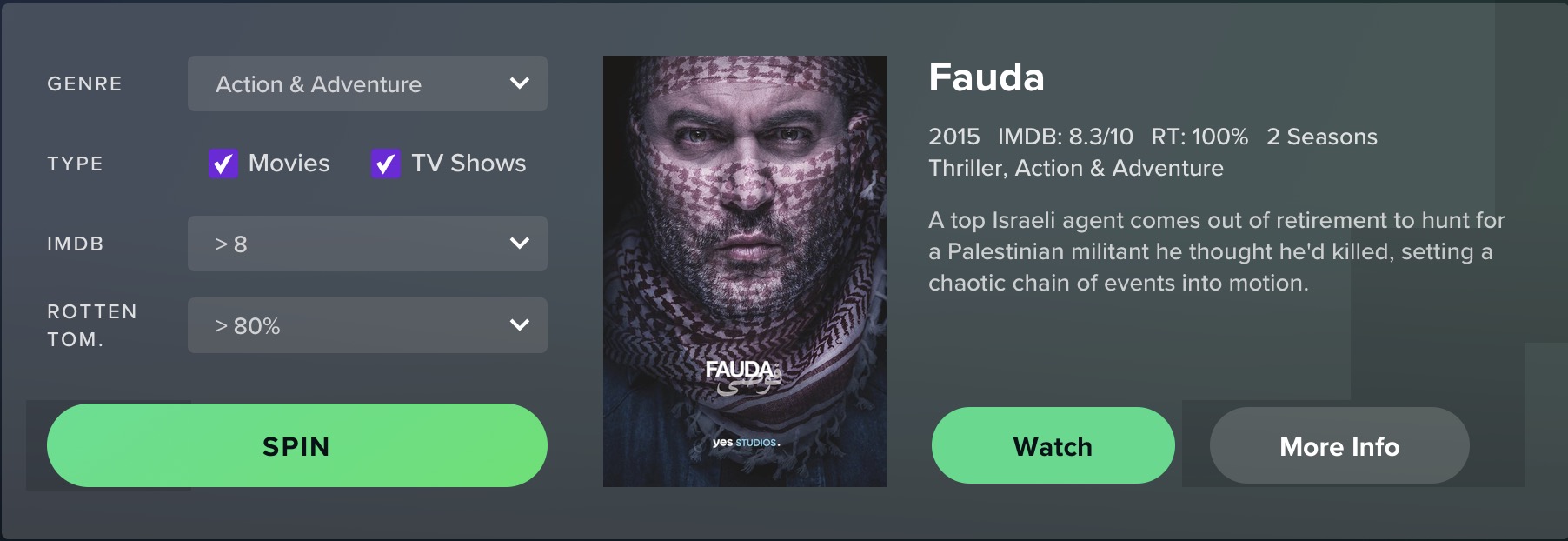
As I mentioned above, Netflix tries in all sorts of ways to advise you on what you should actually watch. To do this, it uses really advanced algorithms that evaluate countless different aspects, according to which it is then determined which shows might be right for you. In certain cases, however, you simply cannot find a program that interests you in any way for a long time. It exists exactly for these cases Wheel of Fortune, where you can choose what you want to watch with just a few taps. You can either try your luck at maximum by simply spinning the wheel, or you can set several parameters in advance, such as the genre, rating or type that the wheel of fortune will take into account. You can spin the wheel of fortune using this link.