
A week ago weonefinally saw the release of macOS Monterey to the public. This operating system Apple presented alongside iOS and iPadOS 15, watchOS 8 and tvOS 15, at the developer conference WWDC21, which took place this June. For a long time, all these systems were only available within the beta version, but subsequently Apple has released public versions of the last four systems mentioned. So, Apple computer users had to wait for some time for the release of macOS Monterey. In our magazine, we have been focusing on improvements from new systems for a long time, and now we will primarily focus on the recently released macOS Monterey, so that you can use it on your maximum.
You might be interested in
How to Enable Low Power Mode on Mac
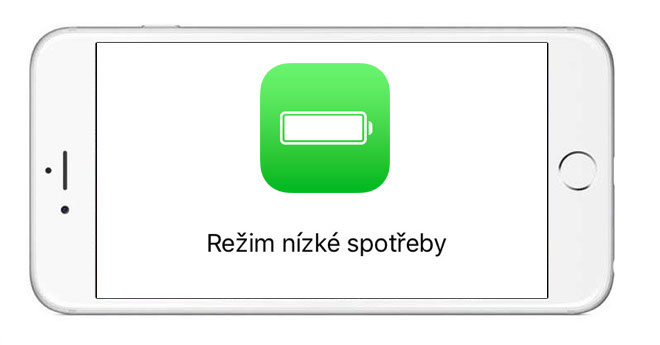
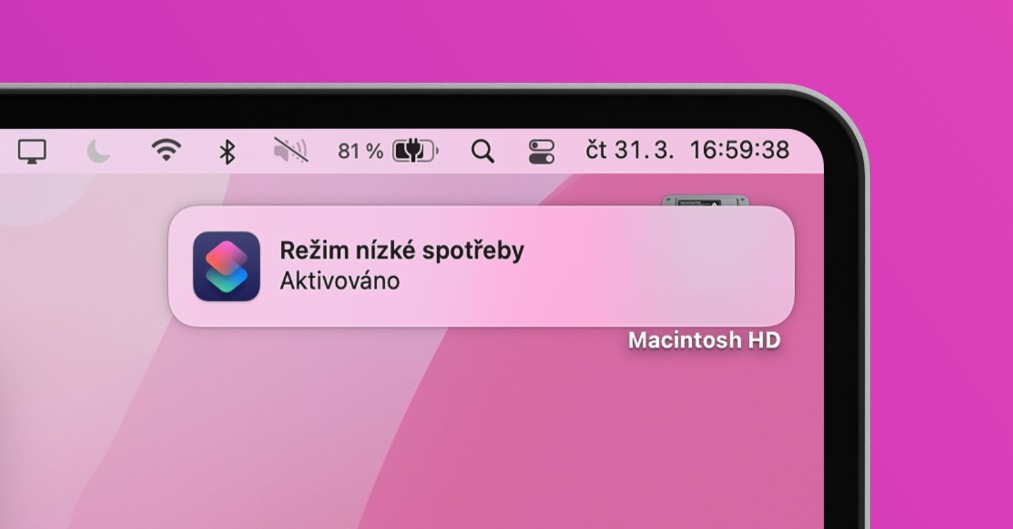
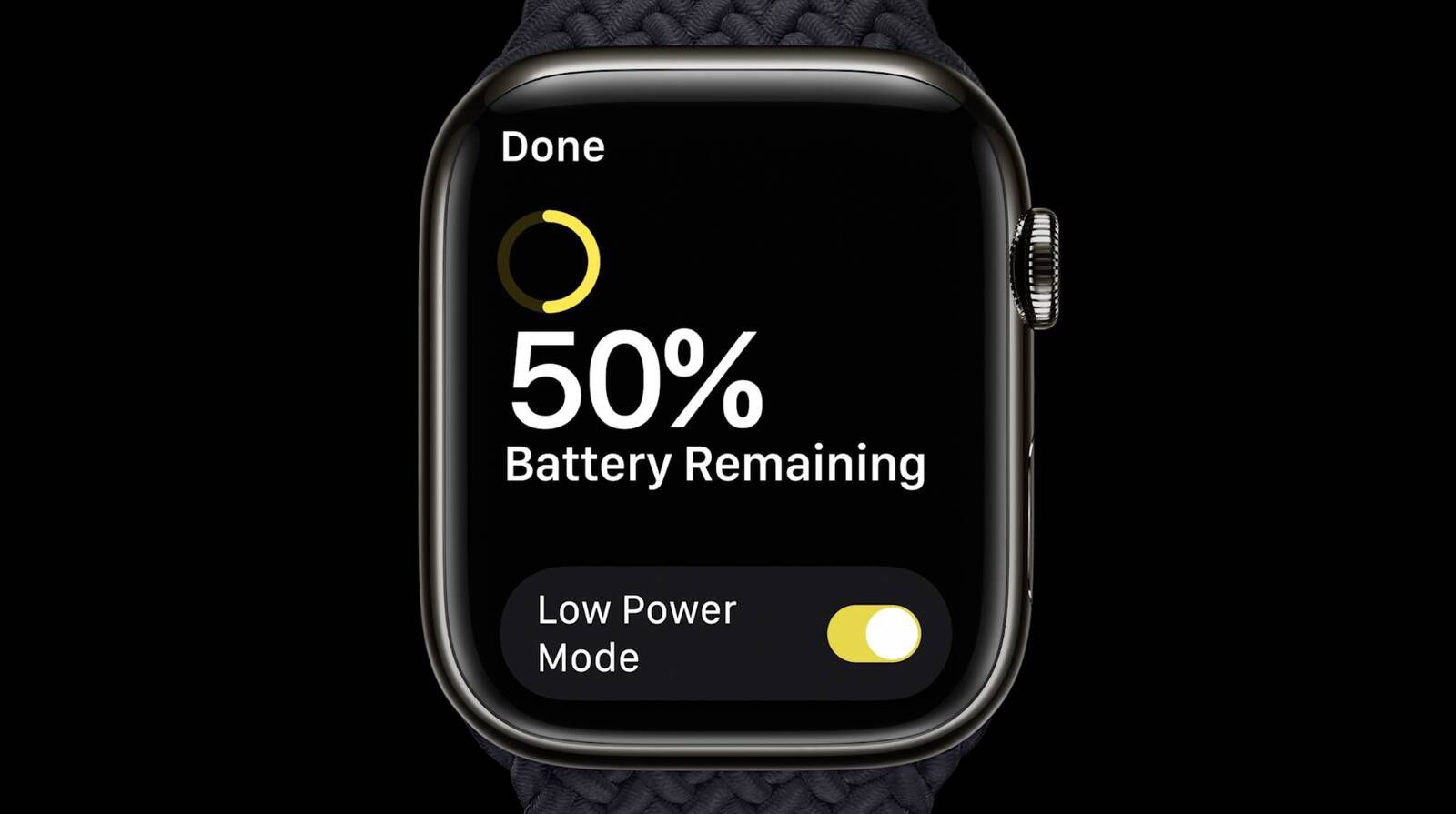
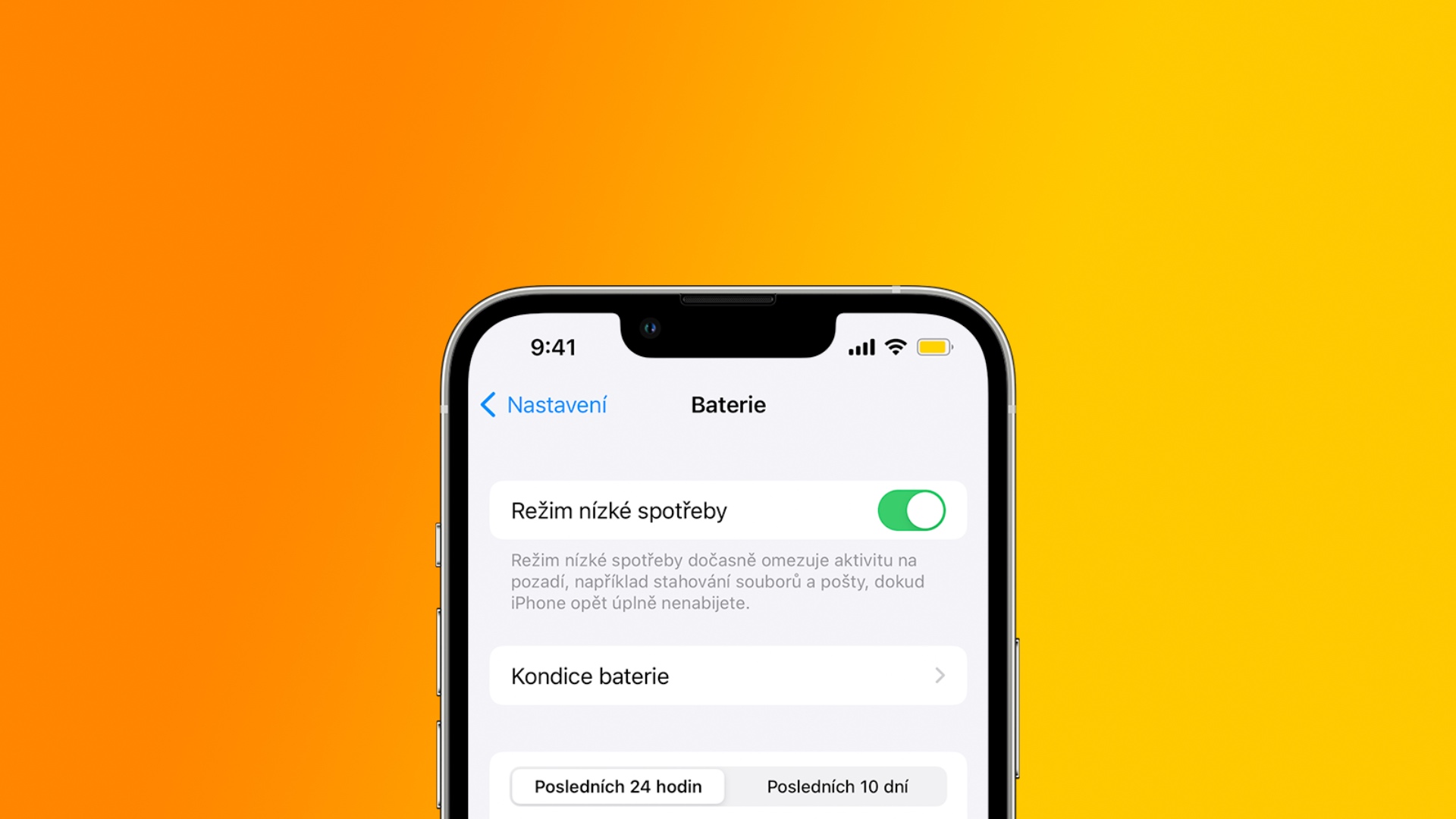
If your iPhone's battery life drops to 20% or 10%, you'll see a notification about this. Within this notification, you can quickly and easily activate Low Power Mode, which reduces performance and iPhone so it will last much longer. However, if you were looking for this feature in MacBooks, you wouldn't have found it, that is, until now. With the arrival of macOS Monterey Apple low power mode tooneIt has been added and it can be said that it works similarly to the iPhone. The activation procedure is as follows:
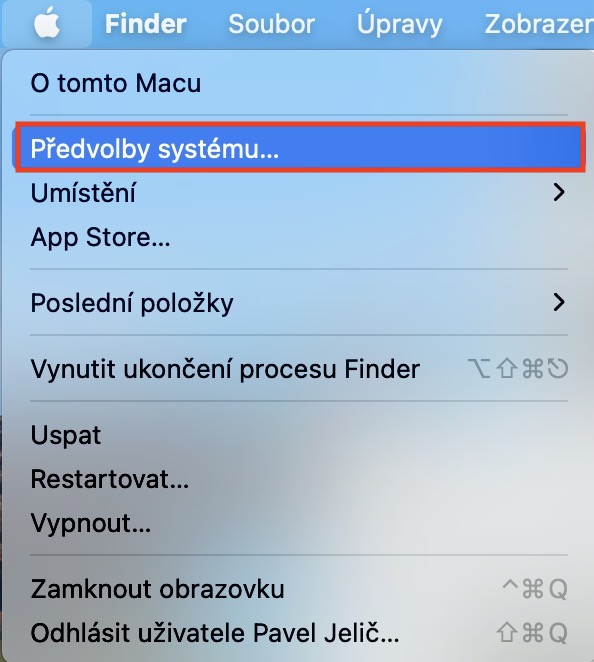
- First, you need to click on in the top left corner of your Mac.
- Once you do so, select an option from the menu System Preferences…
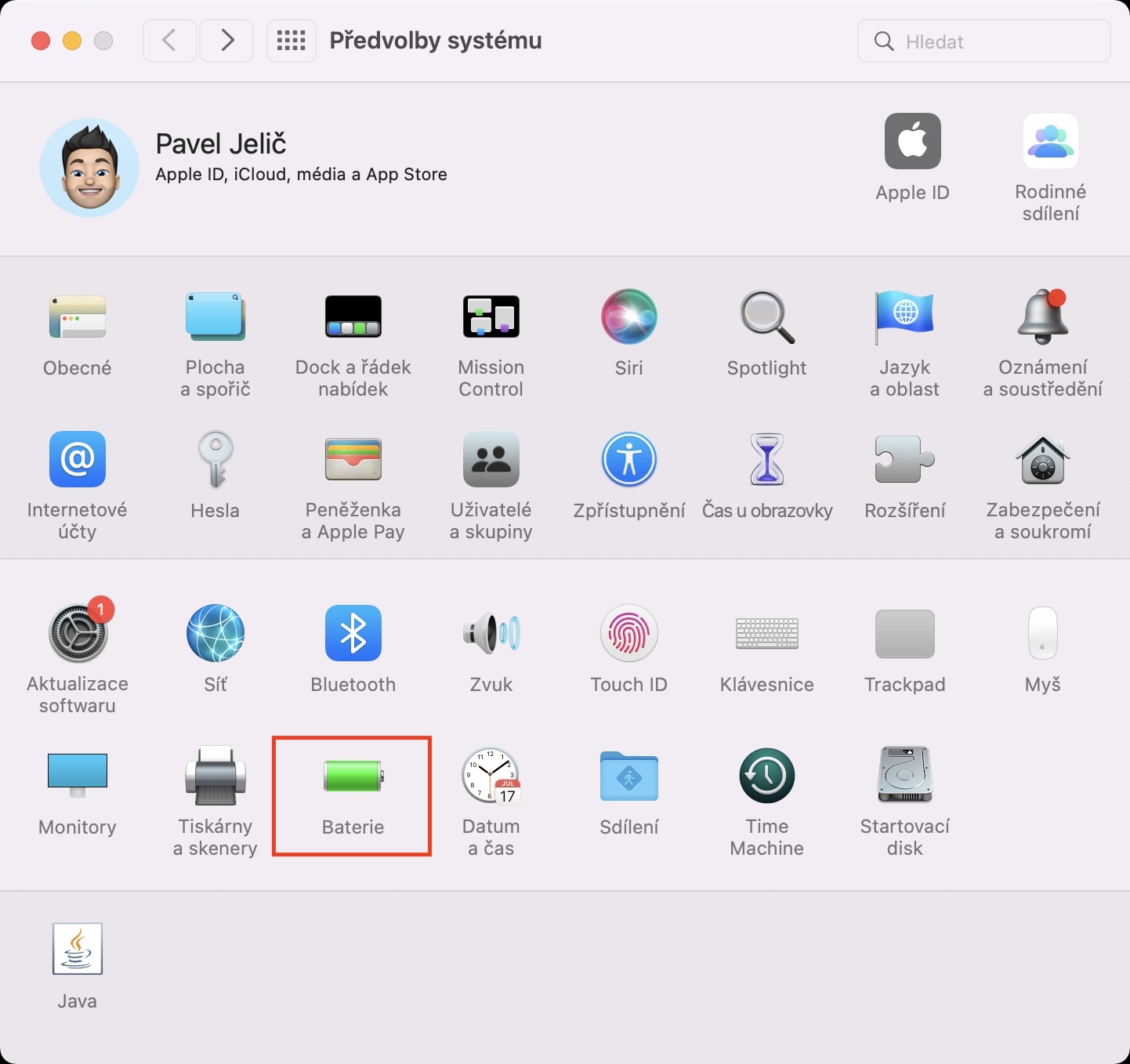
- Subsequently, a new window will appear with all available sections for editing preferences.
- Within this window, locate and click on the section Battery.
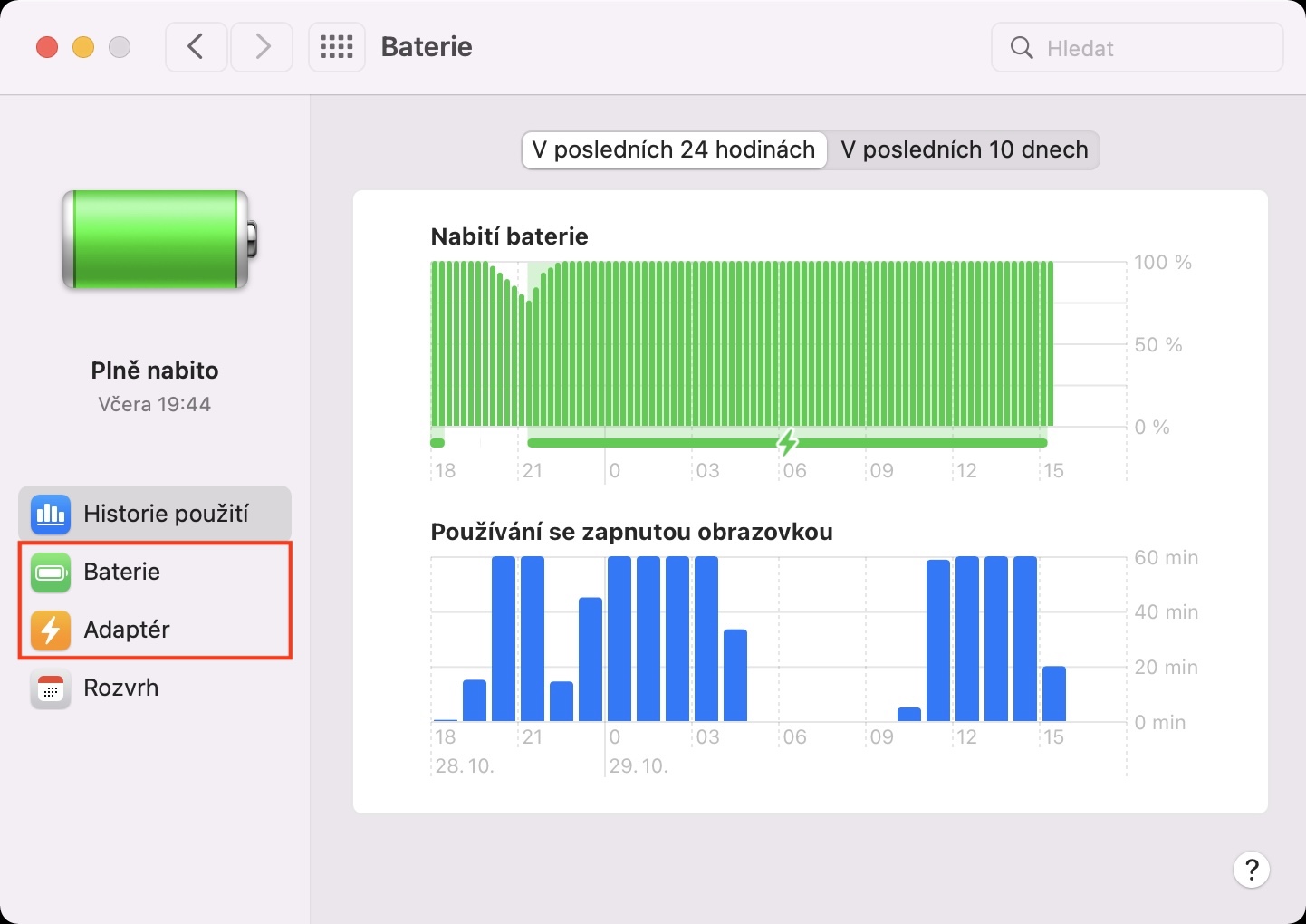
- Next, move to the section in the left menu as needed Battery or Adapter.
- All you have to do here is check the option Low power mode.
Gallery
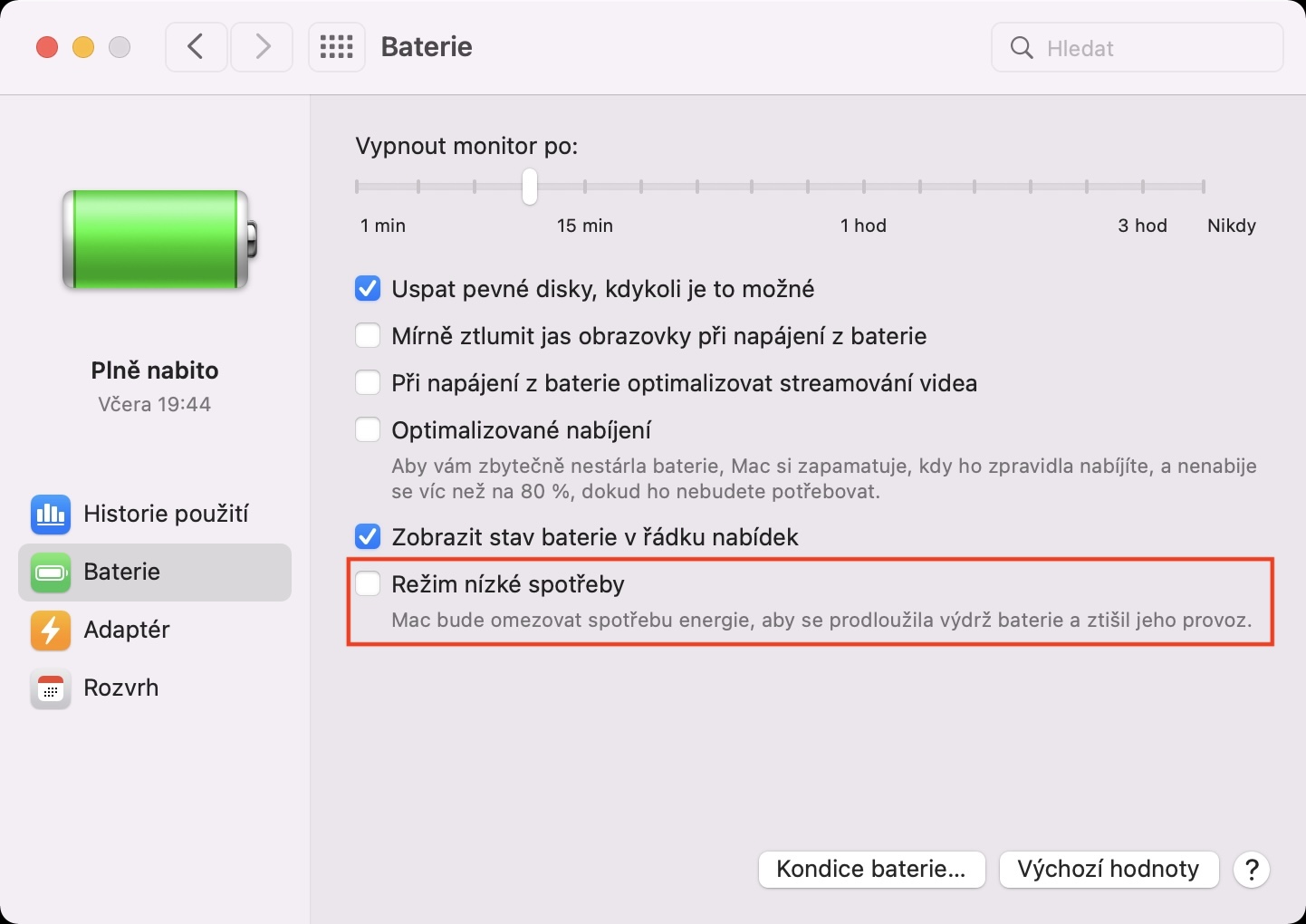
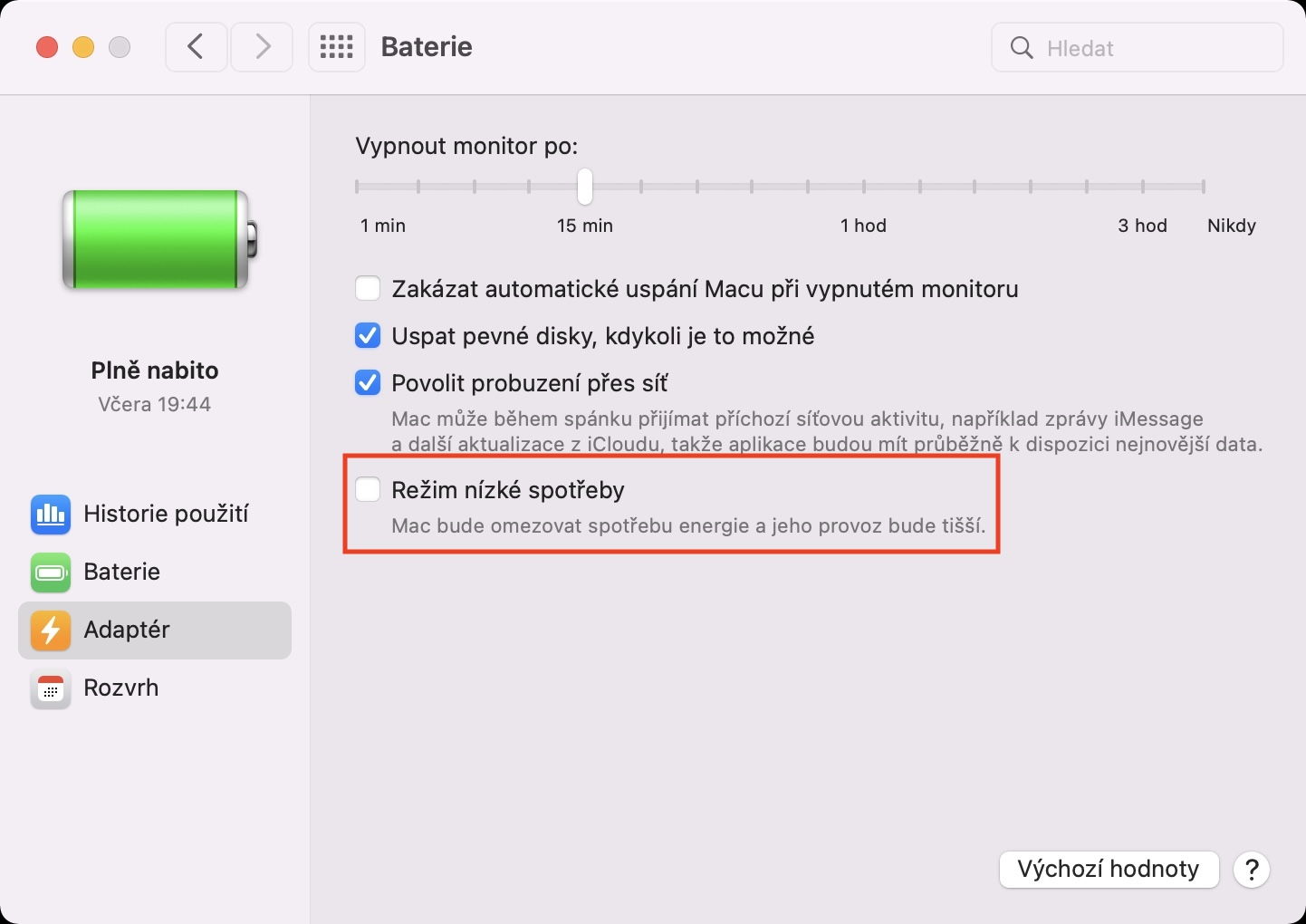
So, the above procedure can be used to enable low power mode on Mac. You can activate it while charging, but also when powered from the battery. In the first case, you can achieve faster charging and in the second case, slower discharge. Specifically Apple after activating the low power mode, it will reduce the clock frequency of the chip and reduce the brightness of the display. Unfortunately, at the moment, the low power mode on the Mac cannot be (de)activated simply, for example, through the control panel like on the iPhone, so it is constantly necessary to go to the system preferences. So the next time you're in need of a battery charge, definitely activate the low power mode on your Mac.



Rather, please tell me why it is giving me a fake password when I enter it. I have to switch to the Czech keyboard at the top so that it works and I get into the system. But sometimes even that doesn't help. It's happening up in Monterey. Thanks for the advice
It also pissed me off, but the only thing that helped was reinstalling the system and then selecting the keyboard during installation. 🙈
Well, not much. Ios 15 is not much yet either. For me it needs a few more updates
So for me the low consumption mode doesn't light up at all 😢🤷🏻♂️