
It will be released on Monday Apple macOS Monterey was introduced to the public after months of testing in June. So if you are also looking forward to its installation, come with us to go through what the novelty can attract and what you should try with it among the first things.
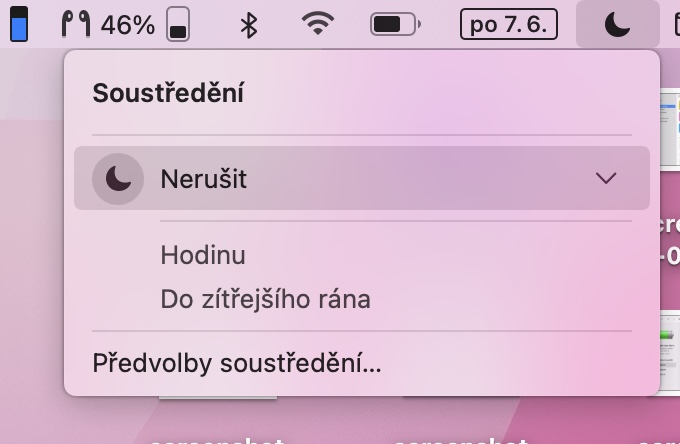
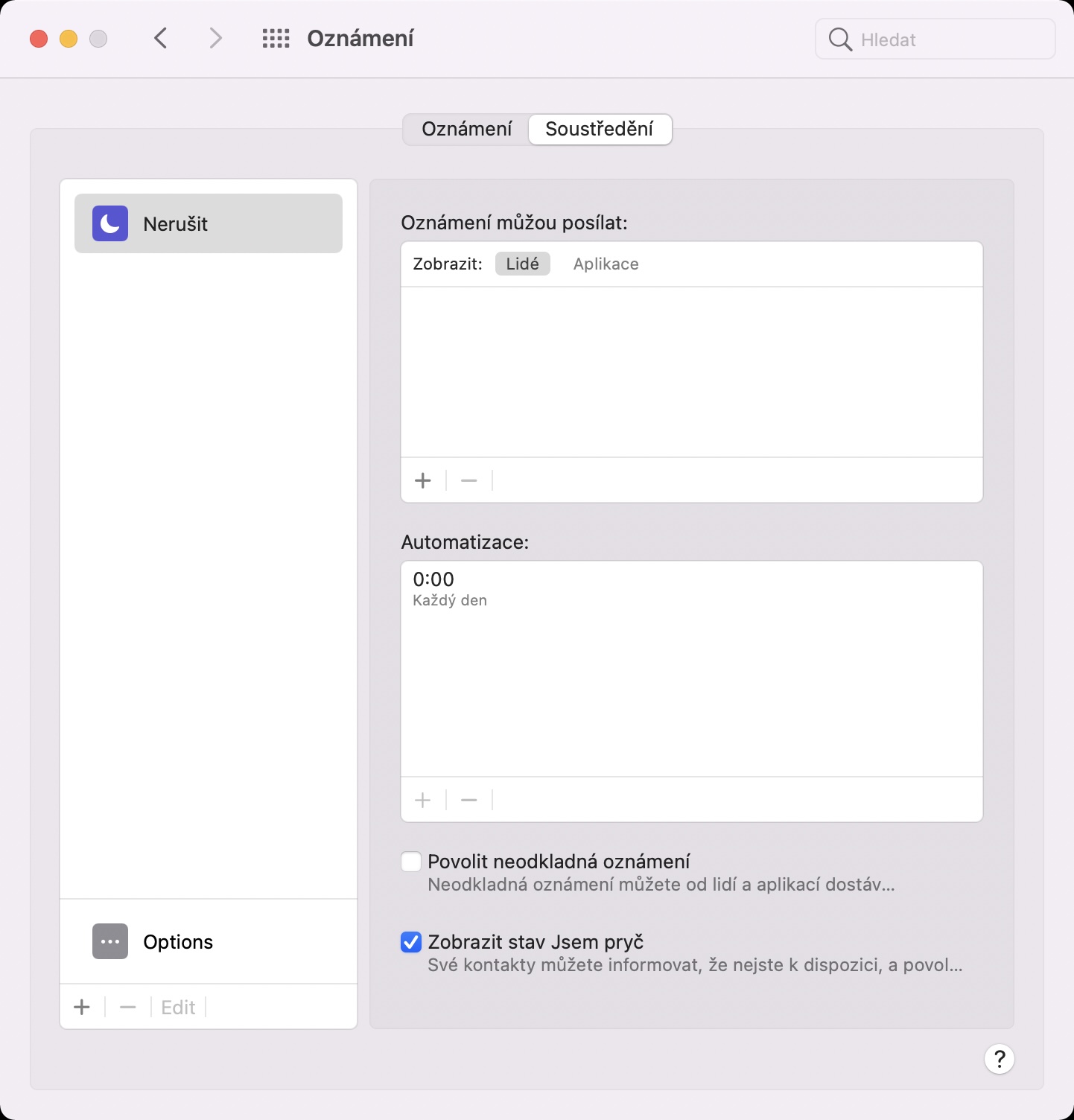
Focus or Do Not Disturb on Steroids
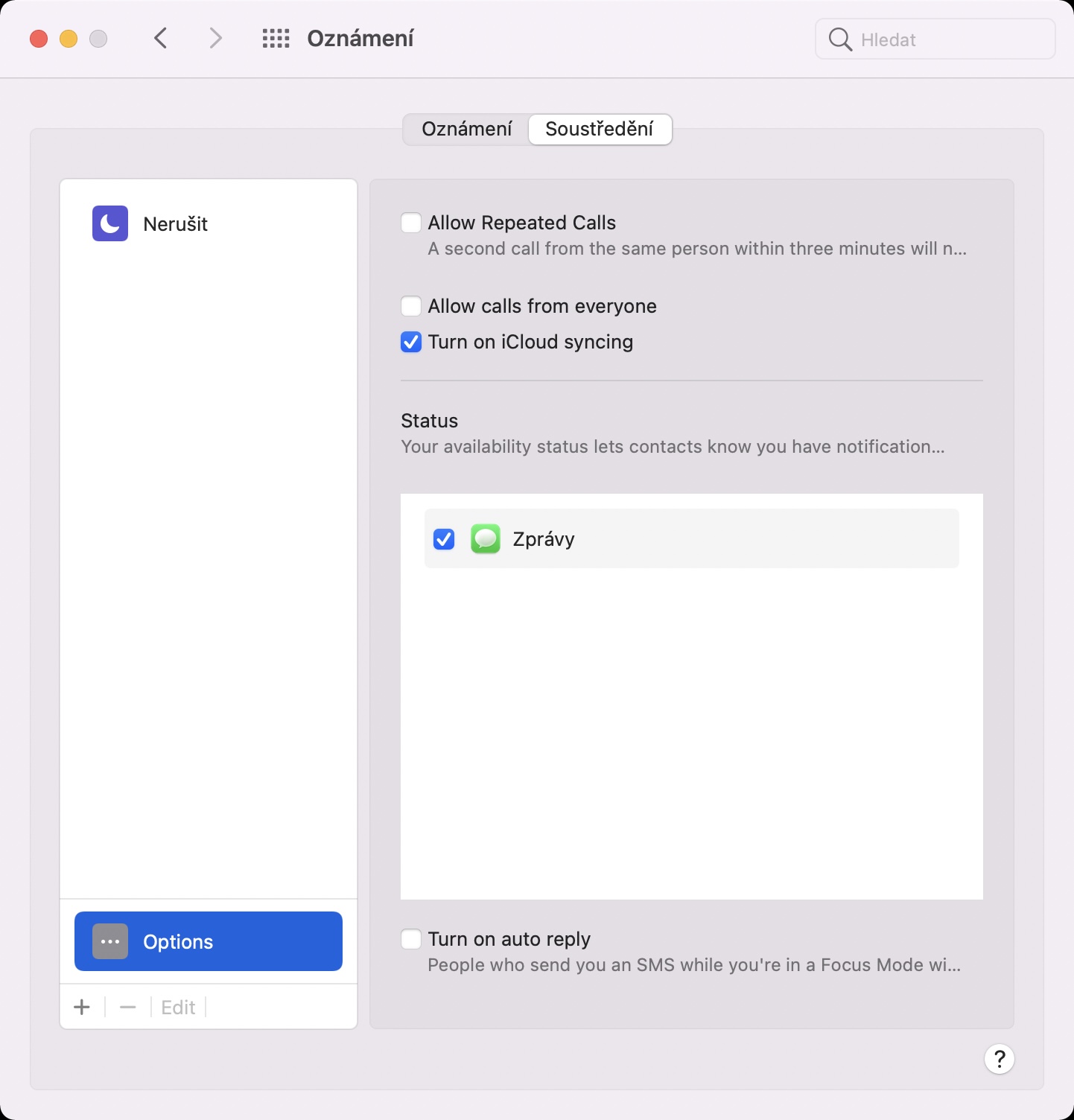
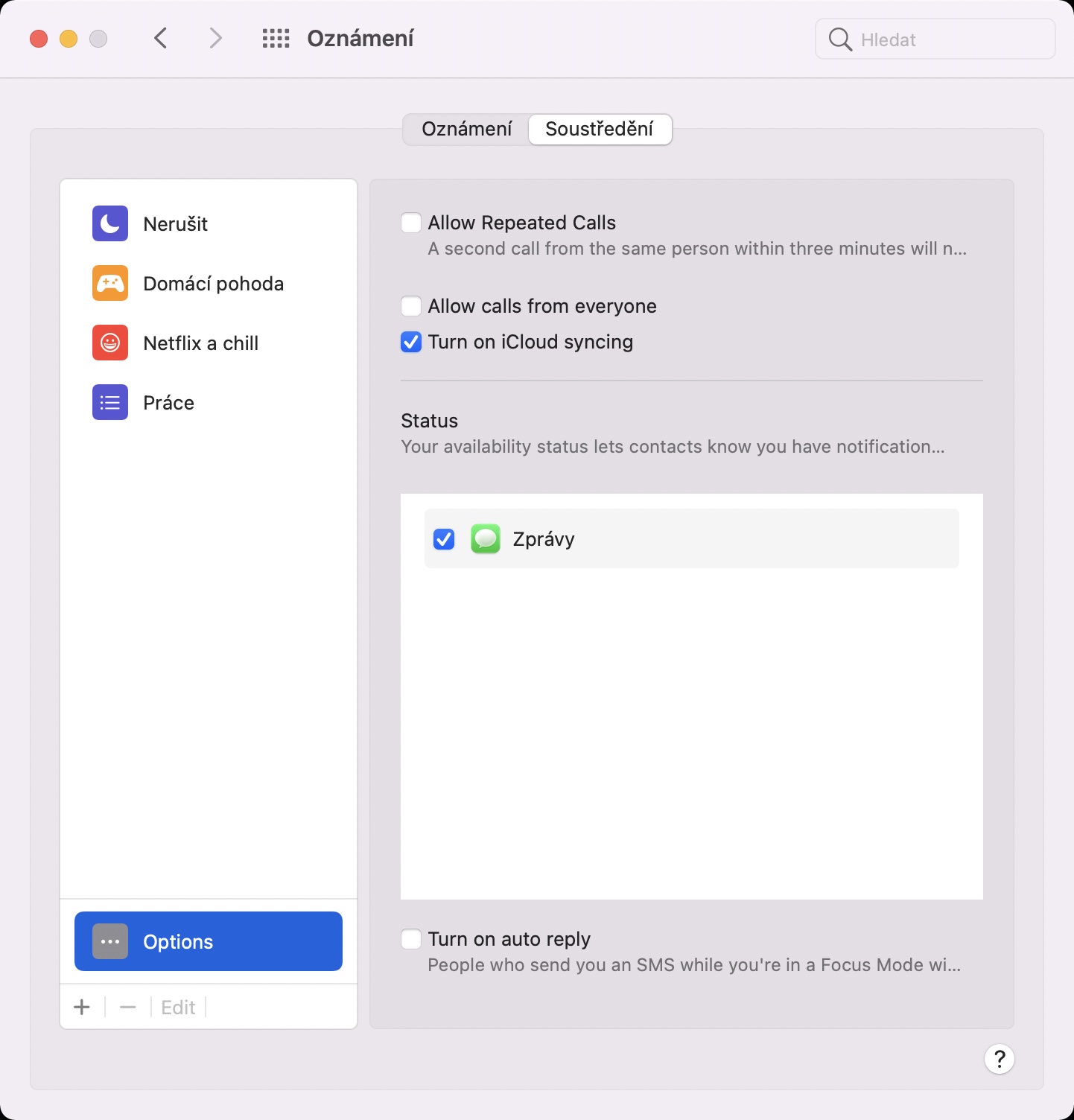
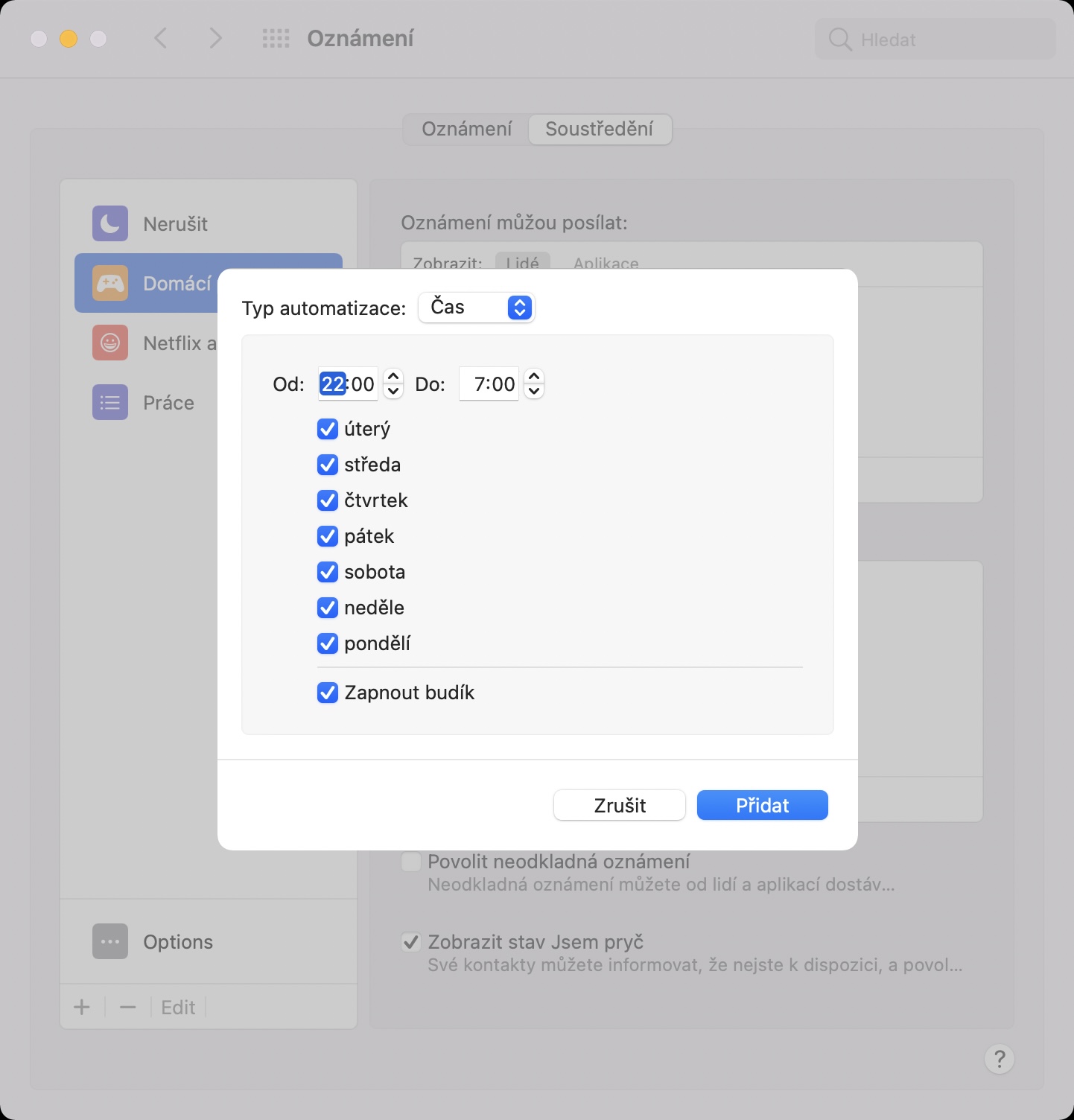
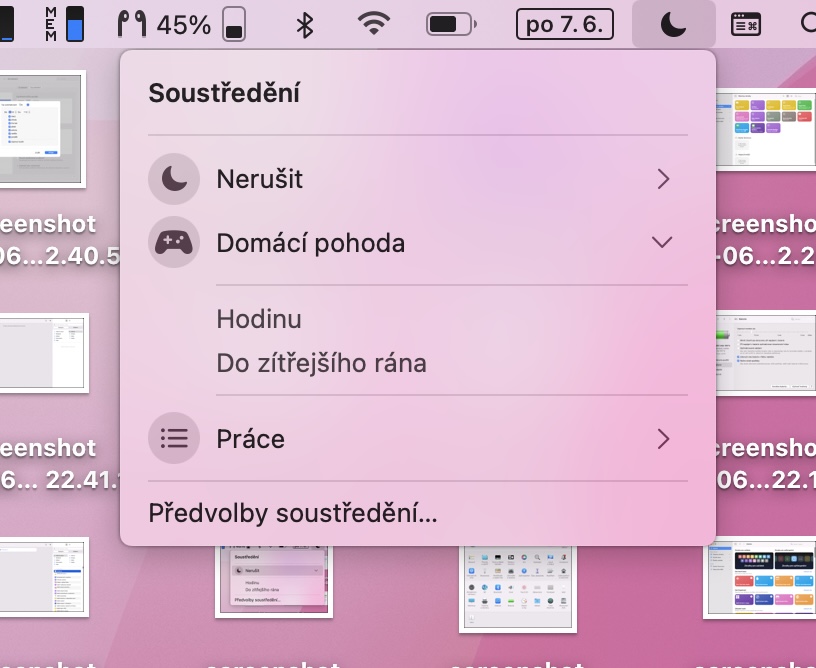
I am personally among the testers who have been testing macOS 12 Monterey, along with other systems, since the first release. beta version. And to be honest, one of the best features in my opinion is Focus, a much improved Do Not Disturb mode. With Focus, you can create several different modes that can be individually customized. You can set who can call you or which apps can send you notifications. Of course, there are automations that can make a certain mode start automatically, for example at a certain time or in a certain place. And the best part of all is that Focus syncs across all your devices. If you enable Focus on your Mac, it will automatically turn on on your iPhone, iPad or Apple Watch.
Gallery
Low battery mode
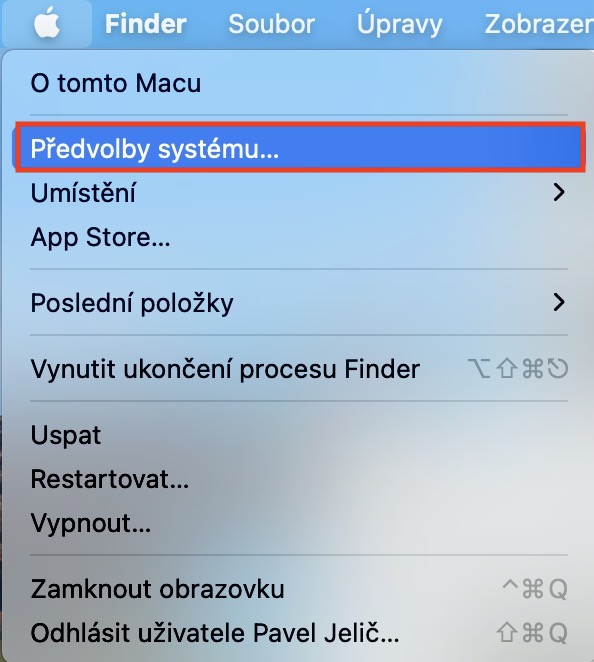
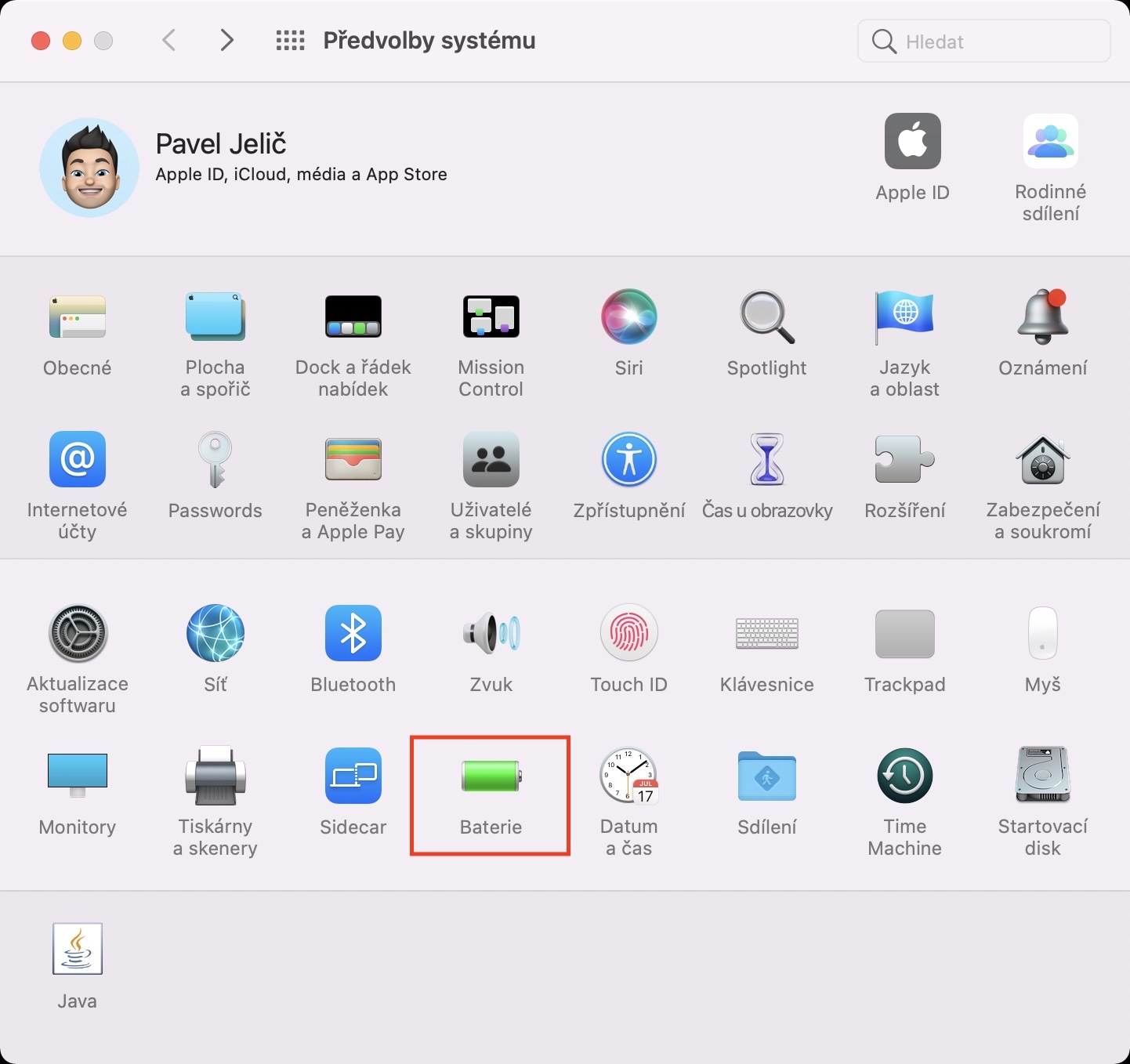
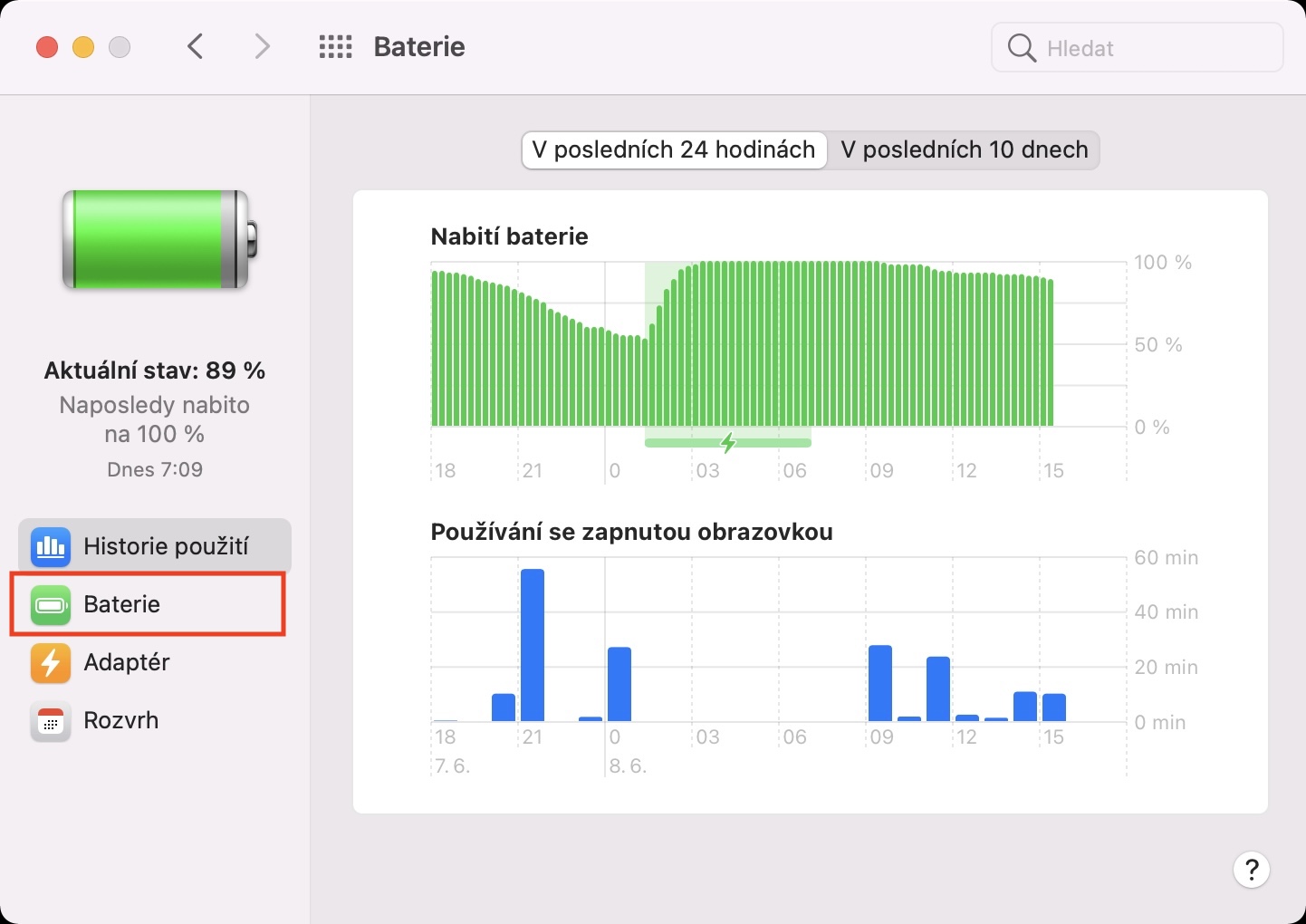
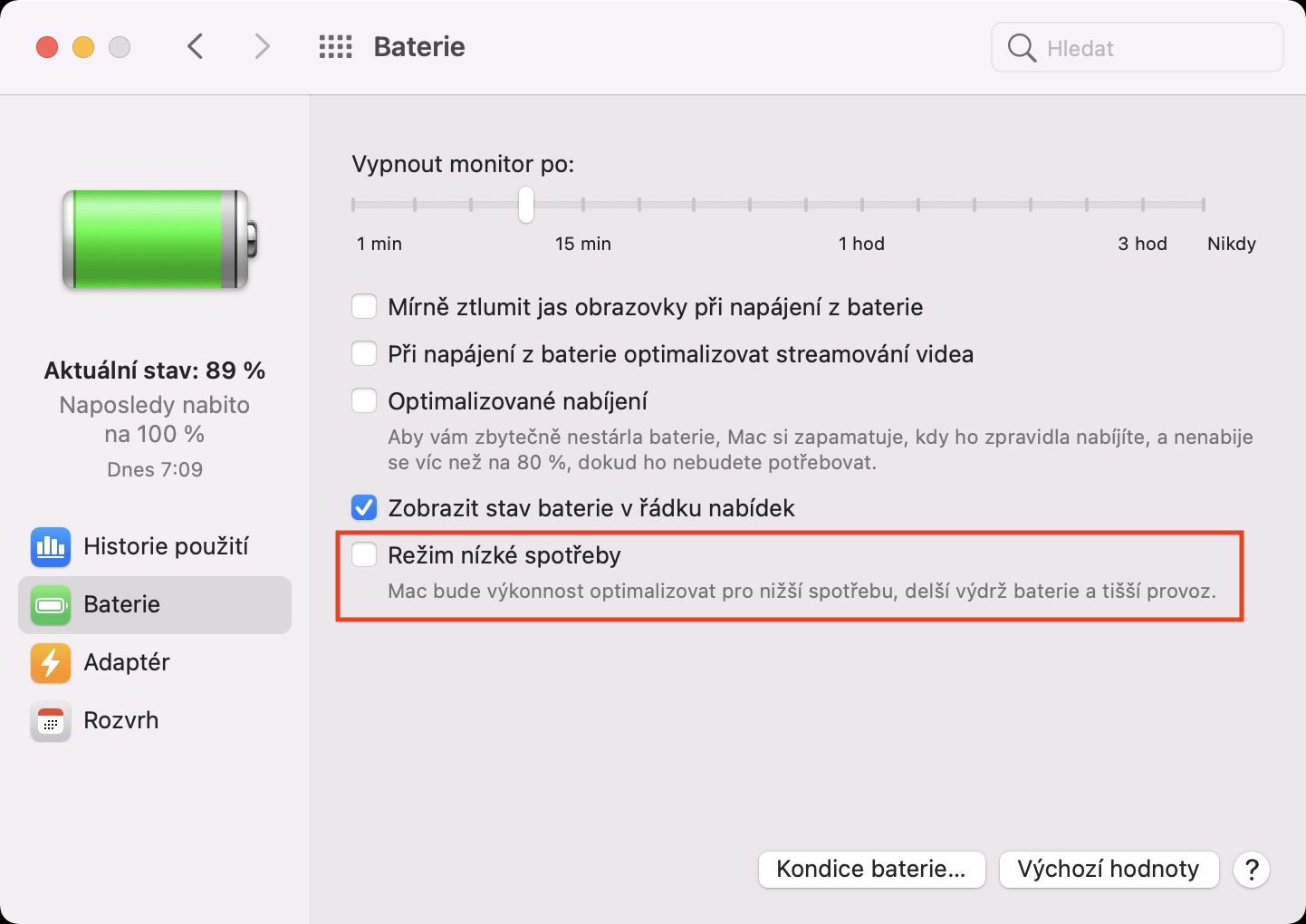
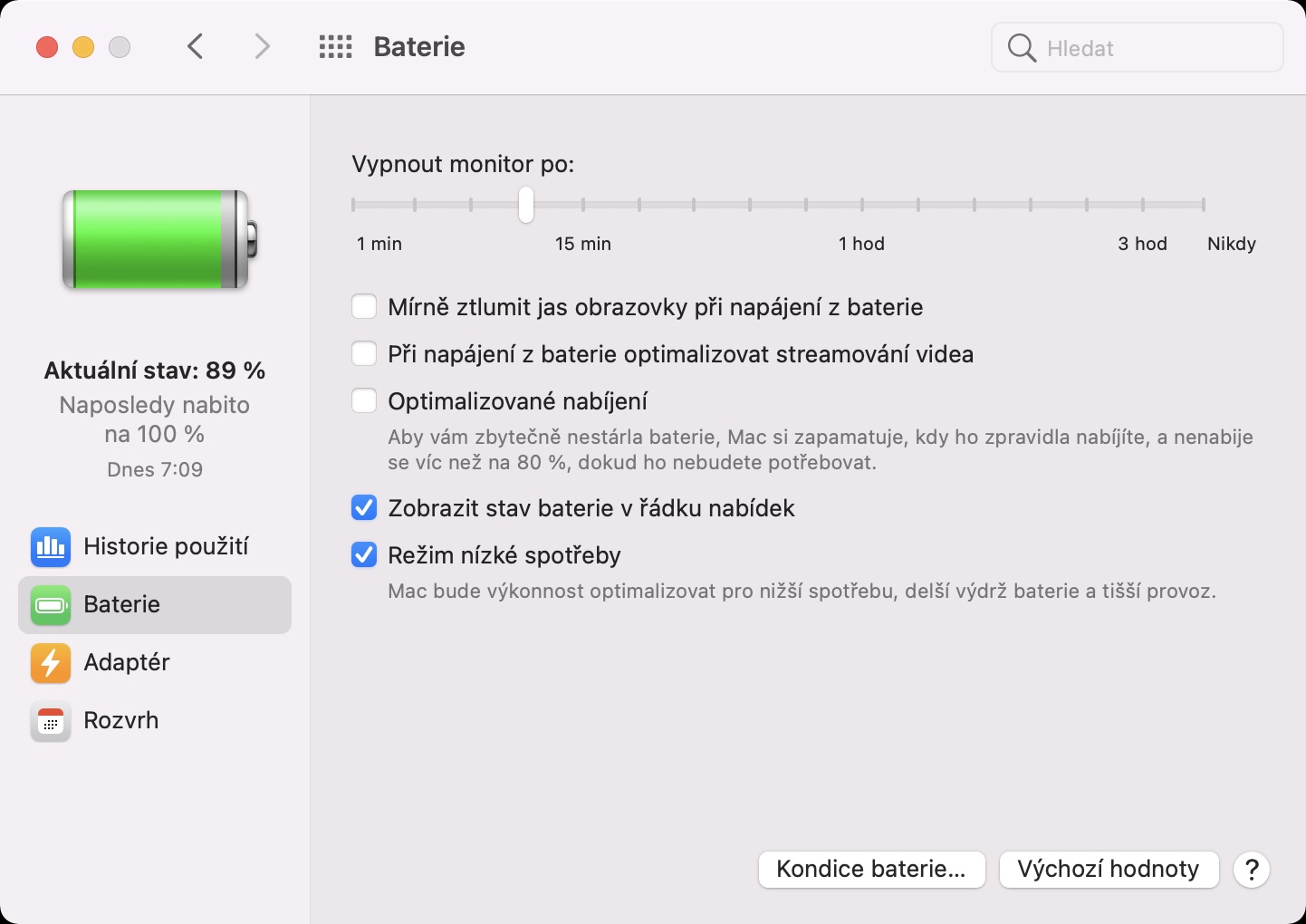
If you find yourself in a situation where the battery charge level "drops" to 20% or 10% on your iPhone, you will see a dialog box in which you can activate low battery mode. This will limit the performance of the apple phone, at the same time it will also limit the activity of background applications and much more. On a Mac, you will receive a similar notification only when the Mac is almost empty, and it was not possible to activate the low power mode until now. However, with the arrival of macOS 12 Monterey, this changes, and if necessary, the low battery consumption mode can be activated. Just go to System Preferences -> Battery -> Battery to find the mentioned mode.
Gallery
Panel groups in Safari
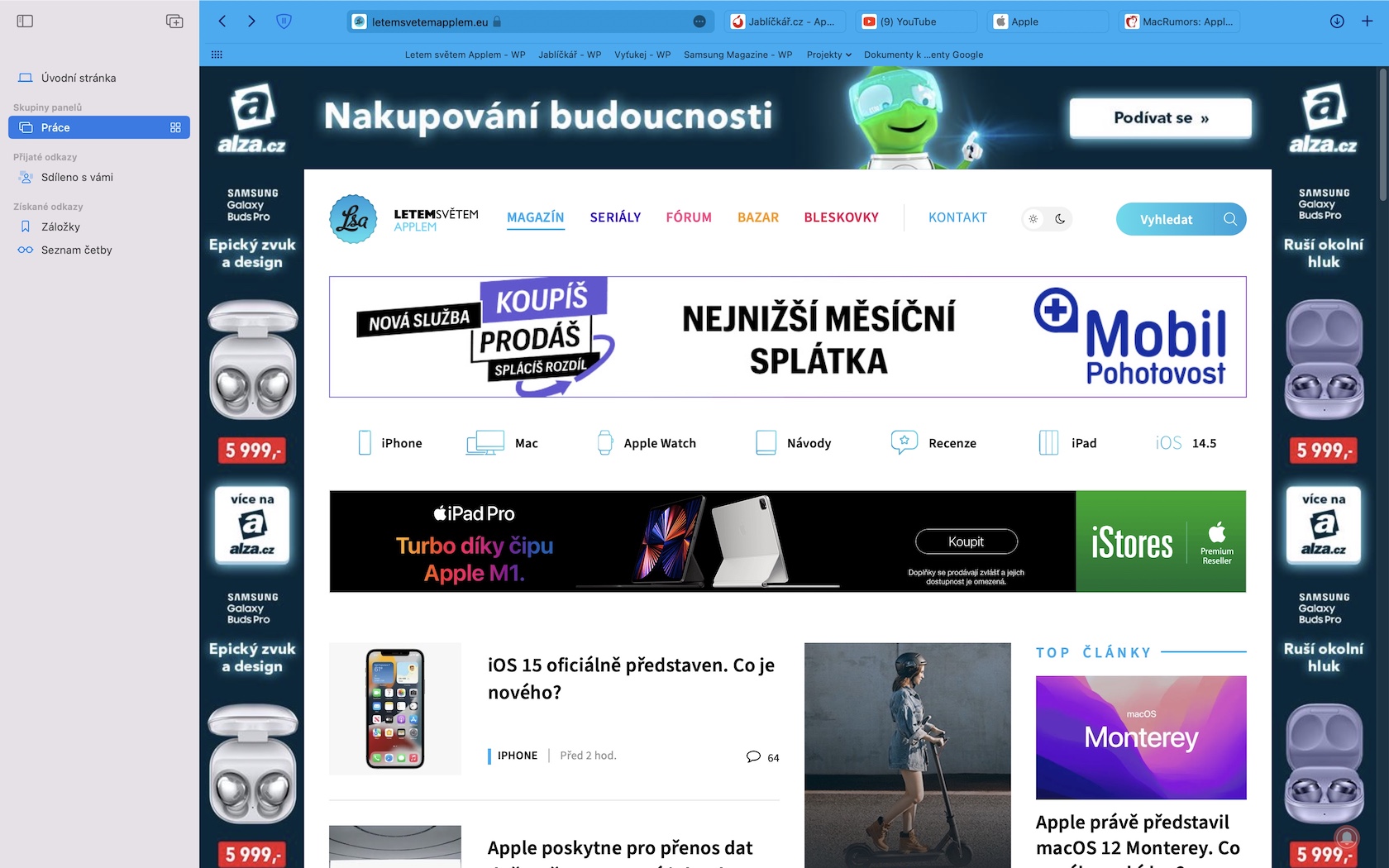
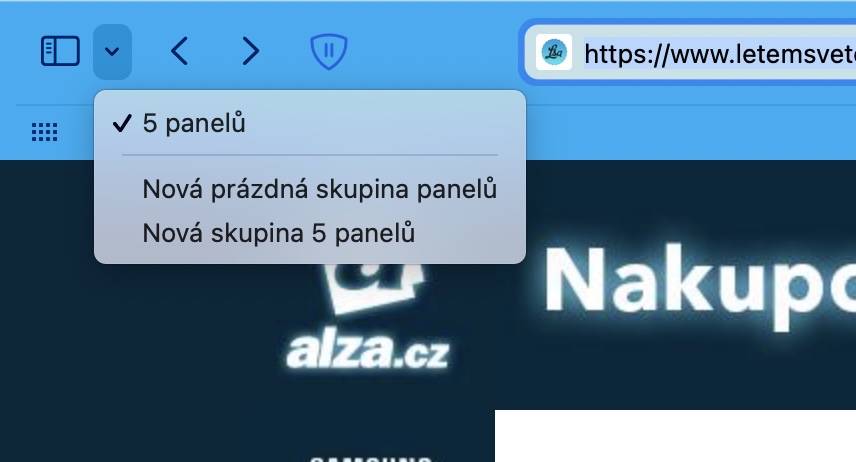
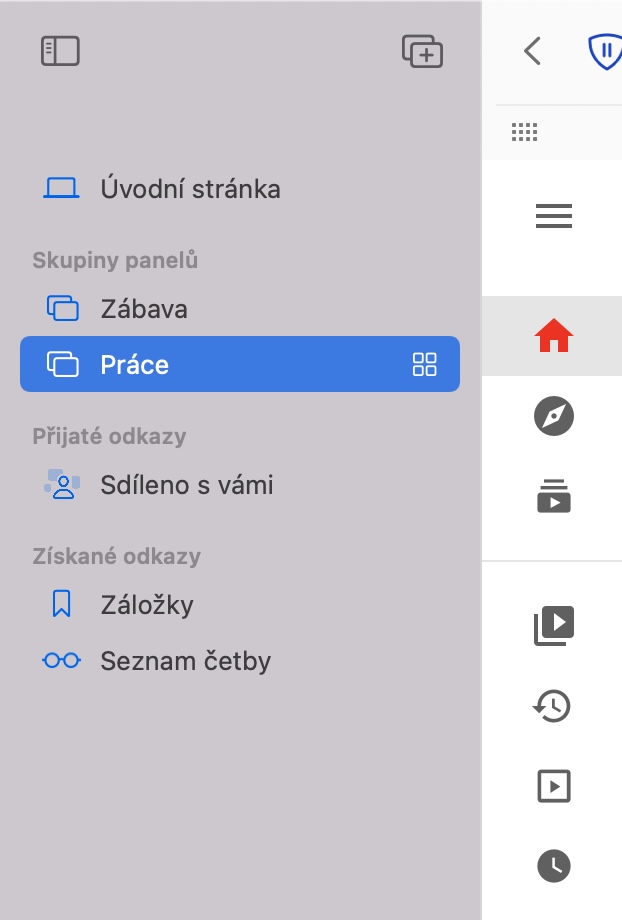
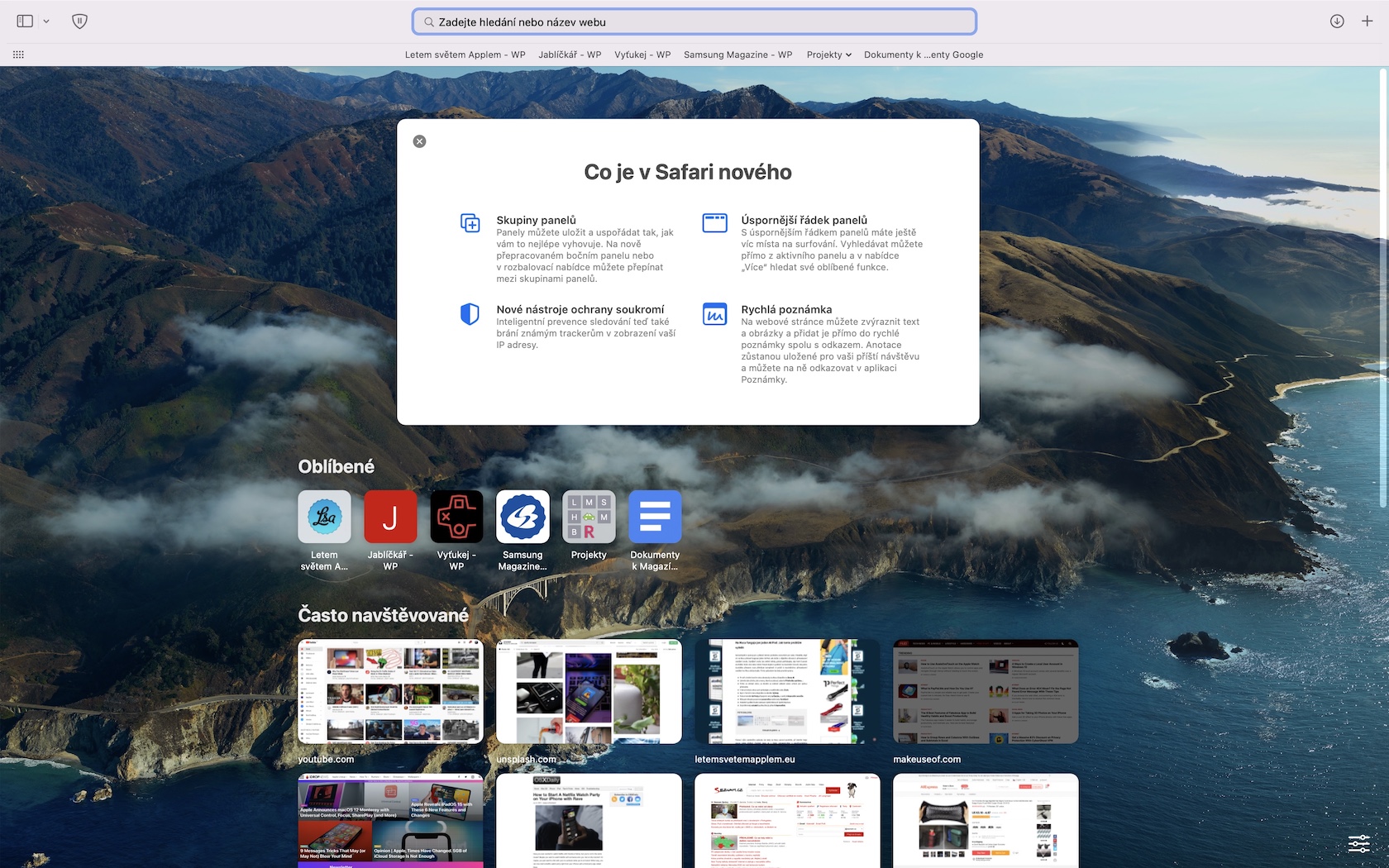
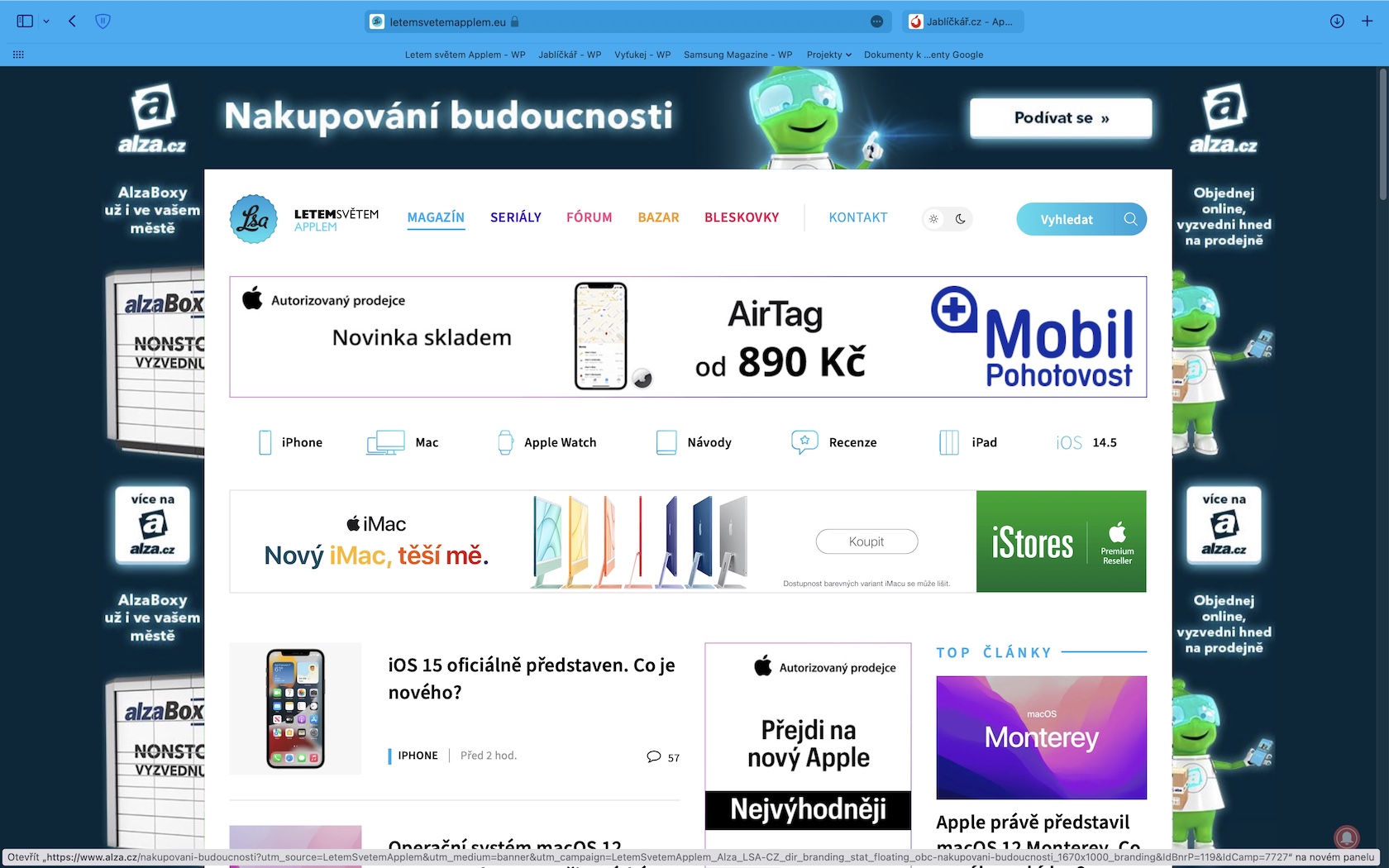
Besides that Apple Every year it comes out with new major versions of its systems, so it also comes out with a new version of its web browser SafariThis year we saw the arrival of Safari 15 and it should be noted that it comes with many new features, both in terms of functionality and design. As for functionality, we can mention panel groups. As the name suggests, thanks to this feature you can Safari create several different groups of panels, which you can then easily switch between. For example, you can create the first group that you will use at home for entertainment, and the second for work. You can then switch between the individual groups with a few clicks and easily return to the entertainment or work panels, without having to close and open them.
Gallery

Universal Control
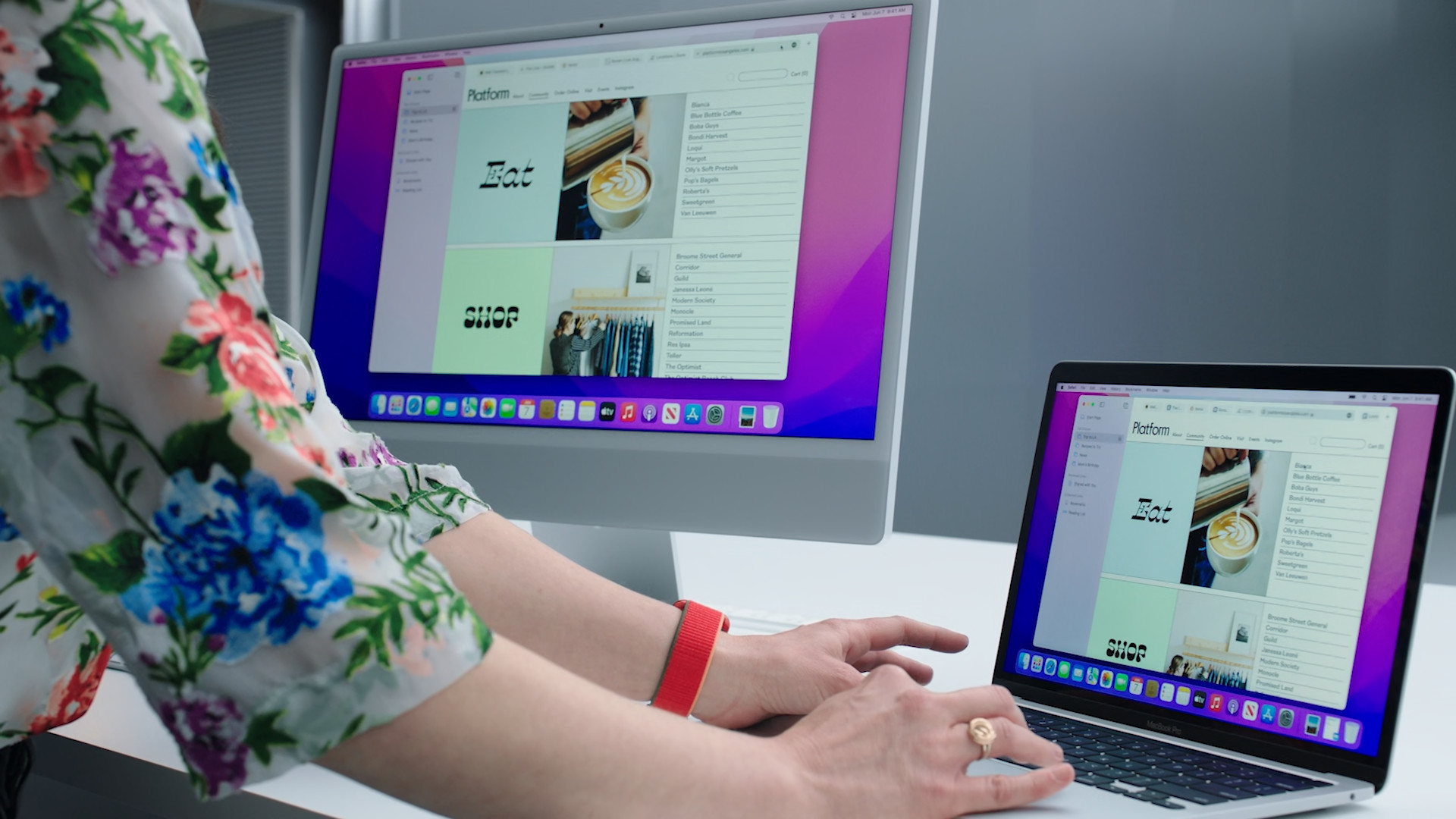
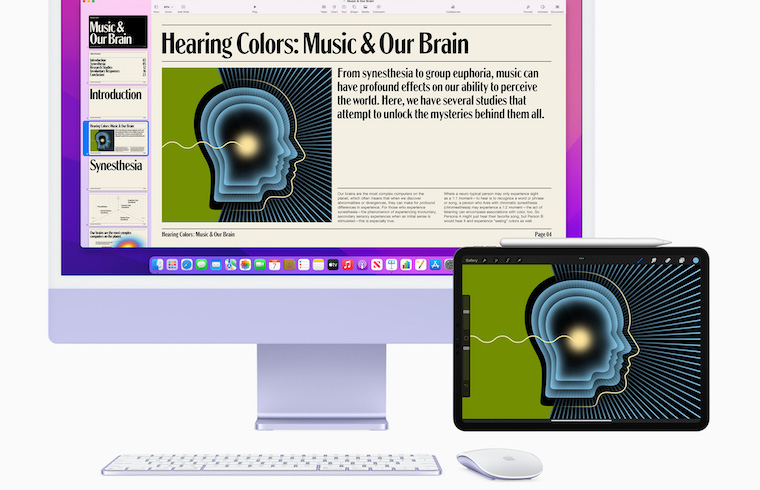
One of the other great features that macOS 12 Monterey comes with is undoubtedly Universal ControlYou will use this especially if you own an iPad or another Mac or MacBookThanks to this function, it is possible to connect the screens of all devices without the need for a cable connection, so you can work on them at the same time. It should be noted that this is a function that Apple introduced it at the presentation, but it has not yet been fully implemented in macOS 12 Monterey, and we are currently a few weeks away from the public release. The good news is that developers can now Universal Control try after more complicated activation via command line. Those developers who like this Universal Control activated, states that it works absolutely great and with miniresponse, although drag and drop doesn't work for now. Personally, I think that Apple will manage Universal Control add it to the first official version – it is one of the most anticipated features. Otherwise, many users would be very disappointed.
You might be interested in
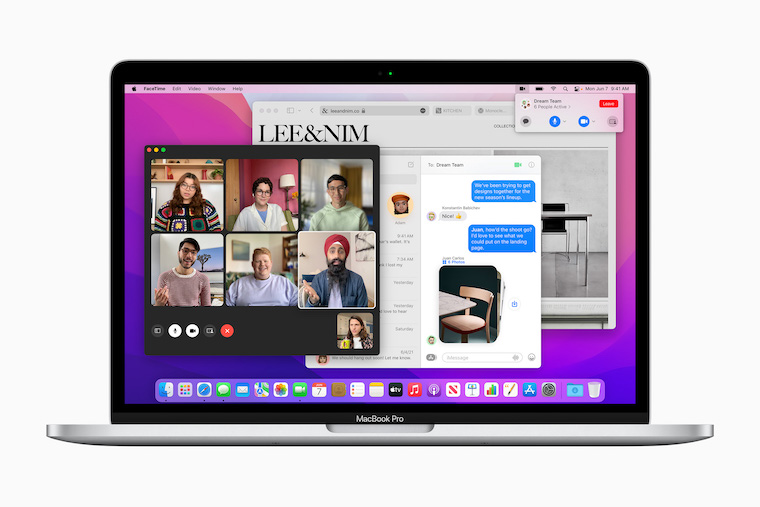
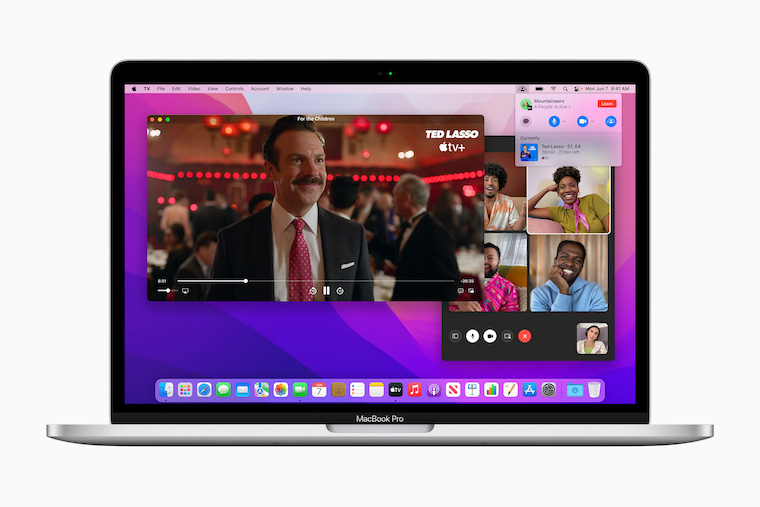
Link calls in FaceTime
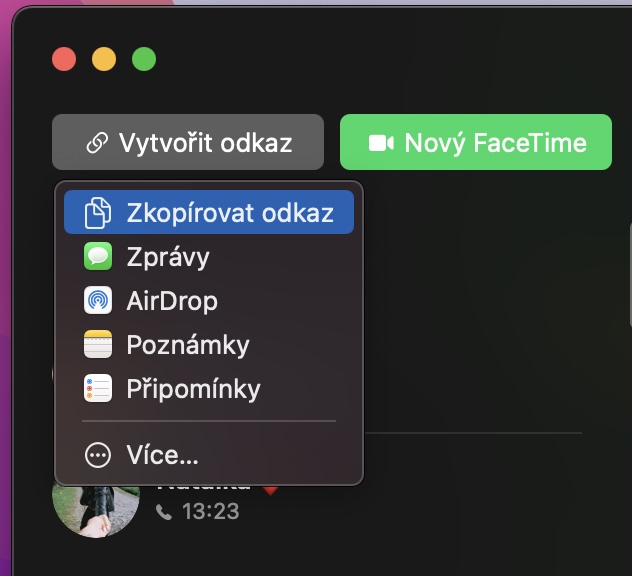
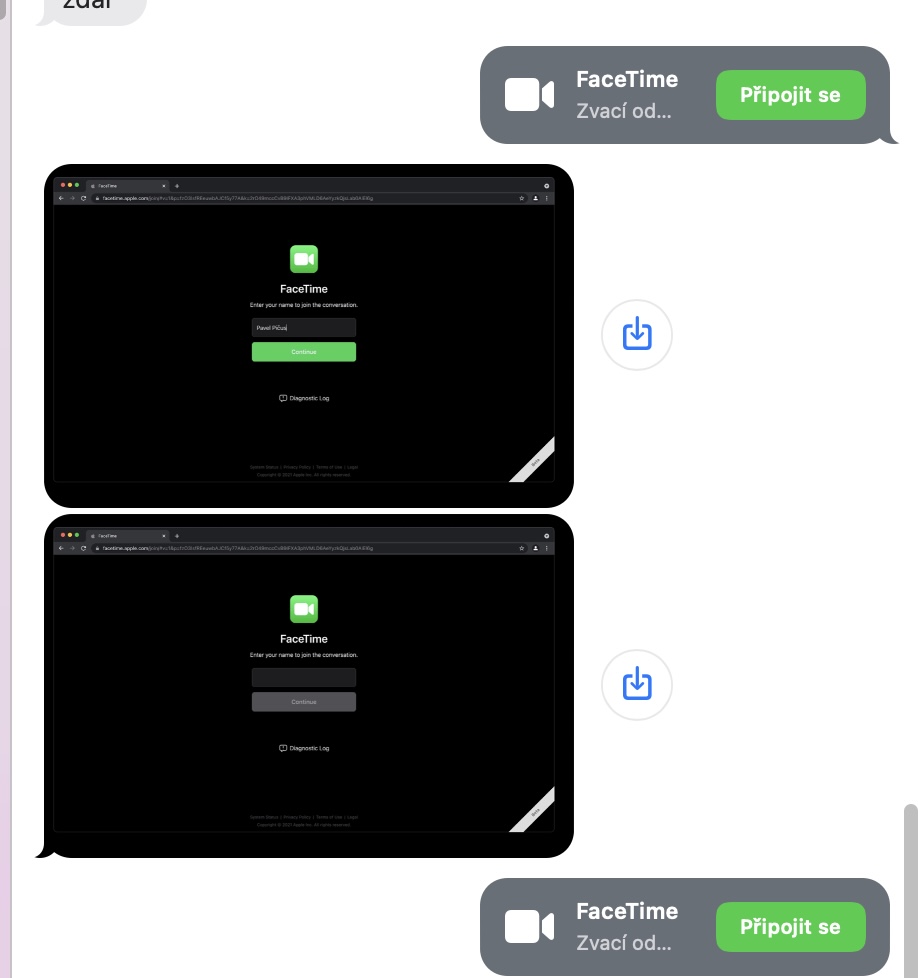
A huge improvement, not only in macOS 12 Monterey, but also in iOS and iPadOS 15, has received a native FaceTime application. If you look at FaceTime at the moment, after some thought, you will find that it is a closed application, which is intended for communication with family or close friends. However, this changes with the arrival of macOS 12 Monterey. You can now invite participants to a FaceTime call by sending a link, which means that you do not need to have the person in your contacts. In addition, the participants do not need to have Apple devices - if they have Android, Windows or another system, it connects to the call through the web interface. Thanks to these changes, it will be possible to start using FaceTime also in the business sphere for group work calls and meetings.
Gallery








Who is used to using it often in Safari bookmarks, so definitely don't update them, in Safari 15 are completely useless 🙁
And when toonethey will make a proper function to "rename" multiple files in Finderwith the format "Name and index"????????? If you rename the same files again, it throws whatever sequence numbers it can think of. Or fundamentally, it renames and numbers files according to time, but exactly the opposite of what it should. That is, the last captured image will be put in the first place with the number one and the first is the last. These are pretty serious OS issues that are being copied by updates ♂️ 🤦
So for tables, there are two functions, of which only one is a must have.
Hello,
Has anyone tried? Universal Control? Does it work? Well, not for me. 😔