
New operating systems in the form of iOS and iPadOS 15, macOS 12 Monterey, watchOS Apple introduced iOS 8 and tvOS 15 a few months ago. We are now only a few weeks away from the public release of the new versions. September is approaching, when Apple (almost) regularly introduces new iPhones, which owners will receive with the latest system. Some time after that, all of the aforementioned systems are released to the public. In our editorial office, we have been testing these systems since their release and bring you guides that will help you learn more about the new features. Together, in this article, we will look at another of the many new features in iOS 15.
You might be interested in
iOS 15: How to use Siri quickly share screen content
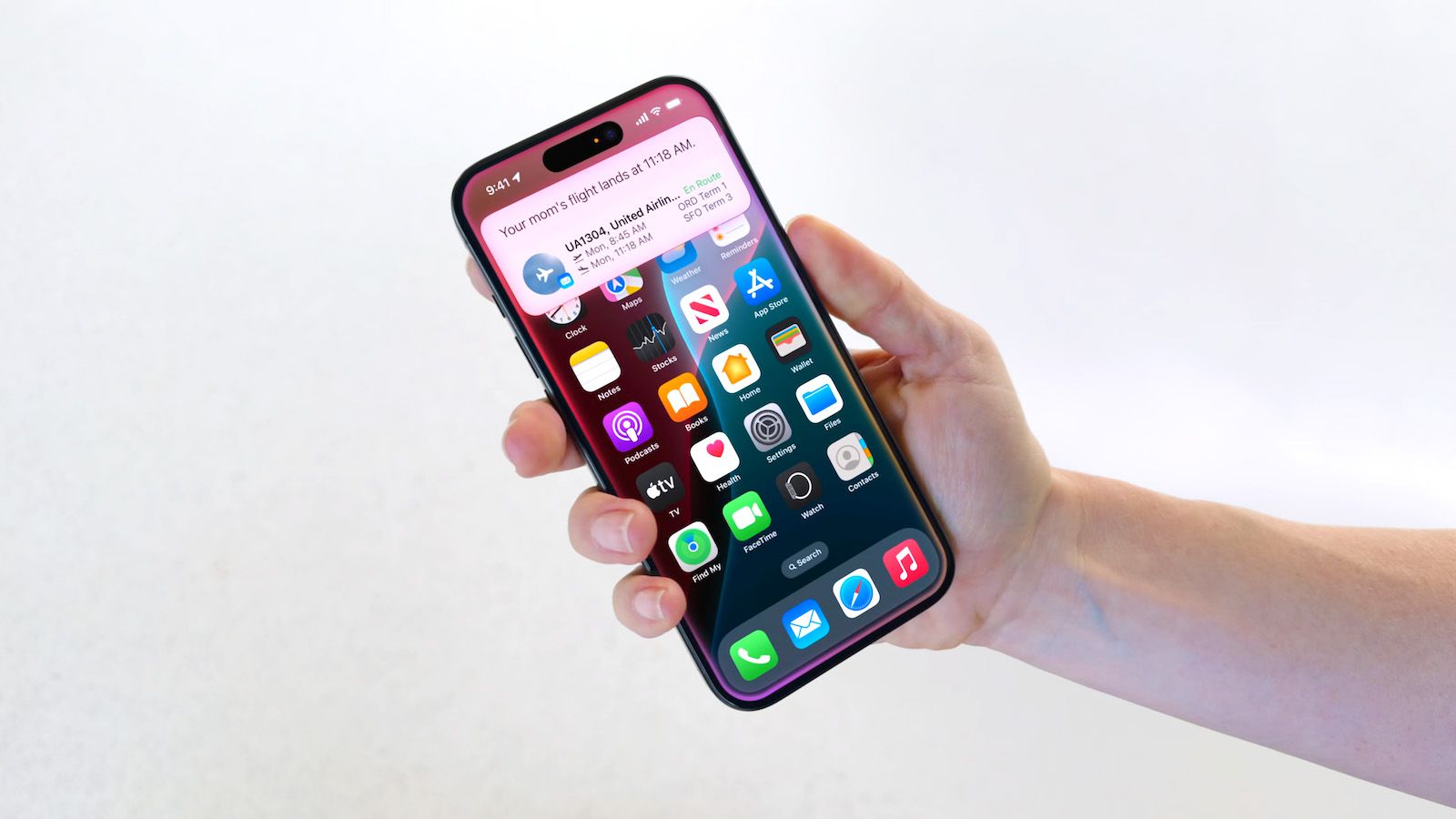
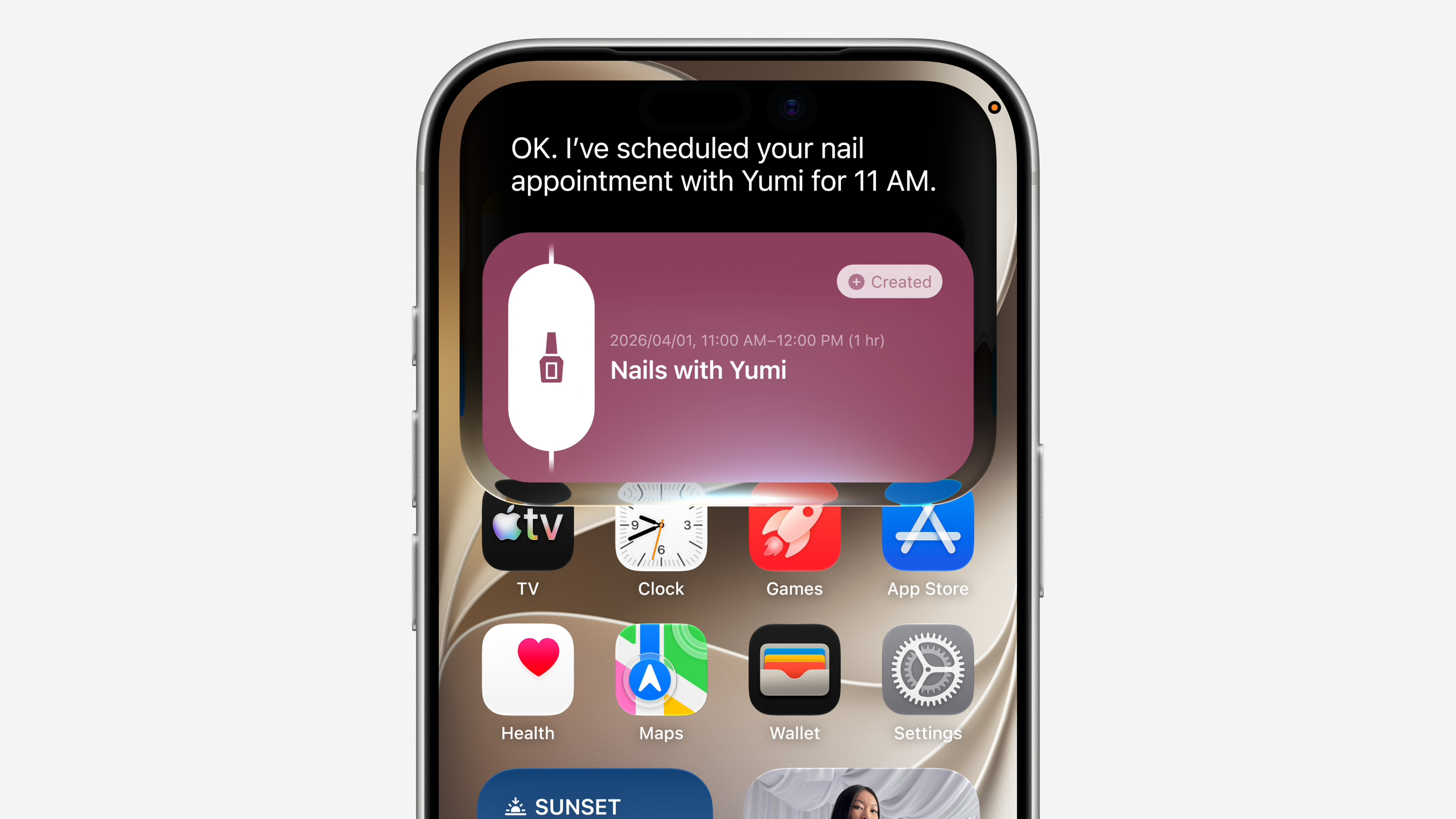
Within iOS 15 with apple voice assistant Siri has received a major improvement. For example, we can mention the long-awaited option that allows users to Siri can also be used offline, i.e. without an internet connection. Siri It can now perform some requests locally directly on your device. Siri is in iOS 15 is generally much more complex and you can ask it to perform many new actions. One of them is to share the content that is currently on the screen. Here's how:
- First, on your iPhone with iOS 15 move to application, in which you open the contents which you want to share.
- Once you do so, activate Siri – either by an activation command or a button.
- Subsequently, after invoking Siri, say the command "Share this with [contact]".
- So if you want to share content with Jiří, for example, say so "Share this with Jiří".
- V top of the screen you will then be presented with content to share.
- Pro confirmation sending is enough to say "Yes", for refusal again "Well". You can also add a comment.
Gallery


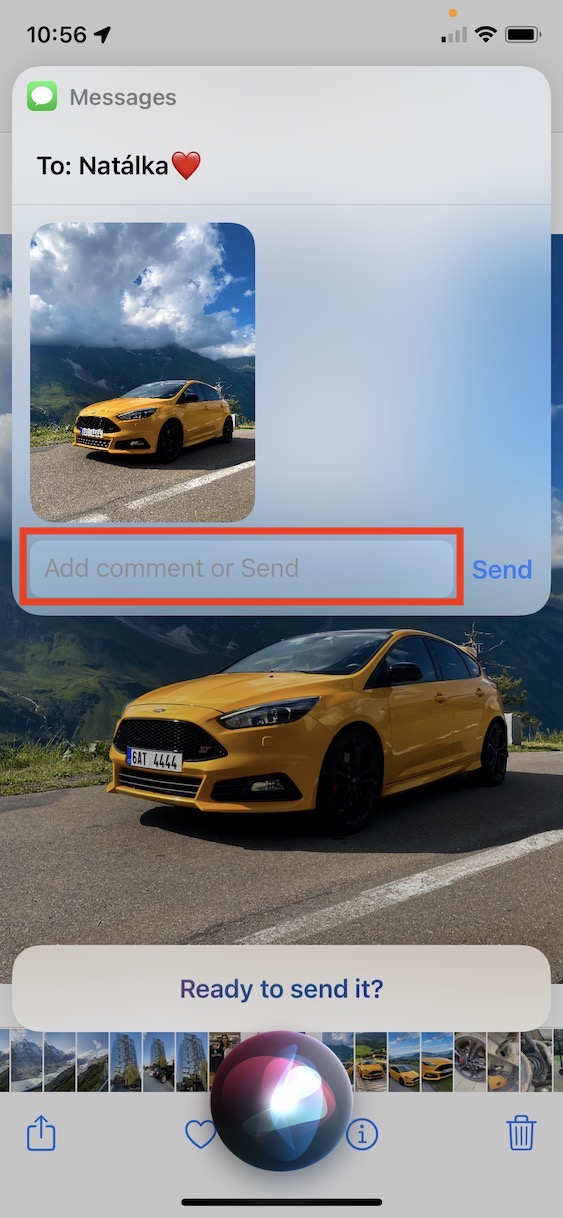
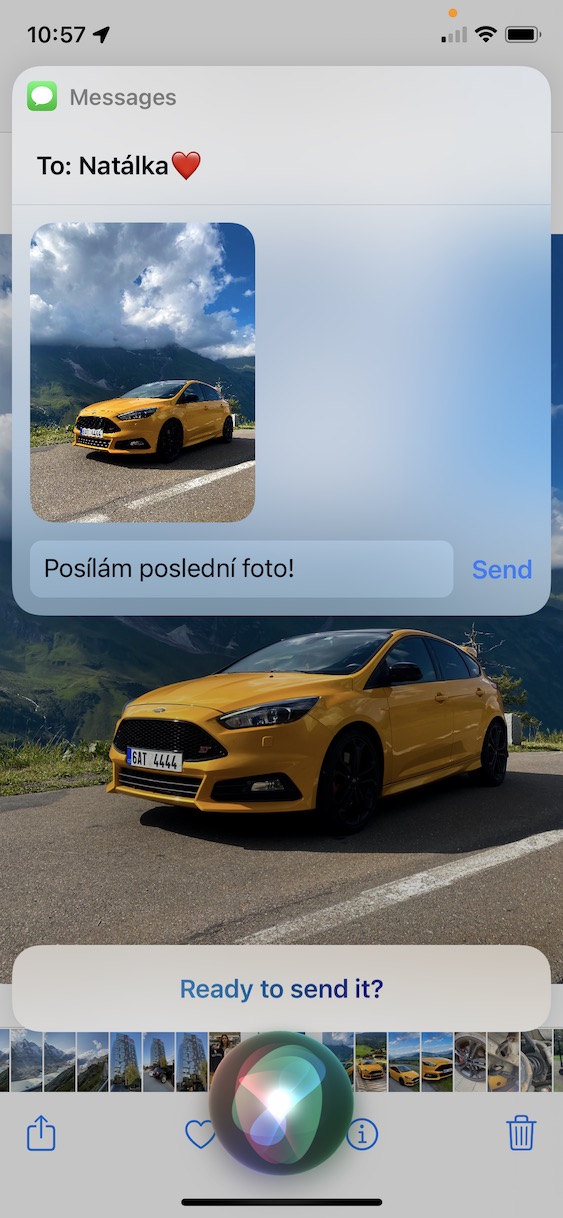
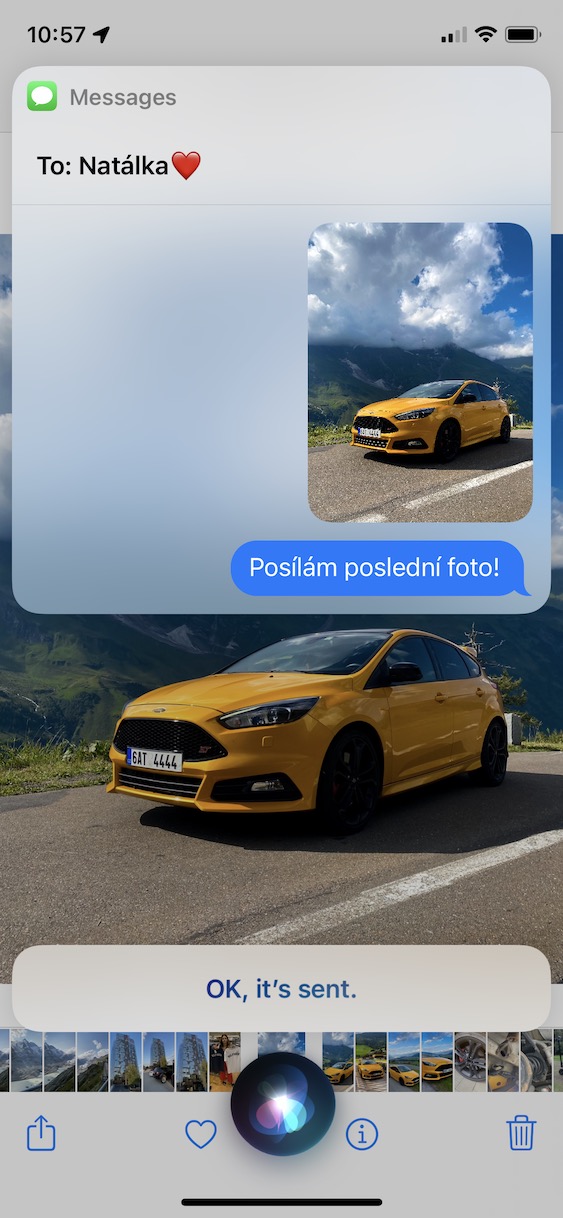

Prothrough the above procedure, you can use Siri v iOS 15 share any content on your screen. However, the way content is shared in each app is different. For example, if you are in Music, Maps, Safari, Photos or Messages, then the specific content will be shared directly. However, if you find yourself in an application where the content cannot be shared directly (using the share button), then Siri protakes a screenshot, which you can then share with the selected person. The procedure is the same in both cases, with the second one you Siri In addition, she says that she is only able to share content by taking a screenshot.






Share .. share … share .. share .. modern mental illness .. screen content .. that's terno
And having fun at the same time is also a modern psycho spell :)
Do they turn off the English nonsense?