
If you are among the individuals who are interested in Apple, you probably know that a few weeks ago we saw the introduction of new operating systems in the form of iOS and iPadOS 15, macOS 12 Monterey, watchOS 8 and tvOS 15. Immediately after the systems were introduced, the first developer previews were released. beta version, to be released to the public a few days later beta version. True lovers AppI like these beta versions were installed immediately. And if new systems from AppIf you like testing, I have great news for you. Apple because it also started to provide beta firmware version for AirPod Pro, thanks to which you can try out some new features in advance.
You might be interested in

How to install beta firmware version for AirPods Pro
Those of you who are curious are probably wondering how this is possible. beta firmware version for AirPods install. As with other systems, you first need to download a special profile that you install on your iPhone. But it doesn't end there. The whole process is as follows:
- First, on your iPhone, within Safari move to this website.
- Here, scroll down a bit where you click in the section AirPods Pro beta on the button Install Profile.
- Once you do so and the profile is downloaded, a notification will appear where you tap on Allow.
- Another notification about device selection will appear. Select an option here iPhone.
- Then go to Settings, where it appears information about the downloaded profilewhich install it.
- After successfully installing the profile open the lid AirPods Pro and connect them to your iPhone.
- Next, you need to make sure you have the latest version installed on your Mac Xcode.
- Applications Xcode you can download from the website Apple Developer.
- Then connect your iPhone to Mac using Lightning cable.
- Then the application Xcode run. You don't need to do anything other than run it.
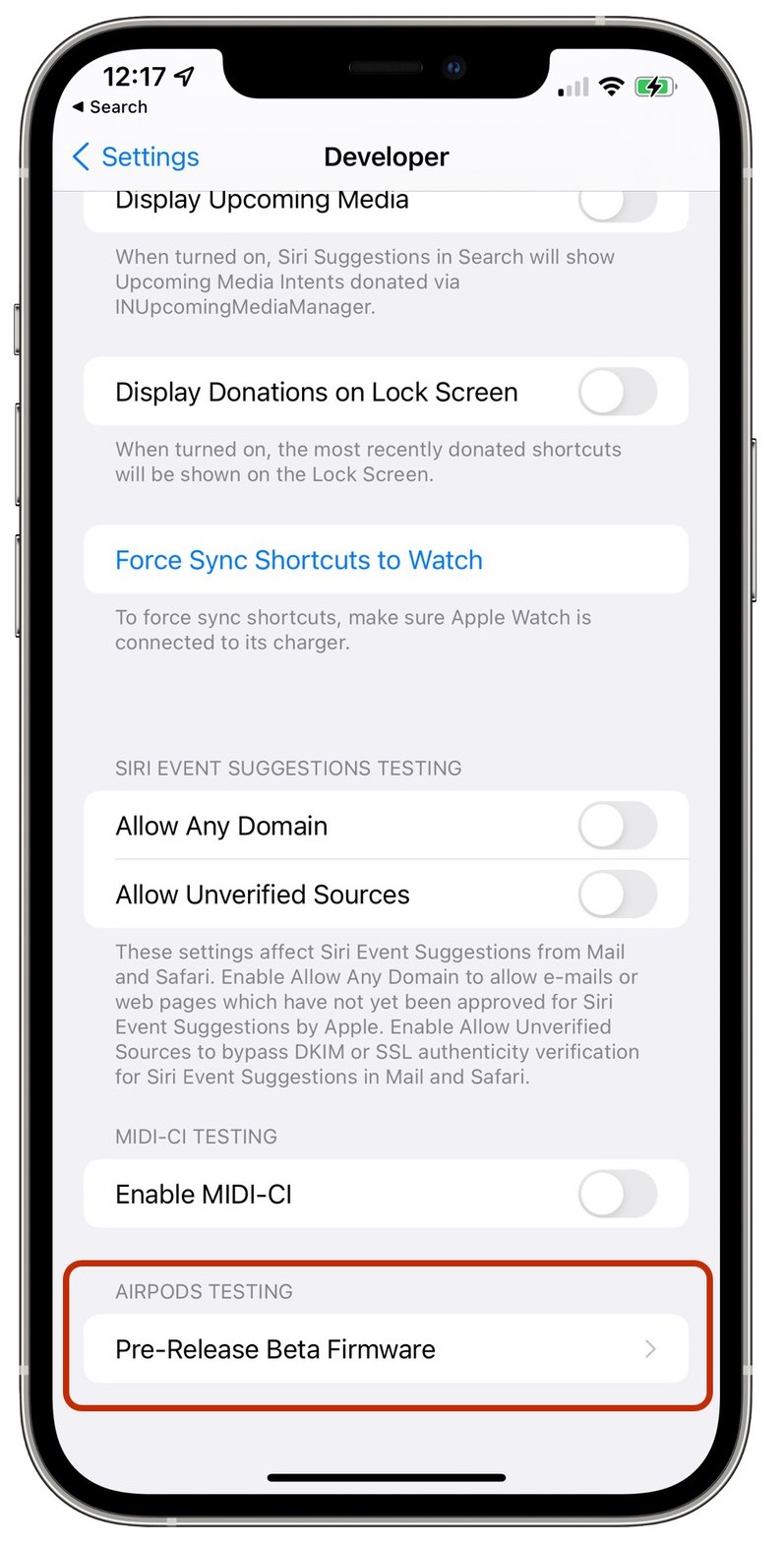
- Then go to the section on the iPhone Settings -> Developer (Developer).
- Within this section, then click Pre Release Beta Firmware.
- Find yours in the device list AirPods Pro a activate with them switch.
Gallery
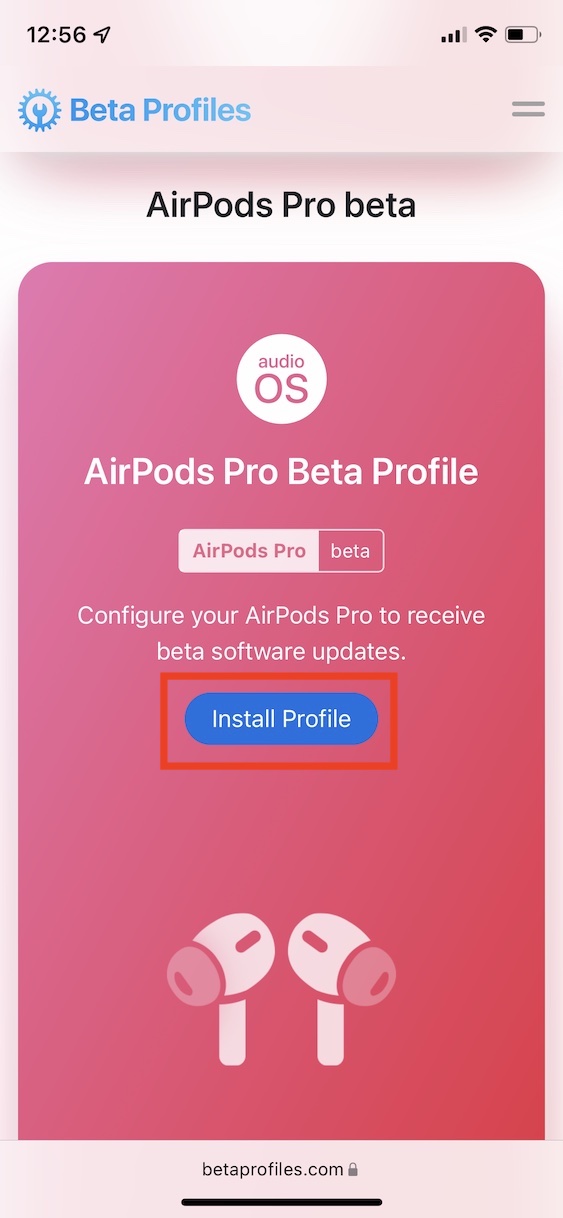
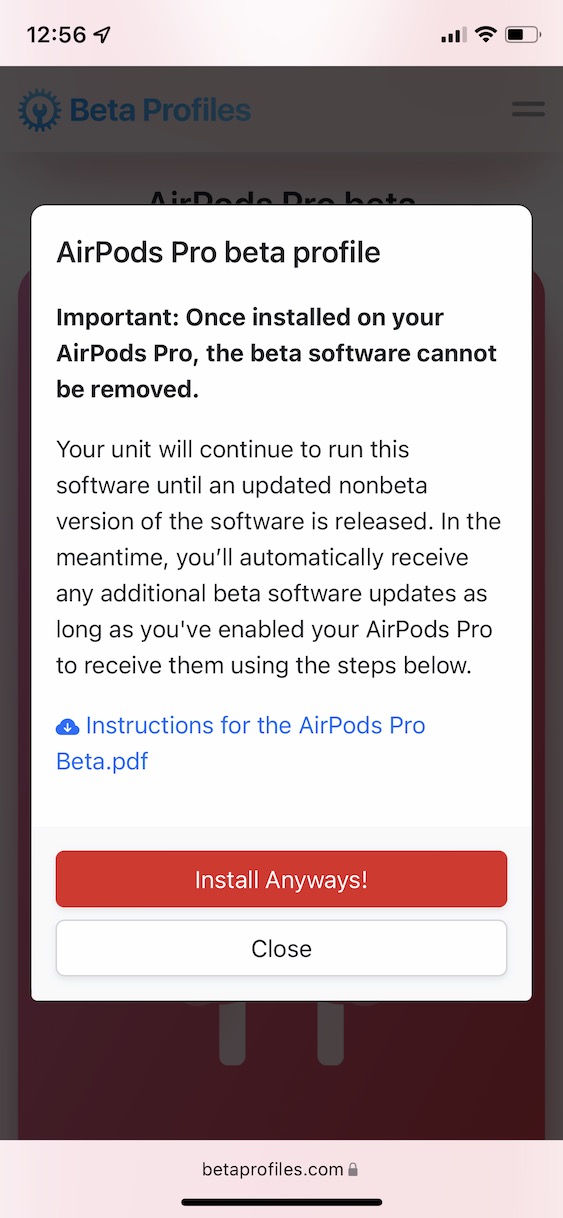
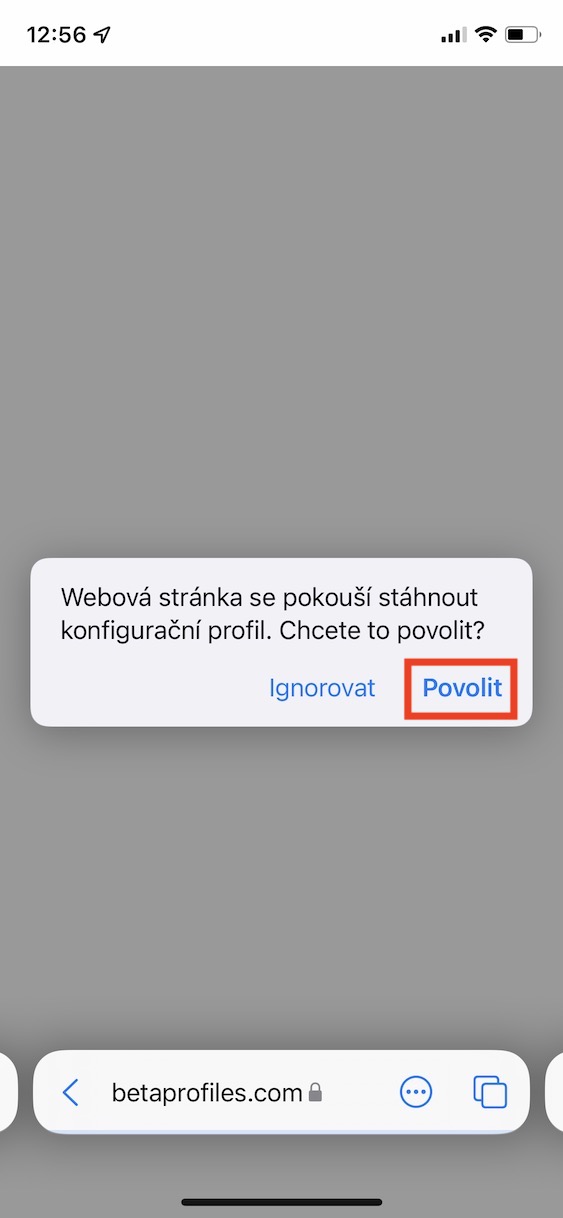
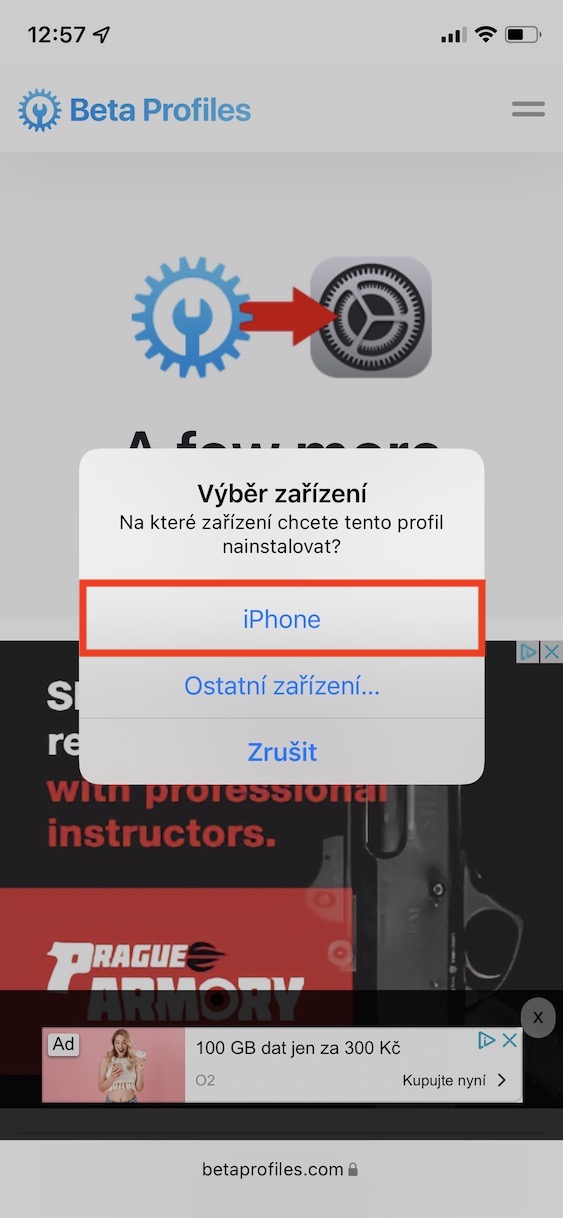
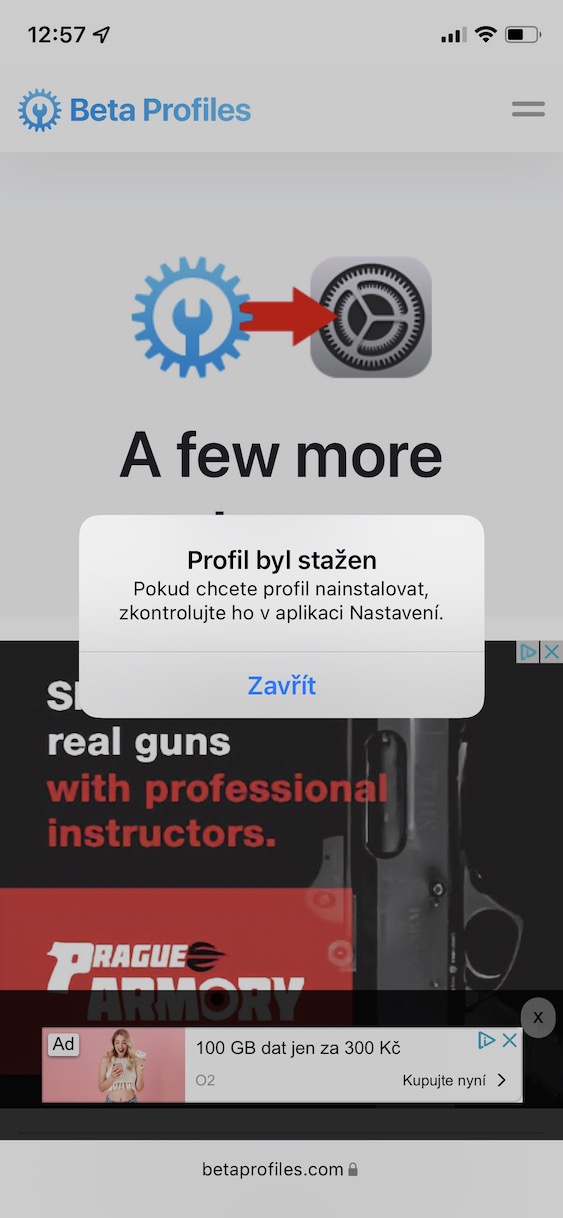
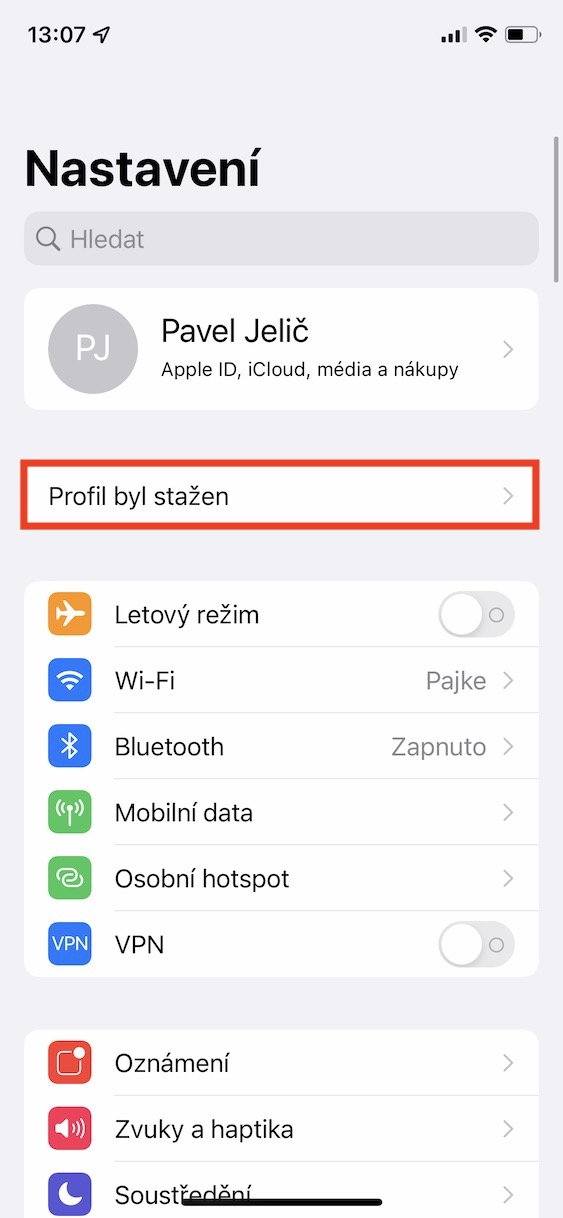
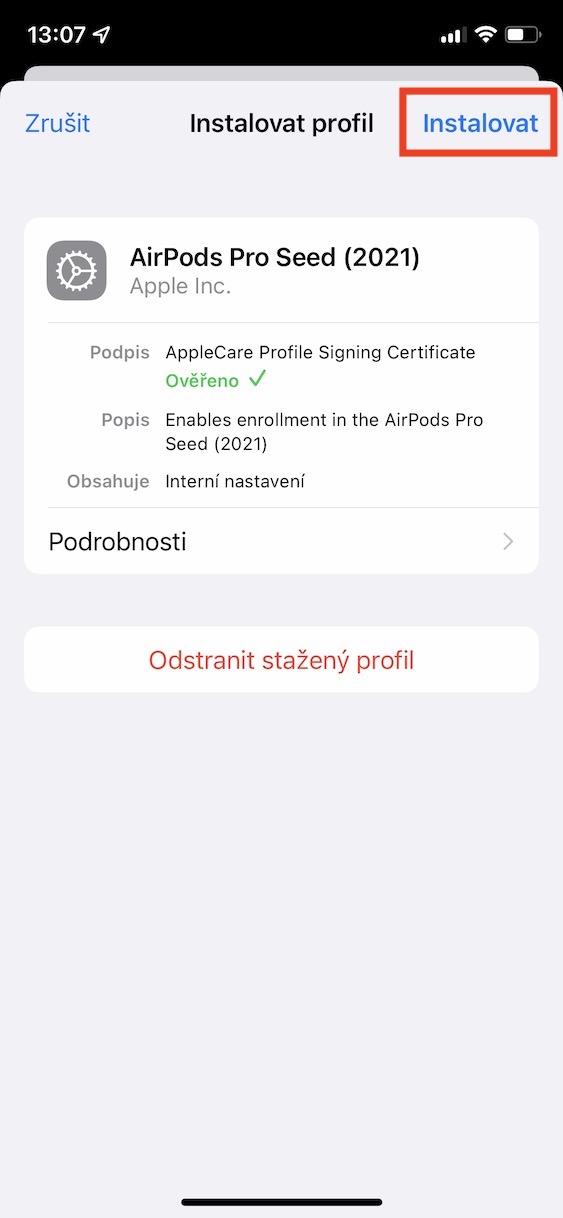
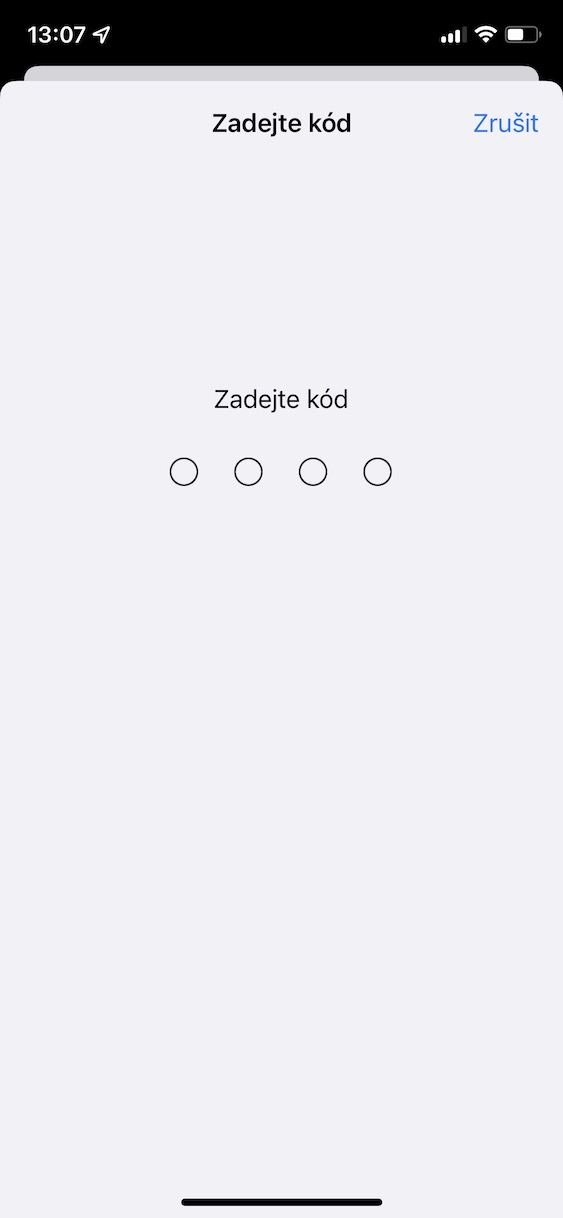
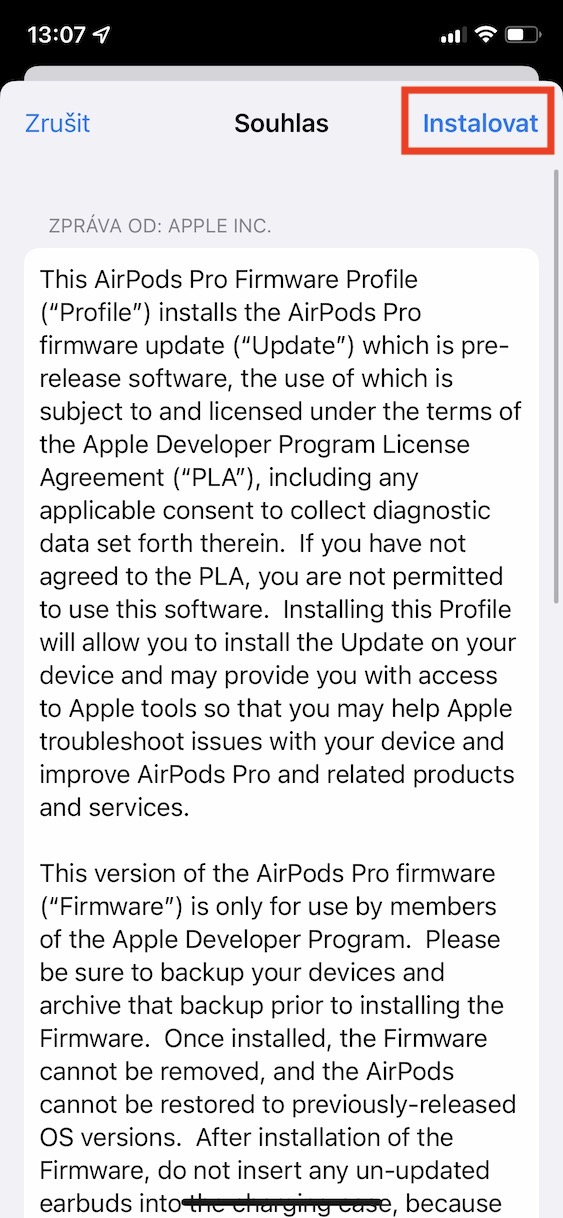
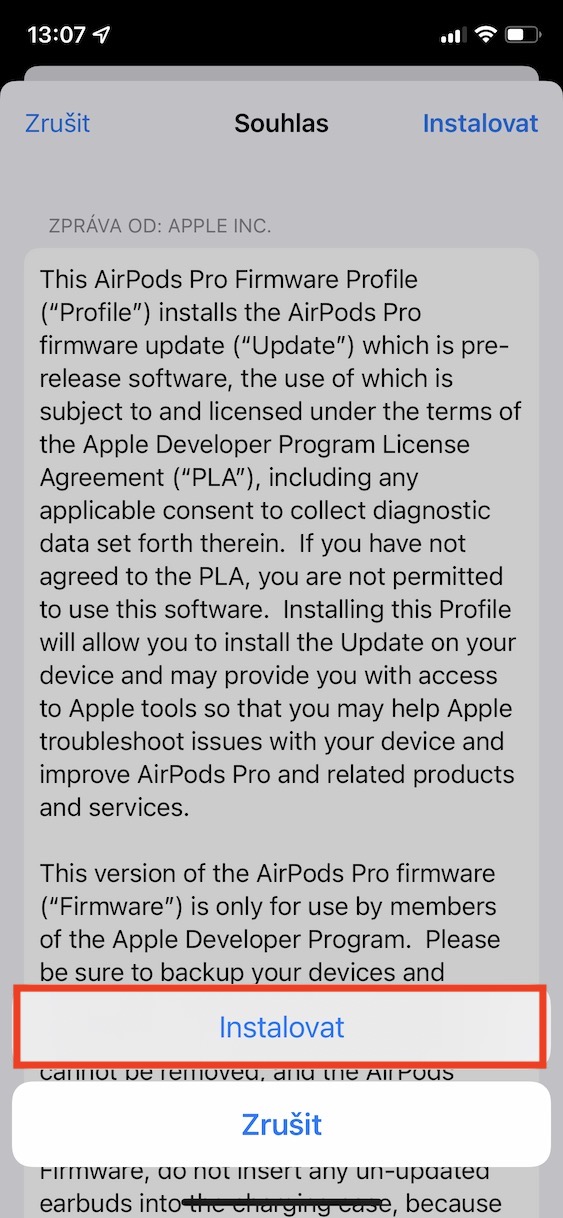
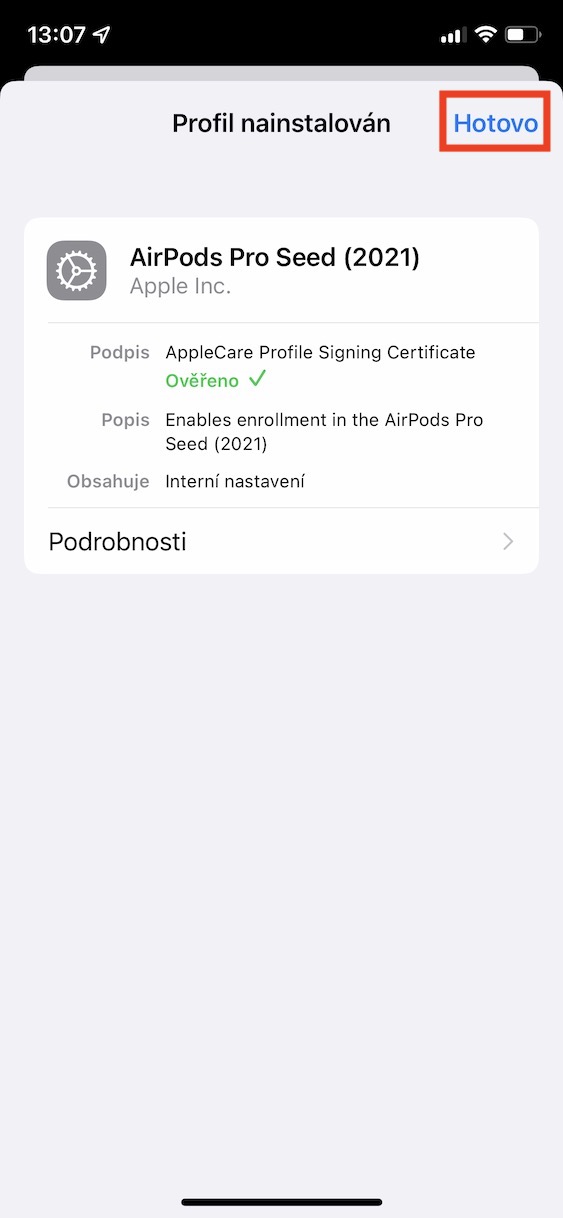
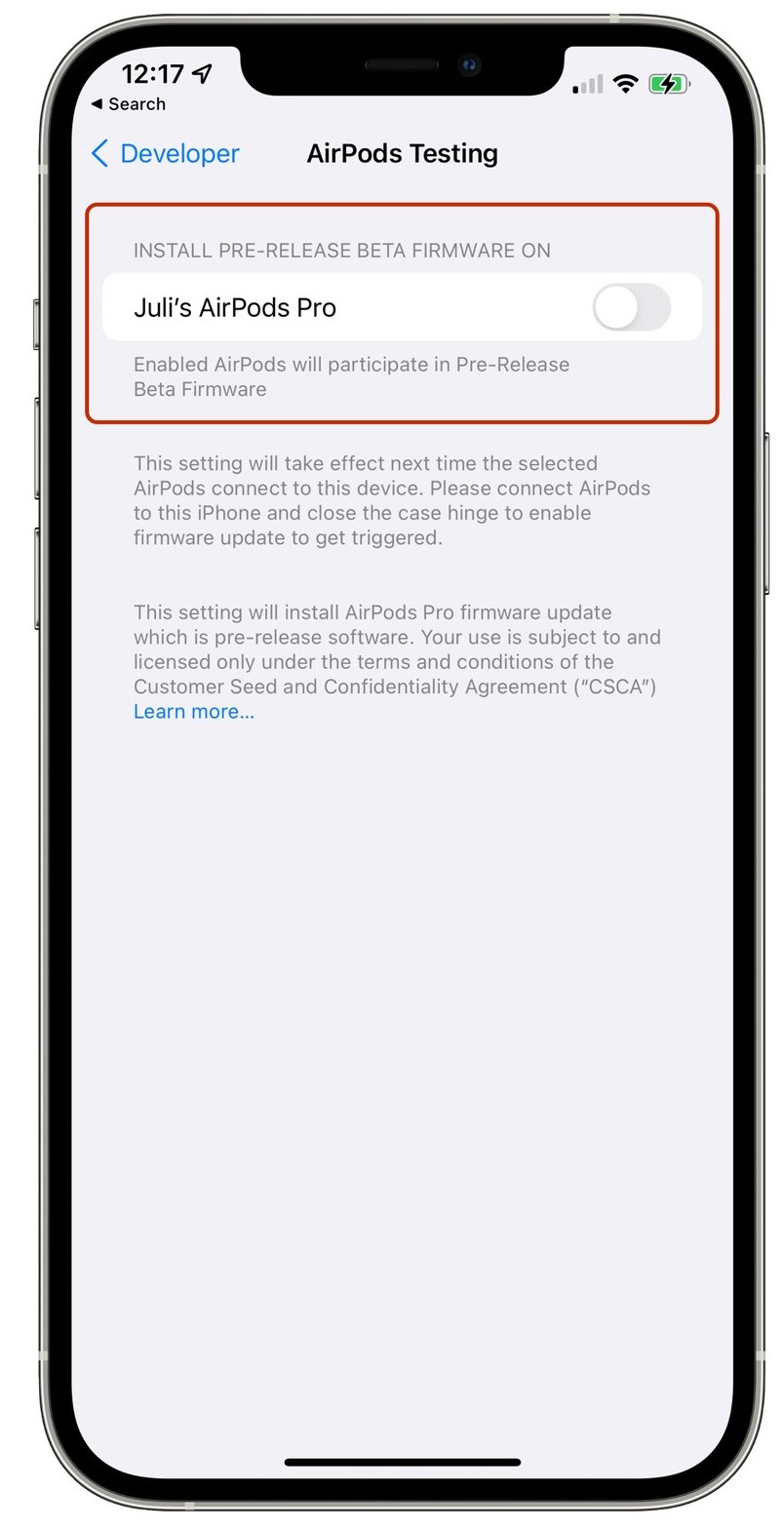
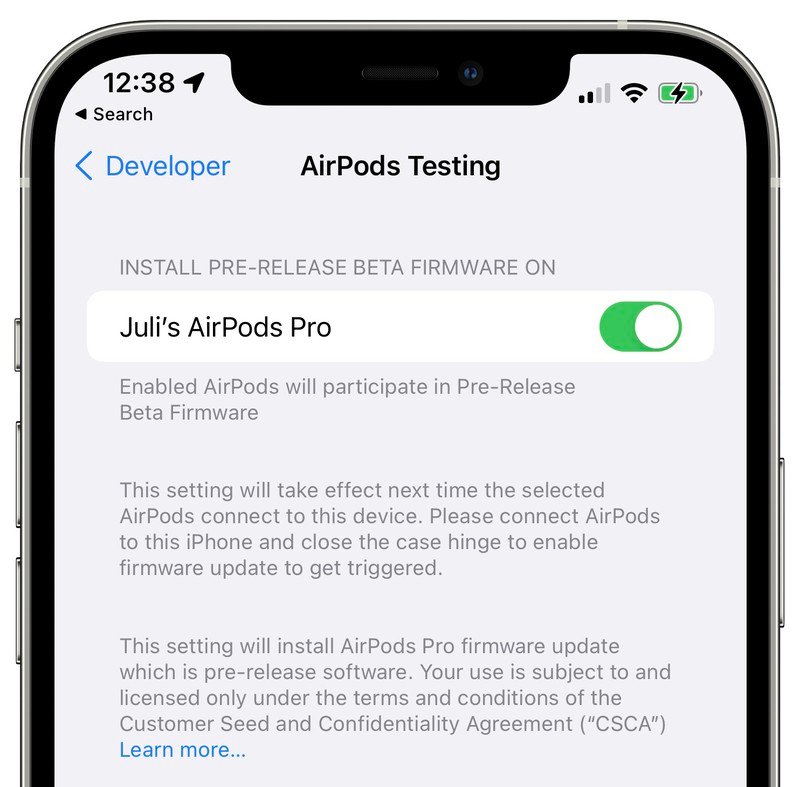
Using the above procedure, you can therefore AirPod Pro install beta version of their firmware, and thus make this option available. The installation itself can easily be completed in up to 24 hours. If you would like to beta version, go to Settings -> General -> Profiles, where the profile beta version for AirPods Pro uninstall. However, please note that this will not uninstall the beta firmware version on AirFloors Pro. Even after logging out, it will remain beta version installed and you will need to wait until Apple will not release a new public firmware version for AirPods Pro, which is then downloaded and "overwritten" beta version.




What's new in this update? A new feature is written in the article.