
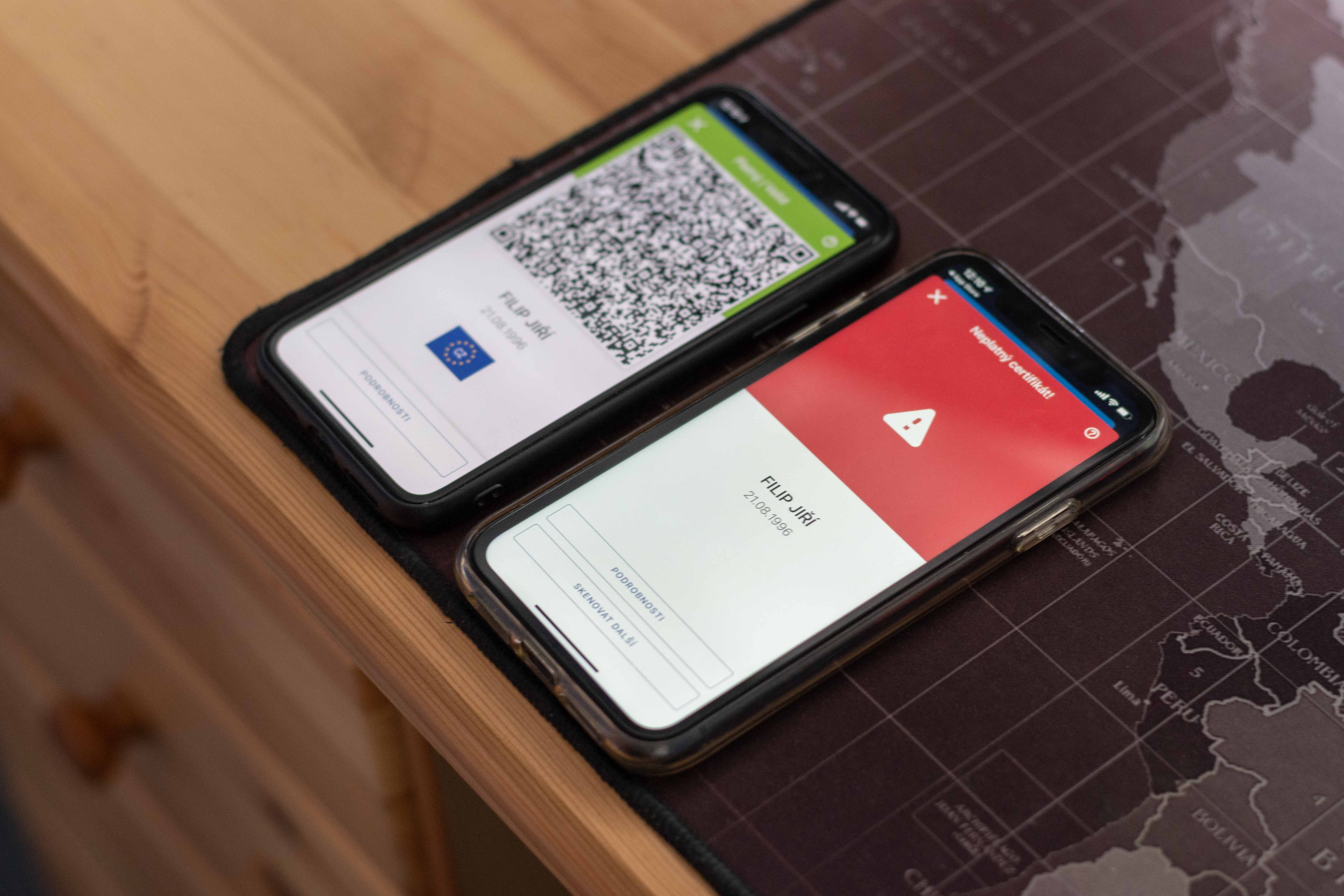
Vaccination certificate to Wallet Almost everyone who owns an iPhone wants to record music. There are currently many ways to do this, and we have shown you one in our magazine. already yesterday. Today you pointed out to us in the comments (for which we would like to thank Tom and Karlov in particular :)) another one and we must admit that it is much more convenient. We are therefore happy to share it with the rest of our readers. So how can you upload a vaccination certificate to your account as quickly as possible? Wallet on iPhone?
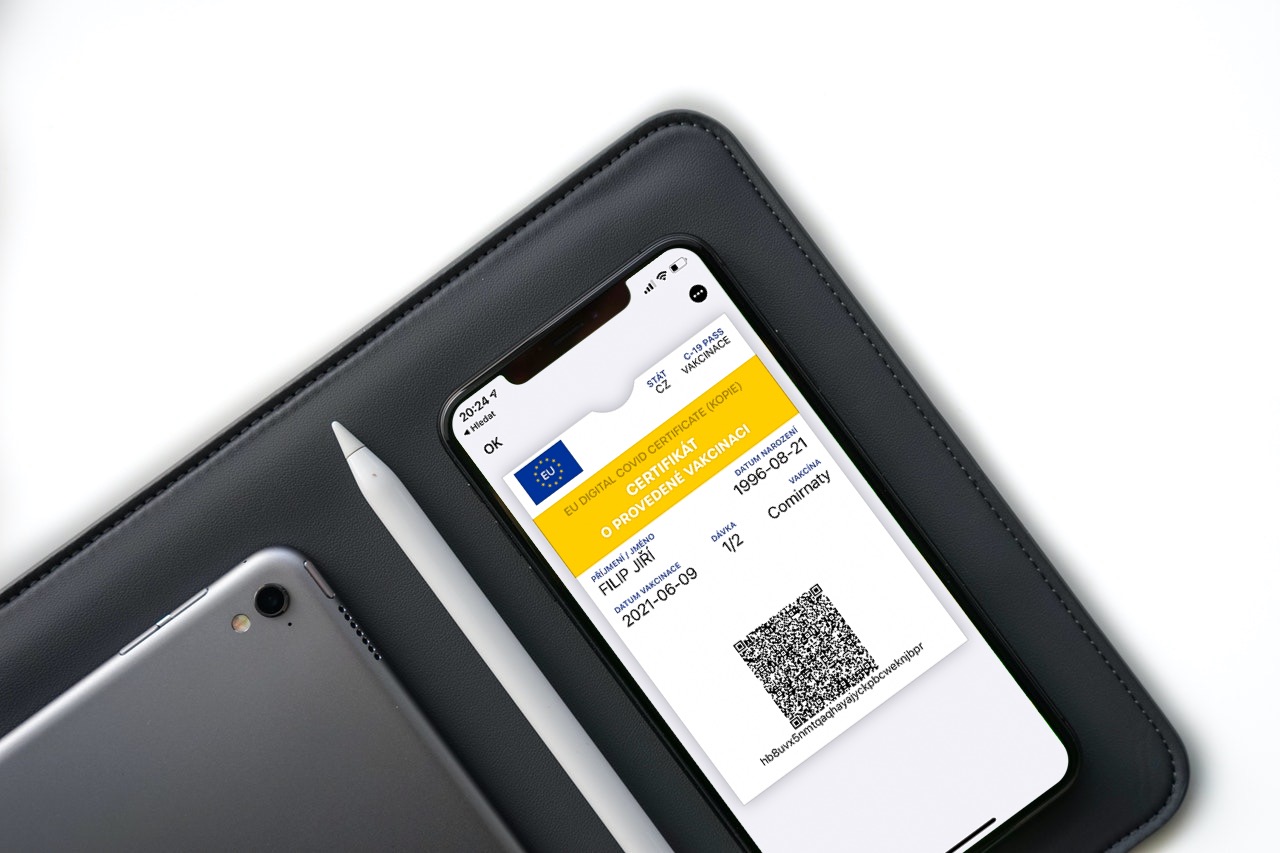
The fastest way to add a vaccination certificate to Wallet on iPhone
- Go to the website ocko.uzis.cz
- Log in either using your e-identity or through your passport number, social security number, email and phone (the second option is faster, so I would recommend this one).
- Once you have logged into the citizen's vaccination portal on your profile, scroll down slightly to the Vaccination section and tap on the Vaccination Certificate
- Your vaccination certificate (or test certificate) will open in your browser. Save it somewhere or at least screen-print it – ideally somewhere on your computer, tablet, or simply somewhere other than your iPhone.
- Visit the page getcovidpass.eu on iPhone
- Tap "create" and agree to the terms
- Scan the QR code from your certificate either with your camera or from a photo stored on your phone
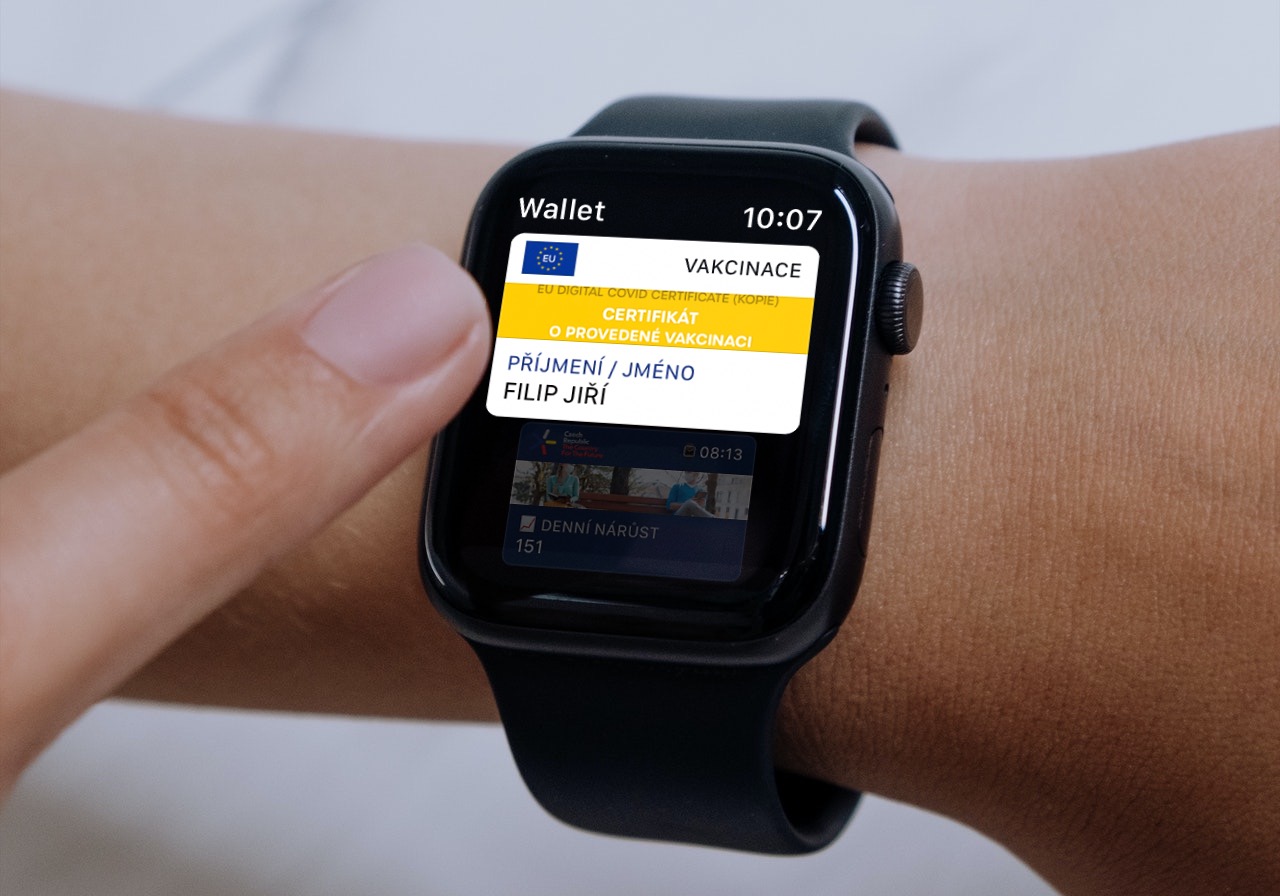
- Once you do this, a card will be automatically generated for you. Wallet with all your data. You just need to confirm it. From now on, you can always find it in Wallet
Behind the solution for creating cards to Wallet stands for the company Your Pass, which many of you may remember as the creator of the coronavirus info card, on which you can find up-to-date information about the development of the epidemic in the Czech Republic for many months. With this in mind, it will probably not surprise you that the processing of the card for the certificate is also of very high quality and reliable. We therefore definitely recommend uploading the certificate to your phone this way rather than detouring through third-party applications.


Great tutorial, works great. Just please correct the web address, it is getcovidpass.eu
You are hypocrites... As soon as someone writes something you don't like, you censor. 🤦♂️ If I'm already stealing, I'll admit it and write that "colleagues found out" or that "they found out on žíve.cz". But you don't. Luxuriate the article and then censor it? I think you can do more. 👍
they don't have extra…
And that's enough. I didn't want to respond, but I really can't help it, because I'm really fed up with it. First - I repeat again that nothing was copied from Živa, neither yesterday nor today. In both cases, someone wrote to us in the discussion that this and that was available, we tried it and lo and behold, it worked. We only found out that Živa wrote about it after the readers were notified. Second - Do you really want to tell me that before every article I have to search like an idiot to see if someone had written about that topic, so that I could source it indirectly, when I didn't learn the information from them? I wrote XY articles here in the style of saying that I read something in the discussion and was excited to write about it right away, to serve it to you as soon as possible. And I simply won't do it any other way, just so that some people here can heal. Third - If there's one thing that really surprises me extremely, it's that readers accuse us of copying, but not Živa or any other medium. Today I exchanged a few emails with the author of the first guide on inserting a certificate into Wallet (Specifically with Mr. Marek Lutonský from Živa) and not because of a would-be copying (to which he literally wrote to me: "I don't discuss similar things for inspiration on various topics, it doesn't make much sense."), but because some hero wrote to the discussion here under his name that the article was copied and he would deal with it. Isn't this completely out of place? Just by the way, for the nitpickers who are suggesting deleting this thread - I deleted it at Mr. Lutonský's request, which I can again prove with an email conversation. And toonefourthly – When we wrote about the Czech Siri and about XY other things that we exclusively found out/found/anything similar and then it appeared in competing magazines that didn't source at all or rather completely outside, why didn't anyone write hate comments there? And in general - why do you even need to deal with it when all this solution is based on speculation, because you simply don't sit with us at the computer and don't know how we got the information? We don't deal with it as a publisher, because we kind of know how things work in this world and that everyone pulls a saw at some point, so why does the consumer need to deal with it? If at least someone thinks a little about these lines, I'll be really happy, because I really don't like what's going on here.
why don't you ban those fictitious comments and ip addresses completely?? they are trolls.. and people are then paid for this behavior.. you will avoid unnecessary problems.. it is clear that this disgust is with facebooku also moves to websites
whine whine
greased idiots, please don't lie and keep doing your work, which is great, those morons are hating you from an android device, I wouldn't respond to that
Arguments like: Prothat someone doesn't criticize others when they do it. It's like defending a person in court: but others steal too, so why can't I. :D
ProYou have readers and reach, so you can't afford it, and it doesn't matter if some guy does it too.
If I had to apologize to every idiot in the state for being stupid, stupid and having stupid insulting bullshit, especially when hidden behind a keyboard, I'd be doing nothing else all my life but living in depression as a decent person. But since I don't care about morons, I live comfortably and I'm satisfied with my outlook, you do your job well, so please keep doing it and don't worry, the morons won't go away, but that was and will be, a smart person stays on top of things :)🤙
Don't let the demented people disgust you, they do it for the pleasure of the reaction it will cause, for the evil itself. They never care about constructive criticism. ProIt's just boredom and total emptiness. This mob will never create anything, they'll just shit. You can see it in discussions everywhere. Pro I think it's an important and beneficial article, as such, thanks for it.
great dense perfect tutorial better than all others.. get rid of stupid comments.. must be written by android users :) i love this site
great and simple instructions, I'm going to get vaccinated on Saturday, so it's just right for me. Thank you
Thank you, great tutorial...
Slovak QR code covid pass does not work
Hm ...
Cough on them Jirko, great tutorial.
Simple, great. Unfortunately, it didn't work in wallet confirm. No matter how much I click, nothing happens.
Exactly. It doesn't work, I don't want to save it between walletCan anyone help?
So it doesn't work for me... After entering Load QR code, it switches to the front camera and it can't be scanned...
And what else should it do if you want to read a QR code?
Rear camera?
It is sad that this initiative will come from a private company and not from the state. I'm honestly not surprised at all.
No need to scan just a qr code.
There is also an option to insert a PDF from a file.
Otherwise it works great and the certificate looks good on both the iPhone and the watch. Thanks
Unfortunately, it doesn't work even with the PDF option. It also appears with the option - save to Wallet, but when I click on it, nothing happens.
Try turning it off and on 🙂
Thanks to the author of the article, great.
ProDo you not recommend using 3rd party applications? I have a certificate in StocarIt doesn't seem like a detour to me, as I normally use this app for loyalty cards.
I didn't find it there yesterday, I thought of it too when they recommended it on MM through some app third party, which was apparently originally created for the same purposes as Stocard. So either I was looking wrong, or they added it in later.
It's there like Vaccinatie paspoort
Great, I already have it. Wallet. Thank you very much for the simple and quick instructions. Don't pay any attention to what other trolls say here who criticize you. They are mostly people who have never written a single article in their lives.
Great tutorial, thanks
Super
Awesome!!! Only when I try to read the QR from the watch it says "Could not find any usable data."
...but it works via čTečka ;)
Thanks, this is exactly what I was looking for. :)
Hello, why was my post from yesterday deleted? Resp. I don't see him here today.
I wrote that the article was a great tip, but that there was a much better application from App store is different, specifically Pass4Wallet. It's ad-free, free, and some readers might like it even more than the editorial tip. I thought there was a decent and inspiring discussion about it here...
It's there like Vaccinatie paspoort
sorry wrong thread
"FAILED TO START CAMERA"
Close.
When I scan the QR code it doesn't find anything...now what?
Cool. Thanks.
Can't load QR code, nothing happens!!!
1st certificate for I6s went to me wallet upload, but 2nd to I12 is not worth anything... :-(
Thank you Great.
The best tutorial on the web. Thanks
Hi, thanks a lot for the super quick guide.
Great and simple guide, thank you!