If you are among the individuals who are interested in the company Apple, then you certainly didn't miss the developer conference at the beginning of the week WWDC21, at which the Cupertino giant traditionally presents its new versions of operating systems. Specifically, this year we got to see the introduction of iOS and iPadOS 15, macOS 12 Monterey, watchOS 8. Of course, we are diligently testing all these new versions of operating systems for you so that we can bring you all the news. If you are one of the brave ones and are testing with us, you might be interested in the various changes that Apple he came One of them, within macOS 12 Monterey, concerns displaying the top bar in full screen mode.
You might be interested in
macOS 12: How to disable auto-hide top bar in full screen mode
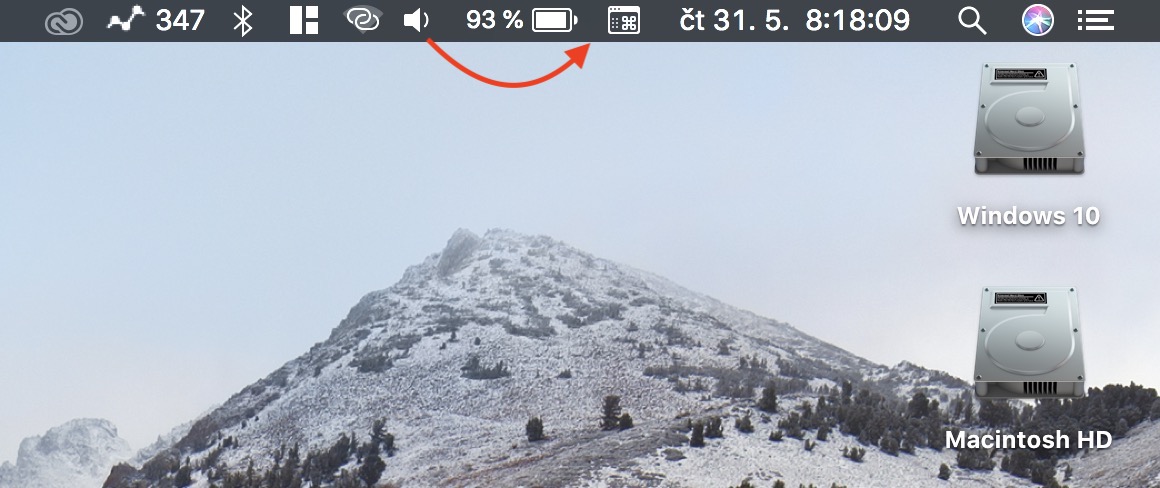
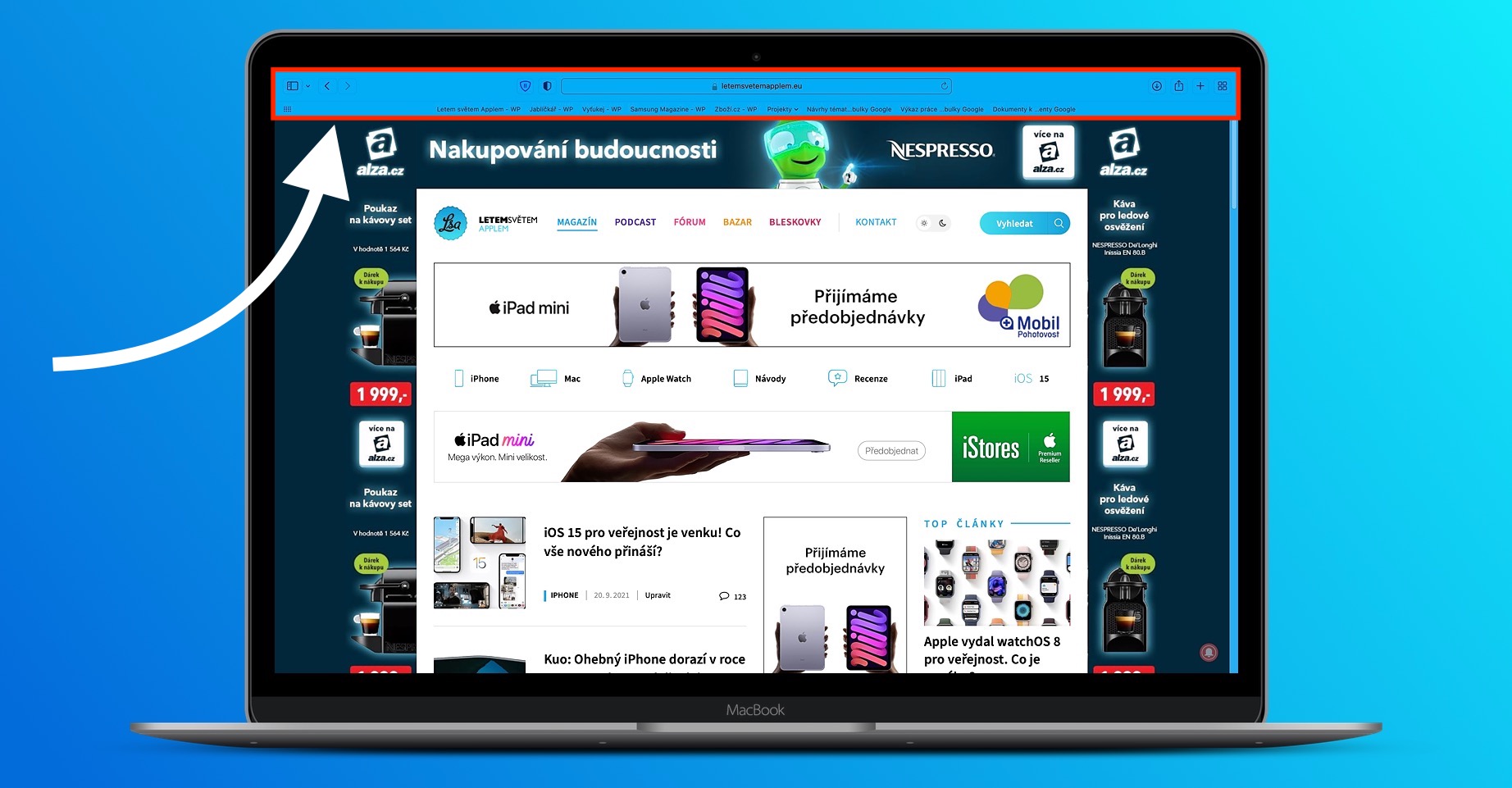
In older versions of macOS, if you go into full screen mode, the top bar, or menu bar, will automatically be hidden. To display the top bar in full screen mode, you need to move your cursor to the top of the screen - it works similarly in the case of Docku, you just have to scroll all the way down. If you don't want the top bar to automatically hide, just use this procedure in macOS 12 Monterey:
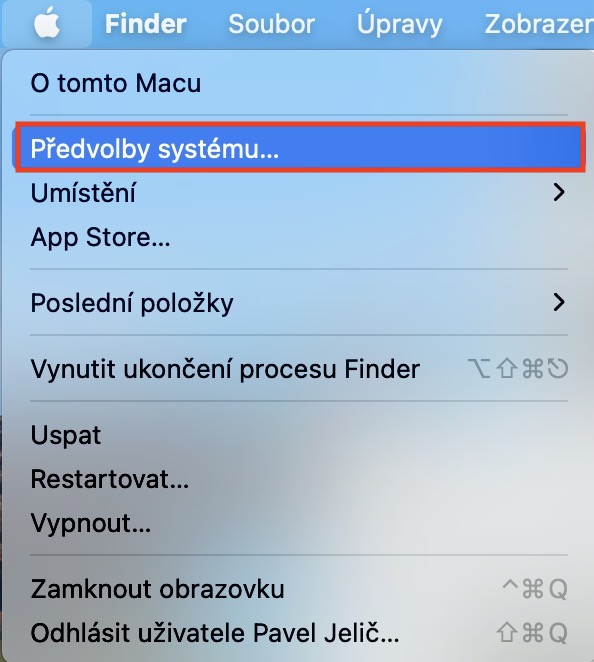
- First, you need to tap on the top left corner of your Mac icon .
- Once you do so, select from the menu that appears System Preferences…
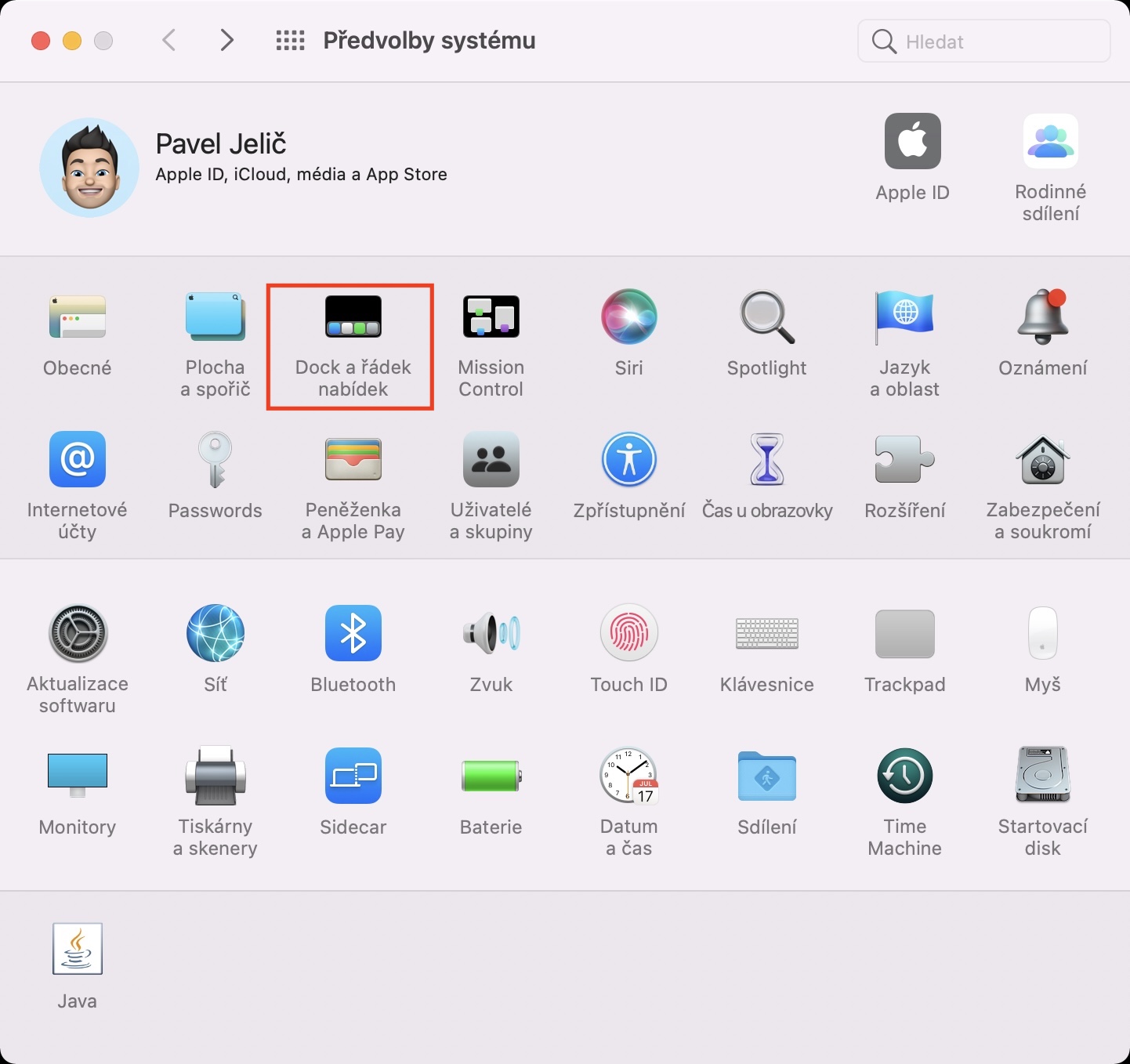
- This will bring up a new window with all available sections for editing system preferences.
- Within this window, now find and click on the section called Dock and the menu bar.
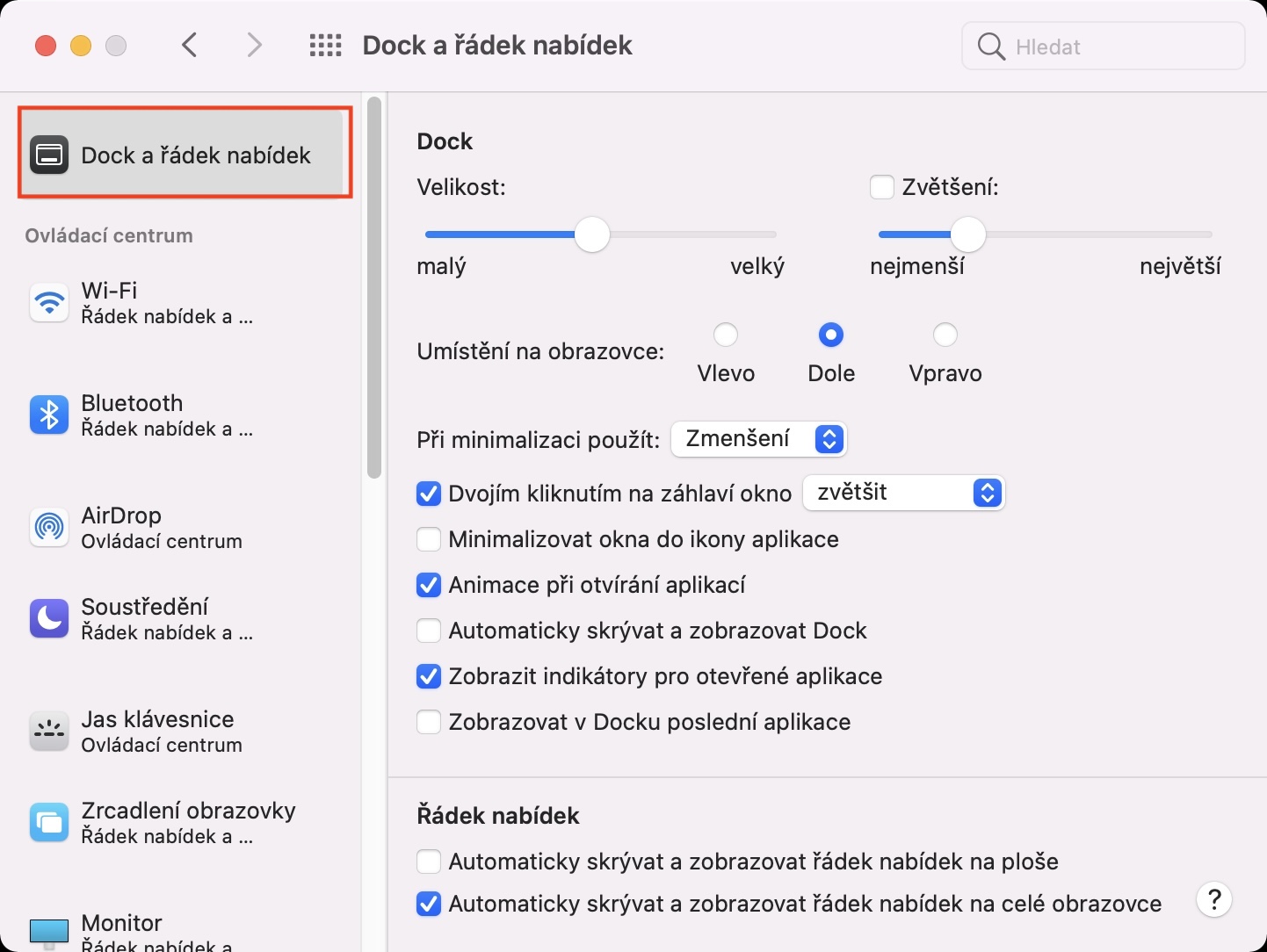
- Next, make sure that you are in the tab in the left menu Dock and the menu bar.
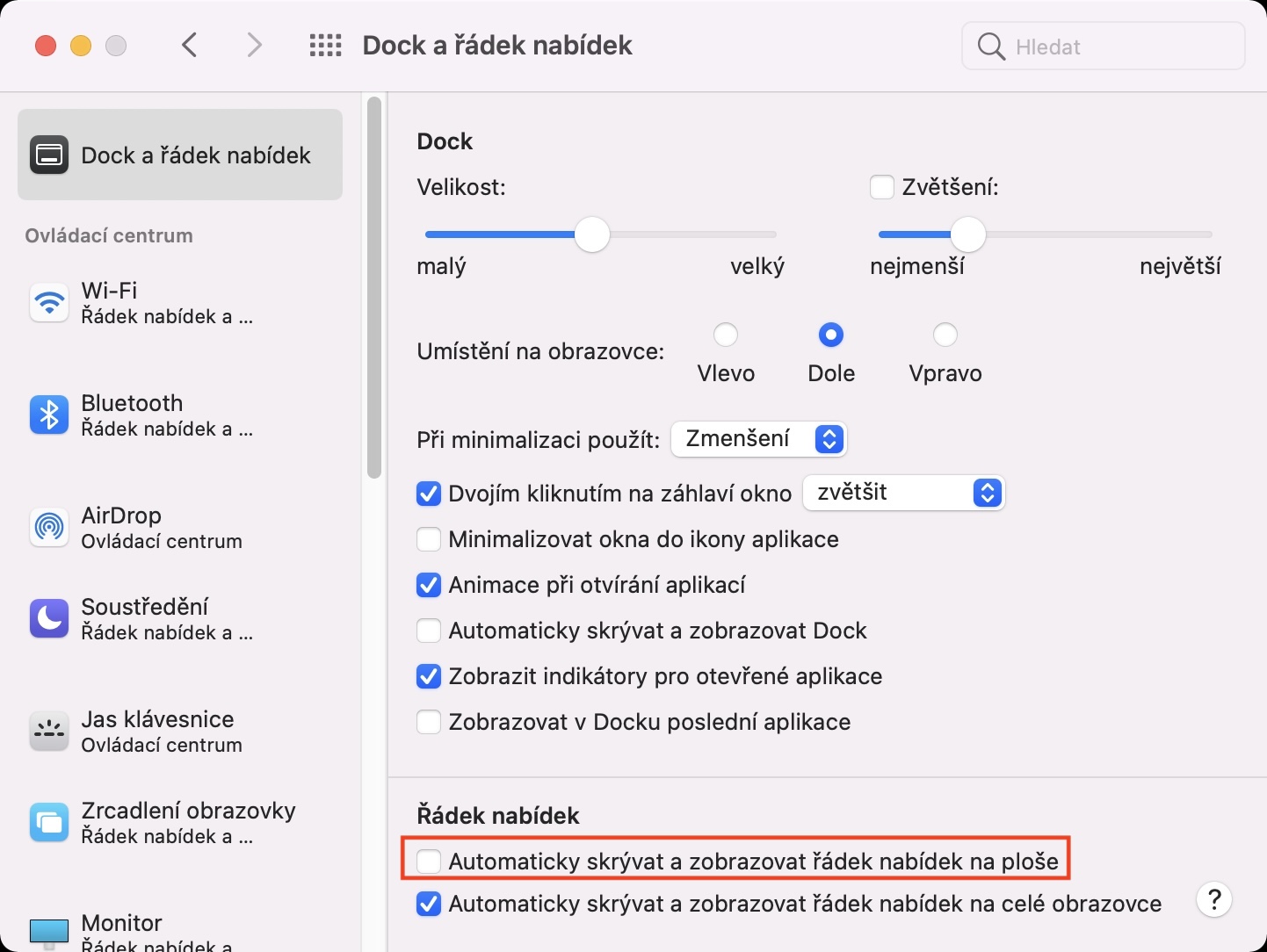
- Here, only in the lower part of the window is enough to ticked off possibility Automatically hide and show menu bar in full screen.
Gallery
So, using the above method, on a Mac with macOS 12 Monterey installed, it is possible to set the top bar not to hide automatically in full screen mode. Instead, it will remain displayed at all times. Some users may find it annoying to hide the top bar in full screen mode, mainly because they stop seeing the time and thus lose track of it - this is my example. So I'm personally glad that Apple added an option to disable hiding the top bar in full screen mode to macOS.