
After the introduction Keynote this year's WWDC released Apple as is traditional, the first developer betas of their newly introduced operating systems, among which, as expected, iPadOS 15 appeared. And since, as is traditional, I downloaded it to the editorial iPad so that I could start testing it as soon as possible, and I've been playing with it since Monday night, now is the perfect time to ask myself what the first beta is. However, please take the following lines with a certain reserve. They will be based only on my impressions and observations, which depend on the functionality of “my” beta. Your system may behave a little (or even a lot) differently after installation.
You might be interested in
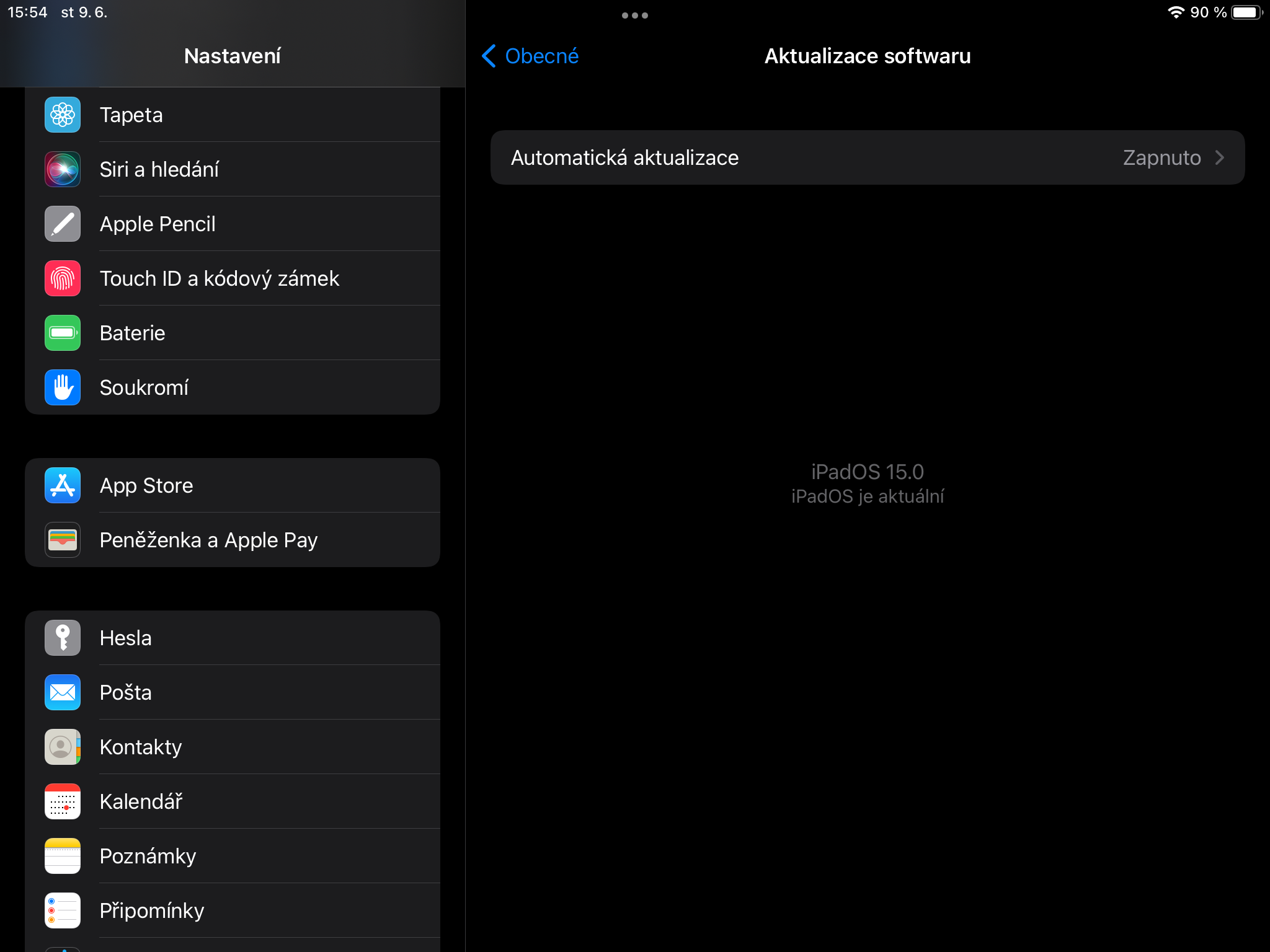
Let me start by saying that the transition to the beta was not as smooth as I expected. Although its download was quite fast already on Monday night and the preparation of the installation just as well, however, once everything was ready for installation, for some mysterious reason I could not start the installation by pressing the appropriate button on the display. I managed to get everything to work after about five minutes of constant resets and other efforts of that nature, which honestly worried me a little. Getting stuck on the installation itself usually does not bode well.
Fortunately, once the installation process started, it was unmarked and I was able to enjoy the first developer beta of iPadOS 15 after a few minutes. I installed specifically on a basic iPad from 2018, which is equipped with a chipset Apple A10 Fusion and 2 GB of RAM. So this is no hellish iron, but on the other hand, not a piece ripe for scrap. So a pretty ideal piece for beta testing.
After completing the installation and clicking off the classic question windows, the iPad on the new iPadOS was quite sluggish and loading poorly. widgety. While time widgety fixed it, not so much the crashing. Unfortunately, I'm still experiencing it now - about a day and a half after installing the beta. Fortunately, it's nothing extreme that would make the tablet unusable, so there's no point in considering a downgrade - so miniat least in my case.
As for the new features worth mentioning about iPadOS (and which are exclusive to it – i.e. not available on iOS 15), there are so many of them in the system – unfortunately. The expectations of a great system revolution for iPads have not come true in the slightest and we have tochat to any greater openness that would make iPads more usable devices overall, as they could be used equally or miniAlmost like Macy's, go for it. Too bad.
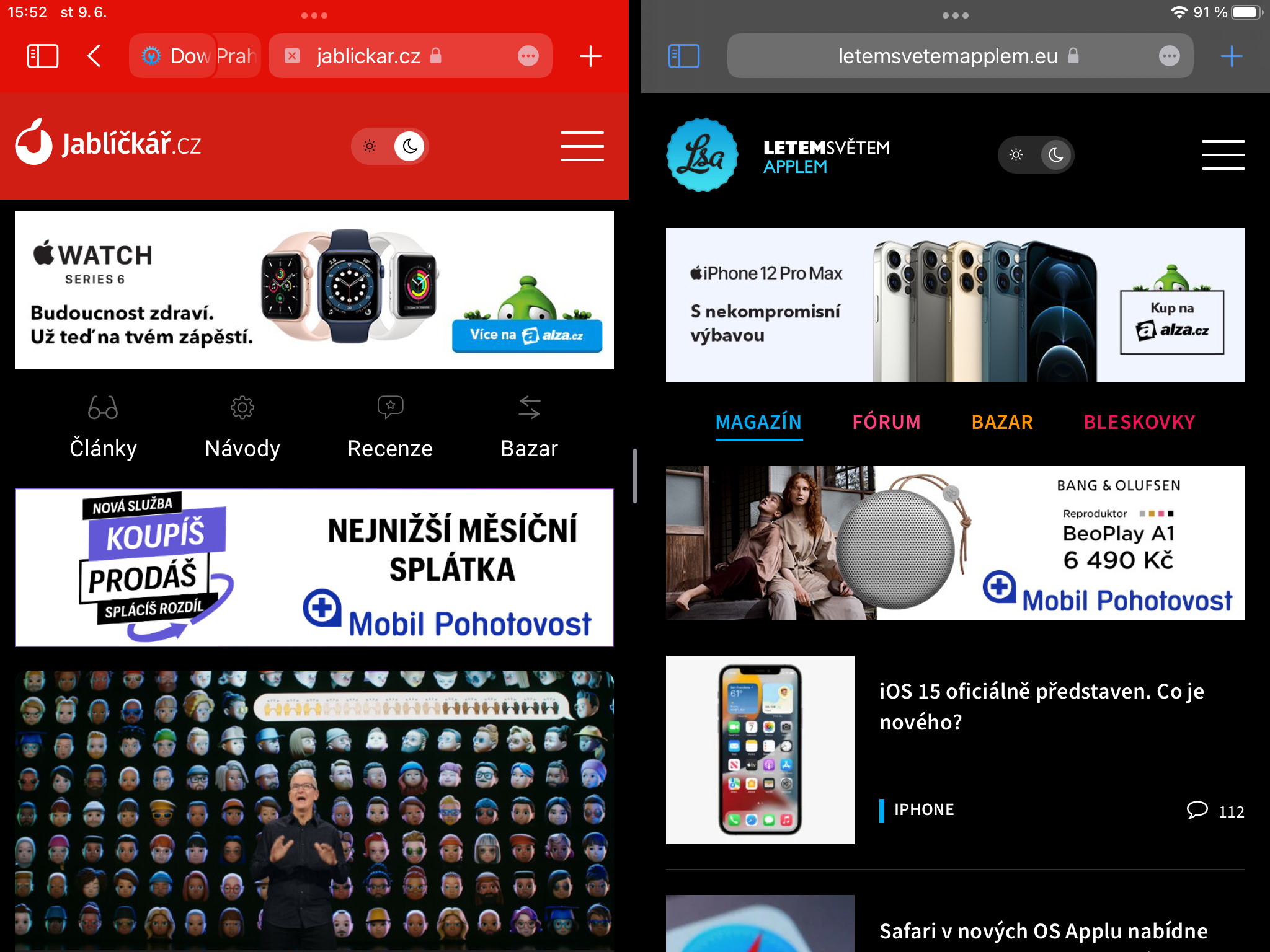
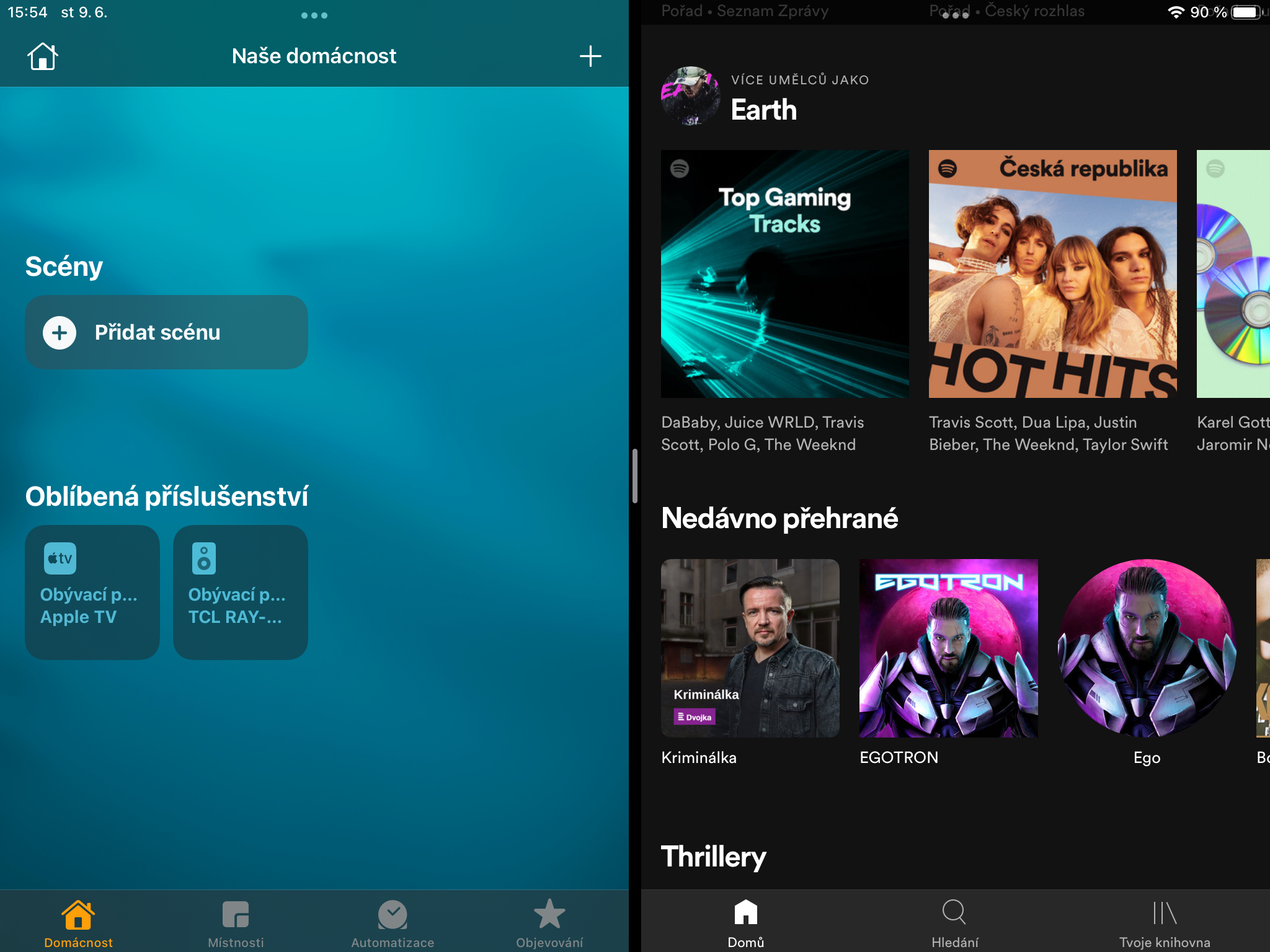
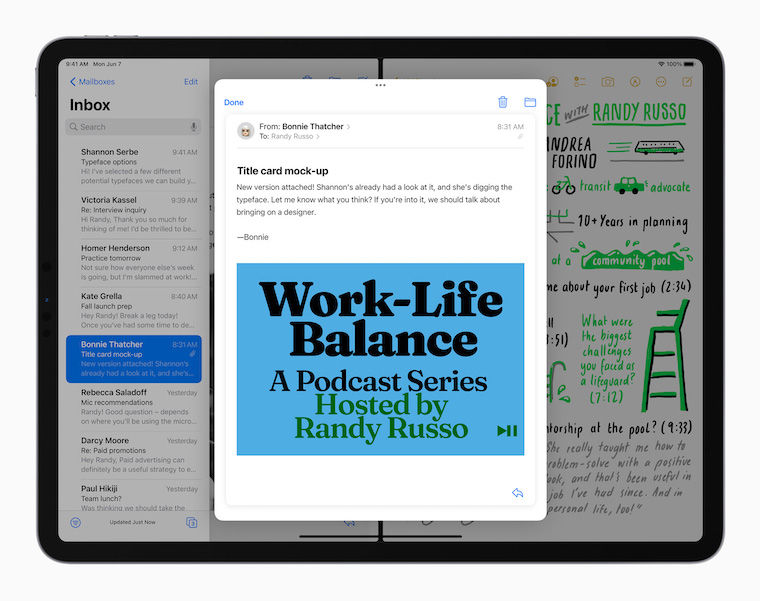
Apple if in WWDC It really made multitasking easier, which is one of the iPad's main weapons in my opinion. It's easier to launch and use, but to be honest, I'm not entirely convinced that it's as much of an improvement as it is. Apple presented. I'd rather say it's a bit more intuitive to launch and use now that you're using more visible elements for it. Inexperienced users will probably get used to it more easily, which is nice. On the other hand, once that happens, some of these improvements start to lose a bit of meaning. But yes, it fits here Apple praise, because even these improvements are simply pleasant.
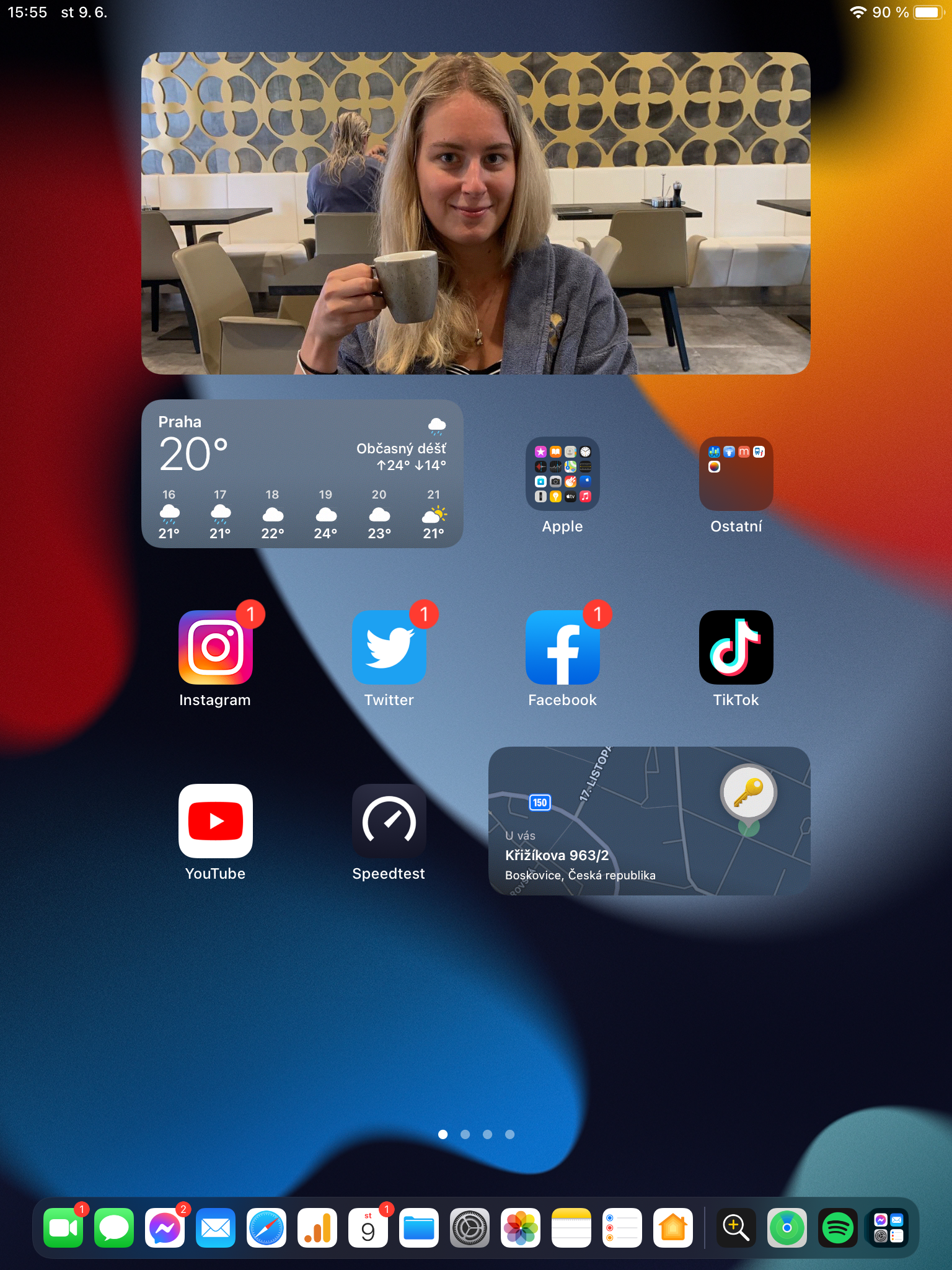
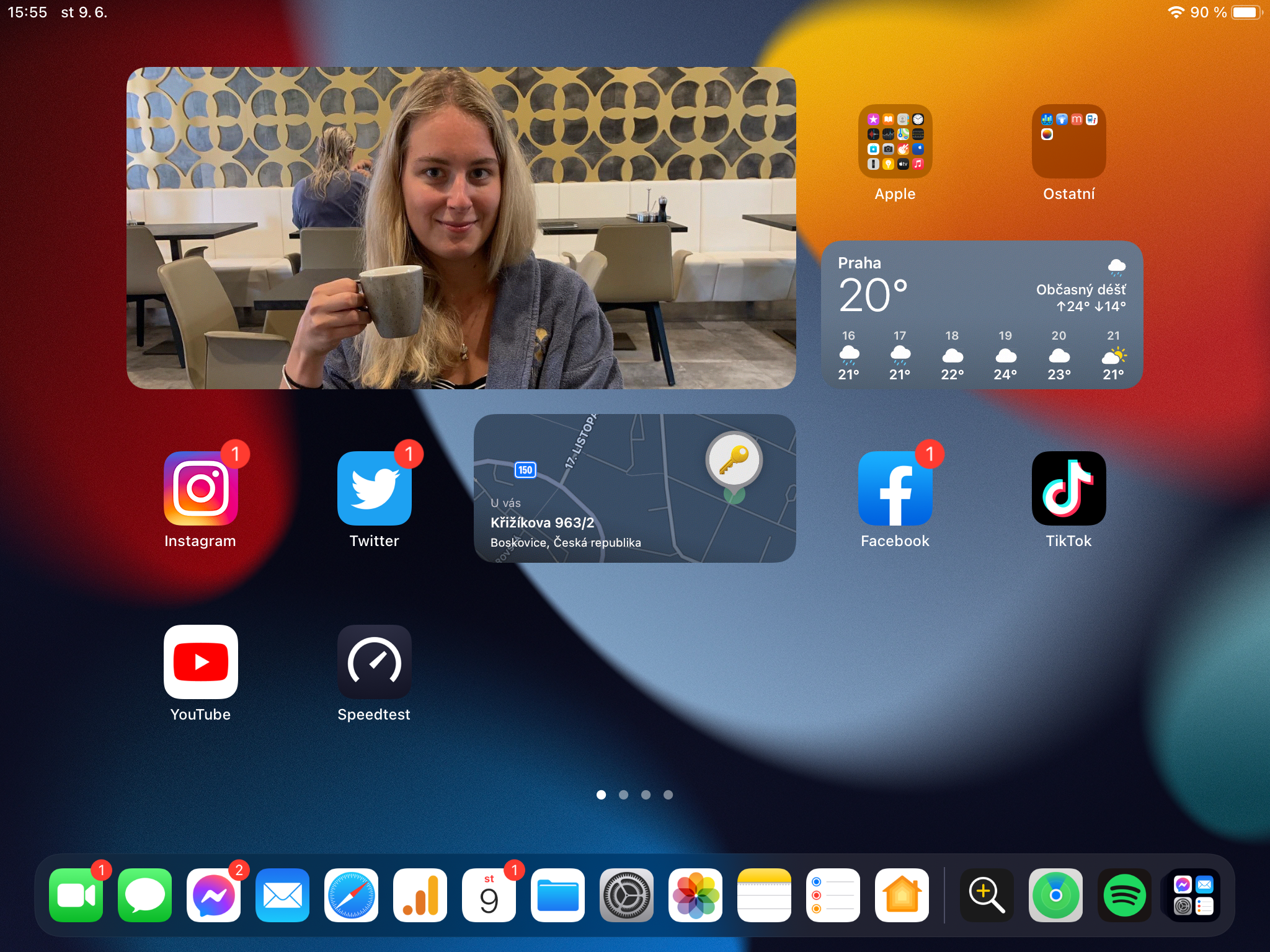
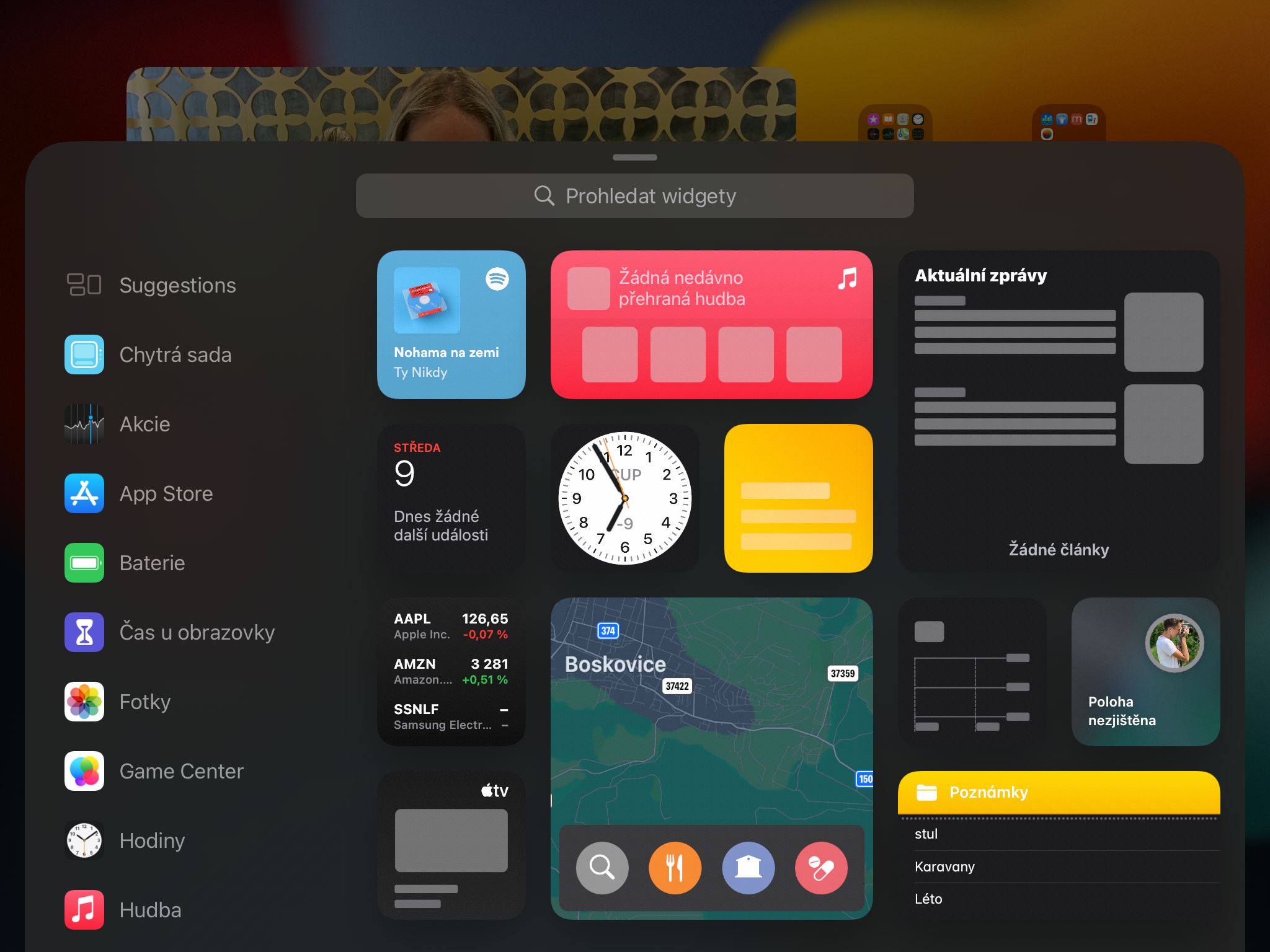
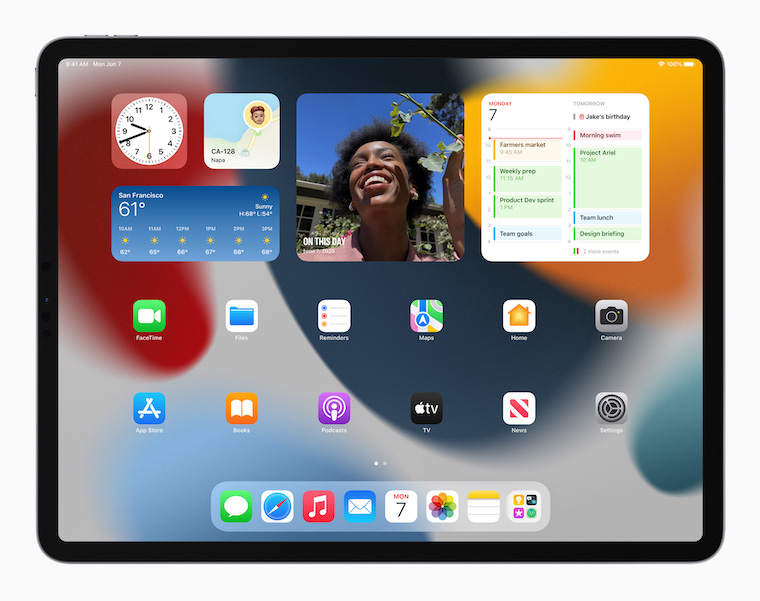
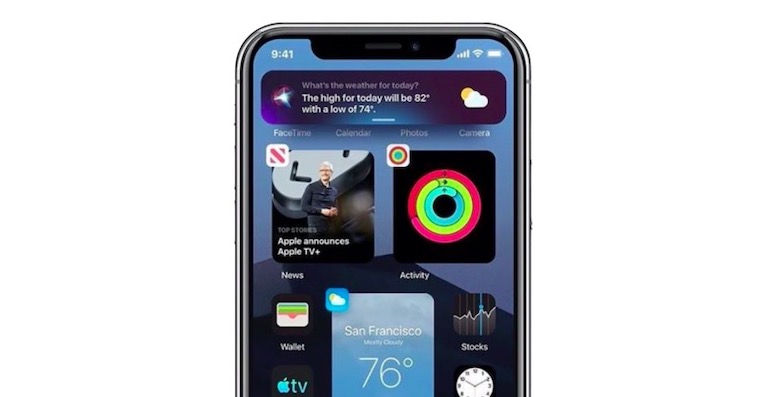
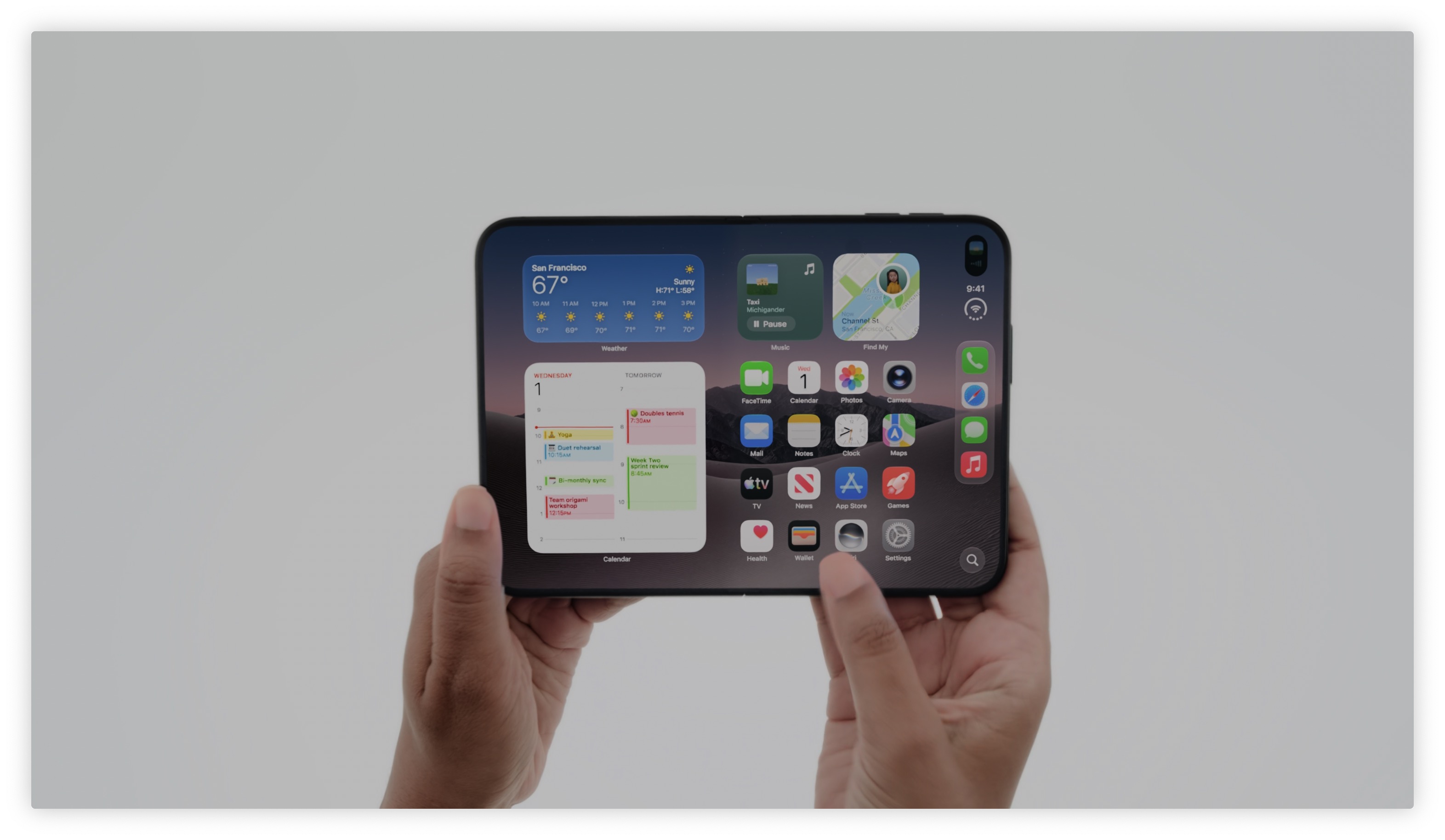
I personally am also a fan widgetSo it probably won't surprise you that this year's unlocking of the area for attaching them almost anywhere and however pleased me immensely. Widgetthe center that Apple used last year, because it didn't make sense to me and I'm therefore very happy that I can put some of my favorite pieces directly on the desktop. It's great to be here Apple did not limit the size to widgetyz iPhones, but he also started working on much larger panels, the usability of which is great for me. For example, such widget There are actually quite a few usable files – that is, if you, like me, are used to backing up your Mac desktop to iCloud, thanks to which you are able to view it on the iPad de facto. But Photos is also nice, which still only displays random images, but in a larger format they simply have their own charm. I commend you Apple deserves it too widget for Find, which I received after arrival AirThere were a lot of tags missing.
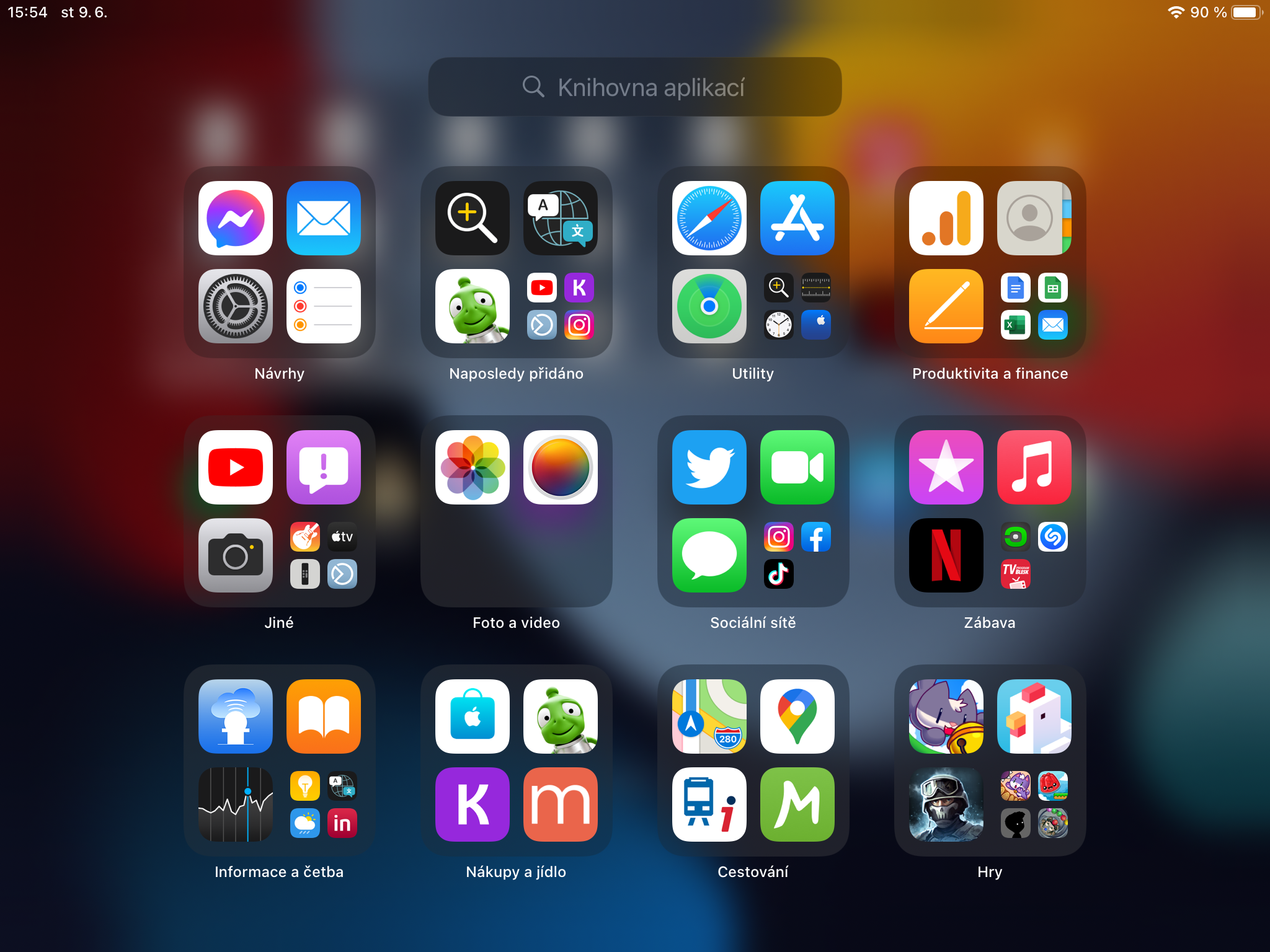
I must also point out that placing the application library in docku, which makes its usability much greater than it was in its previous version, which you had to "swipe" to get to. Of course, if you don't use this feature, it will probably still be useless to you, but if you're used to automatically sorting applications into folders according to their type, I think you'll really like this.
As for bugs as such, I haven't come across anything that would really limit me in any way. Third-party apps are also quite stable in beta, although I don't know how banks are doing - I only use them on my phone. ProIt doesn't run smoothly even after a rebuild. Safari, but I don't want to start evaluating it yet, because I have to absorb it as a whole. There are quite a few new features, both visible and less noticeable. I would therefore not like to make any hasty judgments after less than two days of testing.
Gallery
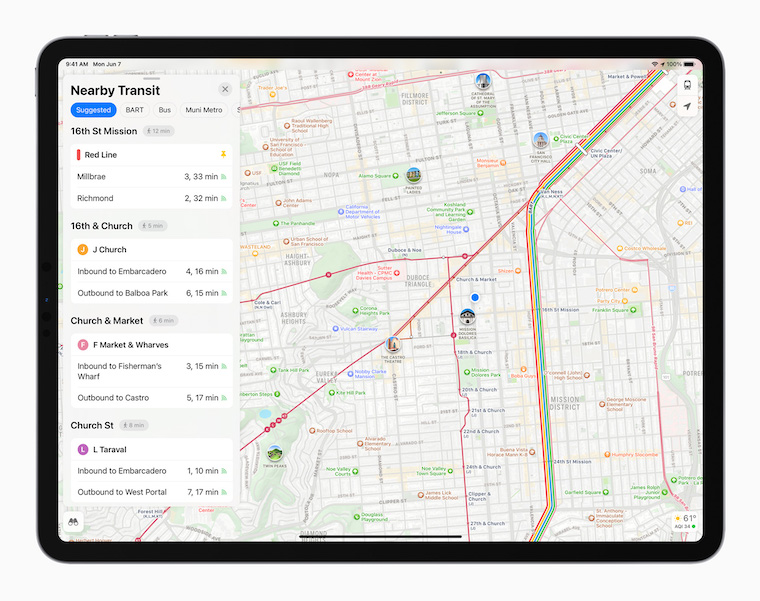
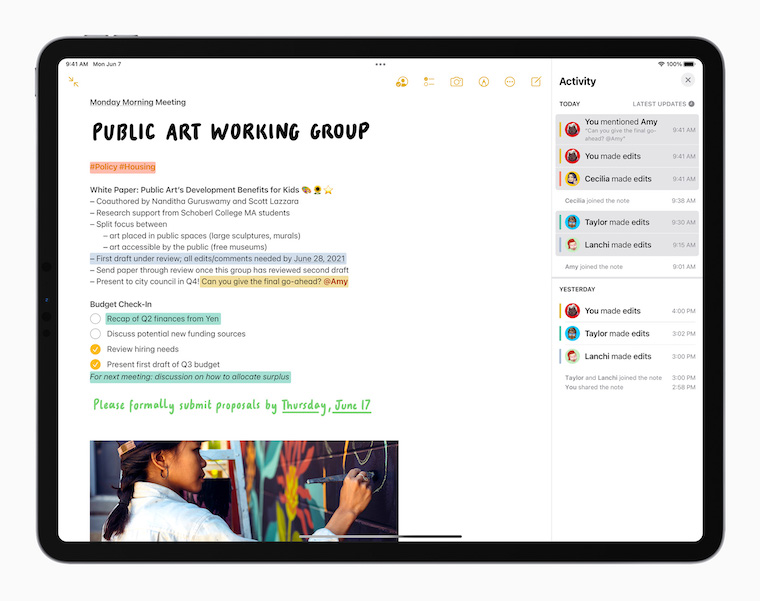

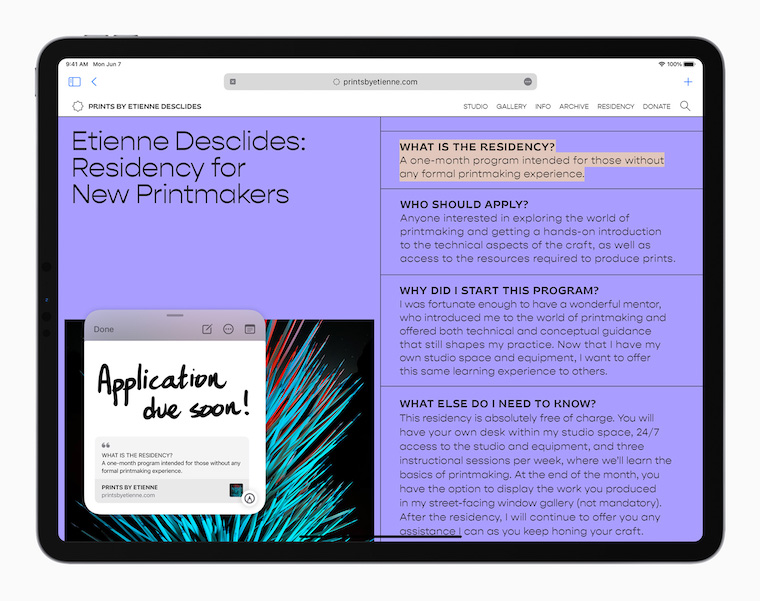
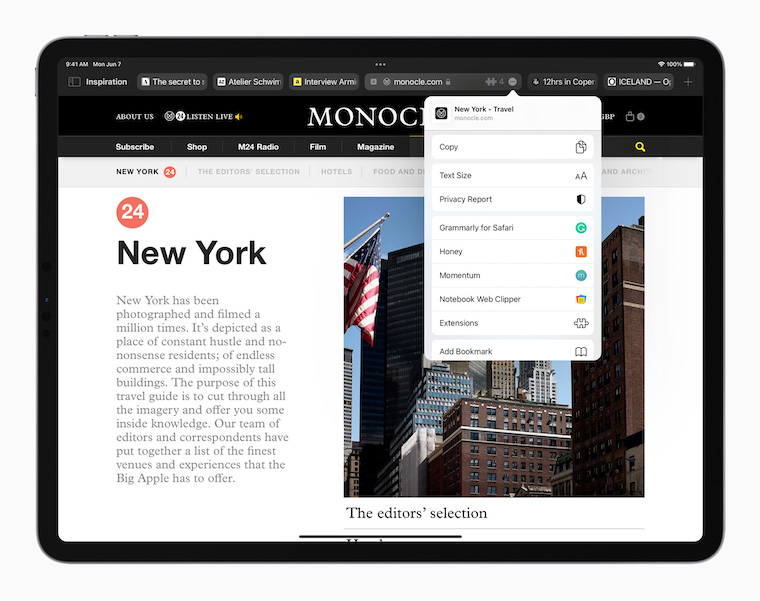
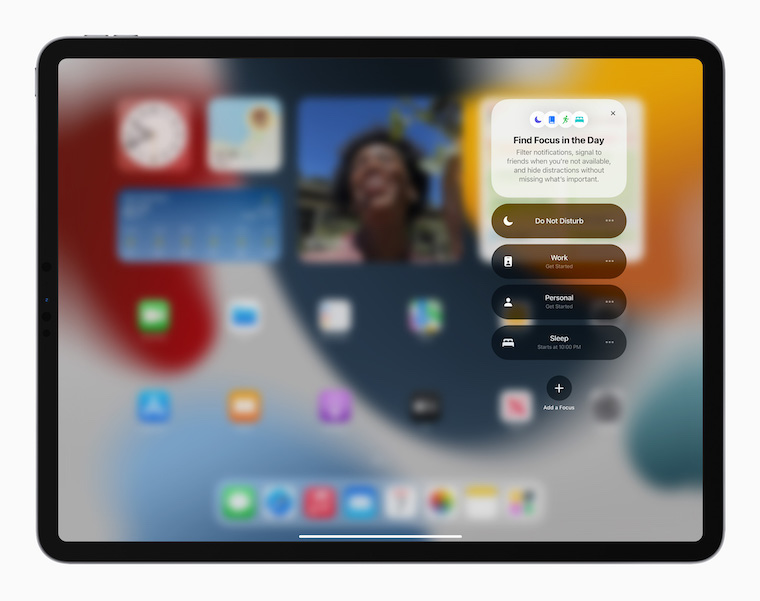
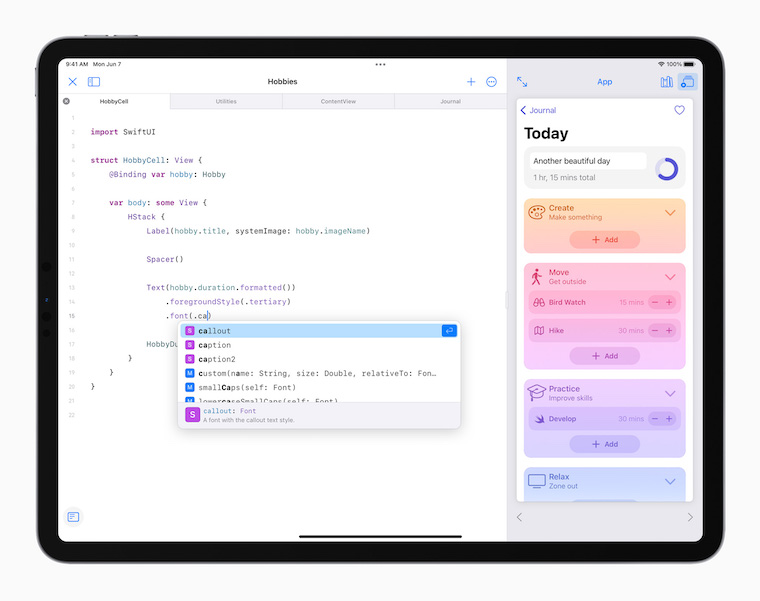
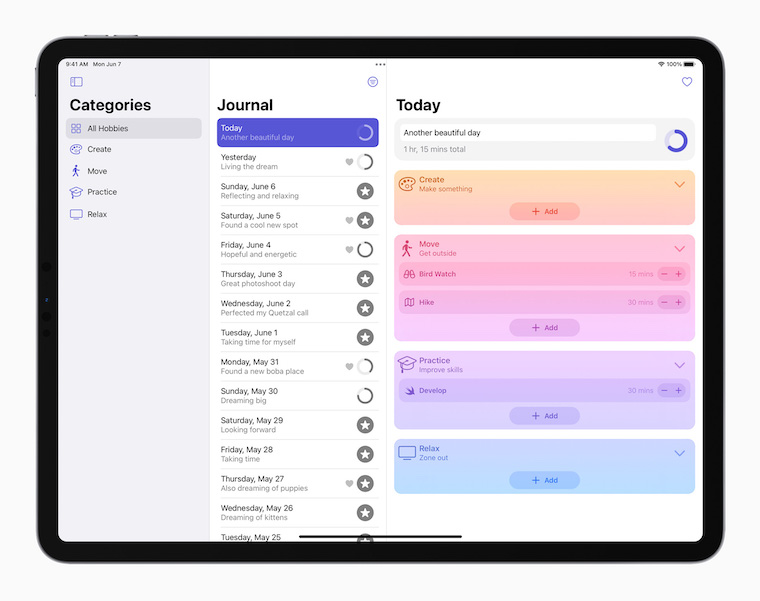
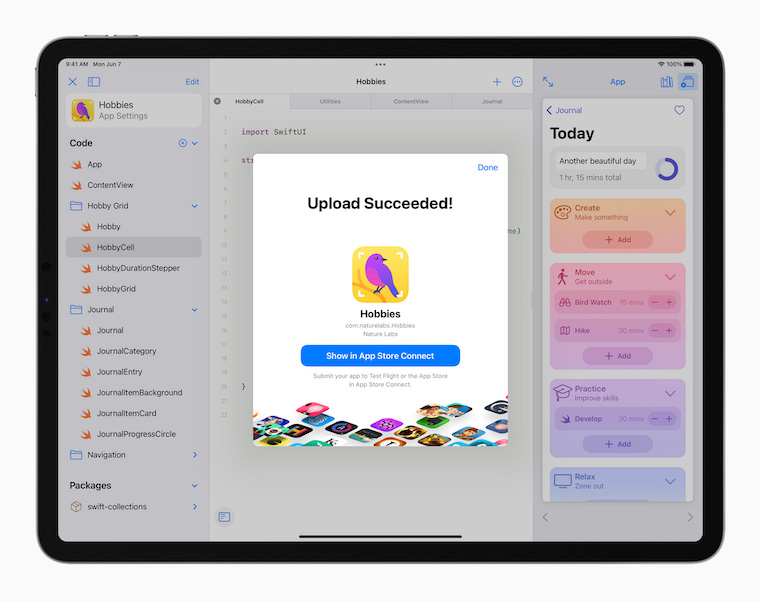
Therefore, I would evaluate the first beta of iPadOS 15 as a relatively successful software, which did not make me dislike using the tablet in any way. On the other hand, I didn't like it so much that I would now tell you to go ahead and install the beta despite the risks associated with it. To be honest, if I were you, I probably won't get too involved in the installation, because in short, I don't see many reasons why not to wait until September for the few new things it brings. The system overall looks more like an iPadOS 14 v.2 than something that you would want to jump on and not look back at the risks.
You might be interested in




It's such a shame that at least the monitor support hasn't changed (full screen display and not with black borders)..
Personally, I'm also a big fan. widgetHowever, the current change did not excite me at all from the design point of view. Possibility to place widgety different sizes is great, but with the return of the flood grid layout, the iPad has lost the charm of the clean design of the opening page, as it was when widgety were only on the edge and the right part had the same number appiek without limitation. I liked the more compact design more - now there are large empty and unused areas around the edges. I believe that the design will still receive a minor update or it would be great if there was an option to turn on the flood layout without the need for compromises, either the new iPadOS vs. Favorites Home screen design
Are there any posts missing here?