
It's been a year since we saw the introduction of the new iPhones 11 and 11 Pro. Pro (Max). These Apple phones came with a completely redesigned photo system, and to make the most of it, you need to Apple It also had to come with a redesigned native Camera app – what can we say, the original one is already available these days nestIt's free. However, users complained that the redesigned app was only available on the latest iPhones, so it was removed with the arrival of iOS 14 decided Apple expand to iPhone SE (2020), XR and XS (Max). We are only a few hours away from the introduction of the new iPhones 12, and these future devices will of course also have a redesigned Camera app. Thanks to this redesigned app, you can also quickly start recording a video without having to move to Video mode at the bottom, using the QuickTake function. So how do you use it?
You might be interested in
As iPhone use the QuickTake function for instant video recording
If you need to quickly record a video on your iPhone XS and later, you'll find the aforementioned QuickTake feature useful. Below is how to use this feature:
- Right off the bat, I'll say once again that QuickTake is only available on iPhone XS and newer with installed iOS 14.
- If you meet the above condition, then move to the native application Camera.
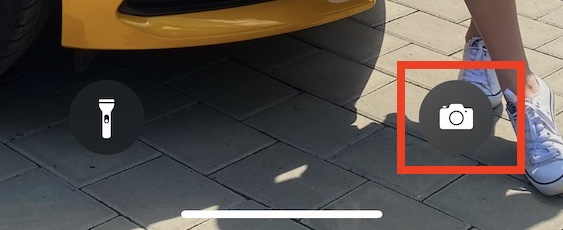
- Pro You can quickly open the Camera app hold your finger to the relevant icon in the bottom right of the lock screen.
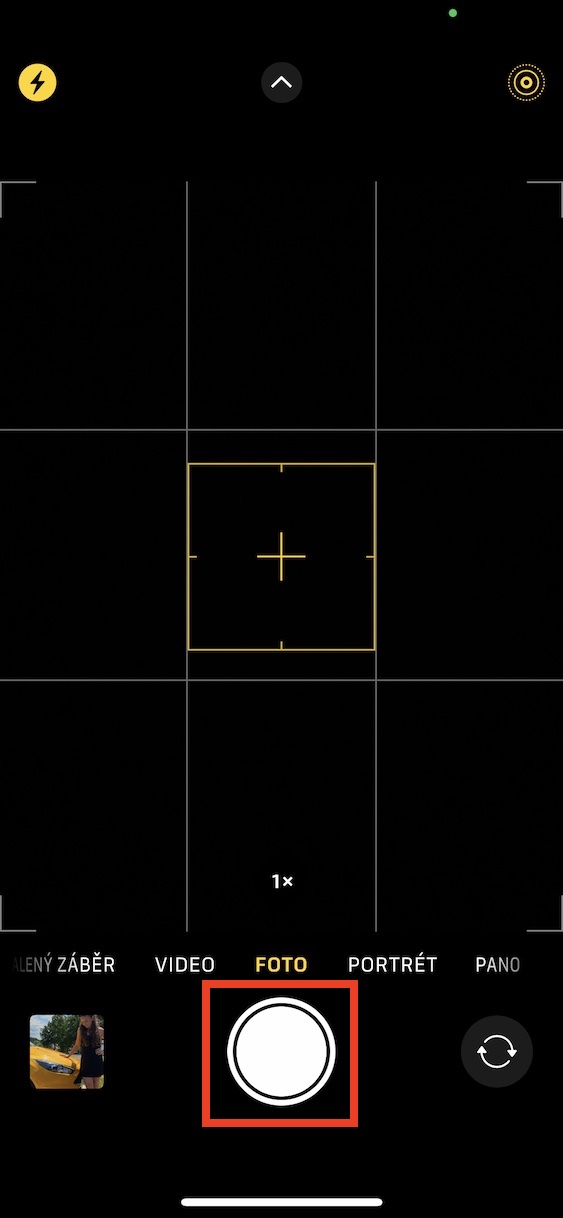
- Once the Camera starts up, hold your finger on the shutter button, located at the bottom of the screen.
- S held finger on the trigger it will start shoot video immediately.
- If you want to upload quickly interrupt, that's enough lift the trigger finger.
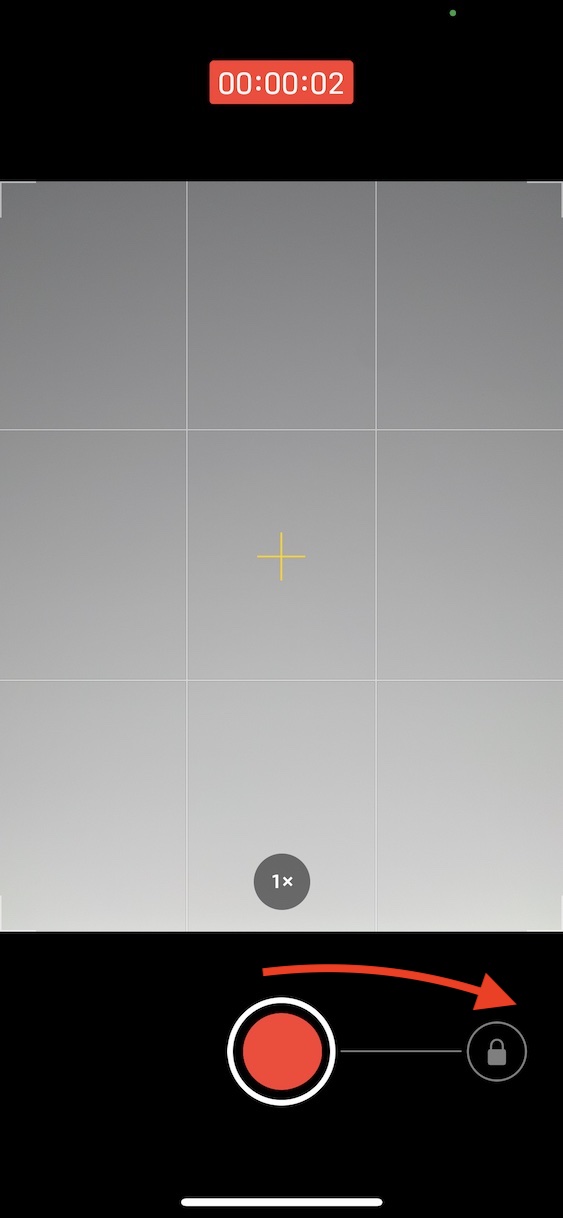
- If on the contrary you want continue in shooting without the need to keep your finger on the trigger, so with it swipe right, where is lock.
- As soon as you slide your finger over the lock, you can lift your finger from the display and recording will continue.
Gallery
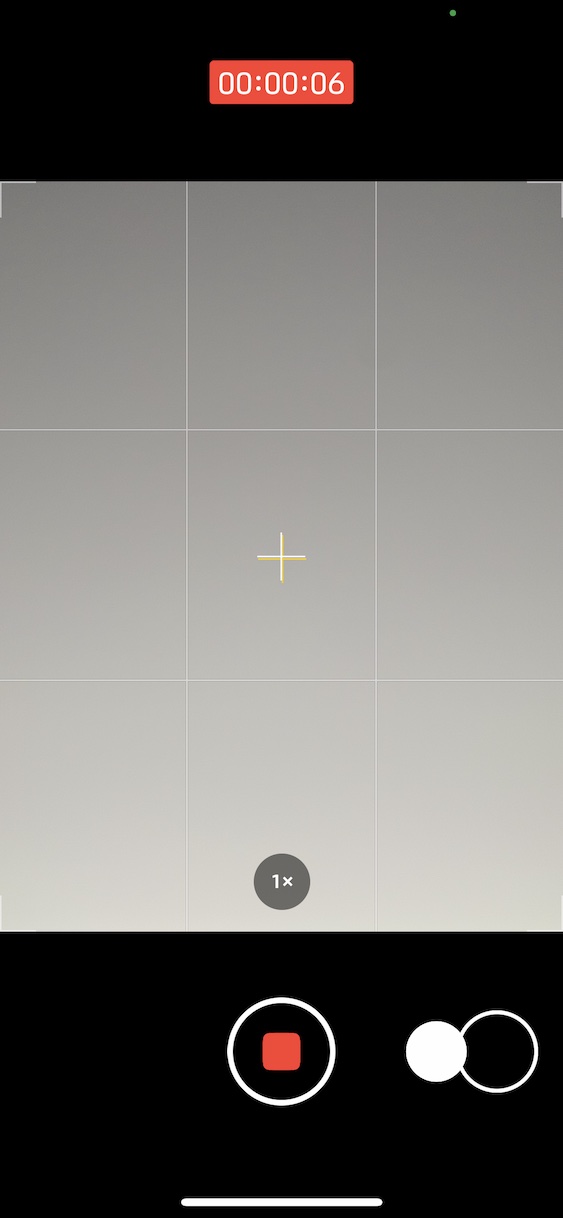
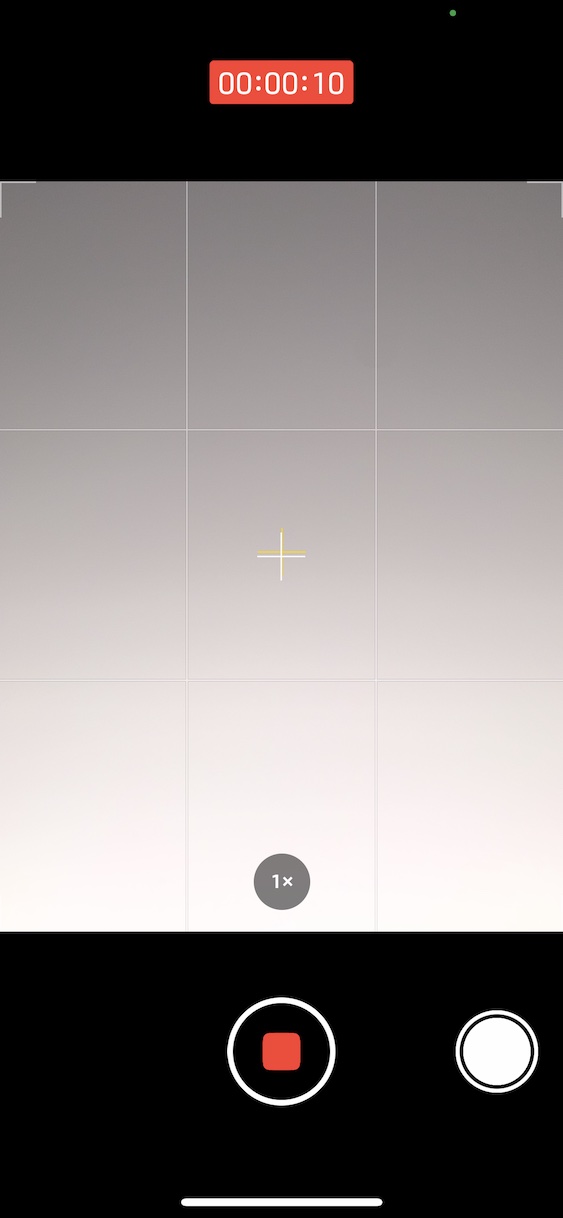
QuickTake is really useful in a lot of different situations, especially when you need to capture a moment right away. Without QuickTake, you would have to launch the Camera app, go to the Video section, and then press the shutter button to start recording. With QuickTake, however, you can quickly launch the Camera app, then just hold your finger on the shutter button in Photo mode. When recording a video that was started with QuickTake, you can also take photos while recording by tapping the small shutter button in the bottom right after it's locked, albeit in lower quality. It's a shame that QuickTake isn't available on older devices - it's debatable whether QuickTake couldn't handle older devices, or if this is just a marketing ploy. Applu to force users to upgrade to a newer model.




May I ask, is it possible to set the video to be recorded automatically in 16:9 ratio when using QuickTake, if the default format for photos is 4:3?
QuickTake video always records in 1080p HD format with 30fps.