
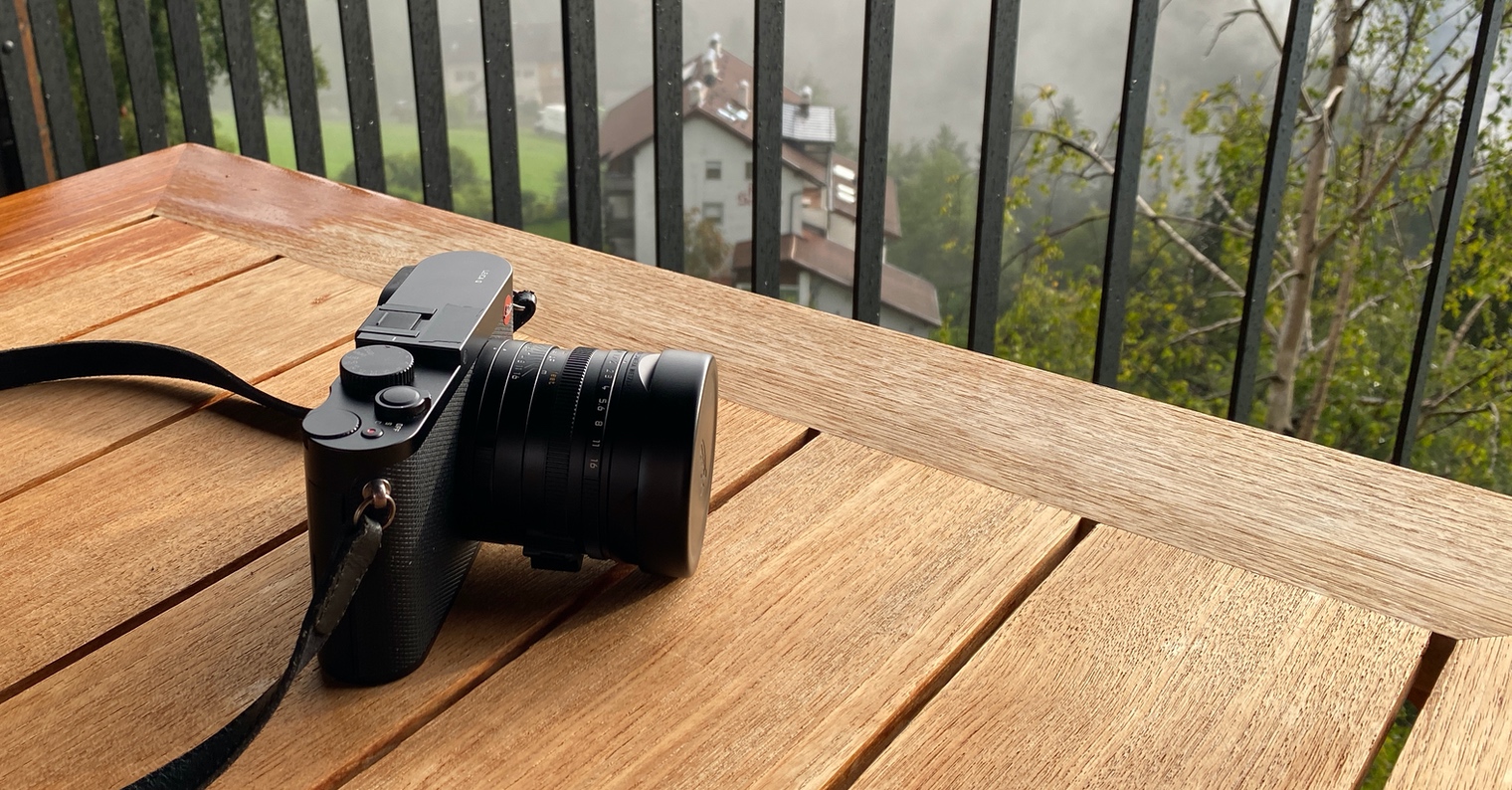
iPhone It is undoubtedly the best camera in the world, thanks to one single feature it offers that no other camera has. iPhone The vast majority of people have it with them anytime, anywhere, and can capture moments that happen suddenly and are worth taking a picture of. However, it also has one major disadvantage. While photos from a phone or social media screen look iPhone impressively, the moment you stretch them out on your 5K iMac, you quickly realize that the photo quality is not at a level where you can print out your life snapshot and hang it on your bedroom wall. ProI try to travel as much as possible and whenever I'm lucky enough to see something I want to keep forever, I've been choosing a compact camera that could help me with that. NakoneI decided on the legendary Leica brand and specifically the Leica Q model.
Gallery
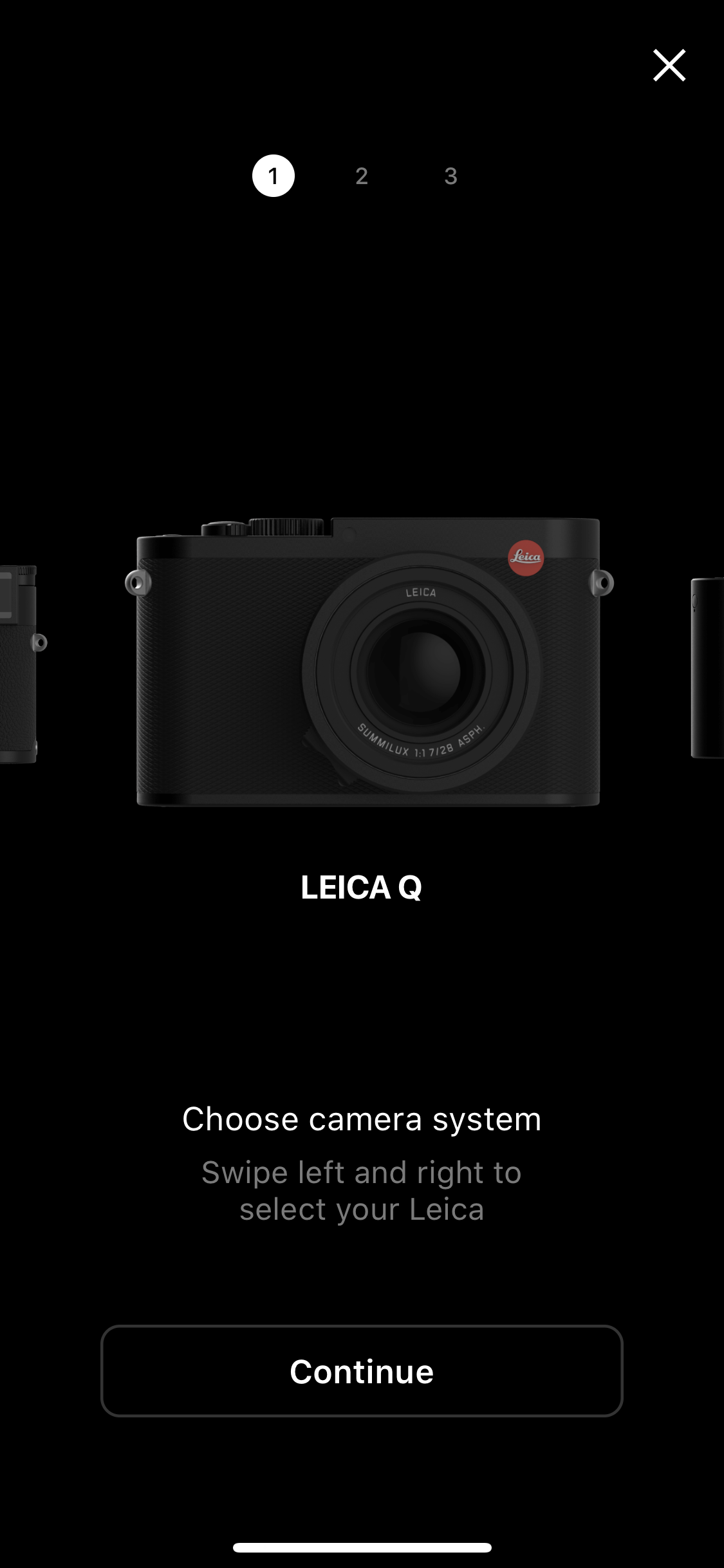
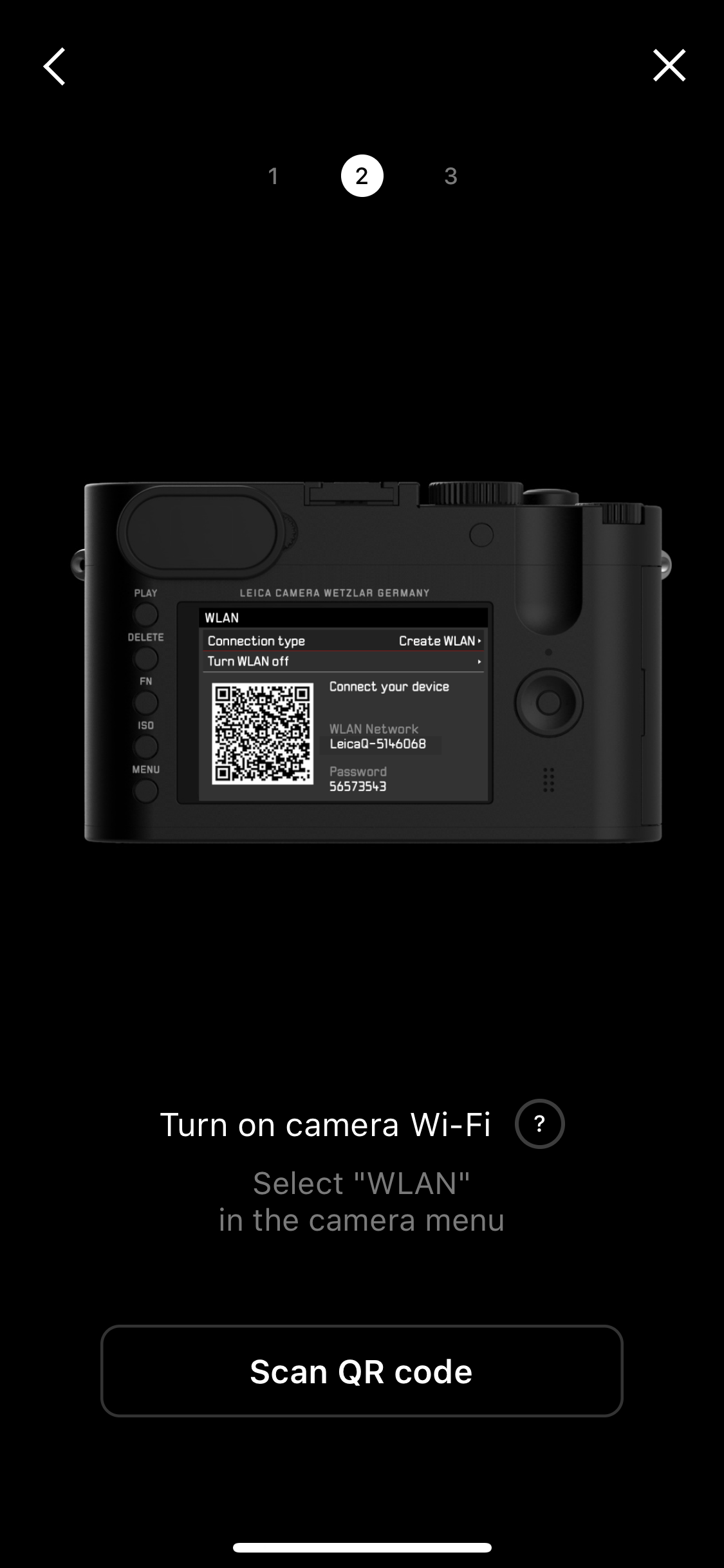

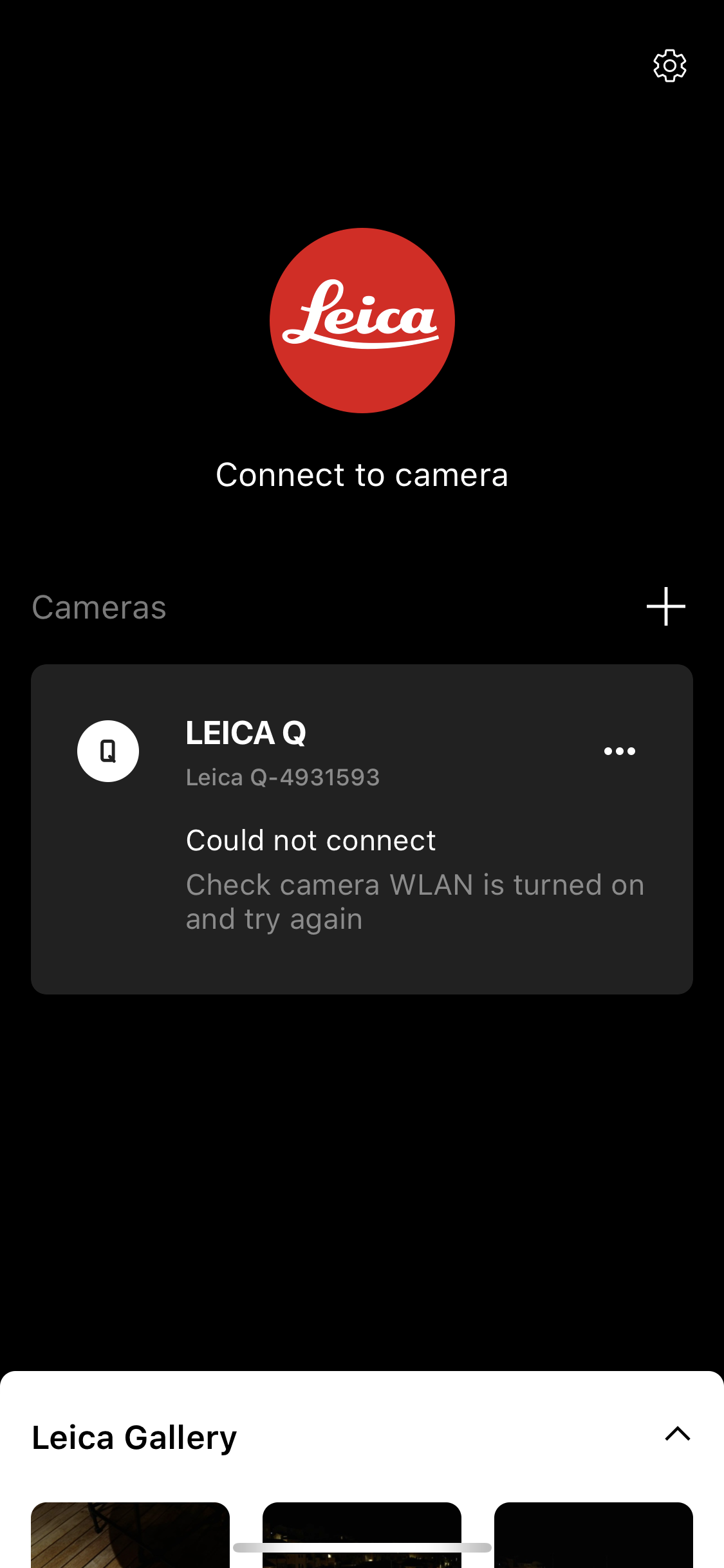
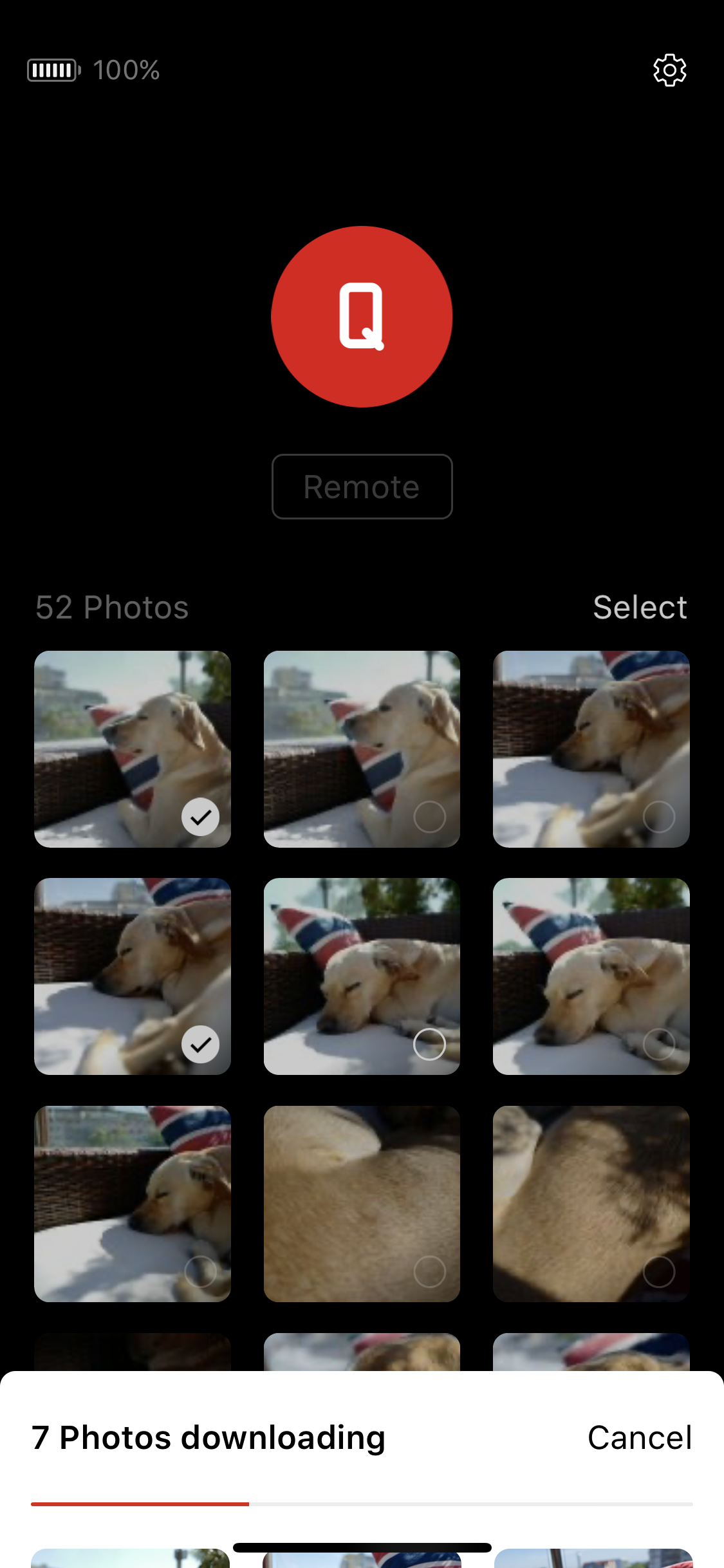
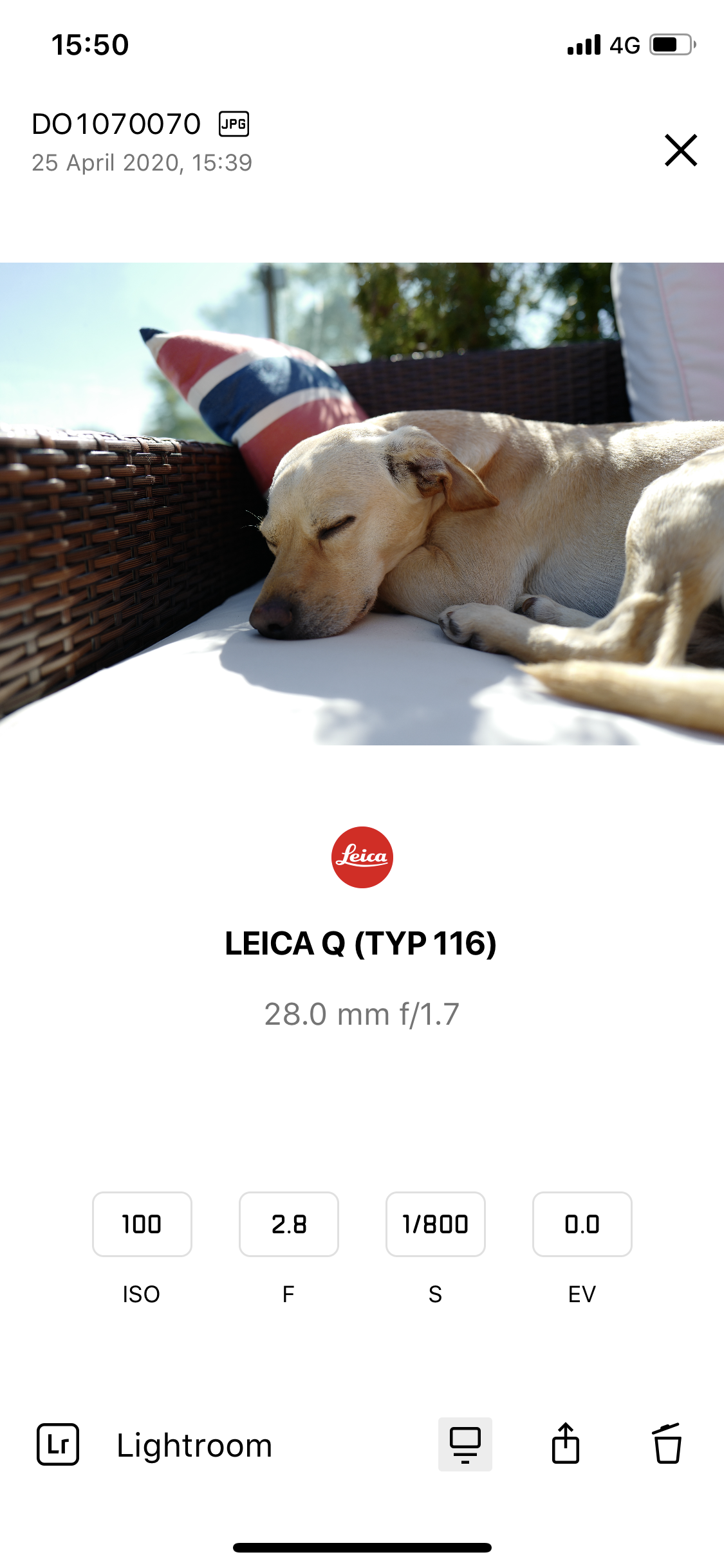

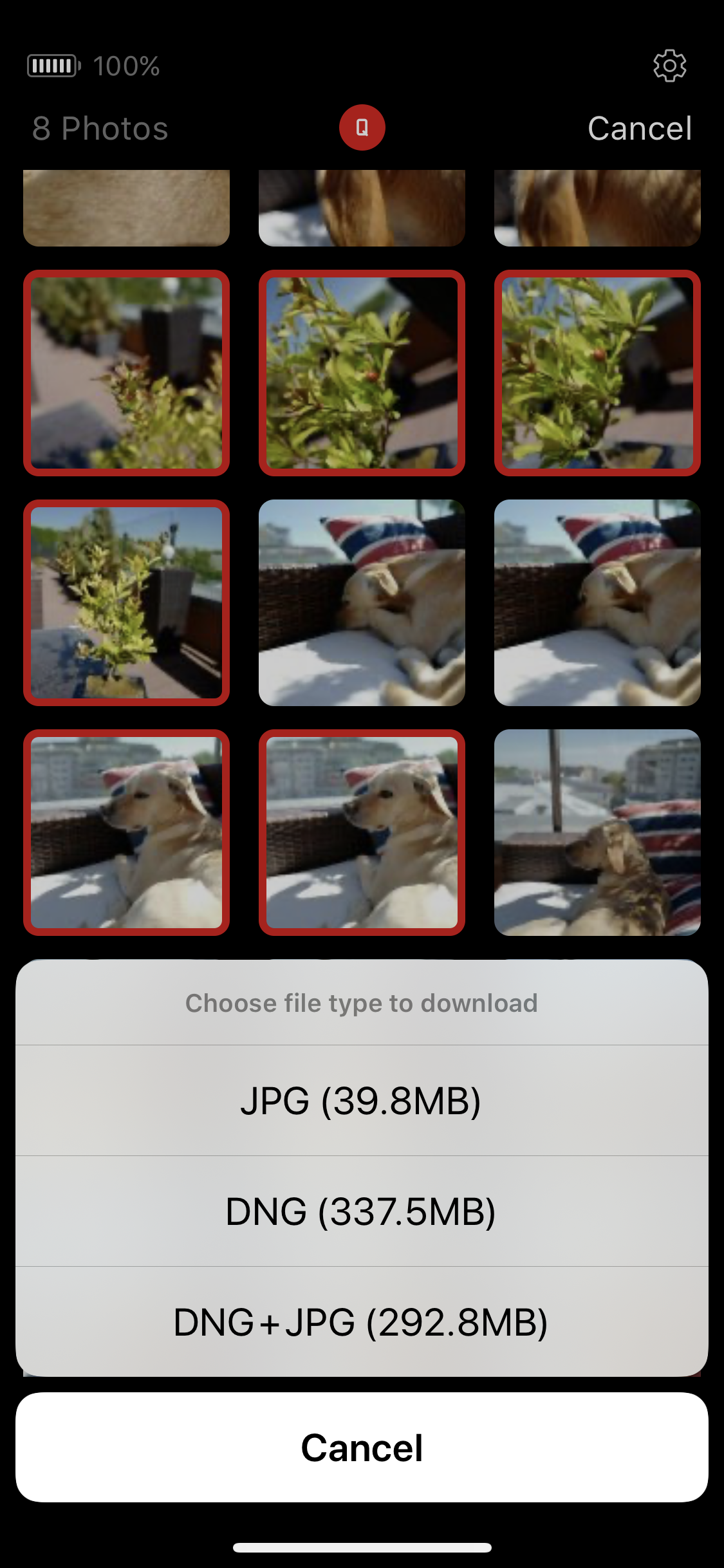
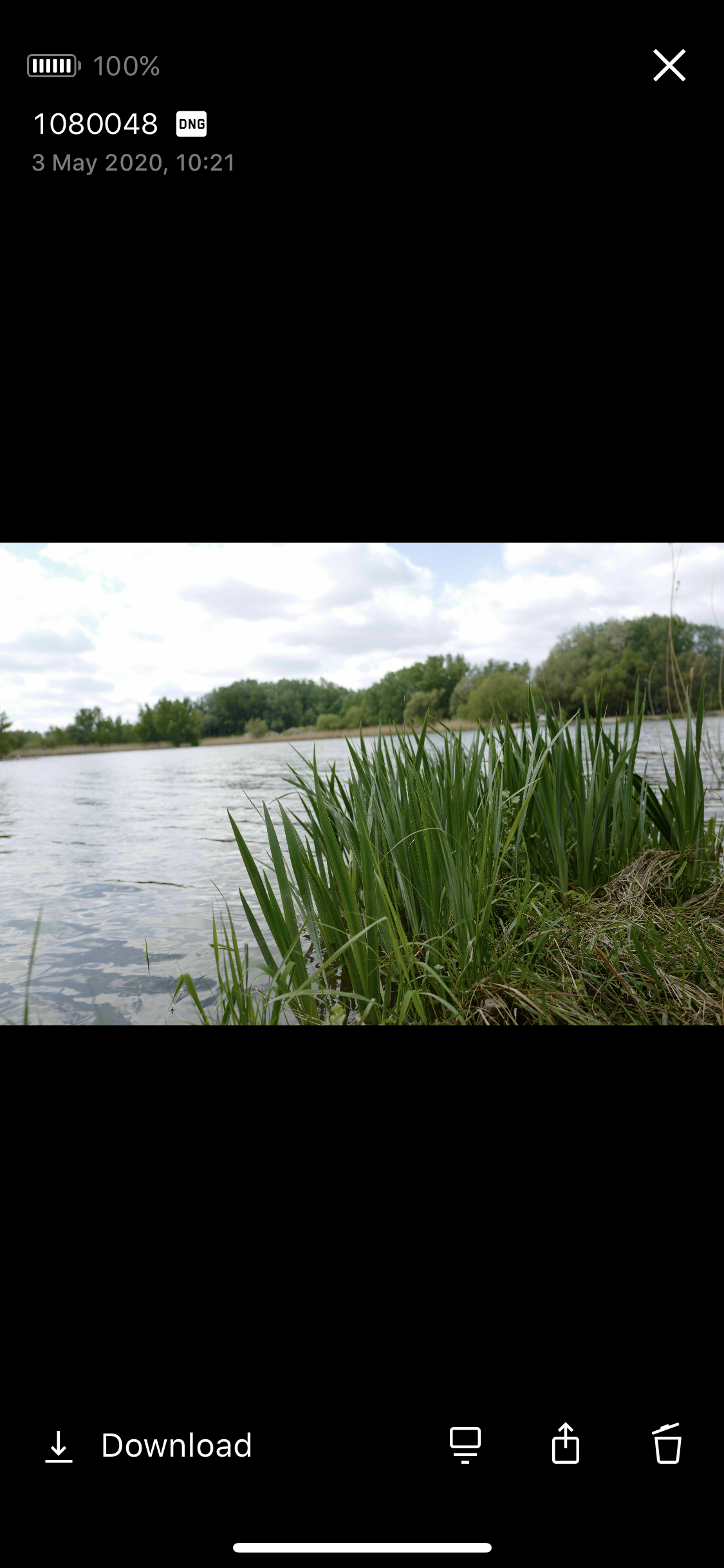
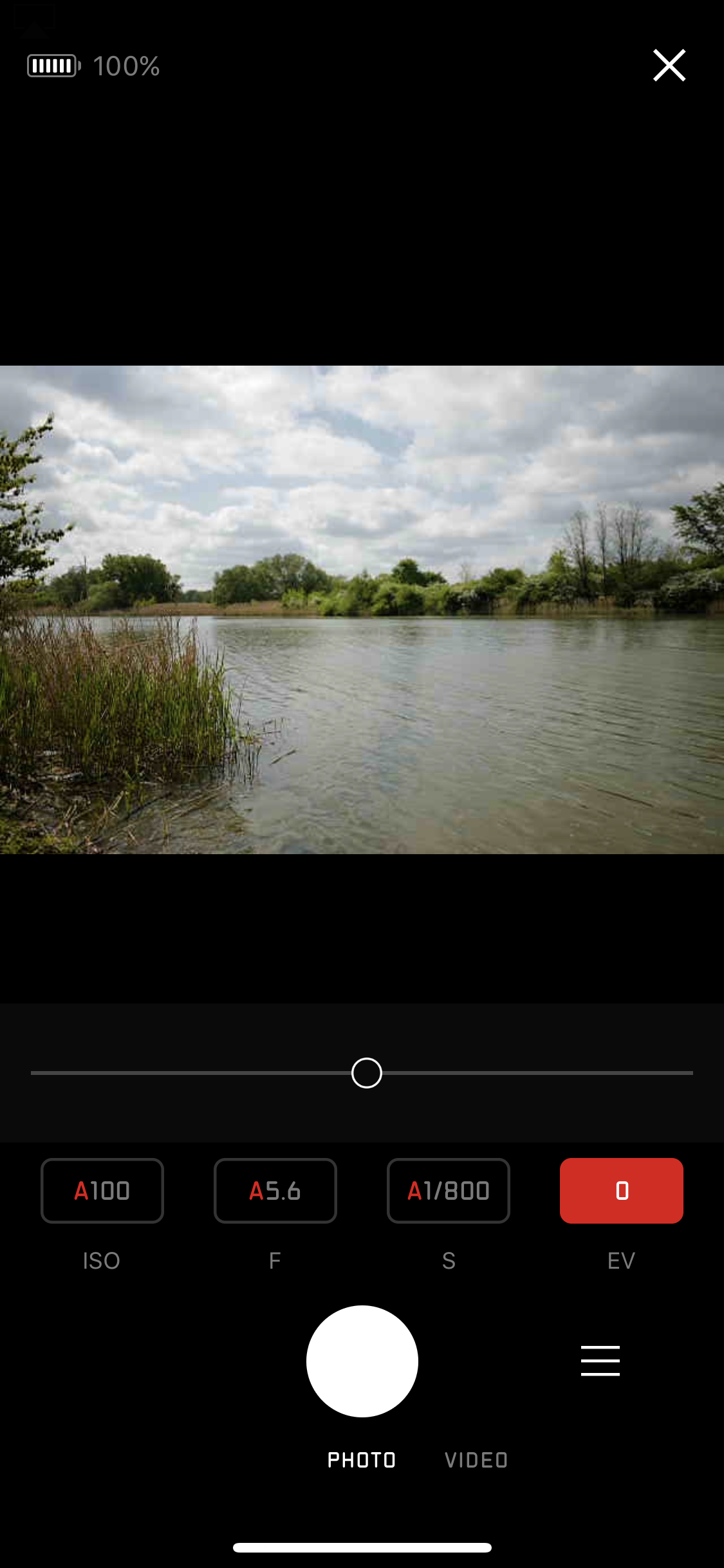
All new Leica models can be connected to iPhone using an application called Leica Fotos, and the Leica Q model is no exception. Today we will focus on the application that allows you to connect the camera and phone. The iPhone you do not connect to the camera via Bluetooth, but via Wi-Fi, which the camera can create and iPhone se will then connect to it. Pro To connect, simply launch the WLAN function on the camera, which will cause a QR code to appear on the display and you can simply scan it with the camera in your iPhone and the Leica Fotos application will be launched and the phone will be paired with the camera. A great advantage of the application is the ability to enable location services and thus have information about where the photo was taken directly in its EXIF data, which the camera itself cannot determine due to the absence of a GPS module.
Another option the application offers is to transfer photos from the camera directly to iPhone, and of course wirelessly via Wi-Fi. The application allows you to download both classic JPG images and DNG, which Leica uses instead of the format RAWYou can also quickly download only smaller previews of photos, which can be used, for example, for checking or for selecting photos, which you can then save to your phone in full quality. Benefits of transferring photos from your camera to iPhone There are two – firstly, you can immediately send photos wirelessly, for example to the editorial office, wherever you are in the world, and all you need is a phone and a camera.
You also have them right in iPhone backed up and you don't have to worry that you only have the original photos on the card in the camera. So if you don't need to edit the photos on the spot, you have a unique option to avoid having to carry a computer with you. You can be sure that you back up your photos, for example, to cloud, send it to the editorial office, post it on social networks, and at least briefly check it on your phone, all without having to use MacBookYou can then view the photos in the app, work with them further, send them, edit them, and find out how the camera was set when they were taken.
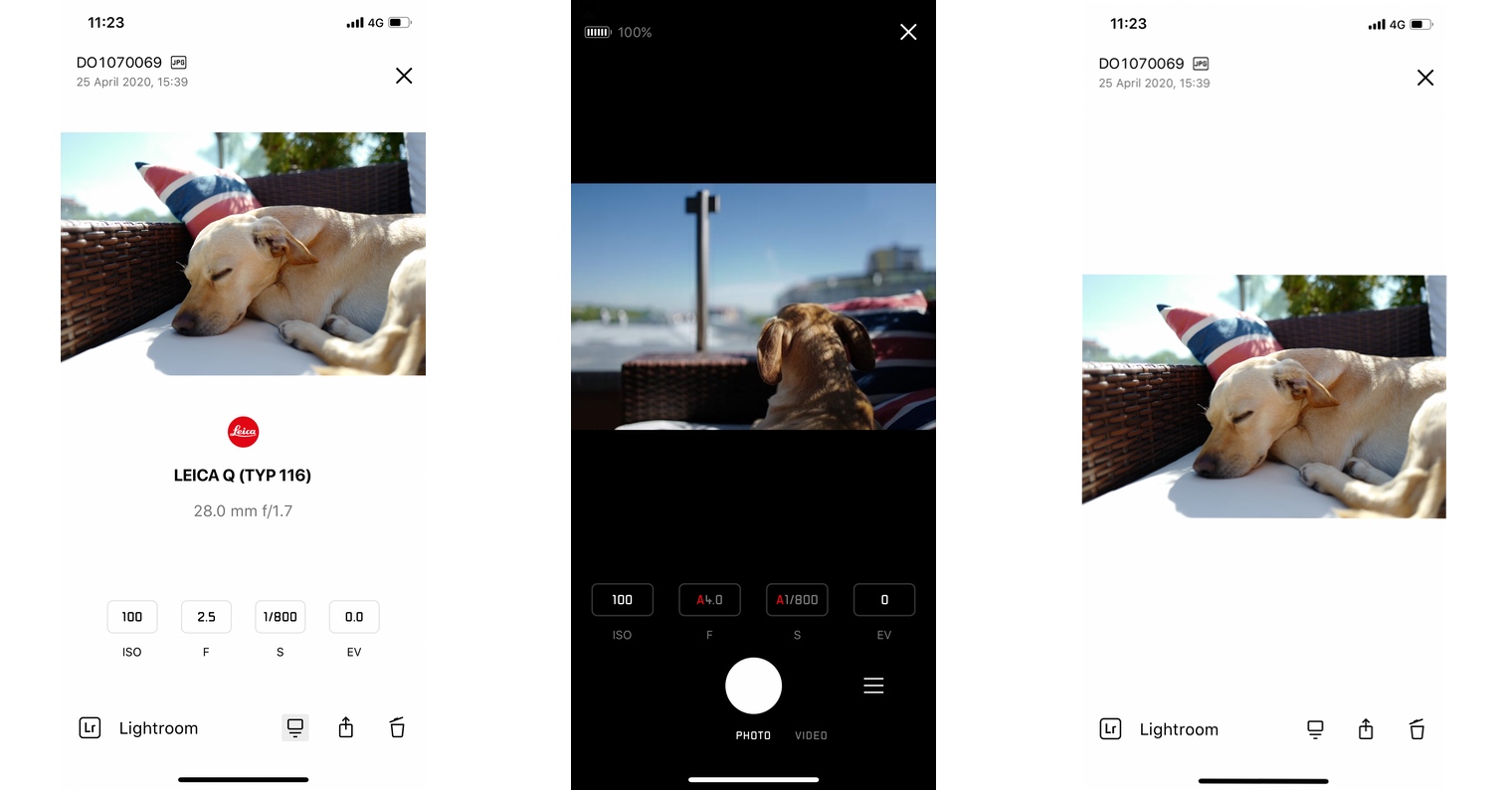
The application itself offers two fundamental options for how the phone can work with the camera. The first option is to use the phone's display as the camera's viewfinder, and what the camera's lens sees is displayed in real time on the phone's display. It is necessary to take into account that the quality of the preview transmitted in this way is not completely dazzling, but apparently no one would expect that. In addition to the image transfer itself, you can also see information on the exposure time setting, ISO, brightness and white balance information on the phone screen. The above-mentioned items can also be changed and thus set up the camera directly via the phone. The phone itself also functions as a wireless trigger, with which you can press the trigger on the camera and remotely take a photo or record a video.
The Leica Fotos application is definitely not bad and allows live preview, transfer of photos including their immediate display in the original quality and size. However, it has one very significant disadvantage, which is that it is not available to camera owners for free. On the contrary, you can't actually buy it, but you have to pay an annual subscription for it, which is set at 1500 CZK. When I bought the GoPro for ten thousand crowns, we could download the Go app for free at that momentPro, which can do exactly the same thing, and for free. I was really surprised that Leica forces you to buy an application for a camera that costs more than a hundred thousand, which is very interesting, but other manufacturers offer it as a standard completely free of charge. The argument may be that Leica can afford it, but I do not really agree with this thesis, and on the contrary I think that it is not necessary and this is a service that should be available for free. However, if you have a Leica camera and want to use it in conjunction with your iPhonem, then it is definitely an interesting application. However, consider whether for that price you can get live preview and transfer photos from the camera directly to iPhone it costs







Is it really nestandardní, such an application should be free, like other manufacturers have. However, Leica is a premium brand and the amount for one coffee per month will not put you off. Congratulations on buying a great product, although I would have chosen something else for that price, but you know best why the choice fell on the Q.