
If you are a user Safari on Mac or MacBooku, then you have certainly found yourself in a situation where you accidentally clicked on the cross while switching to another panel, thereby closing one of the closed panels. In most cases, of course, you open this panel again, but what to do if you had an important page open in that panel that you were looking for for a long time? In this tutorial, we will look at how you can display all the recently closed panels in Safari, and how you can open them again quickly and without any problems. Let's get straight to the point.
You might be interested in

How to on Mac Safari view and open accidentally closed panels
If you are in Safari In macOS, if you have managed to close a panel that you want to quickly reopen, follow these steps to reopen it:
- First, of course, you need to move to active window browser Safari.
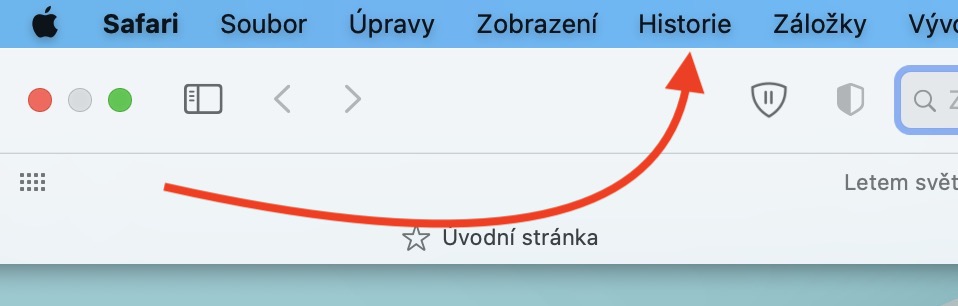
- Once you do so, v top bar click on the tab named History.
- After clicking on this option, move the mouse to the line in the upper part Recently closed.
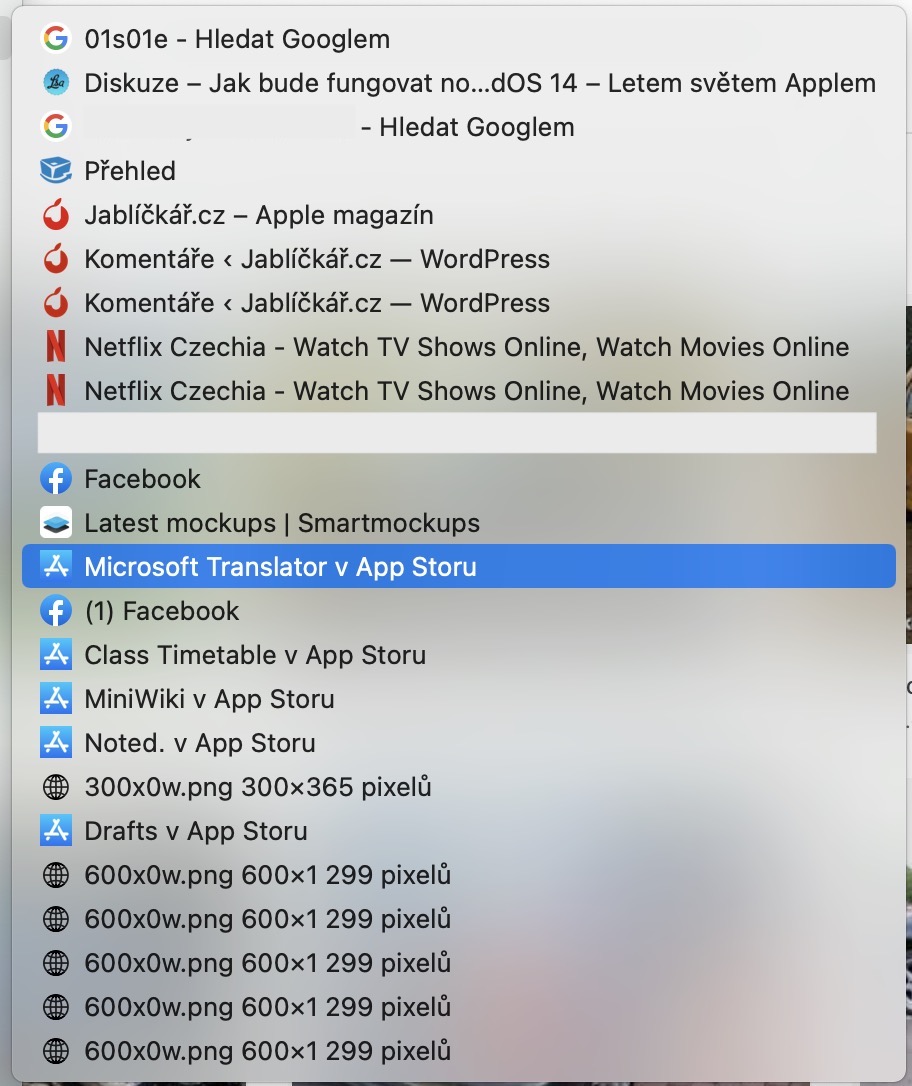
- It will open another menu, in which it appears immediately several recently closed windows.
- Pro opening certain okna simply enough for him tap.
- Make sure you are in new panel – the selected page is displayed on the currently active panel.
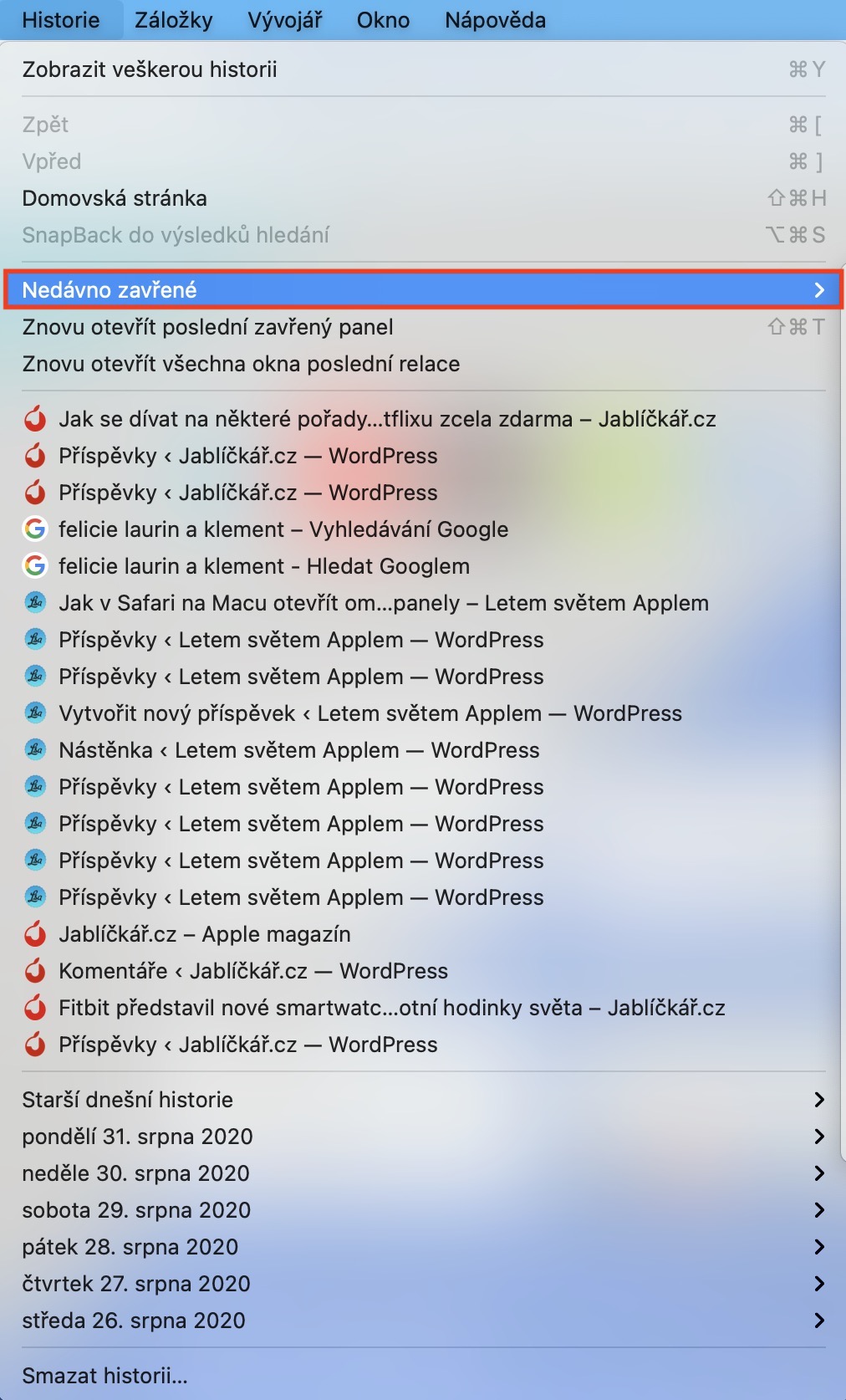
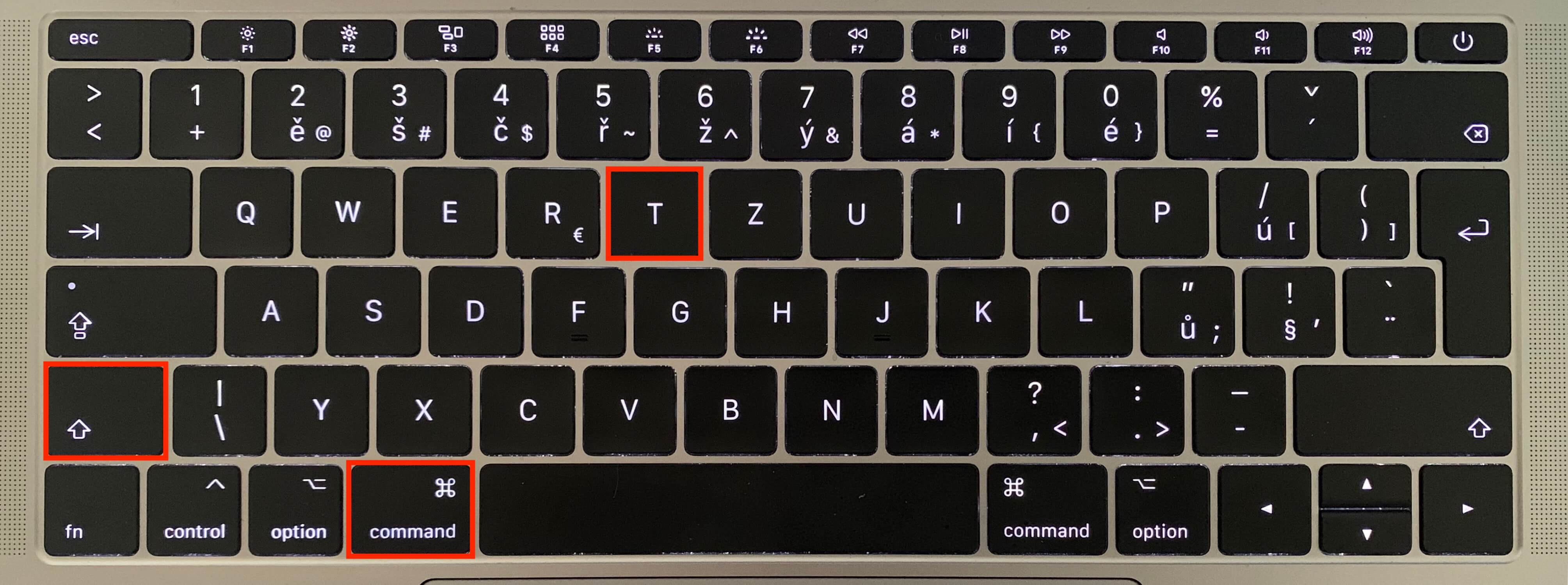
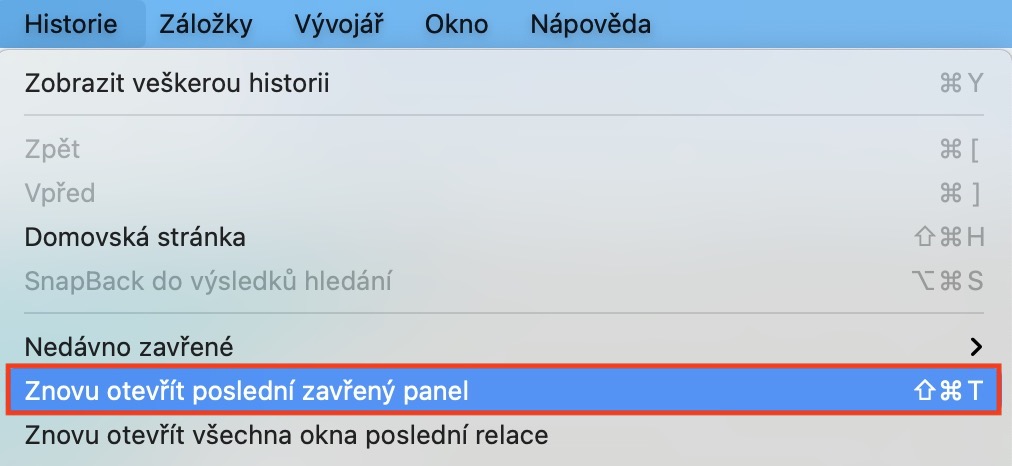
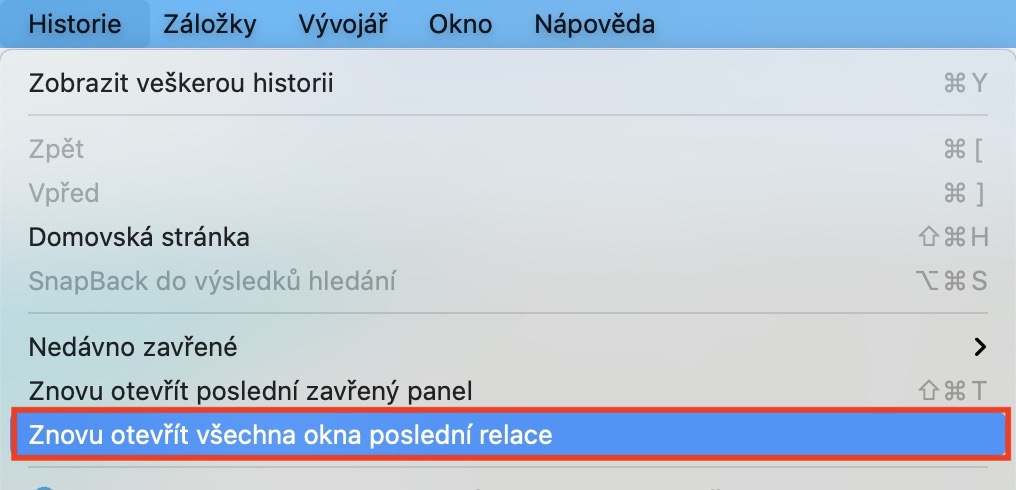
This procedure is not the only procedure you can use. Using the above instructions, you can clearly display several different recently closed windows. However, if you don't need a clear display and want to immediately open the last closed window, you just need to press the keyboard shortcut Command+Shift+T. If you press this hotkey repeatedly, so the older and older windows that were last opened will gradually open. If you don't want to use the keyboard shortcut in this case, just click on the tab History, where select an option Reopen the last closed panel. In addition, in the tab History you can'tchat Reopen all windows of the last session.








I use the right mouse button on the plus (+) next to the tab (far right), the button that opens a new tab - this displays a list of about 20 recently closed tabs. I think it's the fastest.
It works with the left too, it just has to hold on.