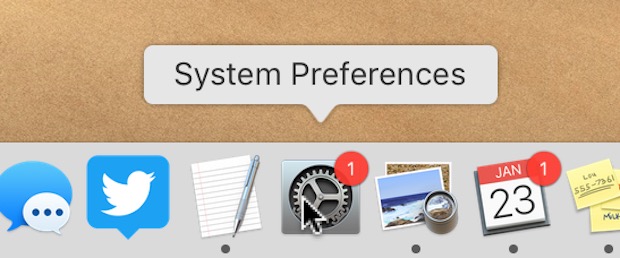
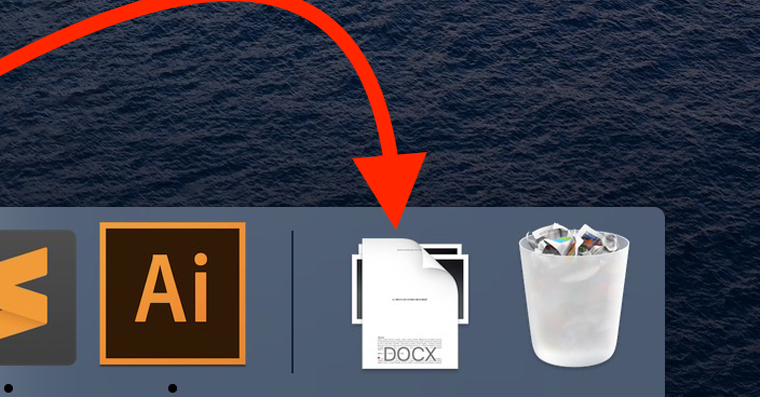
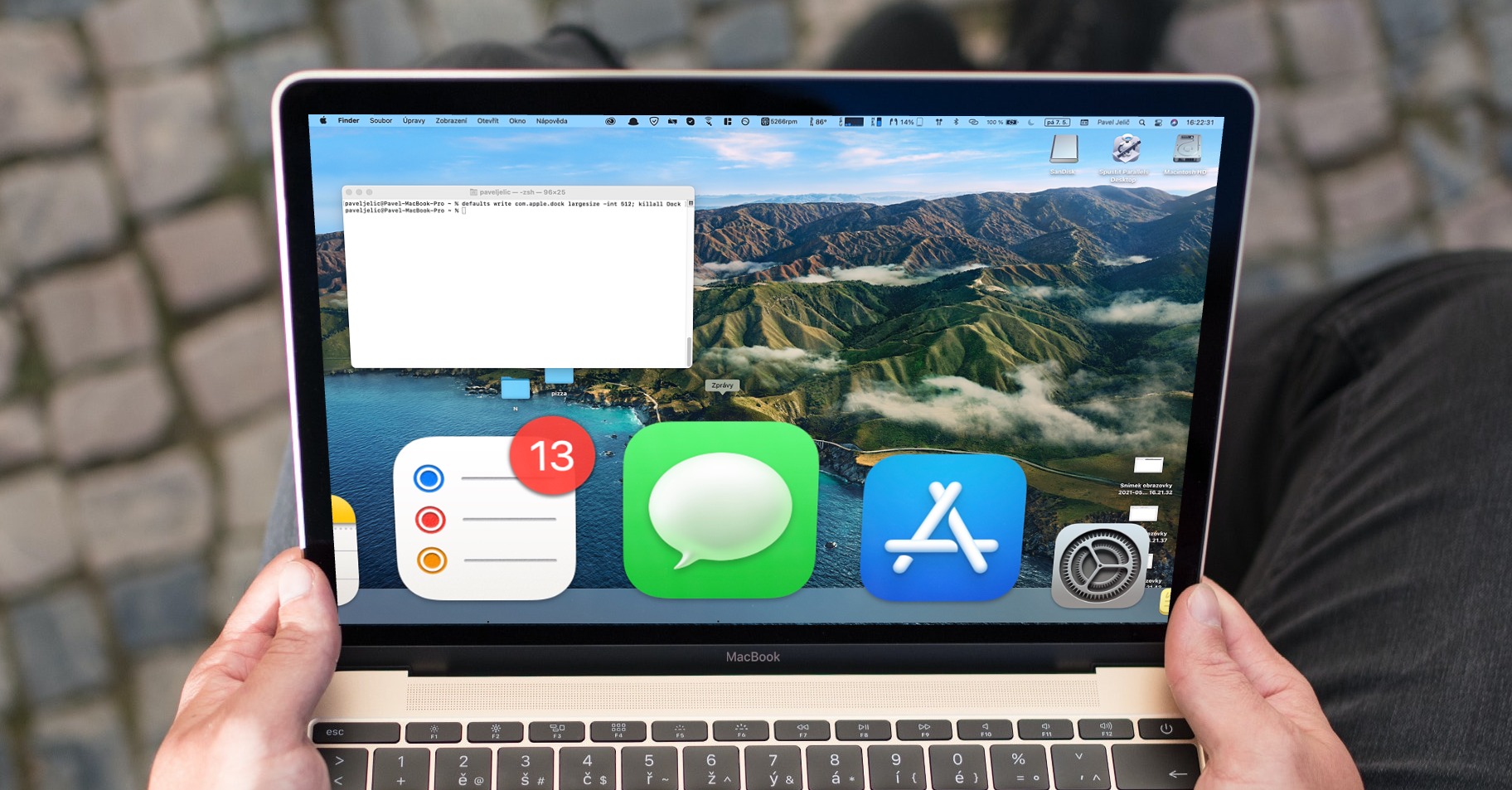
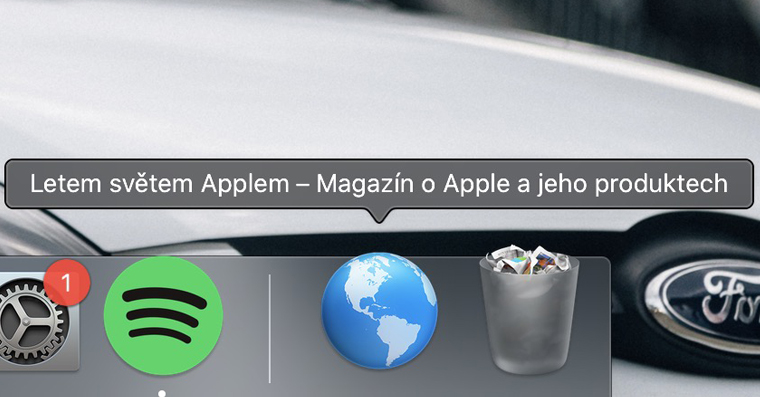
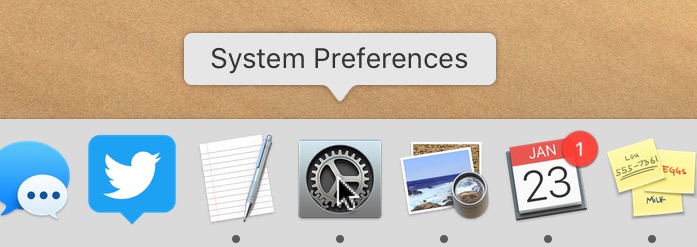
If you are a loyal Mac user or MacBooku, then you have probably updated it more than once. You can find out that a new macOS update is available on our magazine. Sooner or later, however, this information will also appear directly on your system. First, a classic notification will appear, notifying you that an update is available. If you do not update immediately, in DockYou will see a red badge with a 1 on the System Preferences icon, indicating that a system update is available. Most users are annoyed by this badge and want to hide it without having to update. If you want to know how to do this, read this article to the end.
You might be interested in
How to set up your Mac to DockThe System Preferences icon was not displaying the red warning badge
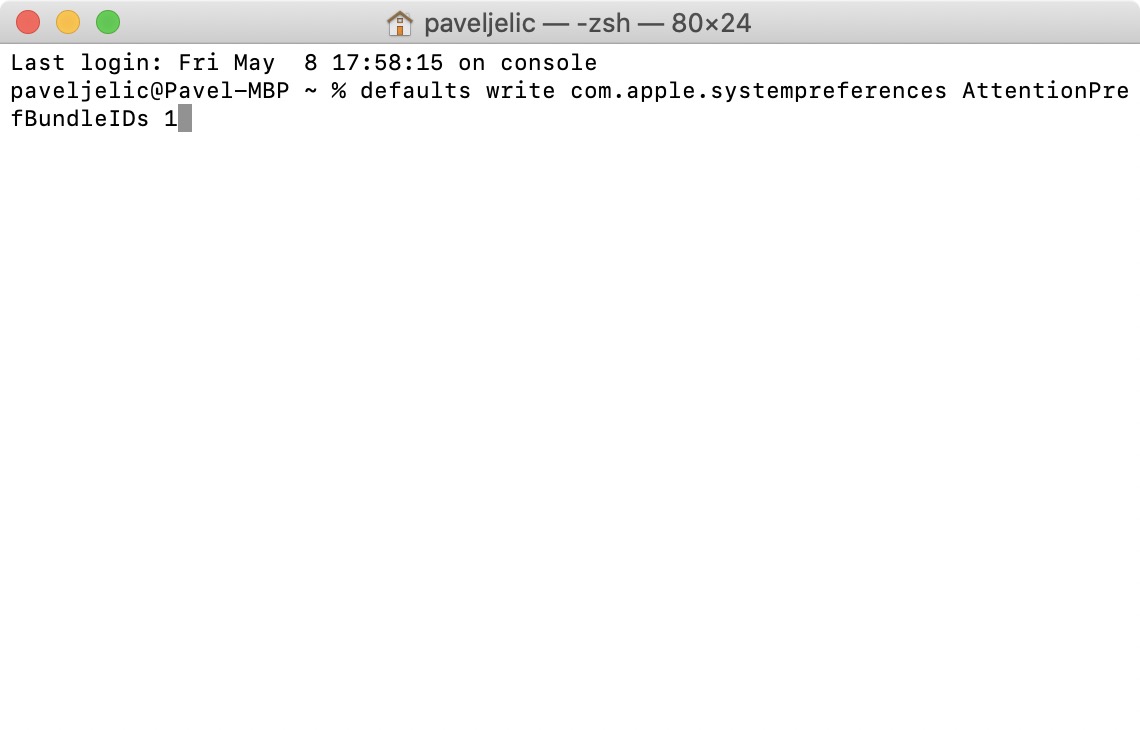
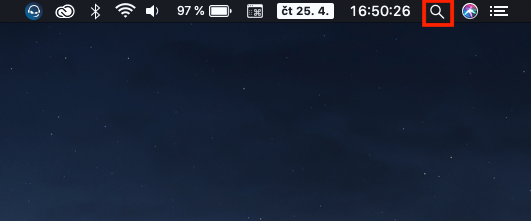
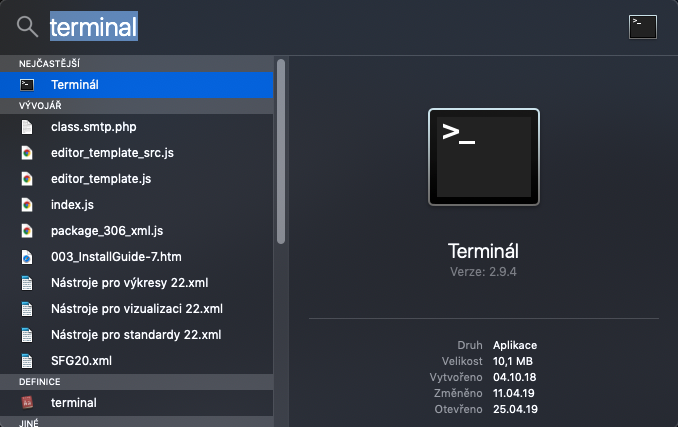
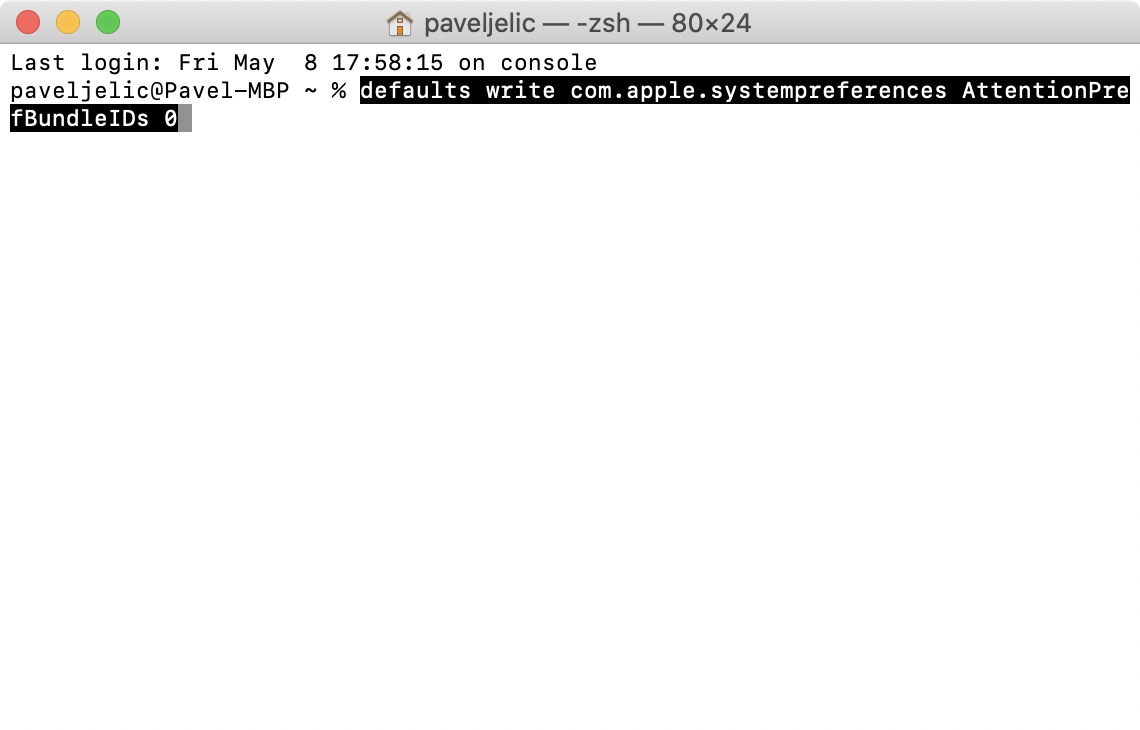
If you don't want to cancel imaging red badge at the System Preferences icon in Docku, then you need to move to the application Terminal. You can find this application in either folder Utility v applications, or you can run it with Spotlight (magnifying glass top right or keyboard shortcut Command + Spacebar). Once you have Terminal running, all you have to do is copied this command:
defaults write com.apple.systempreferences AttentionPrefBundleIDs 0
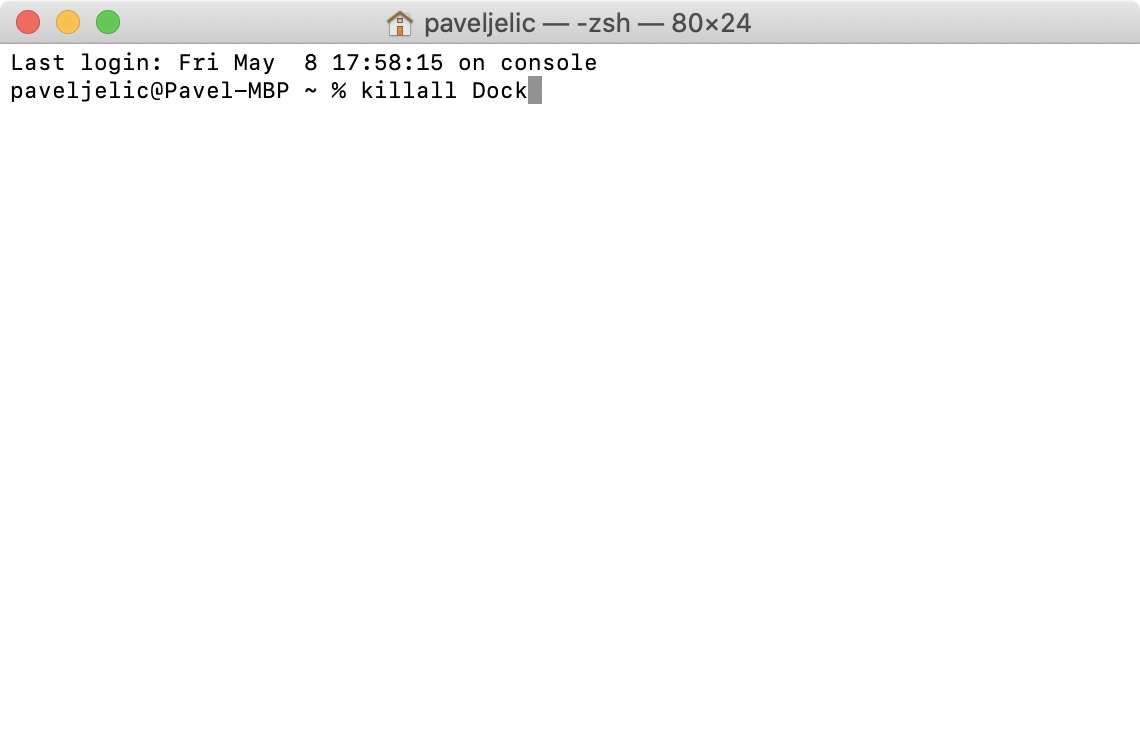
After copying, switch to active window application Terminal and command here insert Then it by pressing the key Enter confirm. If the Terminal asks you to authorization, so write in the window password to your account (note that wildcards in the form of * are not displayed) and confirm it Enter. Now it is necessary that you they restarted Dock – you achieve this by being you copy the command below:
killall Dock
And then it again you insert to the window terminal, where is the key Enter you confirm After confirming this command, the screen flickering a Docku, in which already red badge to find with one won't be.
Gallery
If you would like a red badge to DockSee System Preferences. return, so you just need to type in the Terminal one after the other two commands listed below (everyone of them separately confirm with the key Enter):
defaults write com.apple.systempreferences AttentionPrefBundleIDs 1
killall Dock
Gallery