
It's been a few weeks since we saw the official app released after a long period of testing in the United States. Messenger for macOS. Users Facebookalready for chatwith their friends do not have to use a web interface or various third-party applications such as Caprine, etc. However, one function is clearly missing in the application Messenger is missing in macOS – and that is searching for messages in conversations based on the text you enter. But what if I told you that this feature is just hidden and can be used in the application without any problems? If you want to find out more, read this article to the end.
You might be interested in

As in the app Messenger search within individual conversations in macOS
In case you want in the official app Messenger in macOS to search for messages in conversations, first run the application and in the left menu, move to conversation, in which you want to search. Once you are here, just press the keyboard shortcut Command + F. It will appear at the top of the window text field, which is enough search word whether phrase write. After typing, it will already be displayed all results between which you can easily switch help up arrows a down.
Gallery
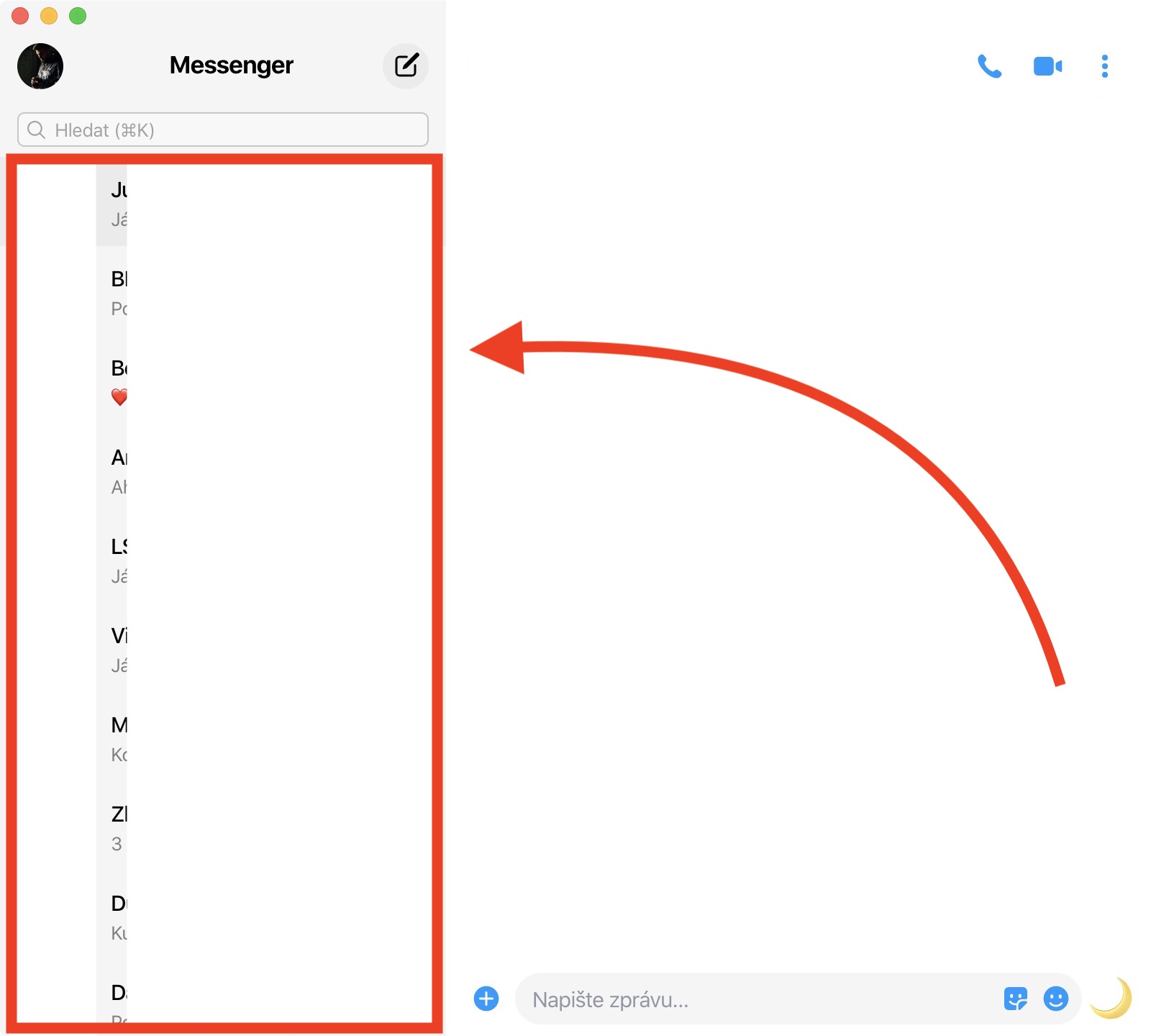


Unfortunately, in the official application Messenger For macOS, searching for words in classic search does not work, which means that all conversations in which the entered word appears are displayed in the results. So if you don't remember who you wrote a certain message to, you're out of luck on Mac - you'll have to move to iPhone, where this search works. In macOS, you can only search for messages if you remember who you wrote them to. Hopefully, this will be fixed in a future update. MessengerWe will see a simpler interface for searching in conversations.













If you use another application, you need Goofy, then it works.