
If you own MacBook, which has been around for a few years, you may slowly start to encounter overheating of the entire device. Of course, if you work in a dusty environment, the fans and vents will become clogged with dust sooner. However, it is important to note that none of us will avoid clogging of the cooling system over time. Let's take a look at how overheating can be prevented in this article. MacBookin summer weather, and also how you can prevent MacBook clean it properly to relieve it from high temperatures.
You might be interested in
Quit apps you don't need
Gallery
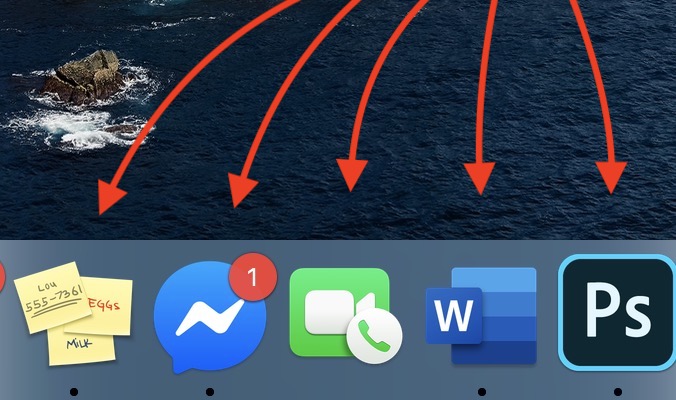
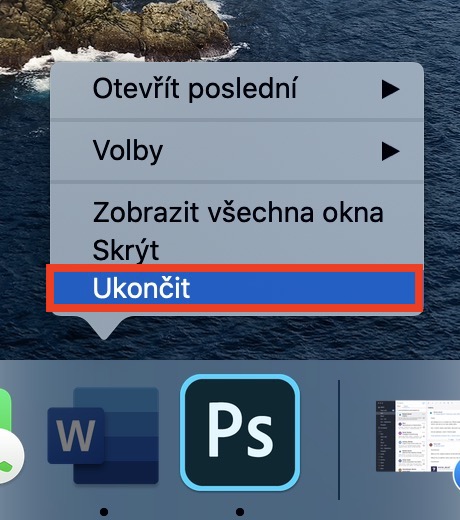
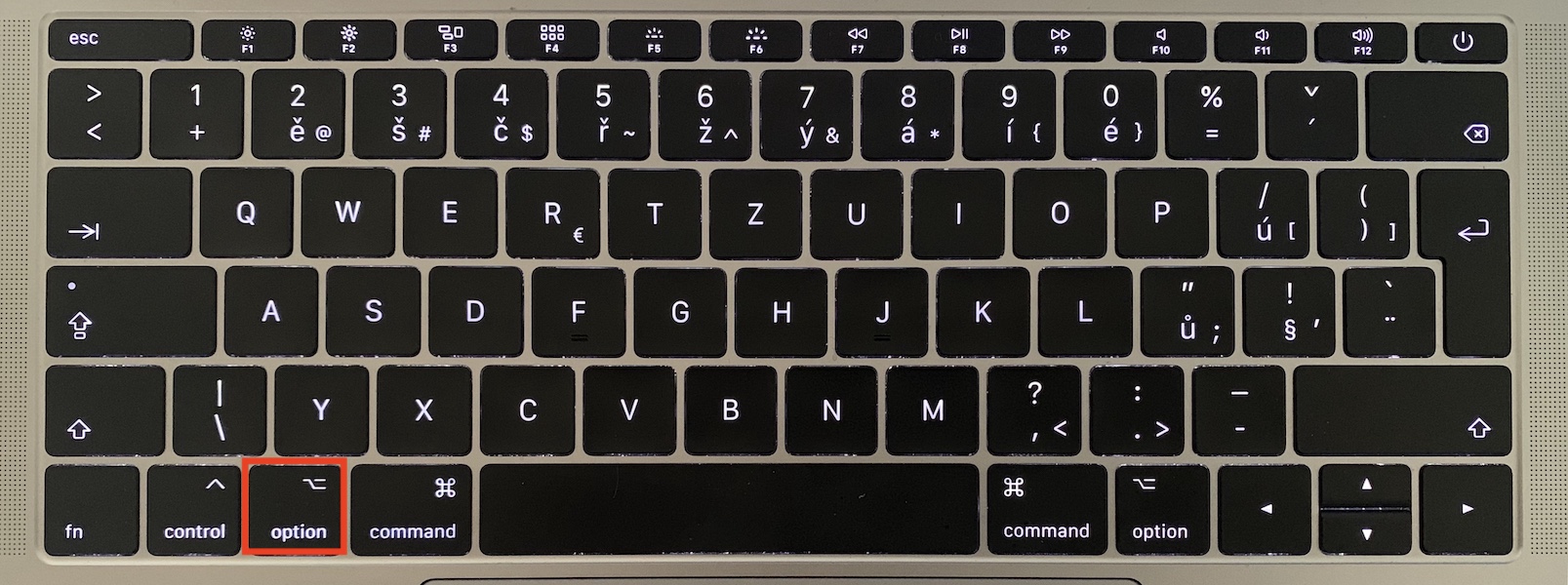
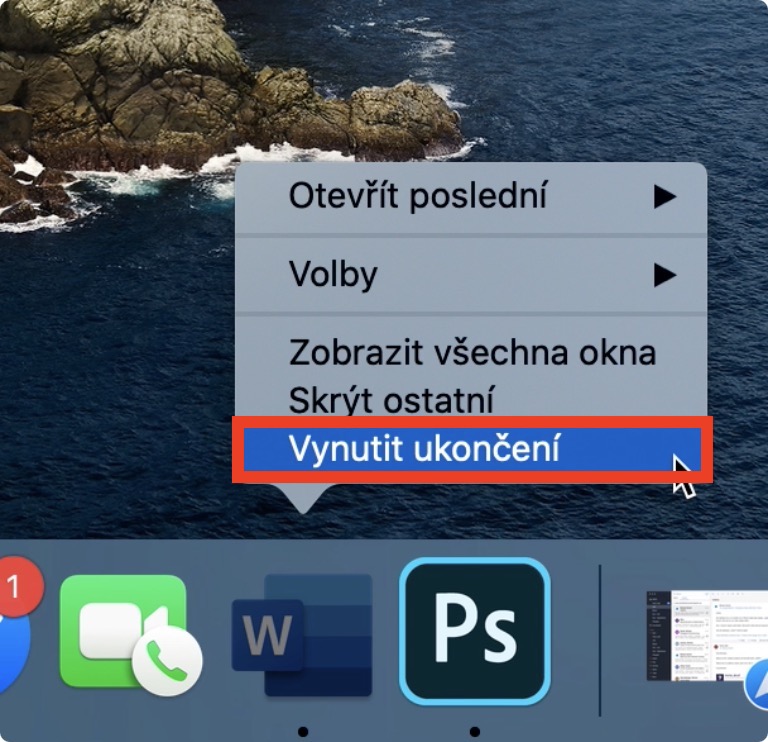
If you want to first perform simple tasks that allow you to MacBookIf you want to relieve it, then rush to close the applications. Even though you are probably thinking that absolutely everyone can close the application, believe me, that is not the case. While in Windows just click on the cross to close the application, it doesn't work in macOS anyway. If you want to close applications on Mac, then nestYou can click the red dot in the upper left corner. If you click this dot, only the application window will close, but the application will not be completely terminated. Pro complete termination application in Docku click the application icon right click (two fingers) and select an option from the menu that appears End. If the application does not respond to this option, hold the button Option (Alt), and then click an option Force termination.
Uninstall (update) the software
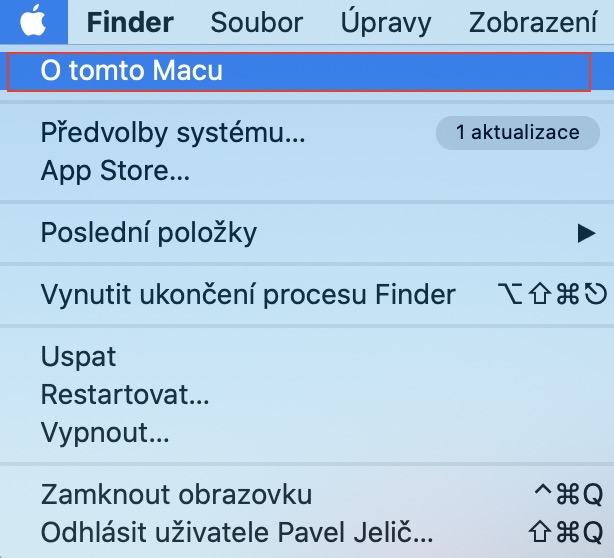
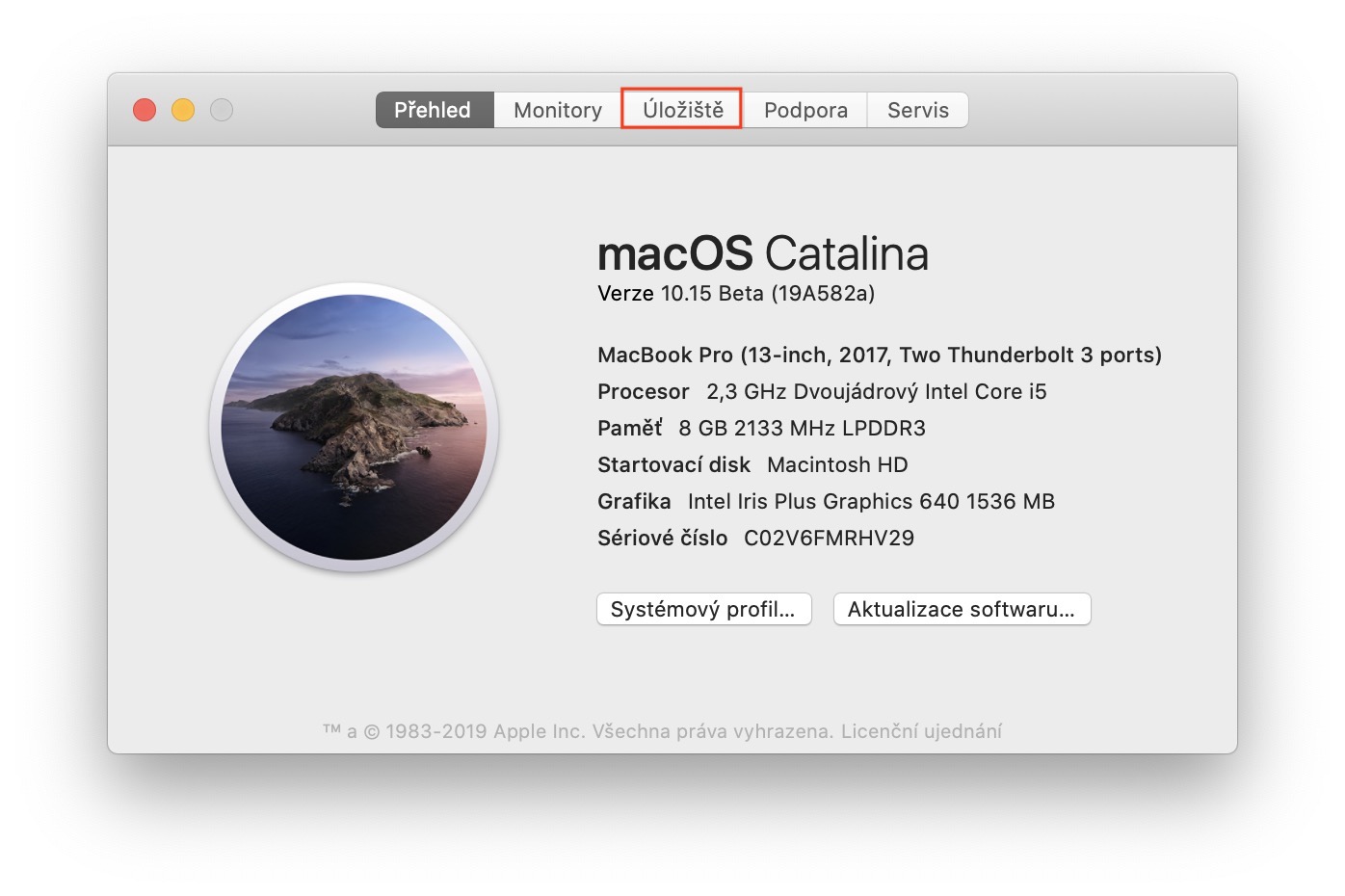
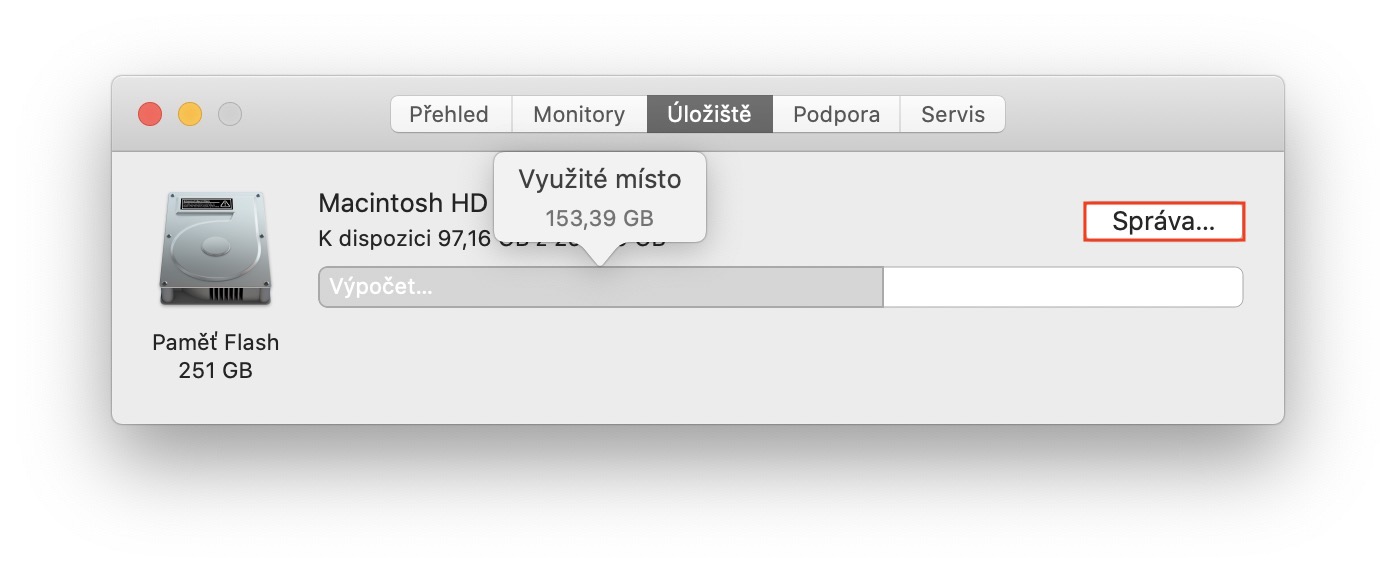
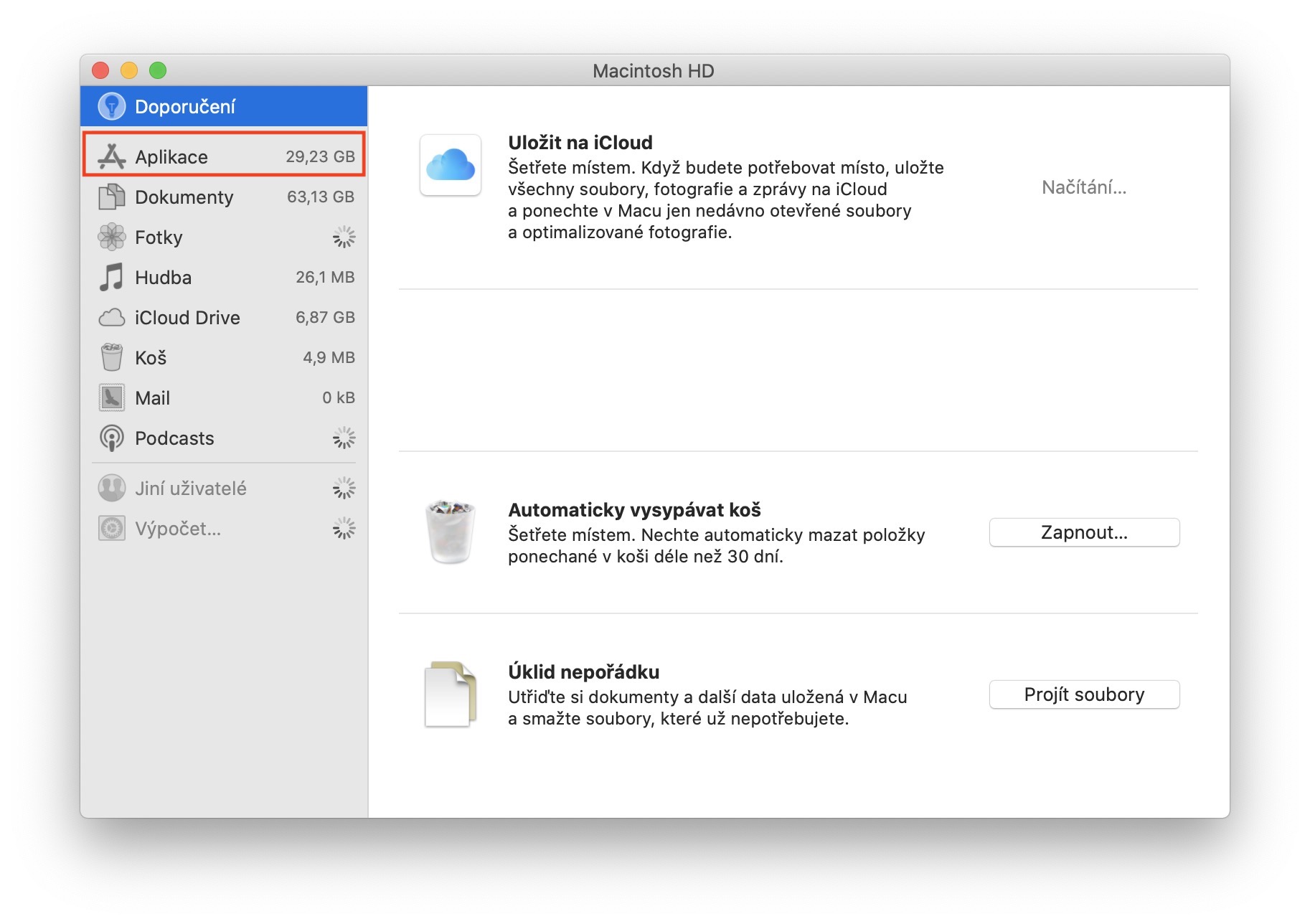
To relieve your Mac in a simple and basic way, in addition to closing applications, you can also uninstall them. If you have some software installed on your Mac that you don't need, it would be a good idea to think about uninstalling it. Many different programs often run in the background and use hardware resources, which can cause your Mac to start heating up. If you want to remove some applications, click the icon in the upper left corner , and then select About This Mac from the menu . In the new window, move to the Storage tab, where you click the Manage button... In the next window, just move to the Applications section in the left menu, where you can simply select the applications you want to remove. If you don't want to get rid of some software because you use it, but on the other hand, you find that your Mac starts to heat up a lot after you start it, it is quite possible that the software has a bug. In this case, try updating it.
Operating system update
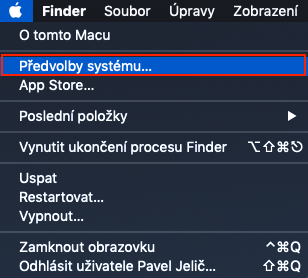
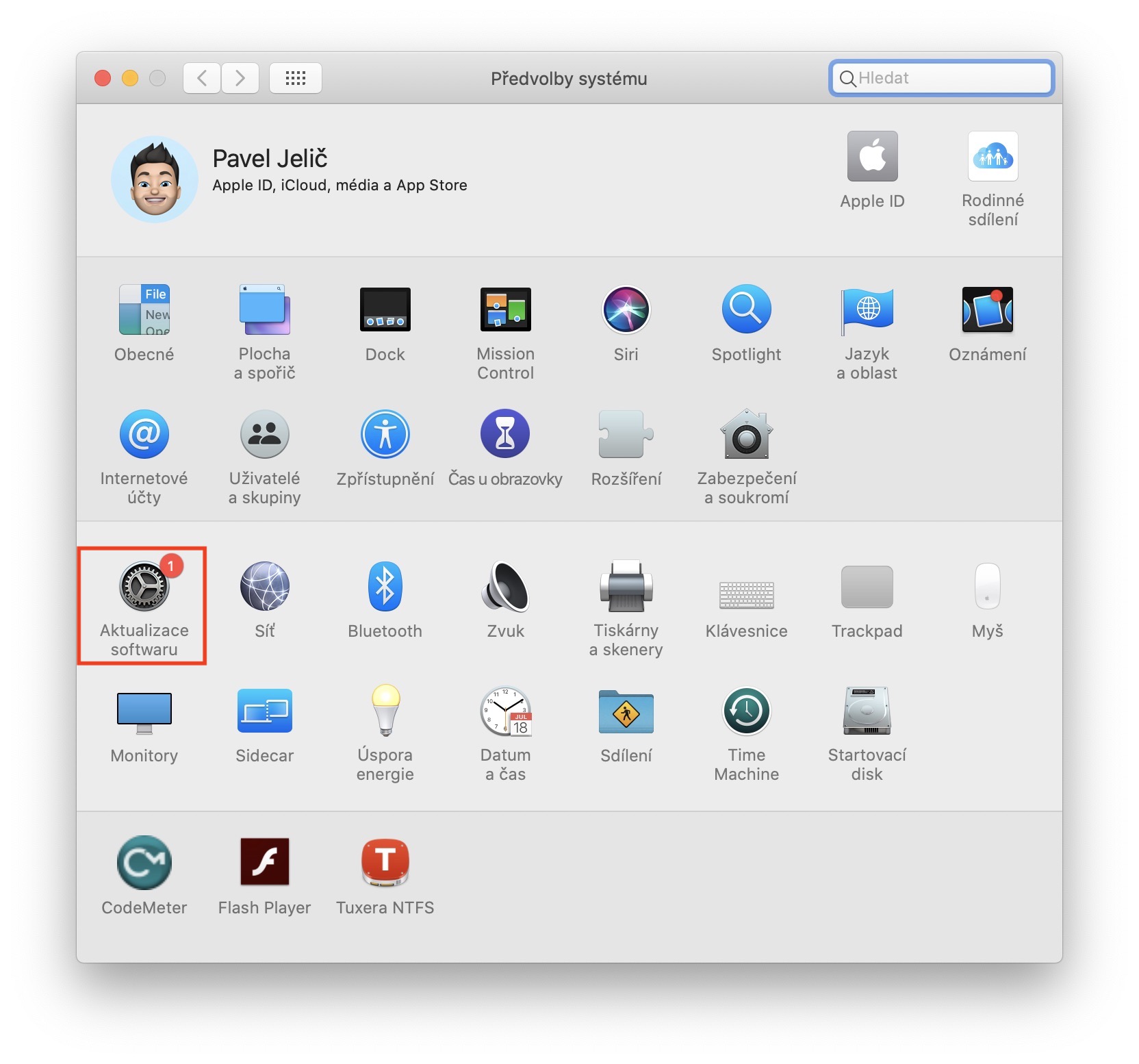
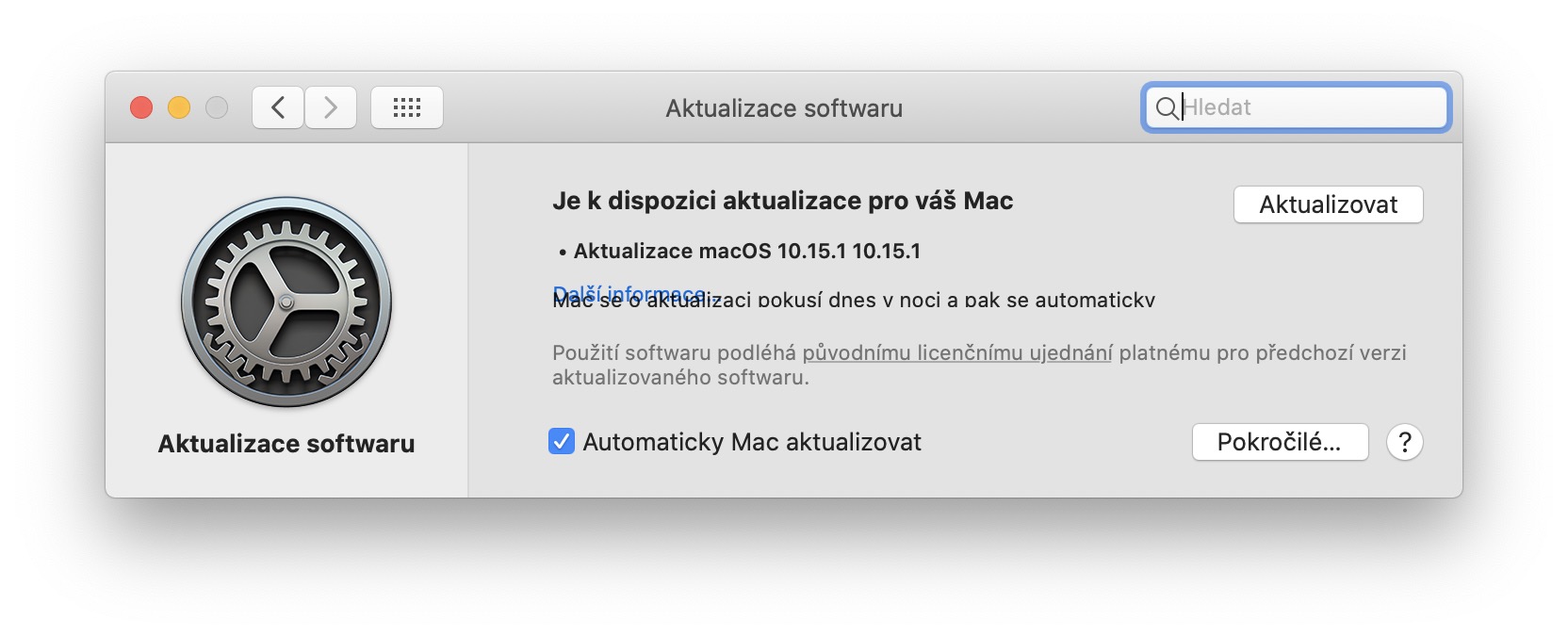
Years Apple he is not perfect. From time to time, a version of the macOS operating system may appear that contains a software bug. For example, this error can result in high usage of hardware resources, causing the Mac to freeze and overheat. Apple often tries to solve these system errors as quickly as possible through further updates. So always try to keep the latest version of the operating system on your Mac. You can check for macOS updates by tapping in the upper left corner icon , and then select an option from the menu System Preferences… nakonec in a new window, move to the section Software Update and wait until the option to update appears.
Cleaning up MacBooku
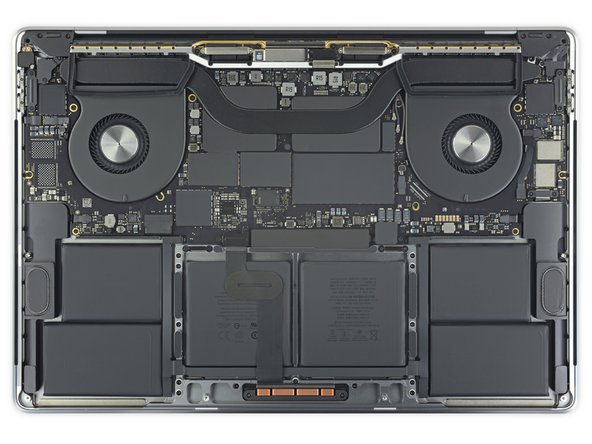
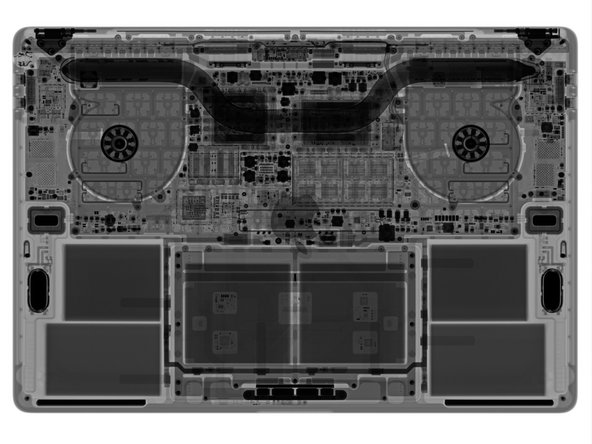
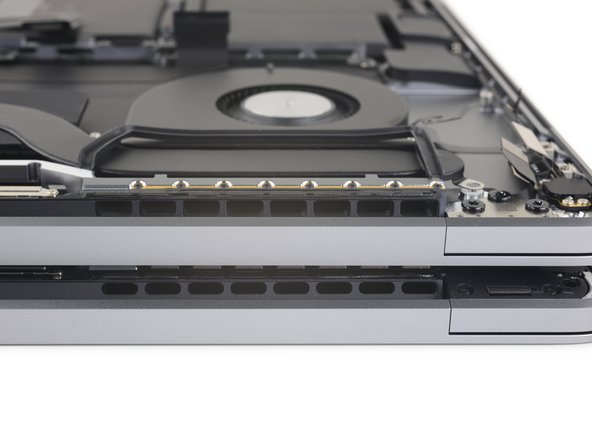
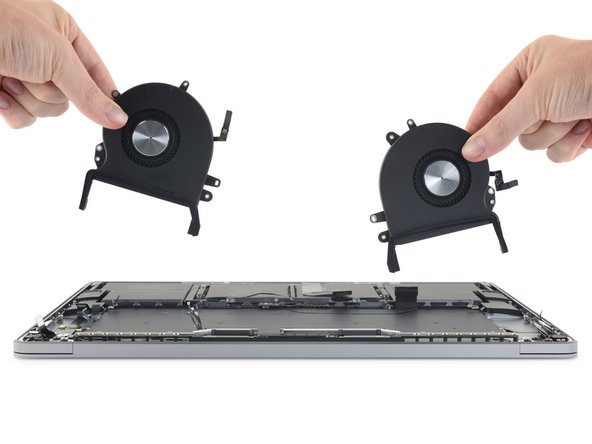
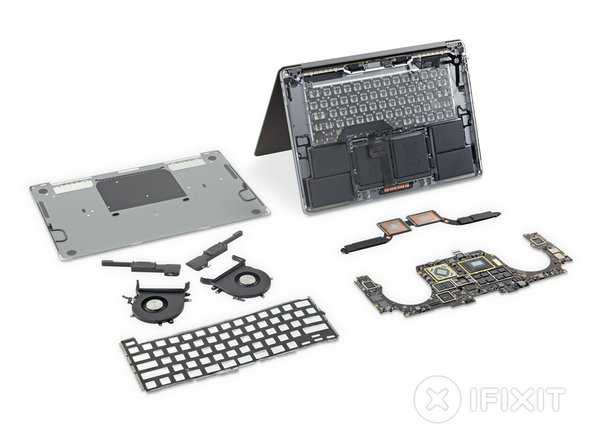
If none of the above tips help, then the problem is most likely inside your device. As I mentioned in the introduction, practically no computer can avoid dust and it needs to be cleaned from time to time. In the case of MacBookCleaning is done by unscrewing the bottom cover and then proceeding according to the model you own. Pro You can use a small brush and a vacuum cleaner, along with an alcohol solution, to clean it. When cleaning, you should pay attention to the areas where the cooling system is located - i.e. the various vents or fins of the radiator. You must also not forget to clean the fans themselves. However, if you have never done this procedure, it would be better if your MacBook take it to a service center where a specialized technician will clean your device. You risk damaging the entire device, which is definitely nestIt costs five crowns.
Gallery
Thermal paste
If you MacBook has been in use for several long years, you may encounter hardened thermal paste. If someone has already mentioned "hardened paste" to you and you do not know what the paste is, simply put, it is a substance in a thick liquid form that is intended to fill the space between the processor and the heatsink. This paste therefore helps to transfer high temperature from the processor to the heatsink. The surface of the processor, as well as the surface of the heatsink, is often not perfectly flat and air bubbles can form there. Air conducts heat much worse than thermal paste, which perfectly fills these gaps. Over time, thermal paste hardens and loses its properties, which is why it is recommended to replace it. Thermal paste can often reduce the temperature of the processor by tens of degrees, and considering that you can buy quality thermal paste for a few hundred crowns, it is a perfect and effective investment.
Thermal paste on chips and heat sink:
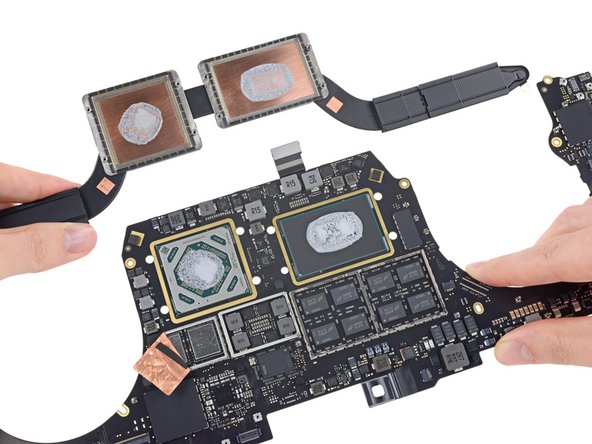
Pro To replace the thermal paste, you need to remove the bottom cover, just like when cleaning, and then get to the cooler with the processor. In practice, the easiest way to replace the thermal paste is on models from around 2015, but in the case of "facelift" models from 2016, it is often necessary to remove the entire motherboard to replace the paste. After removing the cooler, simply clean the contact surfaces from the old thermal paste, ideally with alcohol, then apply new paste and reassemble the entire device. If you would like to see how to clean and replace the thermal paste on MacBooku Pro from 2105, so watch the video below.








I have MB Air 2019 and it's humming when using Lightroom. I solved it with the Turbo boost switcher app and I can only recommend it...
Hi, what processor do you have please? I'm thinking about it too and it supposedly air it only doesn't overheat when it has two cores
AirBoth 2018 and 2019 were always made with dual cores, but due to more or less passive cooling, they can still overheat despite the presence of a fan.
Otherwise, they even have the same processor, I think a 1,6 GHz i5
i5 in the new air is 4-core
You guys in the editorial office are way ahead of the curve when you already have cleaning instructions. MacBooksince 2105