
Owners iOS devices are certainly very familiar with the Duet Display application – either from personal experience or from hearsay. A tool that can transform smartphonesone or tablet into an additional display for the computer, they will now have theoneDuet Display will be available to owners of devices with the Android operating system. It will be possible to use Duet Display on Android devices both in conjunction with a computer with Windows, as well as with Mac.
You might be interested in

The engineers behind Duet Applu and the instrument very quickly gained great popularity among iOS users, and its popularity will probably not be significantly reduced by the arrival of the tool Sidecar in macOS Catalina. Setting up Duet is very simple, for a flawlessoneTo use the activity, you just need to connect your mobile device to your computer using a cable.
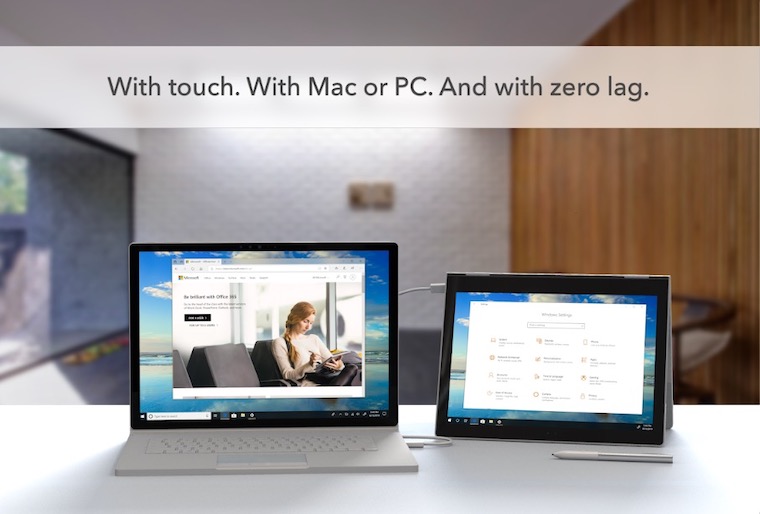
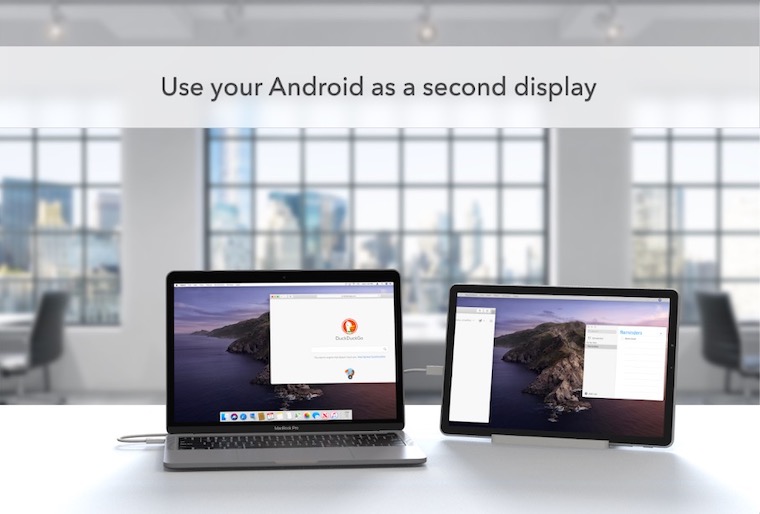
Owners of devices with the Android operating system will receive the Duet application today, they can pre-register in the software store Google Play StoreDuet works seamlessly with almost any device running Android 7.1 and above. It should also work on a number of Chromebooks that are capable of running Android apps. As for computers, Duet can be installed on a Mac with operating system 10.14 Mojave and later or on a PC with operating system Windows 10. After installing the application on the mobile device and the utilities on the computer, all you have to do is connect the two devices to each other with a USB cable. Once connected, the mobile device will automatically be recognized as a second display and users will be able to change its resolution, position or orientation.




Well, how do I read the program reviews on AppStoru - probably the last glory of the program 😢. Same problems…..
I read somewhere that the iPad OS should be able to do this by default. I haven't tried/looked for it yet. Has anyone tried this yet? It works?
I'm using it now for macbook air(2017) and ipad 6th generation, and it's not bad, by default the new macos catalina should be able to do it (sidecar) but on newer Macs, I haven't had the chance to try it yet, but there are some videos on YouTube
Catalina a sidecar It will only work on, specifically MBP, models from 2016 and younger, officially. It's because of the processors.
You can find instructions on the net to unblock this function even for older MBPs, but it is problematic. It is also possible that it Apple until the final release will block despite this option.