
If you have purchased MacBook, you have probably noticed that there is no numeric keypad on its body. It is not found on practically any smaller notebooks these days. As you probably know, the numeric keypad does not only contain numbers. There are also various special keys that can help you work with text. These most commonly used keys include Home, End and Delete. But did you know that these keys are also accessible on the keyboard? MacBooku? You just need to know exactly what to press. So if you want to learn how to MacBooku use the keys Home, End and Delete, so read this article to the end.
You might be interested in
Key Home
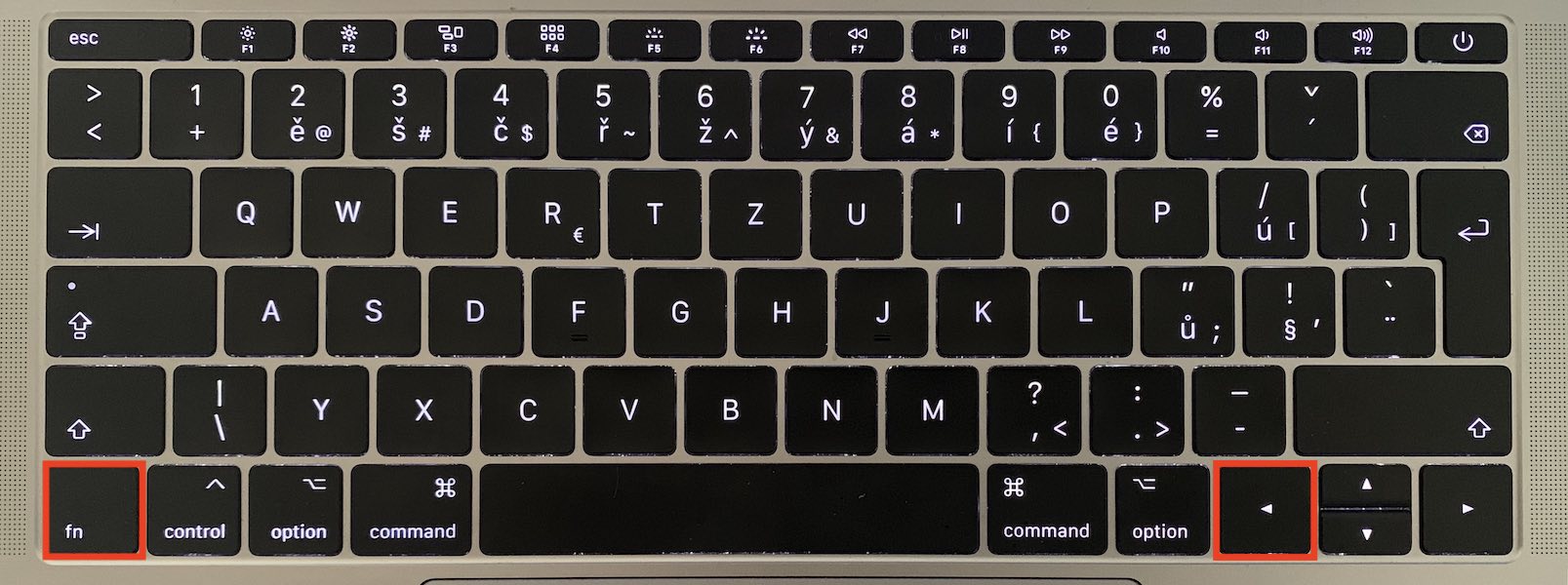
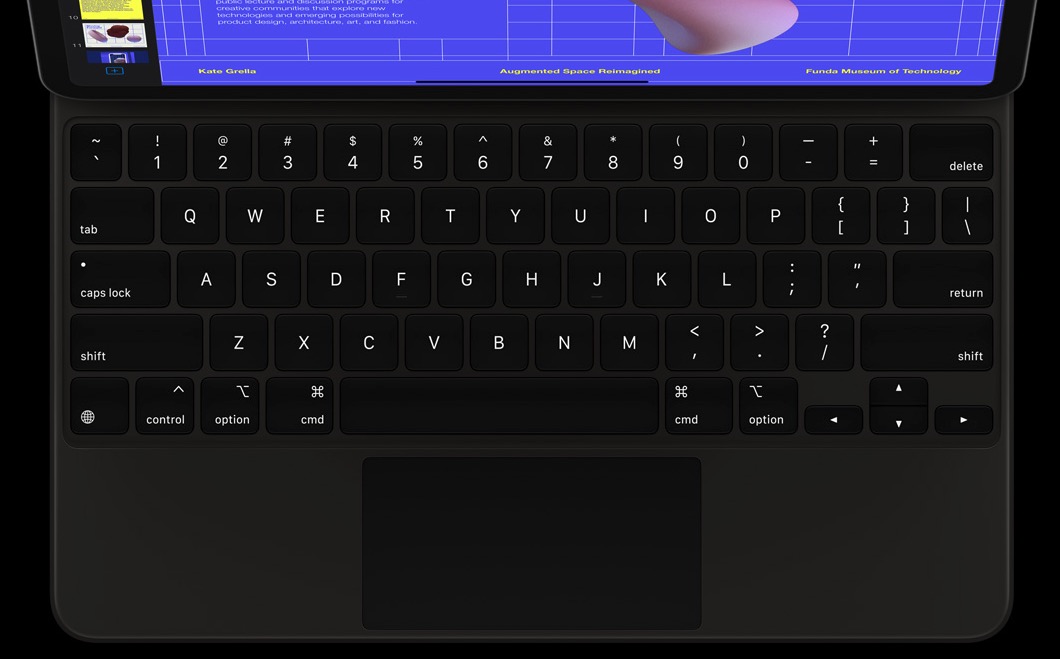
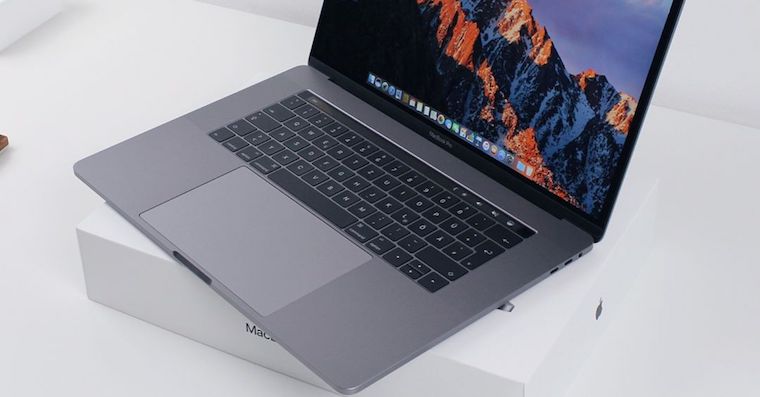
If you want on your MacBooku use the key Home, then you need to hold down the key named in the lower left part fn. As soon as you hold this key, press at the same time left arrowThis will activate the virtual key. Home, which is found on keyboards with a numeric keypad.
End key
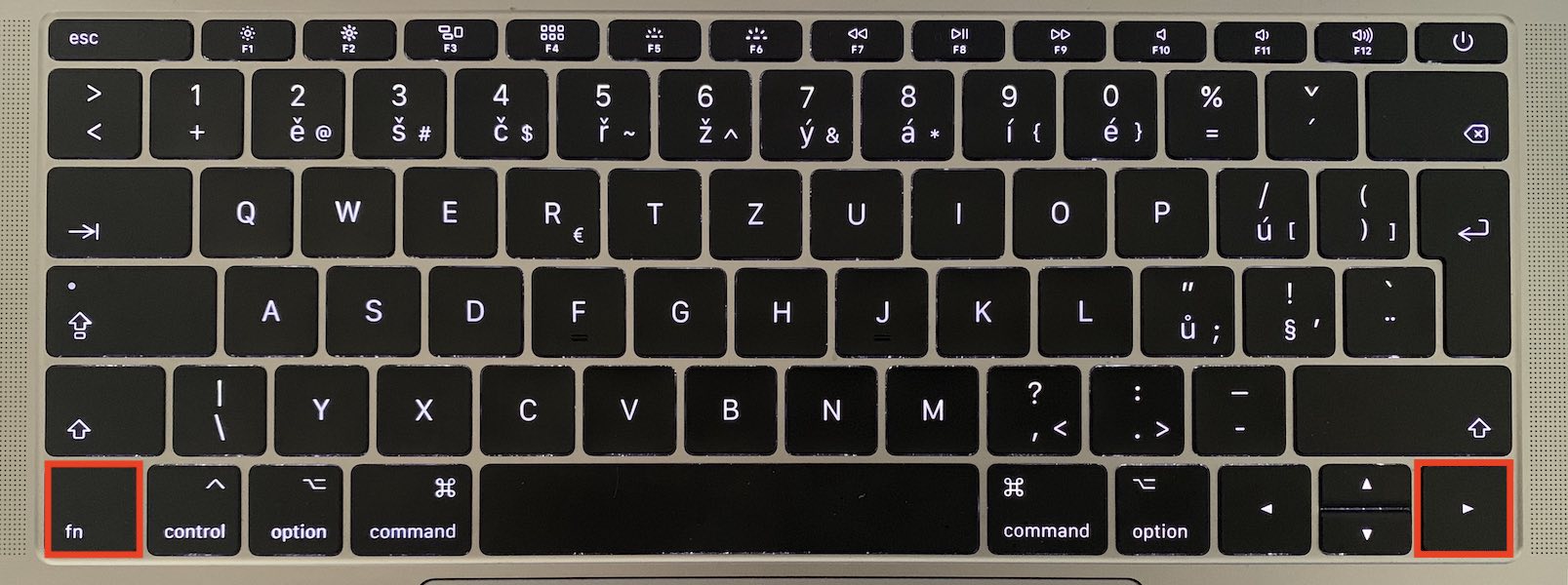
Opposite of keys Home is of course the End key. It is also located on the numeric keypad, which MacBook However, if you still want to use it, just press the key in the lower left part of the keyboard fn and at the same time with her right arrow.
Delete key
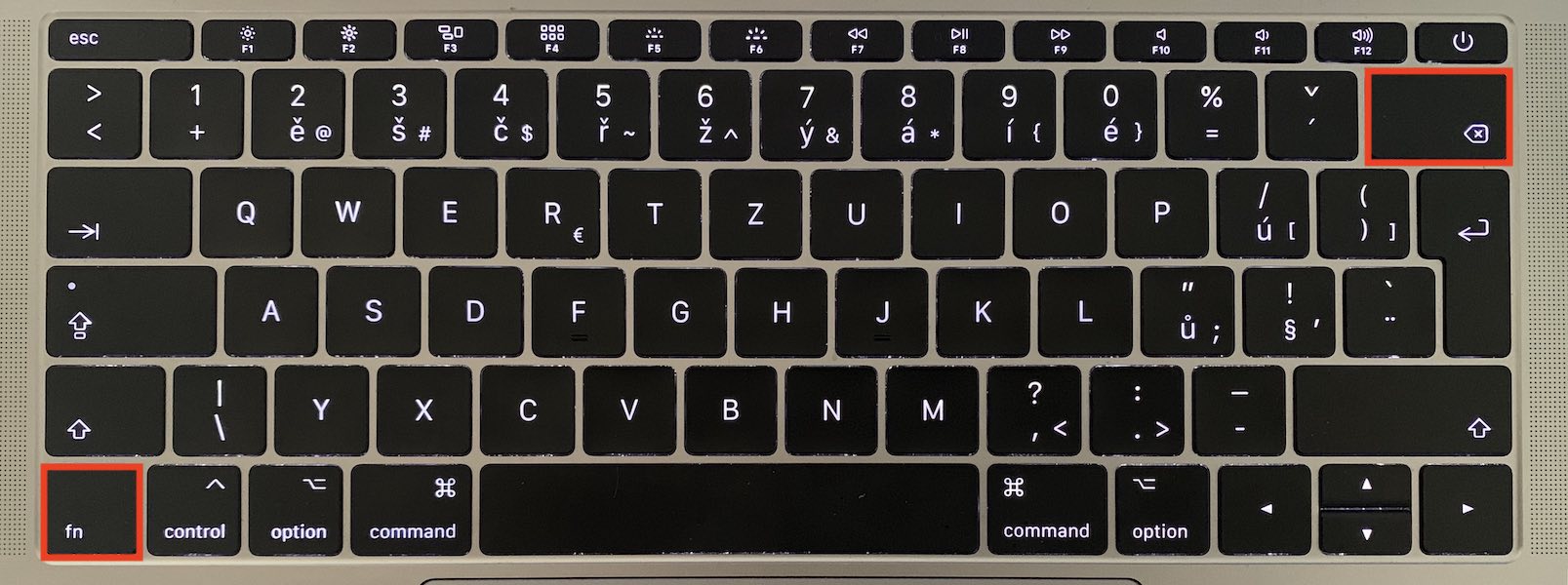
As you probably know, MacBooku is the Backspace key. Many people think that Backspace and Delete are exactly the same key, but this is not the case. Pressing Backspace deletes the character in front of the cursor. Pressing Delete deletes the character after the cursor. In order to be able to use the Delete key on MacBooku, then hold down the key again fn and press together with it Backspace.
Gallery
You might be interested in

I bet most of you didn't know about this trick, because I didn't know about it for a long time either. Even though it may not seem like it, these keyboard shortcuts can increase your efficiency at work. If you are writing a long text, you don't have to move towards an external mouse or trackpadu – to move to the beginning of the text, just press the shortcut key Homeif you want to get toonec text, then the shortcut for End. And if you want to delete the text after the cursor, then the shortcut for Delete.




Are you paid by word count??? Because such a dull way of stretching the text by writing about nothing and mainly repeating the already mentioned things over and over can only be explained by the fact that you are paid for it.
It's amazing, by the way. What should I write? max I'll make an article out of it in three sentences 😊
The keyboard on the Mac is hell. ProThe problem is that this doesn't work the same in all applications 🙁
I don't know about others, but I have macbook air 2014 and there it is in combination with the CMD key and I have never had a problem with it in any application.
the last paragraph is probably the opposite. I have macbook 2015 and on the keyboard I have delete and when I press FN there is backspace. the keyboard is perfectly fine. when you have euroby the way, all the characters should be there too, if we use the version, not all the characters are drawn on it, but in the top list you click on the stop and there on the keyboard it will show you all the characters of the keyboard. if you write often, you will remember them.
since I'm stupid, I assume you all are stupid too :-D
Thank you, the article helped me :)
By the way, thank you, the article helped me as well. After 20 years of use Windows I got Apple and it is hell. However, Home and End doesn't work like that for me. I have to use Command and the left or right arrow