
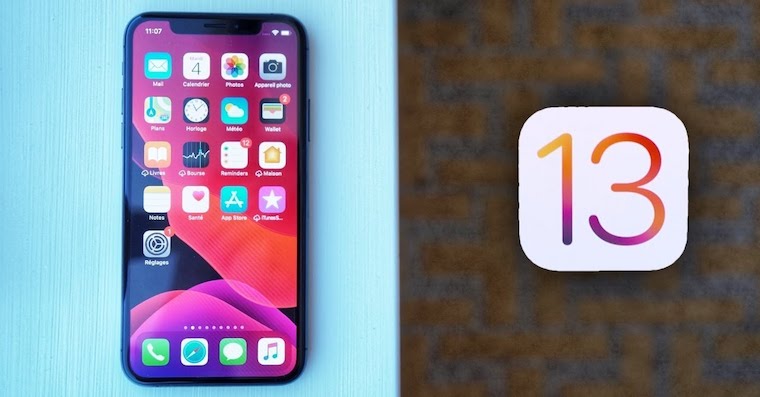
Next week, next beta version – at least this is how Apple tries to release developer betas for all of its operating systems. Yesterday we saw the release of the seventh in a row beta system version iOS 13, and as you might expect, there are some new features here too. In each new beta This version fixes errors and bugs, and also makes minor changes, such as changes to various icons.onek etc. You will not read about them in this article, as the number of changes usually amounts to several dozen and there will most likely be further changes in the next version. So let's take a look at the biggest news that is in iOS 13 beta 7 is located.
You might be interested in
Gallery
- The background of the folders is gray again, so with this step we've gone back two betas again.
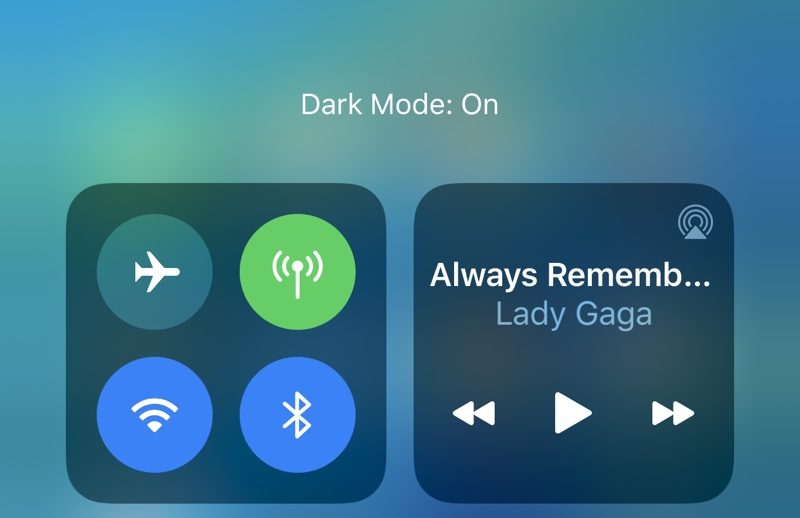
- If you try to change the appearance of the system in the control center, you will find that the change has taken place. Instead of the inscription Appearance Dark: On/Off, now only Dark mode or Light mode is displayed.
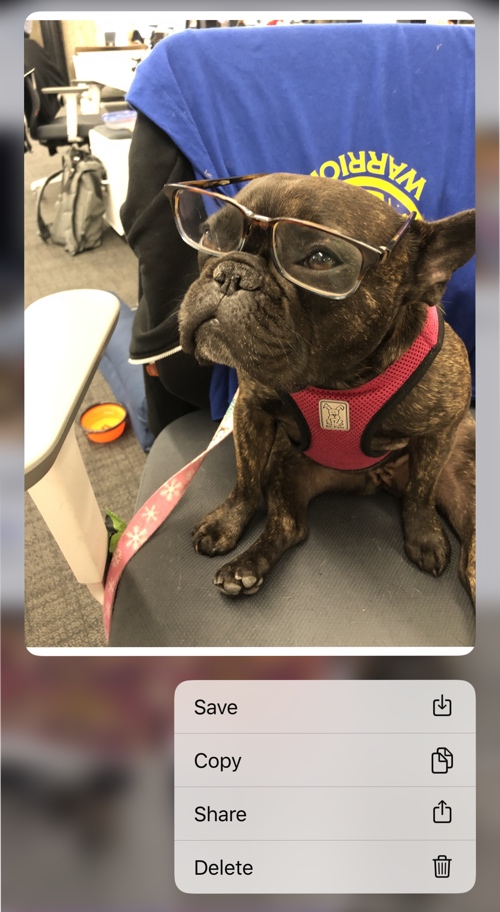
- In the Messages app, you can easily delete attachments again. Just tap the little "i," then tap and hold on the photo (or other attachment), then select the delete option.
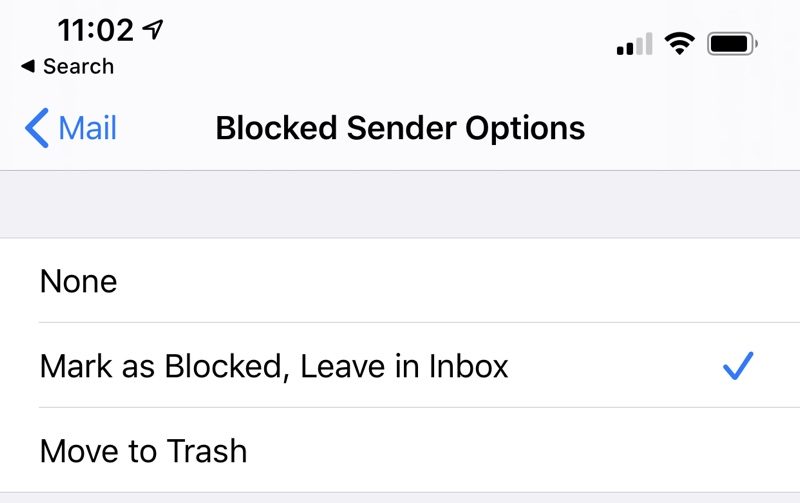
- In the Mail app, you can now set how the app handles emails from blocked senders. You can now either mark them as blocked andonechat in the inbox (default setting), or immediately move to the trash.
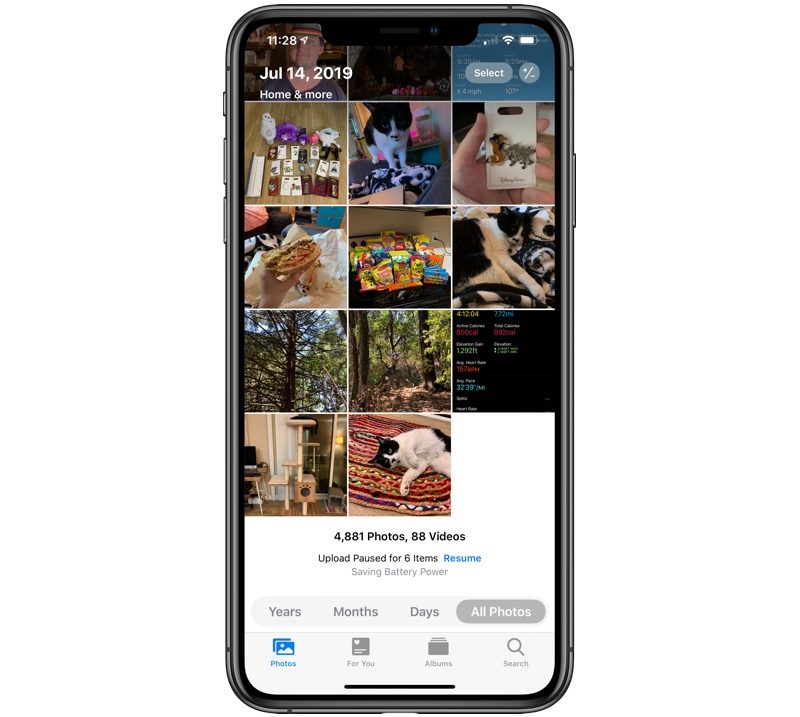
- If you switch to the All Photos section in the Photos app, photo thumbnails appear in a grid three photos wide. In the past beta version was five photos wide. If you don't like this change, you can of course use the pinch-to-zoom gesture to enlarge the grid again.
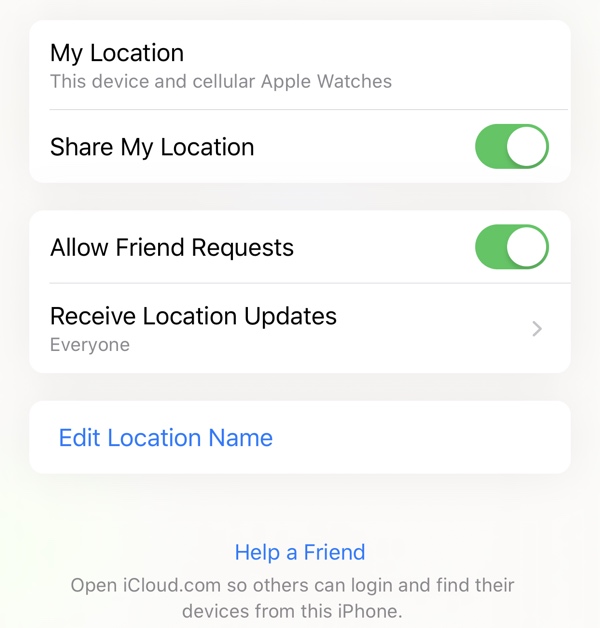
- The Find app has a new feature that lets you search through your iPhone Help a friend who has lost theirs – just click the Help a Friend button. At the same time, the Find My app now notifies you when your device is found.
- You will no longer find any mention of Automation in the new Shortcuts app welcome screen. Most likely, Apple does not count on the deployment of automation in the near future, which is really a huge shame.
- Last but not least, the synchronization of Do Not Disturb mode between devices has also been improved. Apple Watch a iPhonem. Synchronization should now be running perfectly fine.
If you are asking about the speed of the system, then from my own experience the system is again a little faster than in the last beta. The display of the menu that you call up with 3D Touch has also been accelerated. The response of 3D Touch has already been improved in the sixth beta version, but in the current seventh beta version, the response is even a little faster. The fact remains that the applications work and run absolutely great, although I encountered an application freeze after a long time Facebook, which I had to manually turn off and on. But I probably wouldn't be entirely to blame for this Apple.




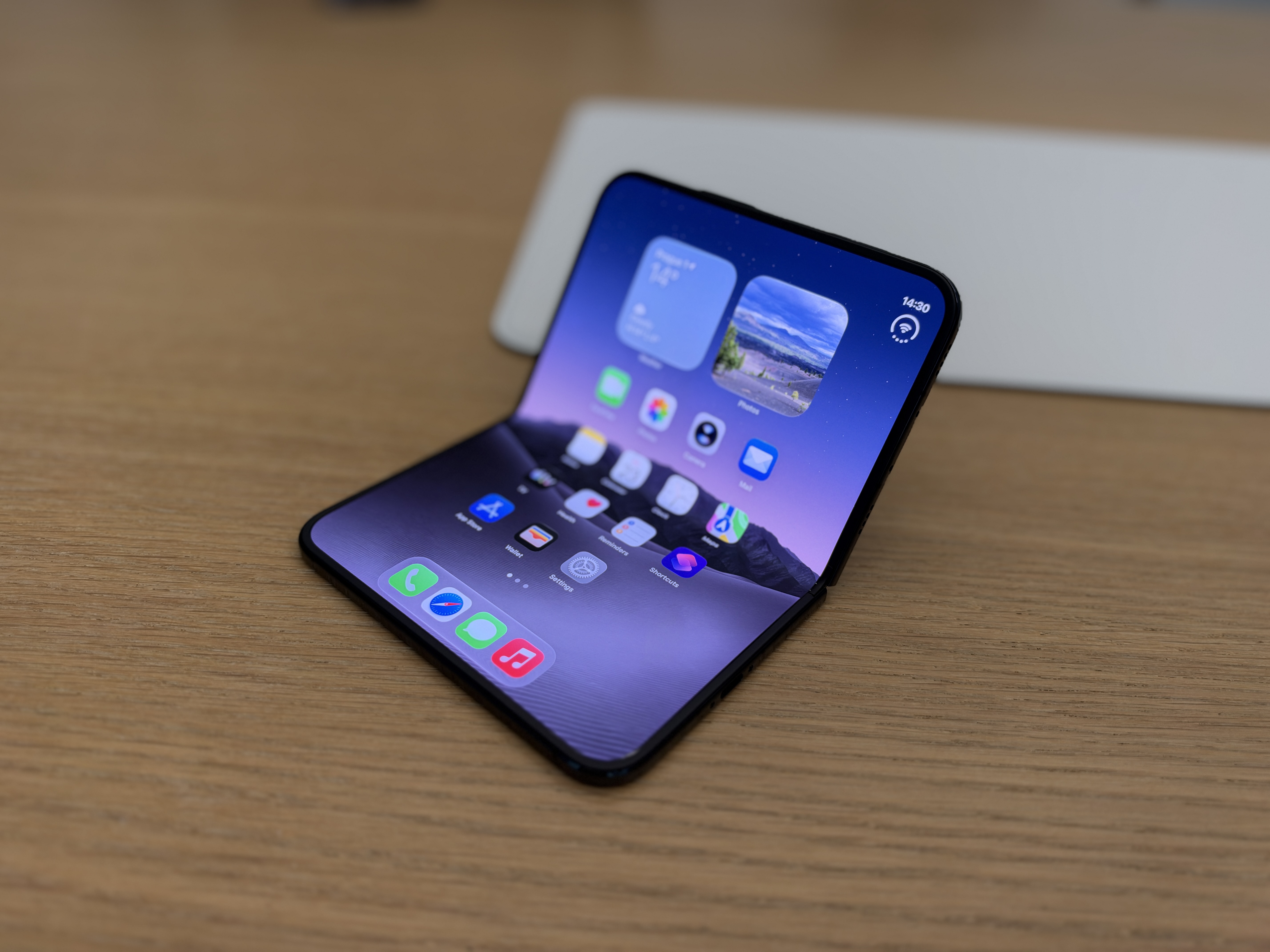

I don't know if the name 3D Touch is still up to date ios 13 you don't need to press the icon at all, the submenu of the given application will still be called up, I remember when 3D Touch was new and there were opinions in the discussions that the competition had the same thing, just hold your finger longer on ikone and what about the fact that you have a pressure-sensitive display ios 13 it doesn't matter
Hello, does anyone know if... ios13 is it possible to have different ringtones for each SIM card? And is it possible to choose which SIM card to send an SMS from, in short, has anything been improved in the area of using two SIM cards?
Does anyone use it? iOS13 and George GO? If so, from beta5 I'm not getting notifications, does anyone have the same problem?
I haven't noticed any problems and I have beta7.
Hi Martin, this happened to me. Even though I had push notifications on and everything was fine, they didn't go…
I hard reset my iPhone and it fixed the problem. Hold the power button together with the volume down button until iPhone won't turn off and restart the logo Applu, so let go of both buttons, enter the code and the hard reset is done and it should work, so it helped me personally. :)
I've been using the Sci Calculator for years:Pro Calculator how to iPhone, so on the iPad. Unfortunately, on the iPad where I have iPadOS 13, it always crashes after starting. It's been going on since the first beta. Reinstalling didn't help either. I also wrote to the author of the application, but he didn't answer. Does anyone have it and does it work for you?
I use iOS13 since the 3rd beta and since the 5th update I haven't encountered any problems. Now it's really about tuning the details, stability and performance. It's just a shame that Equa banking still doesn't work for me because it's not an official version of the system. So I have to use Richee.
It is 2027 and until iOS 21 a new function is added – copying part of the SMS text/iMessage news.
Hi everyone, I wanted to ask for help. Since beta 6, my watch started disconnecting from my phone when I wasn't on Wi-Fi. The watch (beta 6) I restarted, but unfortunately it didn't pair anymore :( Does anyone know how to pair them again? I'm at a loss!!! Thank you very much for your advice.
A watch WatchOS 13 beta1, telephone iOS 13 beta 6