
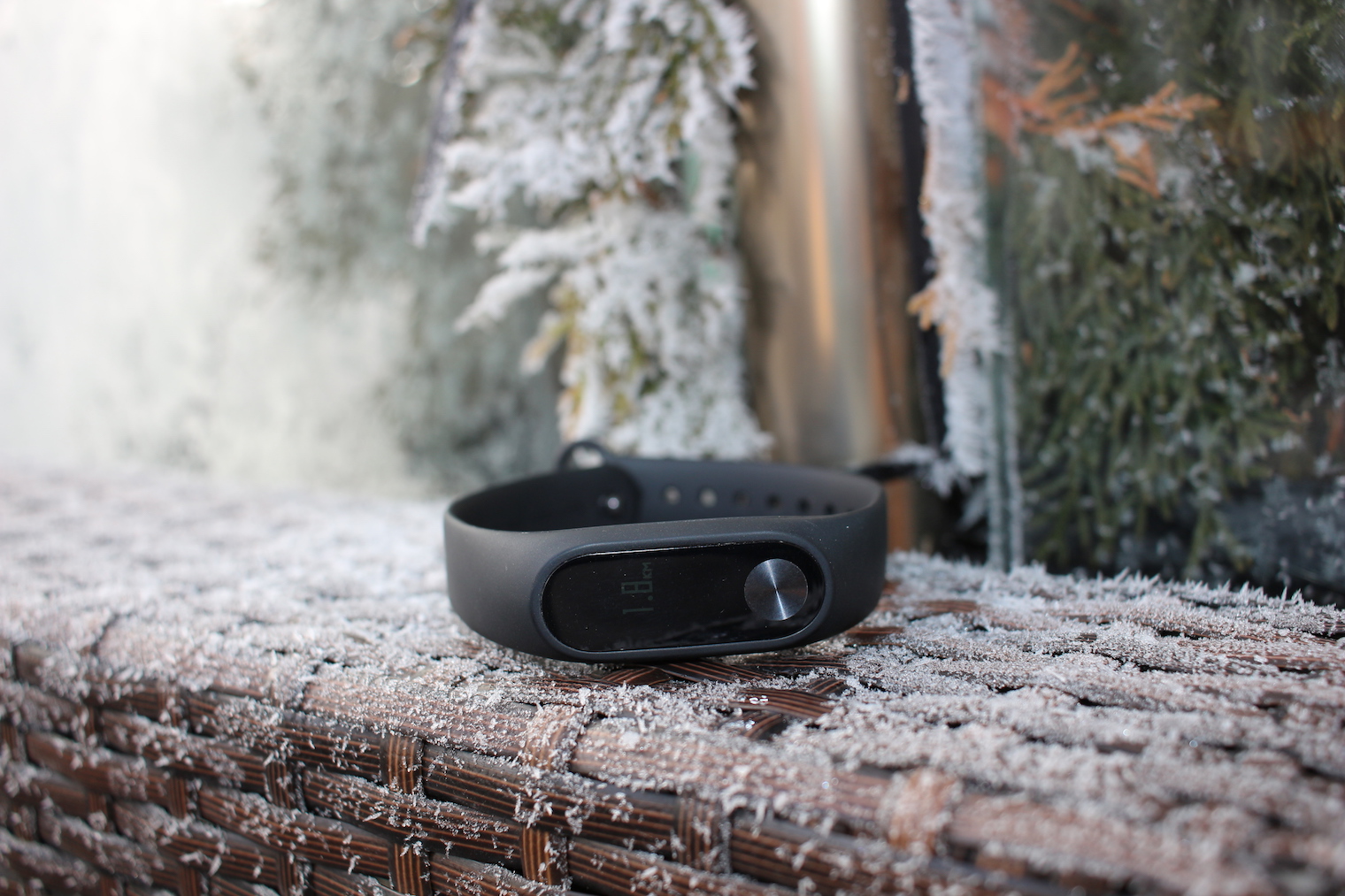
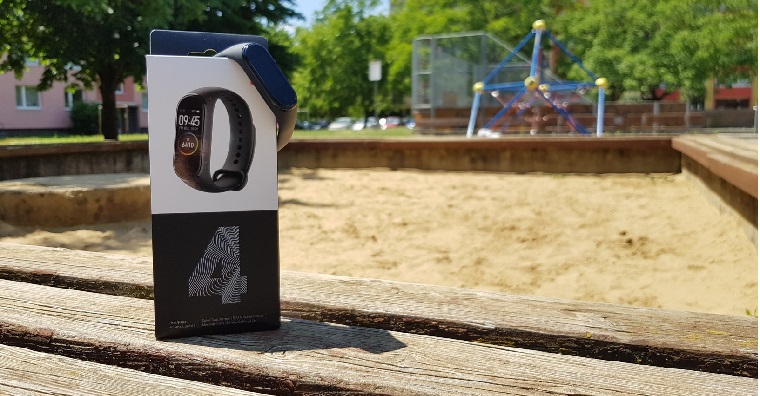
For many years I was a user of the now old Xiaomi Mi Band 2 bracelet. The third version of this bracelet did not appeal to me, so I decided to wait to see what Xiaomi comes up with next. And the "next time" that was just prayed for arrived a few weeks ago with the name Mi Band 4. It recently arrived in our editorial office and I haven't taken it off my hands since then to properly test it and be able to evaluate it in a review. So let's take a look at how the Mi Band 4 impressed the owners of the older generation of Mi Bands and especially fitness bracelet lovers.
You might be interested in
Package contents and pairing
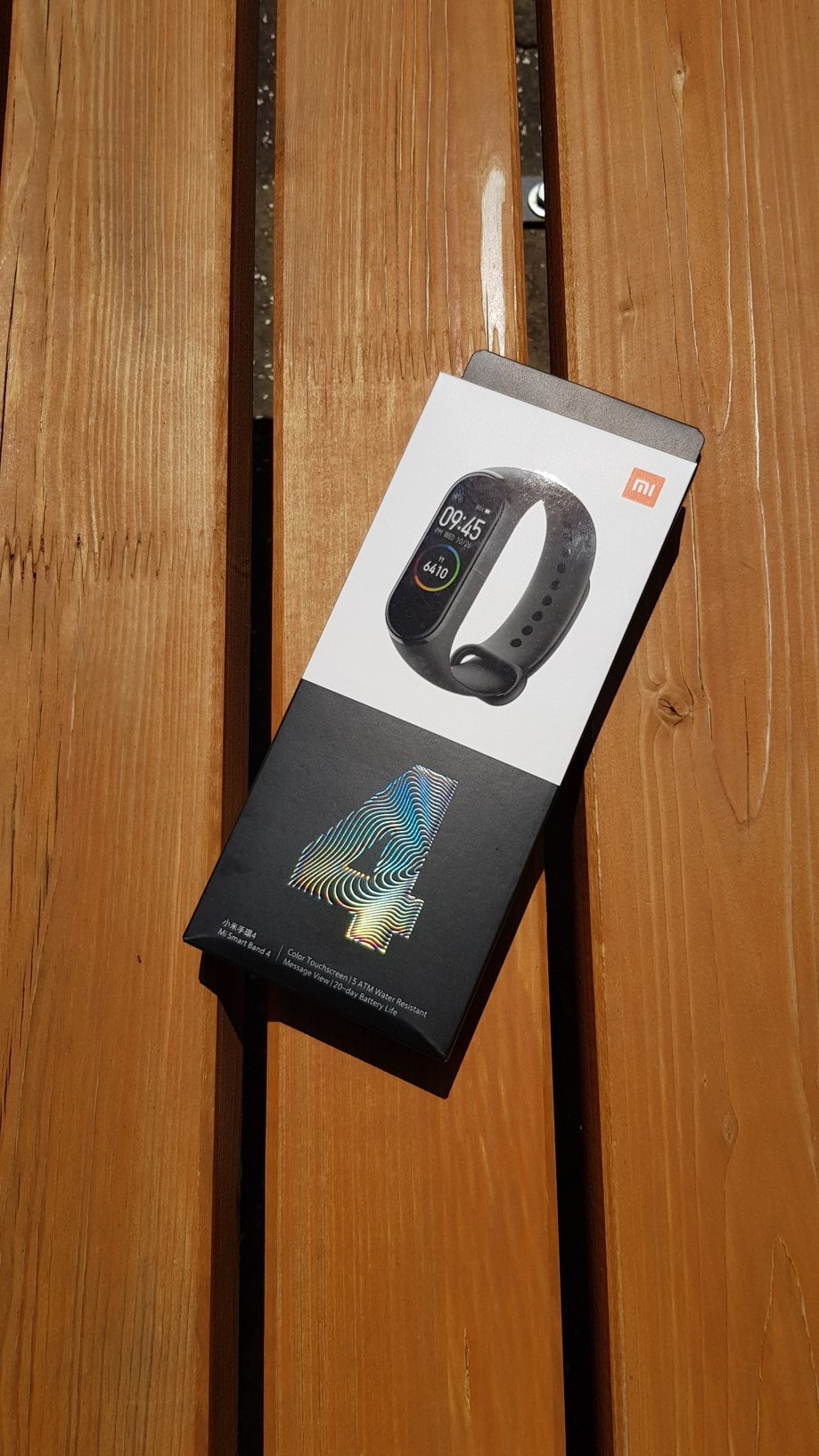
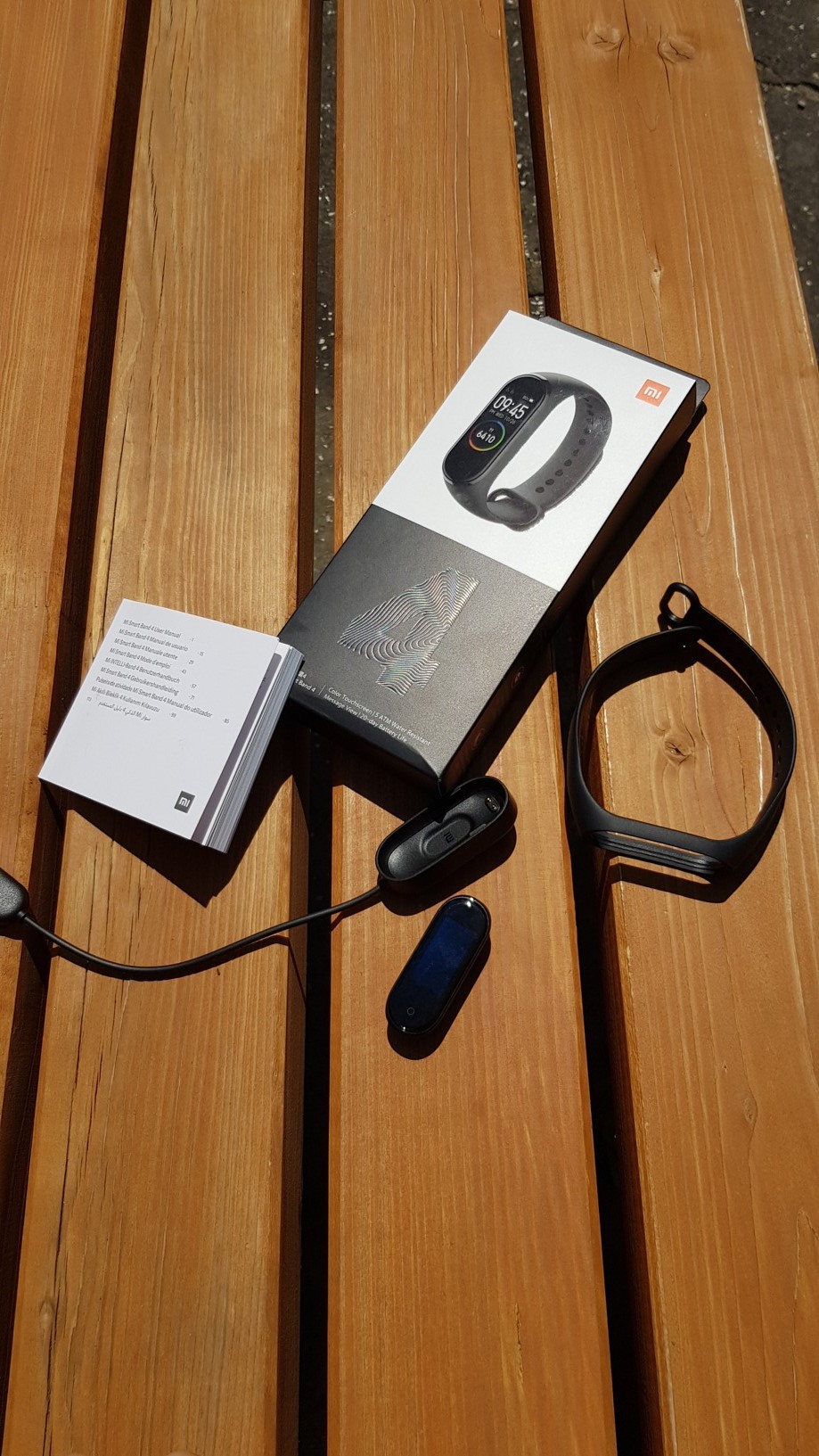
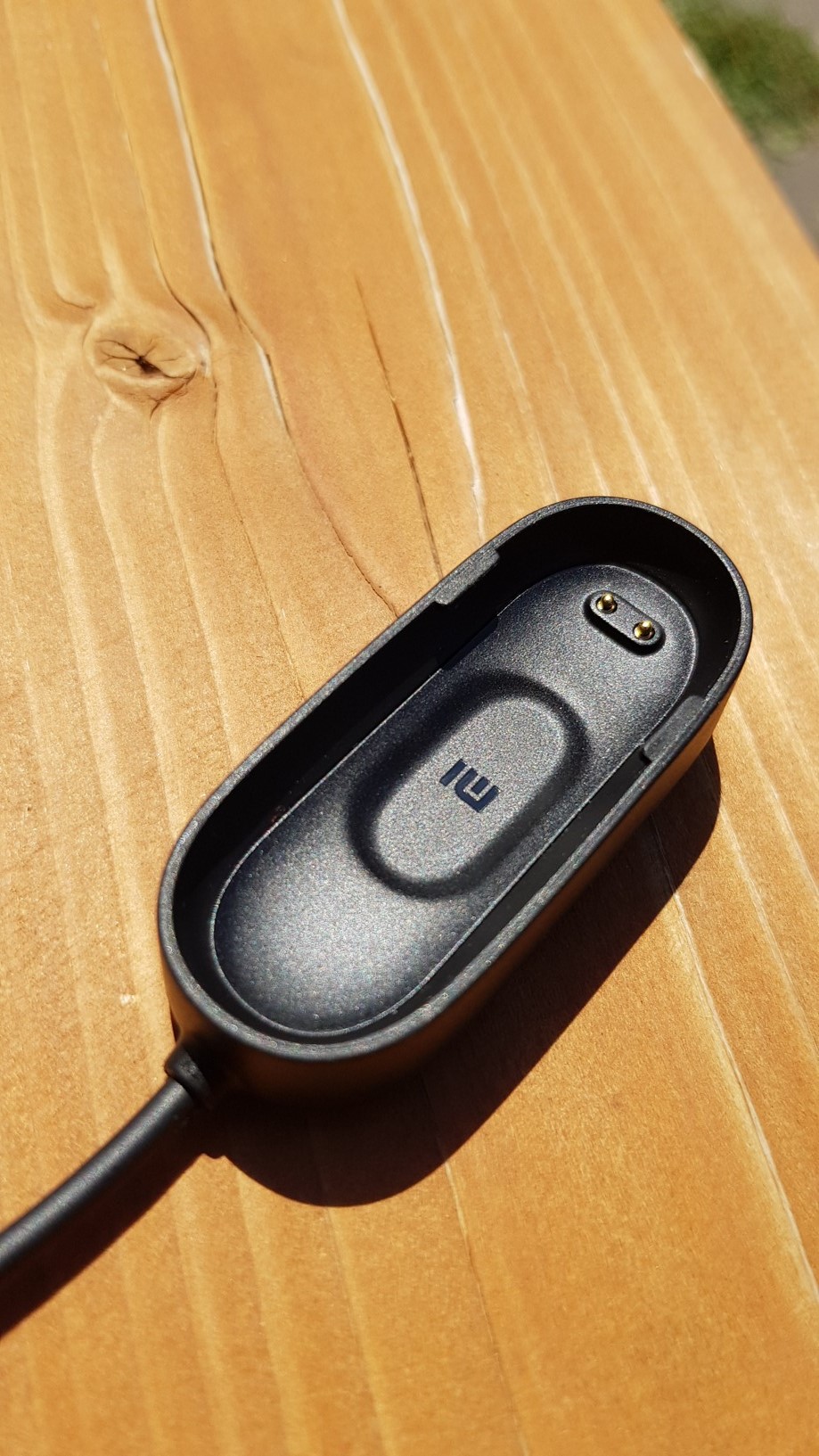
The fitness bracelet will arrive in a box containing the Xiaomi Mi Band 4, a rubber bracelet, a manual and a charging cradle, the cable of which, in my opinion, could definitely be longer. To pair with a smartphoneonem needs to be downloaded from App Store or Google Play Mi Fit application, and you need to have at least Android 4.4 or iOS 9. The app will ask you which device you want to pair. After selecting the bracelet, you need to place it near your phone to start the pairing process. The connection itself takes a few seconds.
Specifications
Now briefly to the technical parameters. The bracelet weighs only 22,1 grams and, according to the manufacturer, it is possible to dive with it to a depth of 50 meters. However, Xiaomi measured this value in laboratory conditions, so it must be taken into account that in real life the water resistance is significantly worse. However, if you do not do deep dives with it, but "just" swim or dive to a depth of several meters, you will not have a problem.
Bluetooth 5.0 is used to connect the phone, which guarantees a very stable connection and is also gentle on the battery. The bracelet has a color AMOLED display with a resolution of 240 x 120 pixels. The brightness is up to 450 nits. The battery capacity has increased to 135 mAh compared to previous versions, mainly due to the energy consumption of the display. Depending on your use, it is not a problem to get by with a single charge for the classic 20 days. The bracelet charges from 0 to 100% in approximately 2 hours. If we focus on the sensors, we will find a three-axis accelerometer, a three-axis gyroscope and an optical heart rate sensor. The Chinese version will also include NFC, which will not be applicable to us.
Application
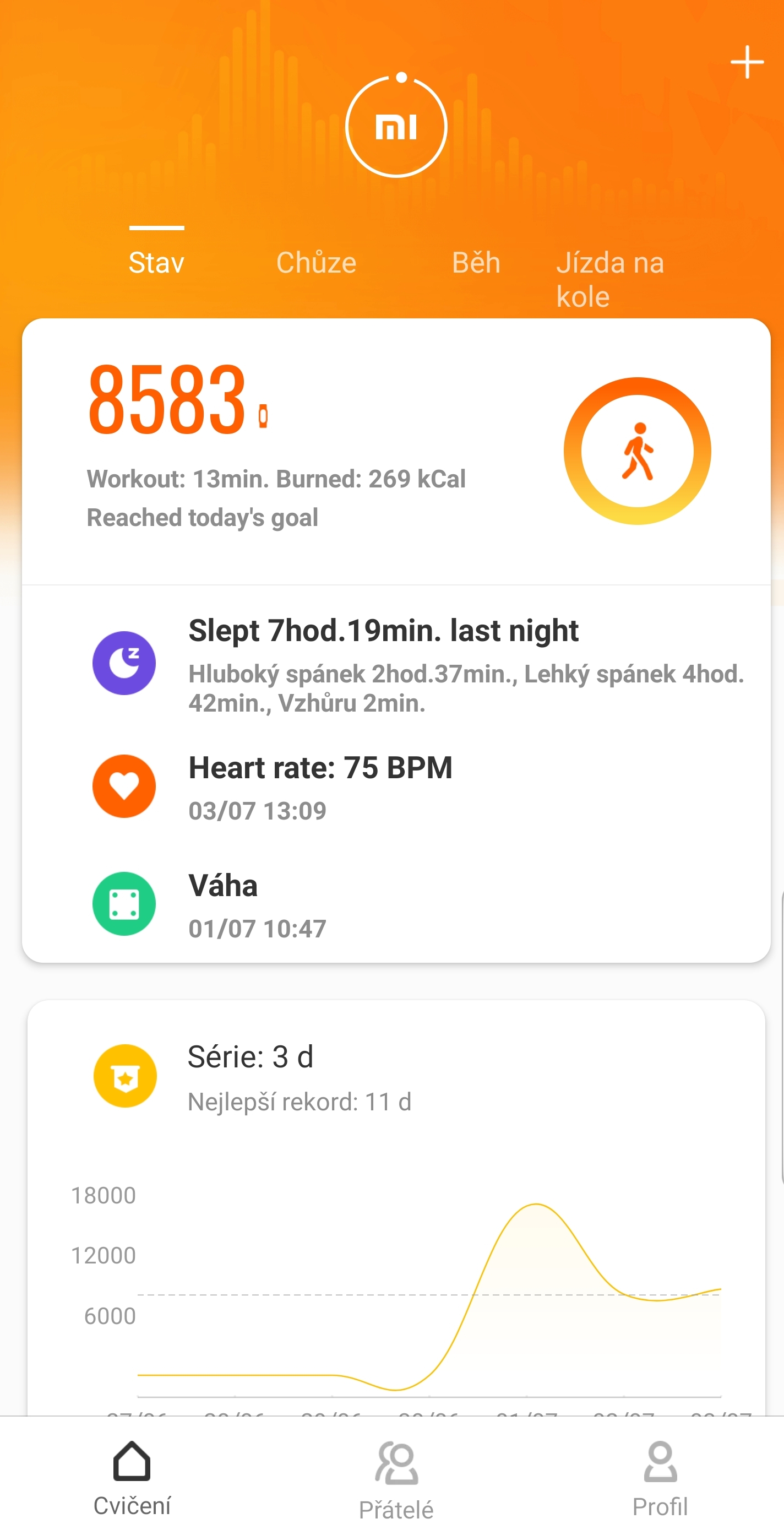
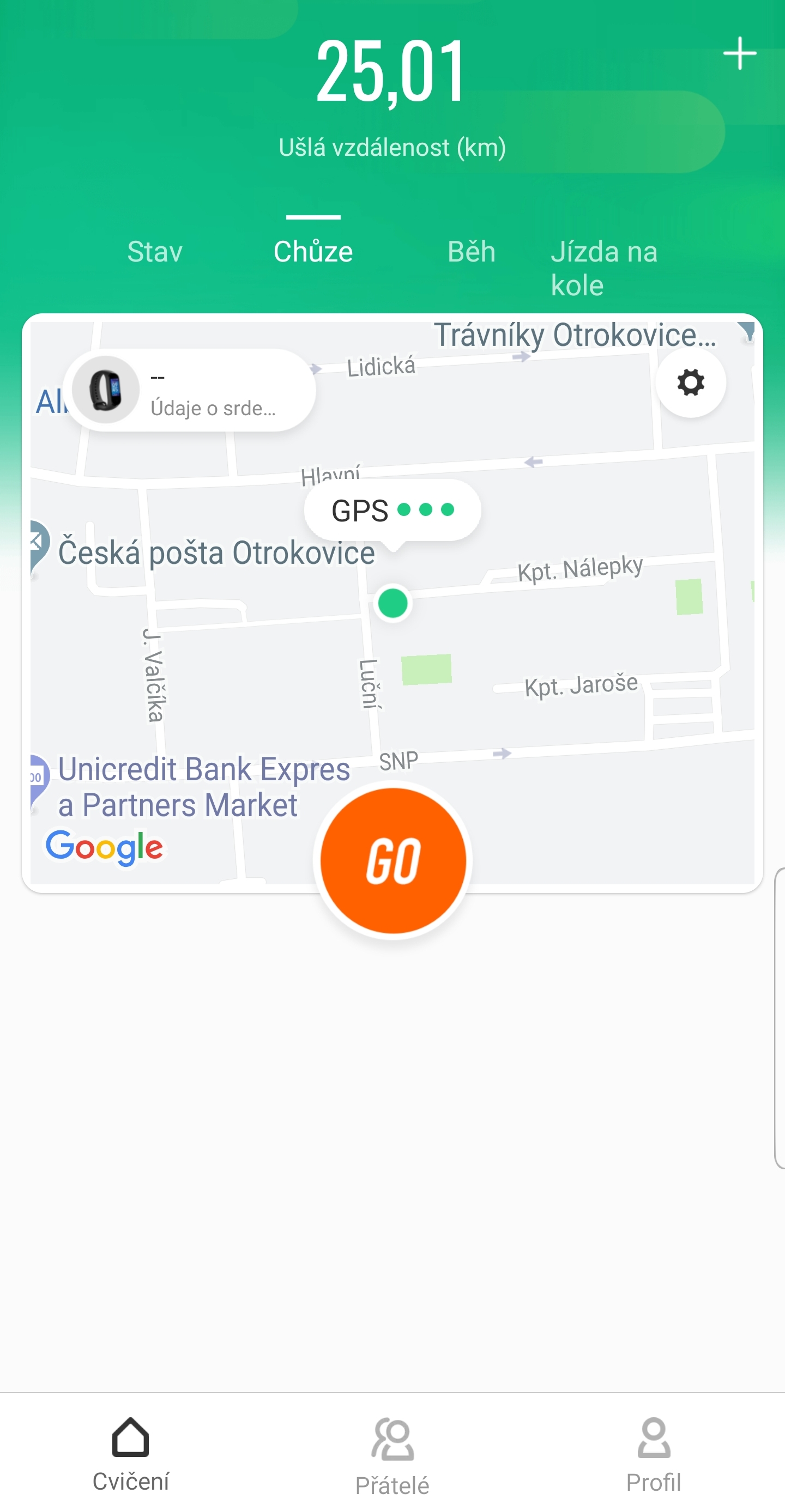
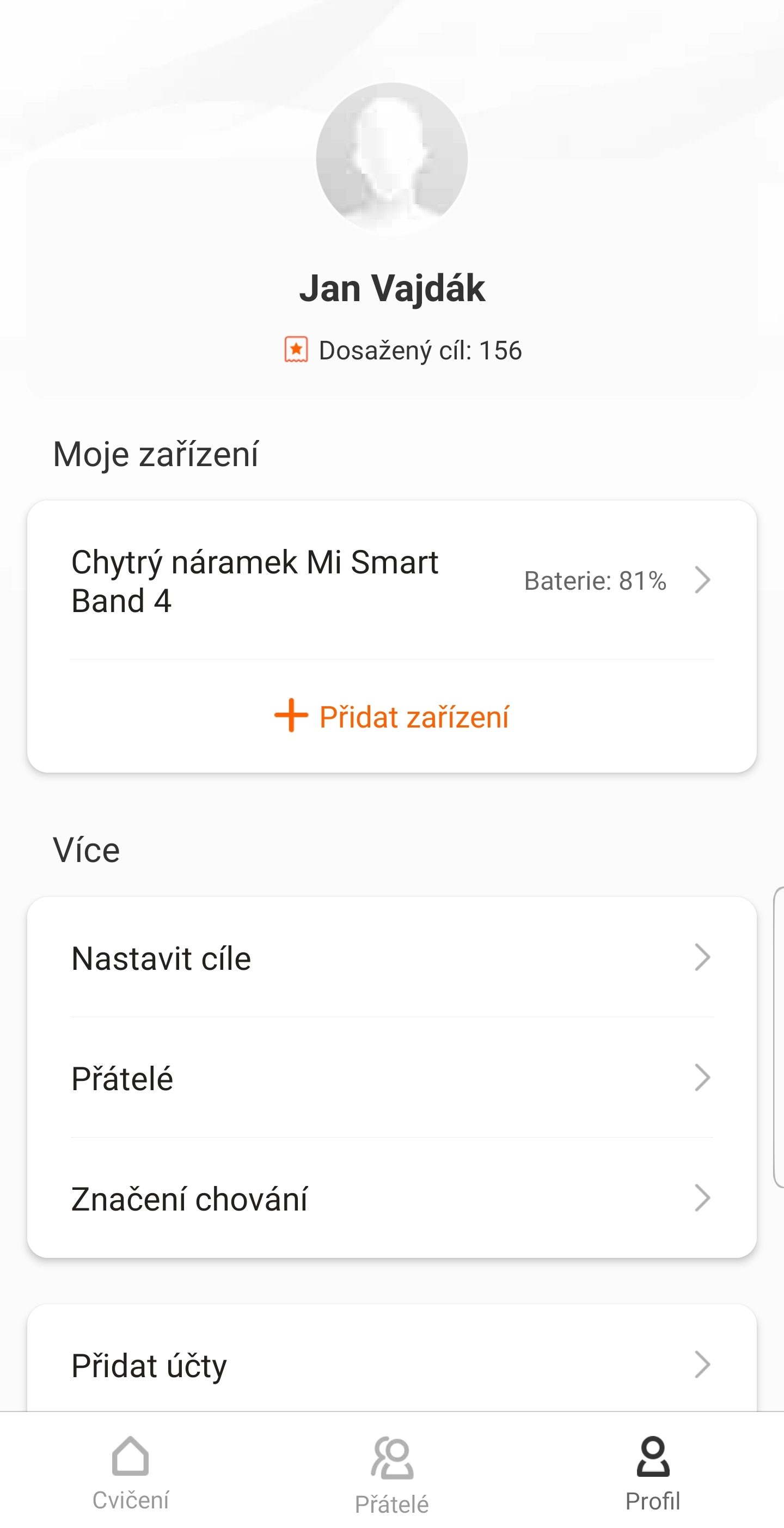
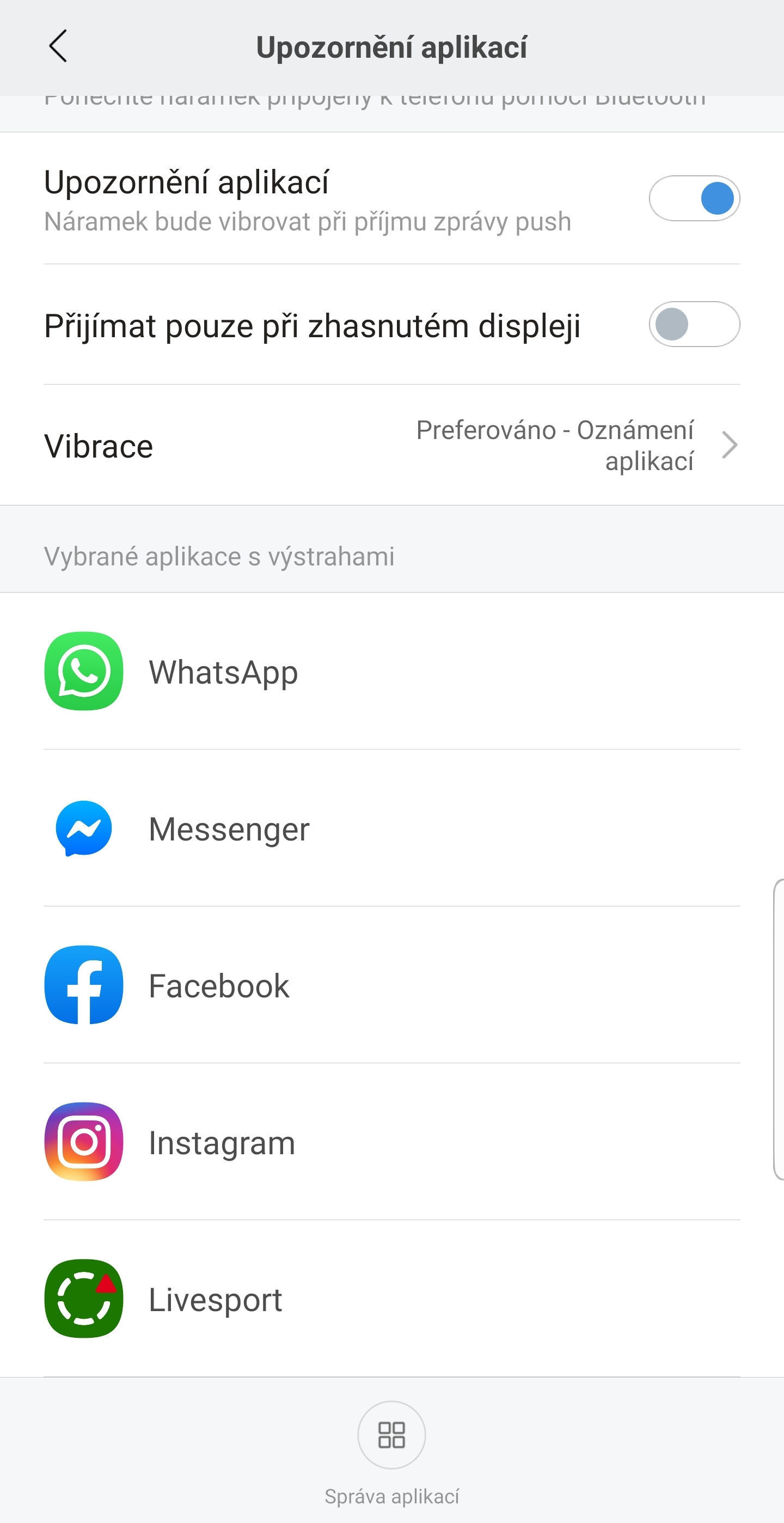
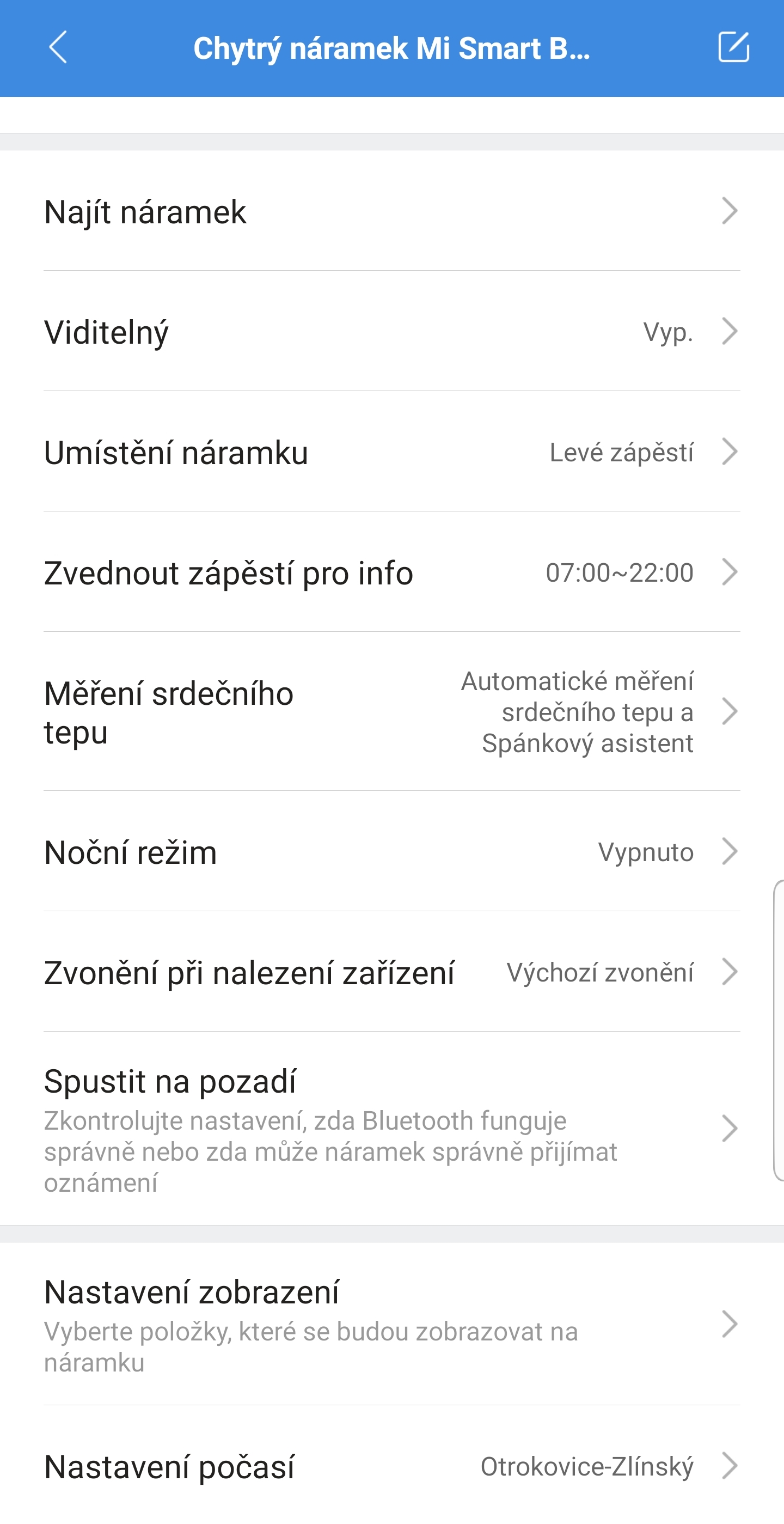
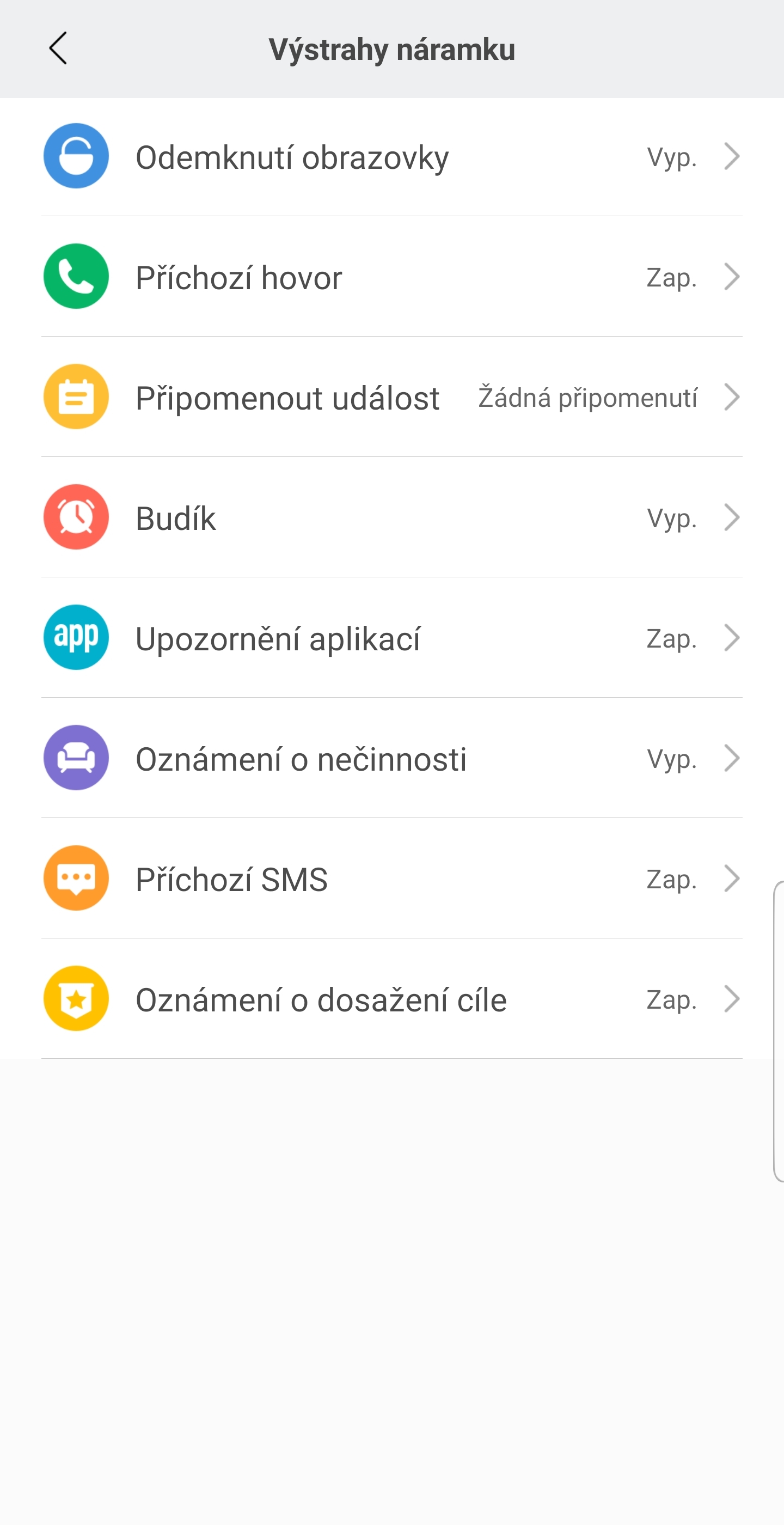
The Mi Fit app is one of the best I've seen on similar devices. It is completely in Czech and very user-friendly. You can register through a social network, then you need to choose your gender, height and weight. You can see the battery status in the app, you can set the notifications you want to display on the bracelet, night mode, bracelet visibility, automatic heart rate measurement, sports data, etc. In short, you will find here everything you would expect from a bracelet app in this price range. Moreover, in a pleasant and clear environment.
Gallery
Appearance
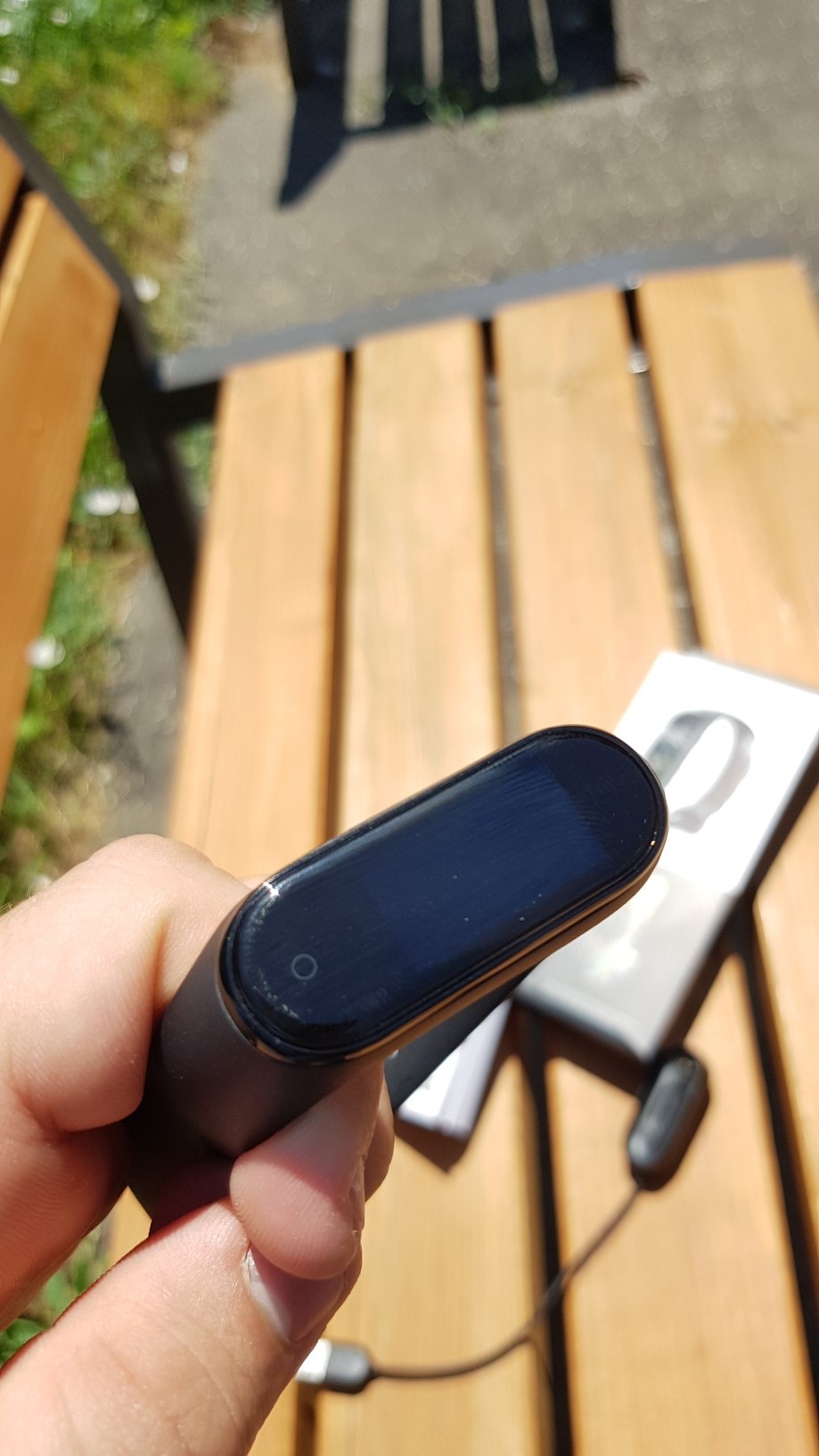
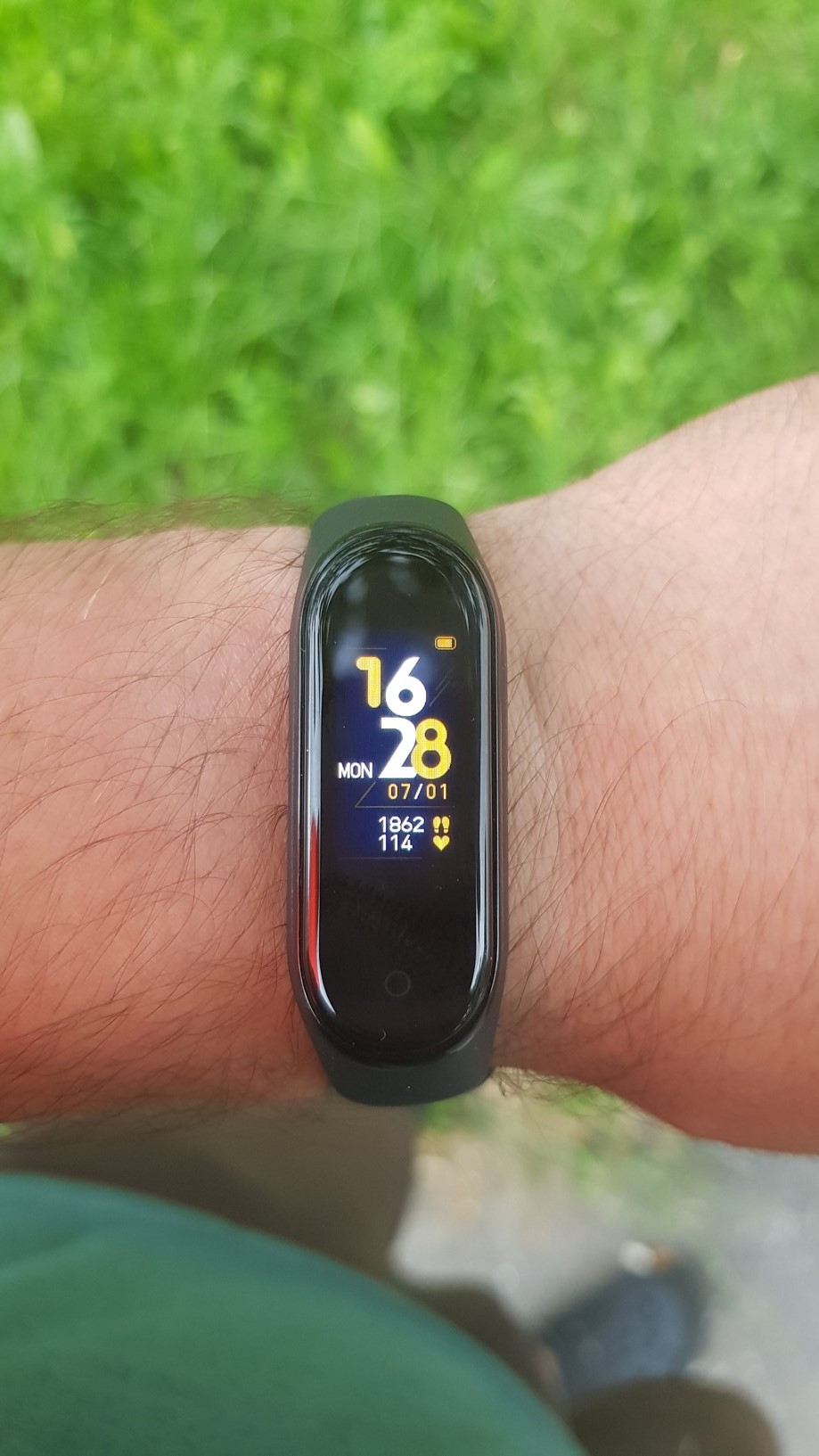
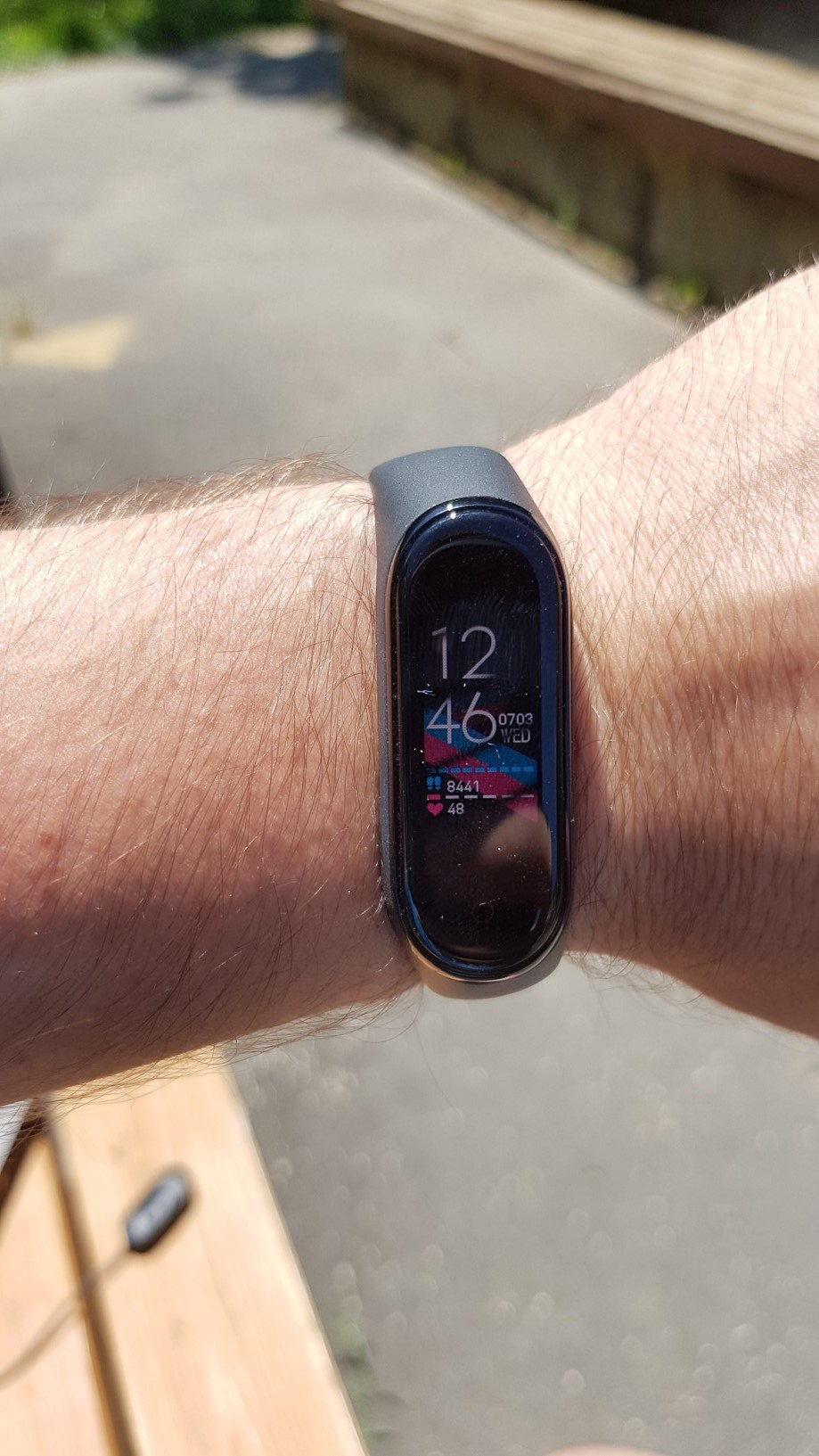
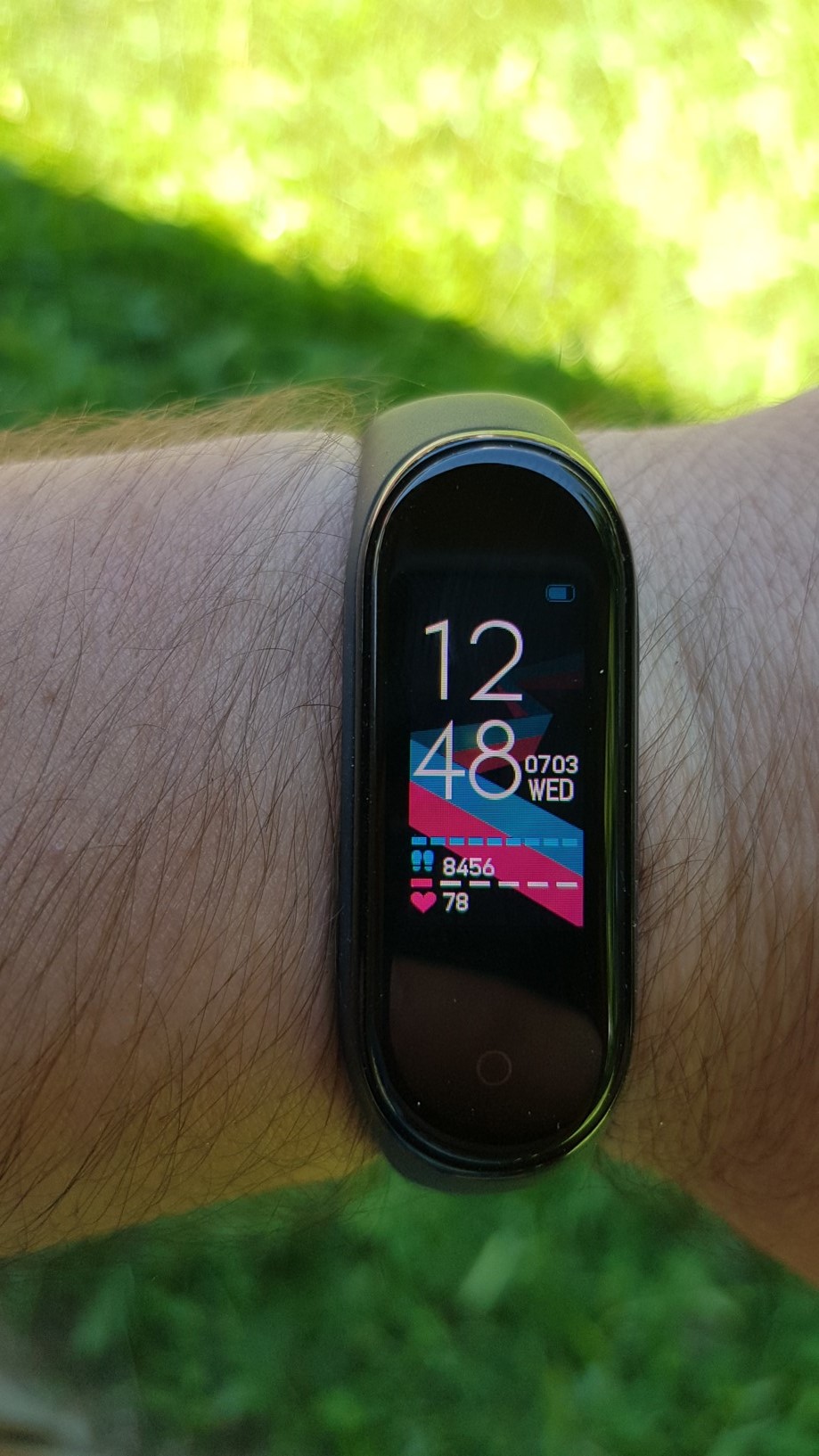
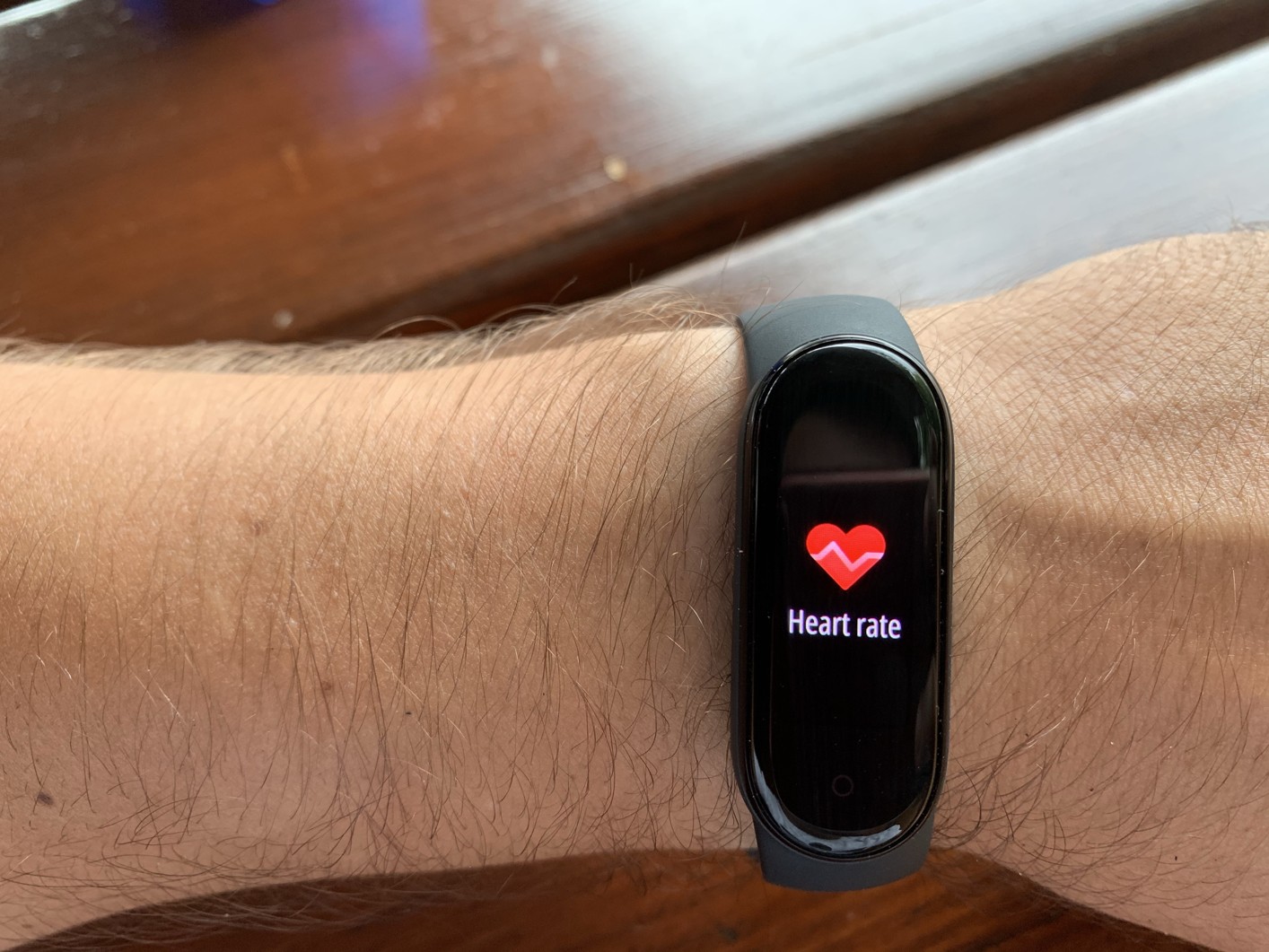
The appearance of the bracelet is not much different from the previous version. Proof of this can be the fact that the bracelets of the previous version of the Mi Band 3 are compatible with the Mi Band 4. The change has occurred mainly in the display. It is now colorful, flatter and about 40% larger. The brightness level is definitely worth praising. You can adjust it directly on the bracelet and at the highest level there will be no problem with readability even in direct sunlight, which was widely criticized for the previous versions. The viewing angles are also absolutely fine. ProThere is no problem with the device's reaction to raising the arm, as the bracelet always lights up reliably thanks to high-quality sensors.
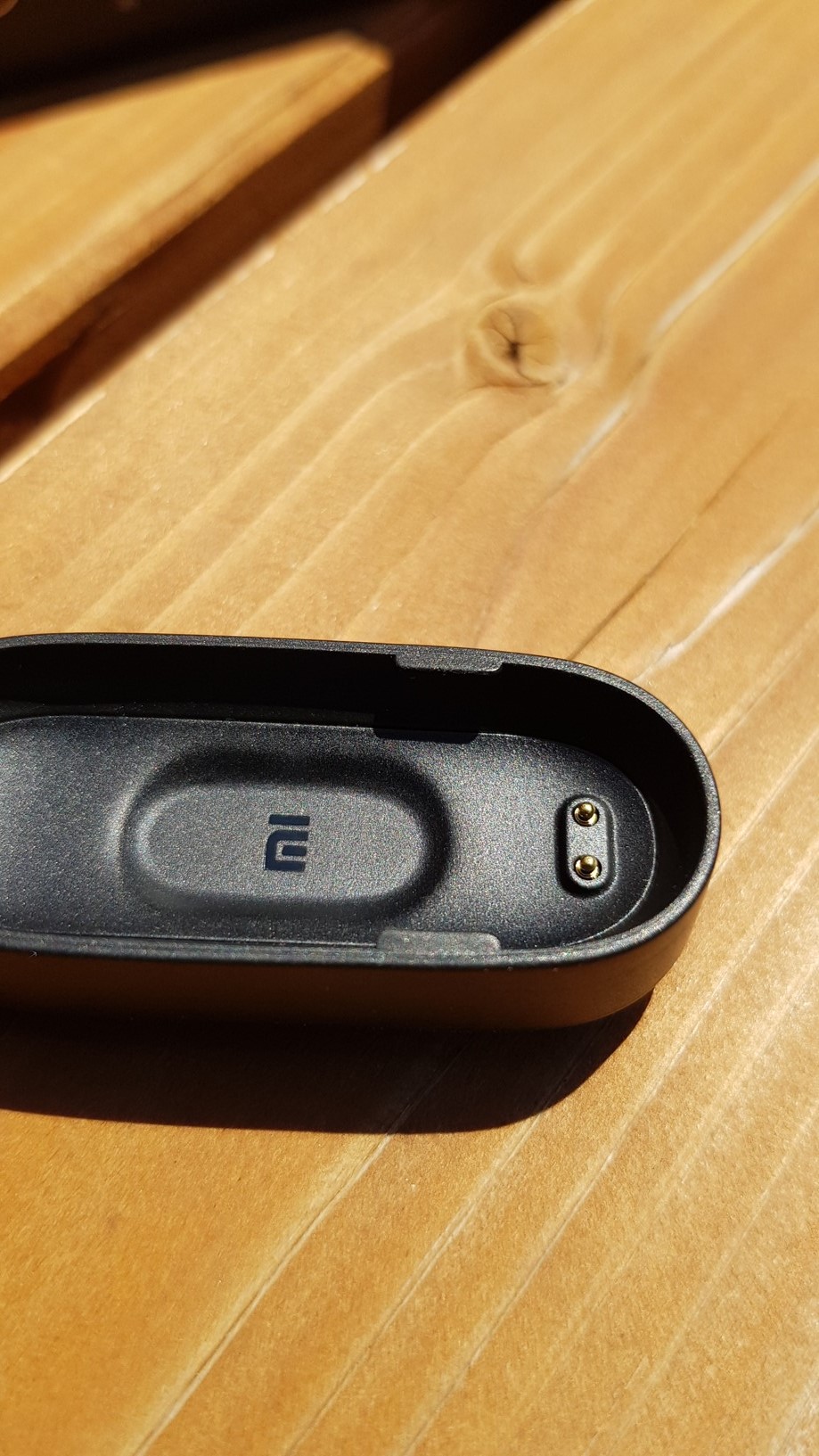
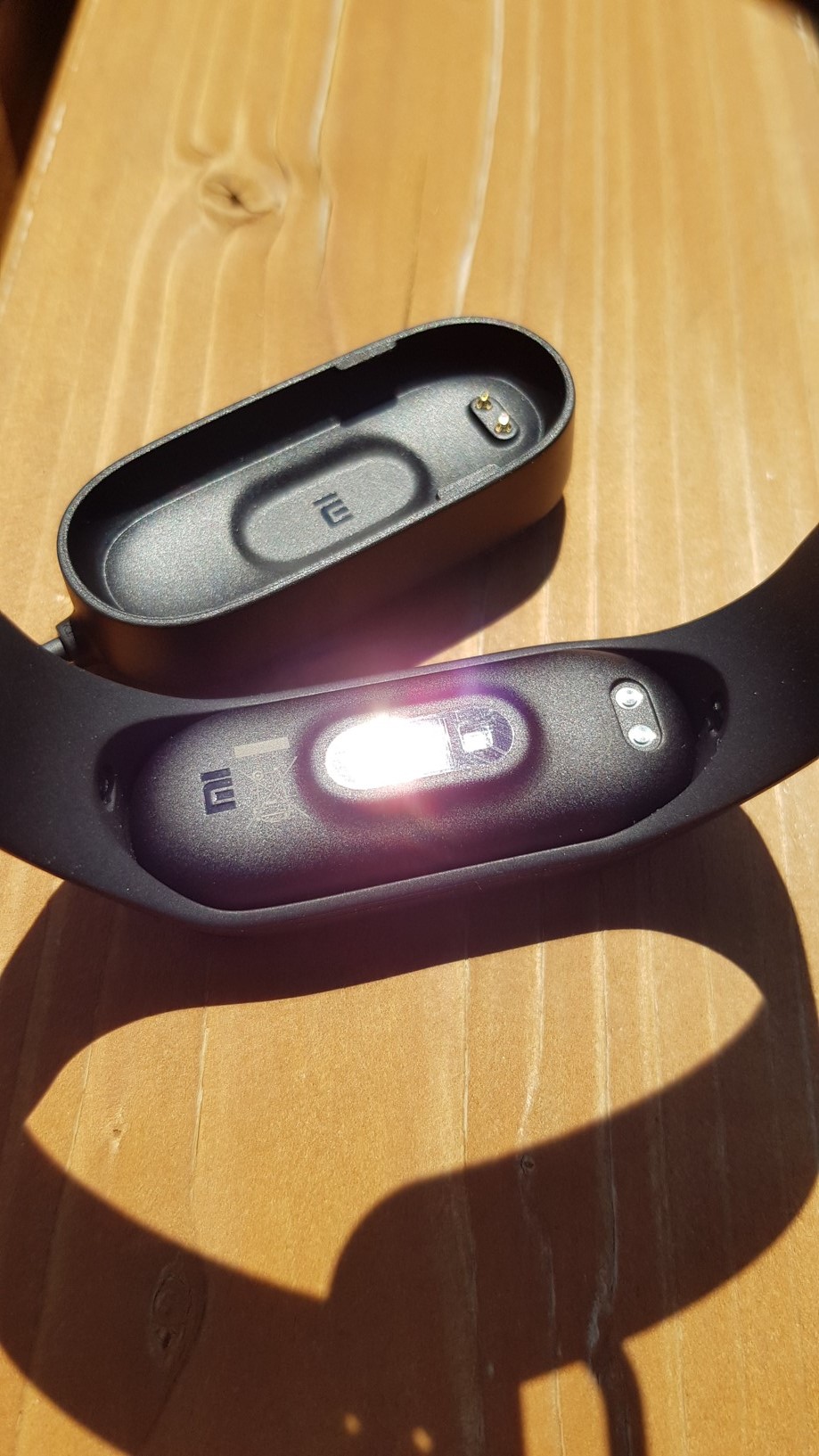
The charging cradle, in which the bracelet is now placed, has undergone changes. Personally, I have to say that I liked the previous "snap-on" solution more. On the first try, I had trouble removing the device from the cradle and was worried about damaging it. However, I believe it's just a matter of habit. The material of the rubber bracelet is identical to the previous versions. So you will get the classic black one, but there are many bracelets available, of course in different colors.
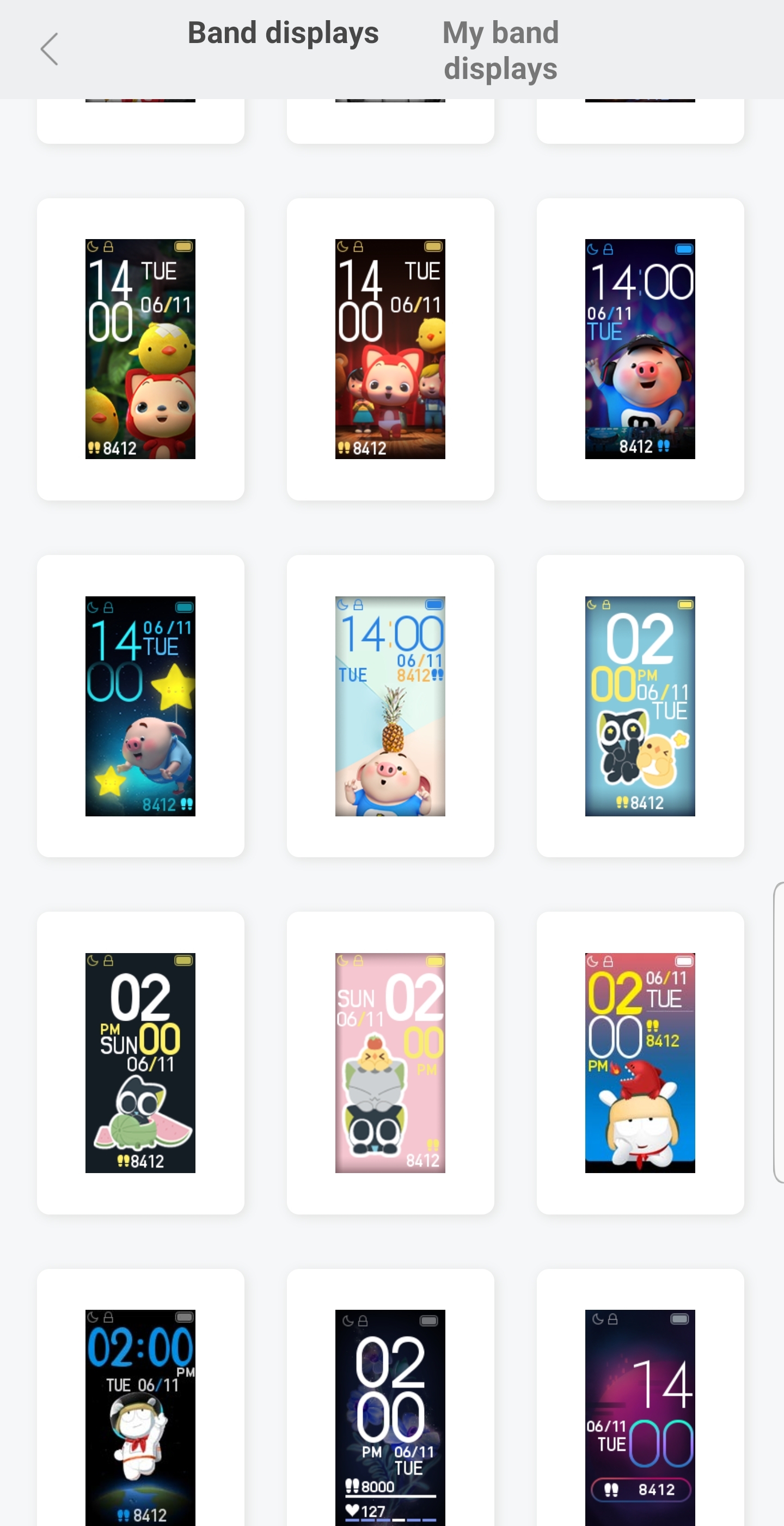
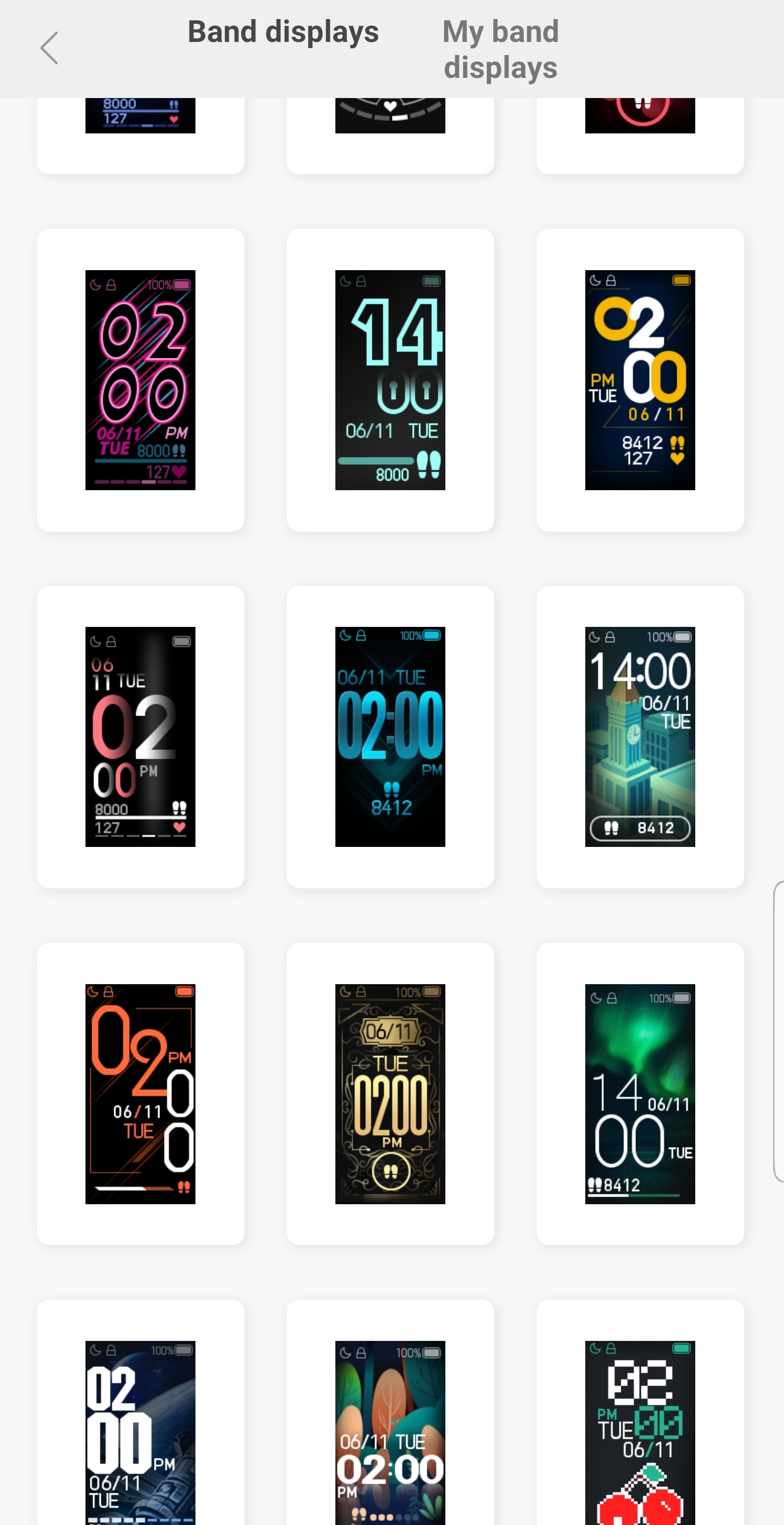
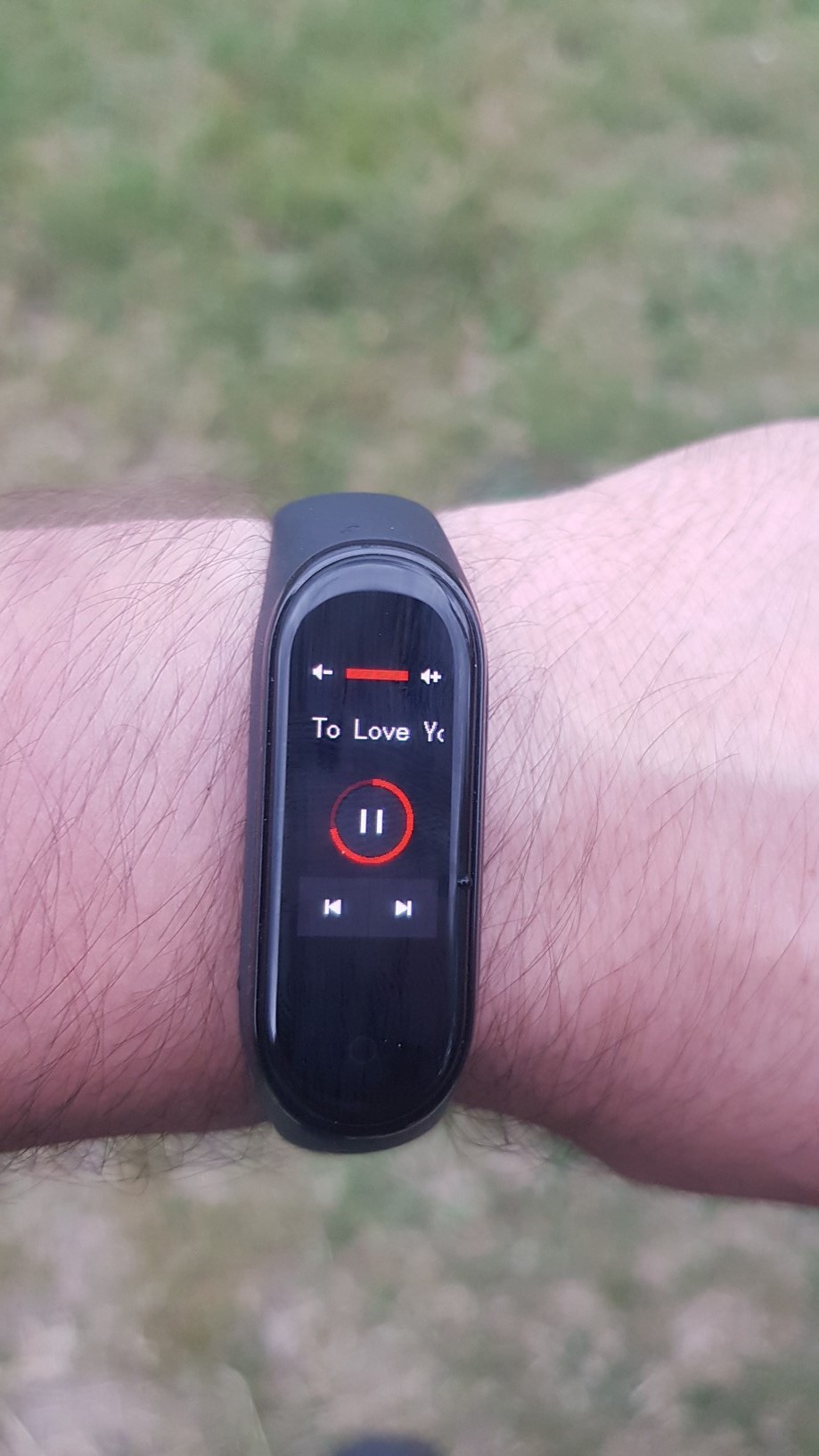
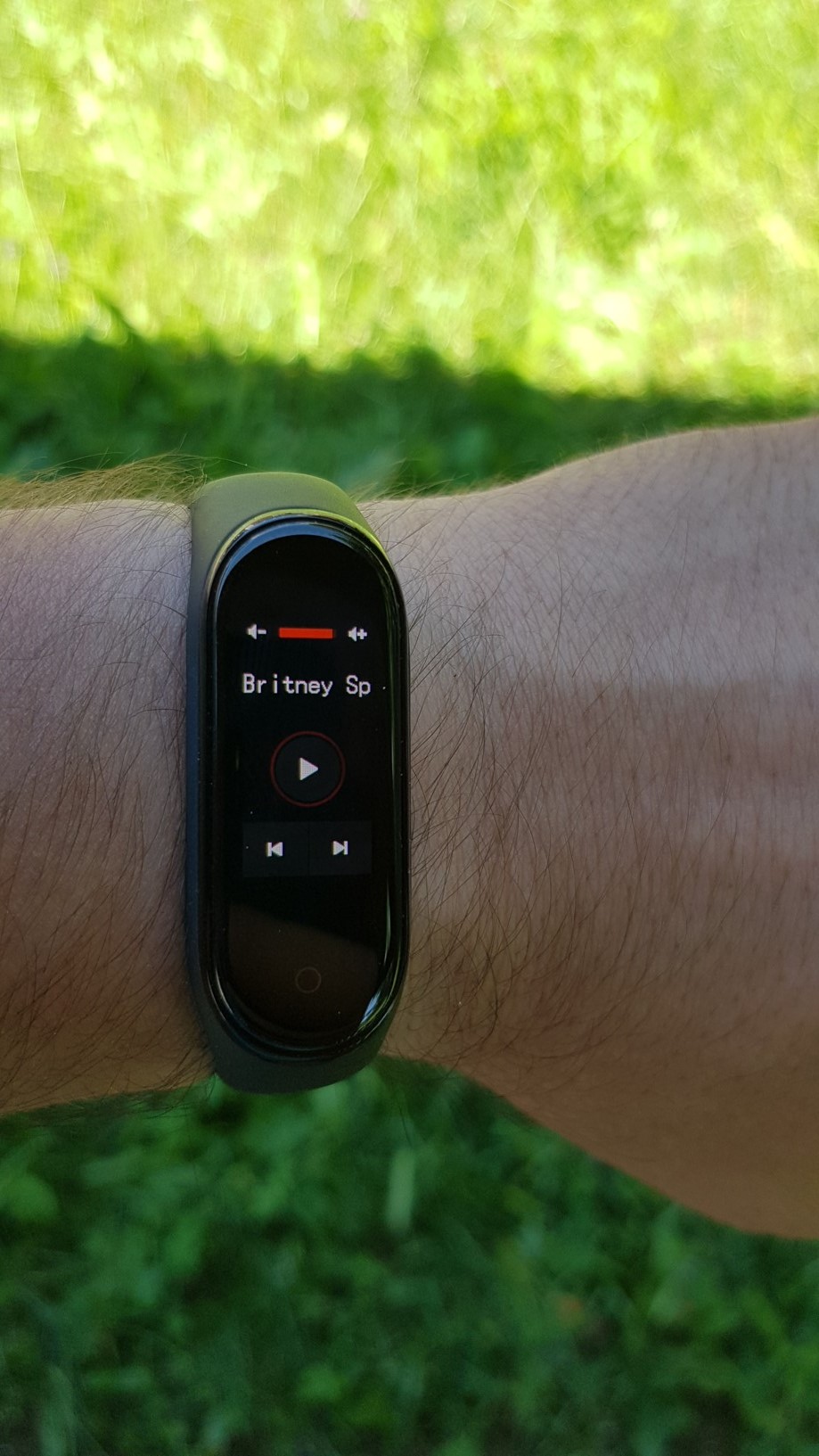
A pleasant novelty is the possibility to choose different dials. There are less than fifty in the menu in the application, and I believe that everyone will choose. At the same time, Xiaomi promised on its website that the number of dials will increase. Another great new feature is the ability to control music. Just swipe the wristband to the side to access the music player controls, where you can skip tracks or change the volume level. At the same time, you can also see the name of the song being played.
Control
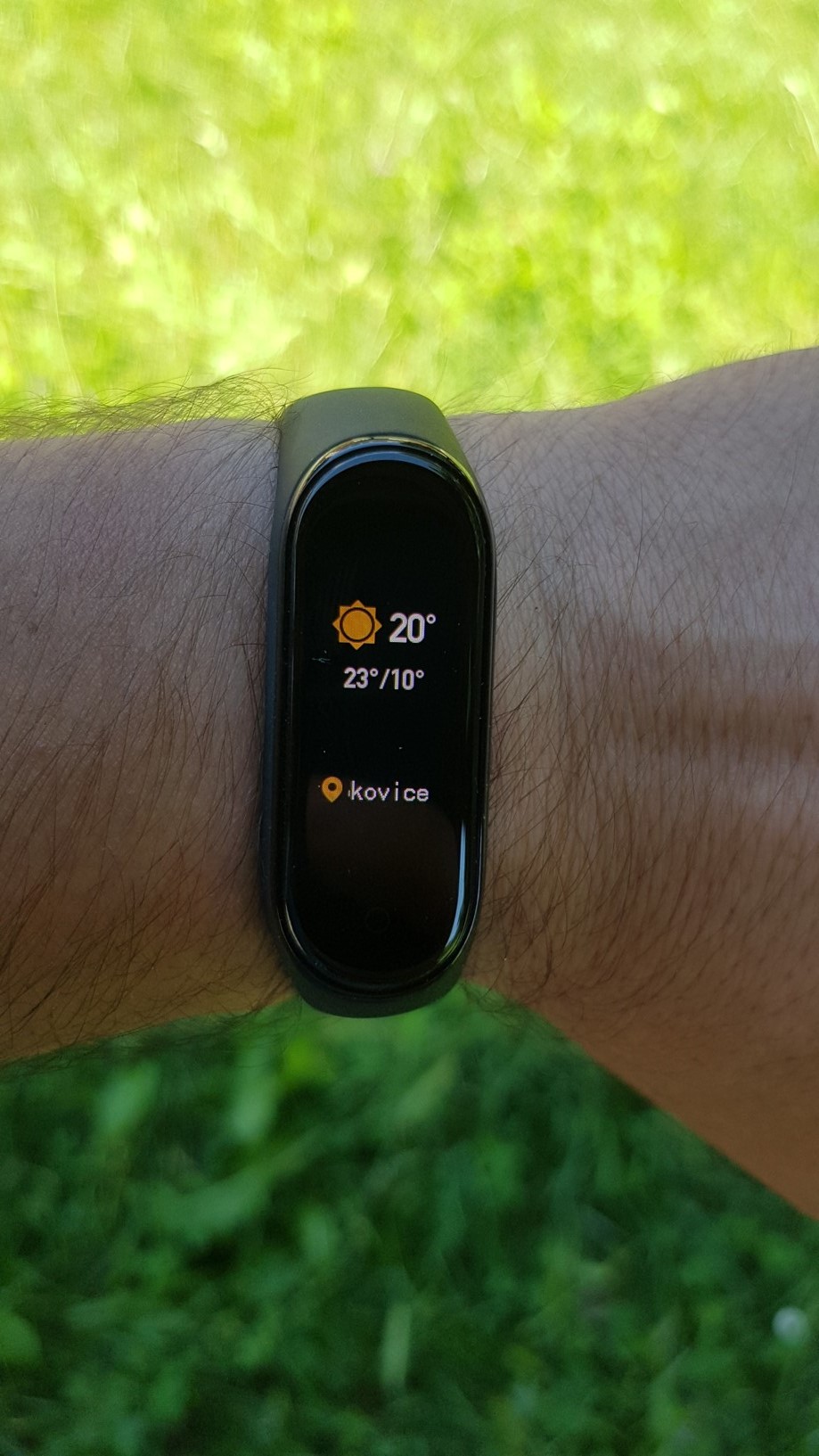
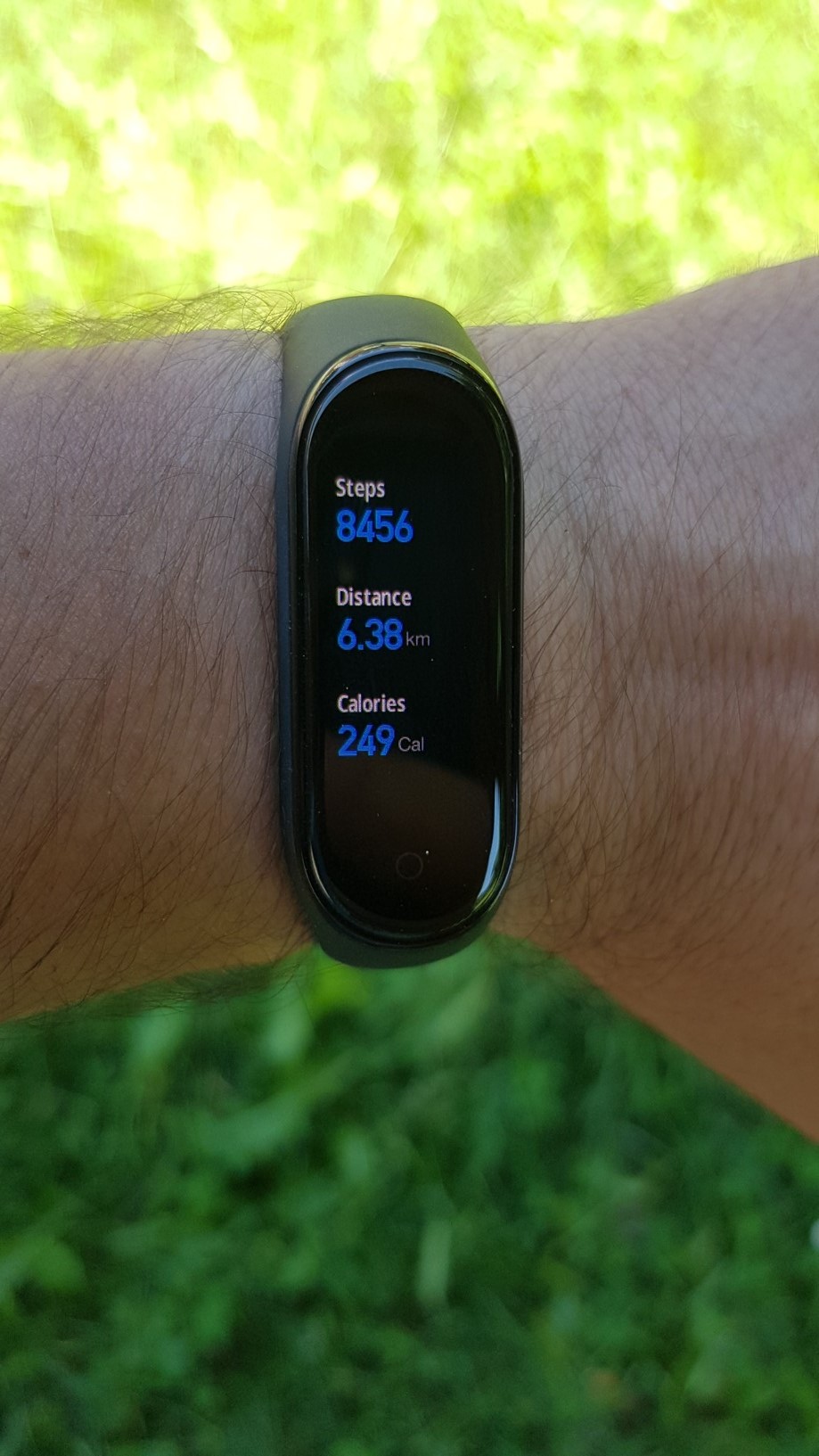
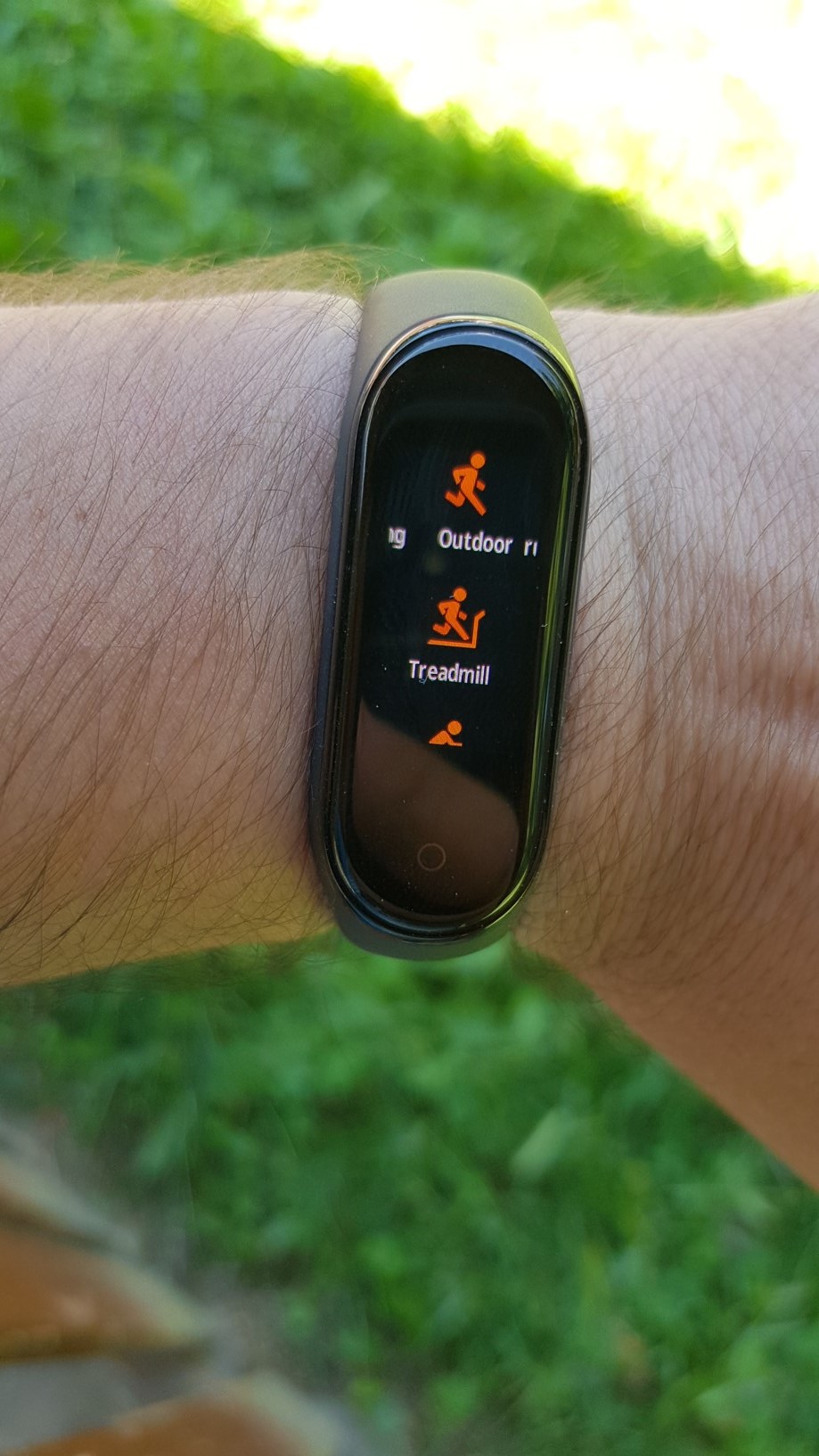
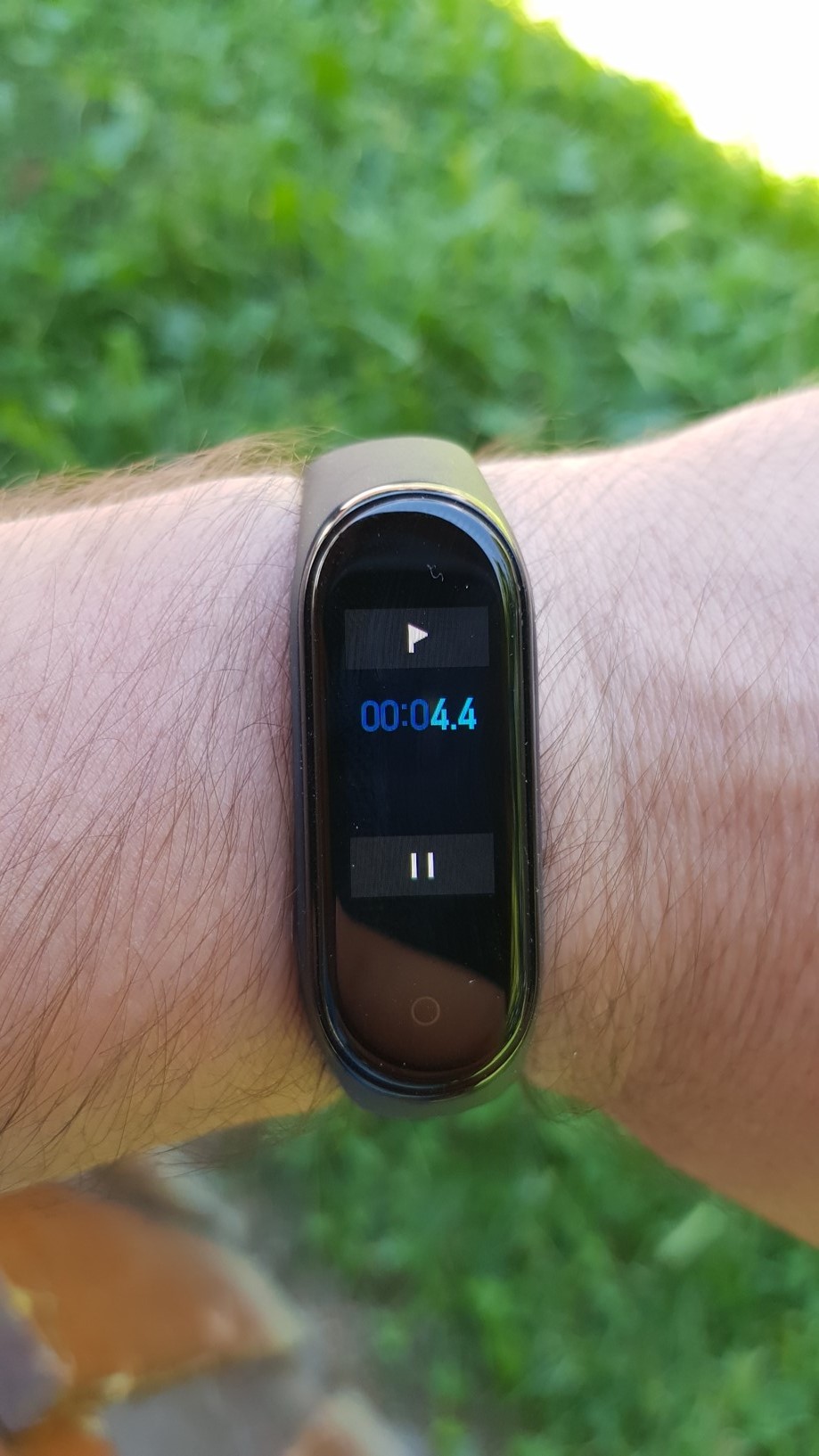
The bracelet itself is very pleasant and intuitive to use. You can move between the bars by swiping up or down. You confirm your selection by “tapping” the display. You can then go back by pressing the virtual button below the display. The bracelet has the Status folders, in which you can find data on steps taken and calories burned, Weather, Heart rate monitor, Workout, in which you can select the sport you want. You can choose from trainer, exercise, outdoor running, cycling, walking and swimming. There is also the Notifications and More folders, in which you can find options to set alarm, stopwatch, countdown, watch faces or also the function to find the device. Notifications, similar to the previous version, do not display diacritics. But we will certainly soon see full Czech localization created by the community. Notifications are displayed on the display very reliably, in the folder you can also look at those that you did not display at a given moment for some reason. I would like to scold the bracelet for not displaying the number and name of the caller, which is meaningless to me. However, in this case, I believe that Xiaomi itself will fix the problem in one of its regular updates. You can answer the call on the bracelet or switch to vibration.
Gallery
Personal experience
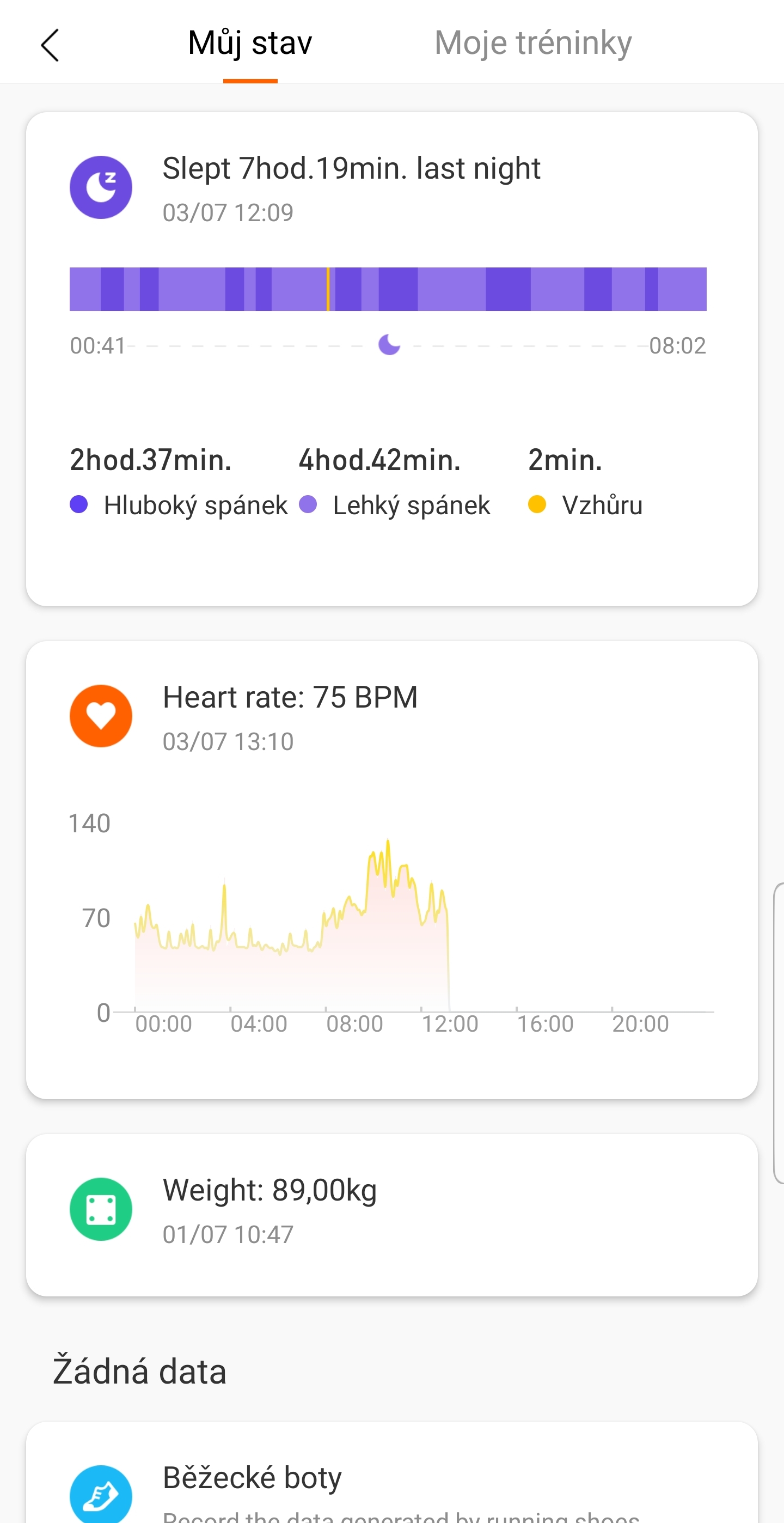
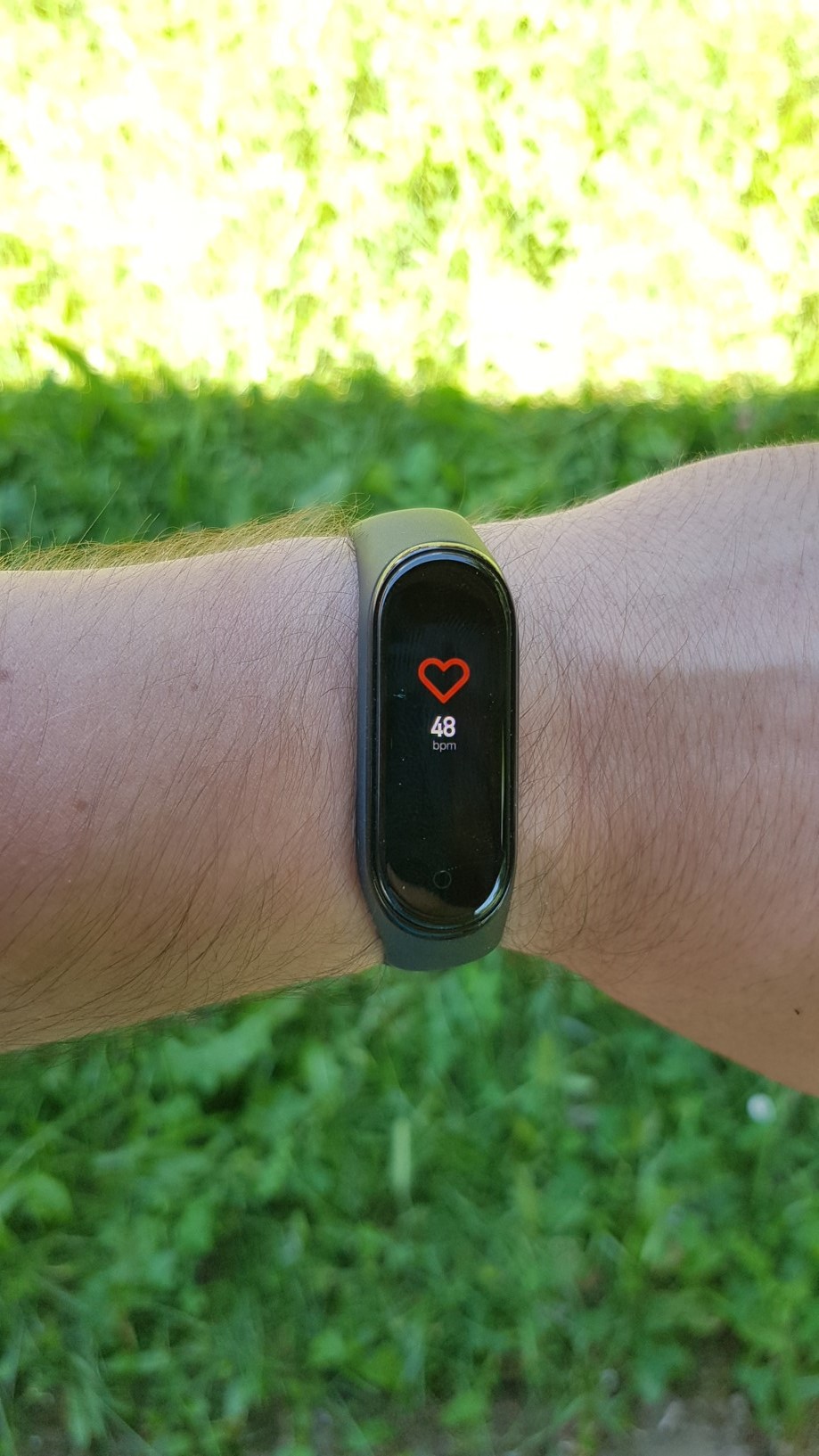
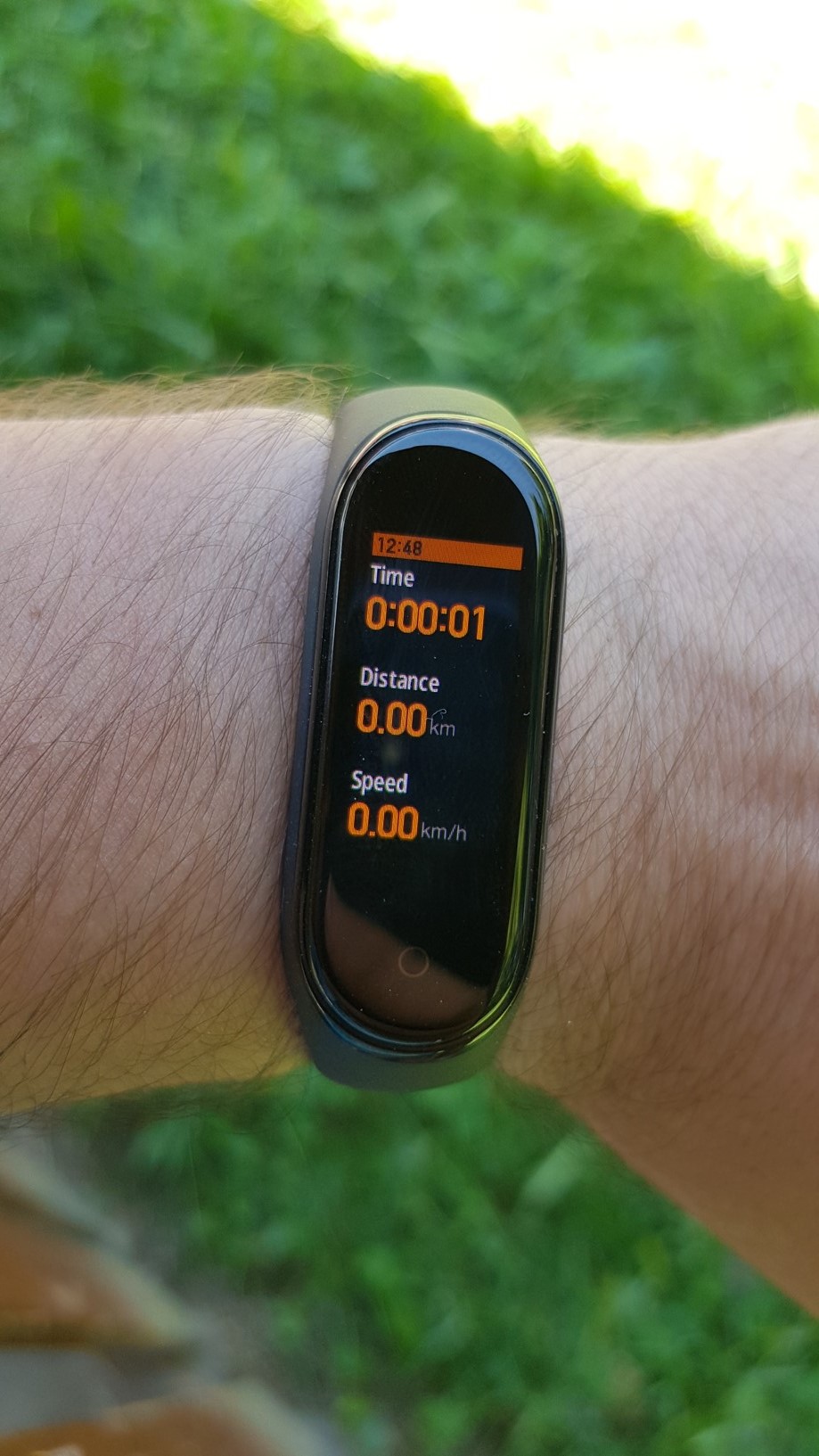
As part of the testing, I of course mainly tried the activities offered. When running, the bracelet informs you about the duration of the exercise, the total distance covered, the average pace per kilometer and your heart rate. If you don't have a phone with GPS with you, the distances are simply approximate. This has to be taken into account. However, if you finish, nestI don't think the values surprised you in any way and you said to yourself that you definitely couldn't have run that much. In my opinion, the heart rate measurement works reliably. When I measured my heart rate after the activity for guidance (number of beats per 10 seconds x 6), the values were identical to those indicated by the bracelet. Then I tried the classic weight training activity. Here, in addition to the time spent exercising and heart rate, the bracelet also informs you about the calories burned, which is a value that is really very subjective for everyone and I wouldn't take it too seriously. Its calculation corresponds to the weight and height values you provided when registering in the application. Of course, everyone burns at a different pace. But swimming is probably the most sophisticated. You choose the length of the pool and go swimming. The bracelet will inform you about the length swum, the average pace per 100 meters, the calories burned, the number of "pools" swum or your preferred style. If you're interested in your sleep, you can set up sleep monitoring in the app. The graph in the app shows you your deep and light sleep levels, including your heart rate during the night. However, if you turn this feature off, you'll get a few more days of battery life on a single charge.
záver
I am really excited about the Xiaomi Mi Band 4. The fact that I have been a long-time fan of this series also plays a role in my assessment. The range of wearable accessories is getting wider and wider. But if you want a smart fitness bracelet with a high-quality and readable display, long battery life and the ability to control music, the Mi Band 4 is for you. You will not go wrong by buying it in this price range.



The range and range of applications with the Android operating system and iOS. IOS has more options, e.g. the caller name display mentioned in the review, extended notifications, diacritics are fine. I assume that an Android device was used for the review and then I don't understand why the review is posted on this website. If I'm wrong, I apologize...
ProThe problems with accents and the caller's name and number are the same on both iPhone and Android. However, given the popularity of the bracelet, I believe that everything will be fine soon.
Caller name display is not about the system, it's about the region. Switch to US and everything will work. Diacritics is a bracelet thing, not a system thing.
I don't know about Miband 4, but I have Amazfit Bip (also Xiaomi) and so does my colleague. I have iOS, he uses Android. The control application is the same for both systems (exactly the same version!). In iOS I have an option to check "show caller name", it doesn't have it in the Android version of the same application. These are things I don't understand. In our country, SW developers are called outists... and there must be something to that
ProProblems with accents and the caller's name can be easily solved by installing the miband tools application :)
Na iOS?
Hello, please (if possible) delete the information about sinking to a depth of 50 meters. This is a laboratory value that has nothing to do with practical use. I understand that it is official information from the manufacturer, but the user is definitely interested in real use.
Thank you very much!
The information should not be deleted, it is a standard kind of information/specification that has been commonly used for many years even with normal watches and other electronics. What is needed, however, is an explanation of what this actually means.
…however, I agree that the waterproof paragraph is VERY poorly written in the article.
Does this bracelet have a Pride dial and the option to purchase a Pride strap as well Apple Warch?
And something about Apple you wouldn't describe. Are you already fucking with it?!
The arrival dial is not included in the offer. As for the Pride bracelet, you can definitely find some rubber ones on websites like Wish etc. Just look for rubber bracelets for the Mi Band 3, they are compatible.
But, what do I see? Anyone here getting readability on a primarily Android device?
This is wrong. The bracelet works significantly with iOS.
… better…
A completely odd argument.
It's hard to write about Apple news... there aren't many of them :-D You have to wait, that's it Apple copies it, renames it to ixxxx, then introduces it with great glory, as a revolution.
The bracelet is great, it only stays paired for an hour and then disconnects
This will probably be an anomaly. Good for me, including the previous version of the bracelet. Top for me 👍
So how is it? You can do it on iOS display the caller's name or not? (please answer from someone who owns the bracelet) I don't want to download Mi tools for 85 CZK. I will put up with the diacritics without Czech characters, but the name of the caller is a very significant deficiency.
Mi Band 4, official CZ distribution, iPhone XS, Mi Fit 4.0.5, FW 1.0.5.39 – displays the caller's name with diacritics. Notifications, however, are without diacritics (or with omitted characters).
Thank you. And I still ask, does a notification without diacritics mean that there are spaces or does it make such "squares" instead of a character?
Squares.
Hello. I want to ask, when buying a band4 bracelet on Eureka, EU distribution is indicated - should I be afraid of this? The difference with the distribution of letters? Thanks
Hello,
How is the display's scratch resistance please?ancat?
Thanks for the reply
If you screw with it, you'll scratch it.
That's clear to me, but if I put the bracelet in my pocket with my keys, for example, will it get scratched or is it more durable than the Mi Band 3?
It's hard to say, but I haven't taken off the bracelet in almost a week and no scratches have appeared yet.
I know from friends who have Mi Band 3 that the display was quite prone to scratches. It then required a protective film. So I would like to avoid this with the Mi Band 4.
Of course, it will be prone to scratches, after all, just like any other bracelet. Mi Band 4 has the advantage over the trio that it has glass over the display (Mi Band 3 is plastic). But it's always about how one treats it.
Maybe this will help: https://www.youtube.com/watch?v=GxGakQ7SHIY
I assume that no one has any idea how to make the diacritics work between iOS and Mi band 4?
There are instructions everywhere on Android, there is a Mi band tools app, which is nice, but it is not on iOS, so does anyone have any advice on how to do it?
Díky
Hello, Mi Band 4 received a firmware update today. What has changed on the bracelet or what is the reason?