
We recently through you article informed that it was launched betaversion of Call of Duty: Mobile for Android, specifically in India. Version for the operating system iOS was supposed to appear later and just a few days ago it did. Betaversion was launched only for Australia. However, there is an option that allows you to play Call of Duty: Mobile in the Czech Republic. So if you would like to try this new mobile title now and not wait for the full version, then read this article, in which we will show you step by step how to do it.
You might be interested in
Creating a new one Apple ID
First you need to create new Apple ID. You can also use your existing one, but I personally like creating a new one Apple ID simpler and, most importantly, safer, as you don't have to change your billing address, etc. on your account. So go to the page to create a new one Apple ID help this link. Sit down below and click the button Create your own Apple ID. Fill in all the data here (just fictitious), change the region to Australia and use an email address that is not yet associated with the account Apple ID assigned. Once you have done so, click the button Continue. You will receive a message to the selected e-mail with a code with which your account you activate.
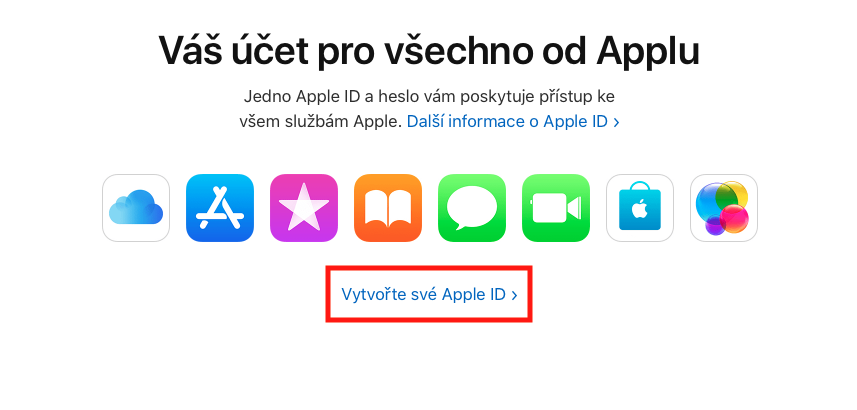
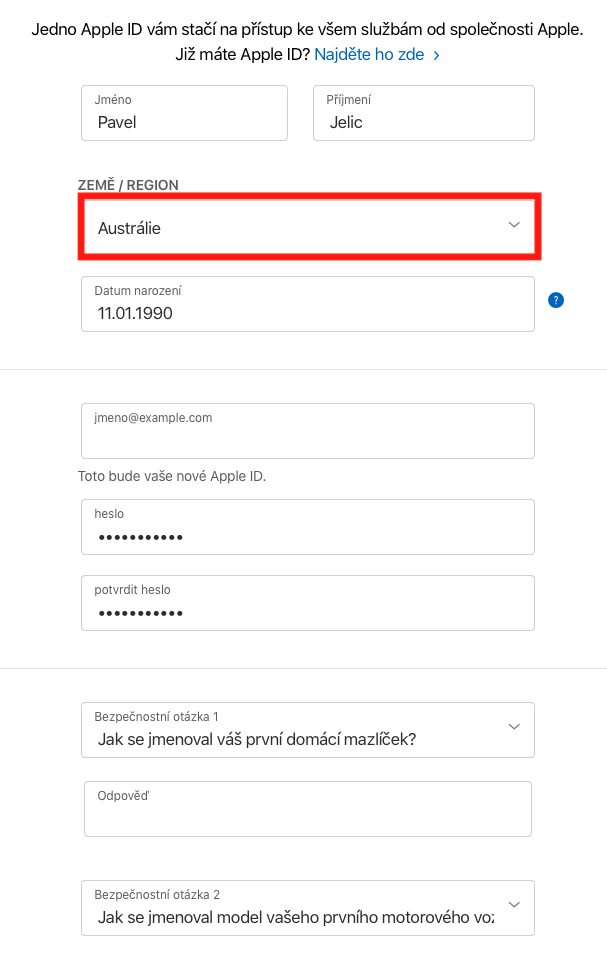
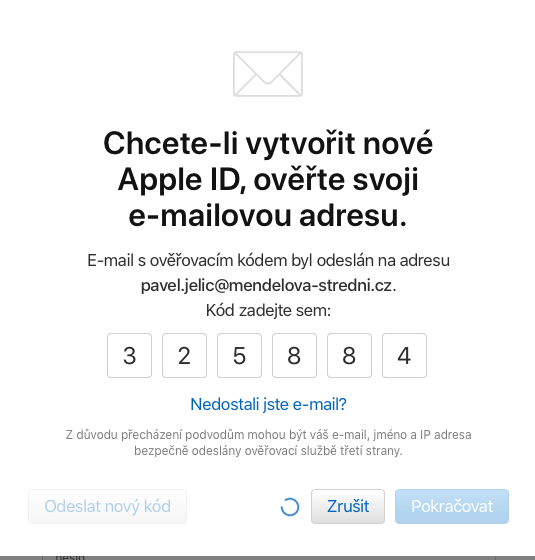
Signing up for a new one Apple ID
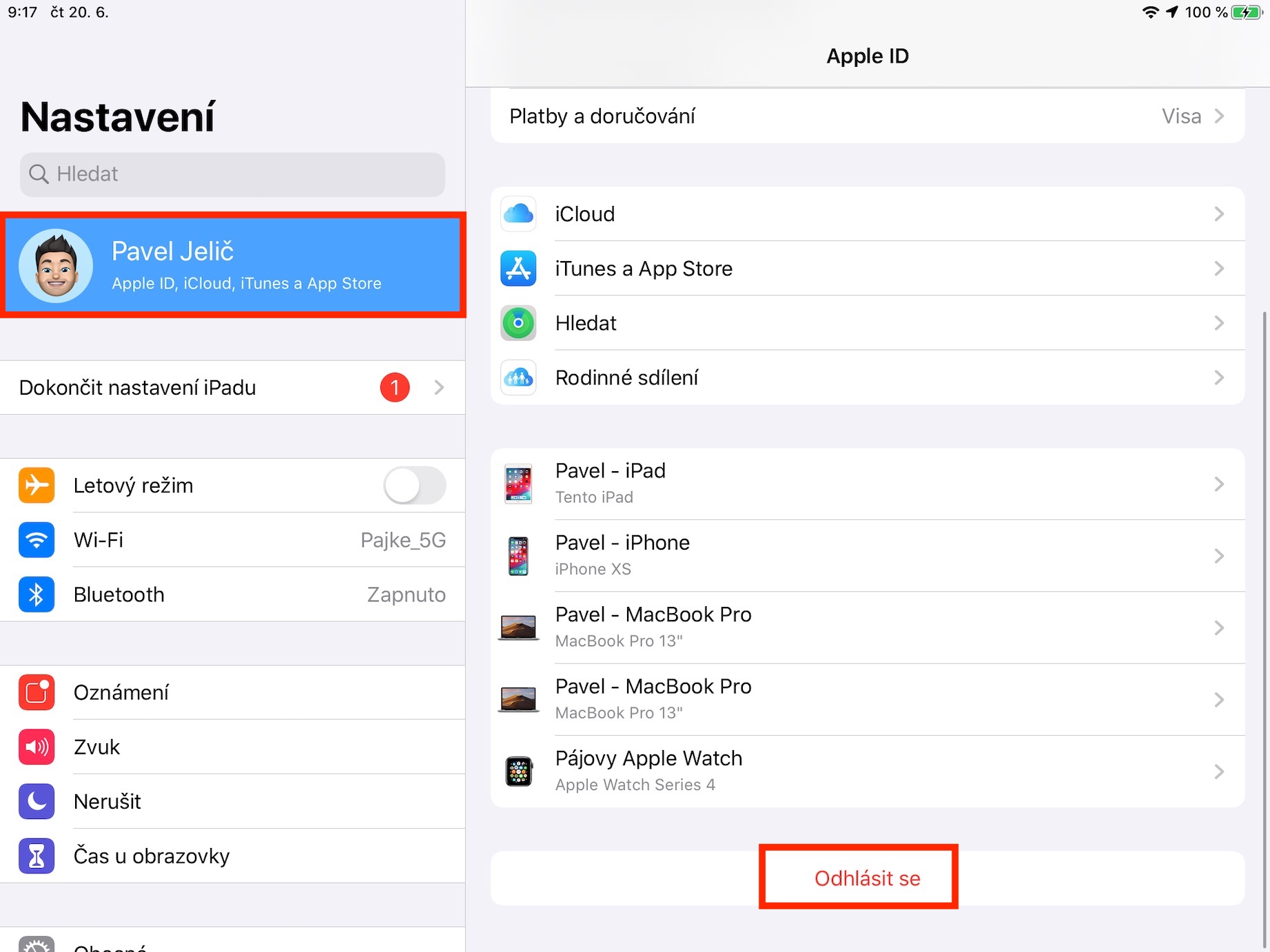
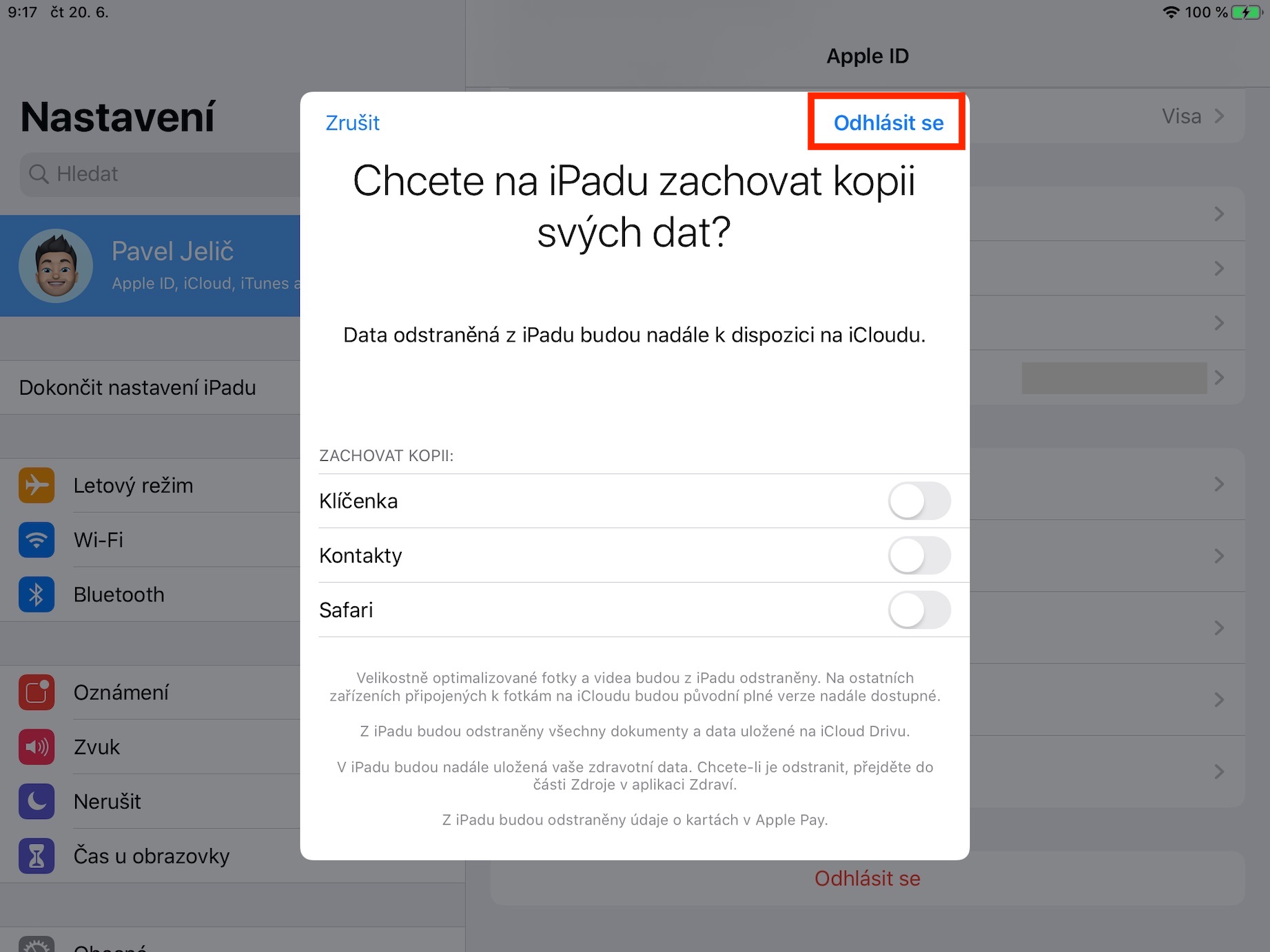
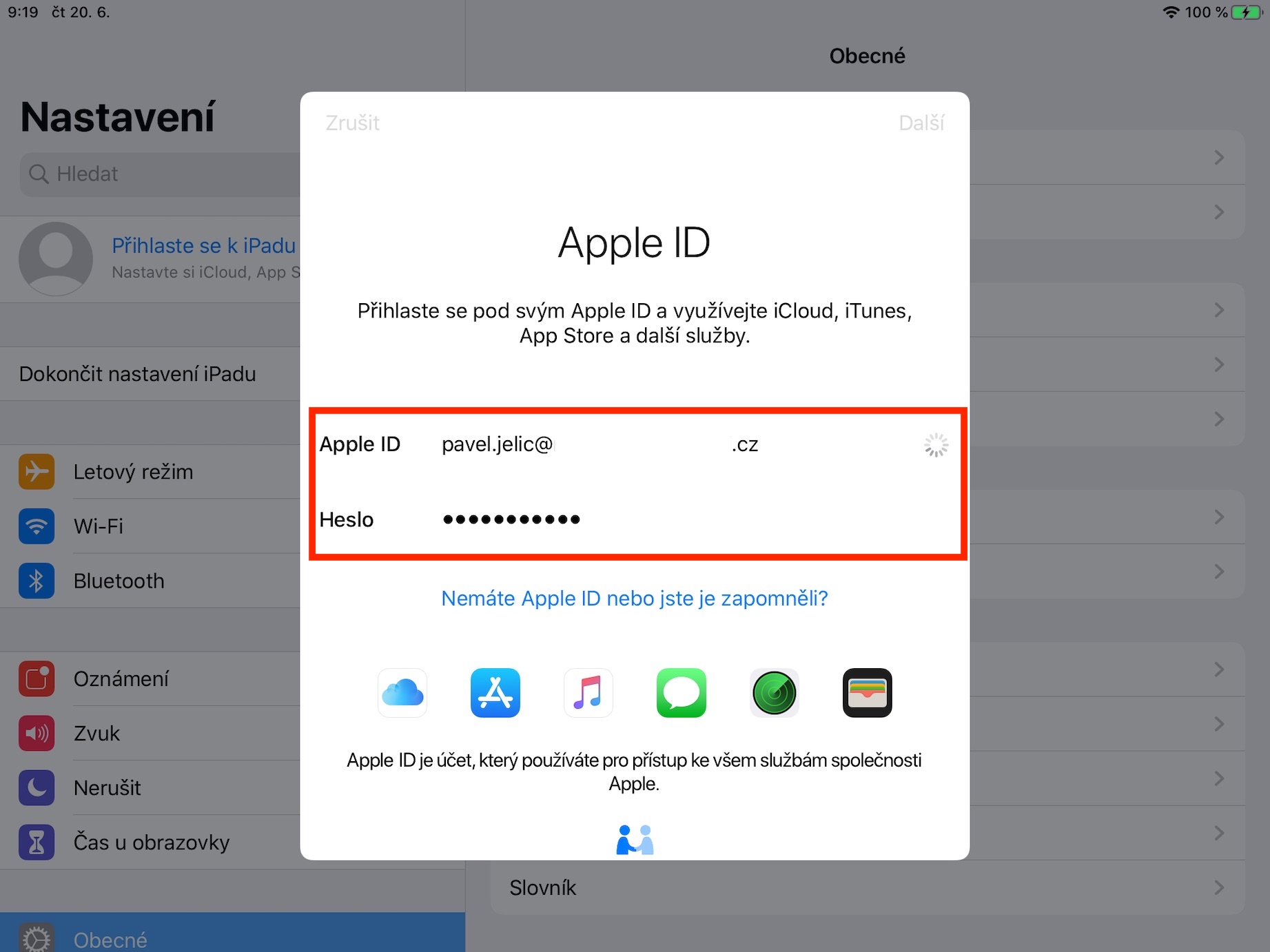
Now it is necessary that you together with the new Apple ID logged in on the device you want to play Call of Duty: Mobile on. This means you will first need to log out of the existing one Apple ID unsubscribe. You can do this by moving to Settings and click here Your name. At the very bottom you then select an option Log out. During logout, authenticate with your password and follow the instructions. Once logged out, log in using new Apple ID. Classically follow other instructions.
Australian address, region and language
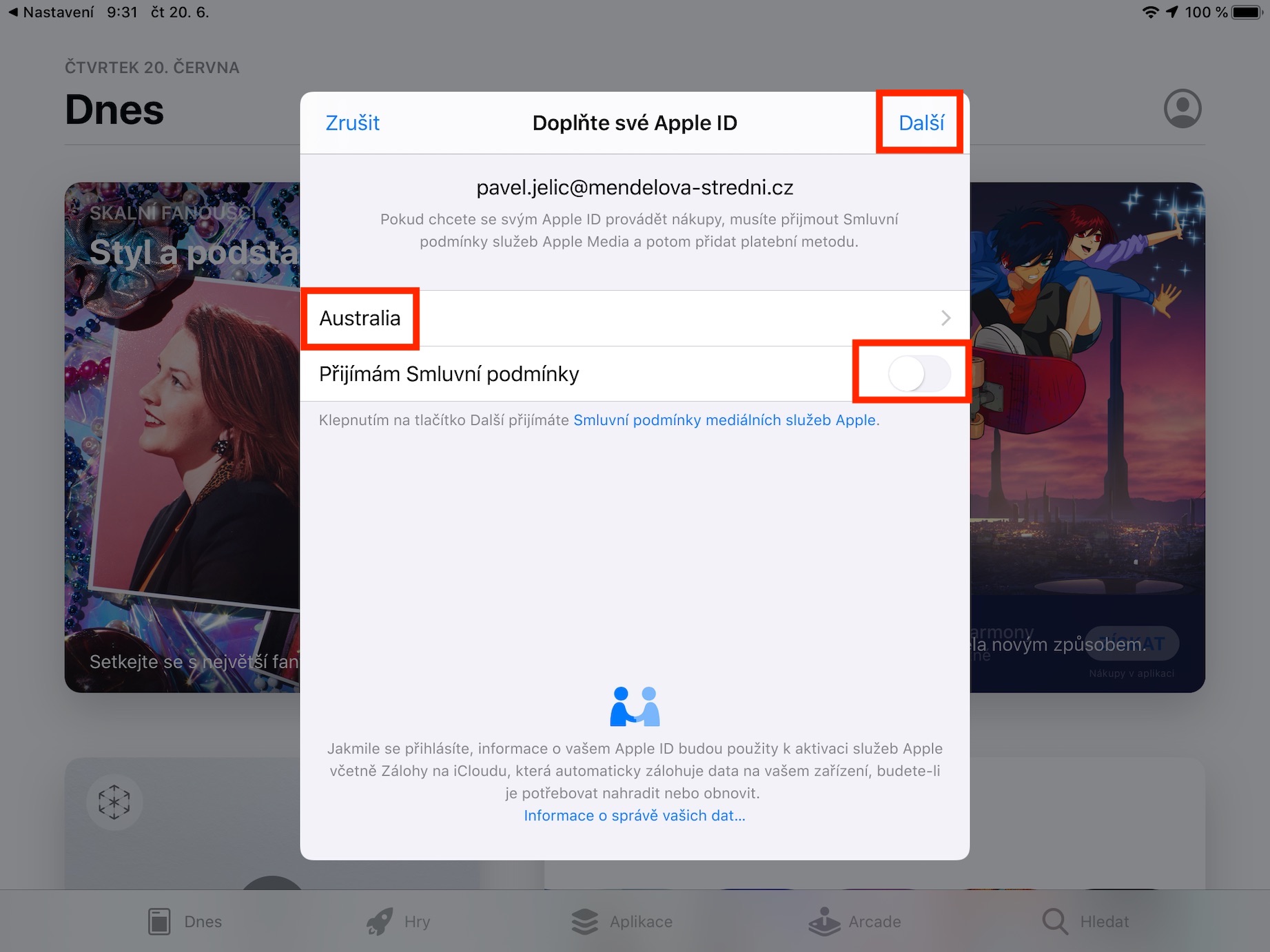
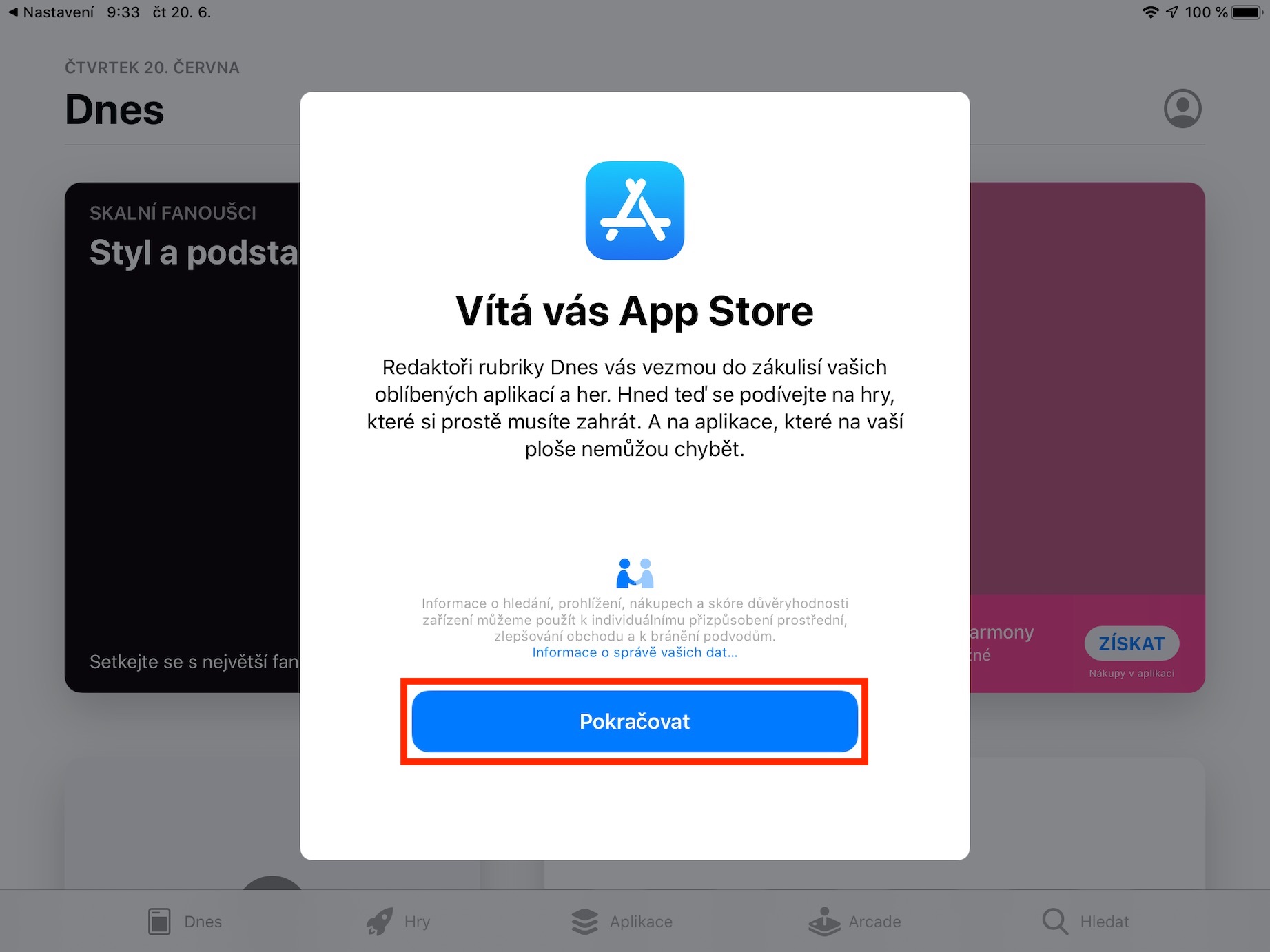
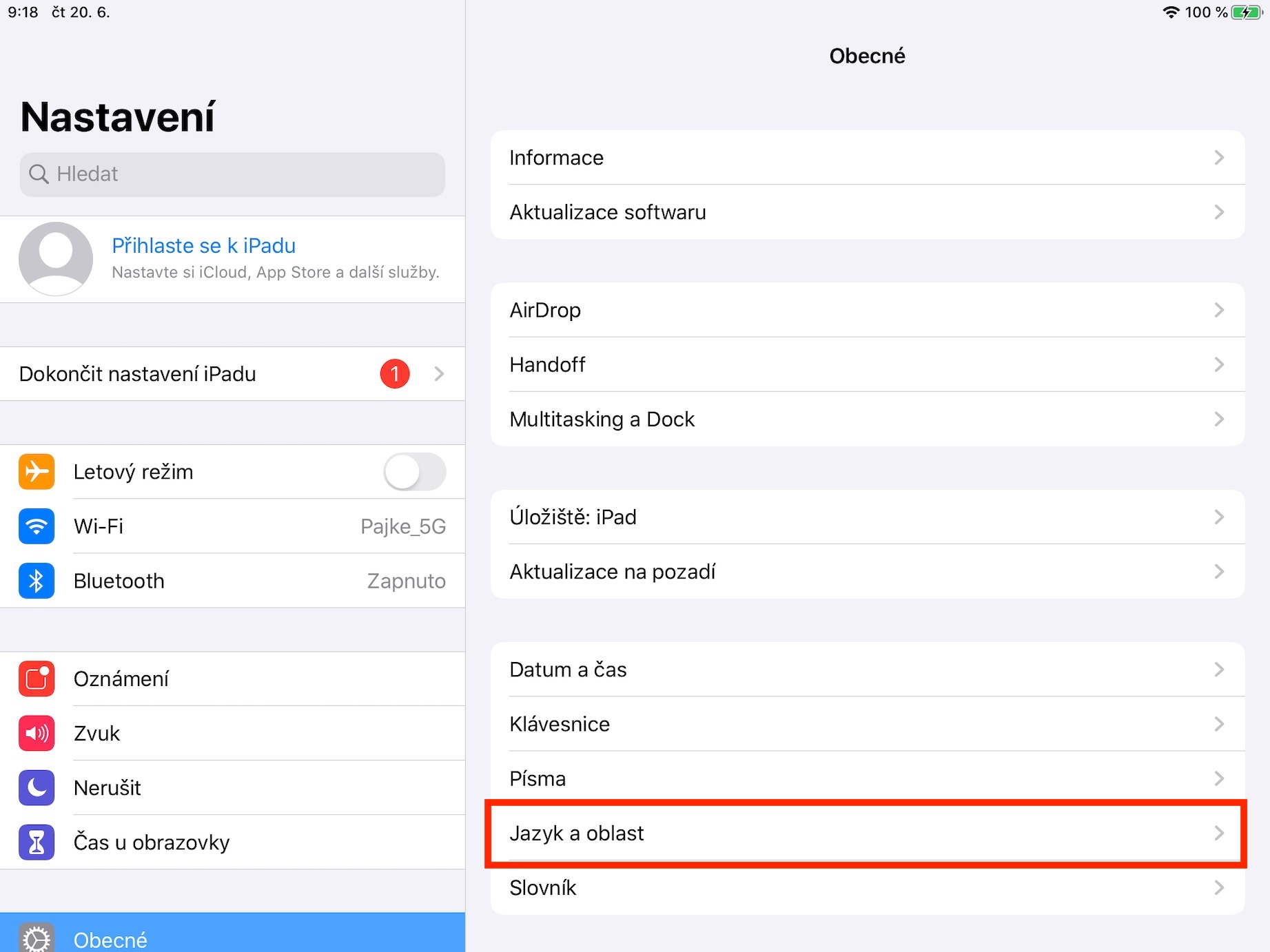
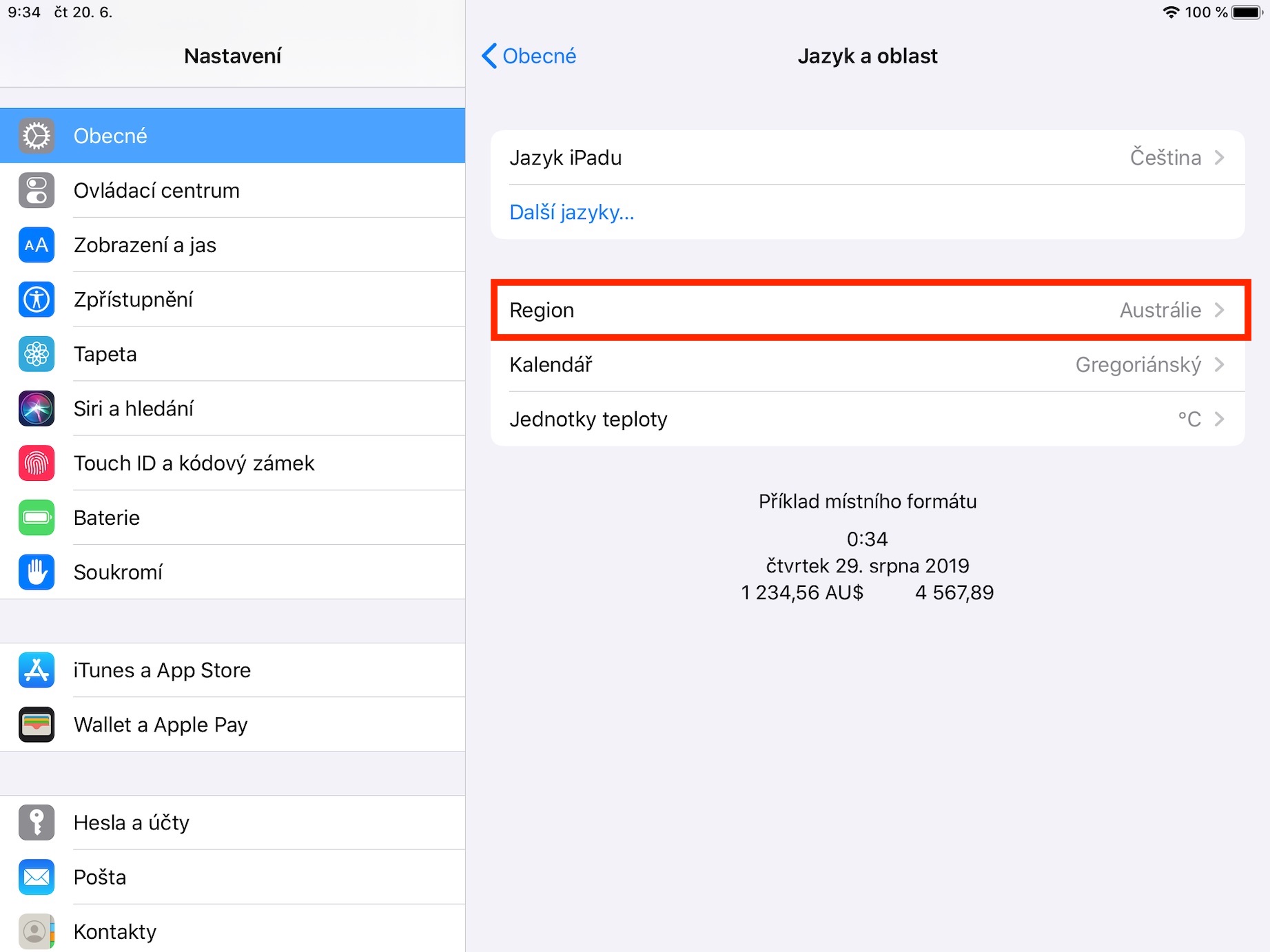
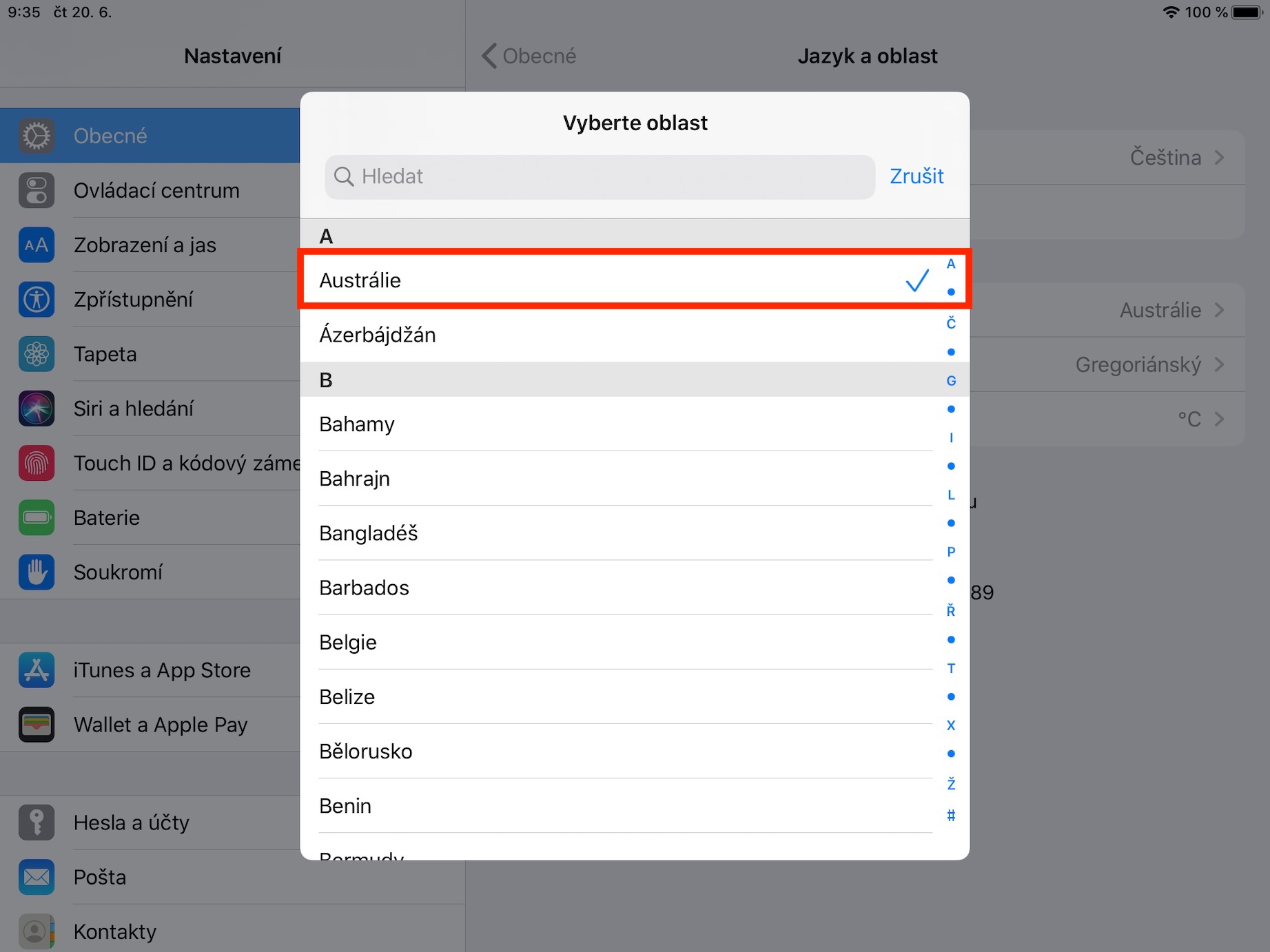
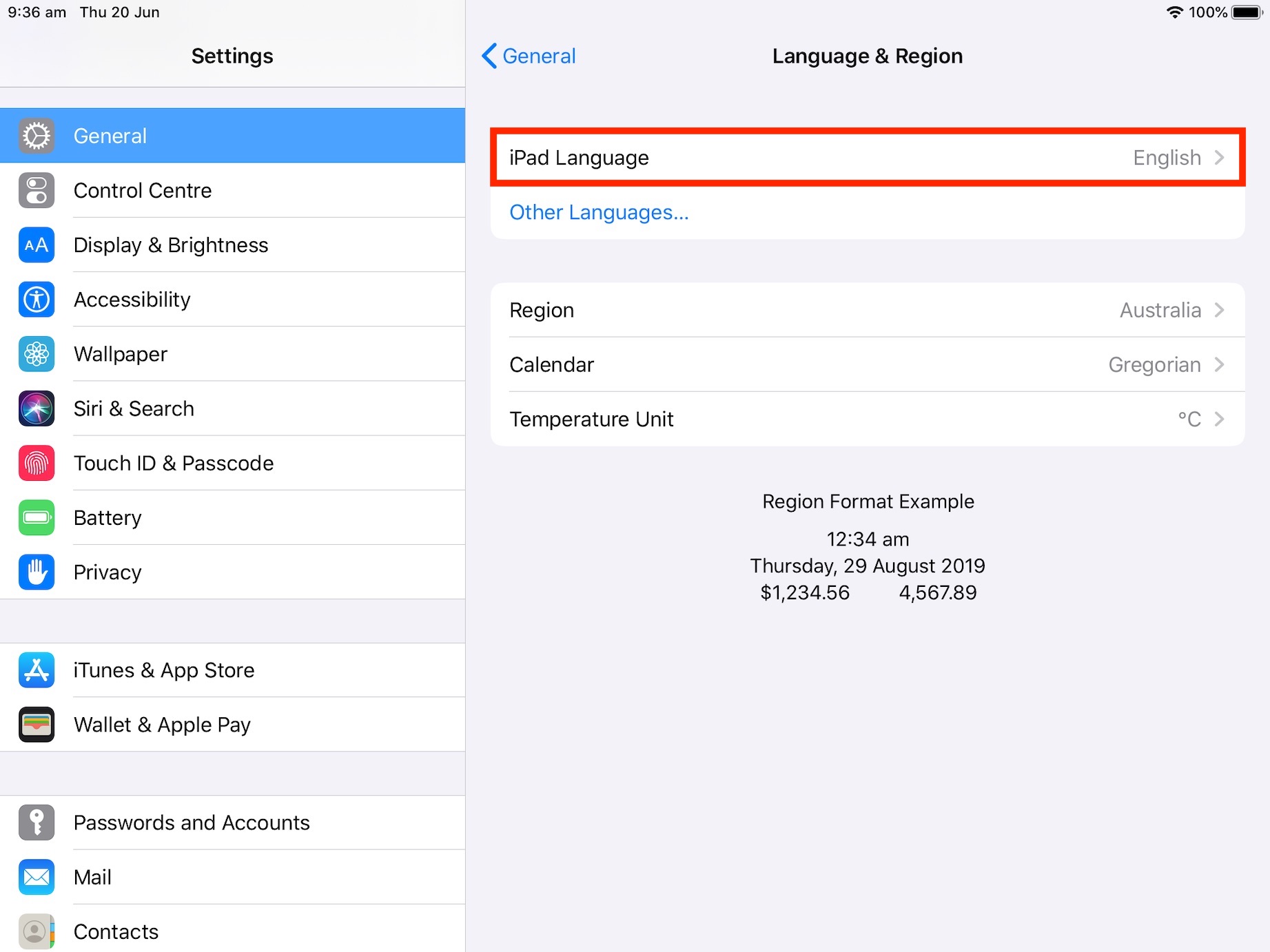
Once you get to login to App Storu, it is necessary that you use Australian addresses. You can notchat generate on this page. Also, don't forget to change the payment method to None (none). Then press the button Continue. Now it is necessary that you v Settings they have changed your device's region to Australia and language to English. So move to Settings and click the option here In general. Scroll down and click on the box Language and area. Then change here Region na Australia a Language na English (Australia). We have completed the overall settings of the iPad.
Gallery
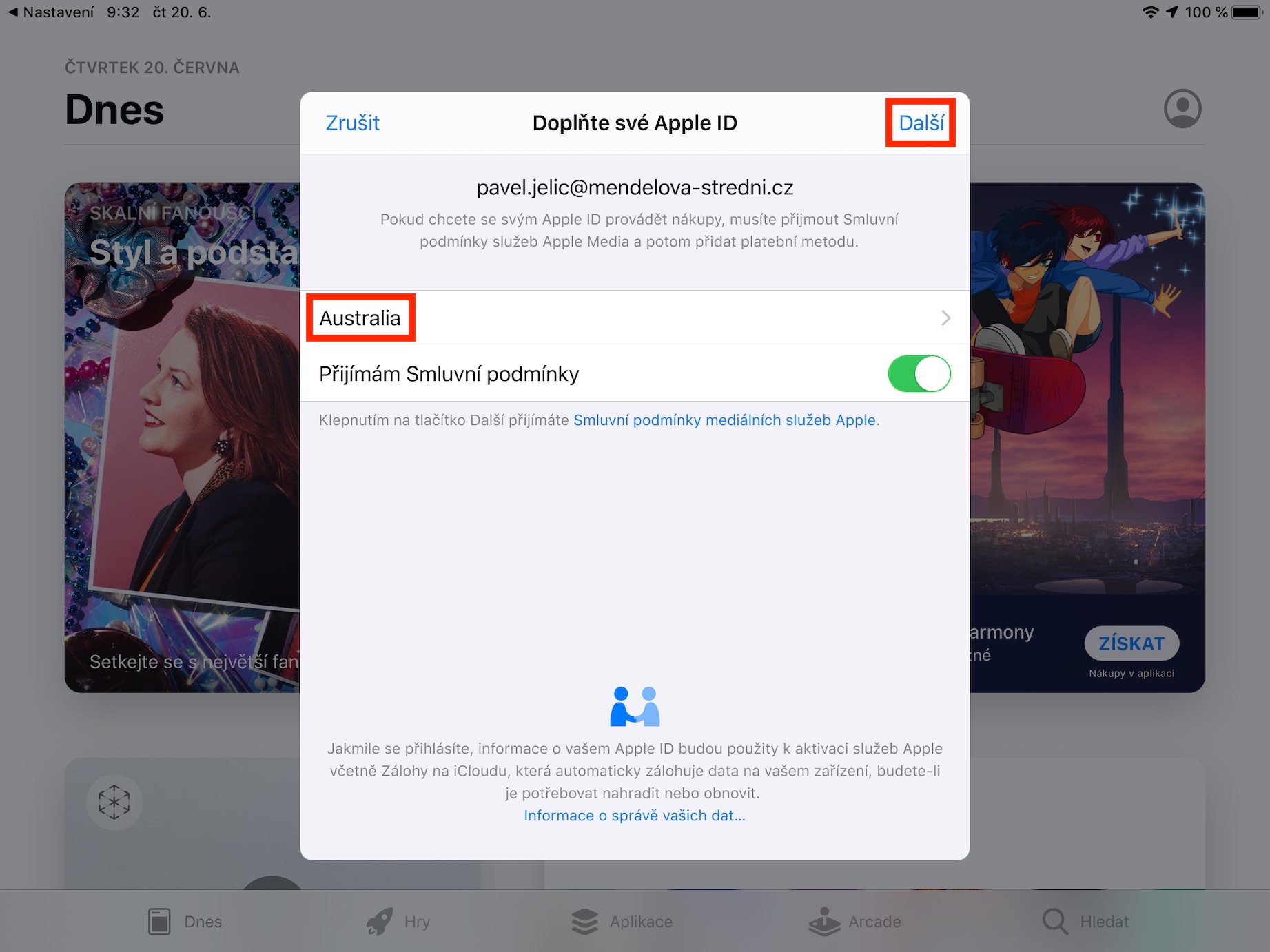
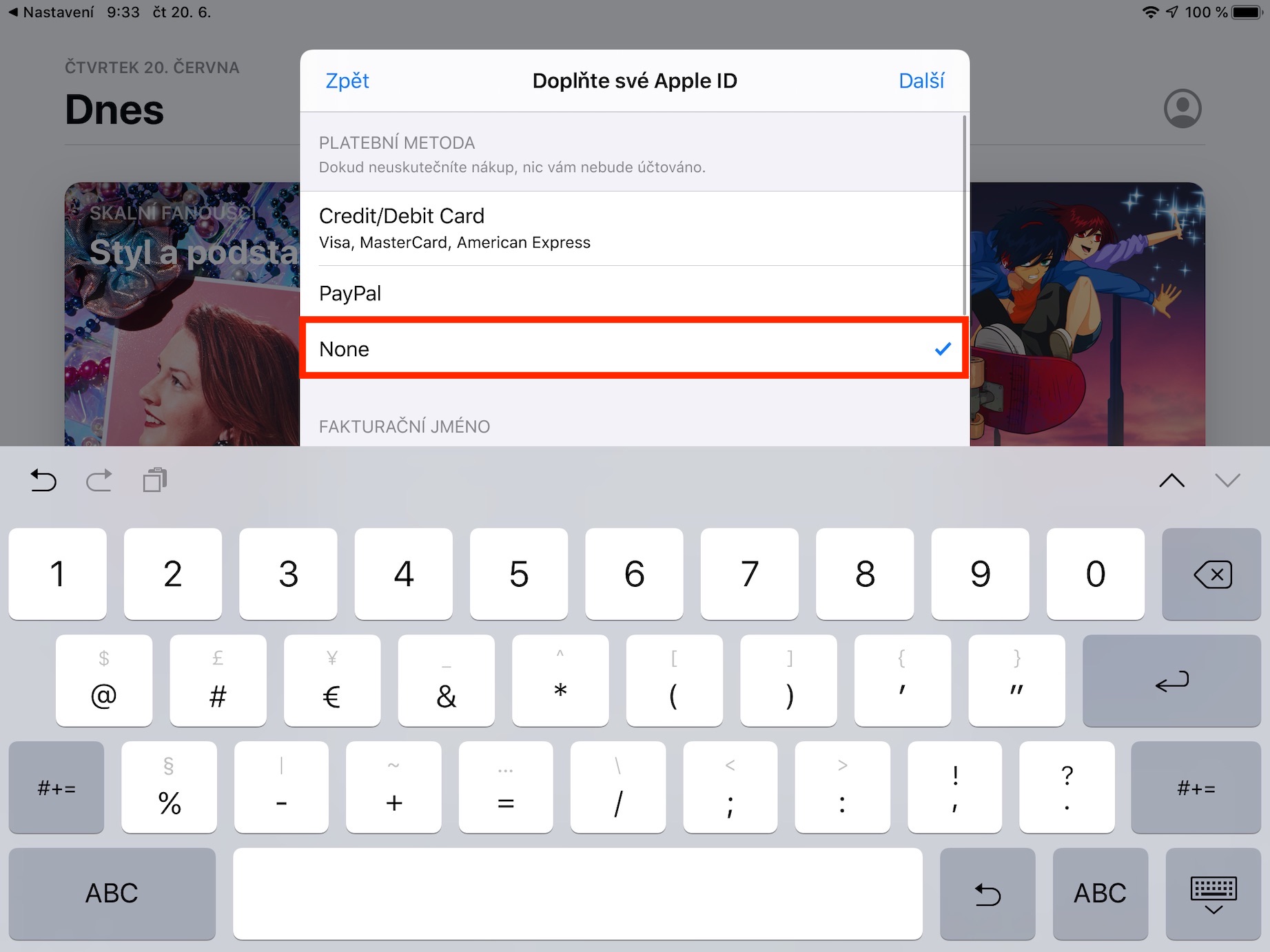
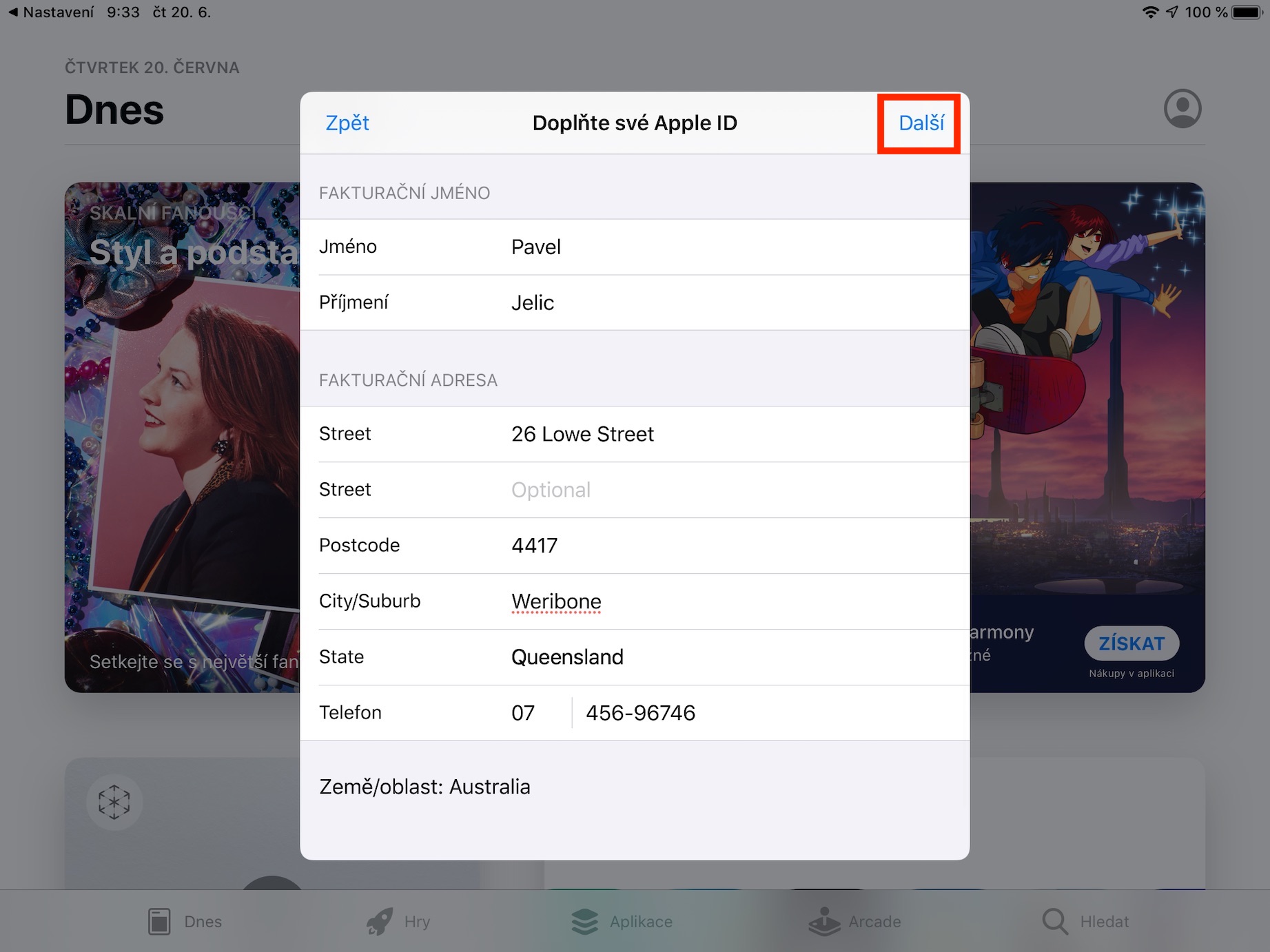
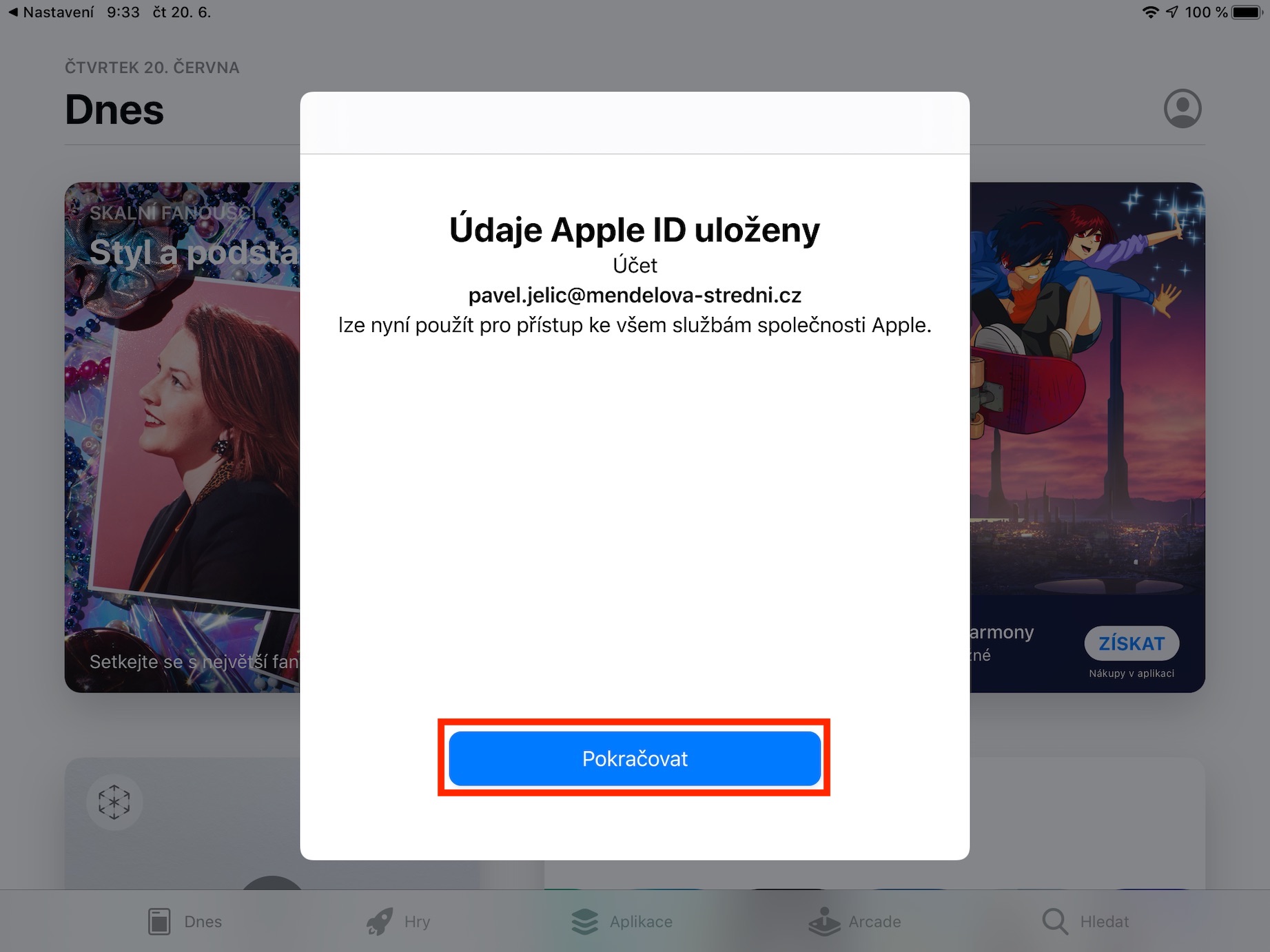
Call of Duty: Mobile Download
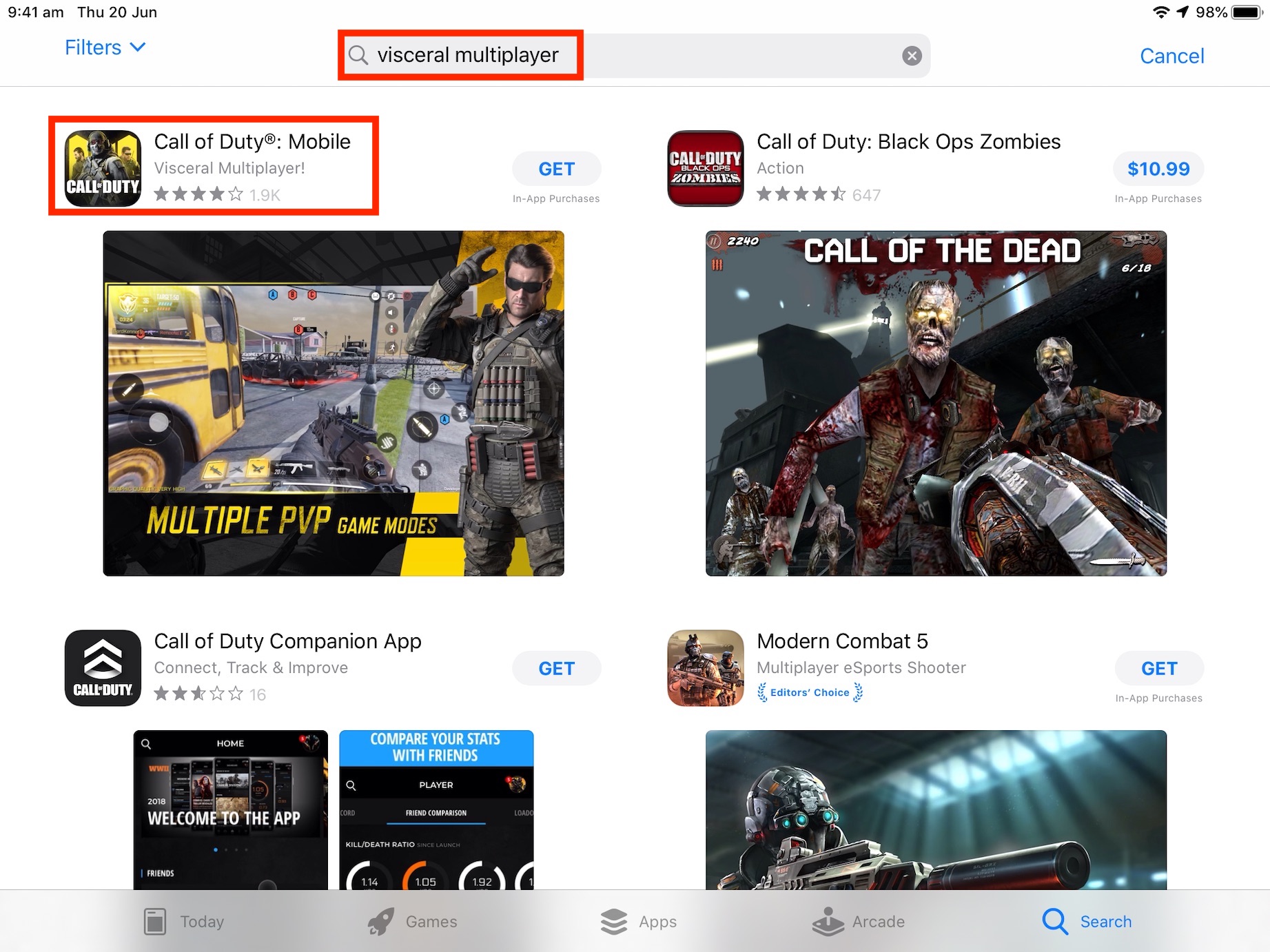
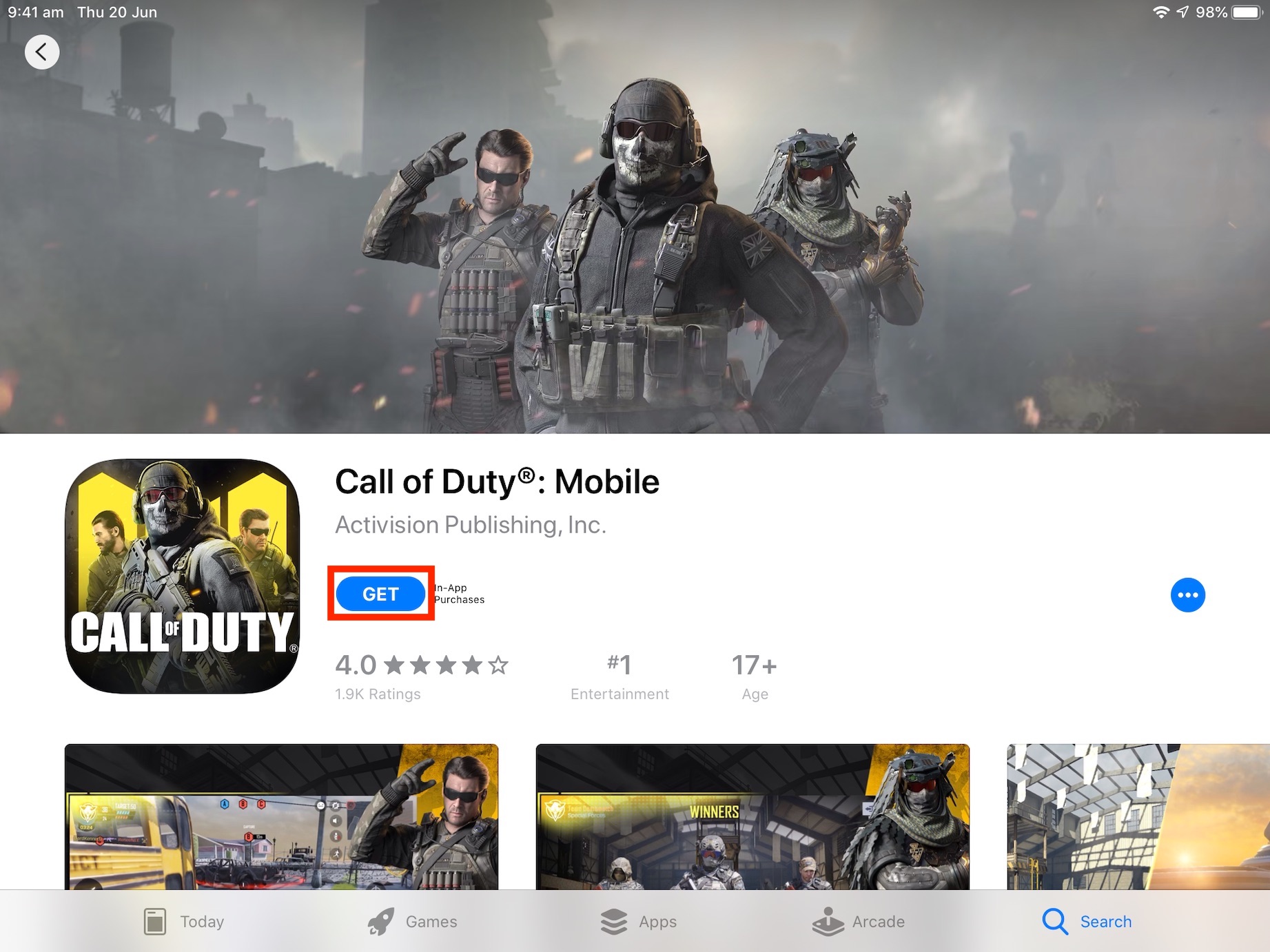
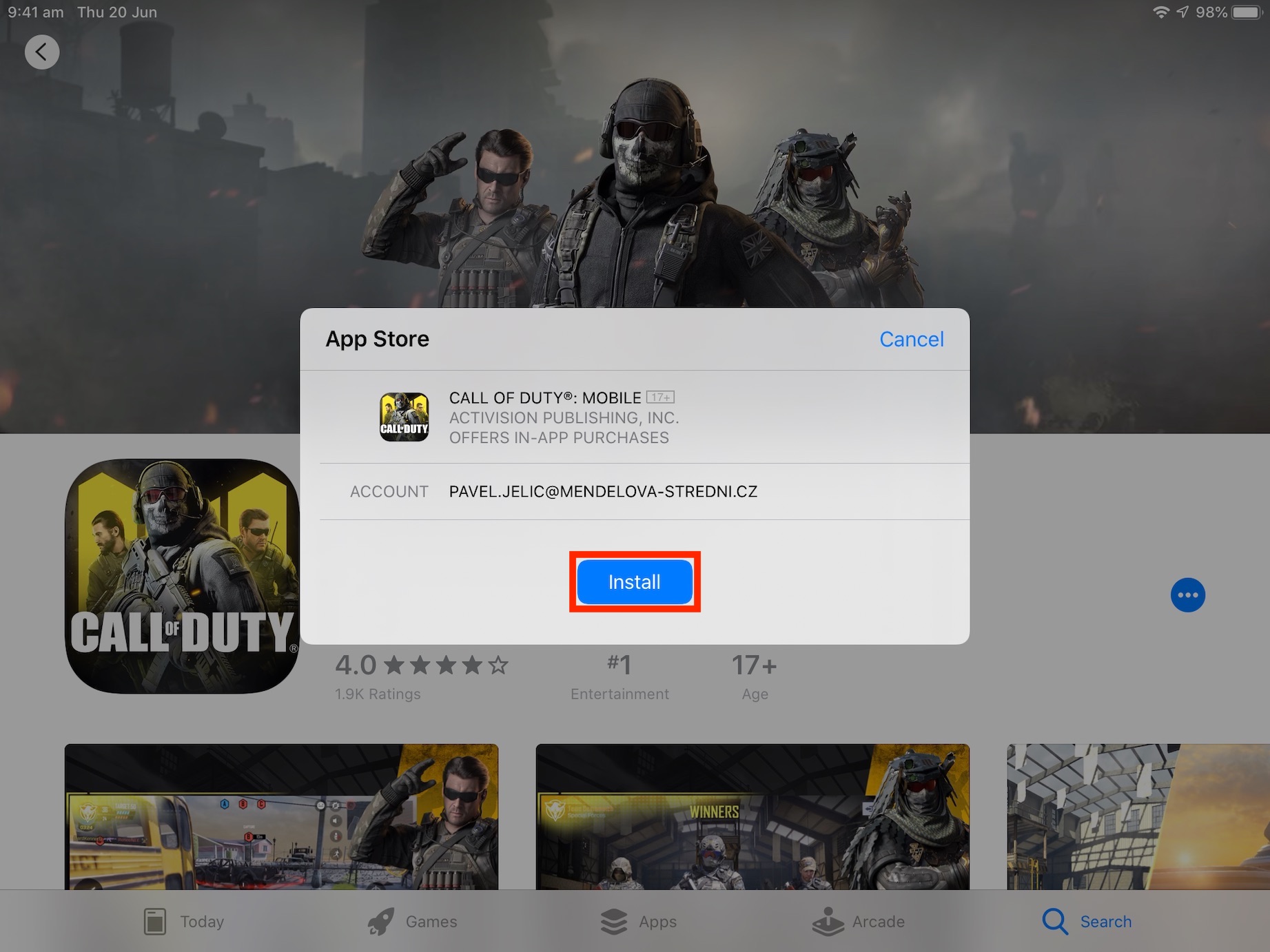
Australian Apple ID we have, we also have the device set to Australia. Now you can App Download Call of Duty: Mobile from the store. Unfortunately, this term is used to describe the game in App It doesn't show the store, so type "Visceral Multiplayer" into the search engine. After searching, the Call of Duty: Mobile app will appear first and you have no choice but to download and install it as usual.
VPN download and activation
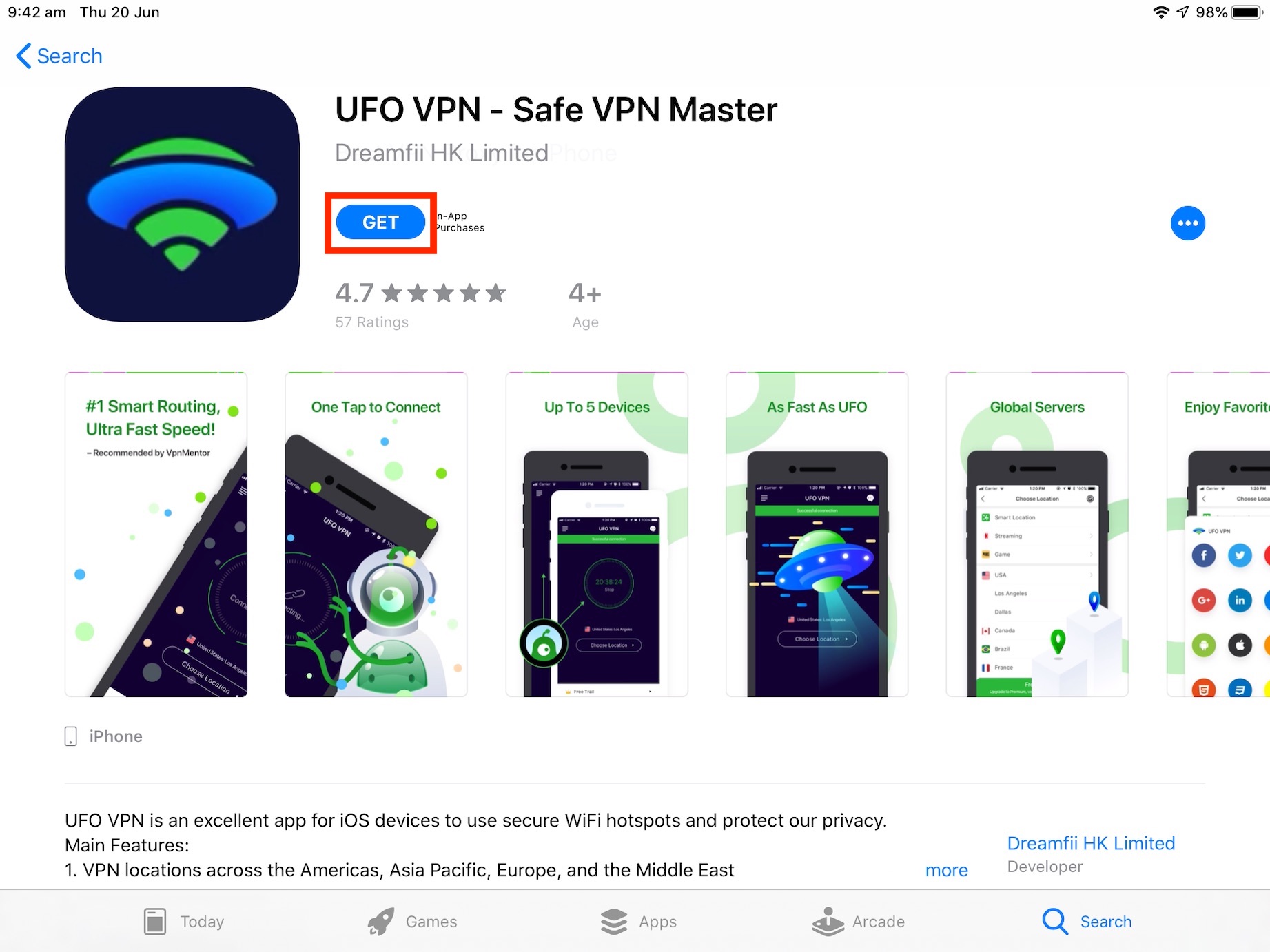
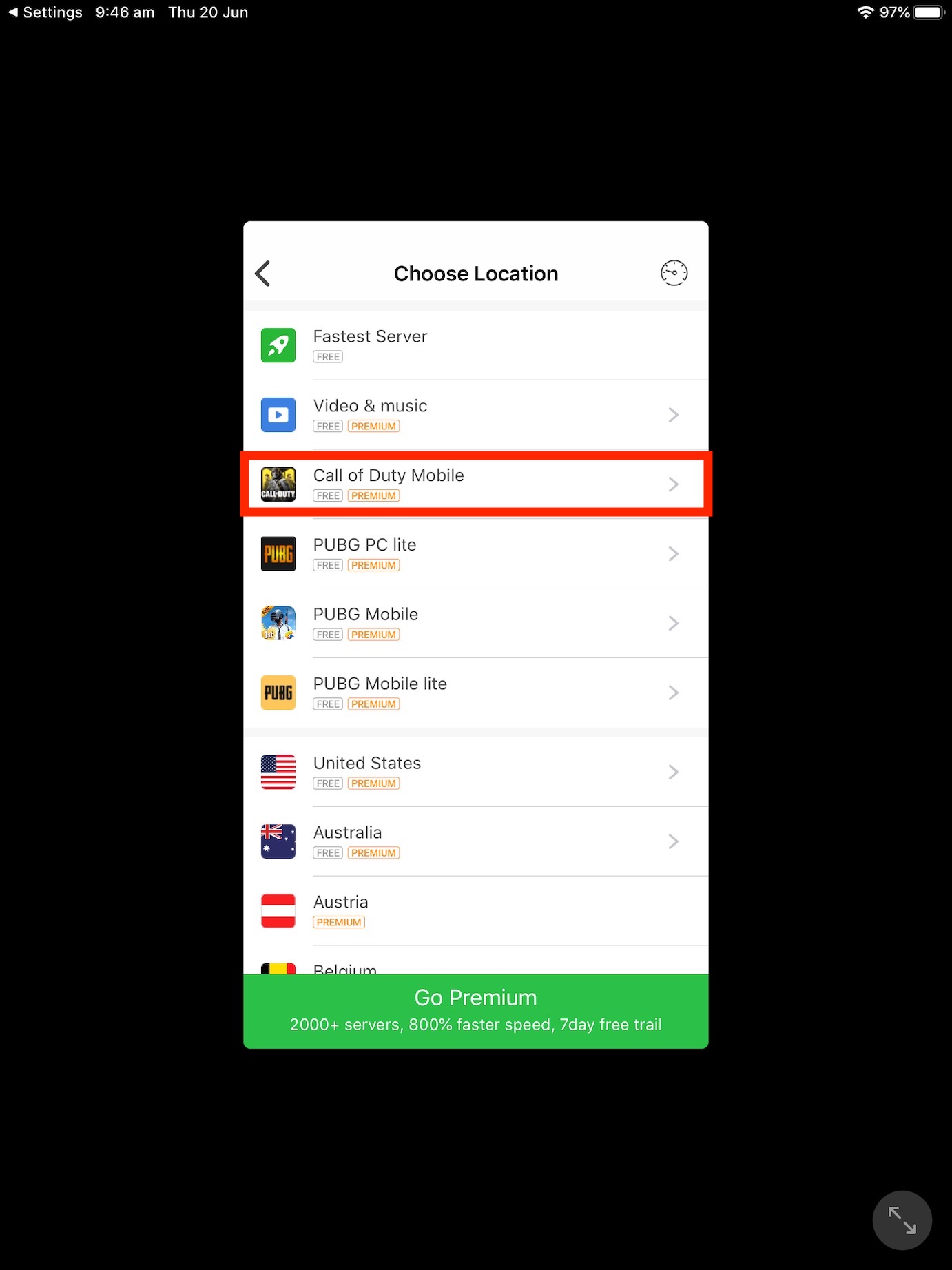
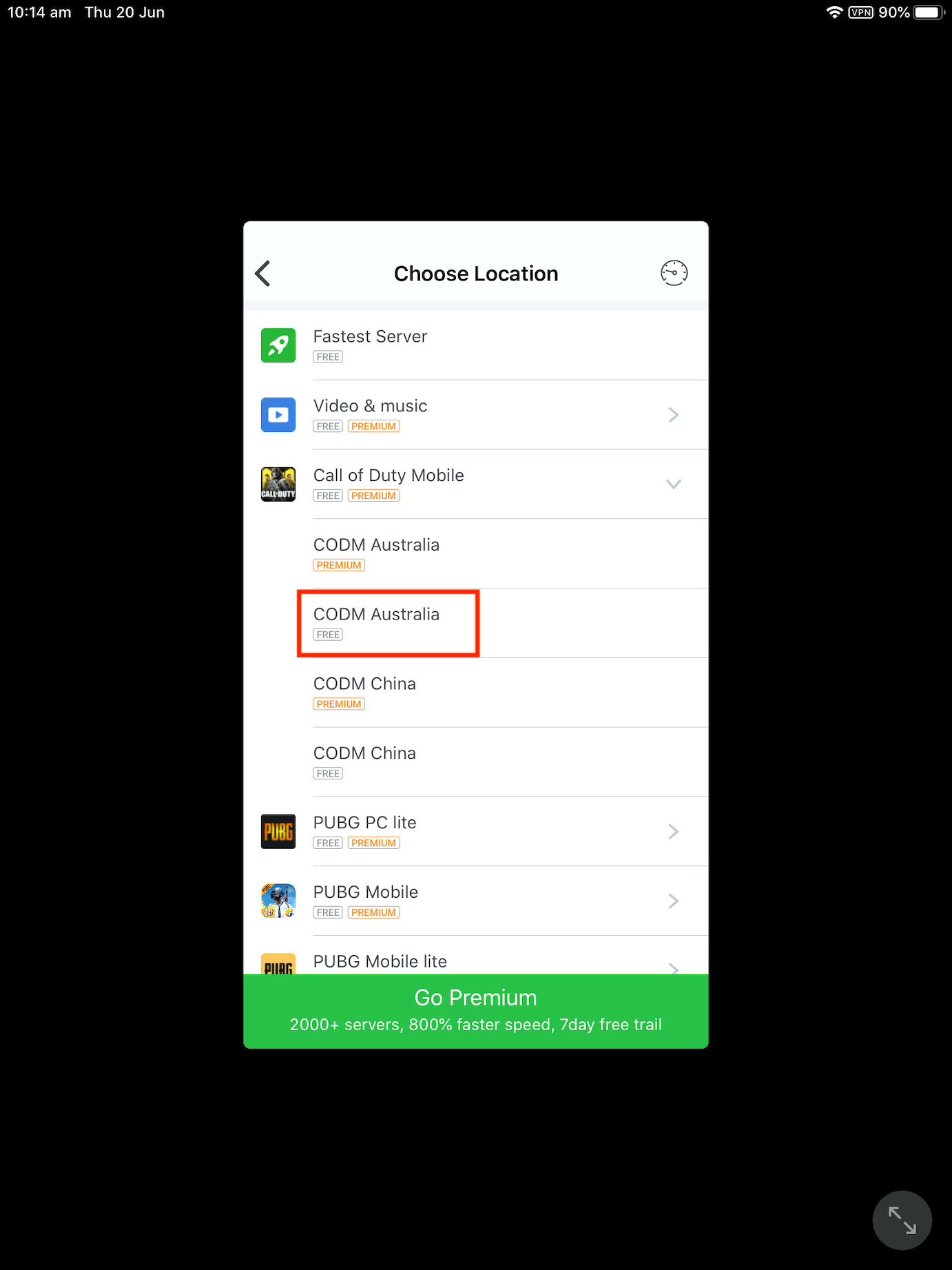
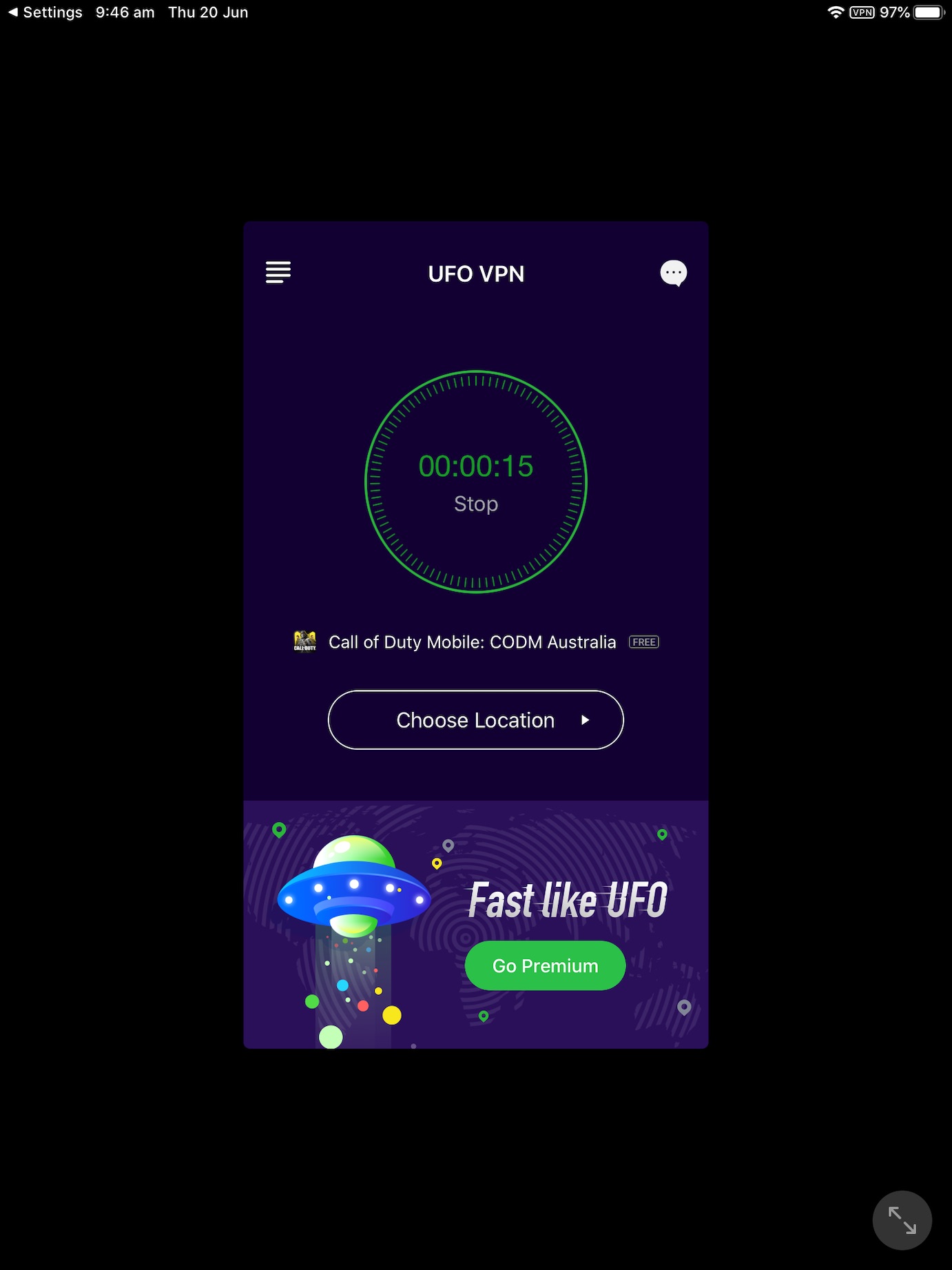
Now it is only necessary to physically move to Australia. We definitely won't use the plane ticket for that, but VPN, which we can use to fake our location and say we are in Australia. The best VPN app I've found for playing Call of Duty: Mobile is UFOVPN. It is free and mainly offers a server that is intended for Call of Duty. You can simply download the application from App Store, or using a link below. Accept after launch free version. Then select a location with a name Call of Duty Mobile. The menu will open more and select an option CODM Australia, at which it is written FREE. Then wait for the connection and it's done - you can turn on the game.
[appbox appstore 1436251125]
záver
If the game doesn't appear in your list of apps in App Storu, then I recommend that you iPhone or iPad turned off and on again. Personally, I also had trouble logging in to a new Apple ID, but I blame it more on betaversion of iPadOS 13. From my own experience, I can say that Call of Duty: Mobile is a really well-crafted game and if I had more free time, I would definitely like to play it now and then. Finally, let me draw your attention to the fact that this is just a betaversion of the game. Any action that is performed in the game within the betaversion you create will be permanently deleted before the full version is released. So at the moment, Call of Duty: Mobile is really only for testing.


Herni pekka .. half a year and she is forgotten
I would play, but it's too much work for me. nestoh my 😃