
Some of you may find or have found a brand new one under your tree this year. iPhone, iPad, MacBook or Mac. If you have never owned an Apple product before, you will need to arrange your own Apple IDIn today's article, we will tell you how to do it without needing a credit card to set it up.
You might be interested in

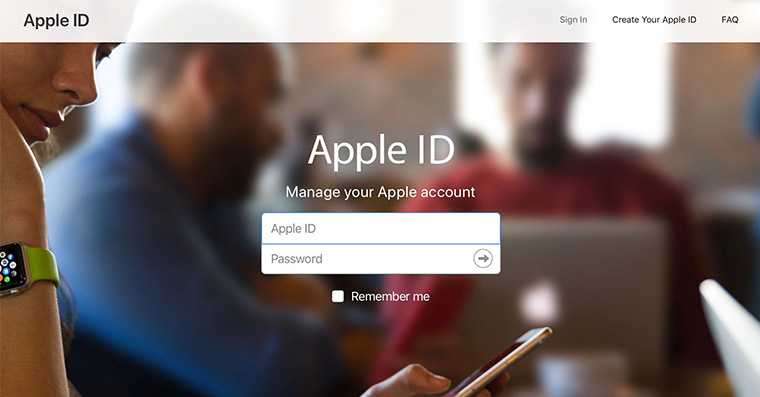
Apple ID It is a kind of ticket to the Apple world for you. It is used to access services such as iTunes andCloud, and helps you manage your Apple device. The absence of a payment card is not at the time of creation Apple ID no obstacle. Apple ID without a credit card you can create in App Store on any iOS device, on Mac, but also on PC. How to do it?
How to make Apple ID without a credit card on iOS device
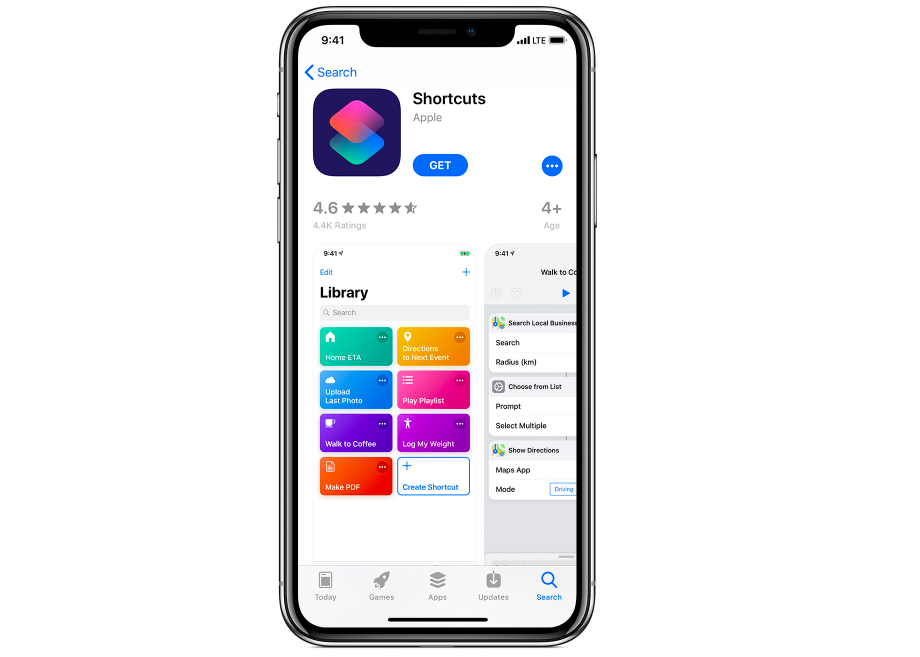
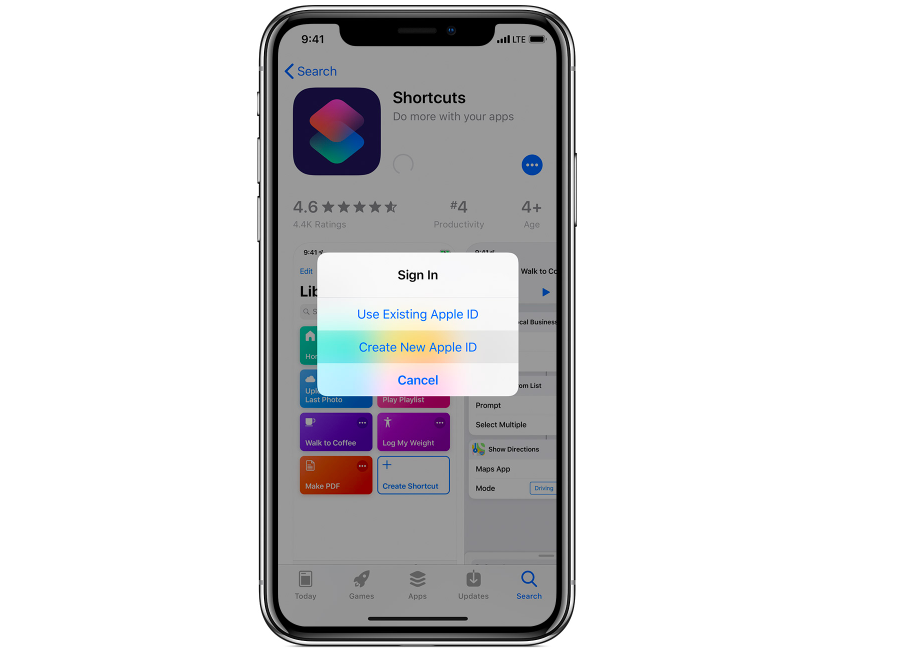
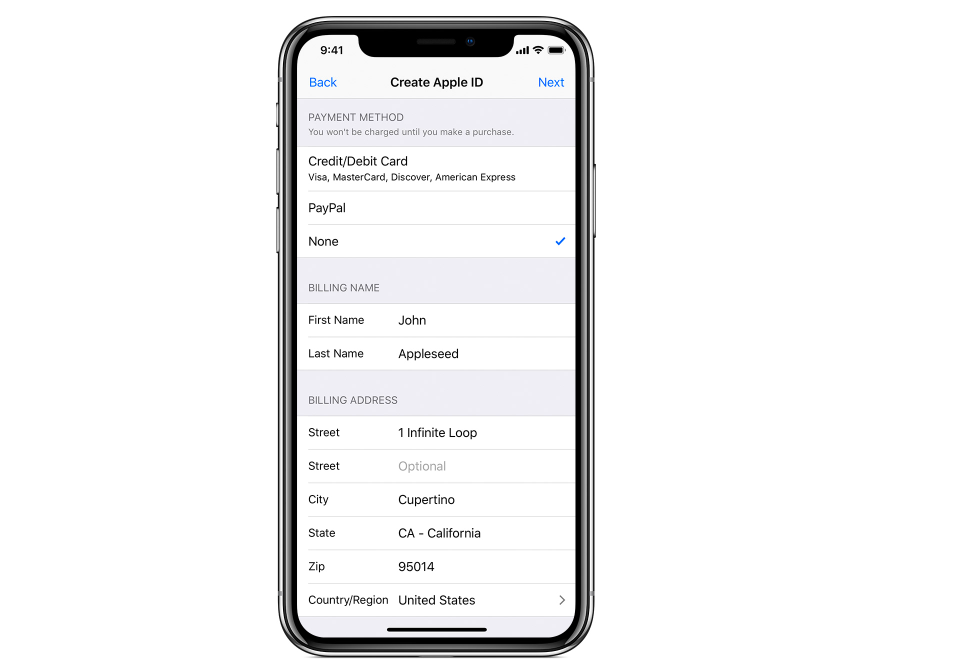
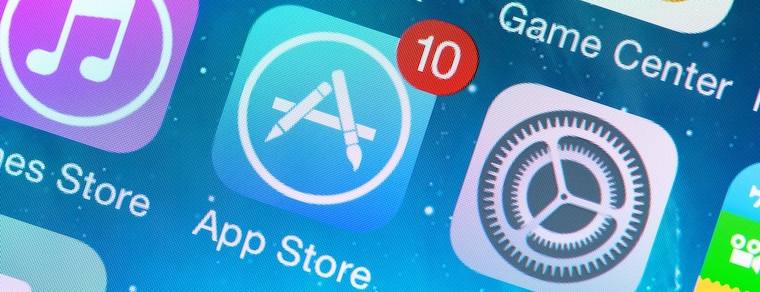
In his iOS device, launch the application App Store and select one of the free apps. Tap "Get" and when prompted to sign in with your Apple ID, select "Create new Apple ID" and follow the on-screen instructions. When prompted to enter payment information, tap "None." When prompted, enter your phone number or email for verification purposes.
Gallery
How to make Apple ID without a credit card on Mac or PC
Open applications on your Mac App Store (launch iTunes on your PC) and choose any free app. Click Get -> Install, and when prompted to sign in with Apple ID, select "Create Apple ID". Follow the instructions on the screen, and when prompted to enter payment information, click "None." Then all that's left to do is enter a valid phone number or email for verification purposes.










Hello,
I have a small problem, yesterday I received iPhone 4.
I have a problem with downloading applications, such that when I give get, I fill in mine Apple ID, so it can be written:
this apple id has not yet been used in the itunes of the store.
I'll have it checked, fill in the details and everything. I will give no payment methods.
I press continue and it tells me if you need help contact iTunes or something.
And I no longer have the option to add any payment method, but I have to add another one. What should I do?
I bought an IPone and I will put everything there but it wants a verification code when it should arrive in my email but the message is not coming can you help me somehow thank you