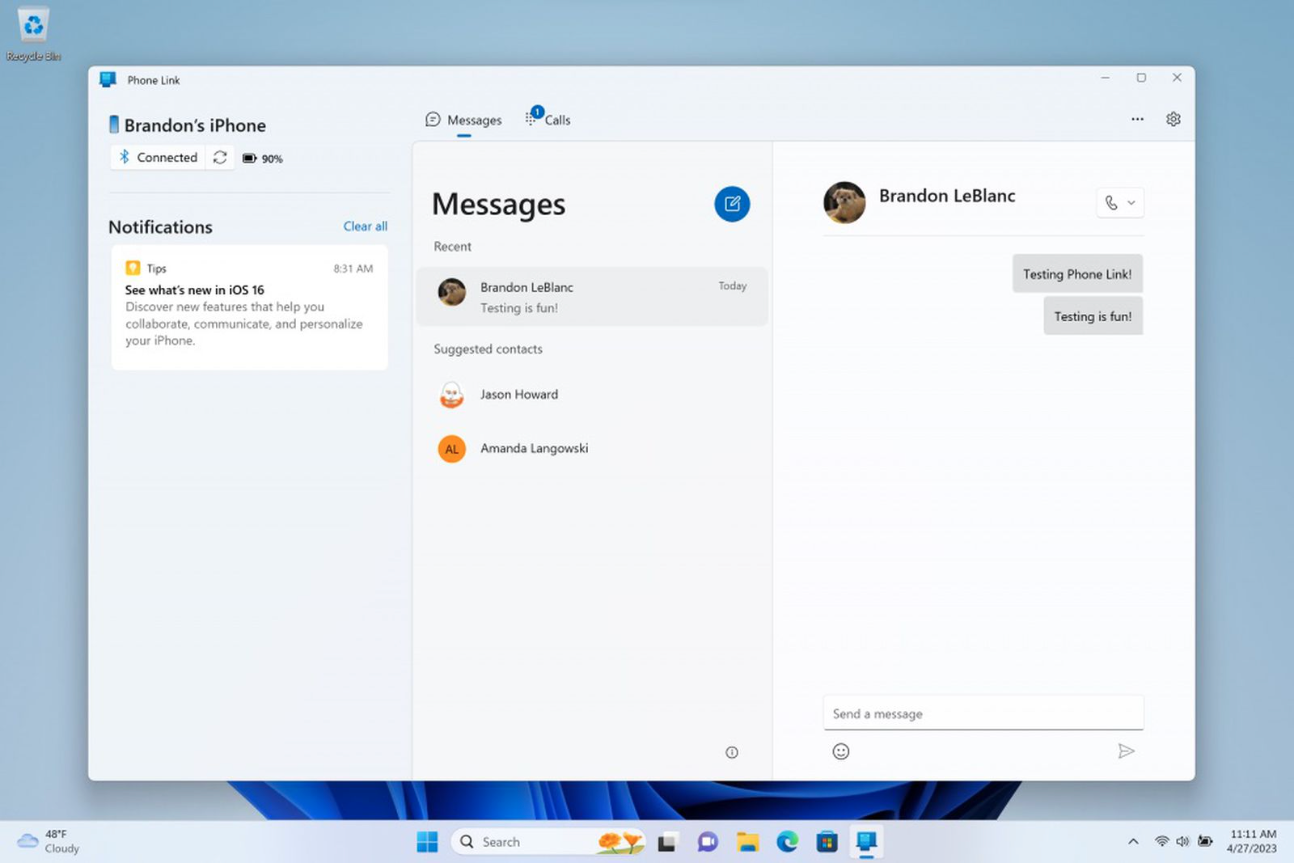
Press Release: It may seem like a really long time to some, but a year and a few months will fly by like water. What is it about? Society Microsoft End of support on January 14, 2019 Microsoft Windows 7. This means that if you still have this operating system on your computer, you will not receive any updates or security patches, leaving your computer potentially unprotected. The solution is to upgrade to newer versions WindowsAnd it can be especially interesting for companies variaplease go to Microsoft Windows 10 Pro, which compared to the version Home offers a number of interesting advantages. Which ones?
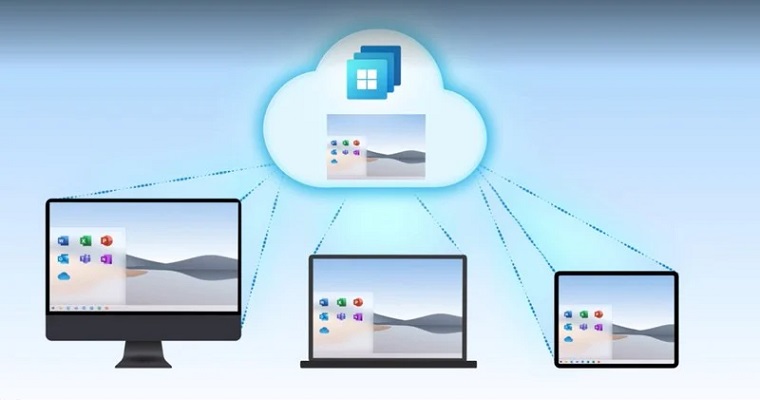
Windows 10 Pro offers great connectivity across devices
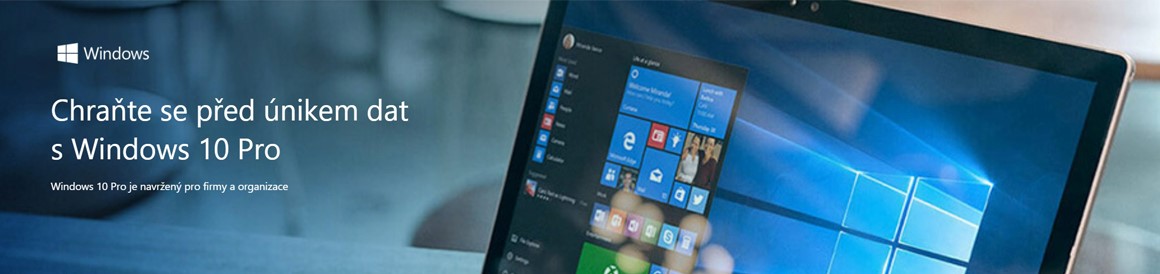
Microsoft Windows 10 Pro is currently the most secure version of this operating system since Microsoftu. It offers a familiar user environment with a number of familiar elements, but given a modern and innovative look. In many ways, including the Start menu, it is based on Windows 7. It boots and wakes quickly, has more built-in security features to keep you safe, and is designed to work with the software and hardware you already have. There is no need to worry about possible incompatibility with your workstation, whether it is a laptop or a stationary computer.
A huge advantage of the operating system Microsoft Windows 10 Pro is its seamless integration with other mobile devices, such as smartphones or tablets. The data is thanks to Microsft OneDrive accessible from all connected devices and are automatically synchronized across all computers where you connect to your Microsoft account. Right after installing the operating system Windows 10 Pro You'll have access to great apps like Maps, Photos, Mail & Calendar, Music, Movies & TV. You'll also find data from these apps stored on your cloudaccount OneDrive.
I just want to switch to Windows 10 Home, that will be enough for me
You can fully enjoy all of the features listed in the version Microsoft Windows 10 Home. You are certainly right and we can agree with the content of the title of this chapter. On the other hand, you will only be satisfied if you use the computer only at home and do not work on it. If you work on the computer, you will certainly appreciate the additional features that the version has Pro compared to version HomeWhat are they?
- Encryption with Bitlocker. Bitlocker is just very difficult to break encryption that is directly integrated into the operating system. Even if you have a password on your computer, it is not difficult to overcome this protection using the right tools. Bitlocker is a much harder nut to crack. This feature of the operating system Microsoft Windows 10 Pro you will appreciate it, for example, if you store customer or employee data on your computer.ancWith their low level of protection, you would come into conflict with the regulation known as GDPR.
- More advanced options for managing and setting user groups and their permissions. For example, it is useful to be able to postpone the update of your operating system by up to a month, for example for reasons of compatibility or because the computer must still be operational.
- Remote control. This in version Home It is useful when you need to access a shared Desktop and manage shared company data, for example when you are at home or on a business trip away from home.ancelary. Windows 10 Pro They will also offer you the appropriate level of security.
- Bulk setup and managementThis feature will be especially appreciated by adminicorporate network administrators. Thanks to it, they can massively modify the settings of all computers on the network, which significantly saves time and effort.
- Hyper-V, i.e. a tool for operating a virtual PC. This is useful, for example, when testing software or if you don't want to mess up your own operating system.

So the answer is pretty clear. If you plan to update the operating system on your company computer, it is definitely worth investing in Microsoft Windows 10 ProIt brings a number of interesting features that you will definitely appreciate in your business.
The GDPR standard also requires higher security
On 25 May 5, the new EU regulations on personal data protection, the so-called GDPR, entered into force.
ProDoes every company need to have GDPR?
Every company or entrepreneur collects personal data of customers, suppliers and employees during its operations.ancand works with them. They must therefore ensure that GDPR requirements for data protection (or their deletion) are met in their company.
This is not the only reason why it is necessary to pay attention to data security. With Microsoft Windows 10 Pro Use these simple two steps to increase security and prevent sensitive data leaks.
2 steps to increase the security of your data not only because of GDPR
- Encrypt your laptop, mobile phone or tablet – There is a lot of personal or sensitive data on every laptop/mobile/PC. If your device is lost or stolen, the GDPR requires you to report a personal data breach to the supervisory authority as well as to the individuals affected by the breach. However, if you encrypt the data, you make it impossible to access it, and you don't have to report anything if the device is lost or stolen.
- Update all programs – GDPR requires that every company maxhas secured its systems and applications with personal information. Only updated systems can be safe thanks to security updates. Therefore, always update to the latest version.
On theancelectrical work only Microsoft Office 365Business
And if your computer already has an operating system Microsoft Windows 10 Pro, you will definitely use it in your work as wellancelectrical package Microsoft Office 365 Business. With this combination, you will have everything you need to handle all the challenges that come your way.ancoffers a range of activities.ancelectrical package Microsoft Office 365 Business is designed to save you time and help you work with documents faster. With an exceptionally clear interface, it's easy to use. maximal intuitive and at the same time optimized for touch and stylus control. What to buy this kancWhat kind of package will you get?
- Easy and quick installation toanca software package for up to five computers;
- with Word, Excel, Power point, OneNote, Outlook, Publisher;
- 1 TB free on cloudstorage OneDrive;
- always up-to-date software version, security updates.

Connecting the operating system Microsoft Windows 10 Pro together withancelectrical package Microsoft Office 365 PRO offers you a unique combination of features for a smooth and uninterruptedancThe software is familiar in what you already know well, while also bringing a number of innovations and a high level of security. Downgrading from lower versions Windows is a good investment in any case. Especially when there are only a few months left until the end of support for the system Microsoft Windows 7.
Discussion of the article
Discussion is not open for this article.