
After three months of intensive beta testing the new system iOS 12 of them Apple a few seconds ago toonehas been released to the general public. The new Apple operating system brings some really nice new features, but they are not as significant as last year's version. iOS 11. However, the system is generally focused on speed and smooth operation, so we AppIf you're not yet convinced about upgrading, read the review we've put together for you after three months of testing. beta version processed.
You might be interested in
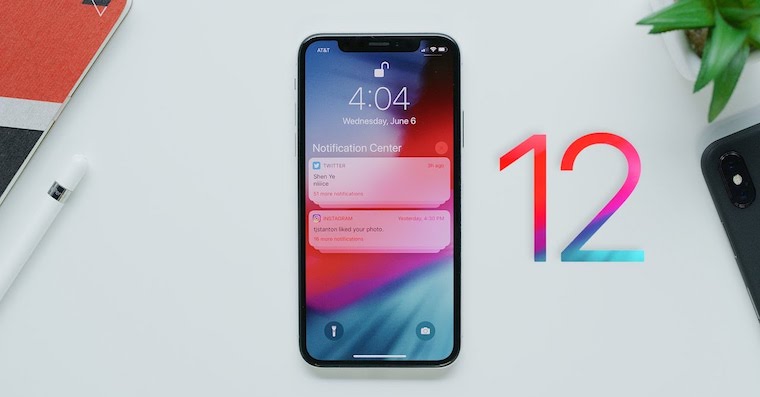
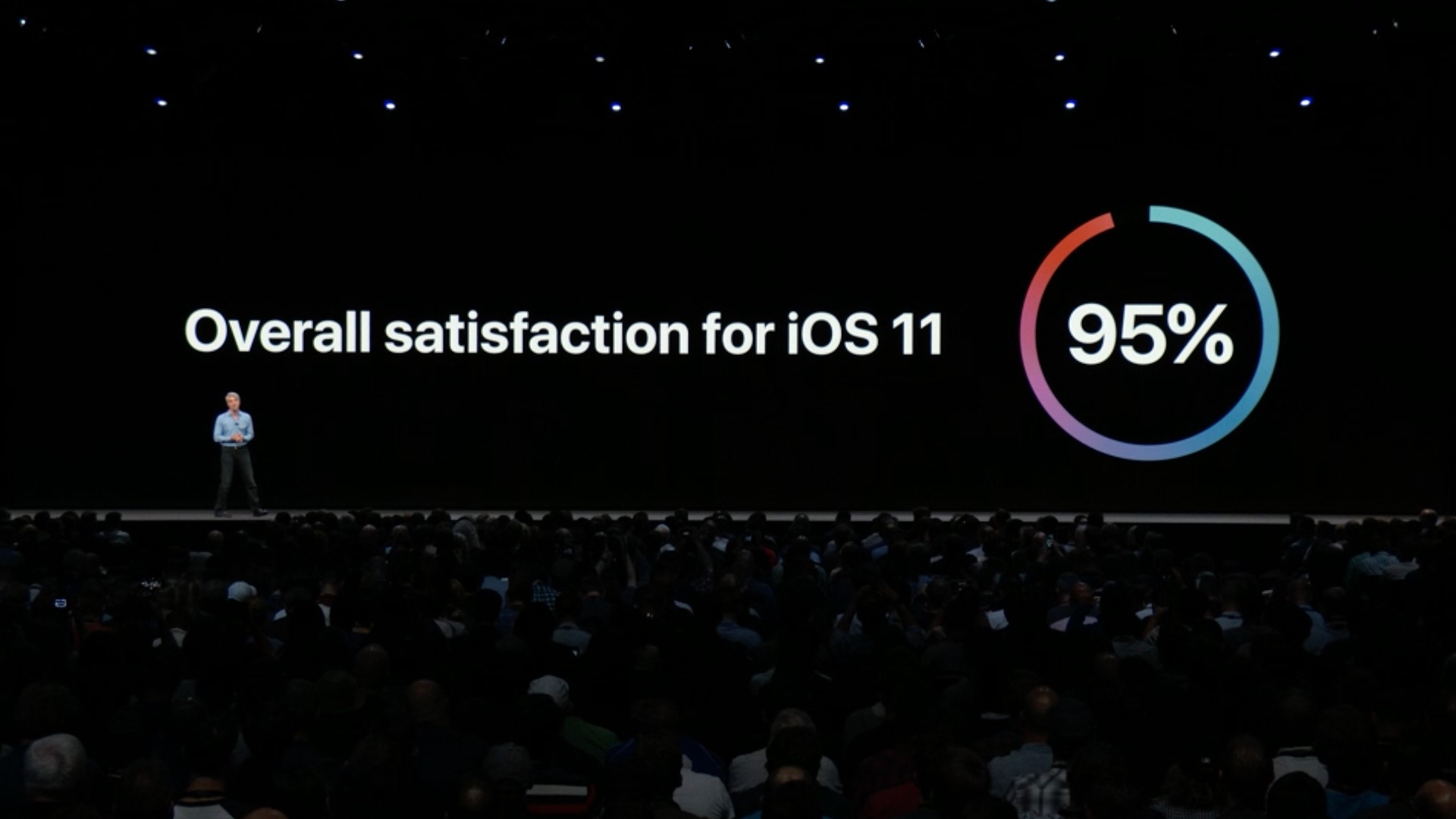
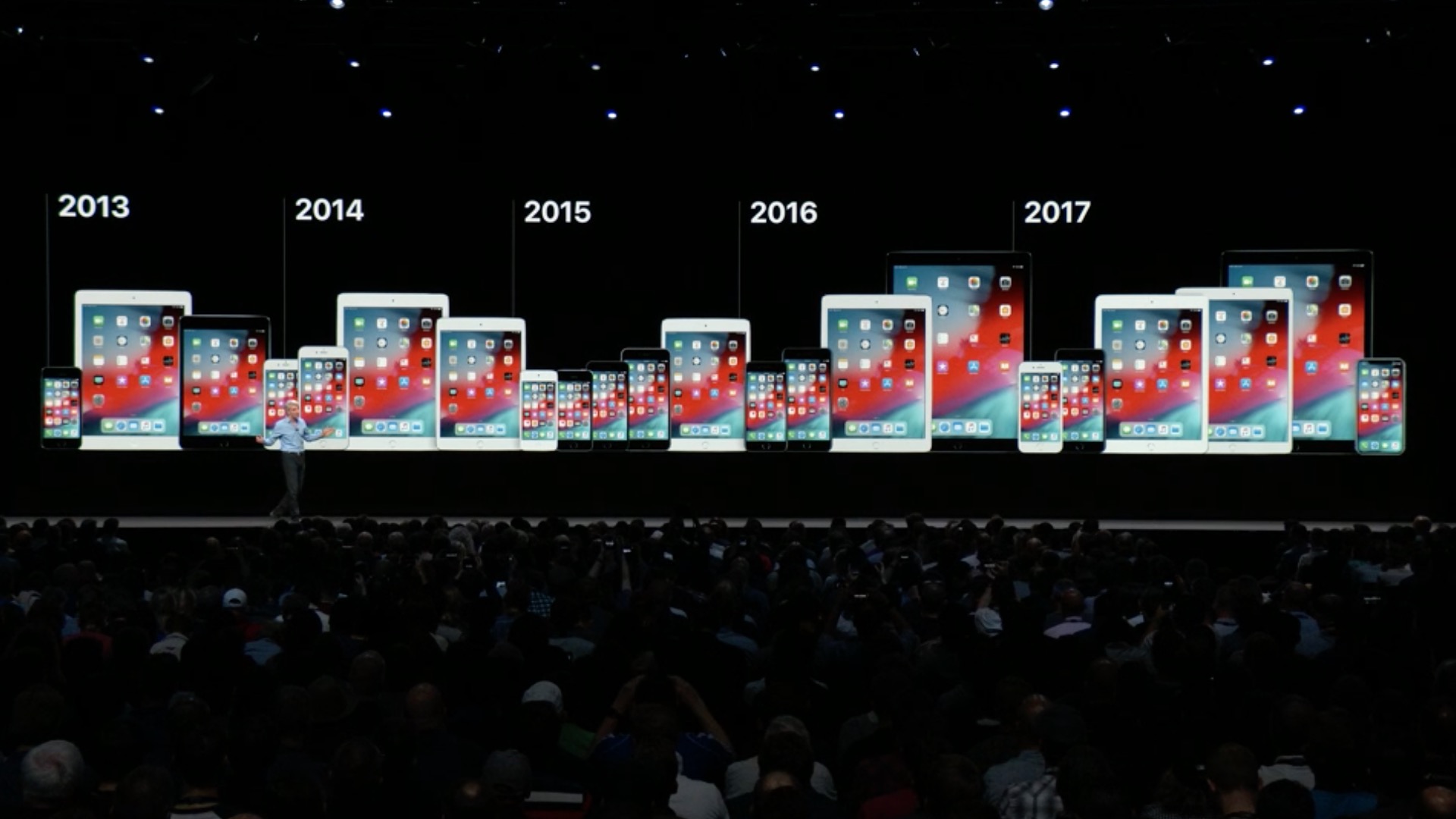
Even myself Apple beer iOS 12 as a system that will once again be XNUMX% reliable and will help users forget all the troubles of the previous one iOS 11. Besides, how else can we explain the fact that it is iOS 12 fully compatible with all devices on which it was installed iOS 11. But if you are not available iOS 12 on your own iPhone, iPad or iPod are still completely safe, check out the list of devices below this paragraph.
All devices that are iOS 12 compatible
iPhone
- iPhone X
- iPhone 8 Plus
- iPhone 8
- iPhone 7 Plus
- iPhone 7
- iPhone 6s
- iPhone 6s Plus
- iPhone 6
- iPhone 6 Plus
- iPhone SE
- iPhone 5s
iPad
- 12,9" iPad Pro (1st generation)
- 12,9" iPad Pro (2st generation)
- 9,7" iPad Pro
- 10,5" iPad Pro
- iPad (5th generation)
- iPad (6th generation)
- iPad Air 2
- iPad Air
- iPad mini 4
- iPad mini 3
- iPad mini 2
iPod
- iPod touch (6th generation)
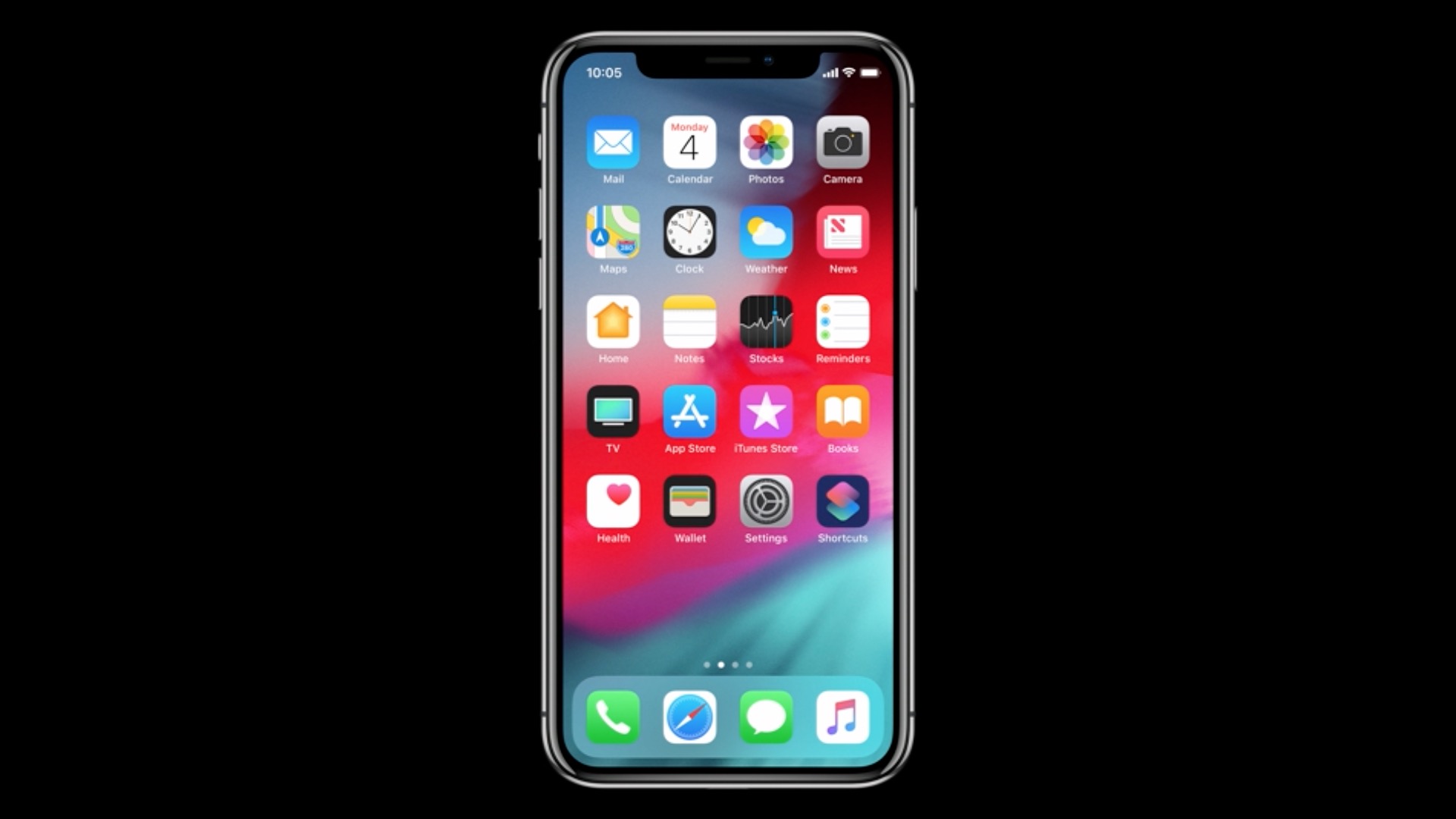
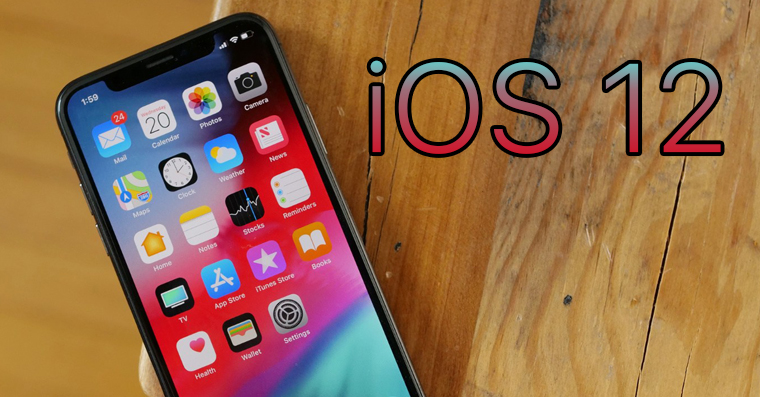
This is what the environment looks like iOS 12:
Gallery
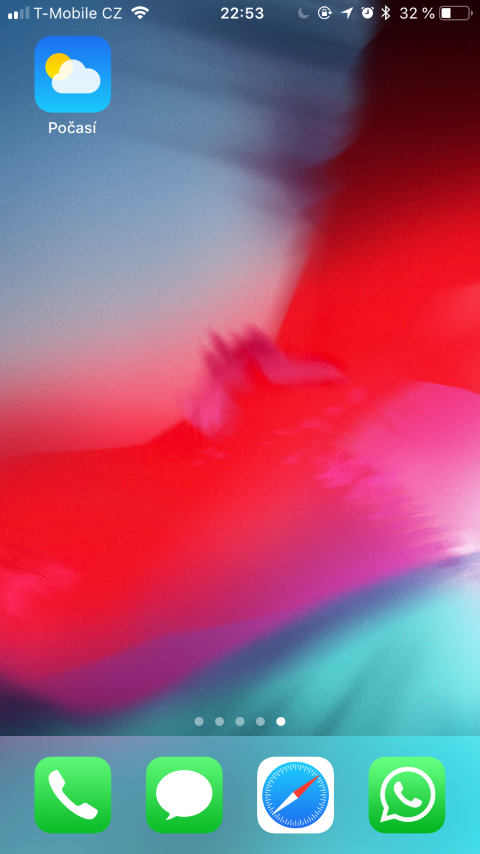
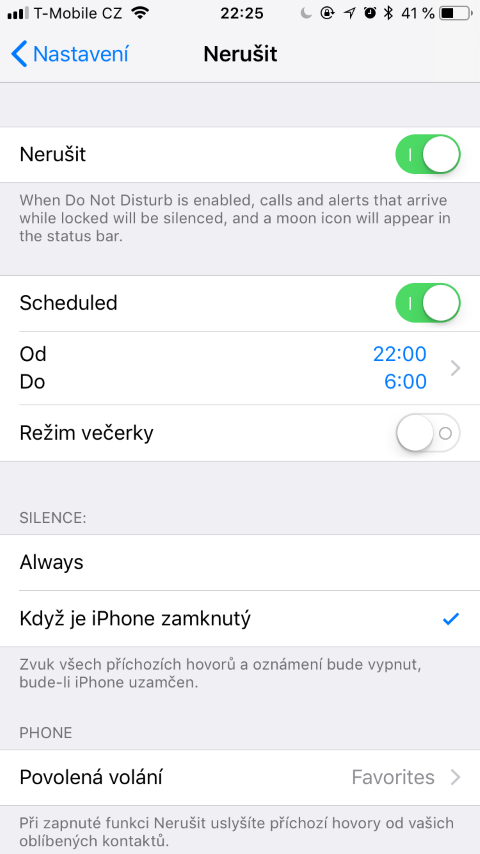
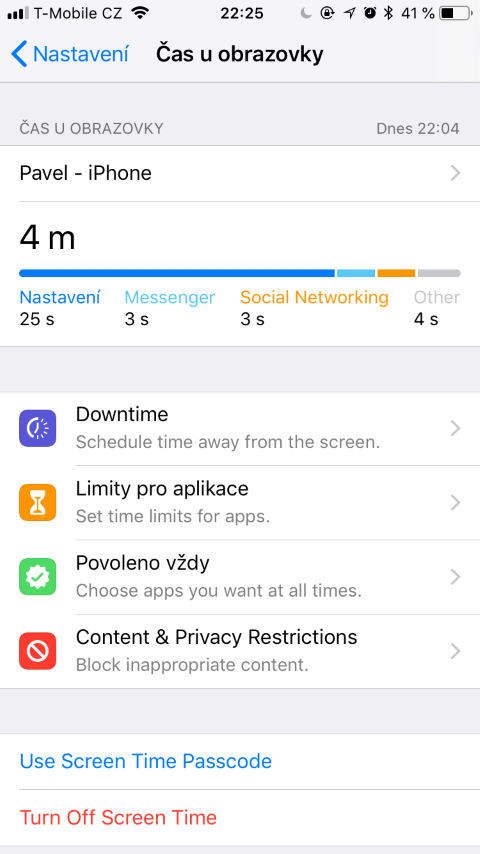
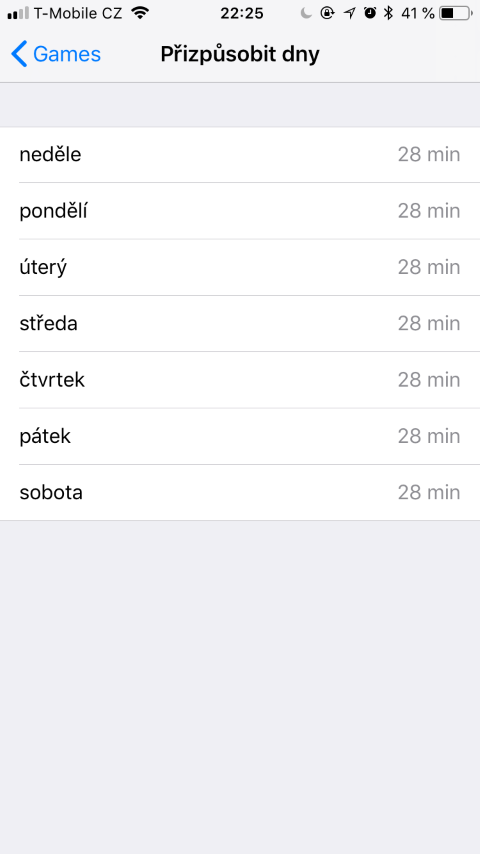
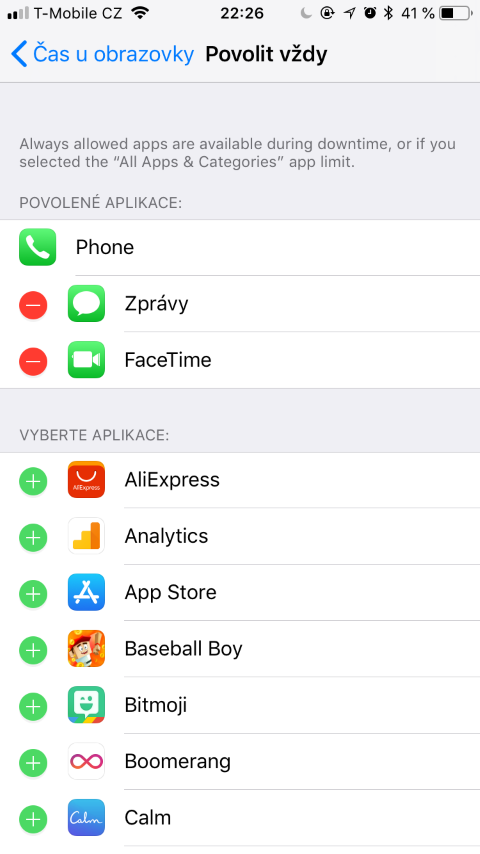
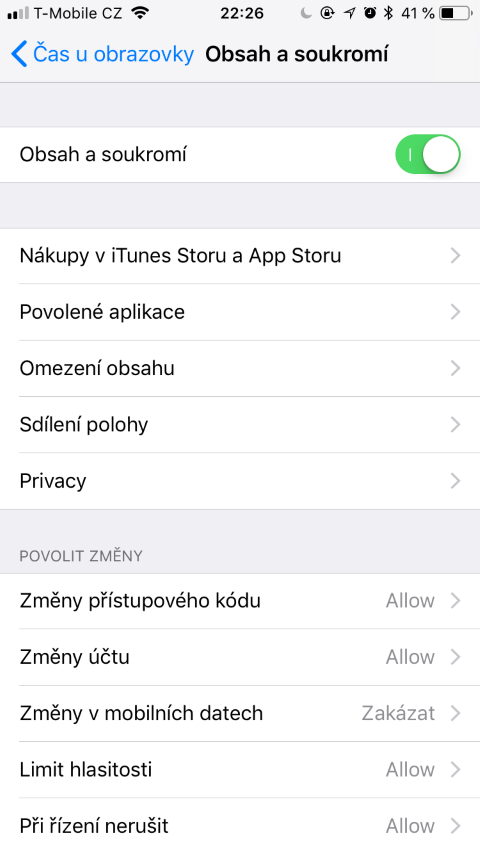
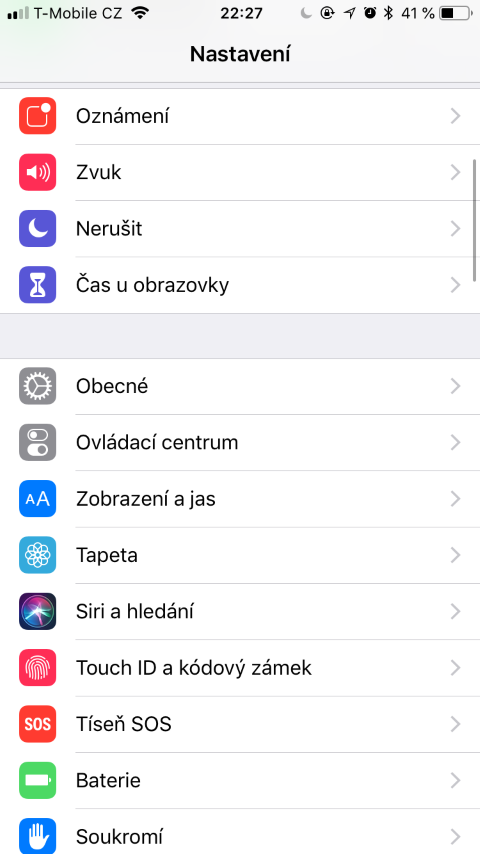

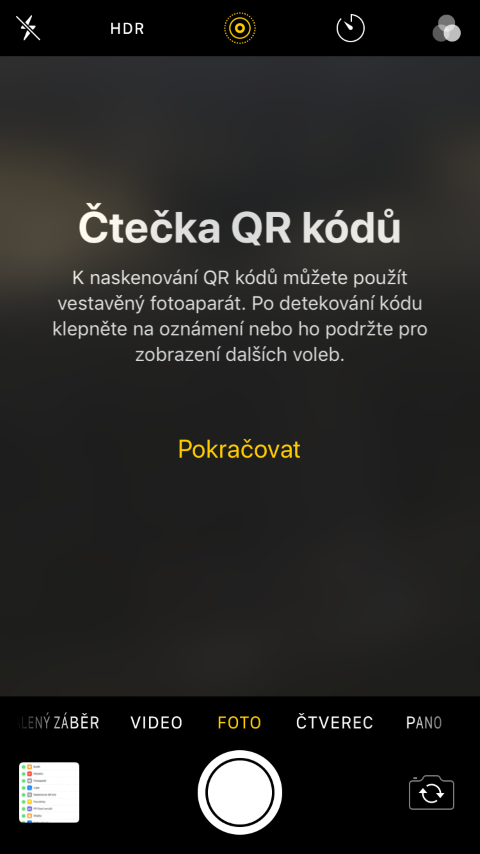
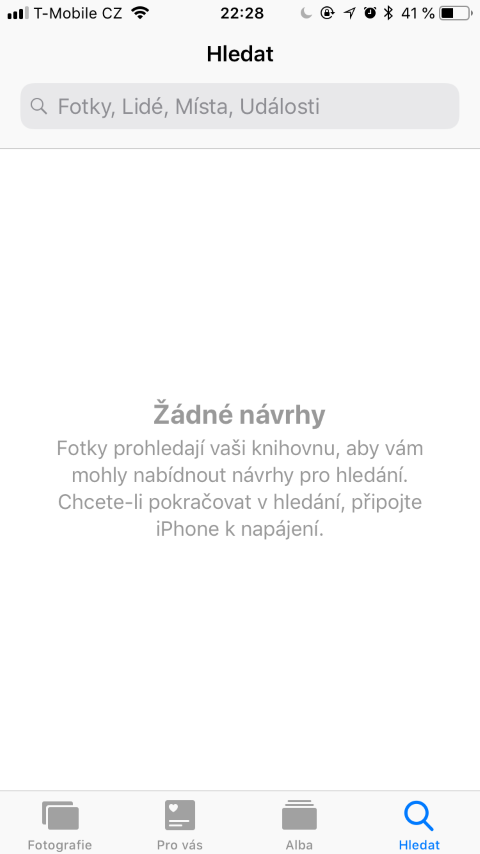
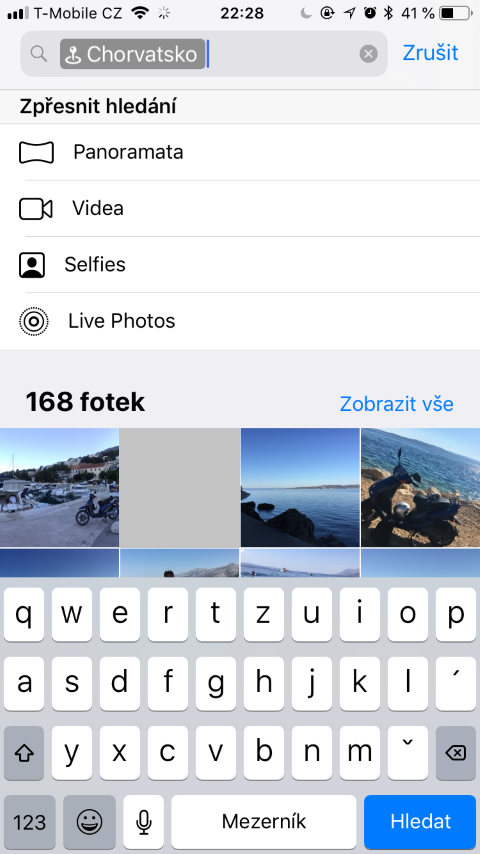
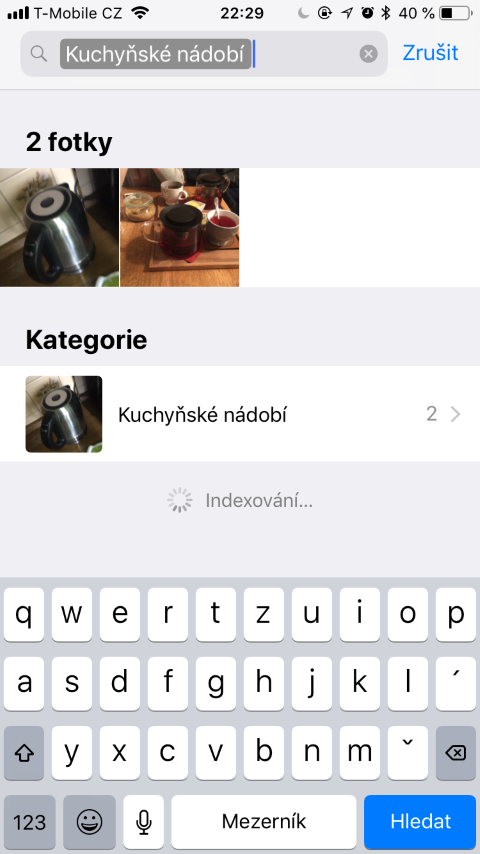
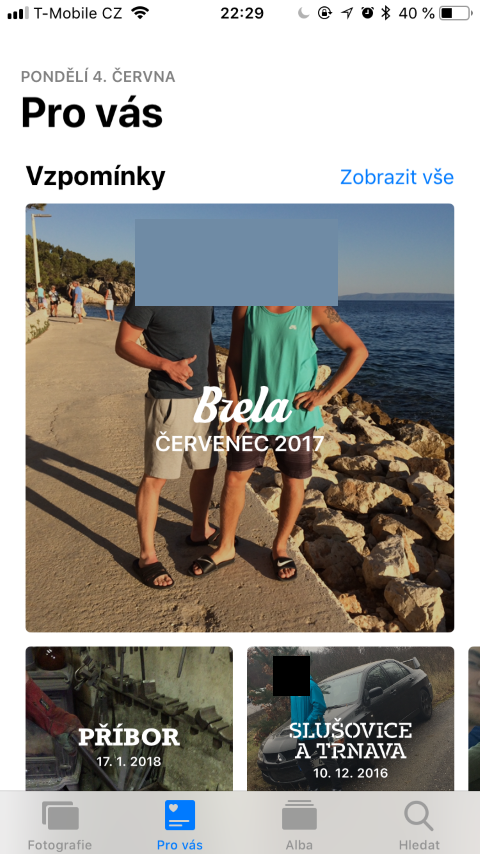
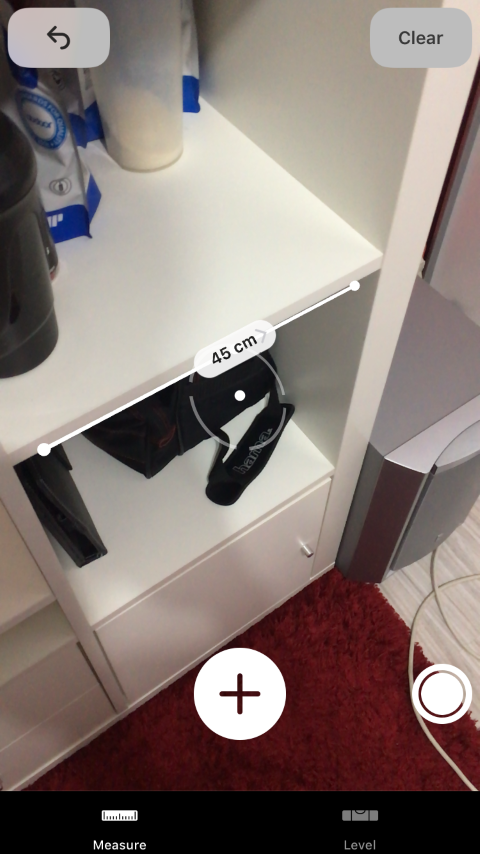
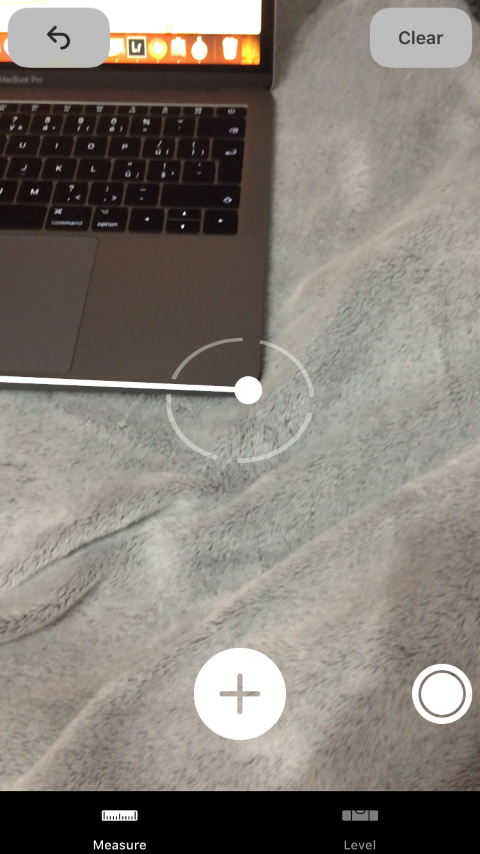
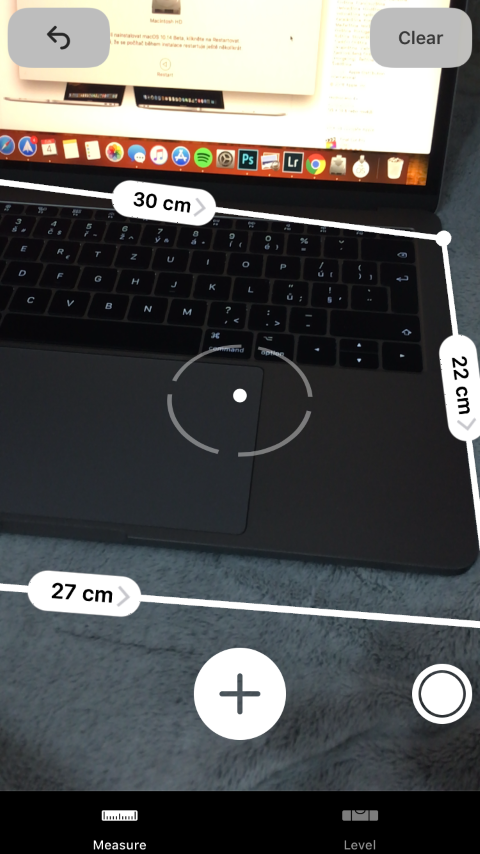
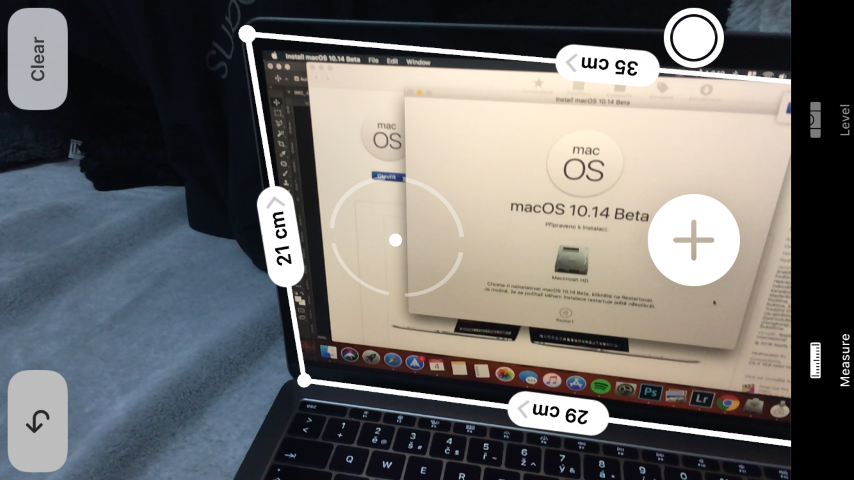
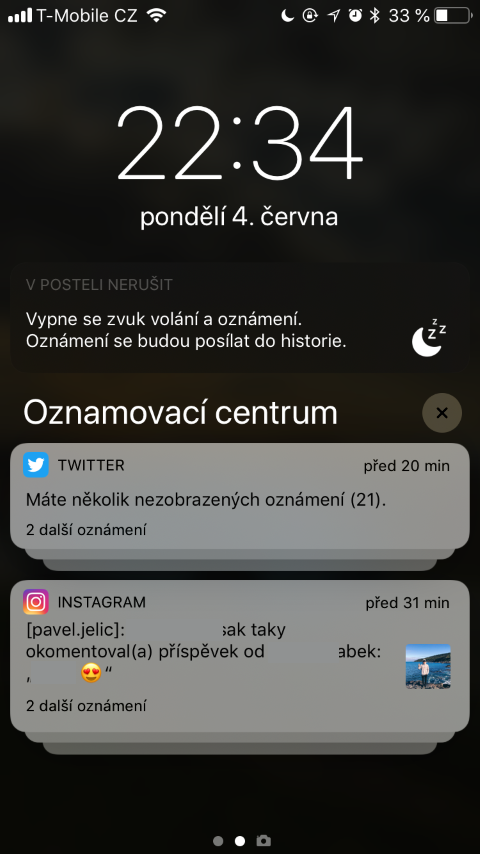
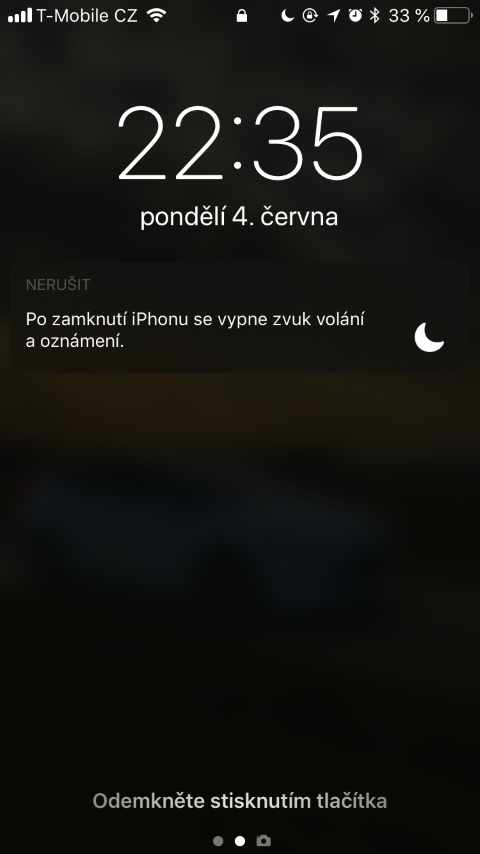

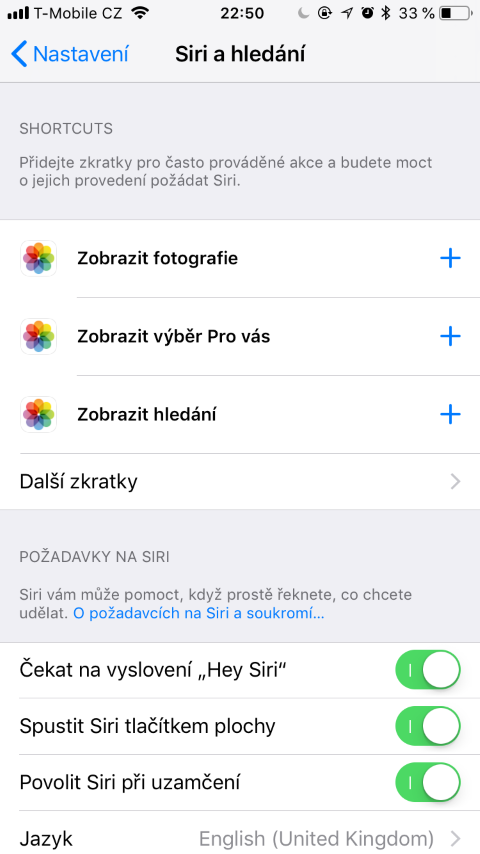
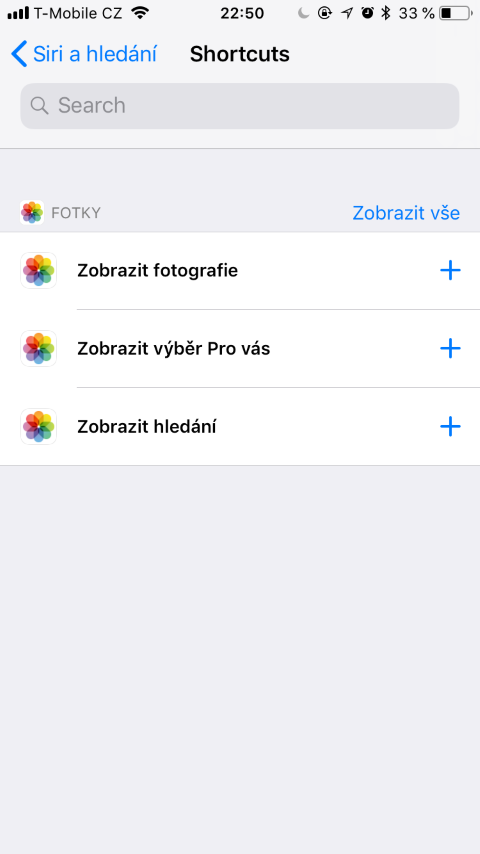
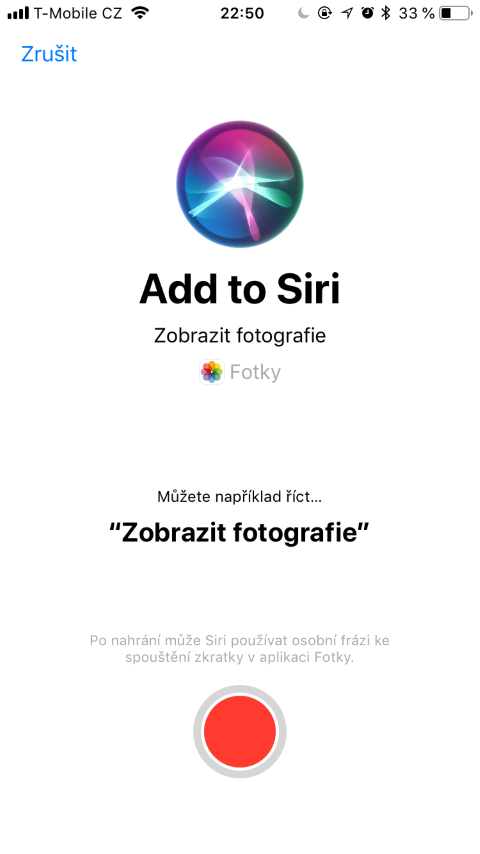

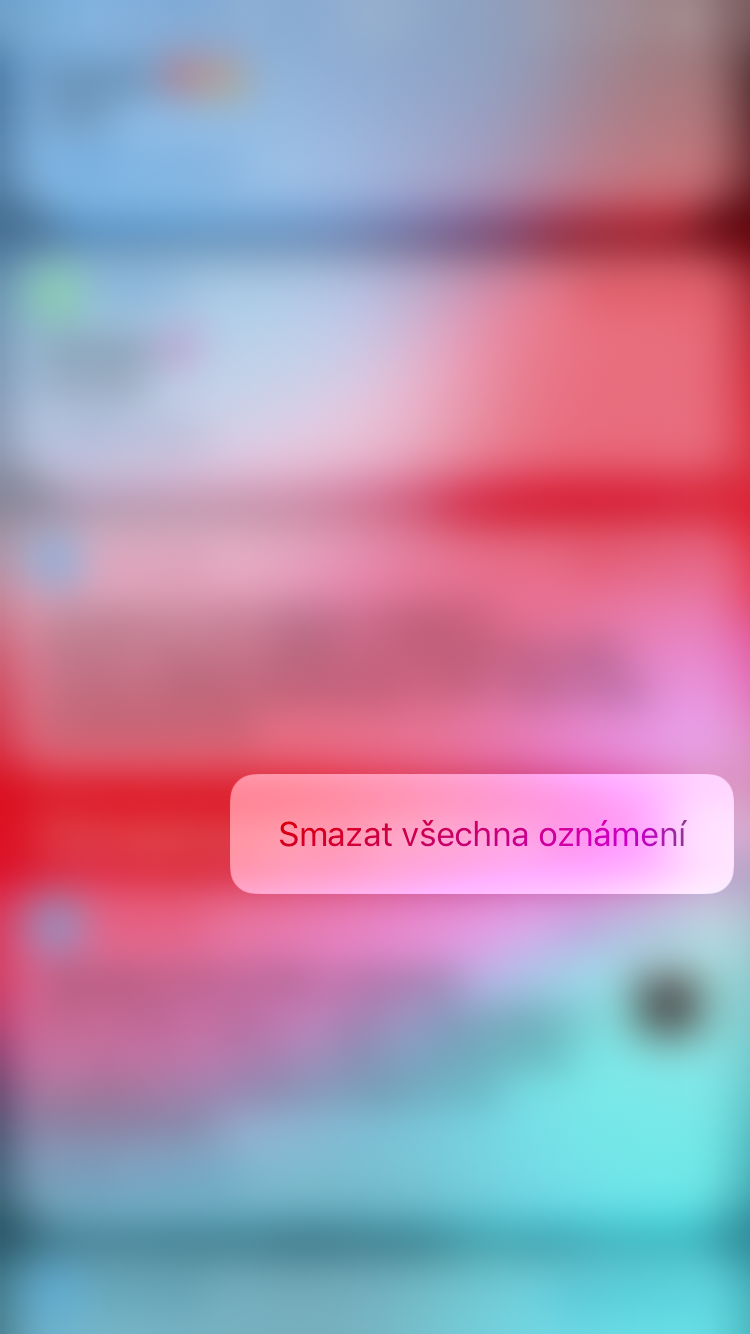
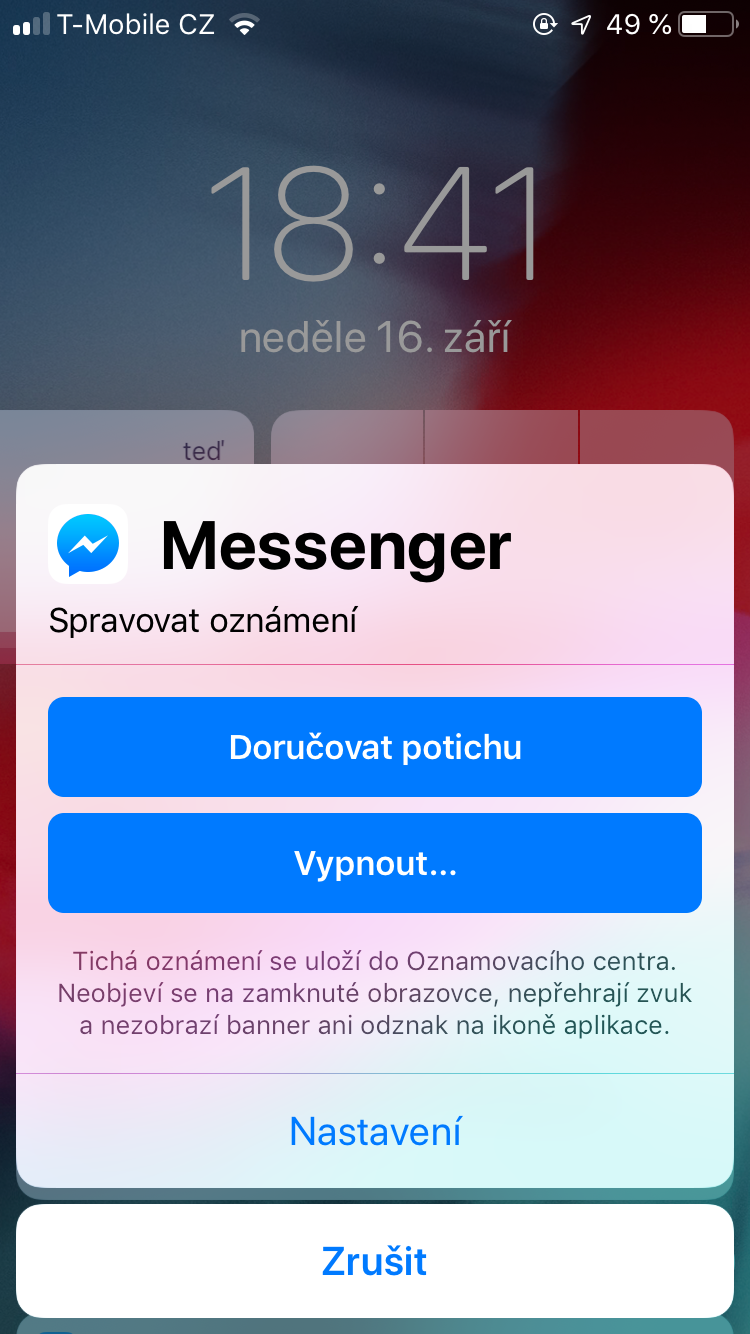
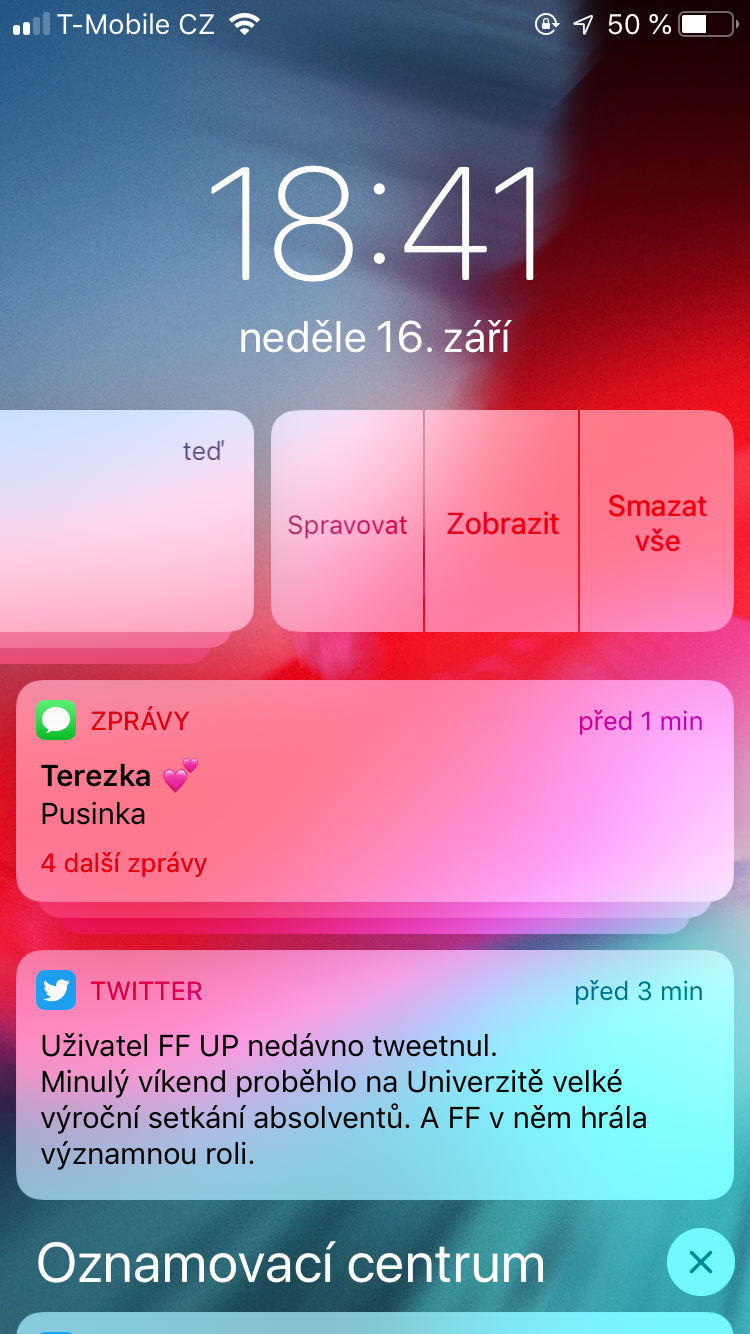
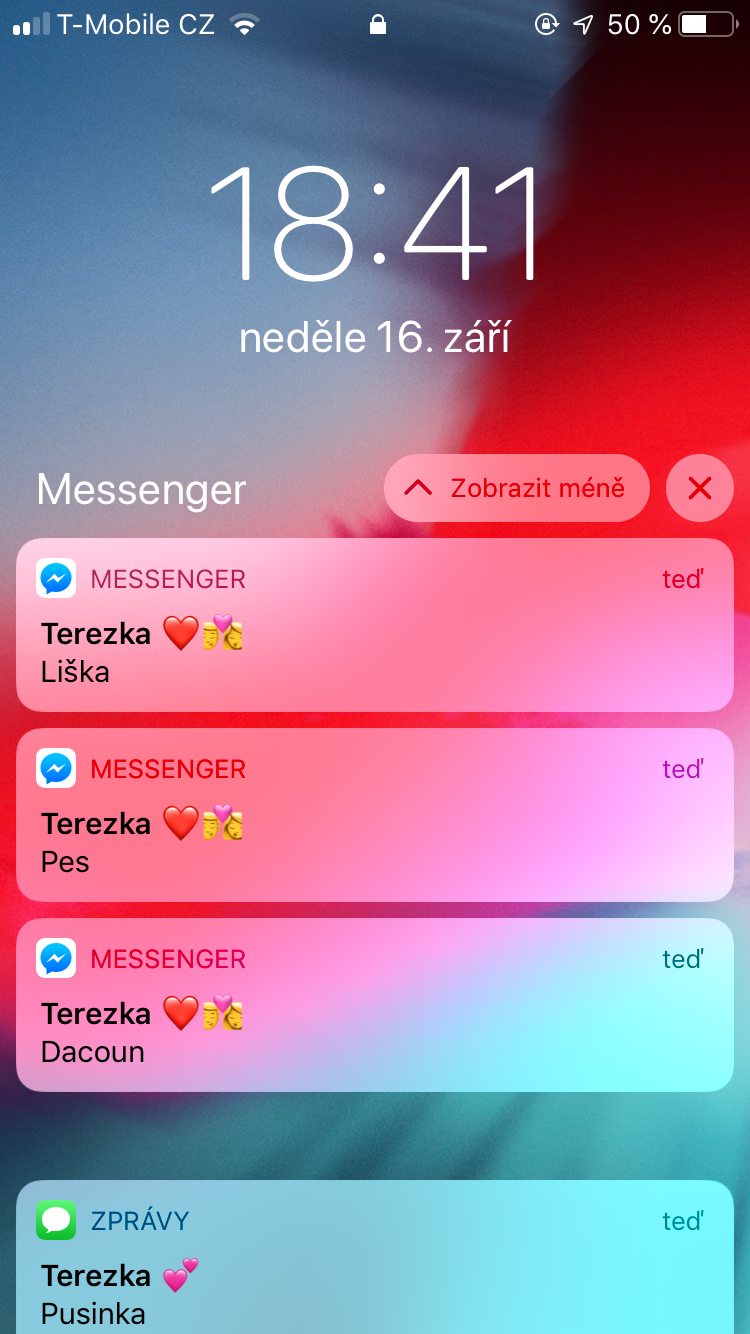
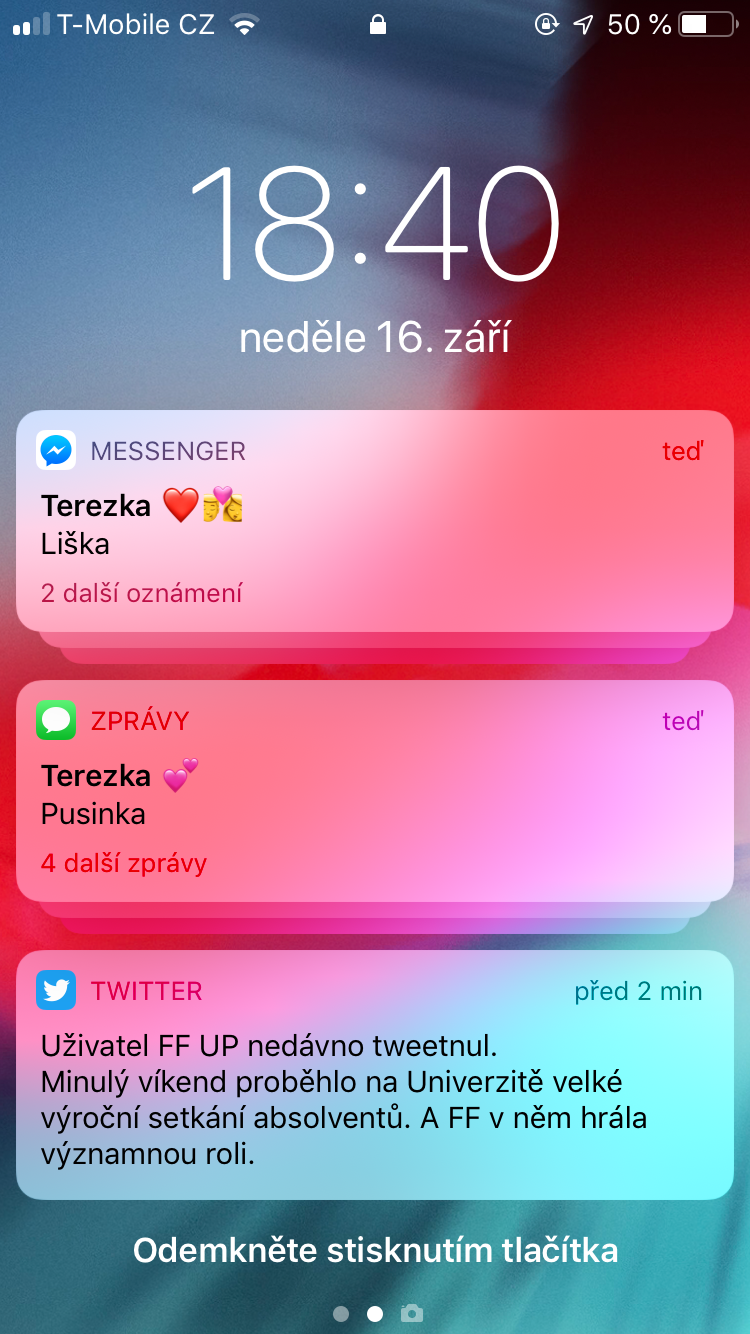
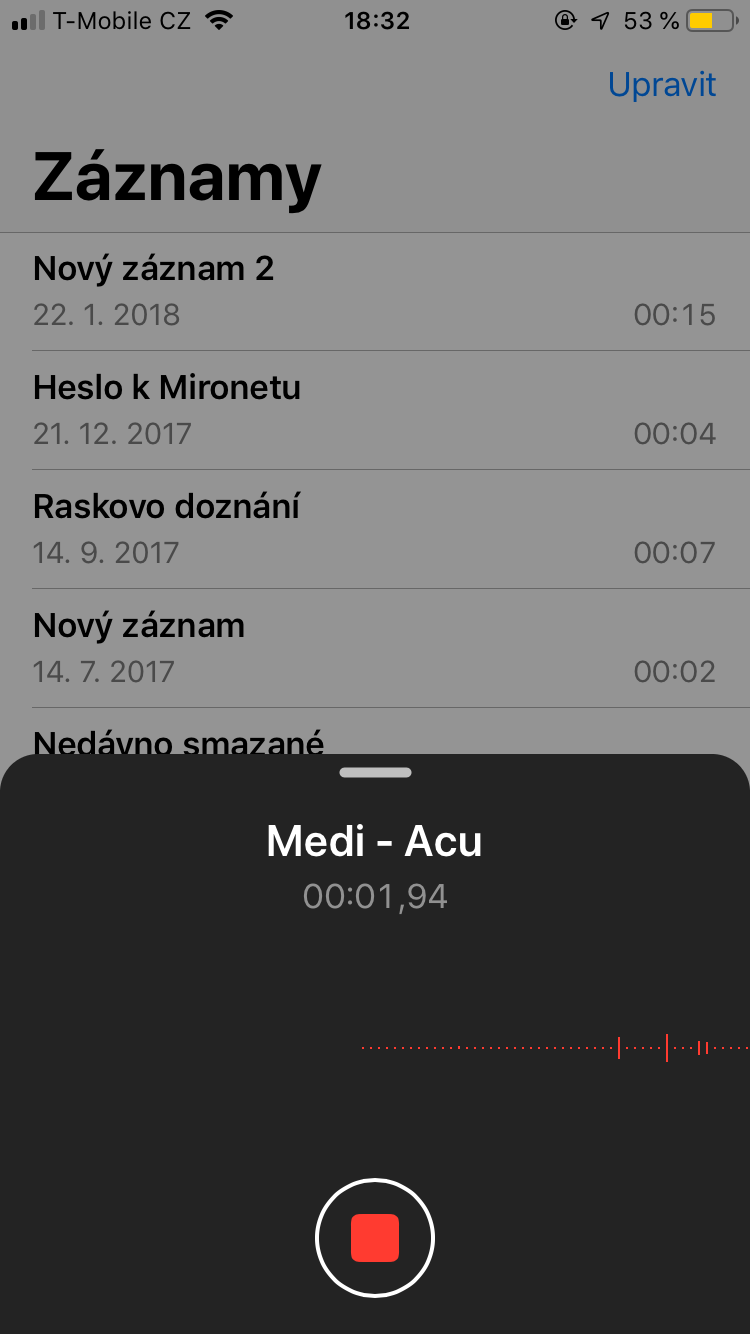
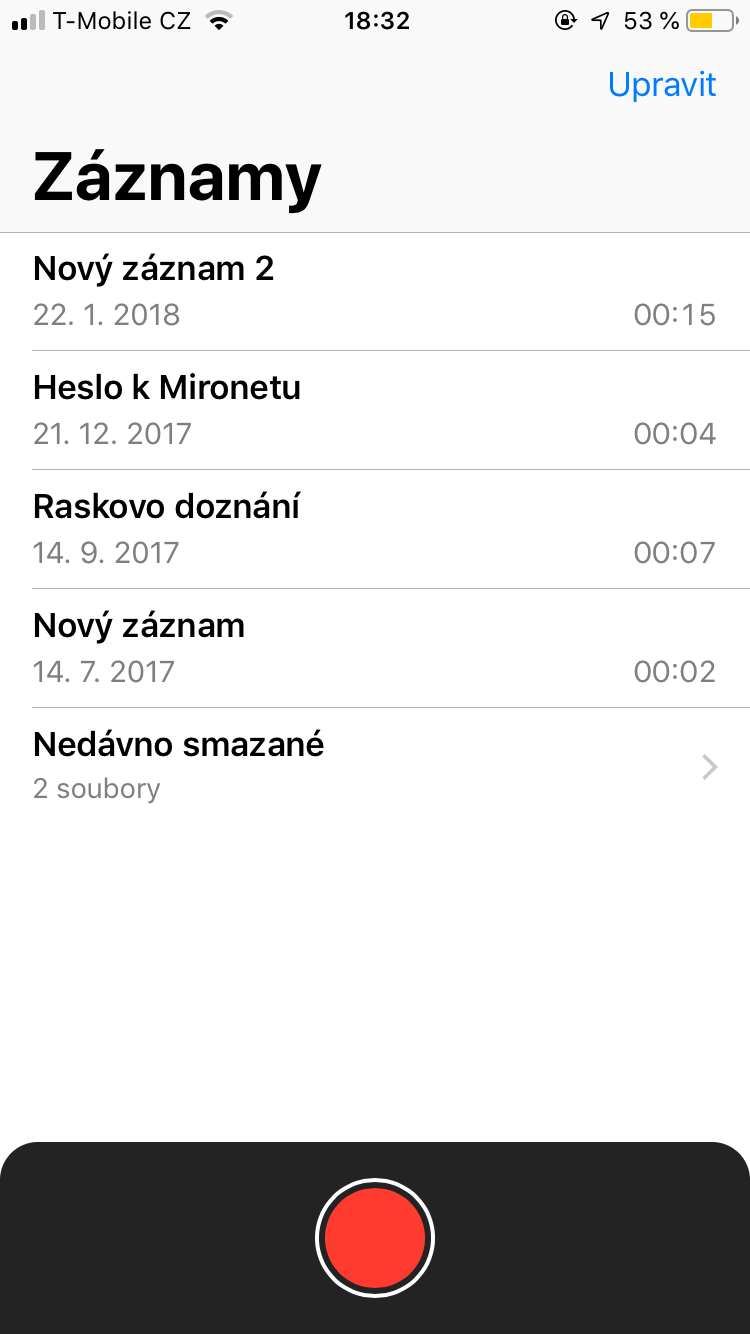
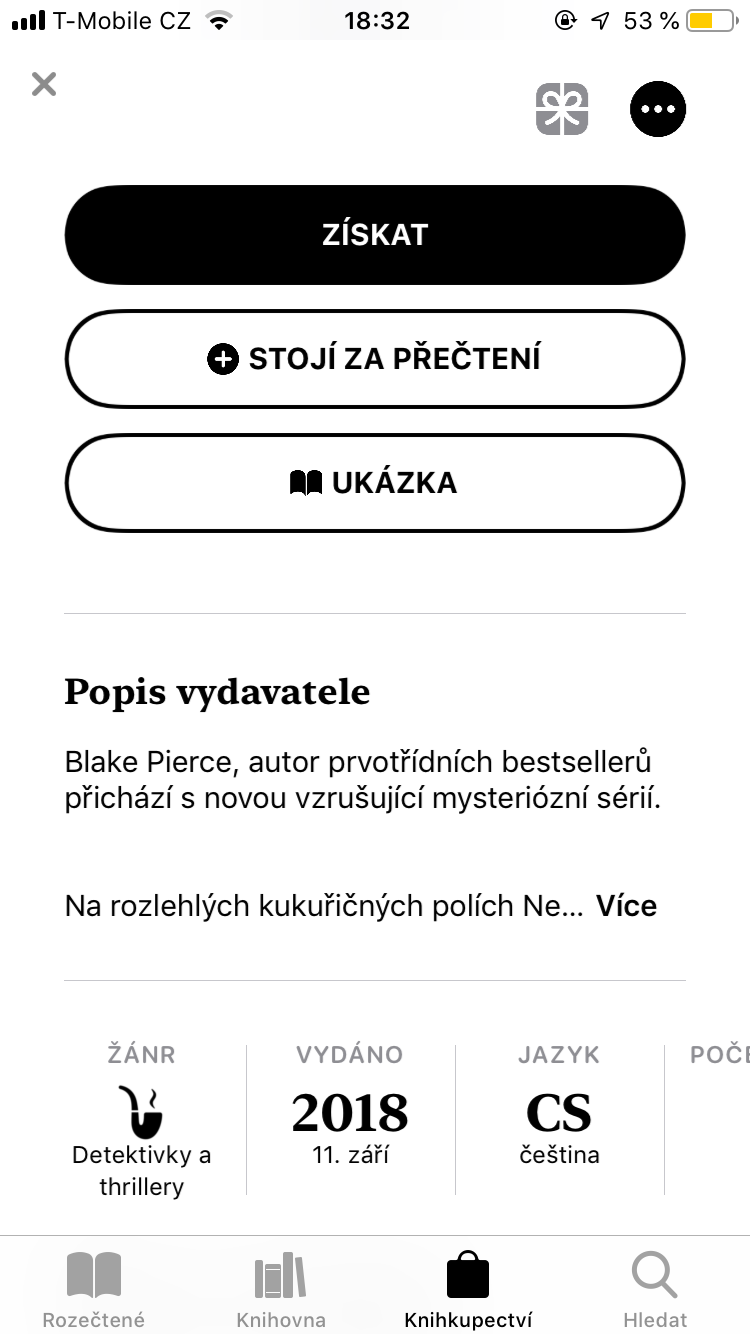


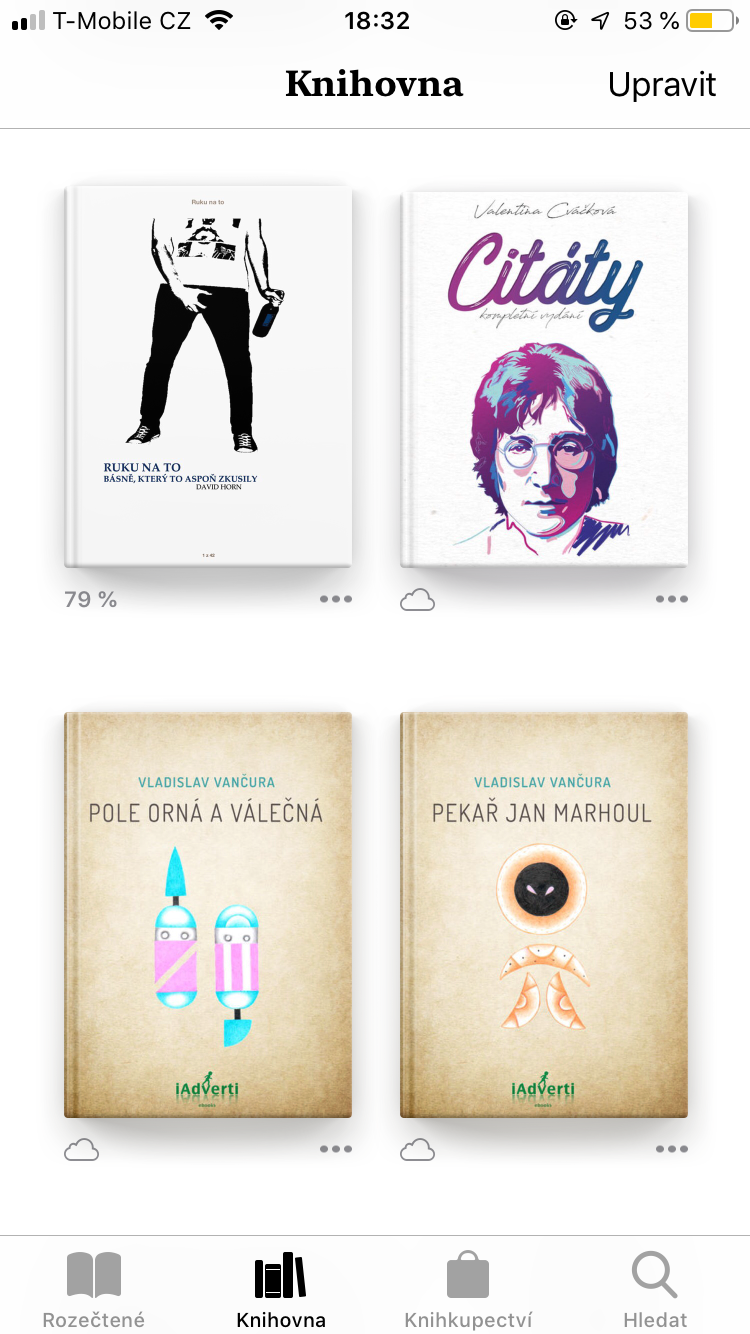
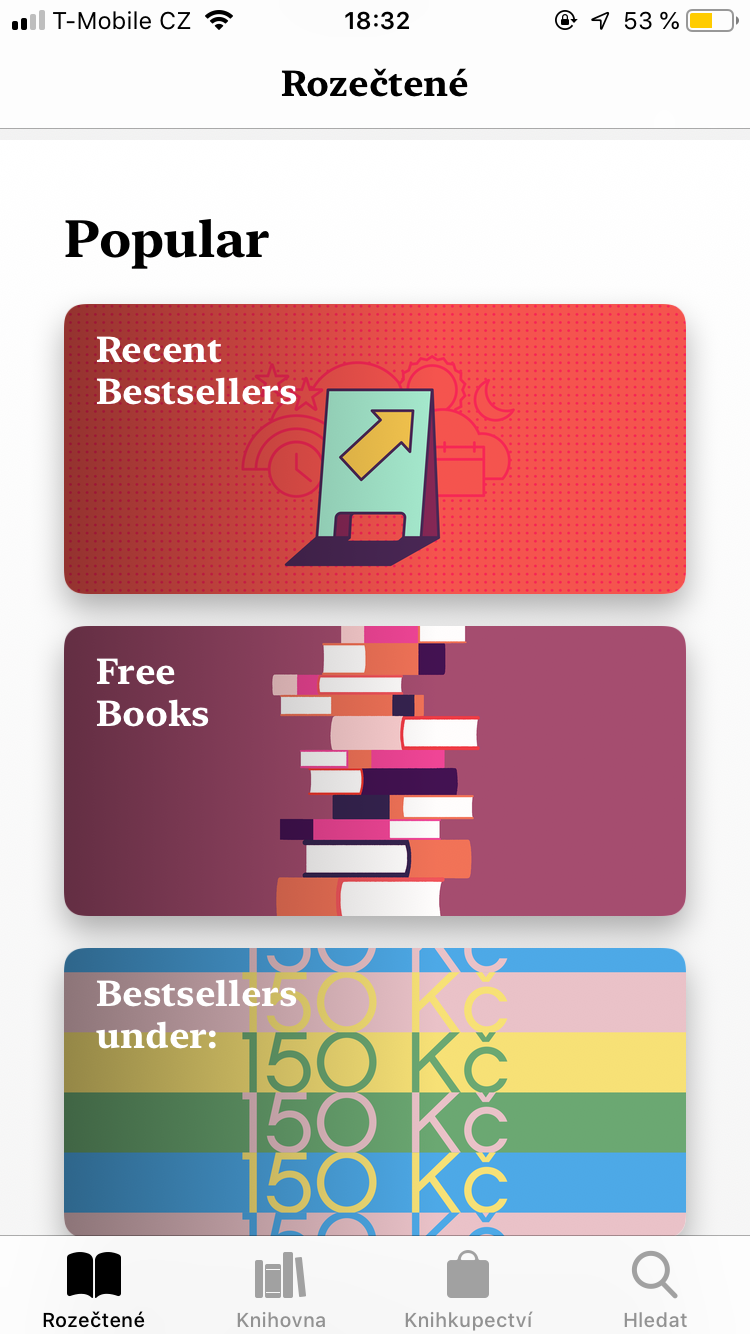
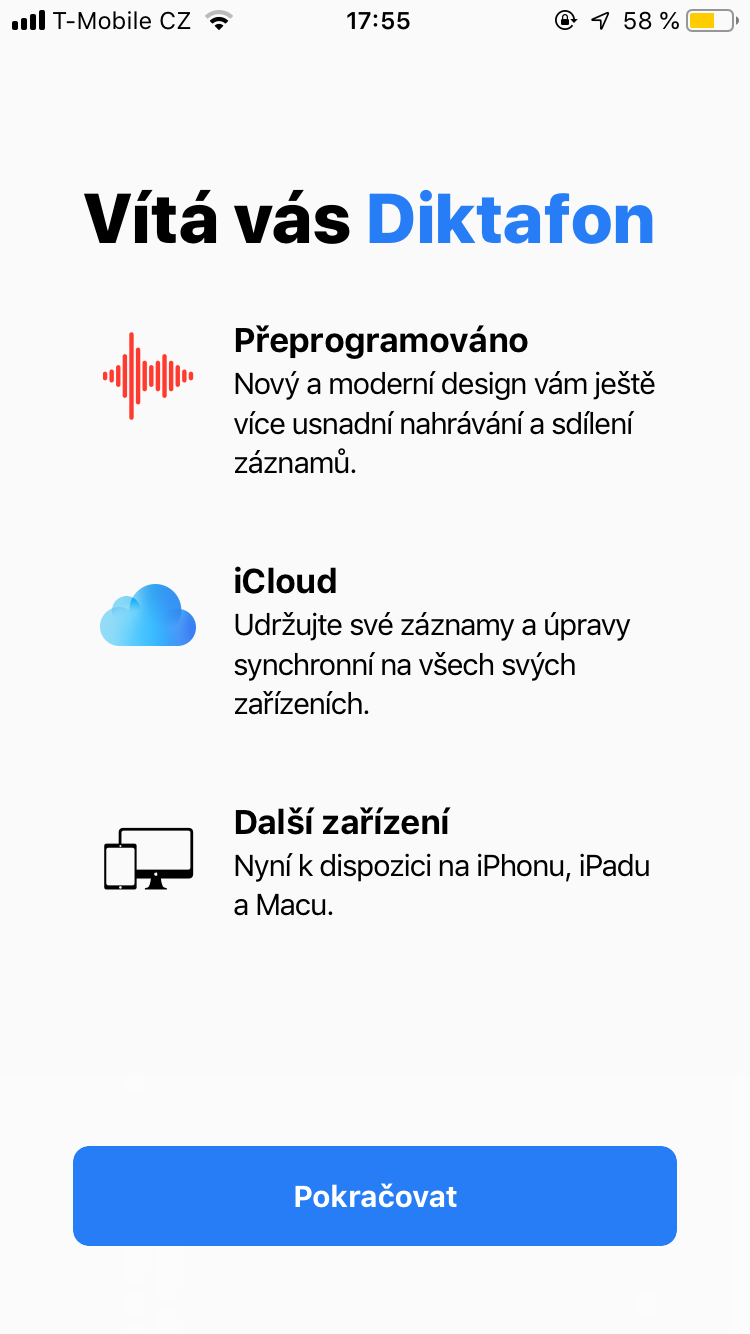
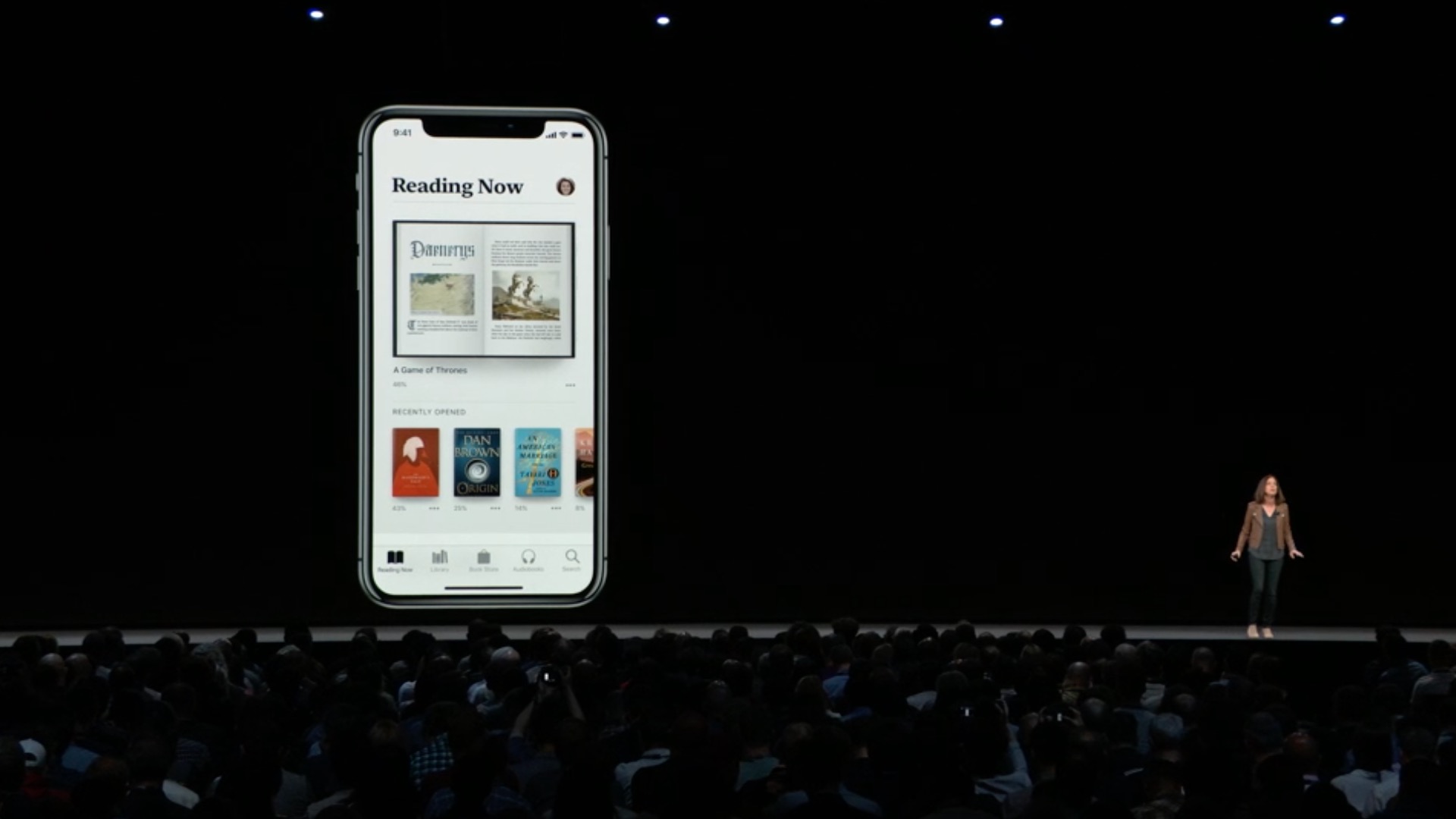
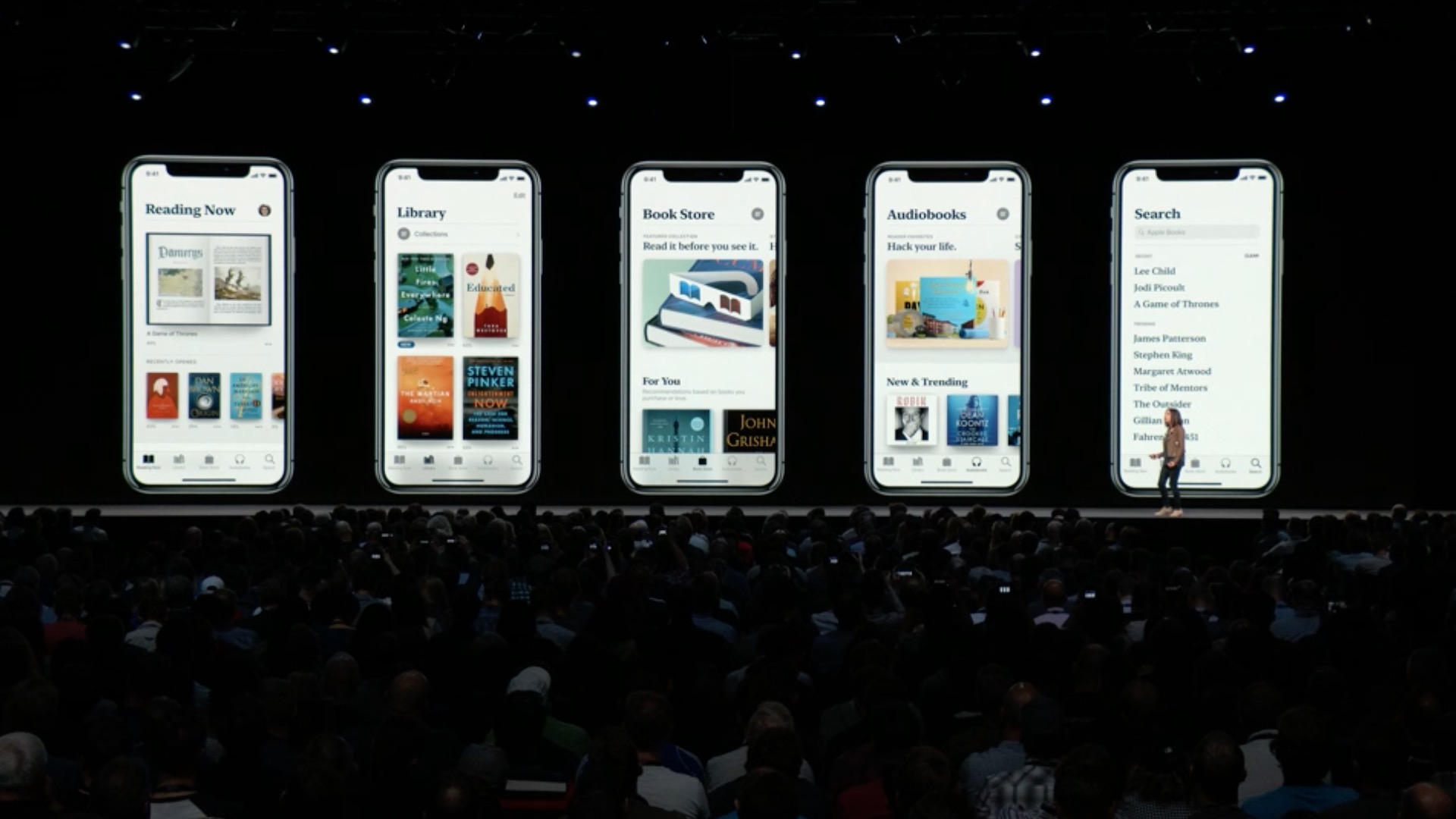
As I wrote above, the new iOS 12 brings some very nice new features that many of you will be happy with. Great things include stacking notifications by application and a redesigned iBooks, which is now called Books and its design is based on App Store. You can see the complete list of news in the list below.
All the news that iOS 12 brings
Performance
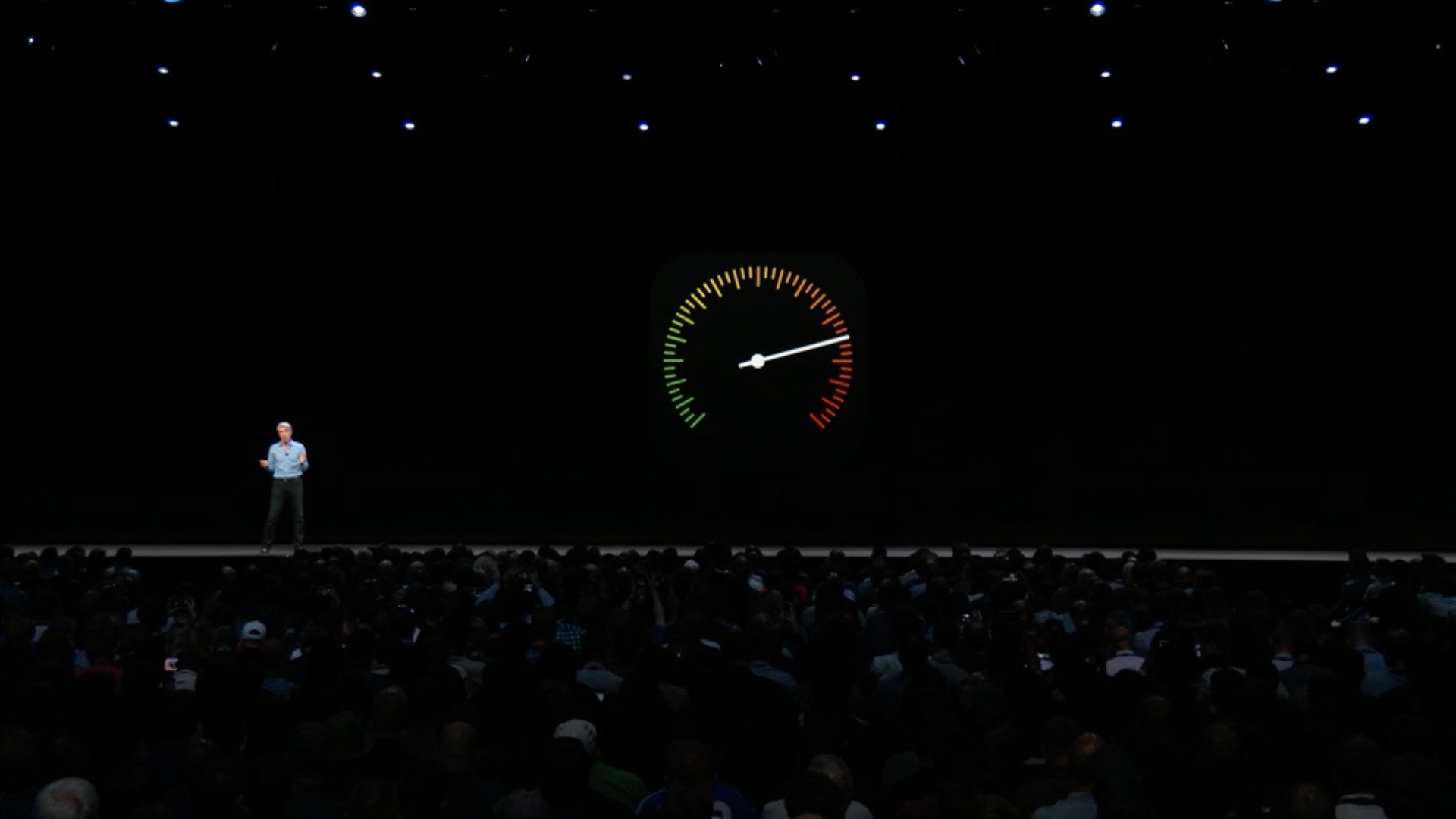
- iOS has been optimized for faster response in many places on the system
- The performance increase will be reflected on all supported devices, starting with iPhonem 5s and iPad Air
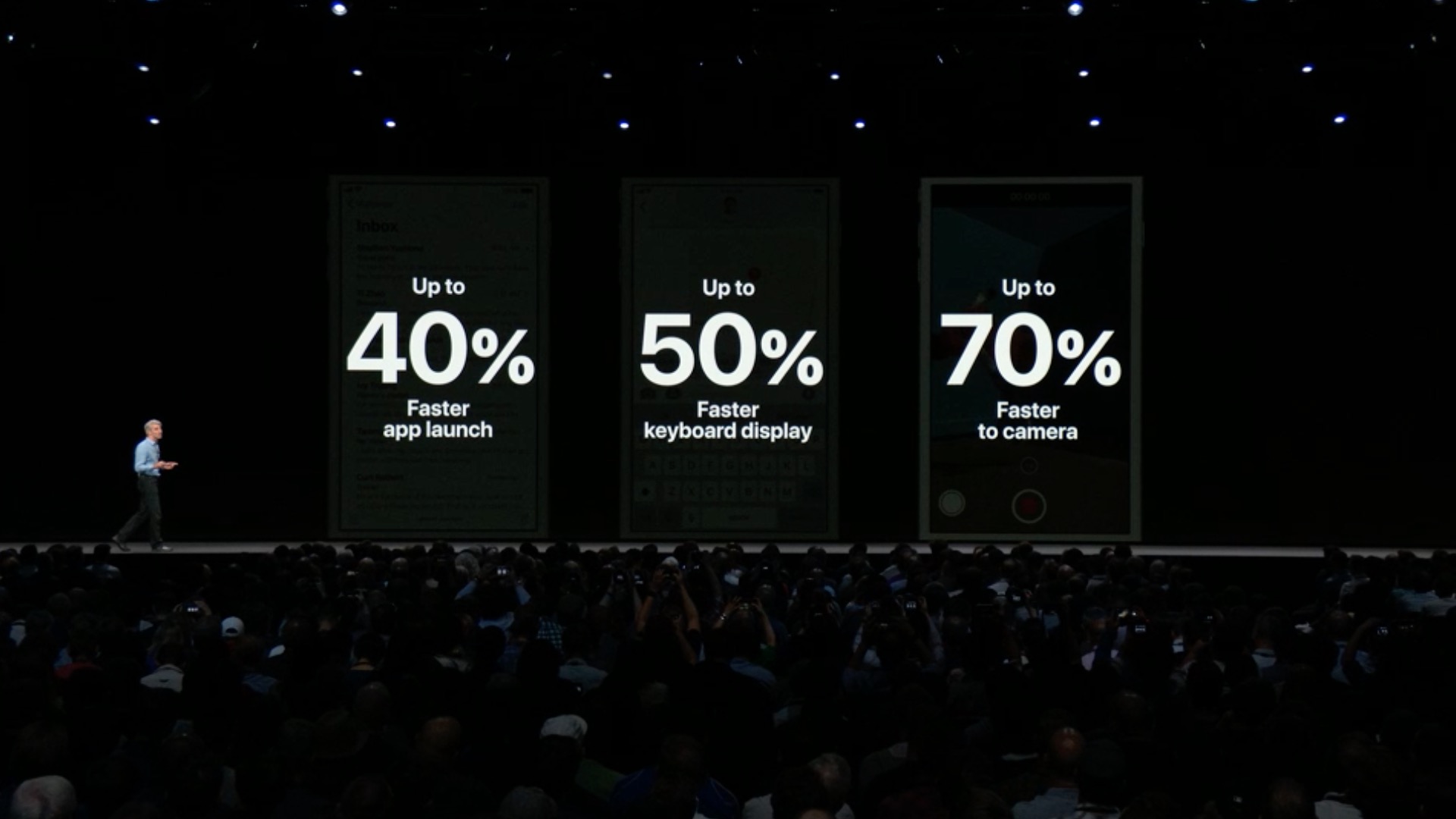
- The Camera app launches up to 70% faster, the keyboard appears up to 50% faster and is more responsive to typing*
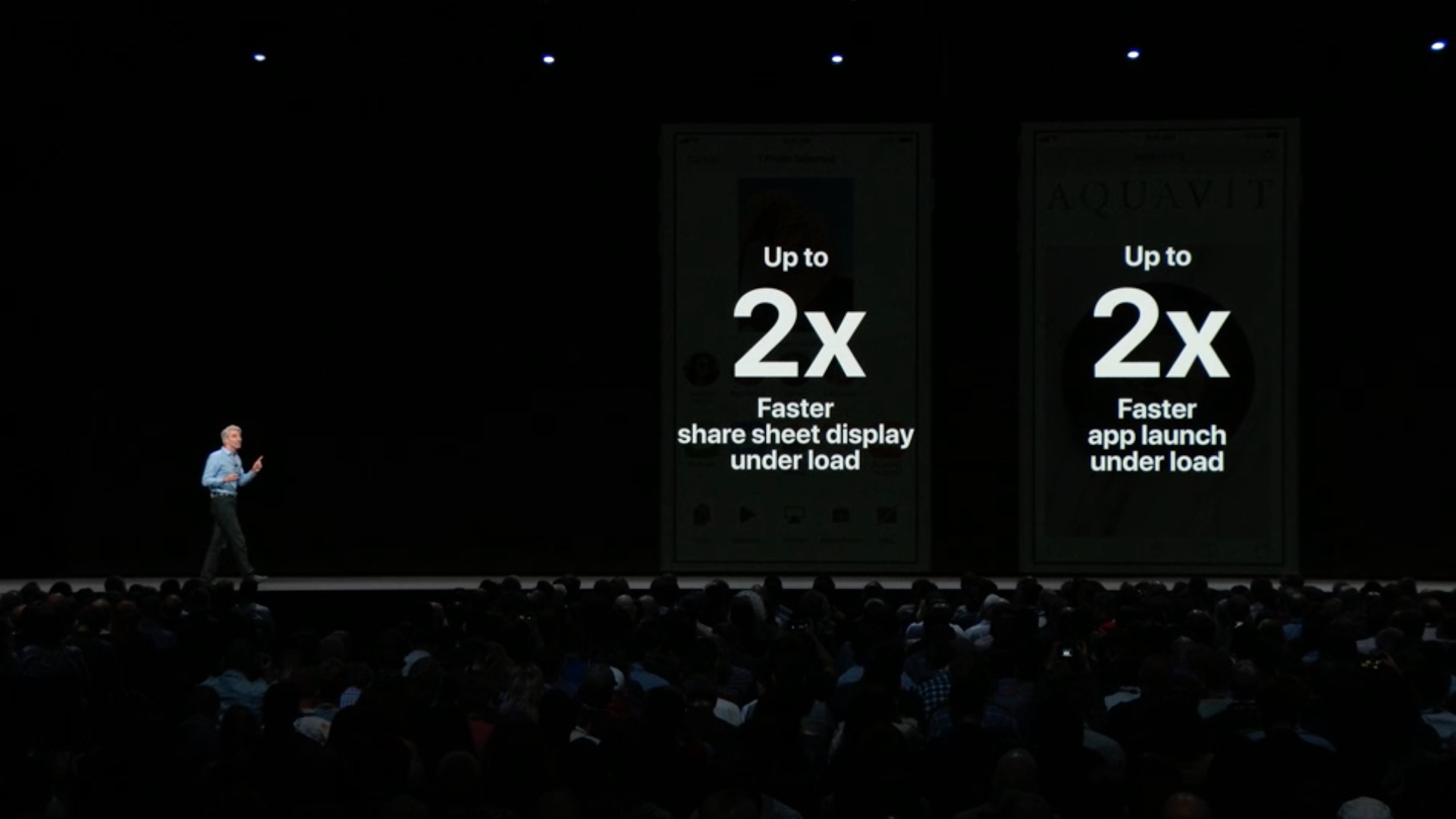
- Launching applications when the device is under heavy load is up to twice as fast
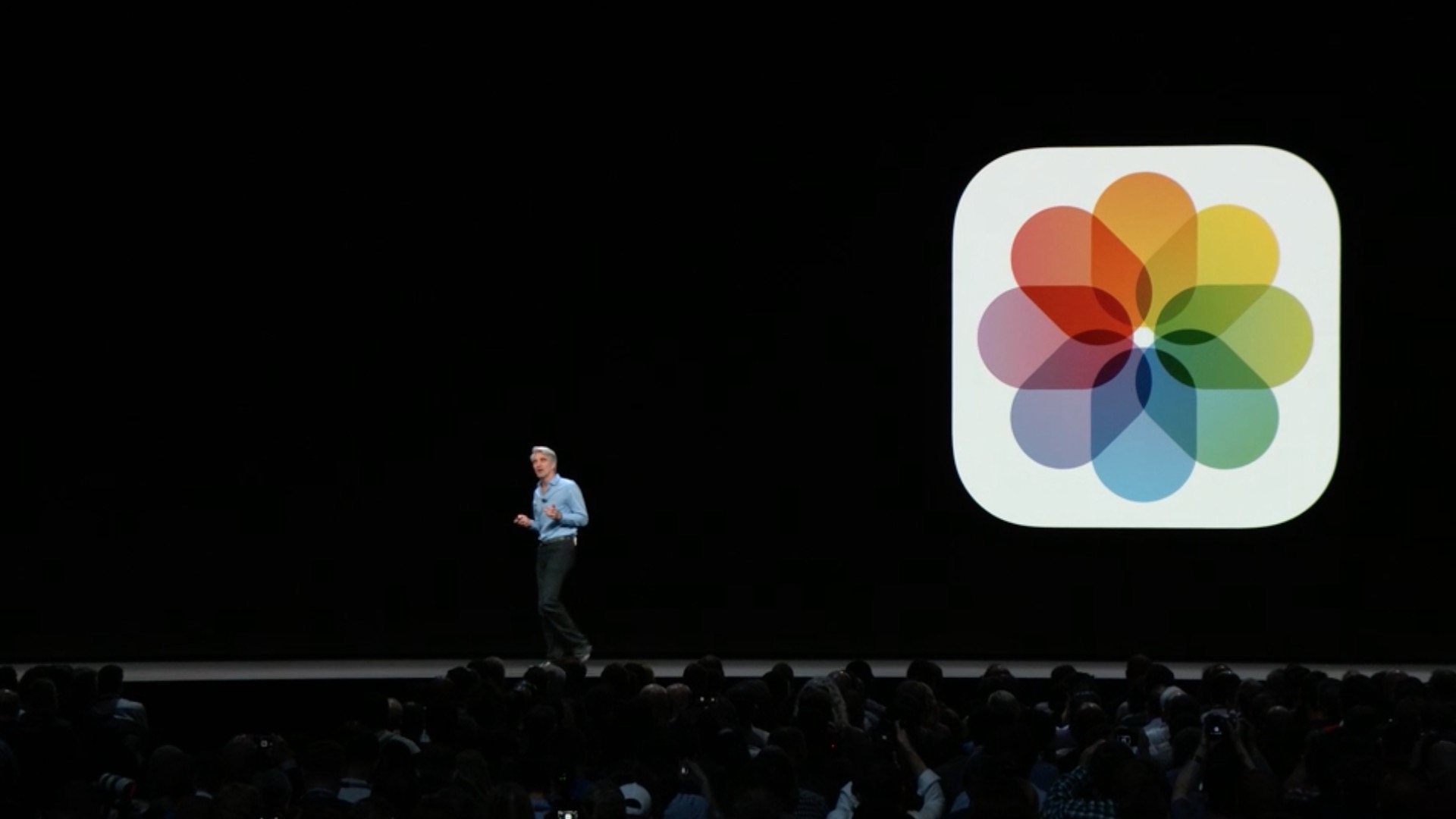
Fotky
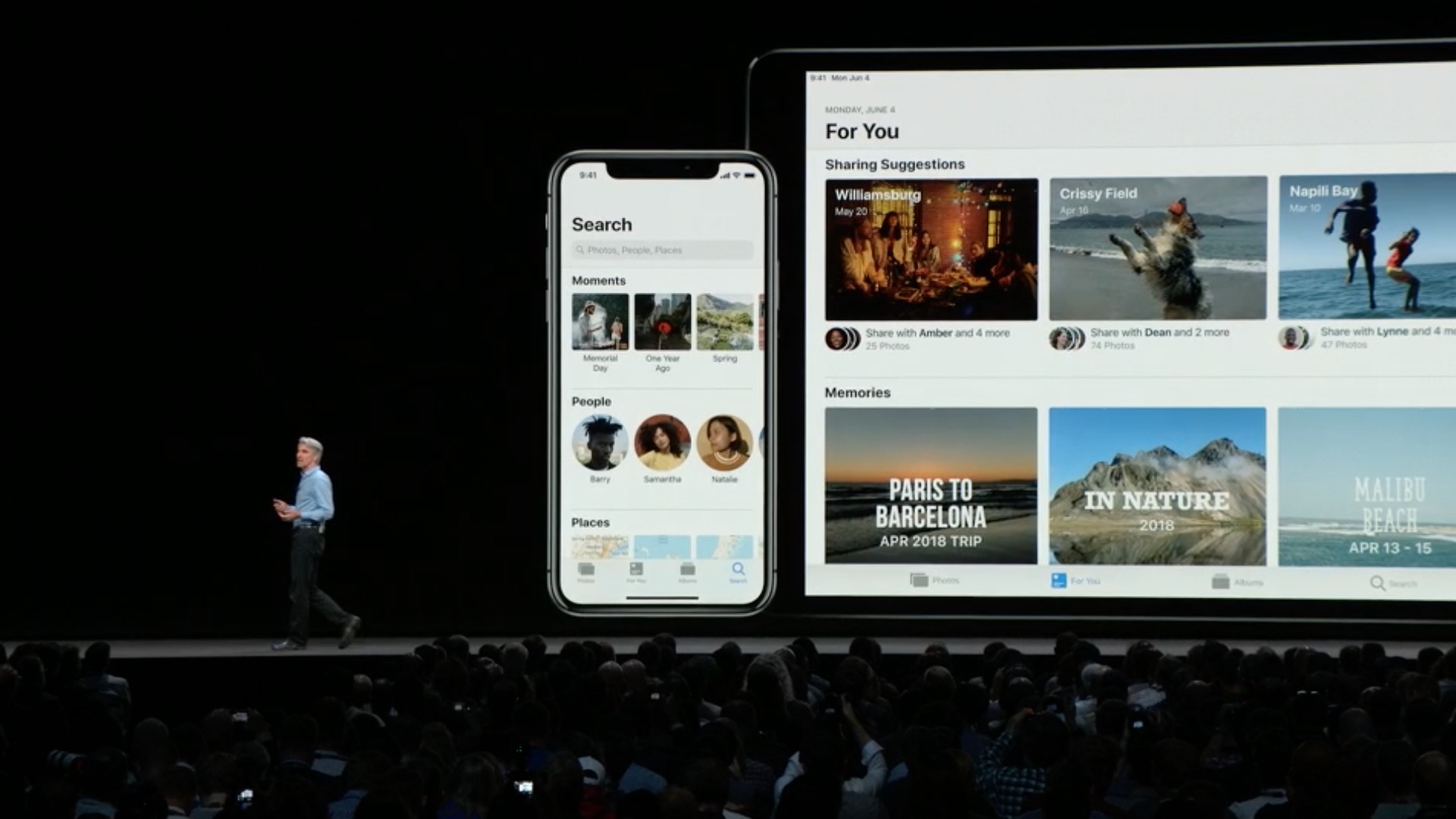
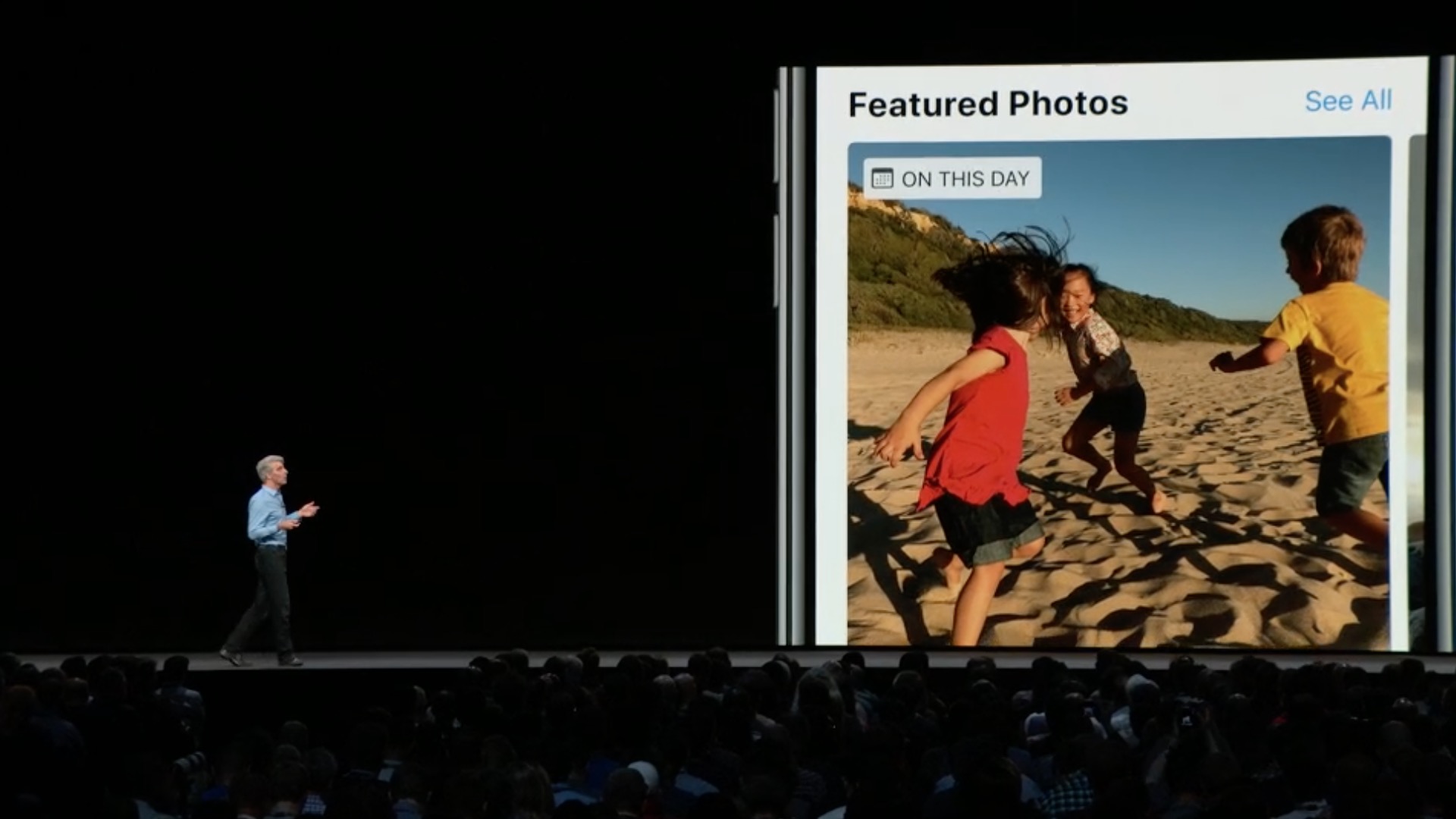
- New panel "Pro "You" with Recommended Photos and Effect Suggestions helps you discover great photos in your library
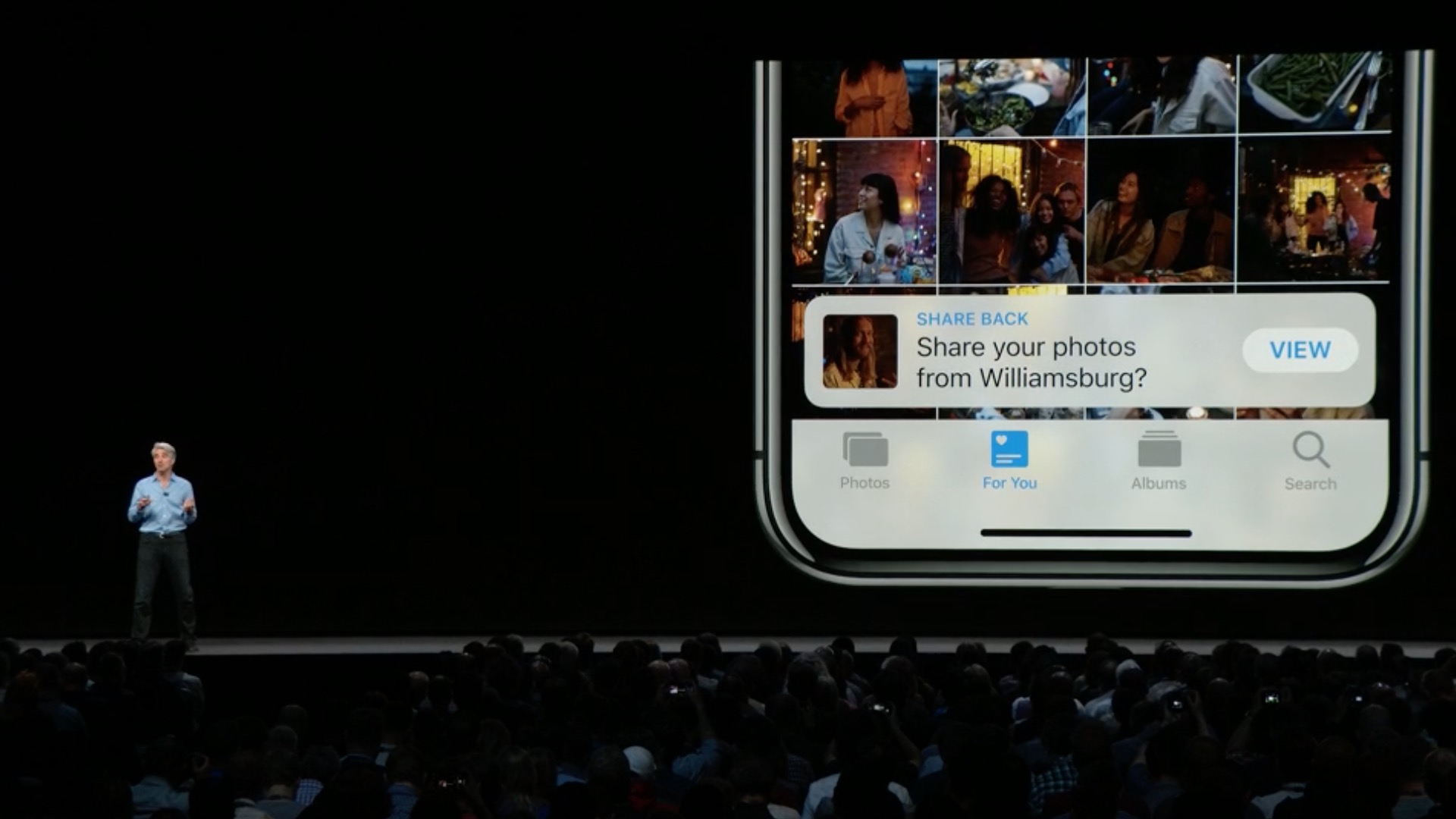
- Sharing suggestions will proactively recommend sharing photos with people you've taken at various events
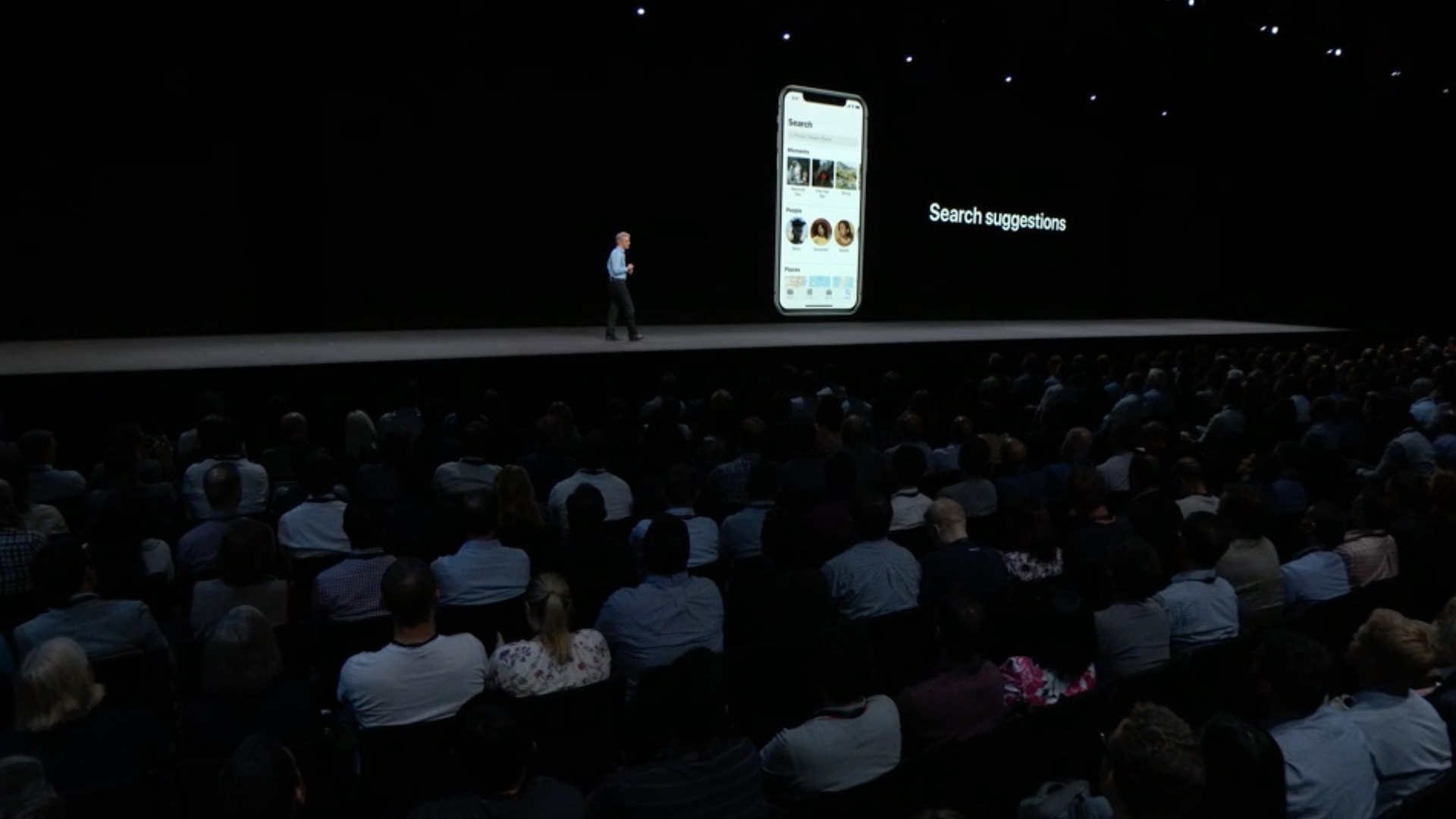
- Enhanced search helps you find exactly what you're looking for with intelligent suggestions and multi-keyword support
- You can search for photos by location, company name or event
- Improved camera import gives you more performance and a new large preview mode
- Images can now be edited directly in the format RAW
Camera
- Portrait mode enhancements preserve fine detail between the foreground and background subject when using the Stage Spotlight and Black and White Stage Spotlight effects
- QR codes are highlighted in the camera viewfinder and can be scanned more easily
News
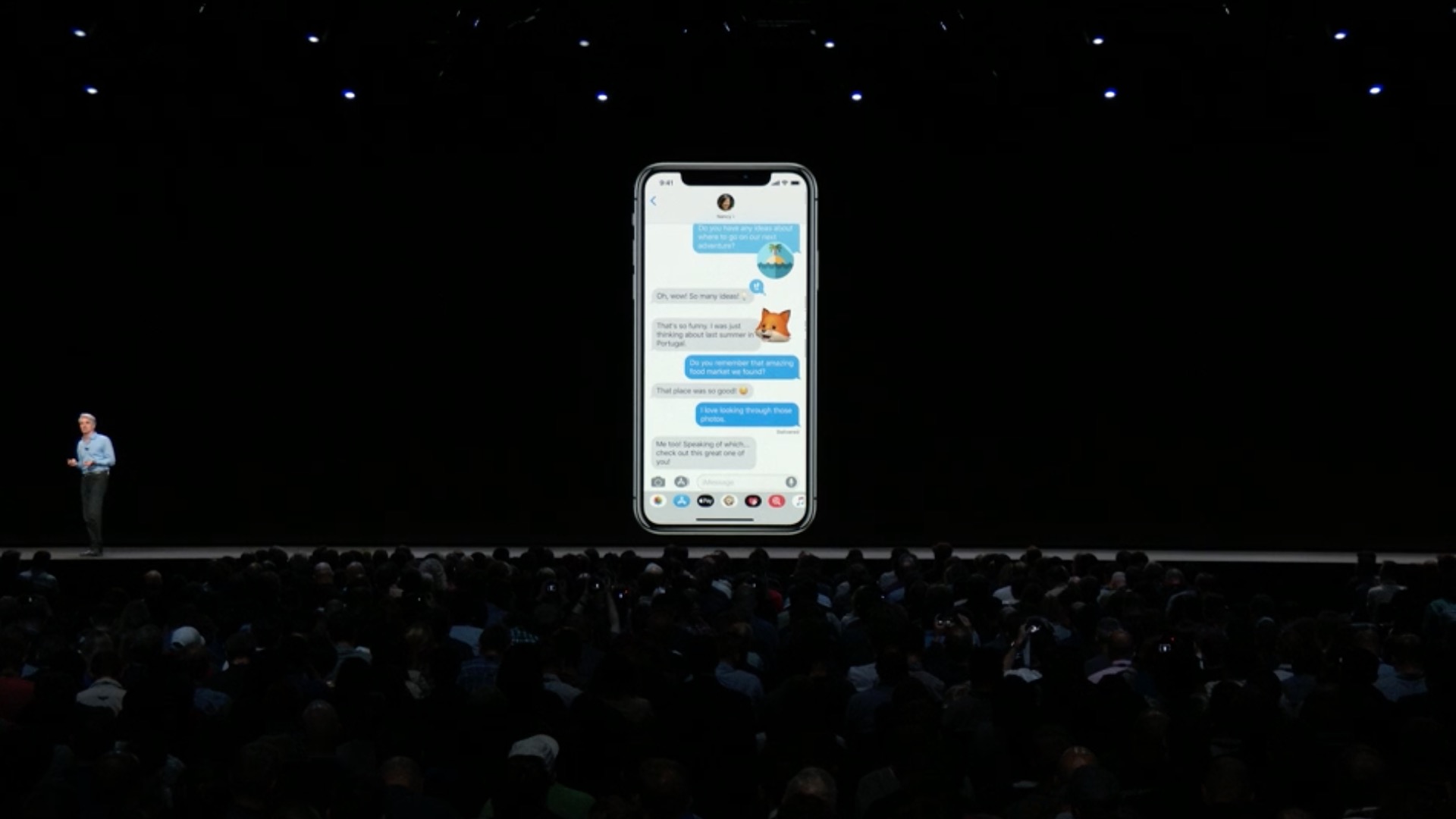
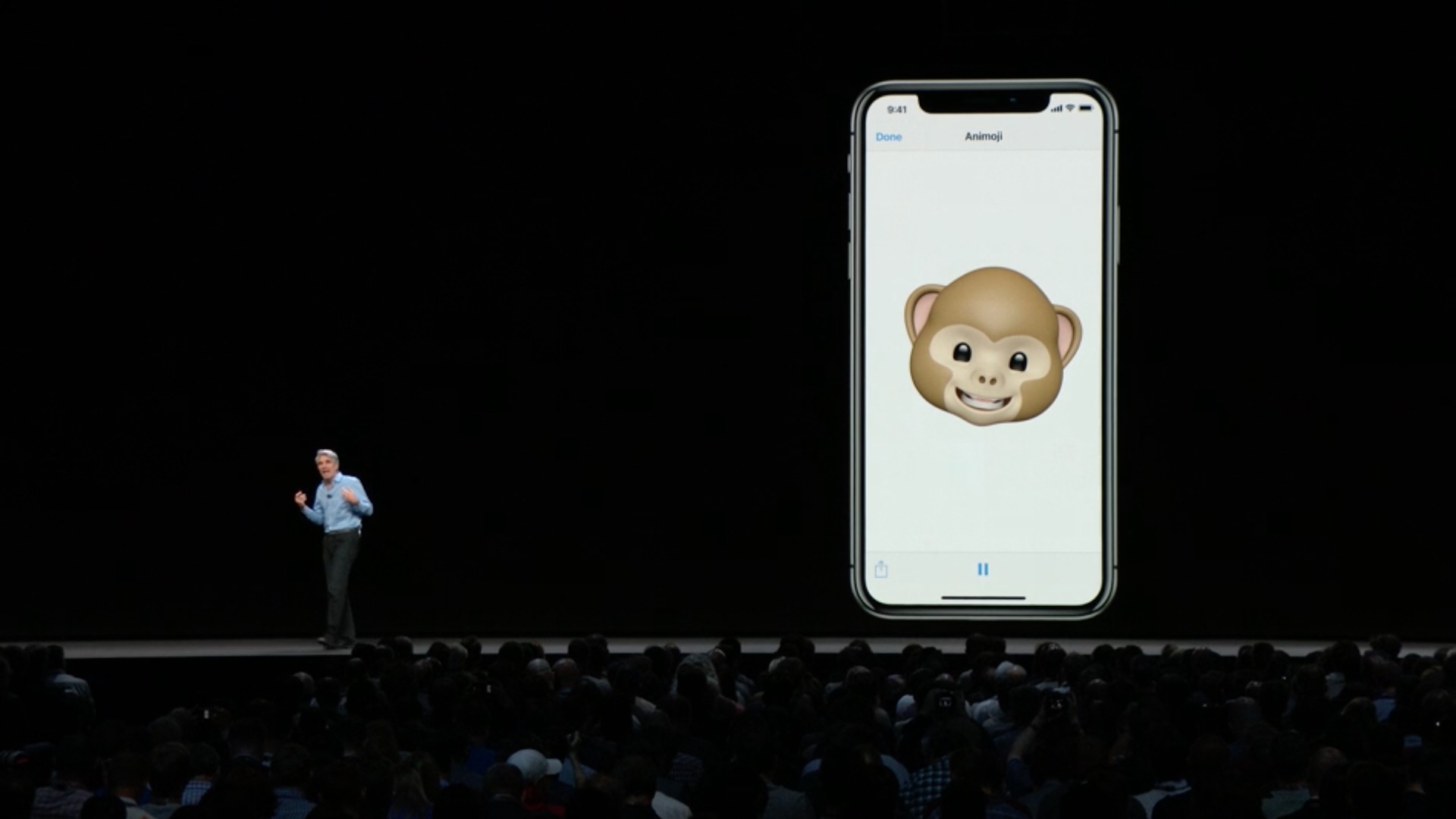
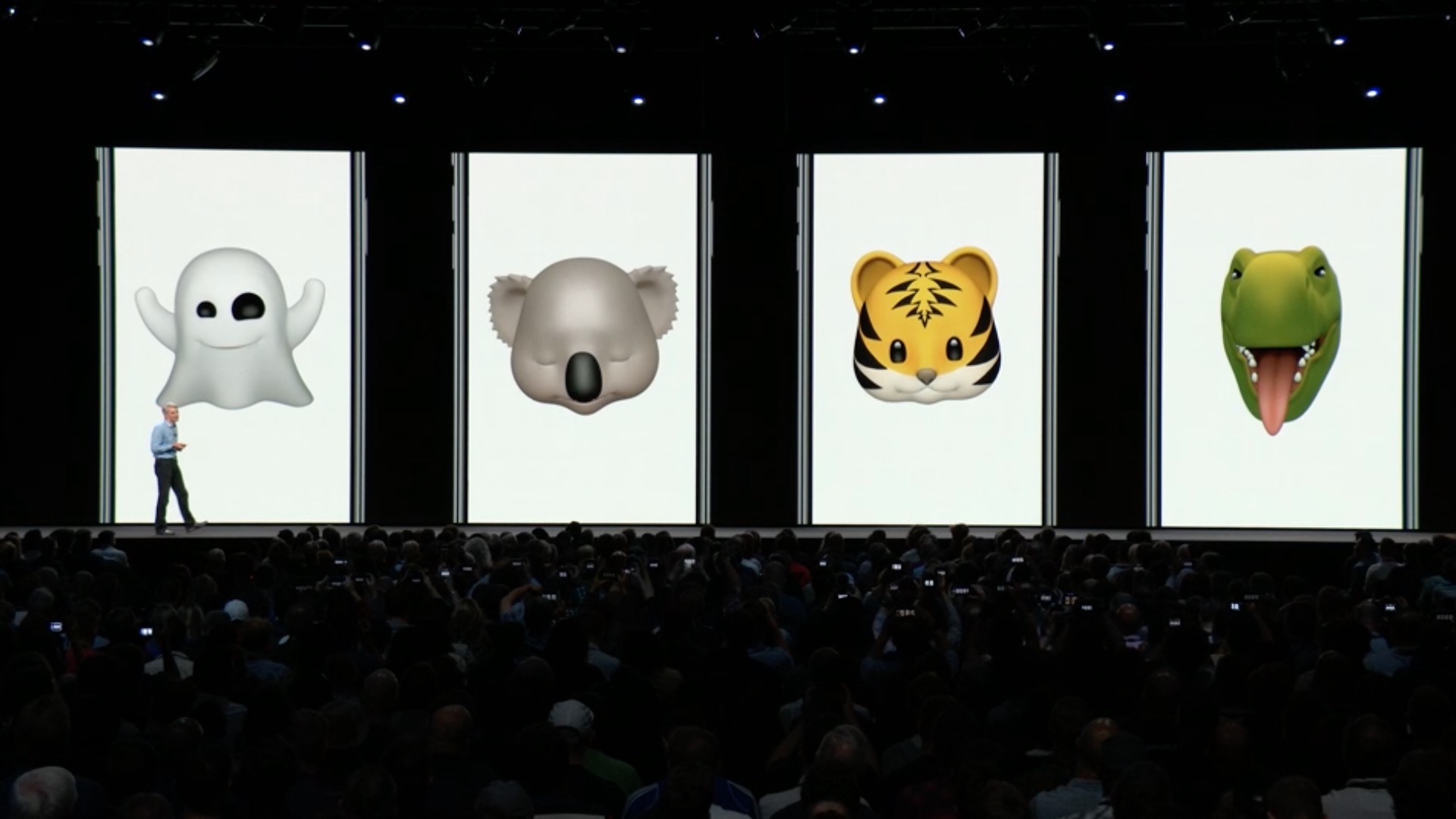
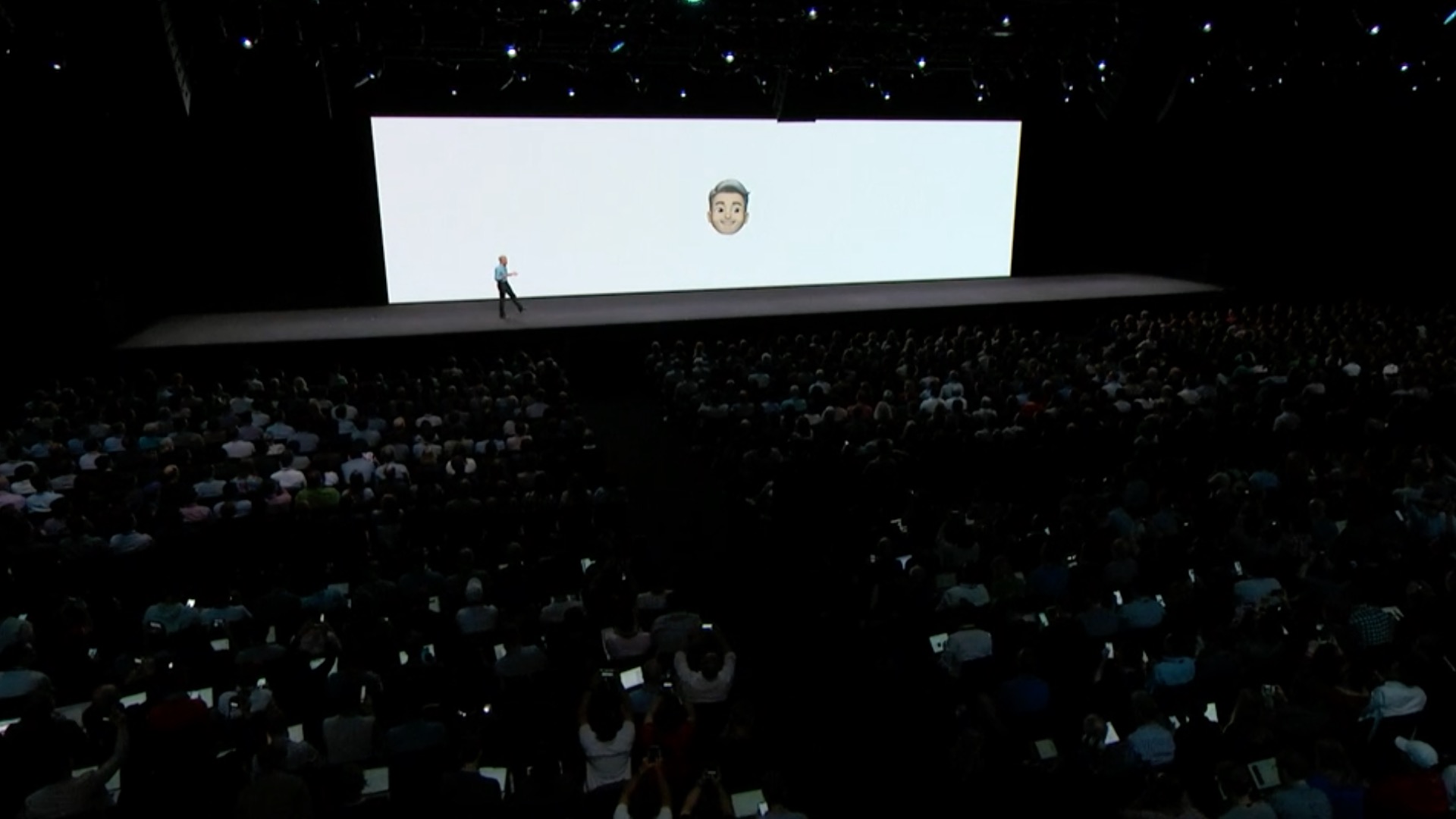
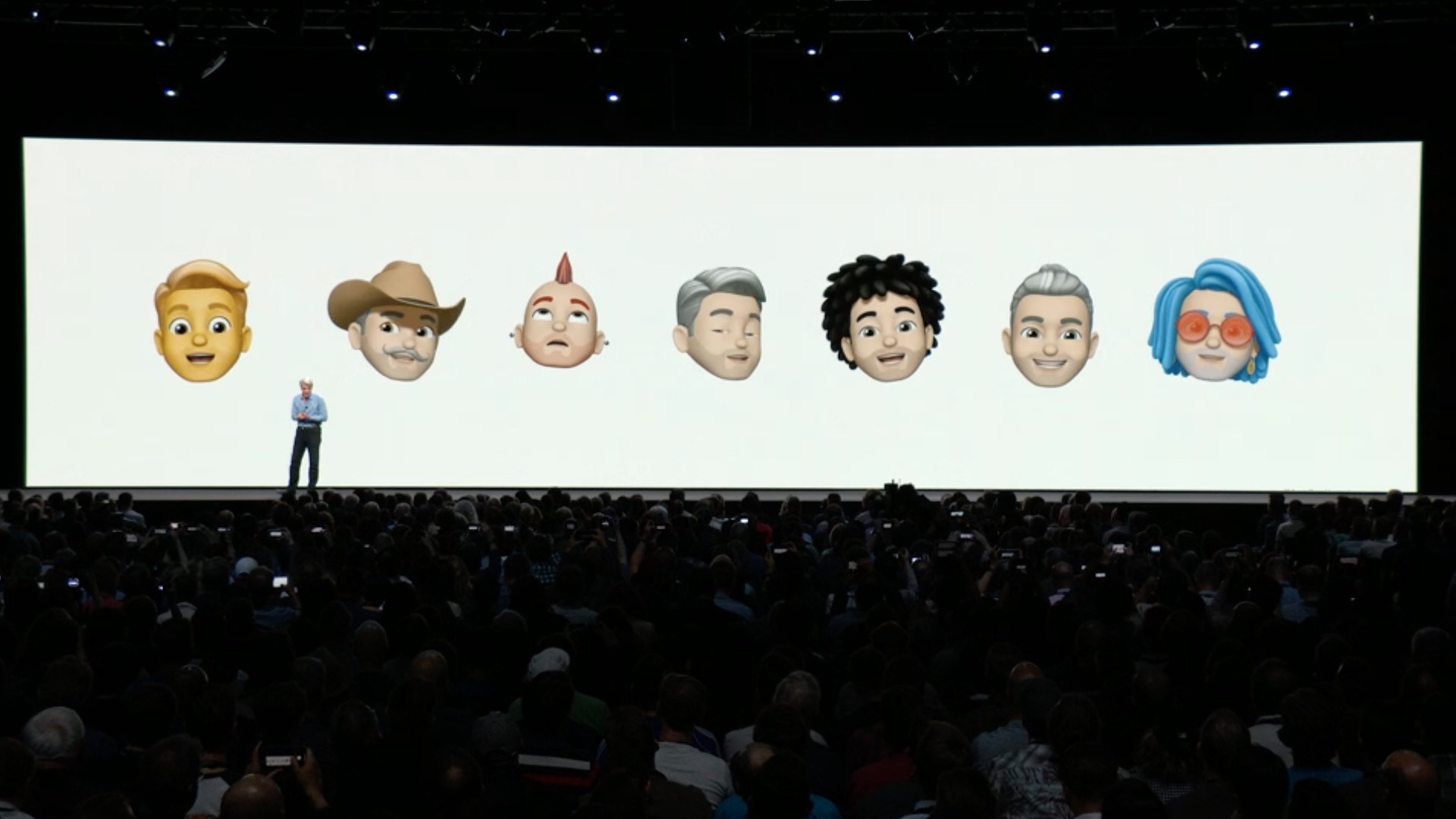
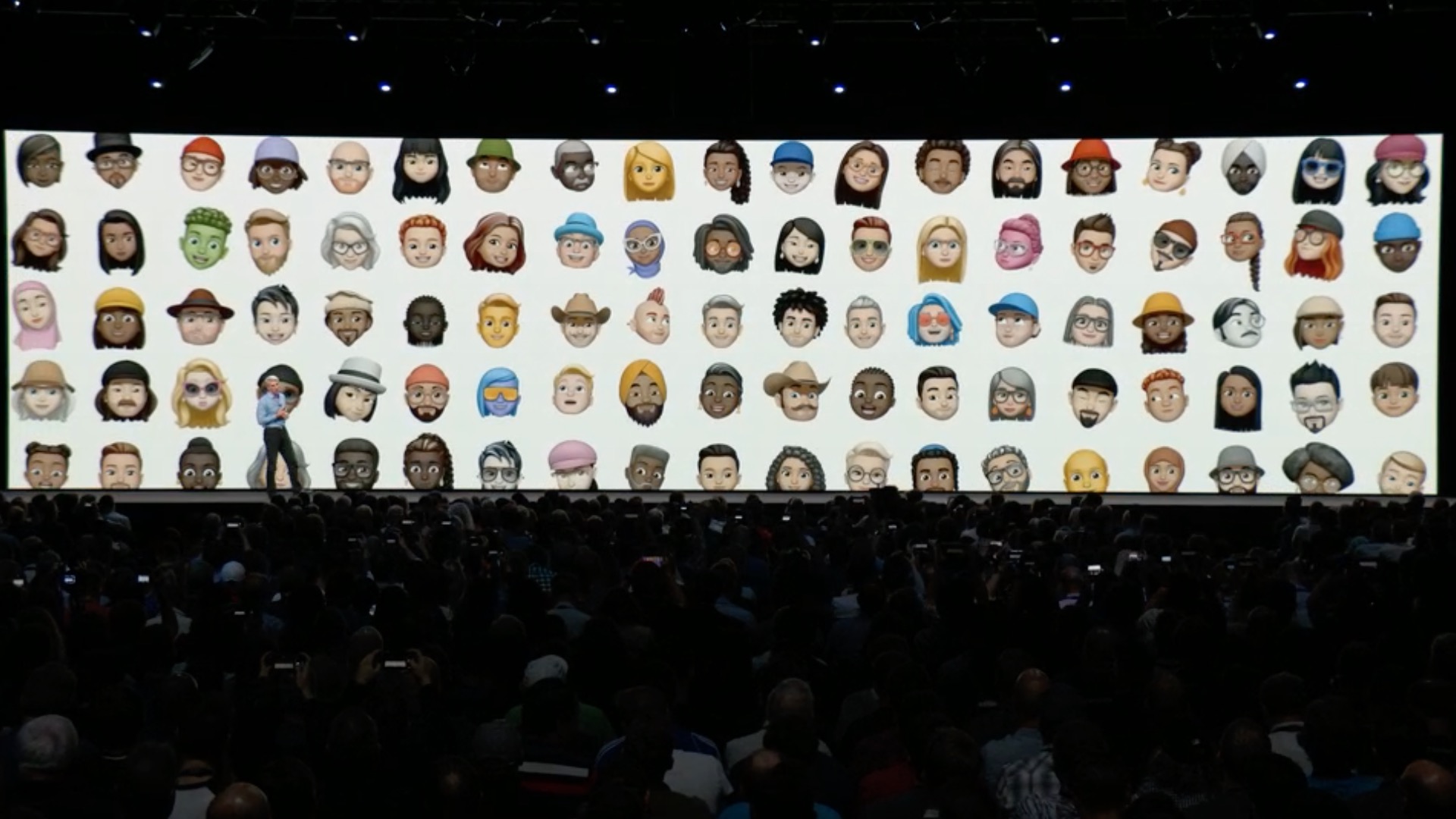
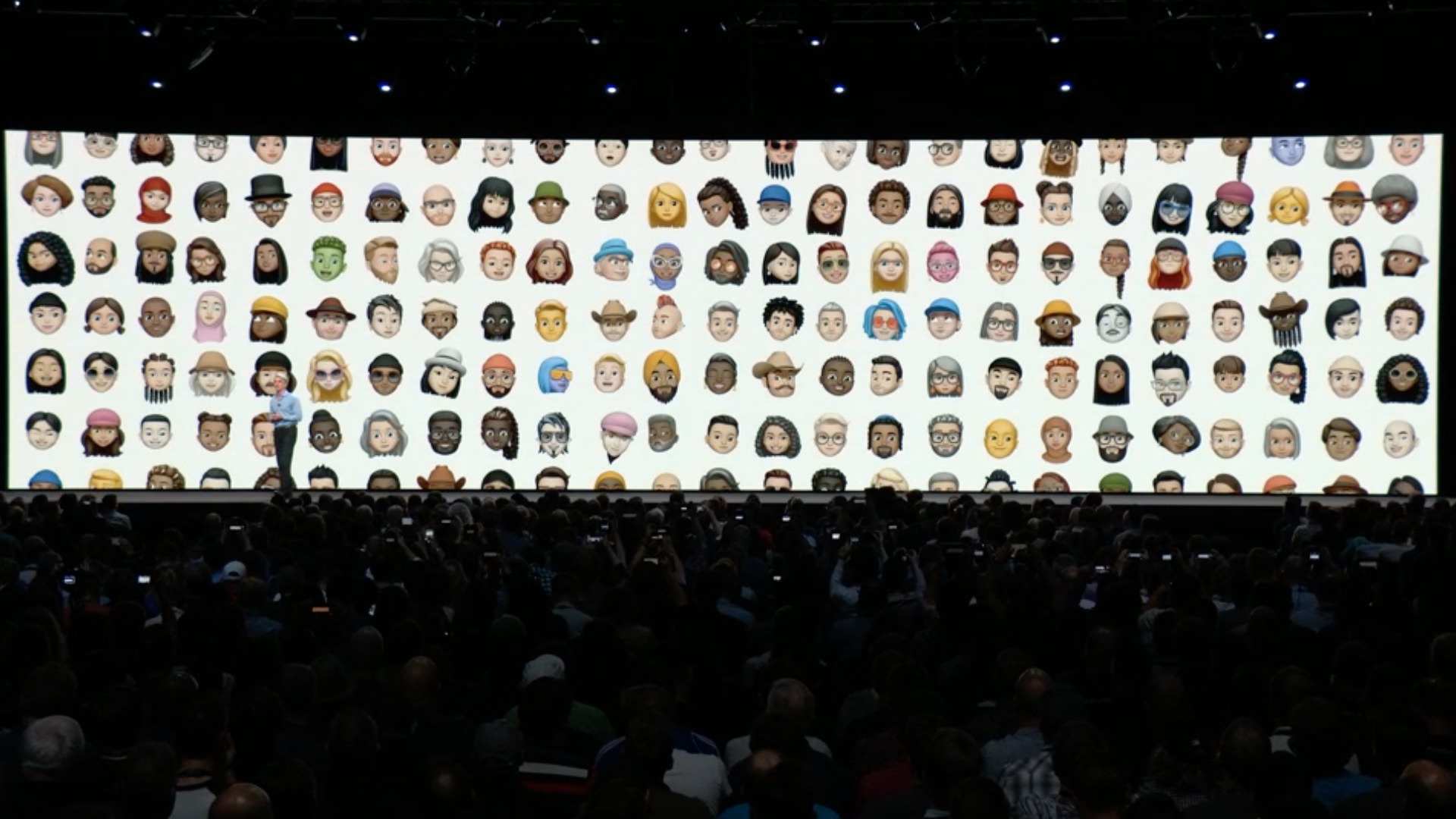
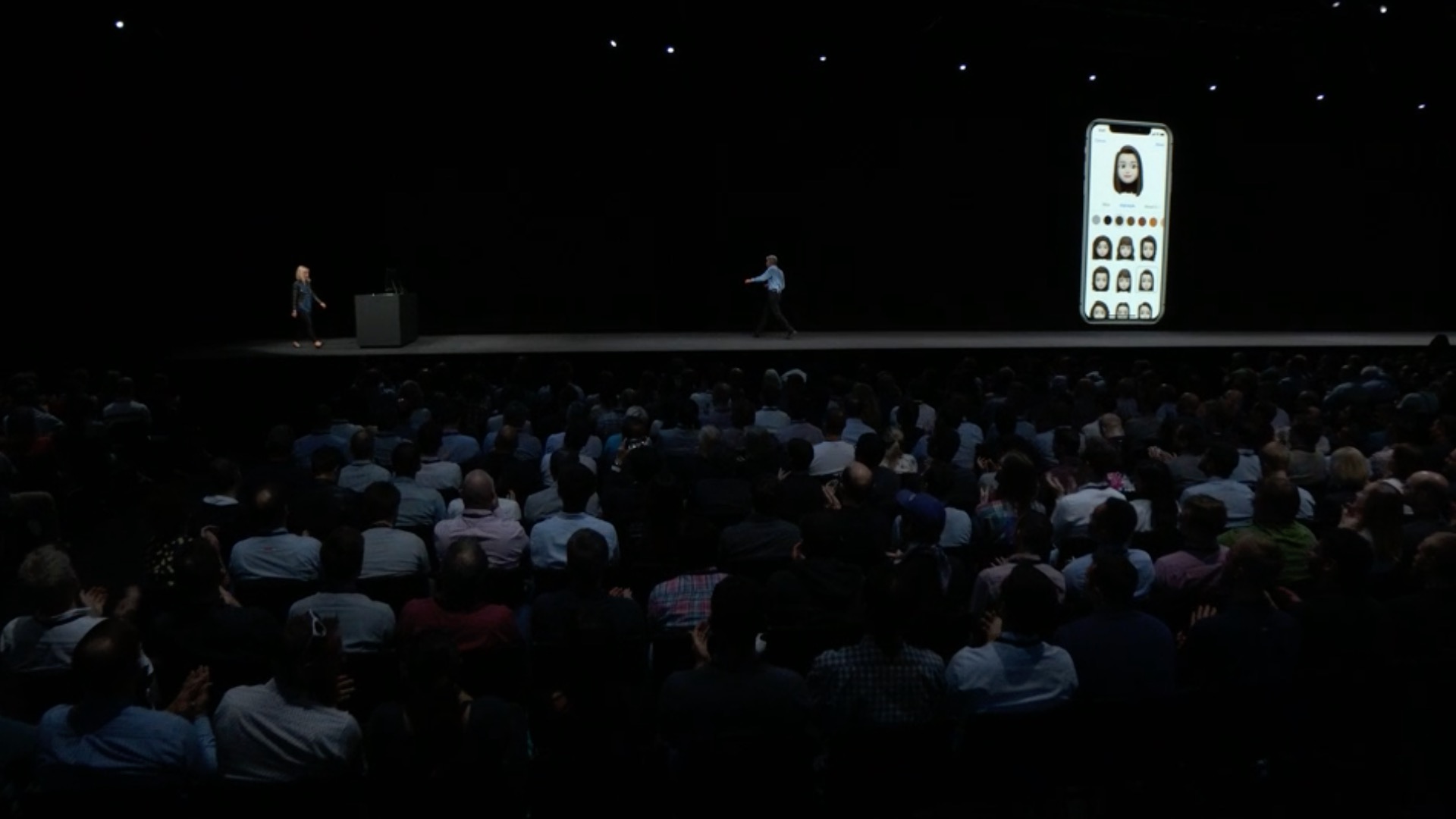
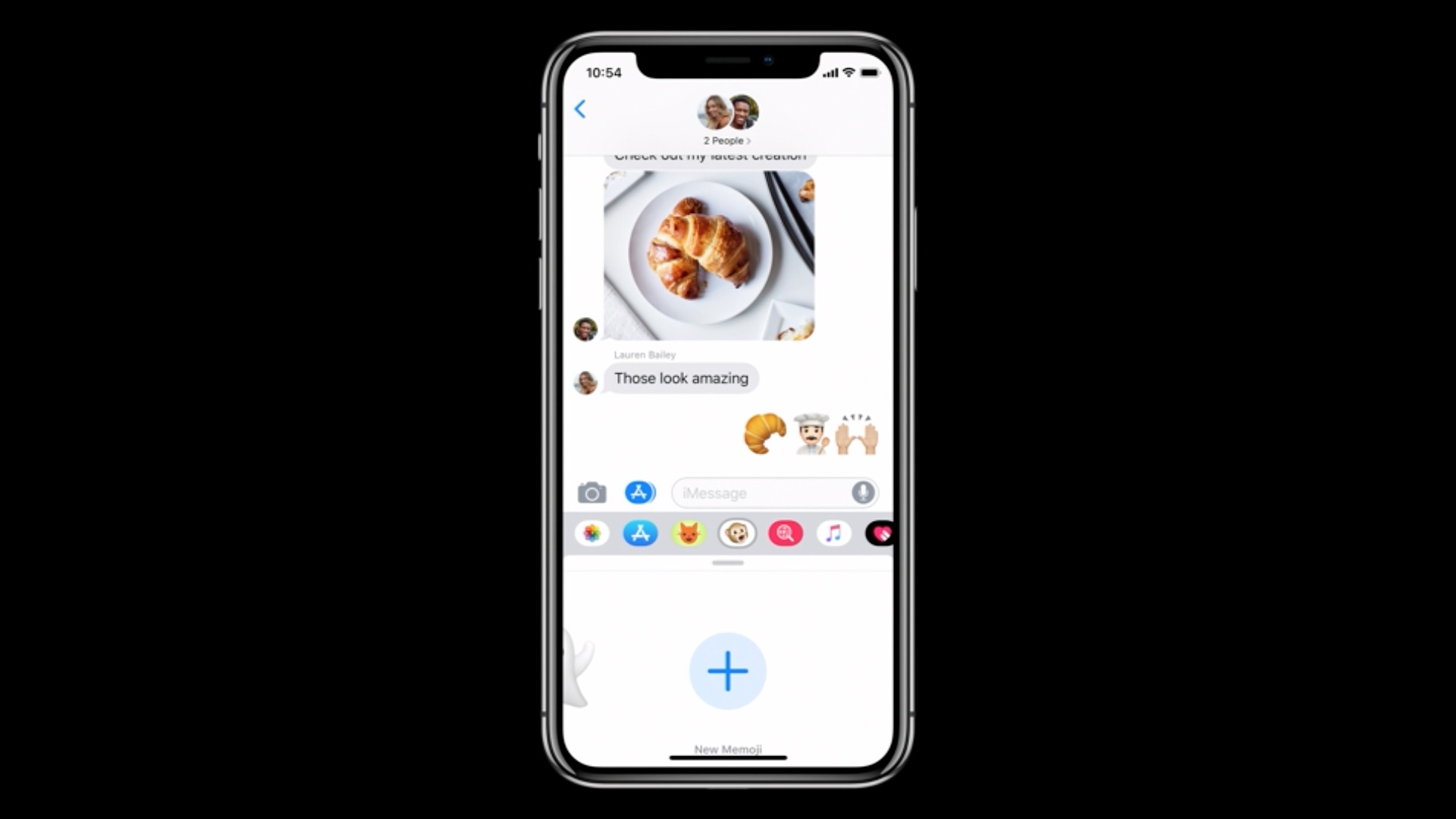
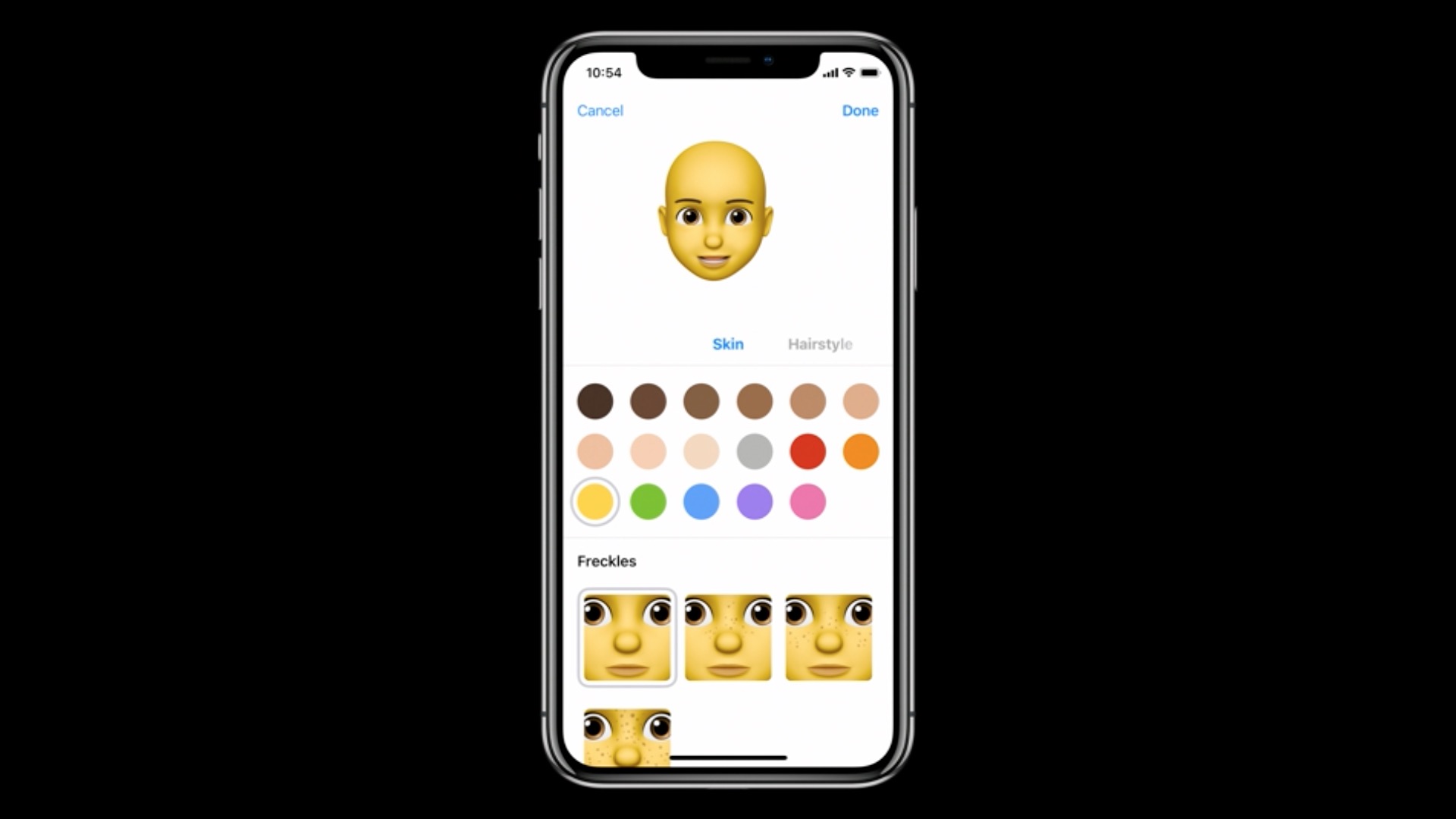
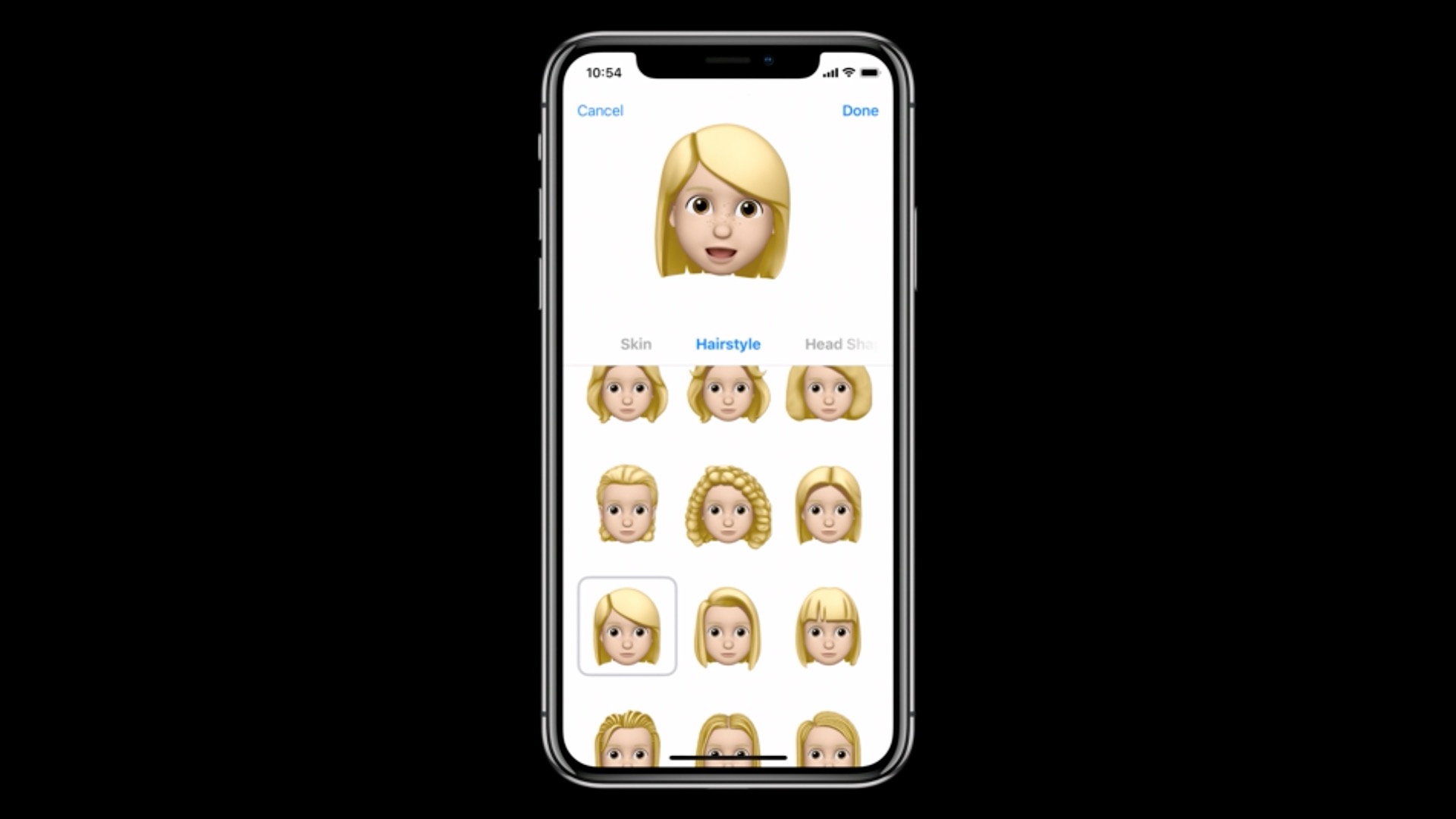
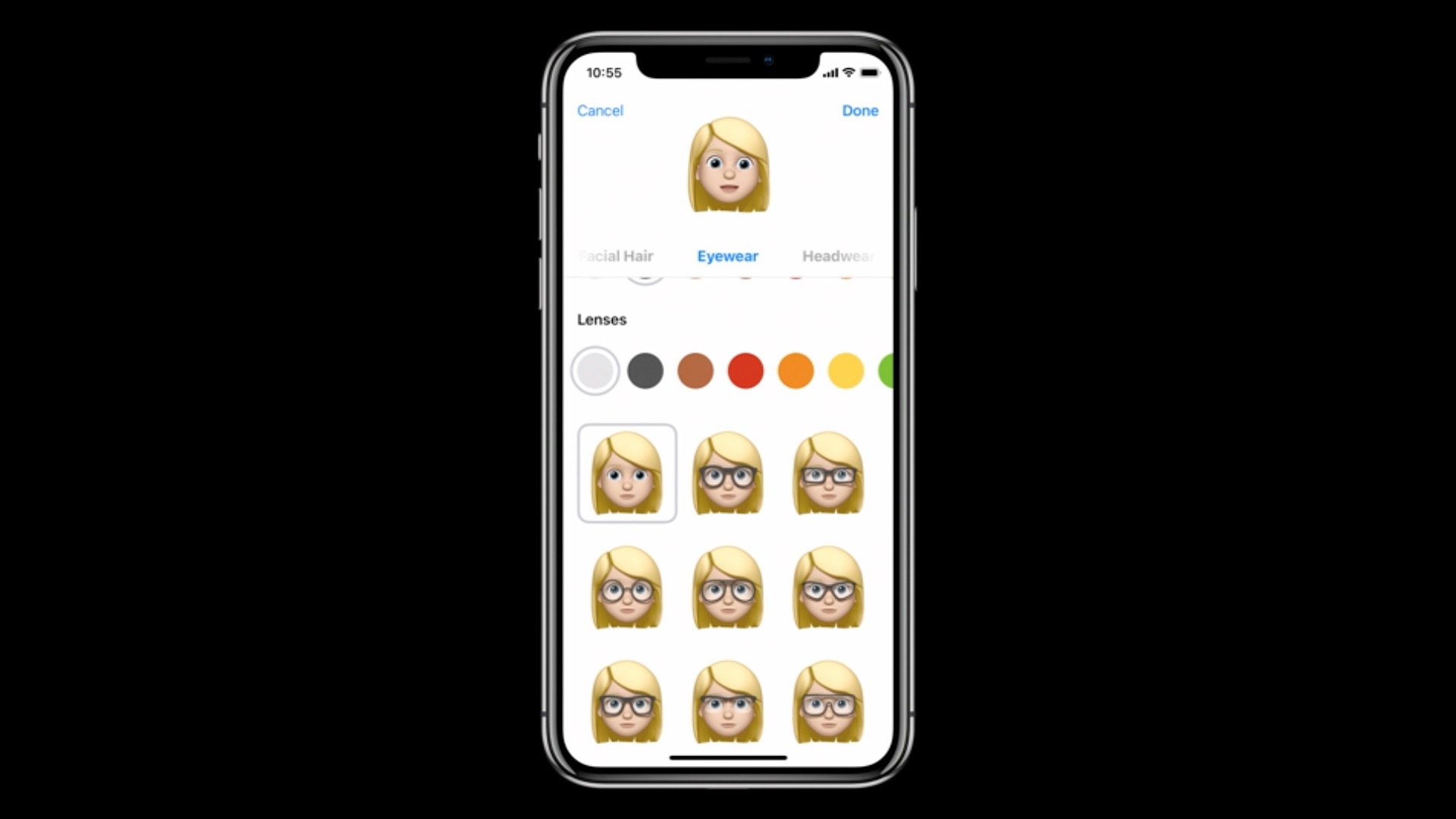
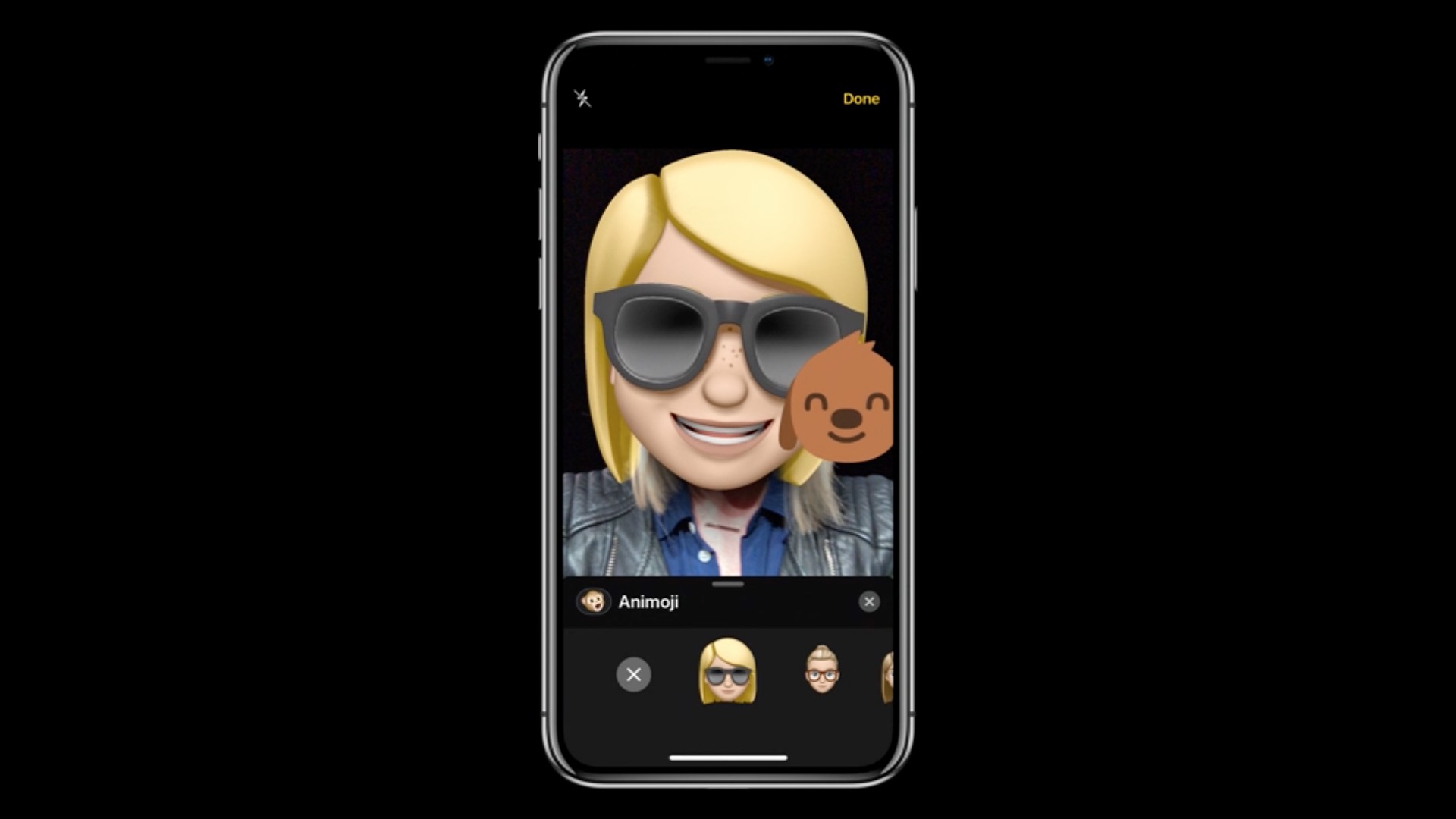
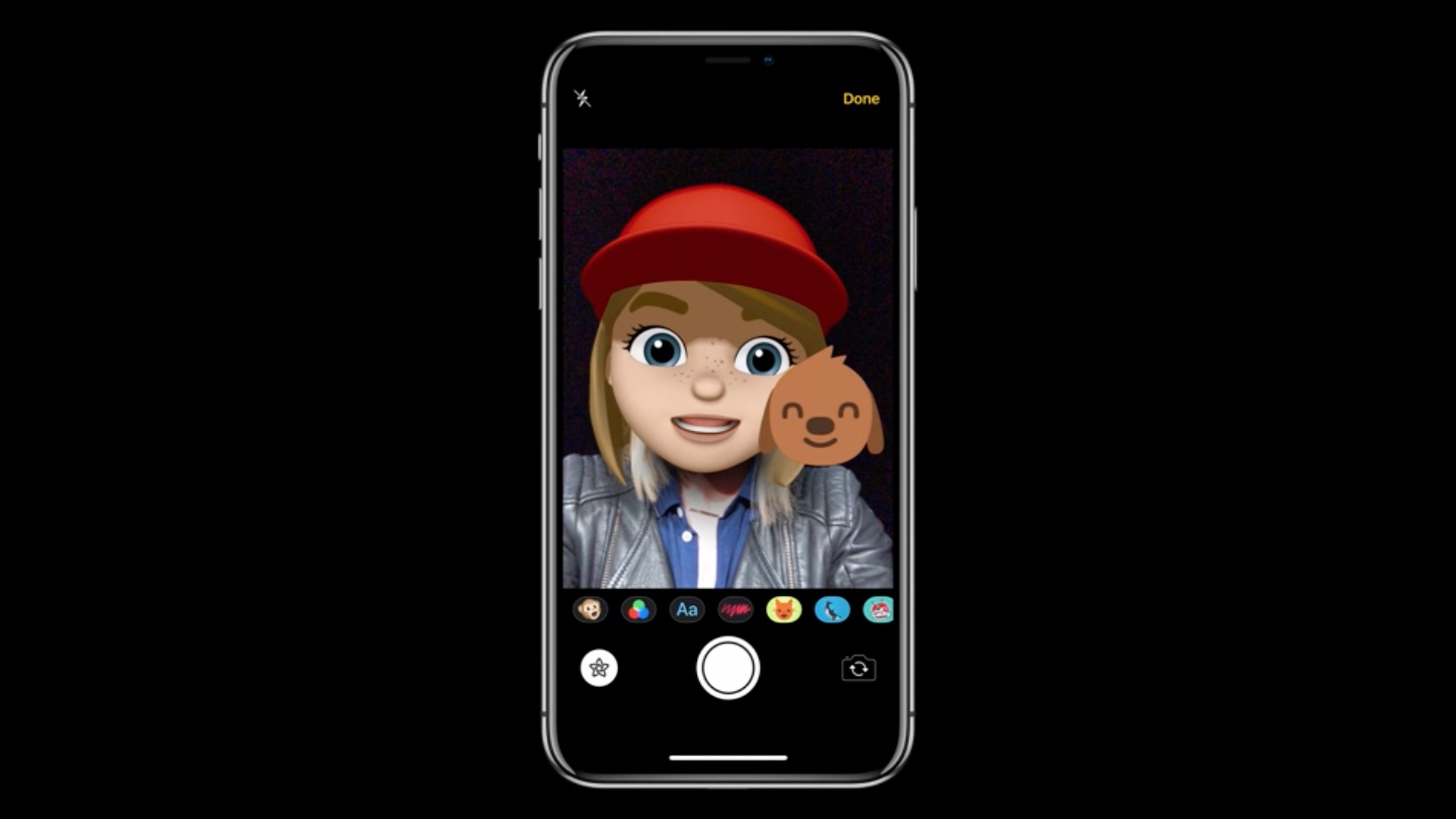
- Memoji, the new more customizable animoji, will add expression to your messages with diverse and fun characters
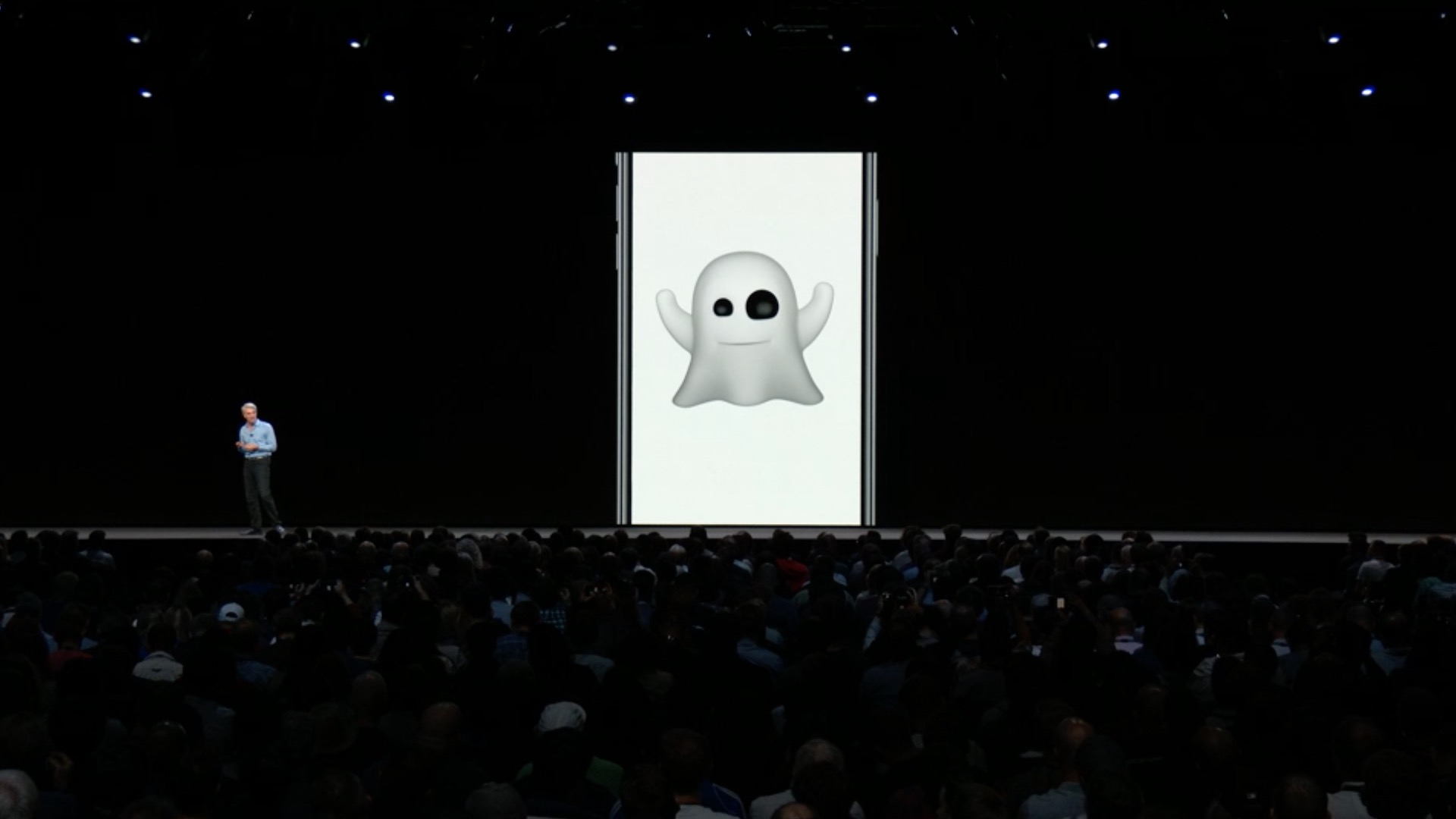
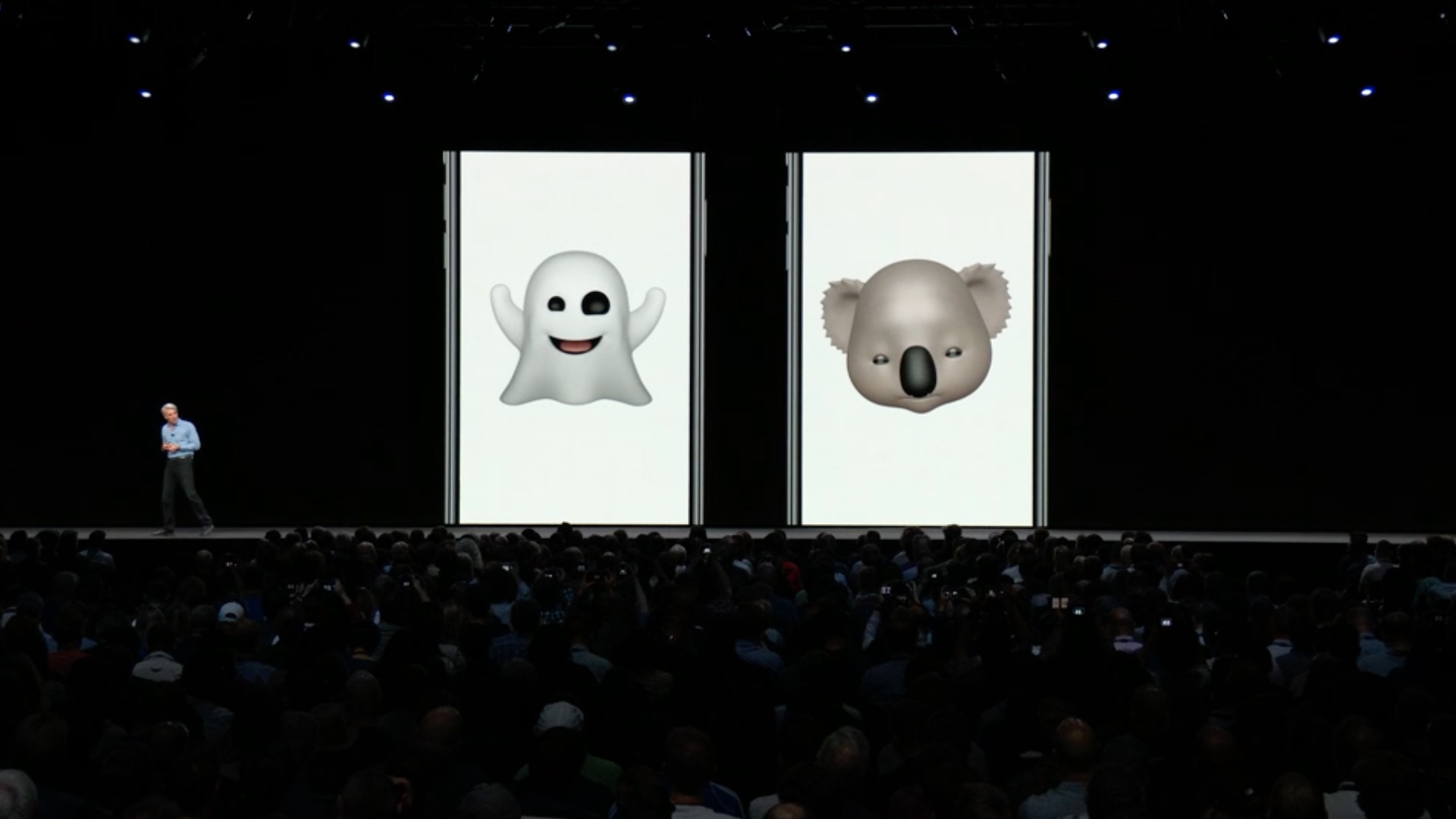
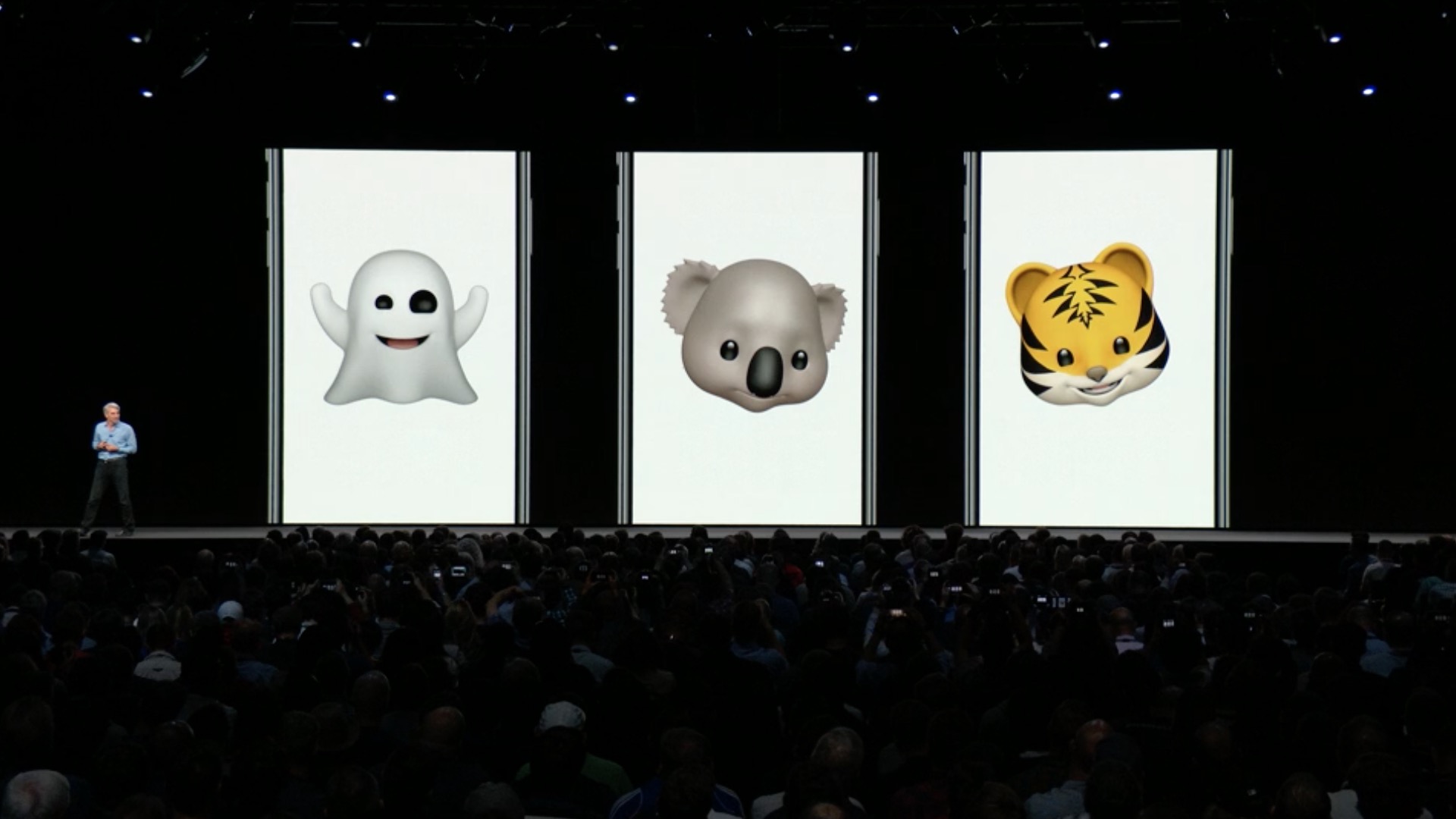
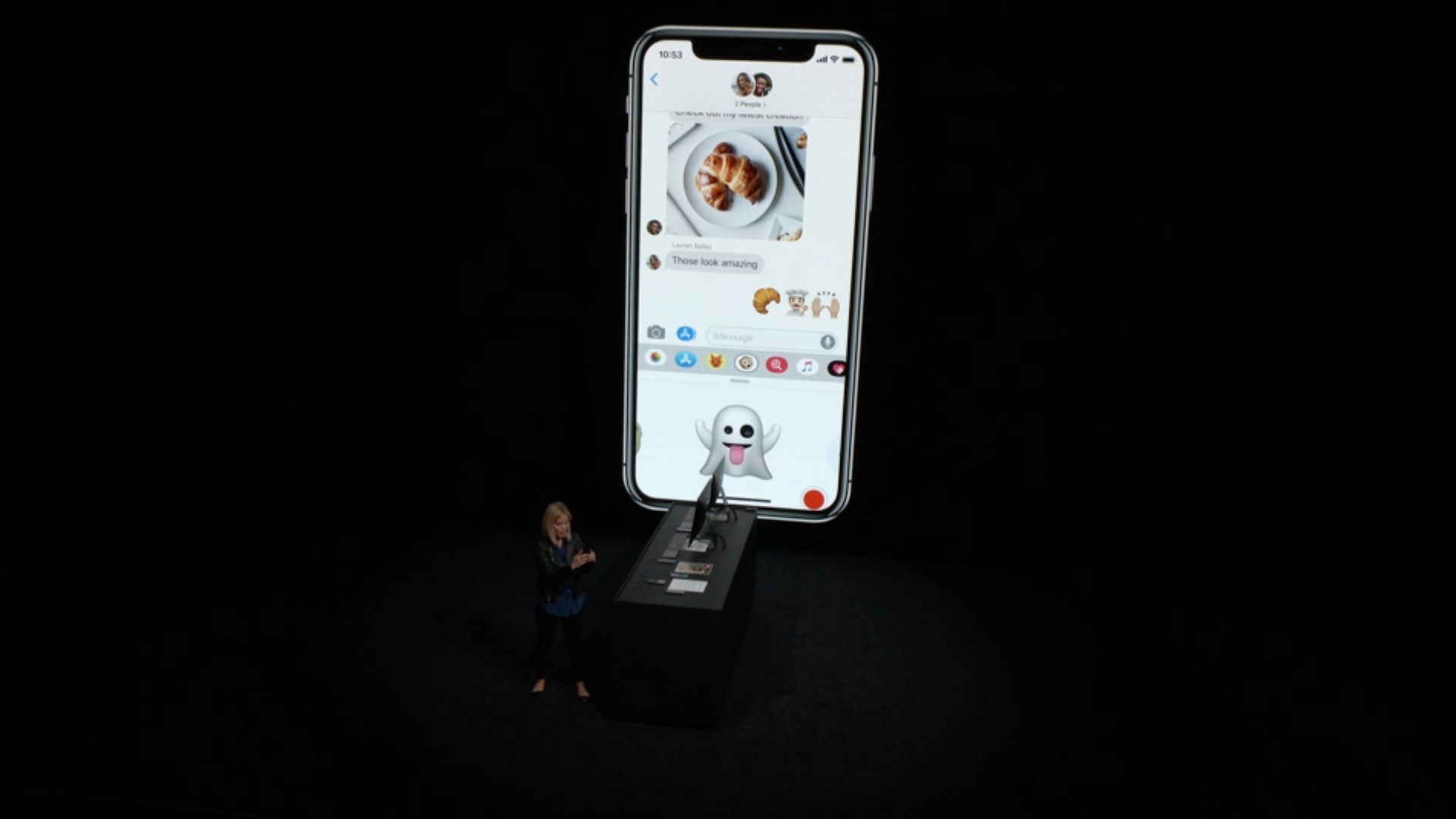
- Animoji now include Tyrannosaurus, Ghost, Koala, and Tiger
- You can't share your Memoji and Animojichat wink and stick out tongue
- New camera effects let you add animoji, filters, text effects, stickers for iMessage and shapes to photos and videos you take in Messages
- Animoji recordings can now be up to 30 seconds long
Screen time
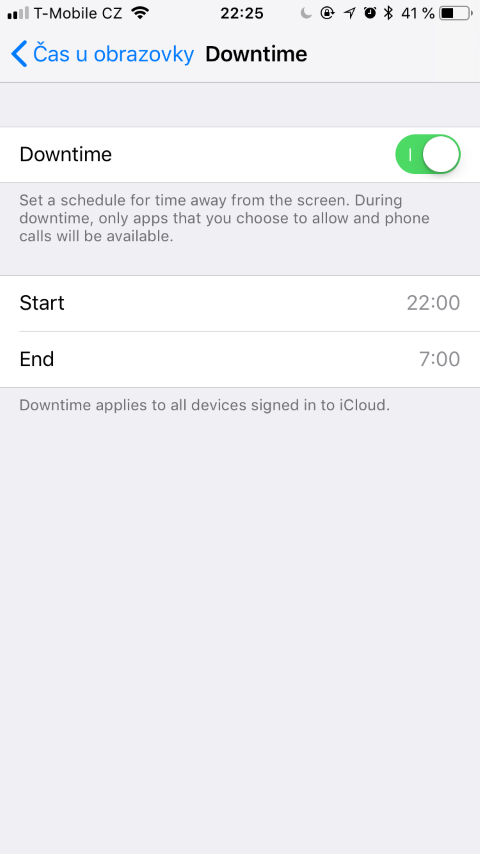
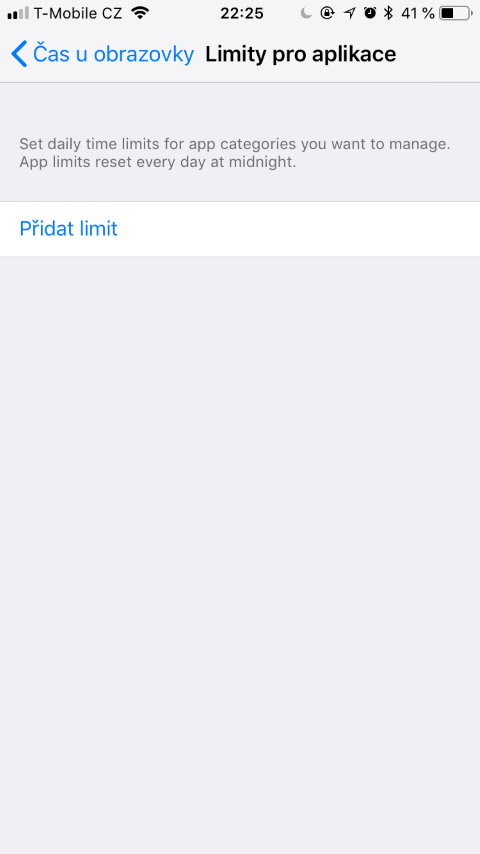
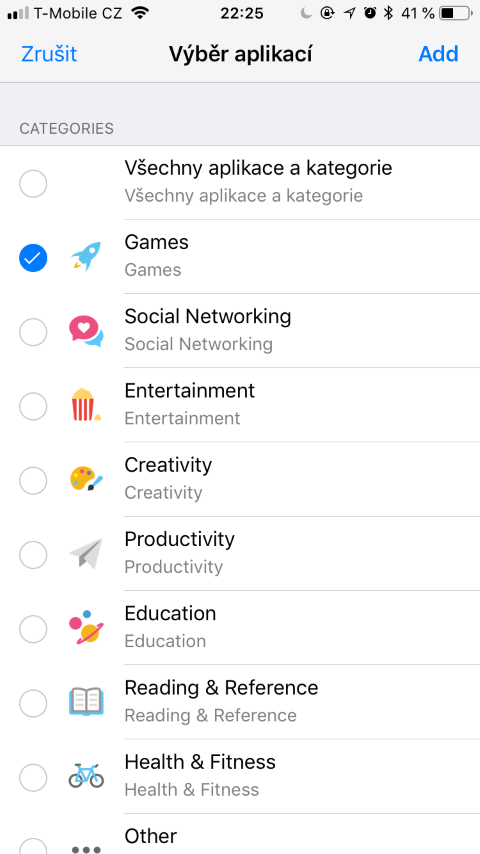
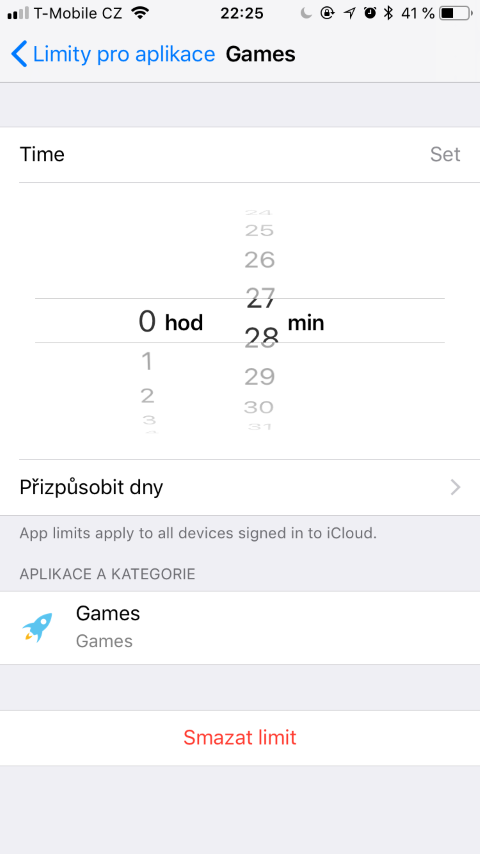
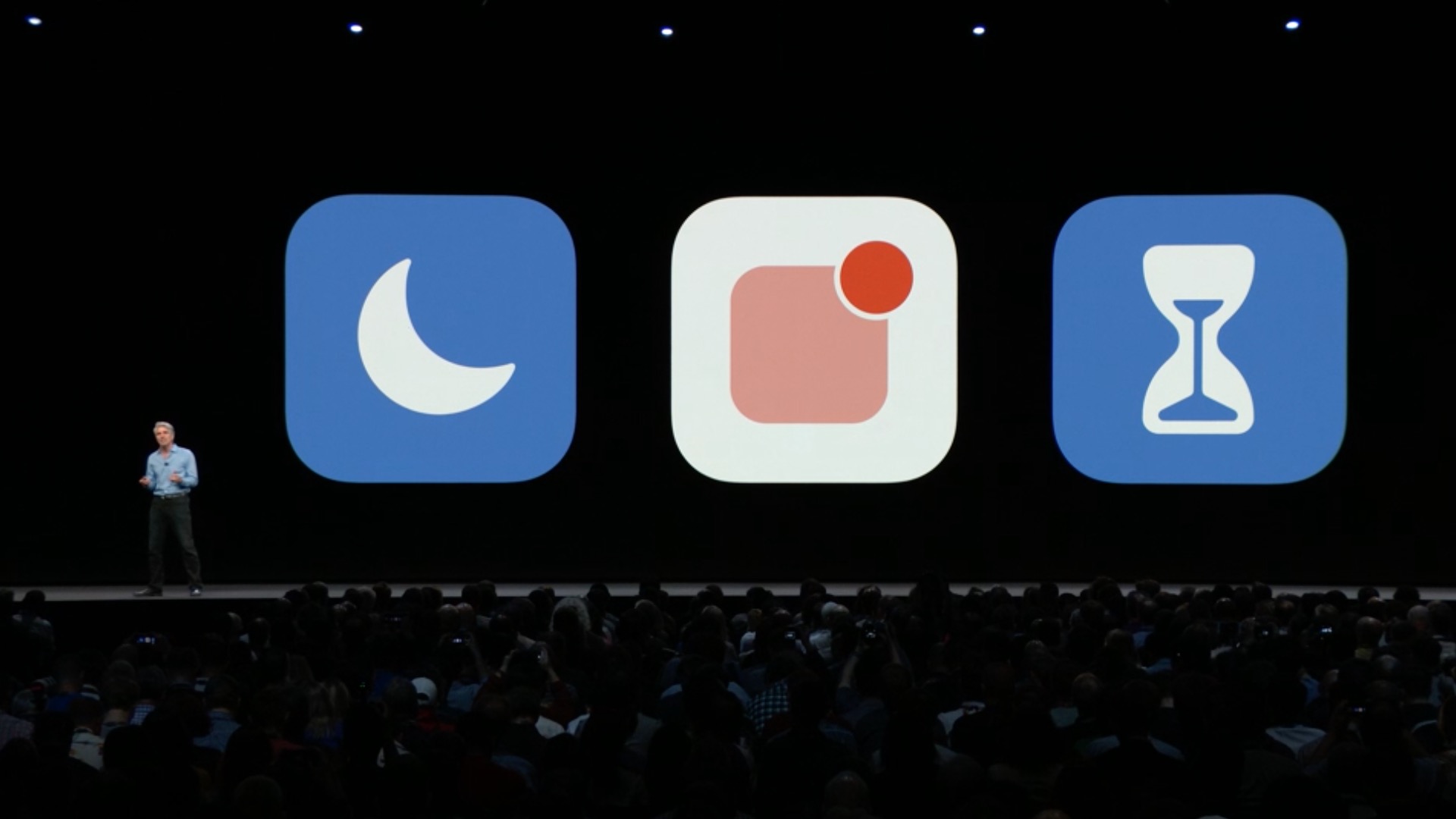
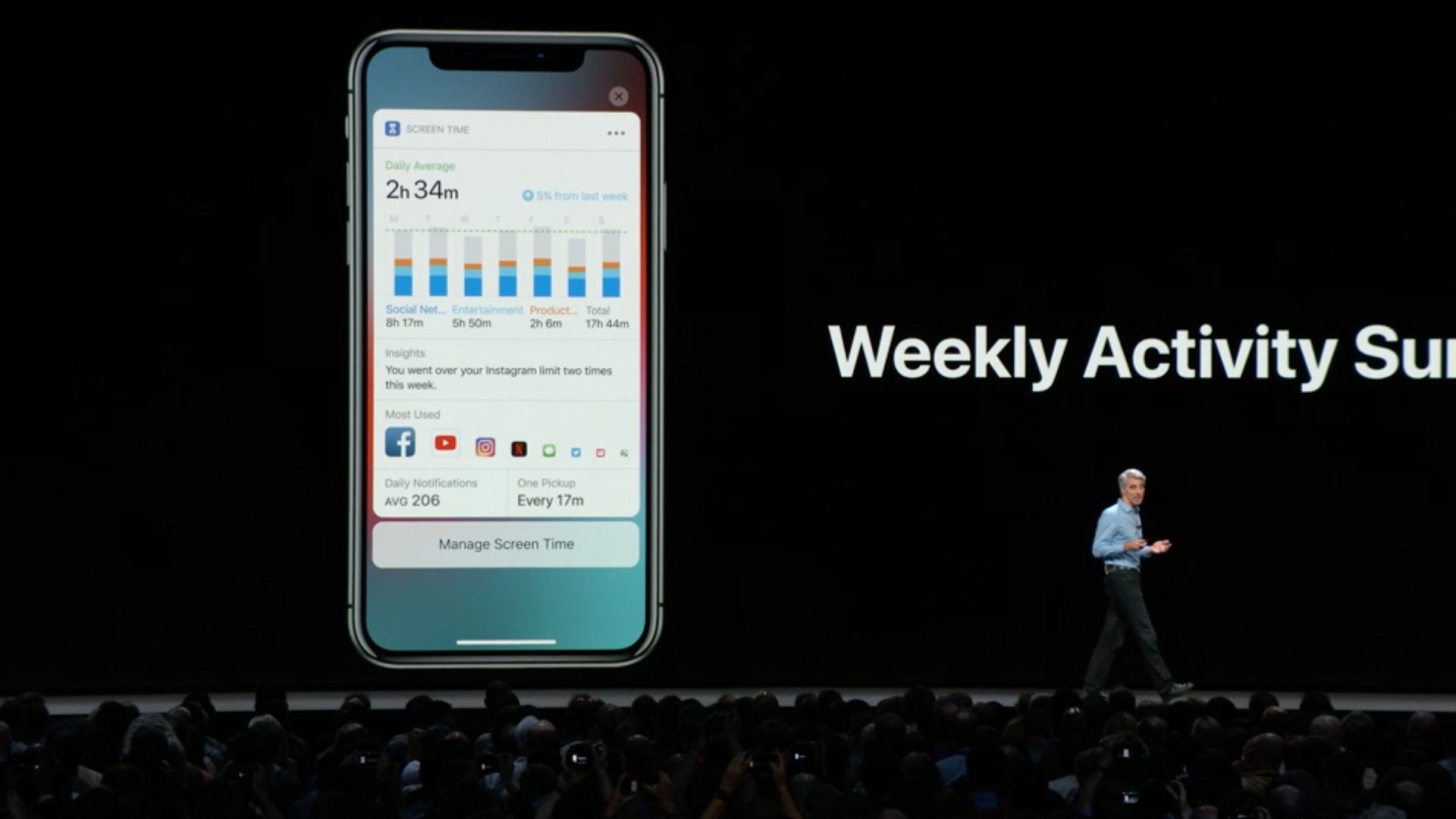
- Screen Time provides detailed information and tools to help you and your family find the right balance for your app and web time
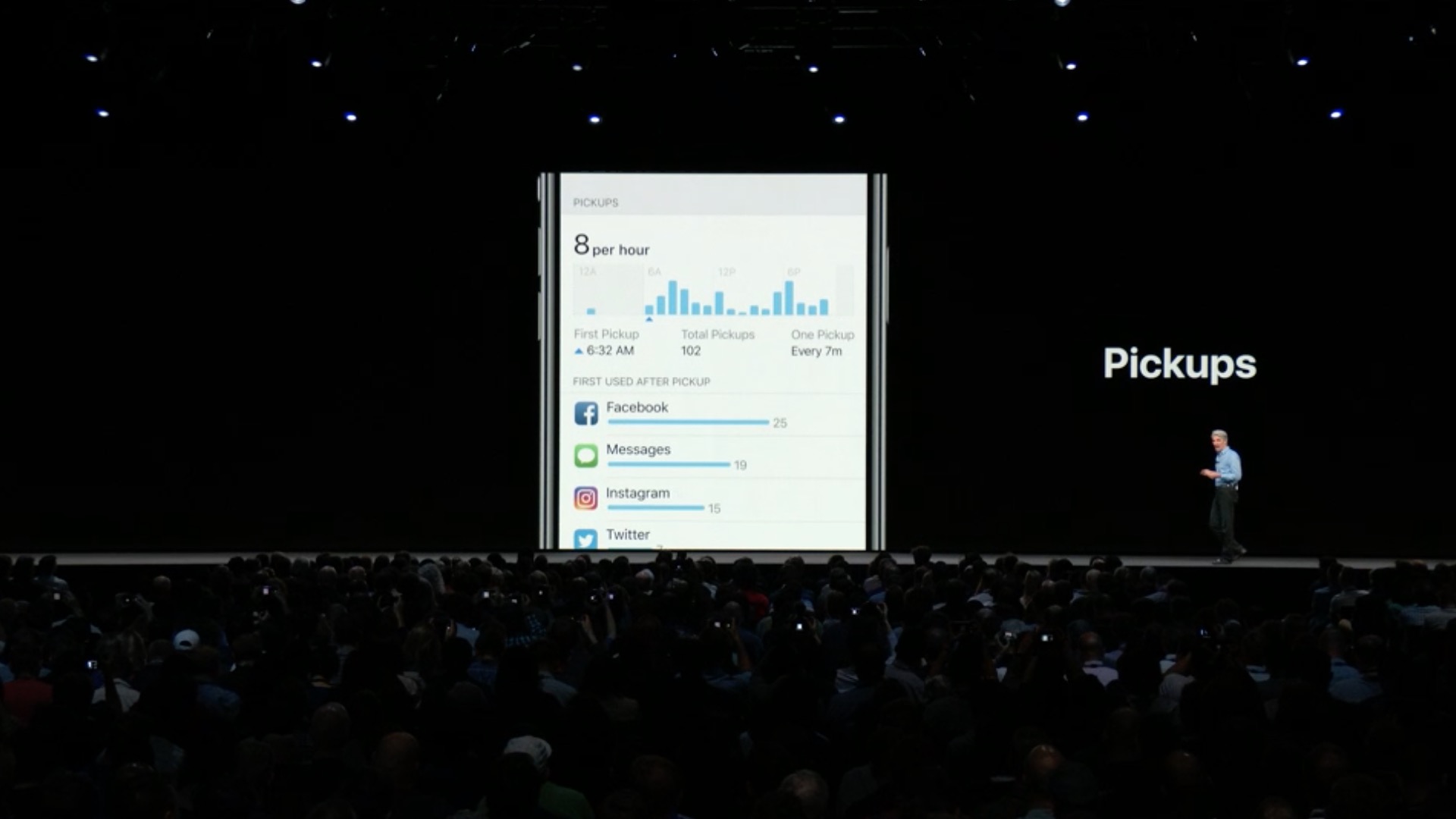
- You can see time spent with apps, usage by app category, number of notifications received, and number of device grabs
- App limits help you set the time you or your kids can spend on apps and websites
- With Screen Time for Kids, parents can iOS device to manage children's iPhone and iPad usage
Do not disturb
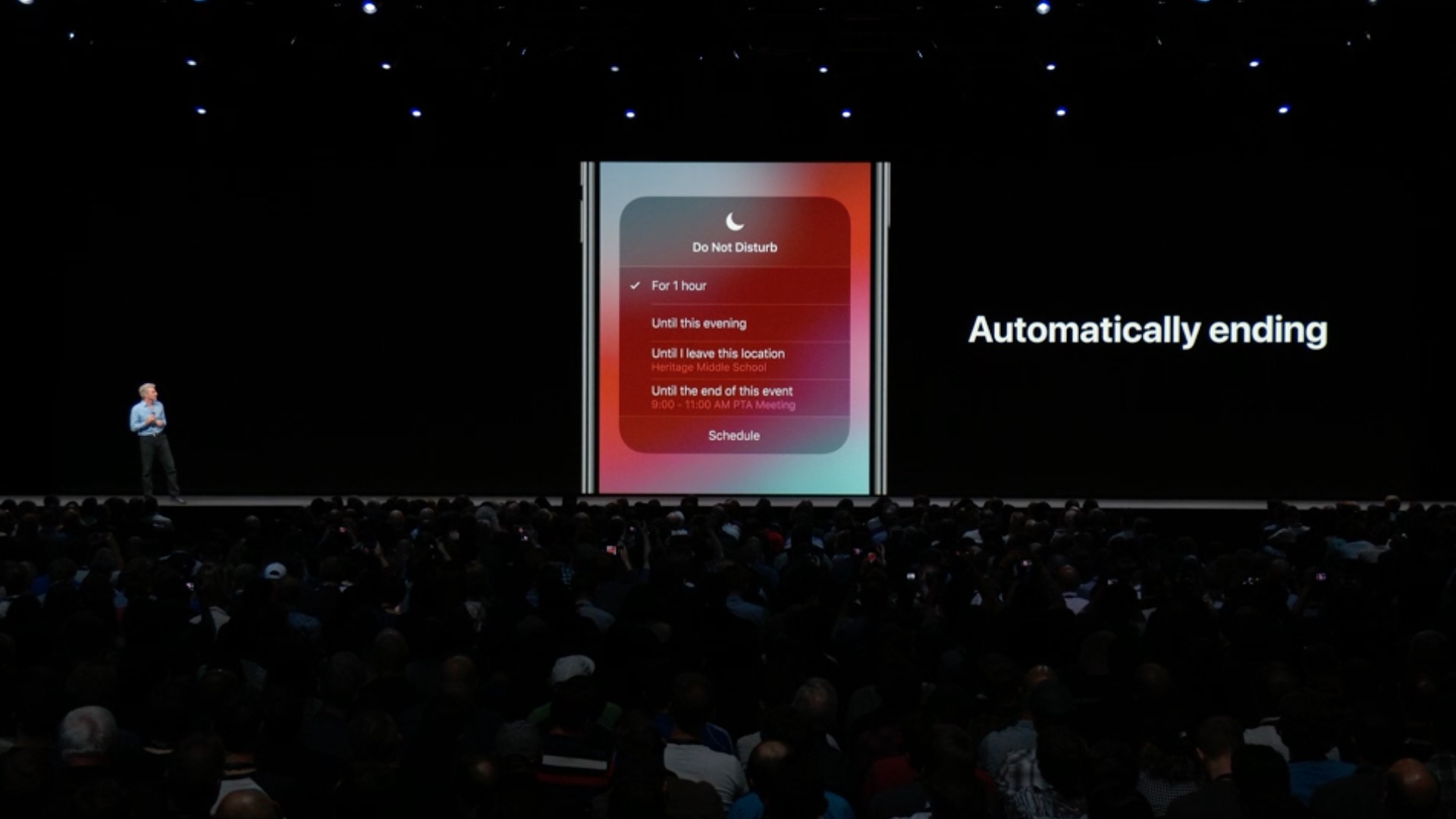
- You can now turn off Do Not Disturb based on time, location or calendar event
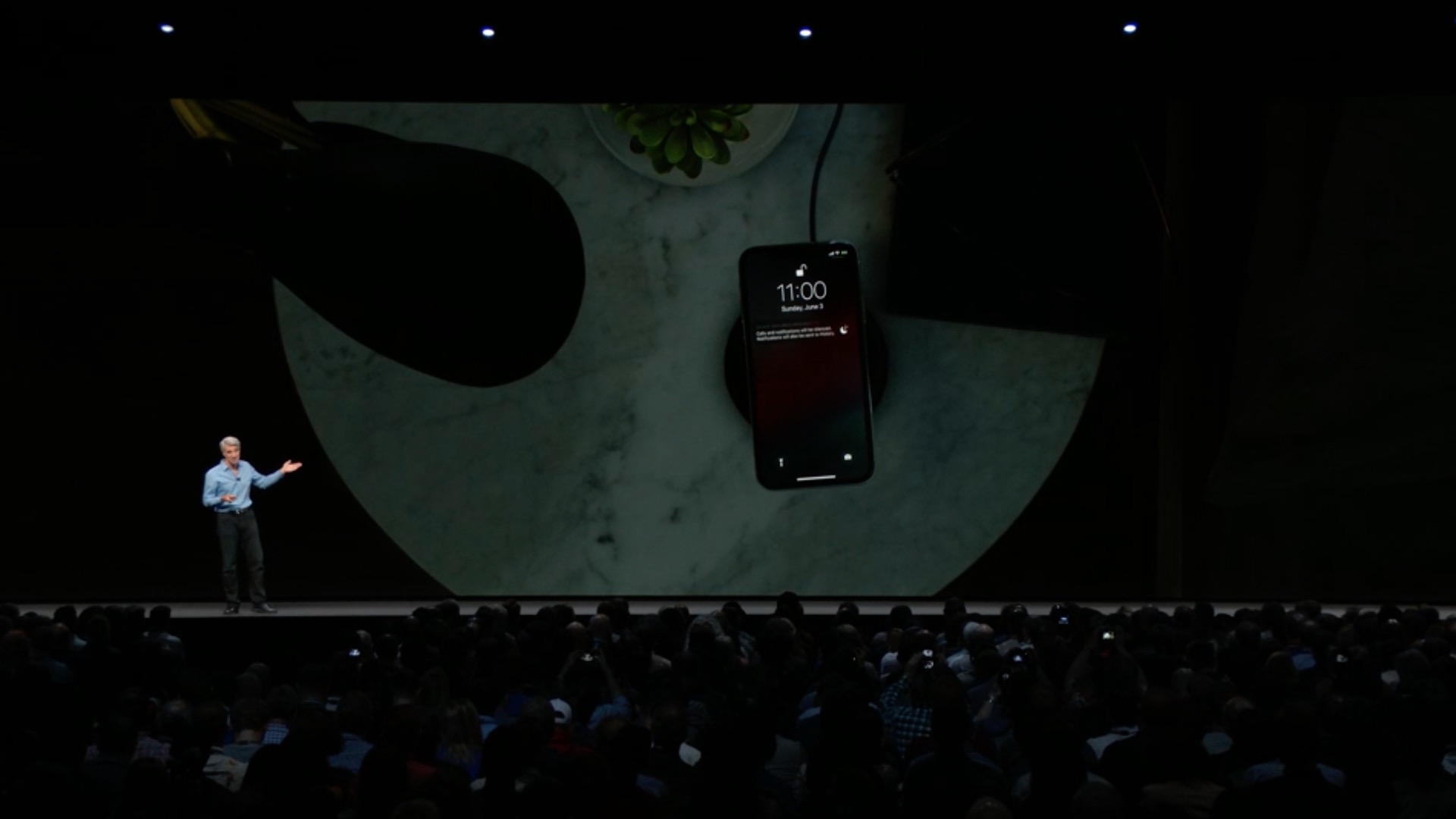
- The Do Not Disturb In Bed feature suppresses all notifications on the lock screen while you sleep
Announcement
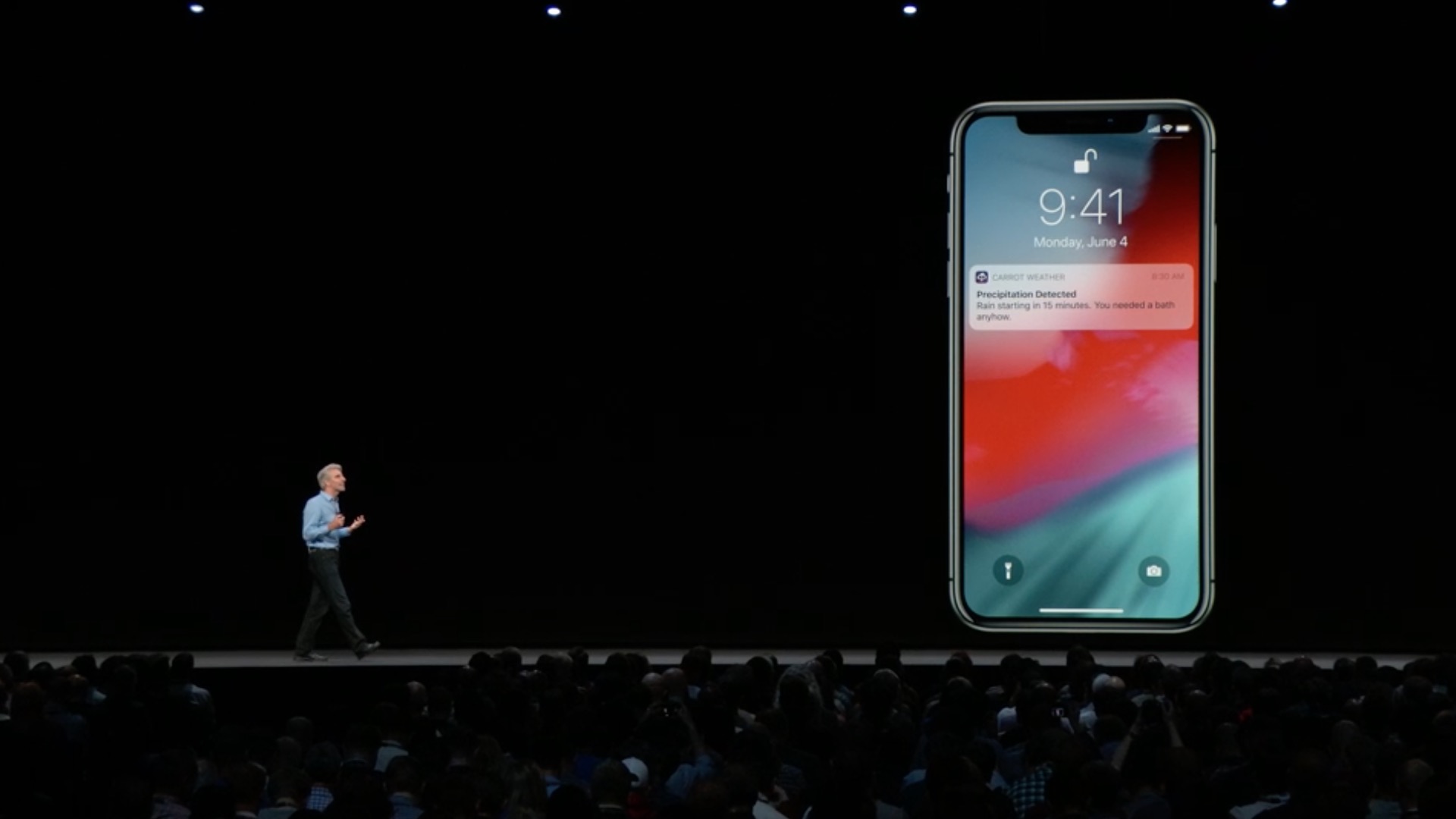
- Notifications are grouped by apps and you can manage them more easily
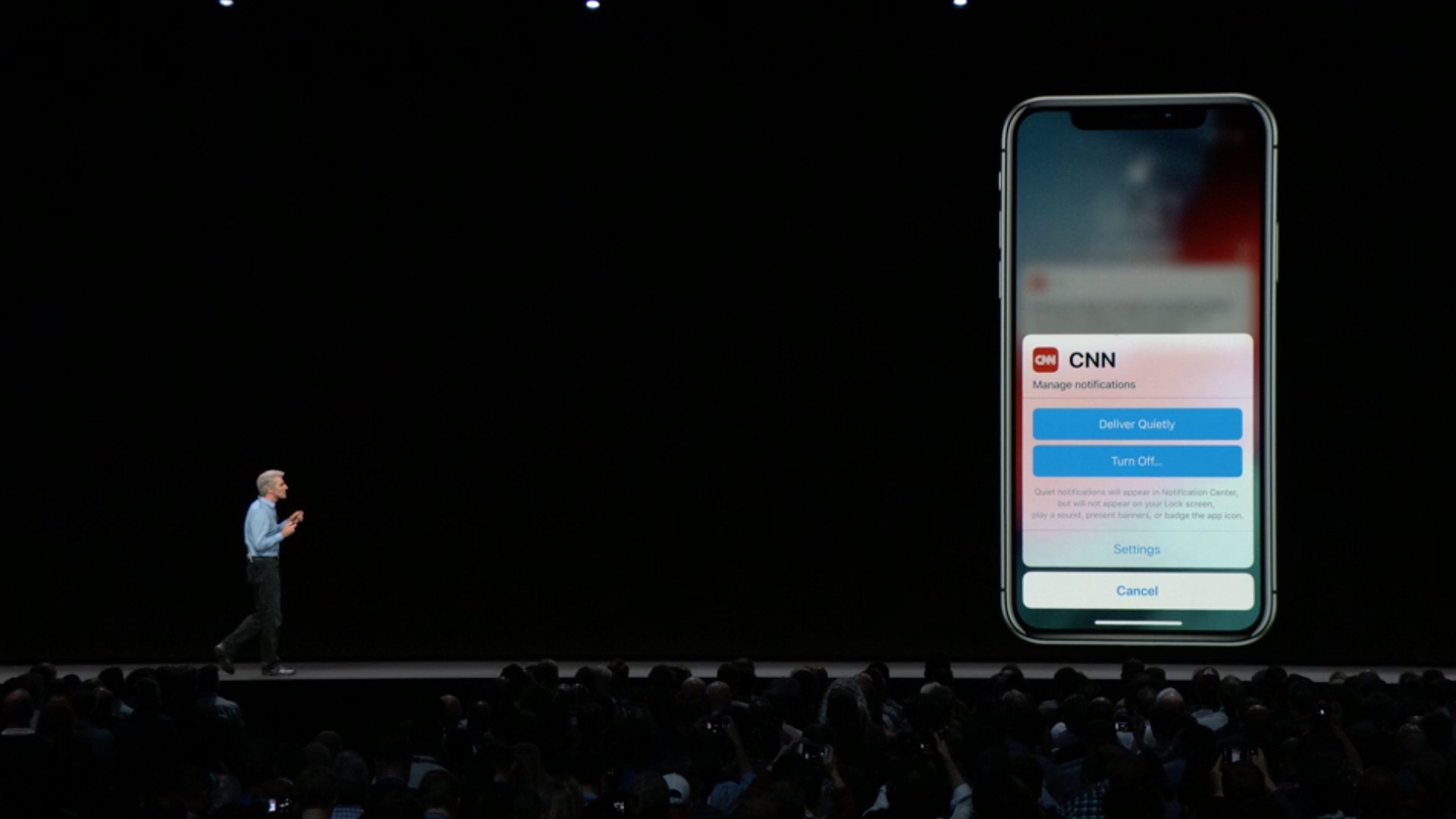
- Quick customization gives you control over notification settings right on the lock screen
- The new Deliver Silently option sends notifications directly to the Notification Center so it doesn't disturb you
Siri
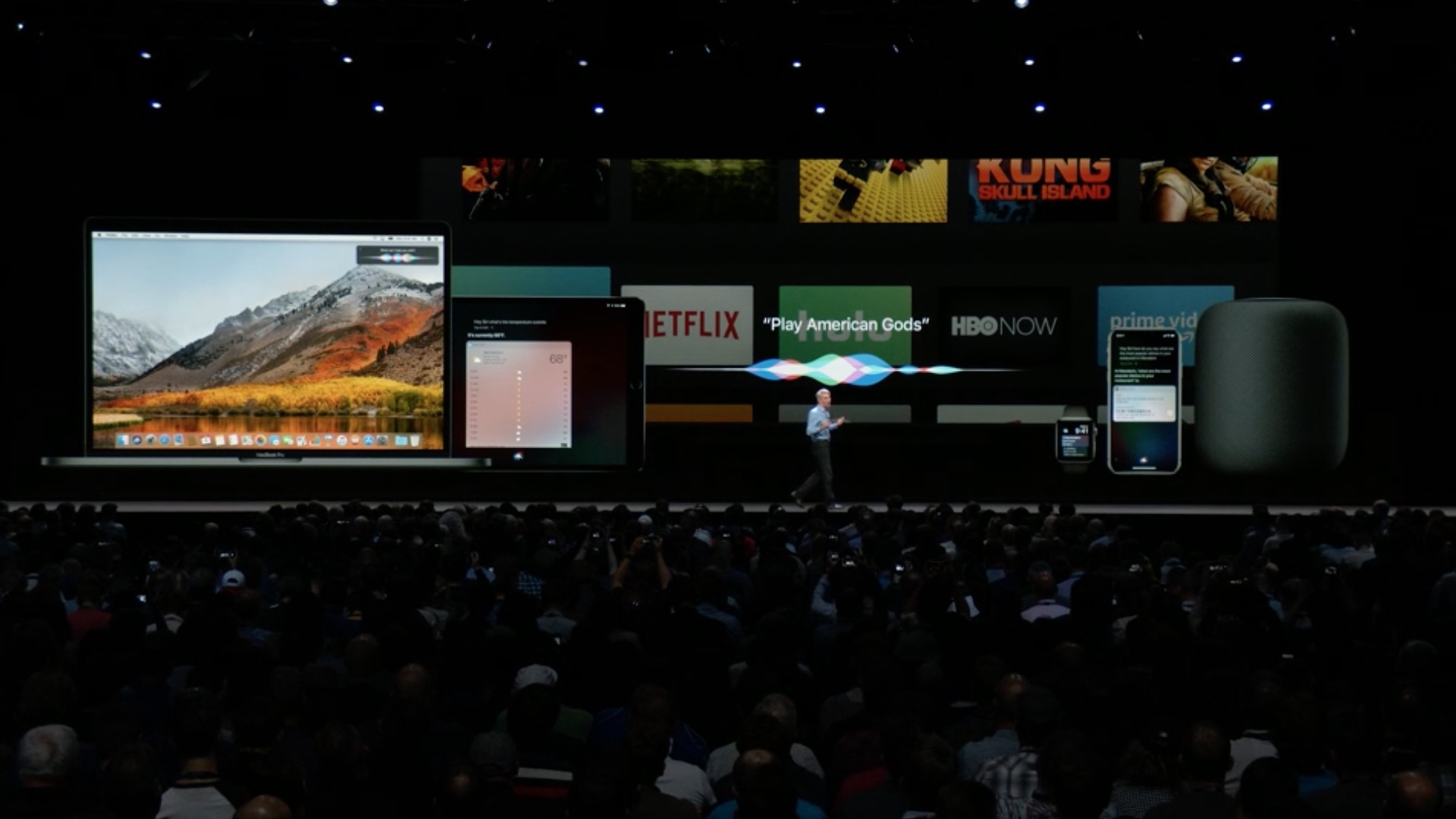
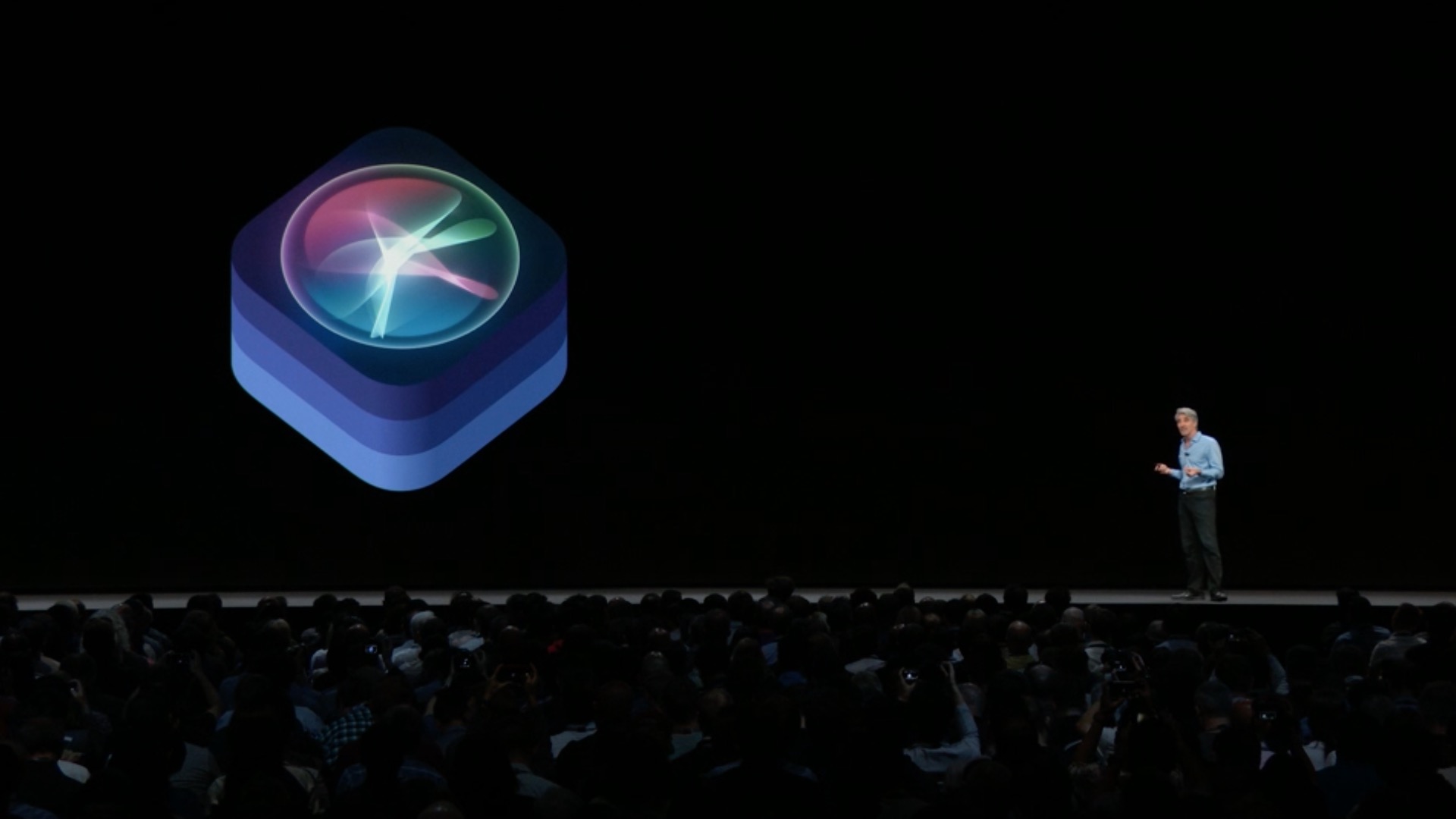
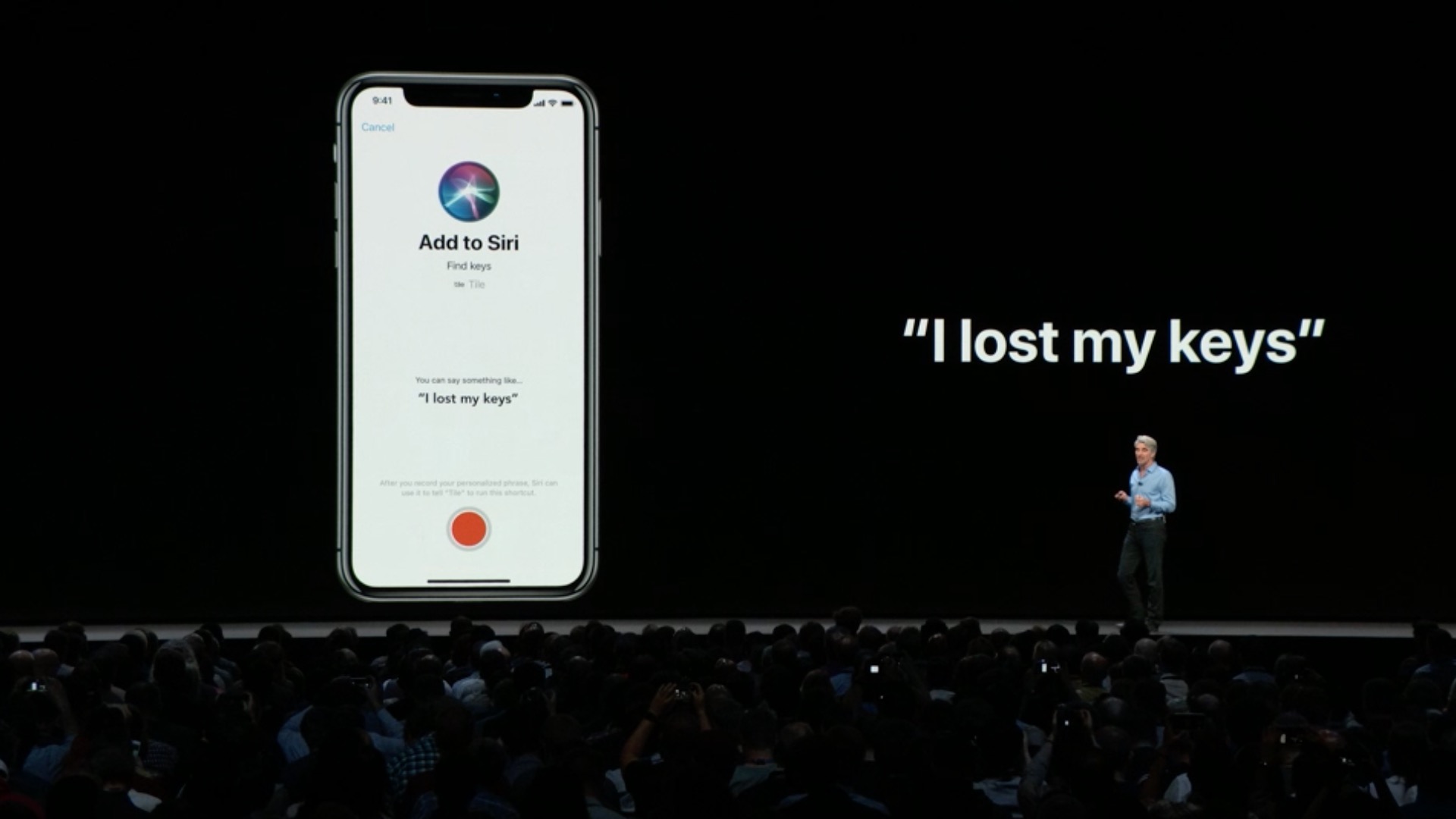
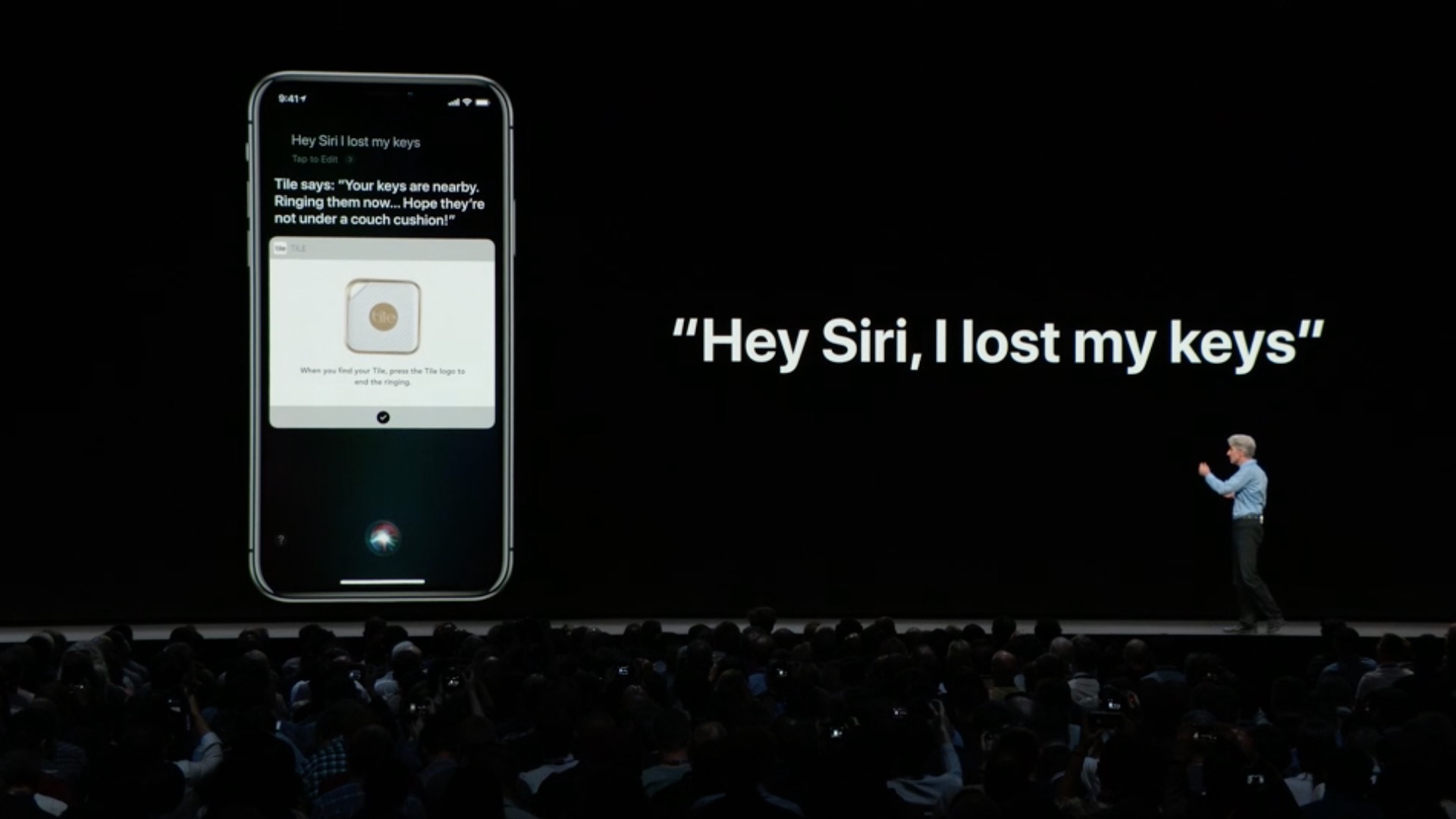
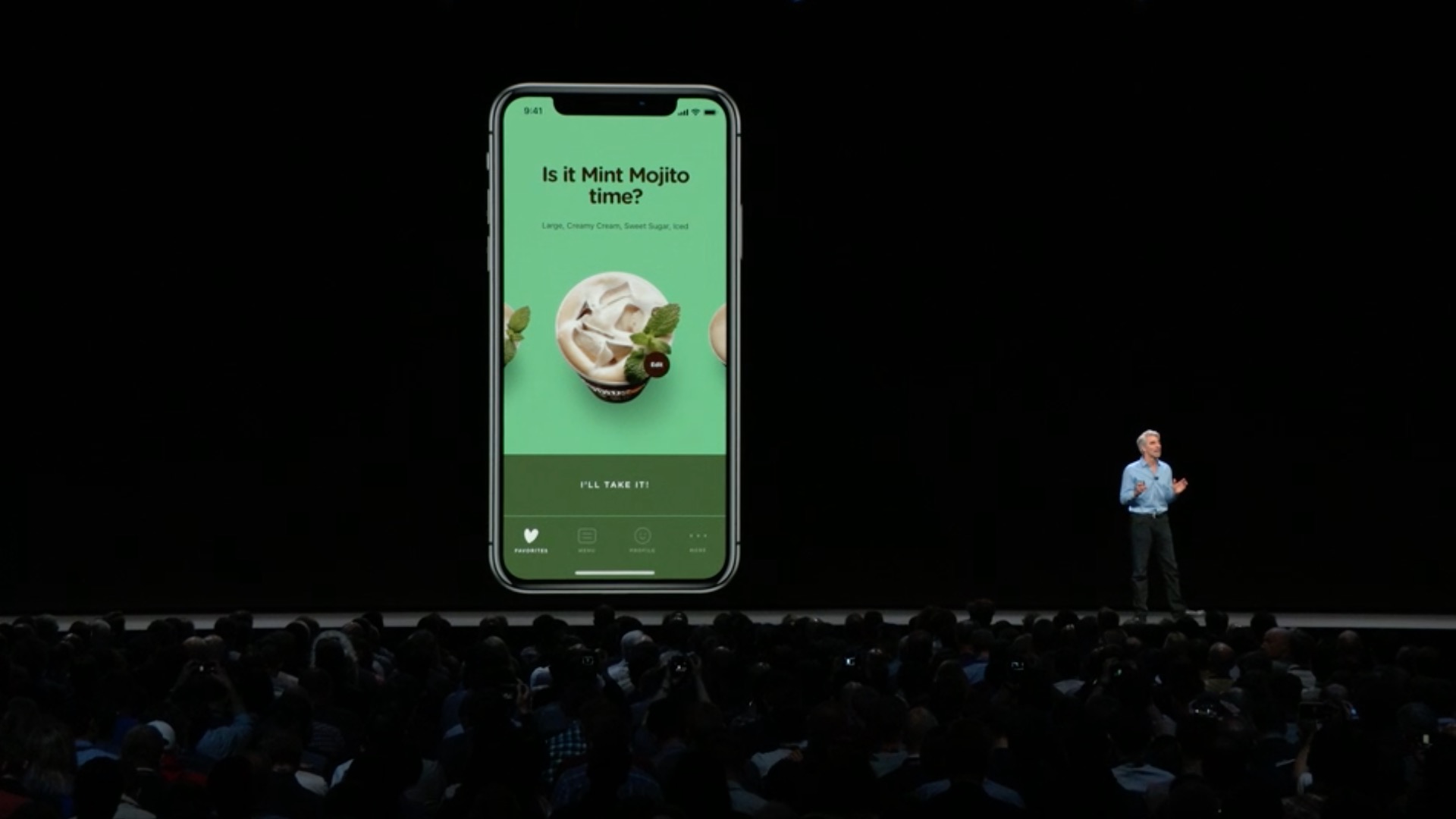
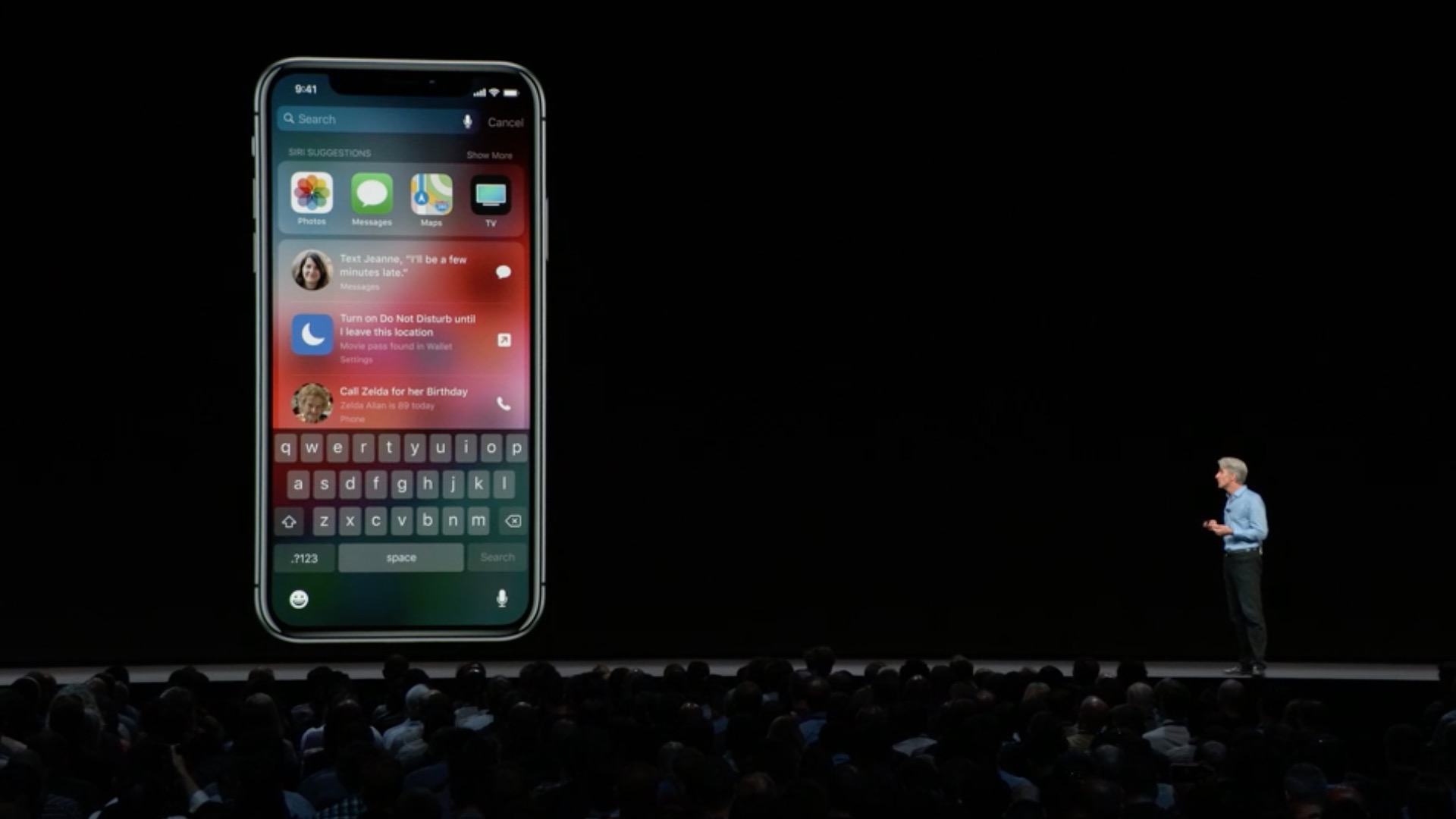
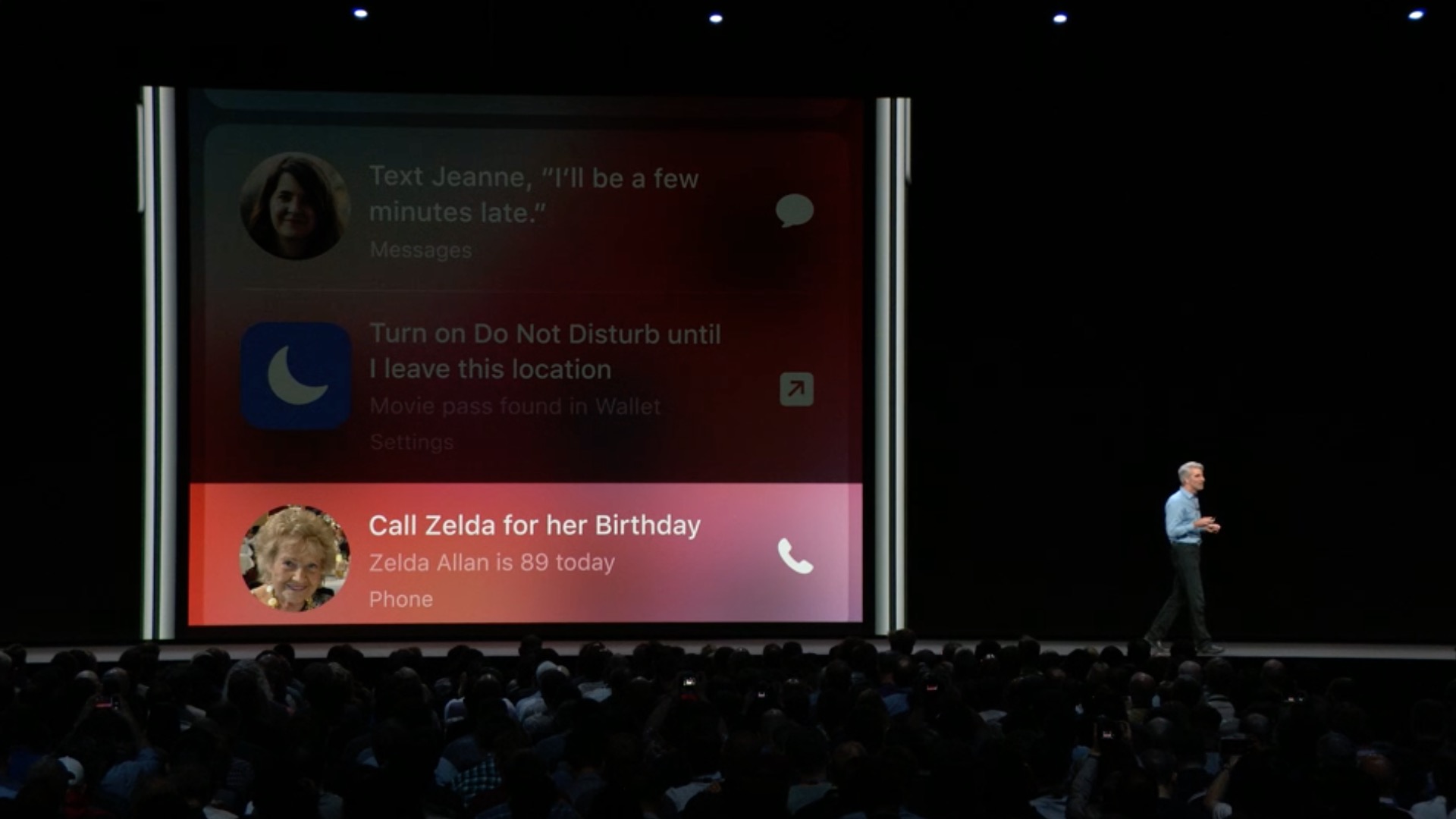
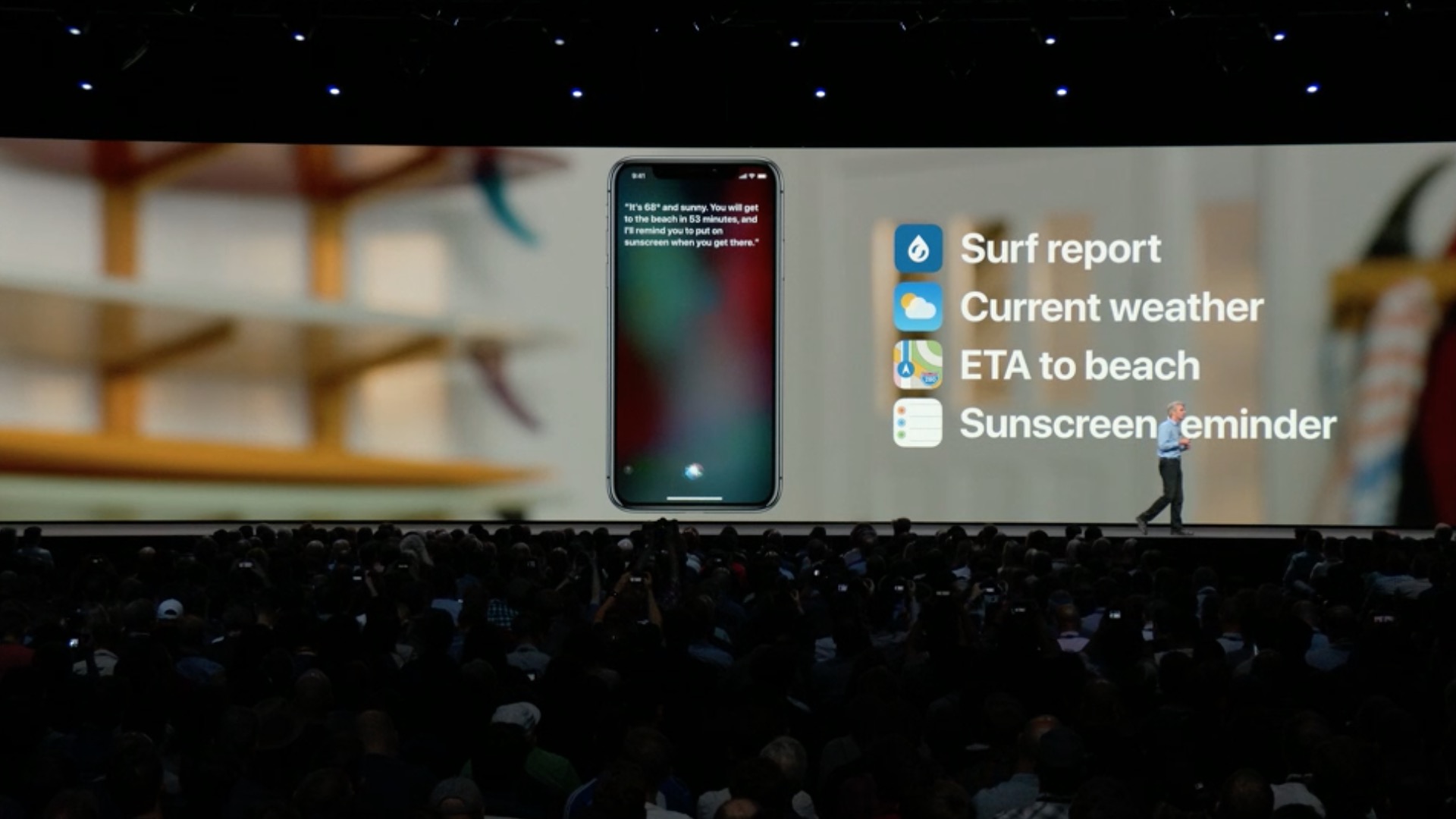
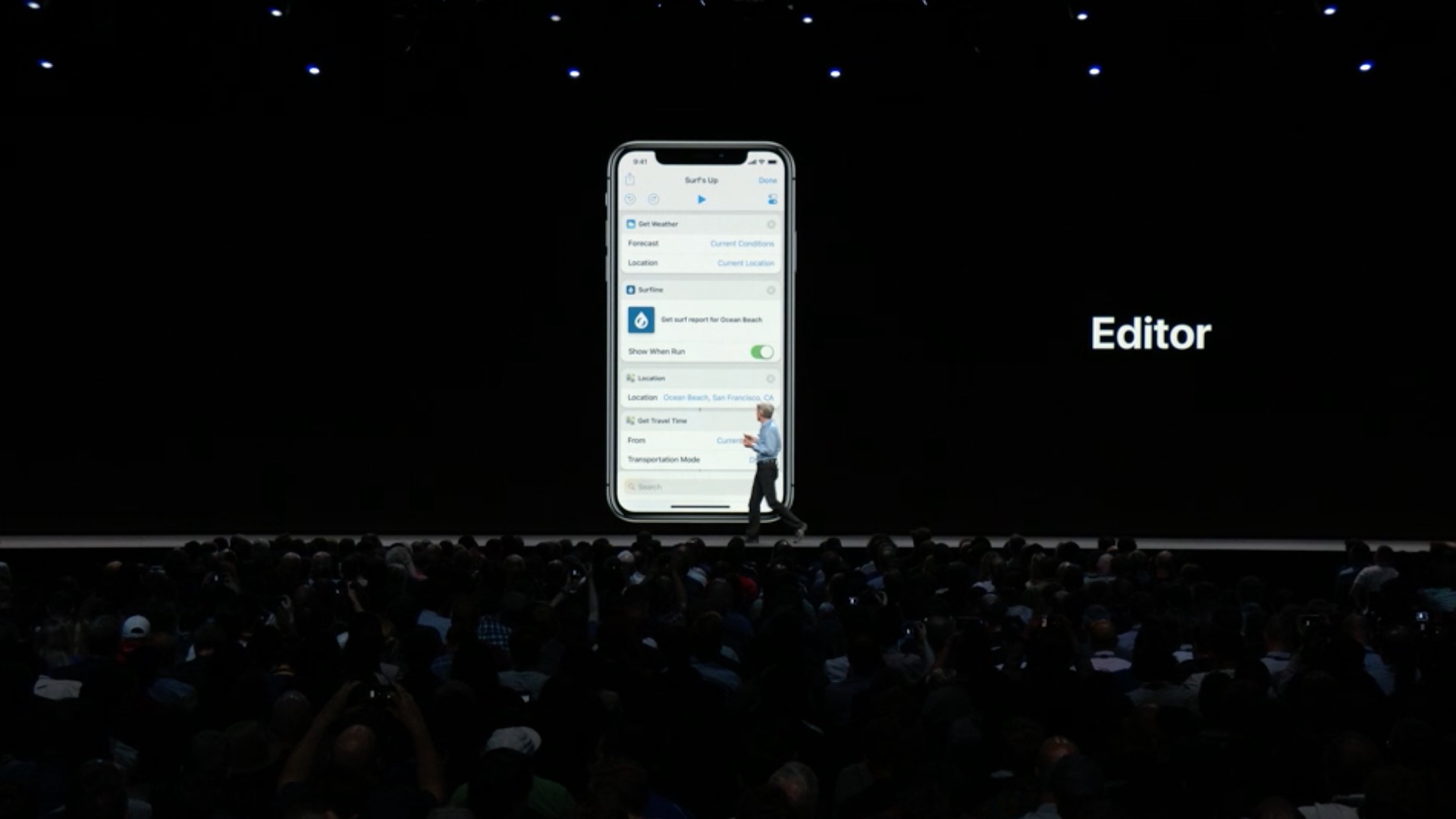
- Abbreviations for Siri allow all applications to work together Siri and speed up task execution
- In supported apps, tap Add to add a shortcut. Siri, you can add it in the Settings section Siri and search
- Siri will suggest new shortcuts on the lock screen and in search
- Ask about motorsport news - results, dates, statistics and rankings for Formula 1, Nascar, Indy 500 and MotoGP
- Find photos by time, place, people, topics or recent trips and get relevant results and memories in Photos
- Get phrases translated into multiple languages, now with support for over 40 language pairs
- Find out information about celebrities, such as date of birth, and ask about calorie and nutritional values of foods
- Turn the flashlight on or off
- Pro More natural and expressive voices are now available for Irish English, South African English, Danish, Norwegian, Cantonese, and Mandarin (Taiwan)
Augmented reality
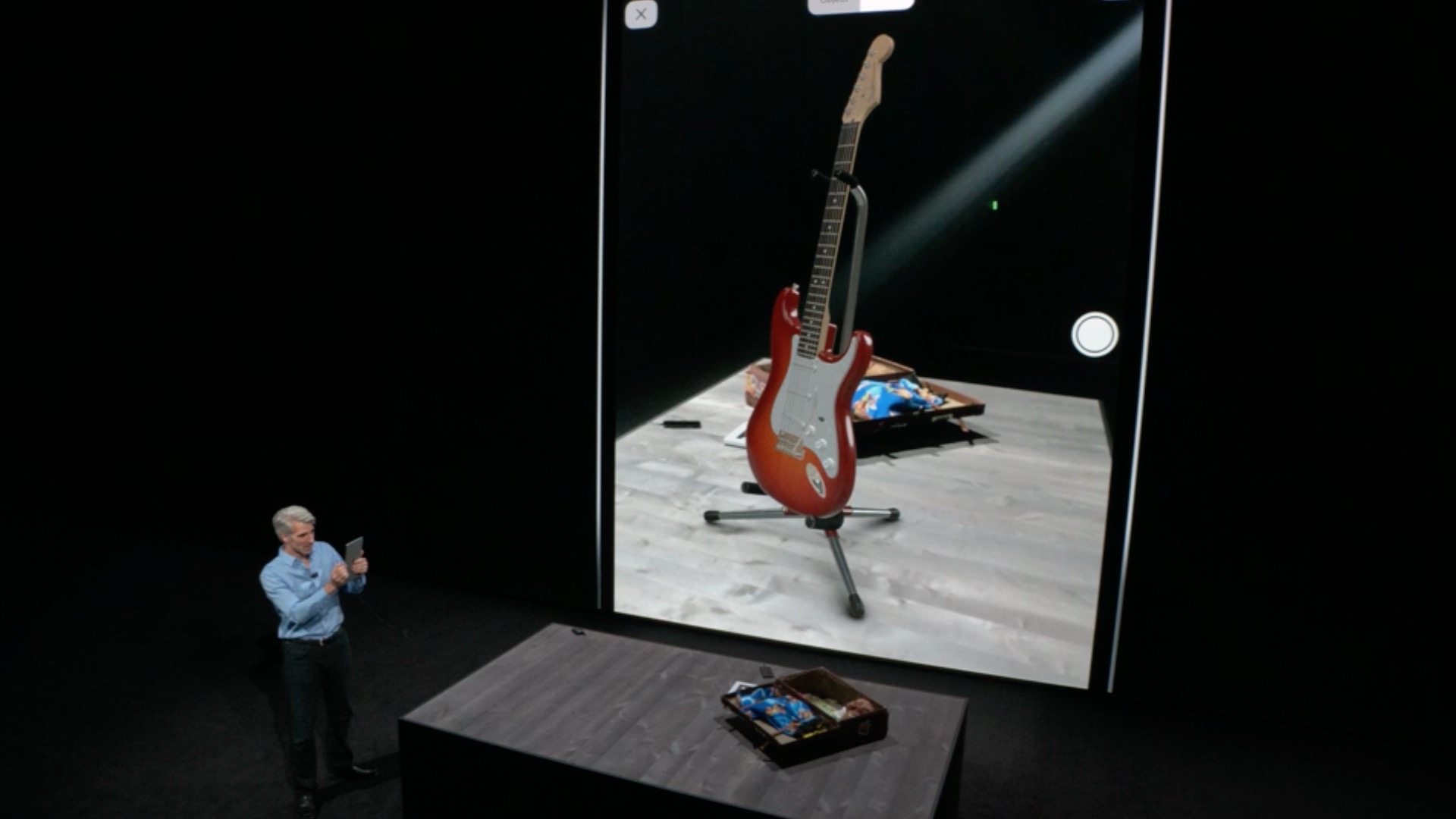
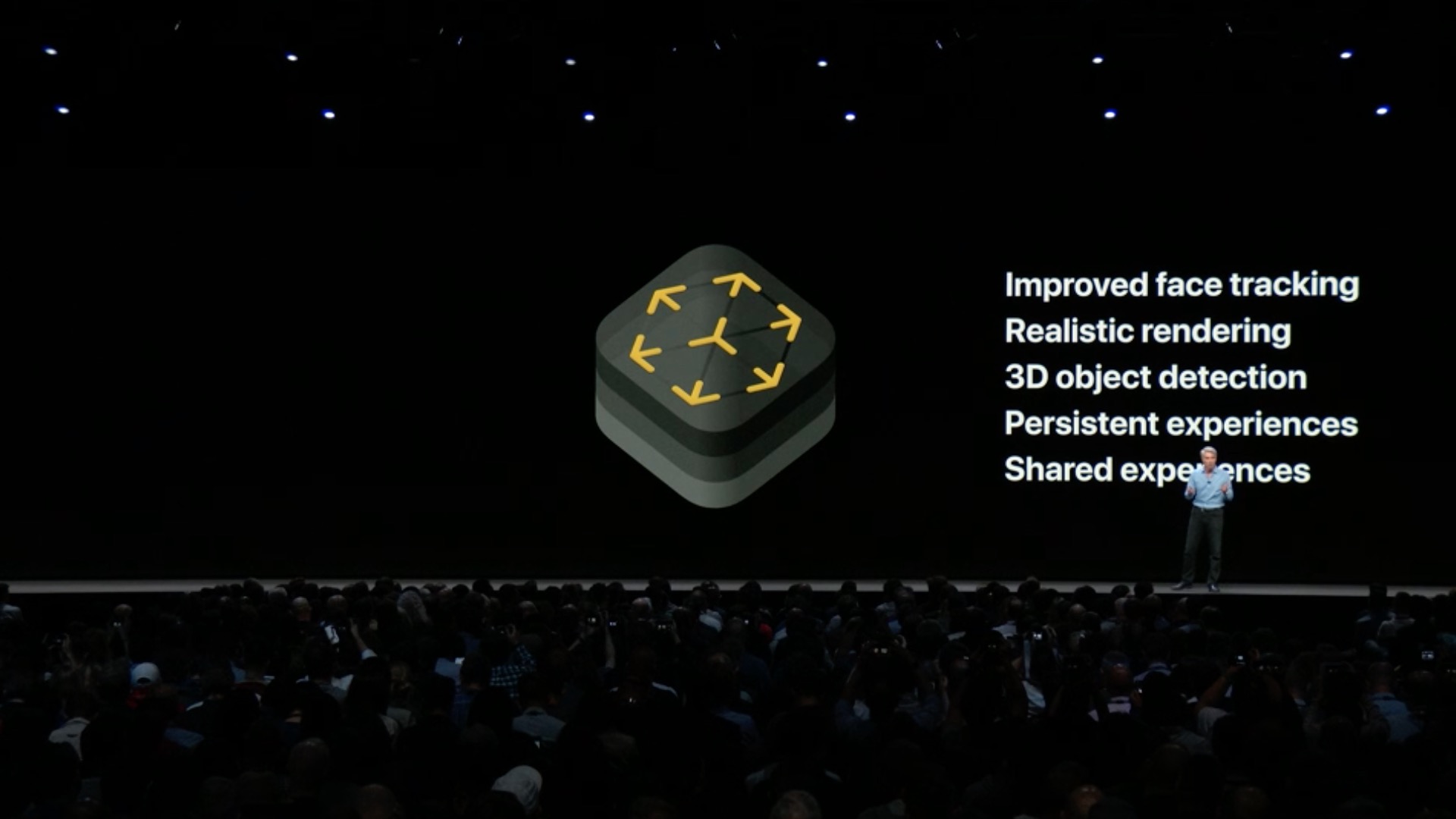
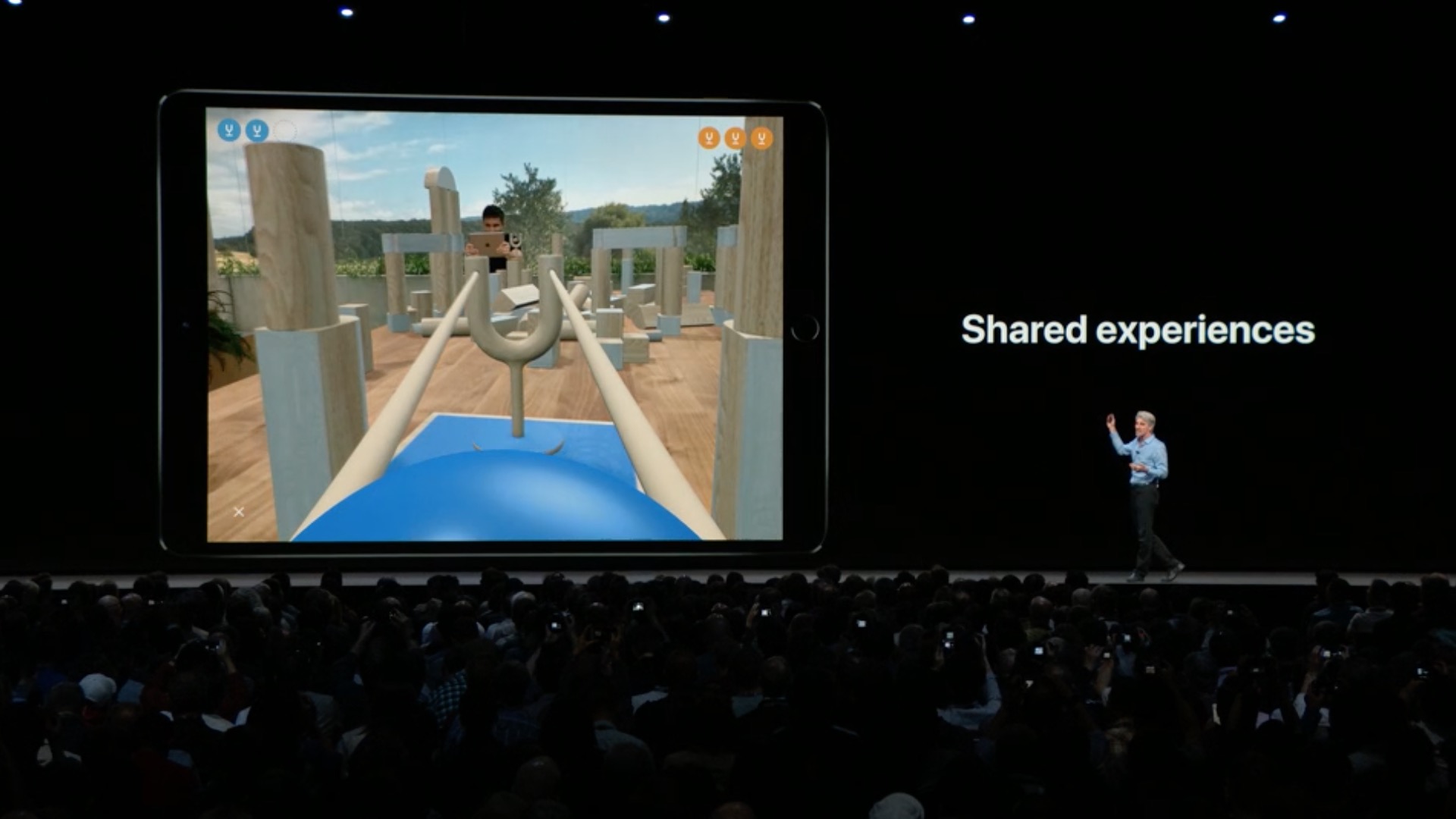
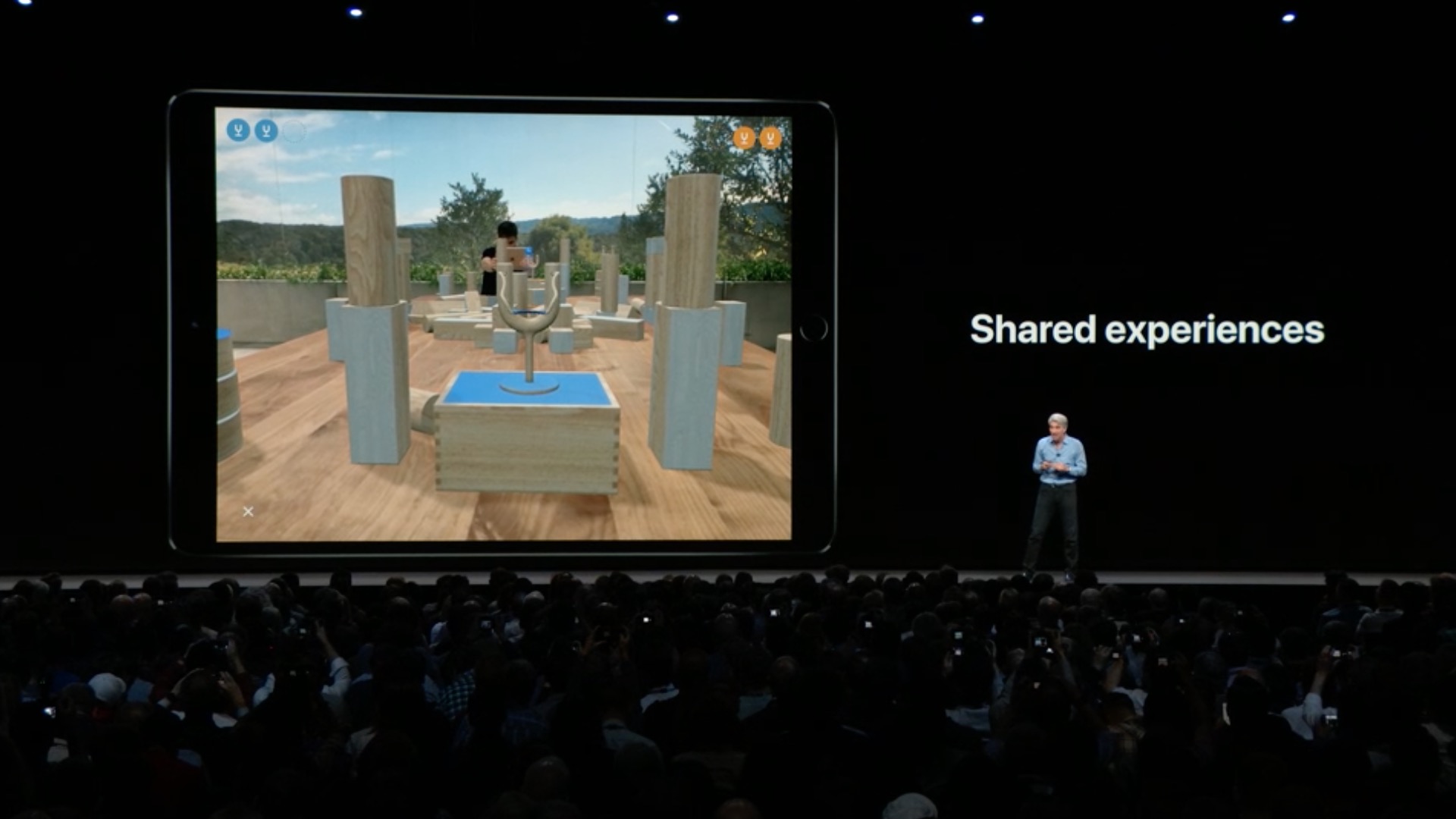
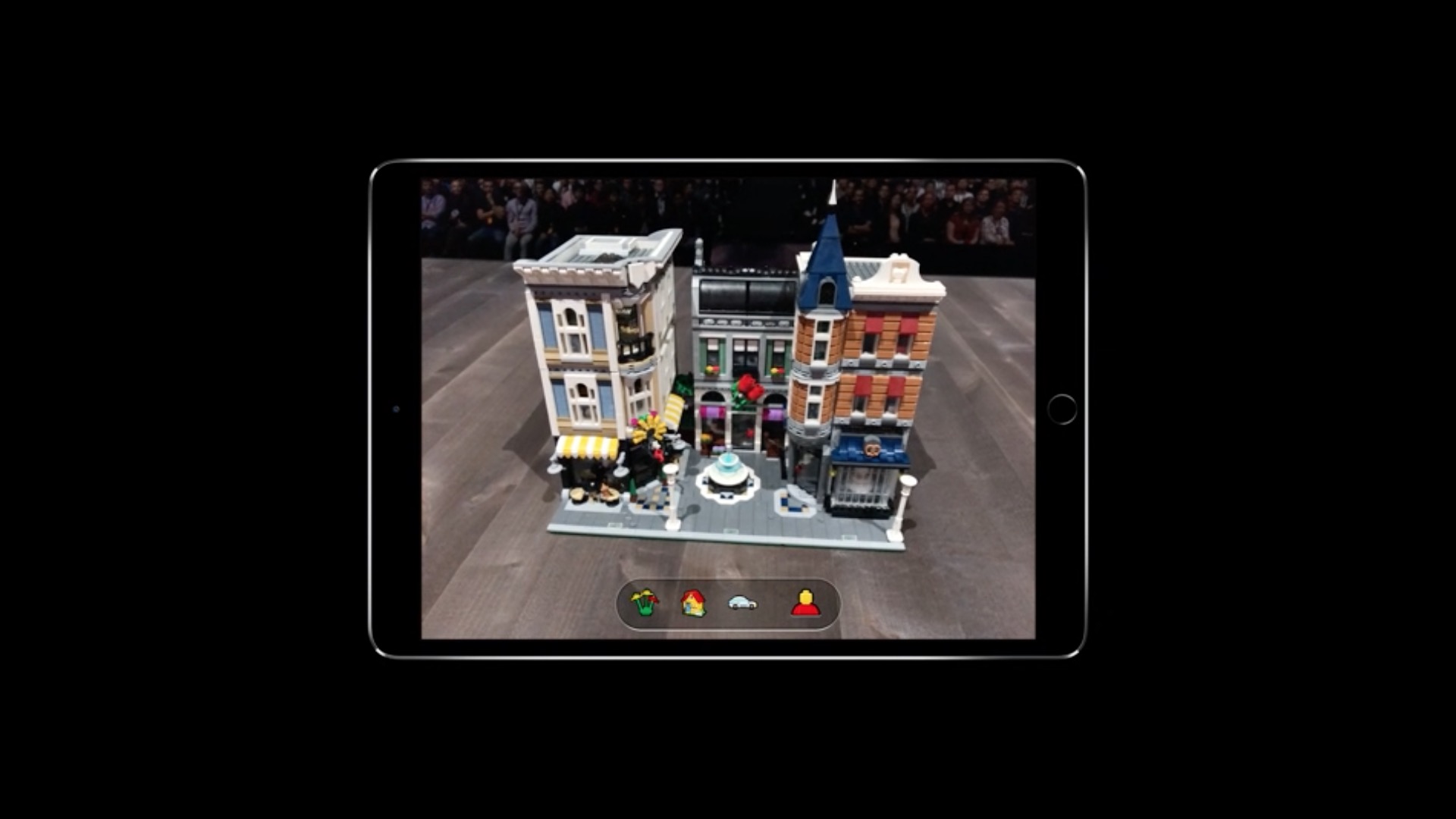
- Shared experiences in ARKitu 2 allows developers to create innovative AR apps that you can enjoy together with friends
- The Persistence feature allows developers to save an environment and reload it in the state you left it in
- Object detection and image tracking provide developers with new tools to recognize real-world objects and track images during motion forstorem
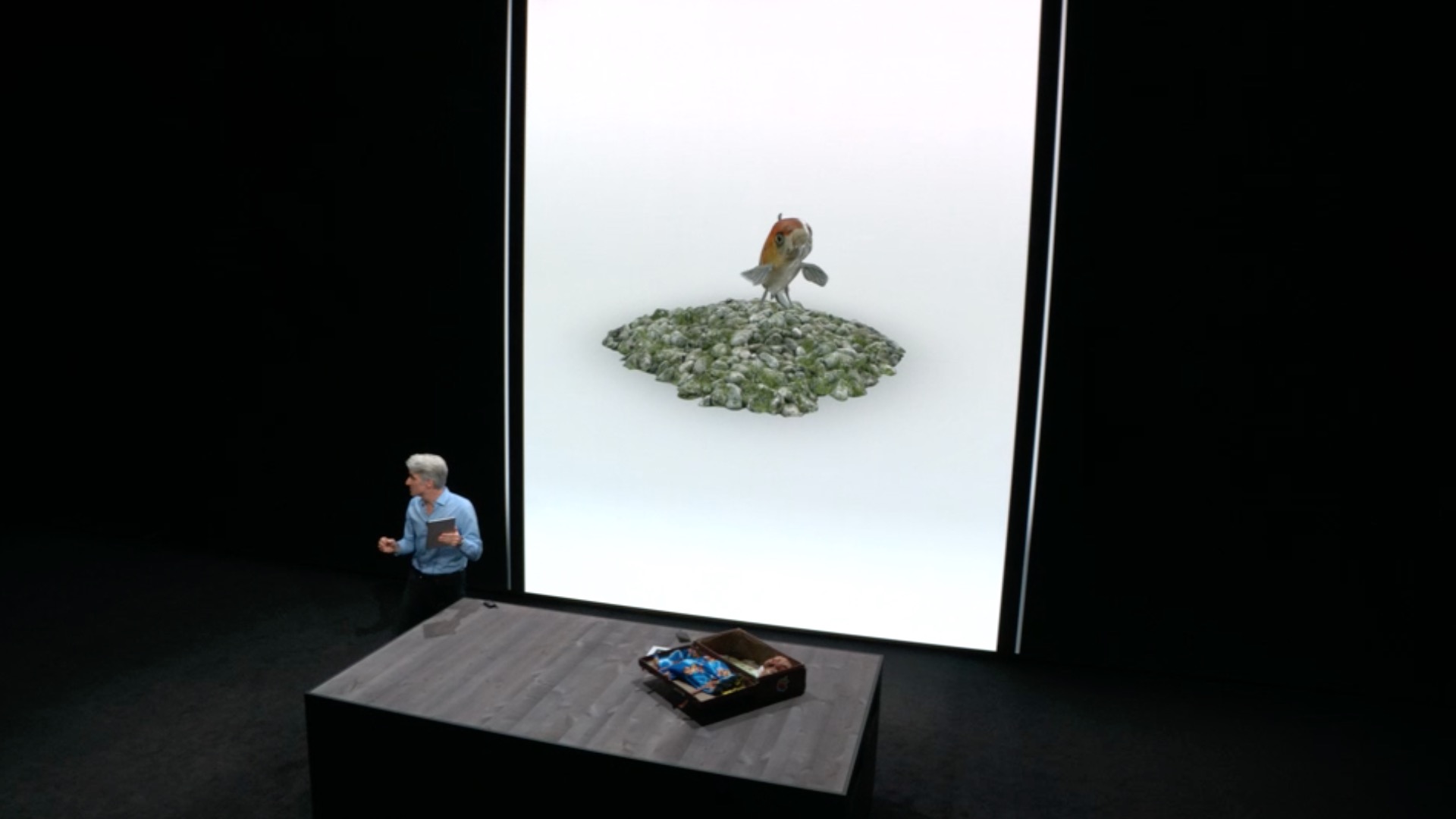
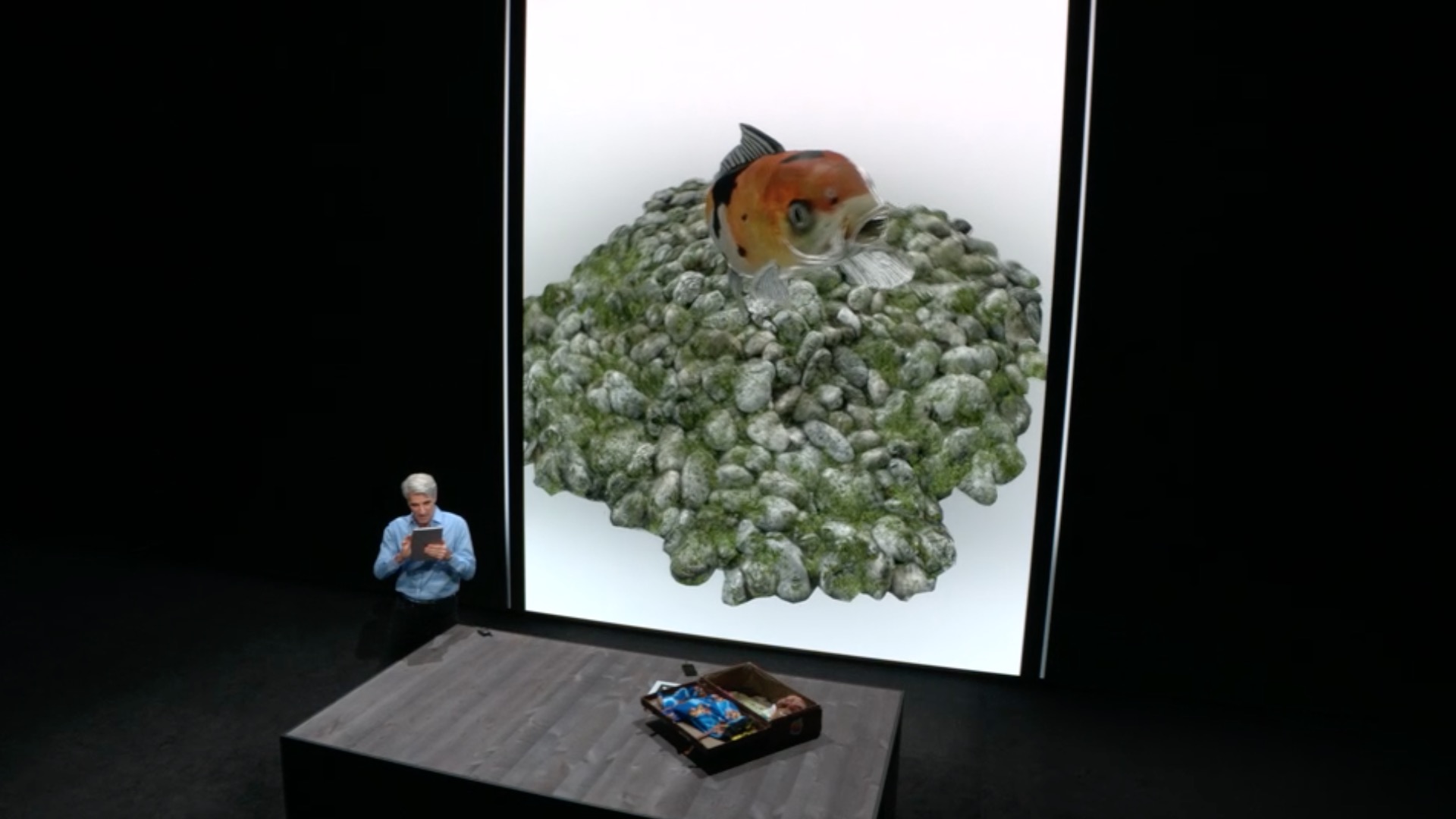
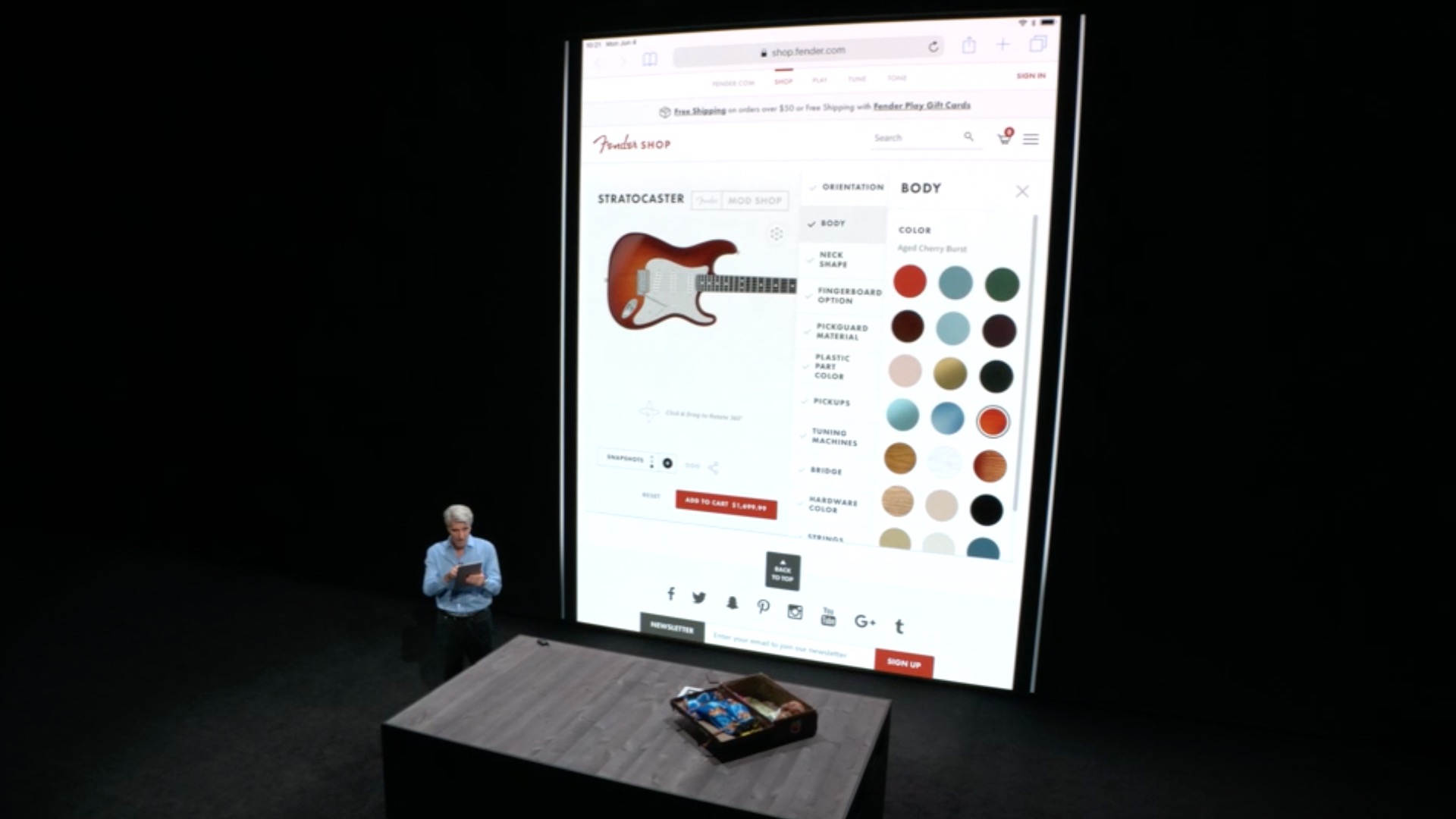
- Quick AR preview brings augmented reality to the whole iOS and allows you to display AR objects in apps like News, Safari and Files and share them with friends via iMessage and Mail
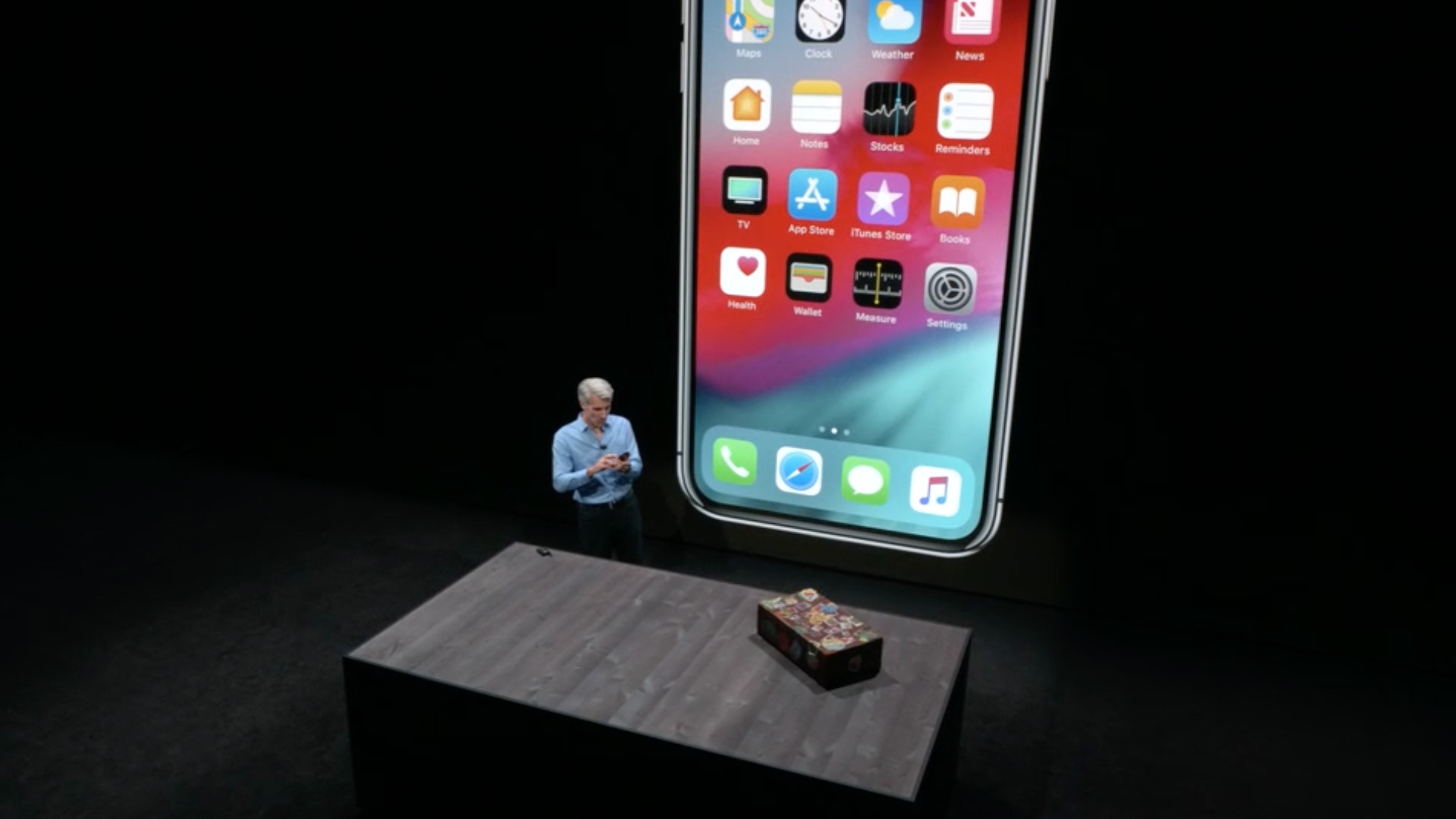
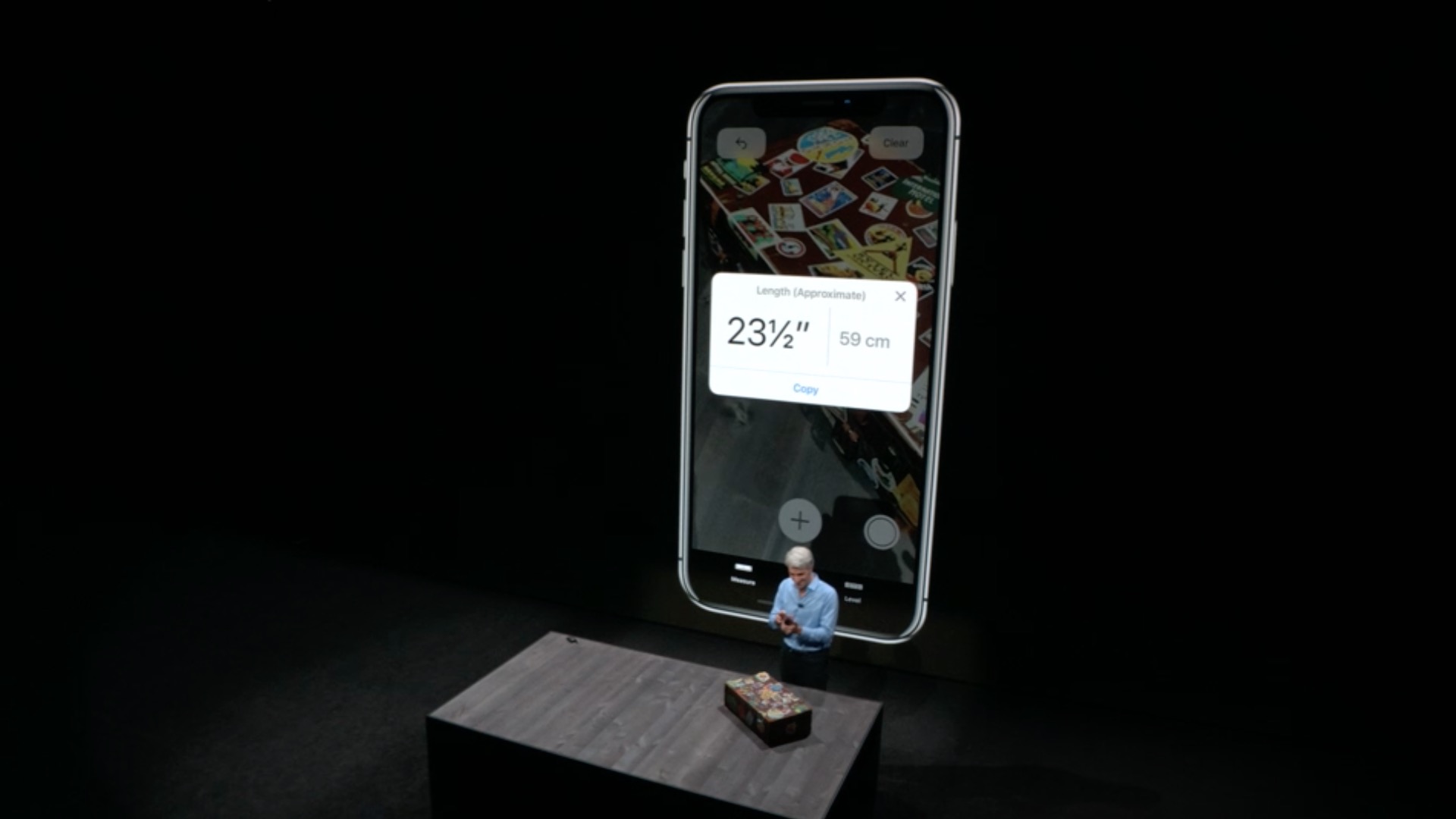
Measurement
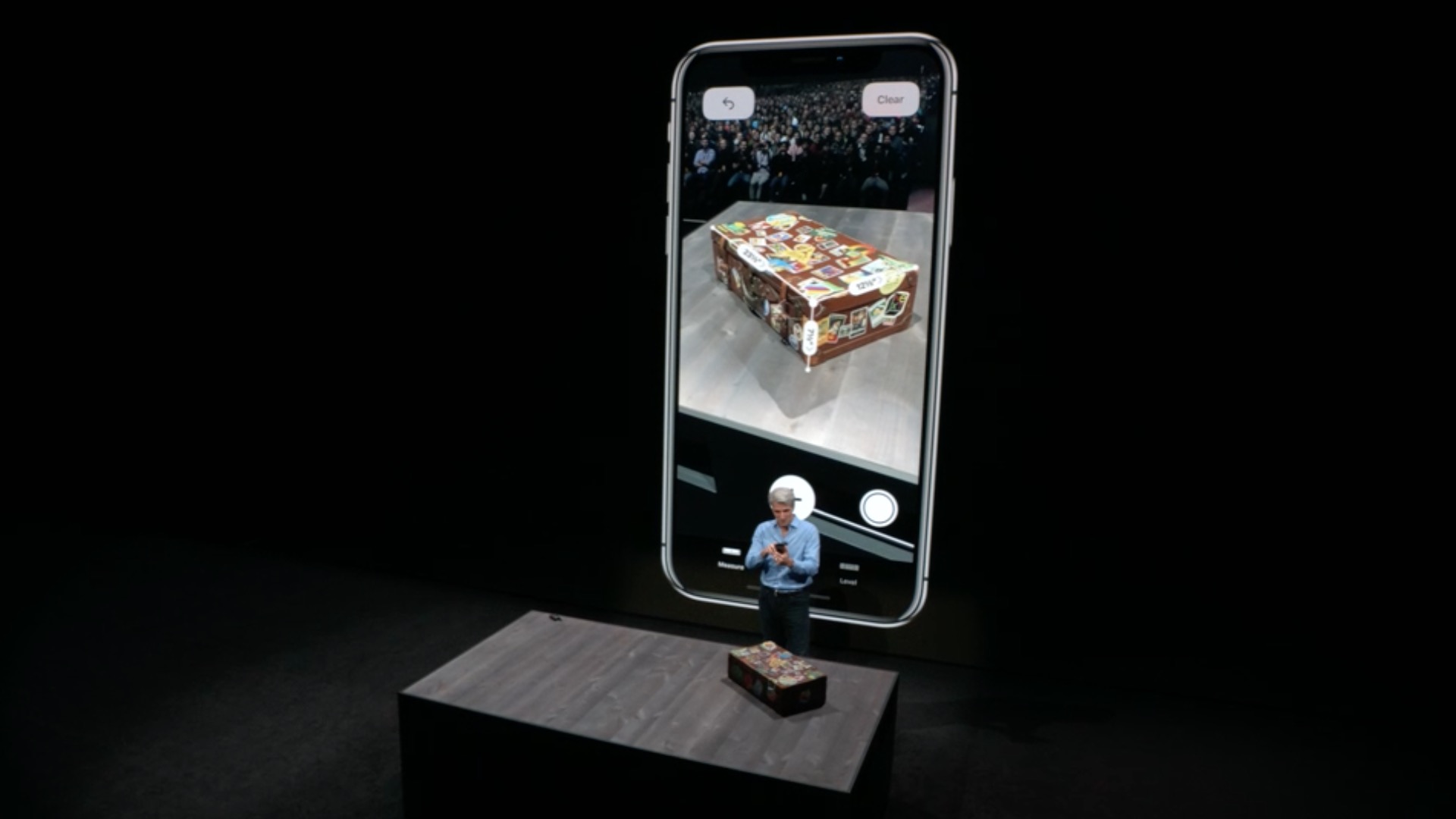
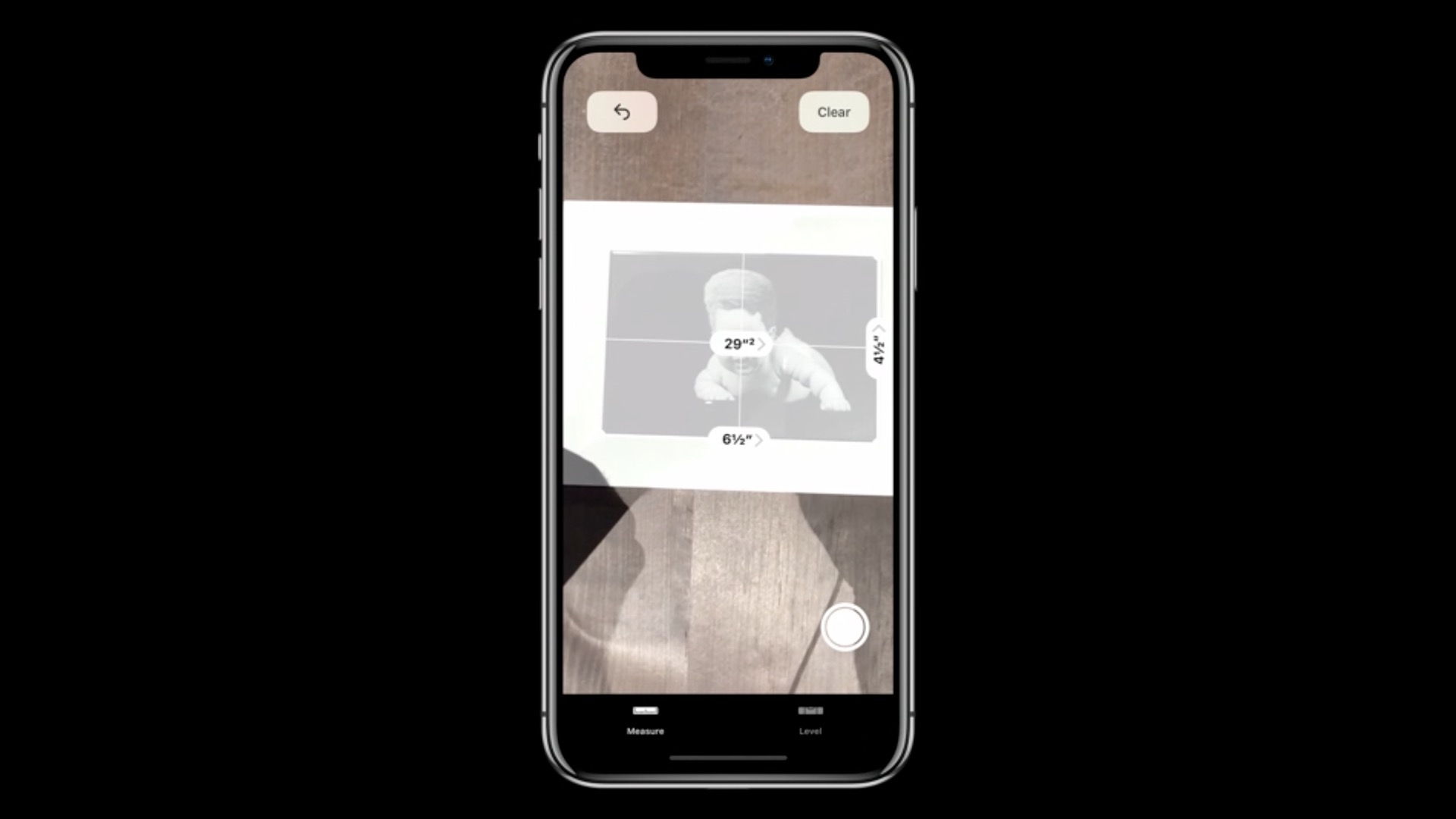
- A new augmented reality application for measuring objects and spaces
- Draw lines on surfaces or in prostoreyou want to measure and tap the line label to view the information
- Rectangular objects are measured automatically
- You can take screenshots of your measurements to share and annotate
Security and privacy
- Advanced Intelligent Tracking Prevention in Safari prevents embedded content and social media buttons from tracking your web browsing without your consent
- Prevention prevents ad targeting – it limits the ability of ad providers to uniquely identify you iOS device
- When creating and changing passwords, you will be prompted in most applications and Safari automatic suggestions for strong and unique passwords
- Repeated passwords are marked in Settings > Passwords and accounts
- Security code auto-fill – One-time security codes sent via SMS will appear as suggestions in the QuickType panel
- Sharing passwords with contacts is possible thanks to AirDropping into the Passwords & Accounts section of Settings is easier than ever before
- Siri supports quick navigation to the password on the logged-in device
Knihy
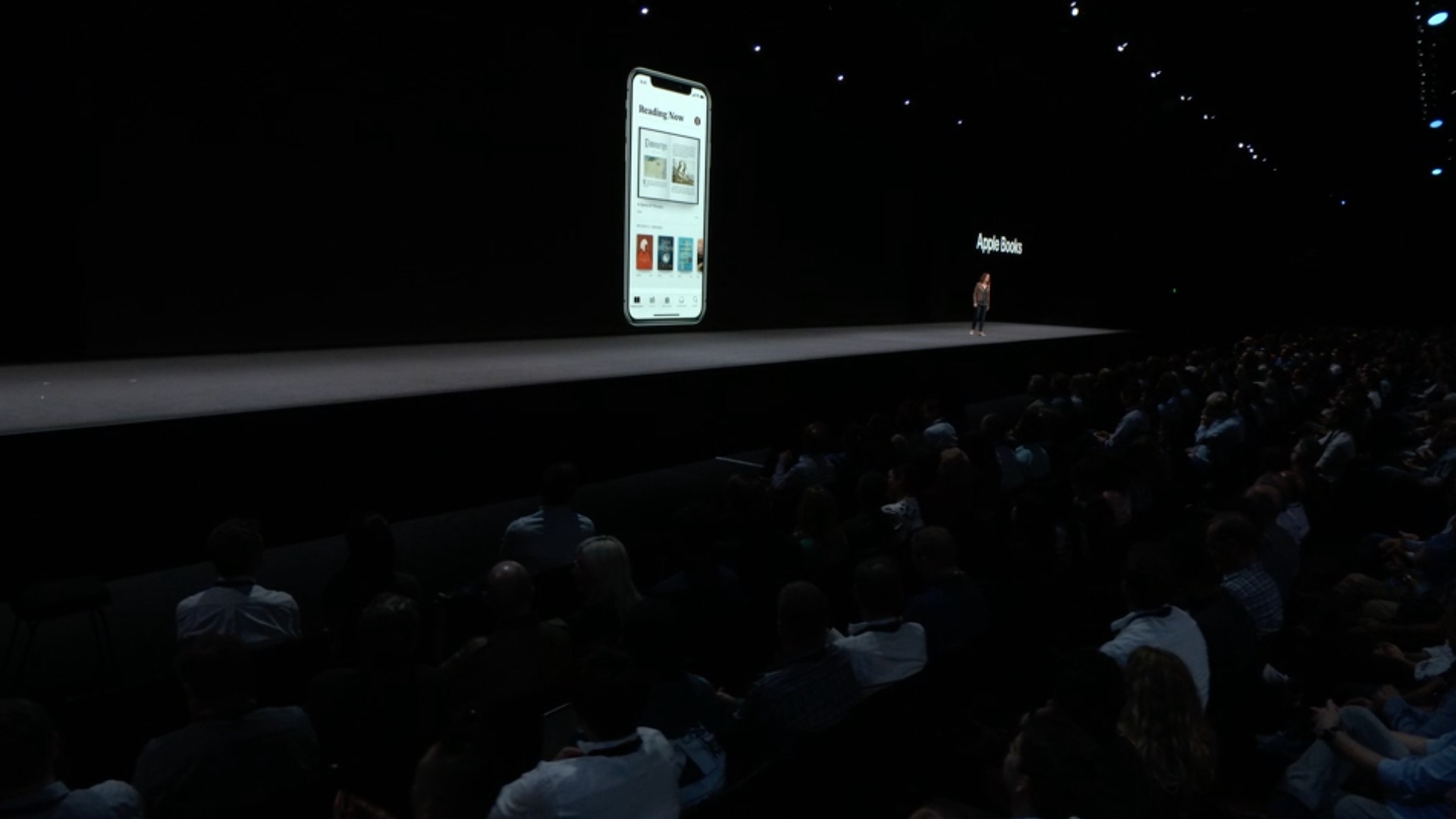
- Thanks to a completely reprogrammed interface, discovering and reading books and audiobooks easy and fun
- The Unread section makes it easy to return to unread books and find books you'd like to read next
- You can add books to the Worth Reading collection that you want to remember when you have nothing to read
- A section of new and popular books in the Bookstore with editors' recommendations Apple Books selected just for you, they will always offer you the next book you love
- New shop Audiobooks helps you find engaging stories and non-fiction read by your favorite authors, actors, and celebrities
Apple Music
- Search now includes lyrics, so you can find your favorite song after typing a few words of lyrics
- Artist pages are clearer and all artists have a personalized music station
- You're sure to love the new Friends Mix - a playlist made of everything your friends are listening to
- New charts show you the top 100 songs from around the world every day
Stocks
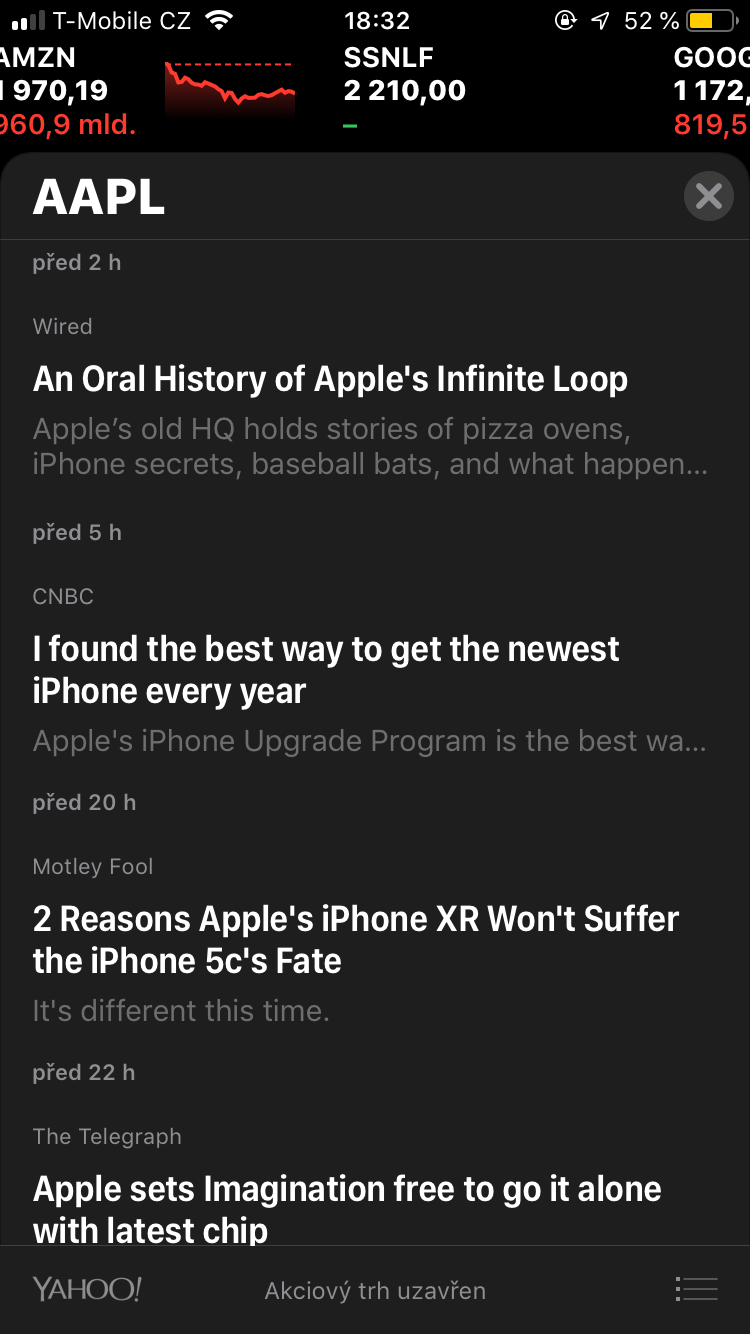
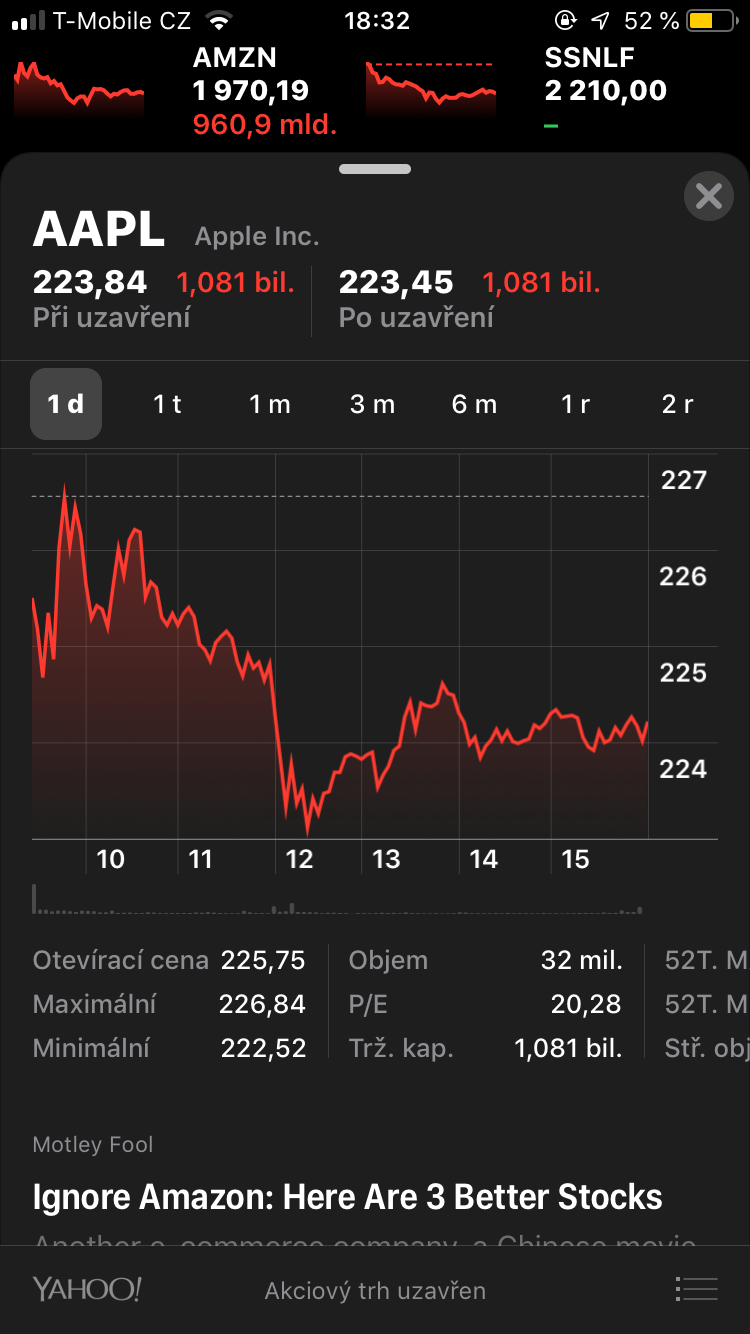
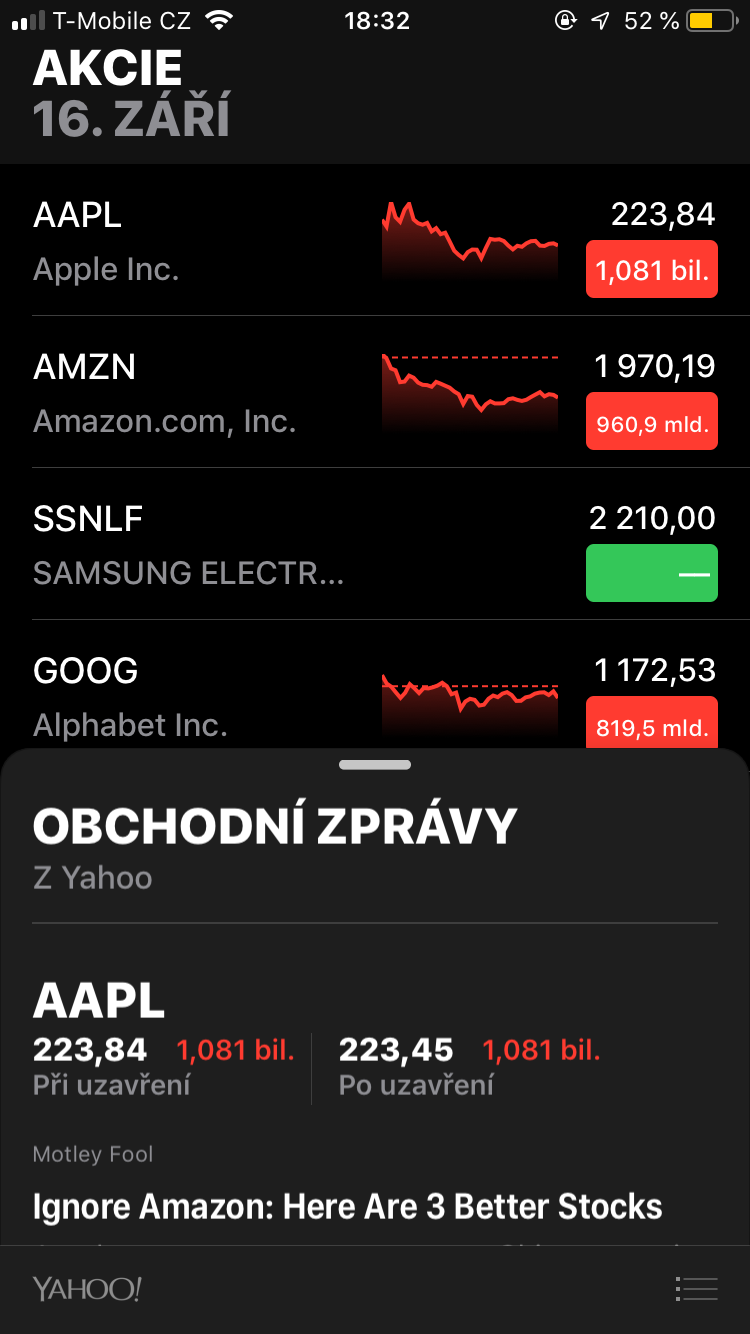
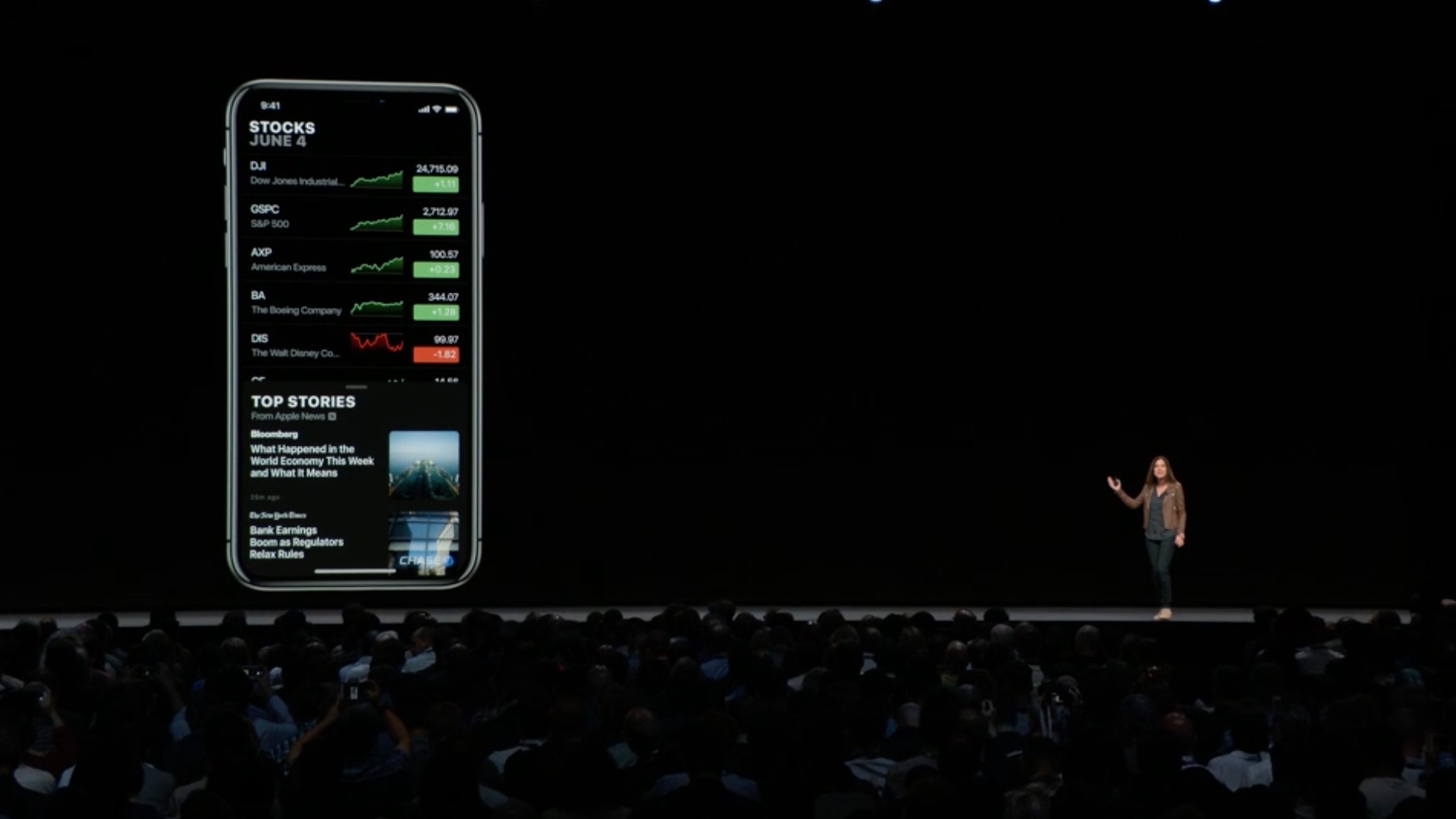
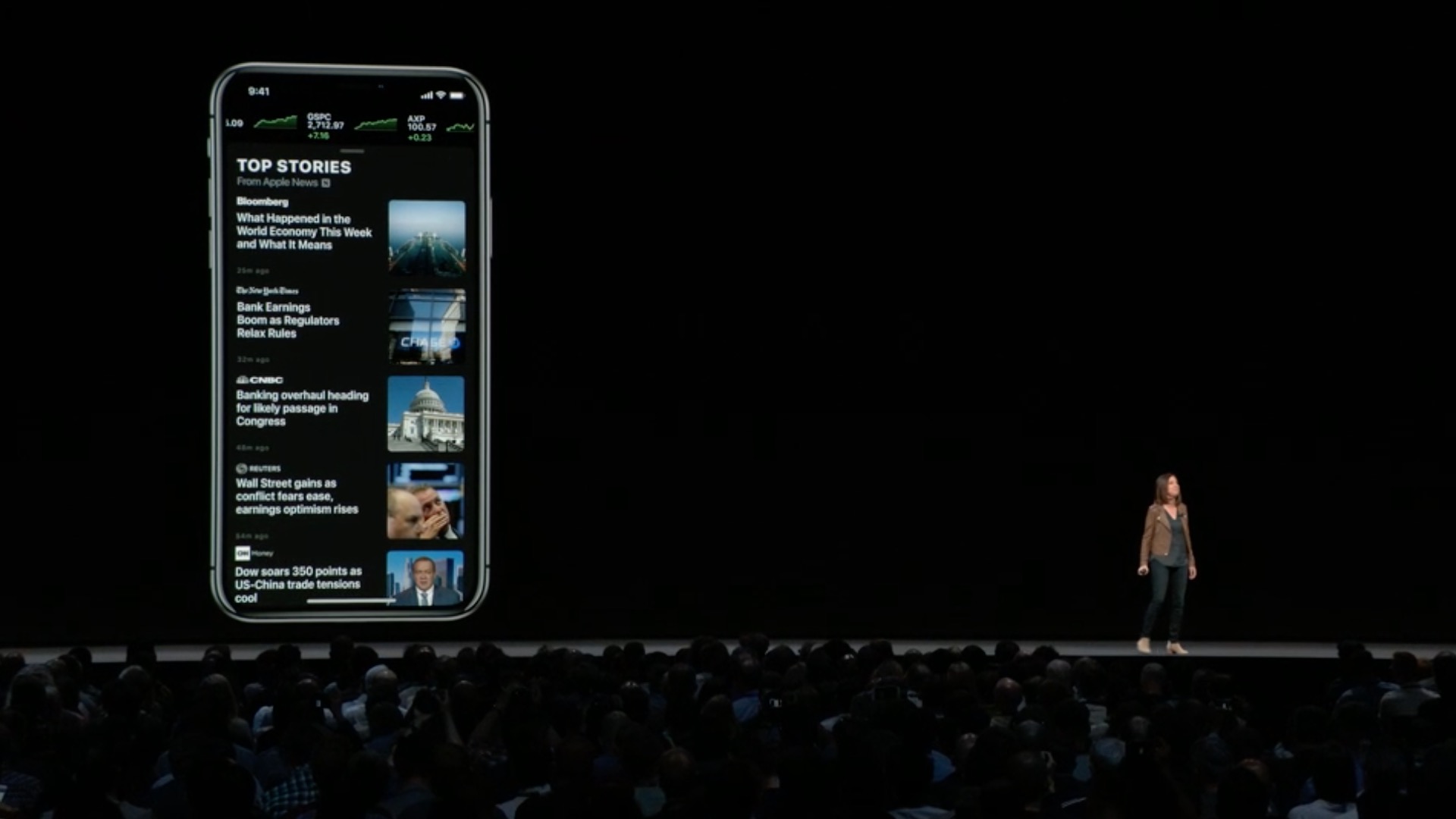
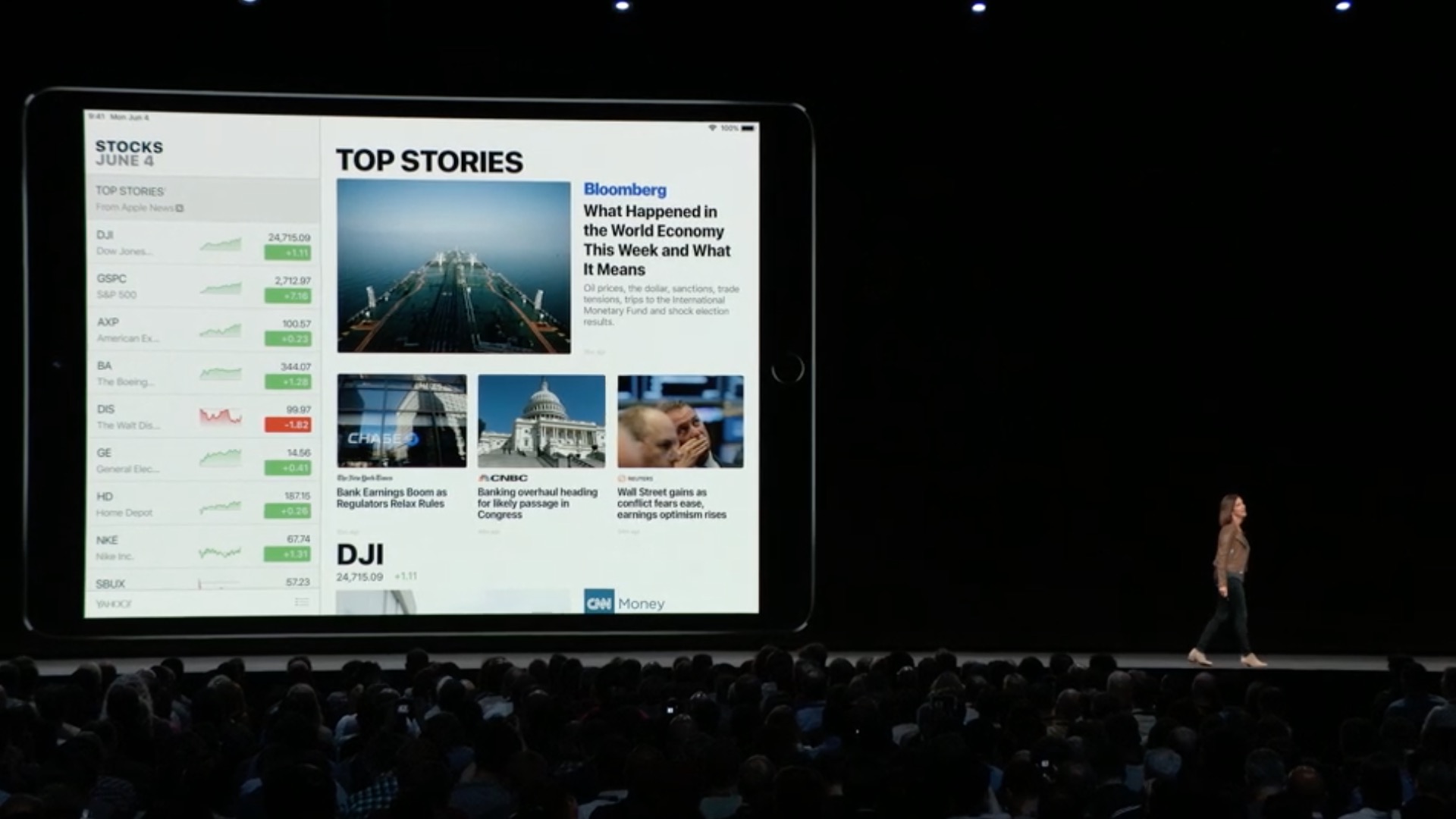
- A brand new look makes it easier for you to view stock quotes, interactive charts and top news on iPhone and iPad
- The list of monitored stocks contains colored minicharts that let you see daily trends at a glance
- For each stock symbol you can notchat View an interactive chart and key details including closing price, traded volume and more
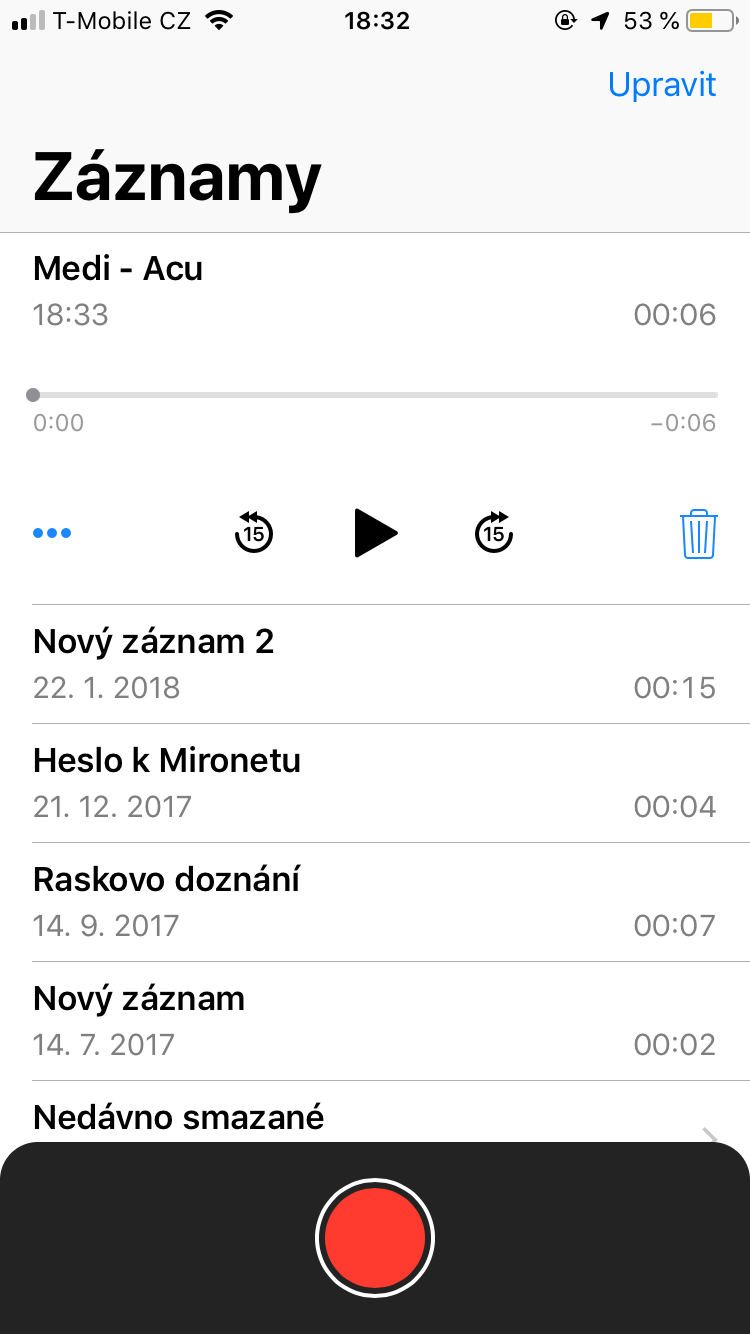
Dictaphone
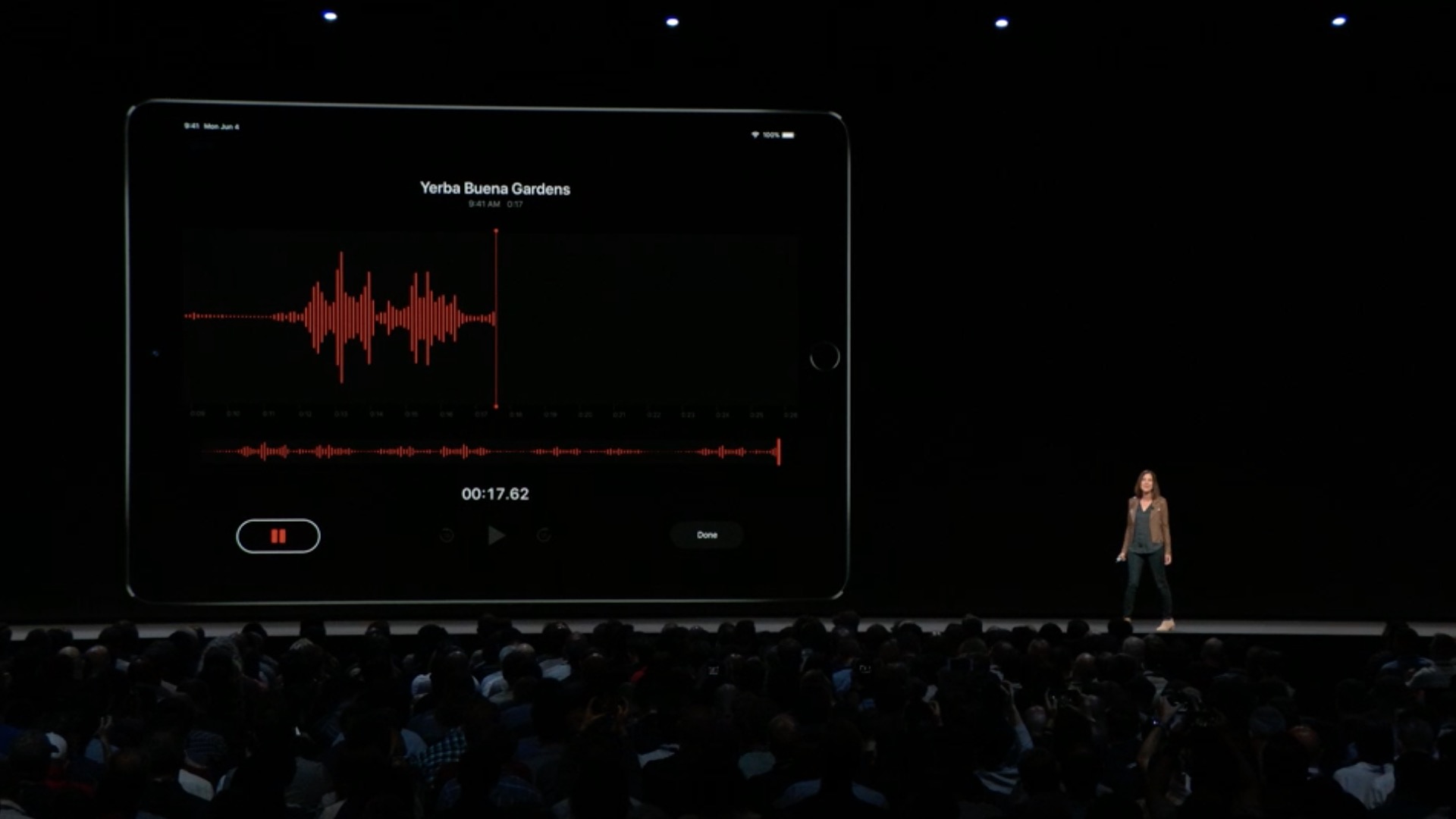
- Completely reprogrammed and easy to use
- Thanks tooCloudyour recordings and edits are synchronized across all your devices
- It is available on the iPad and supports both portrait and landscape views
Podcasts
- Now with chapter support in shows that contain chapters
- Use the forward and back buttons in your car or on your headphones to skip 30 seconds or to the next chapter
- You can easily set notifications for new episodes on the Now Playing screen
Disclosure
- Live listening now offers you clearer sound on AirFloors
- RTT phone calls are now working with AT&T
- The Speak Selection feature supports reading selected text aloud Siri
Additional features and improvements
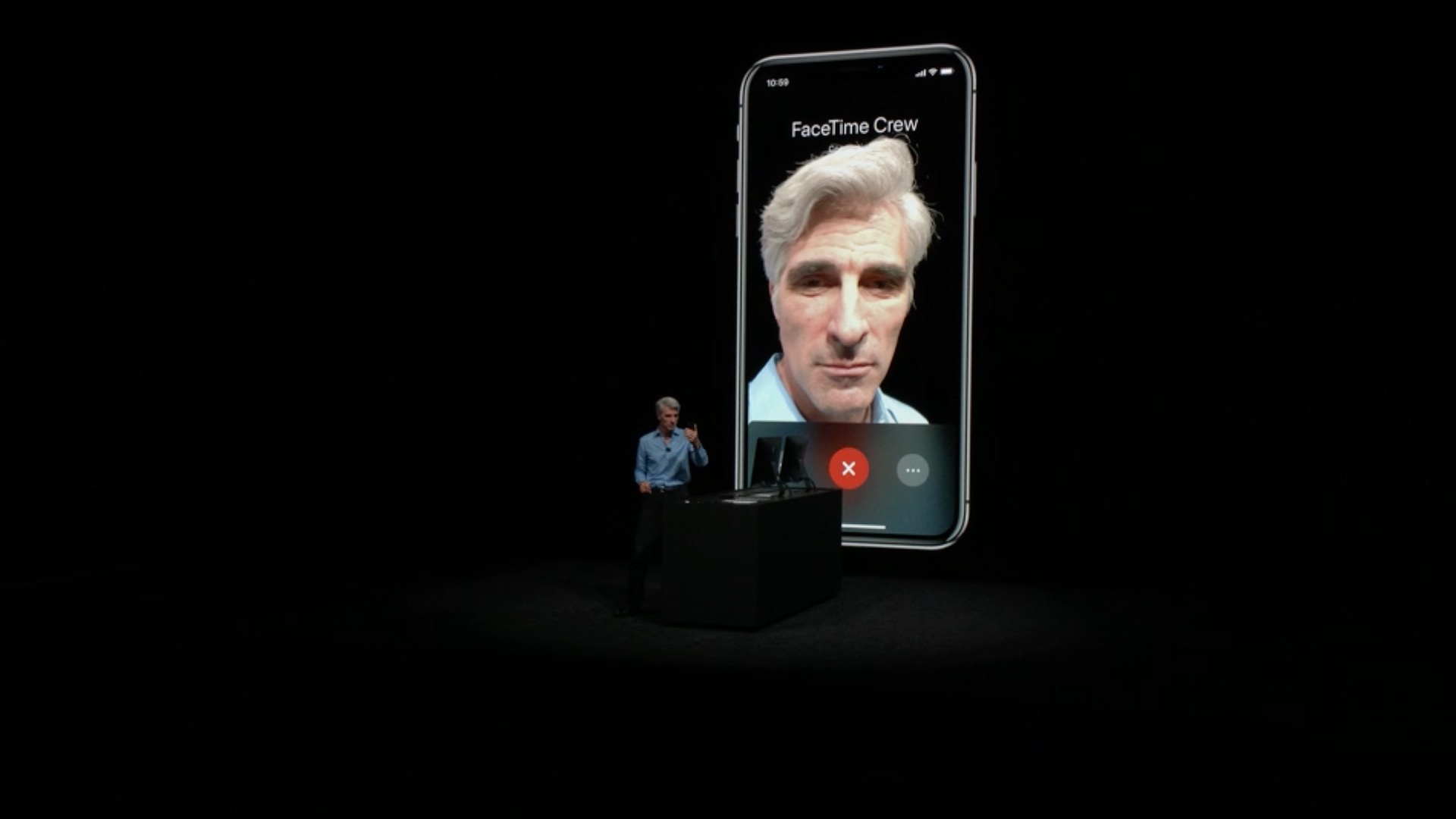
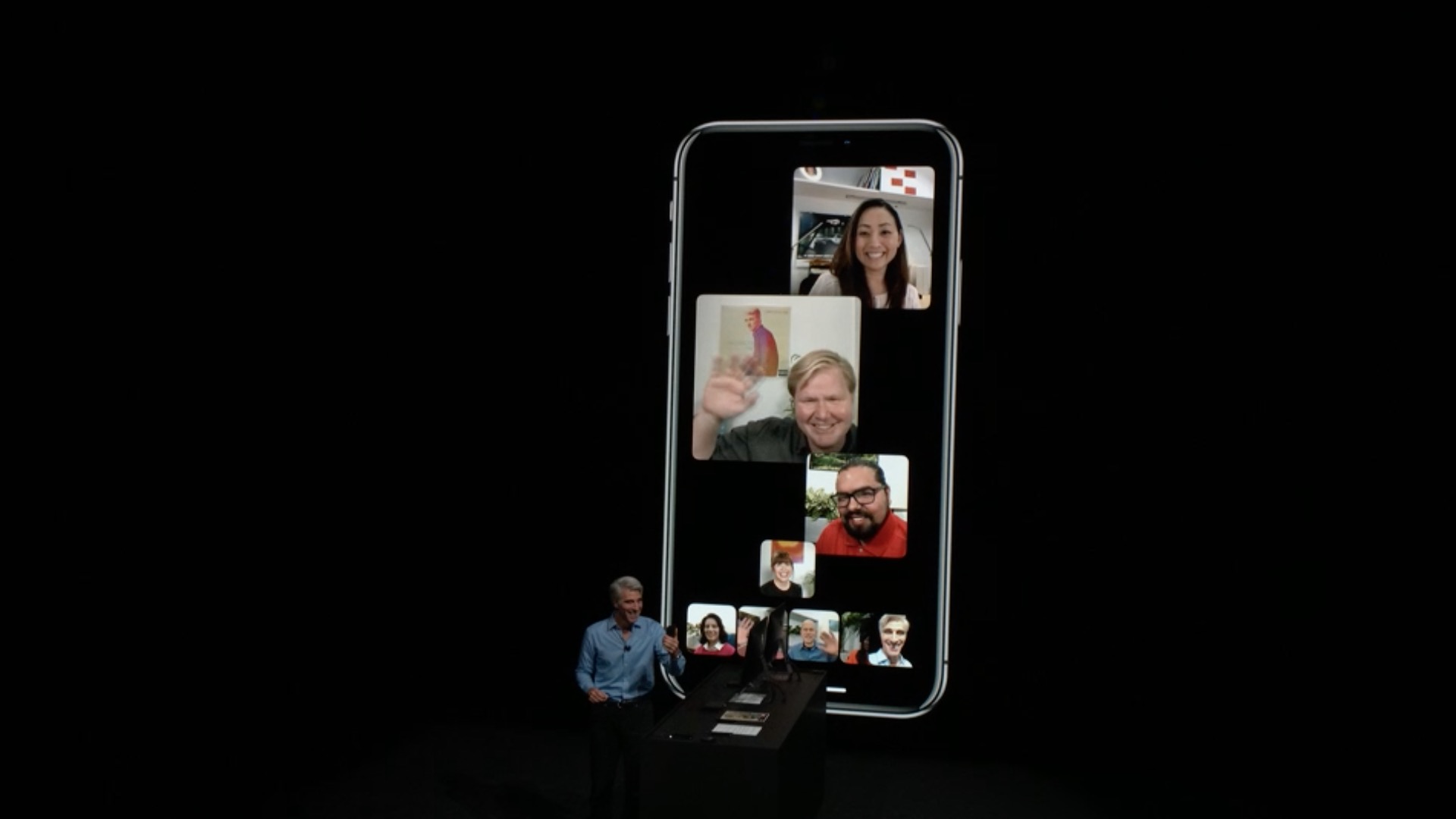
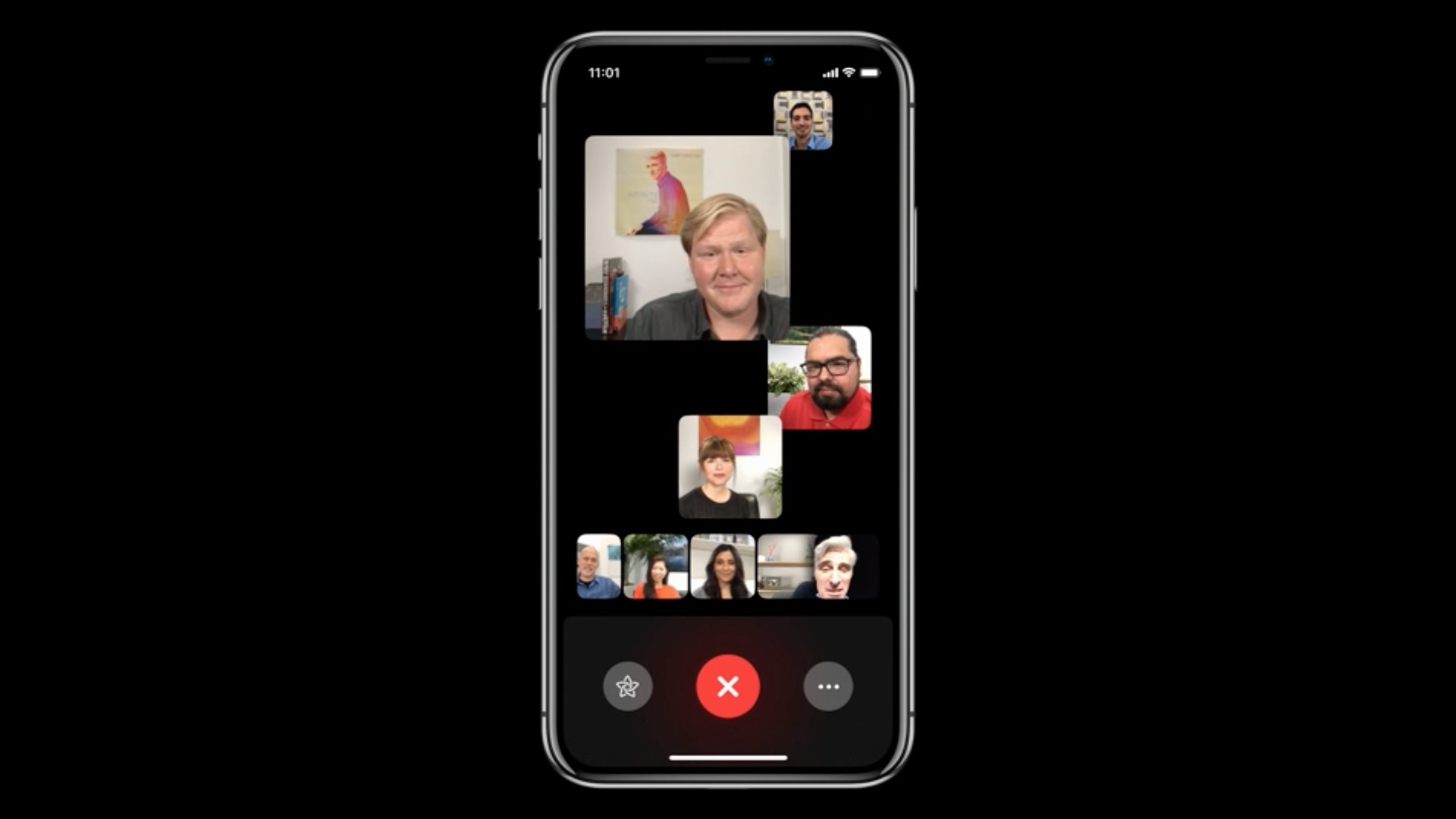
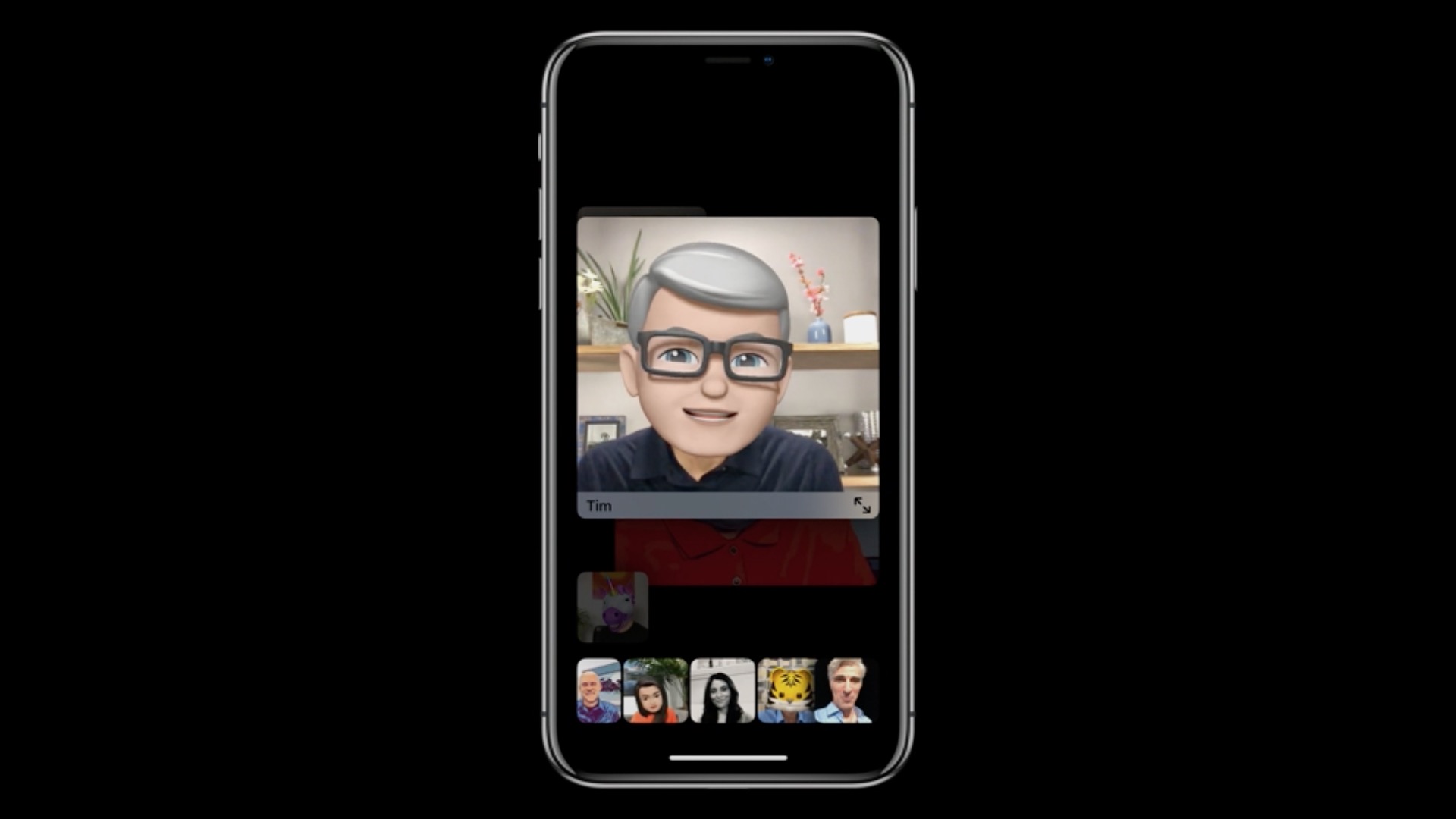
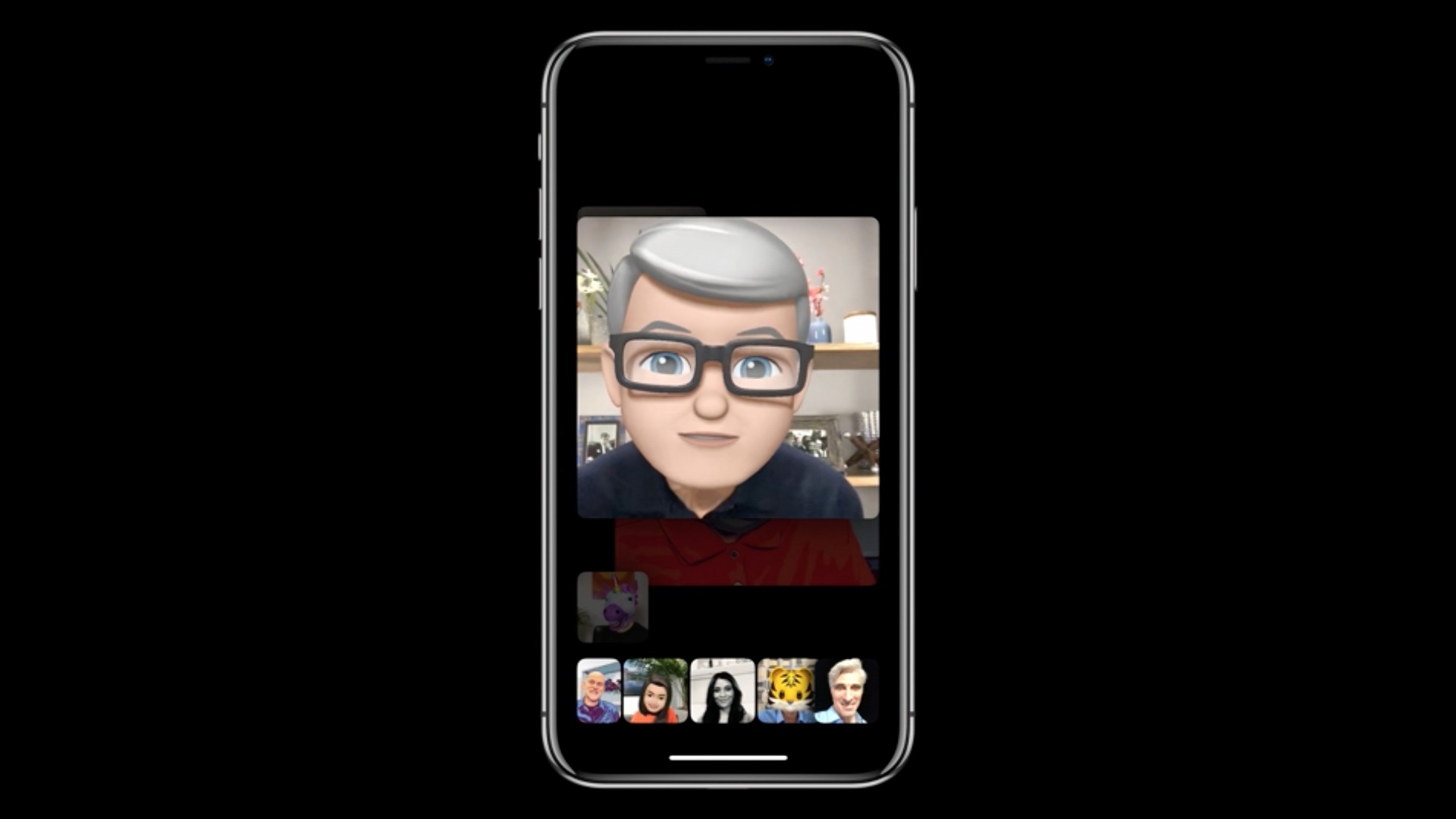
- FaceTim camera effects change your look in real time
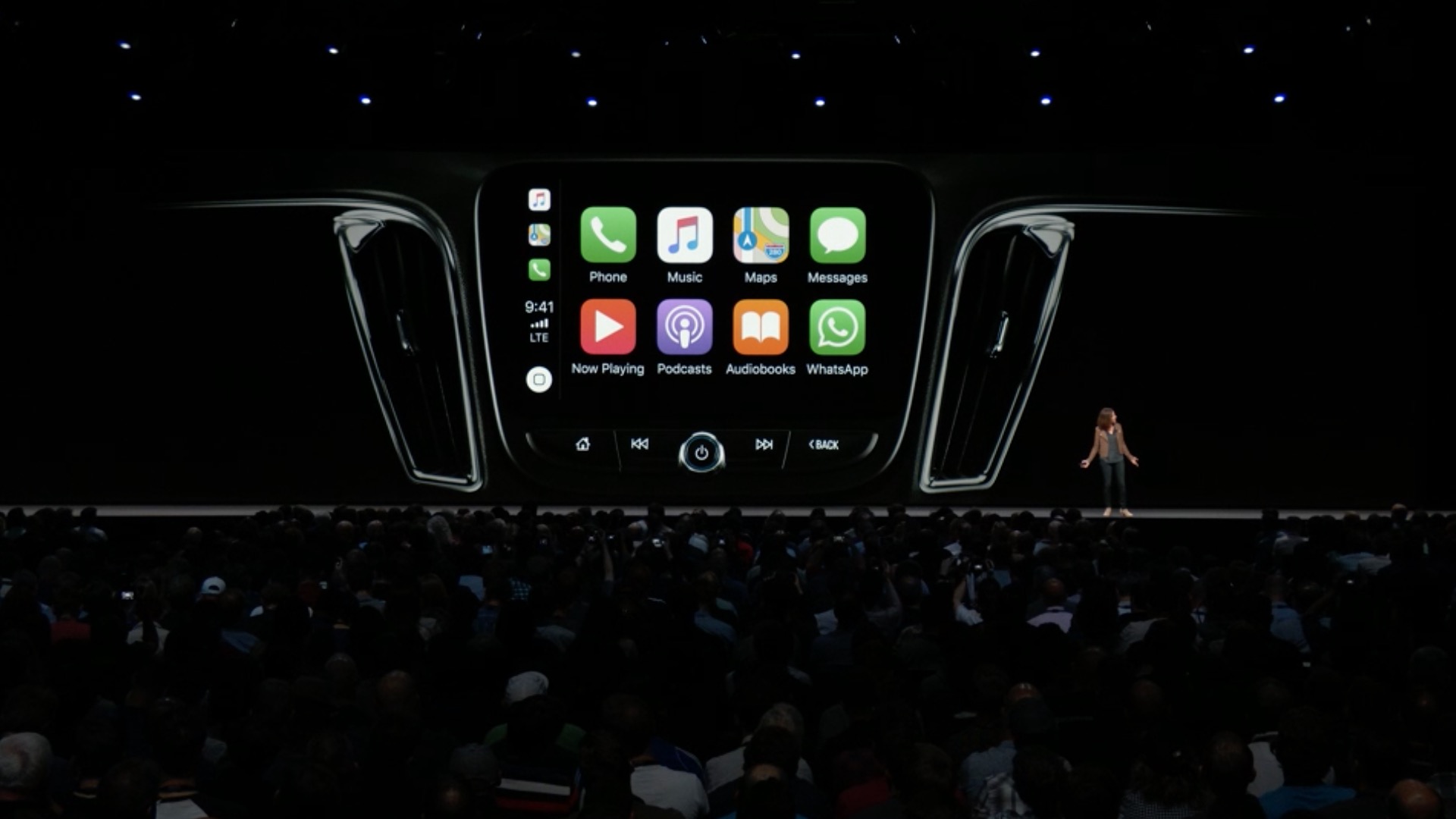
- CarPlay adds support for navigation applications from independent developers
- On supported university campuses, you can use contactless student ID cards in Walletuk access to buildings and payments with Apple Pay
- On your iPad, go to Settings > Safari you can enable the display of website icons on panels
- The Weather app offers in supported regionsoneair quality index information
- You can return to the home screen on iPad by swiping up from the bottom of the screen
- Swipe down from the top-right corner to display the Control Center on your iPad
- Annotations contain a palette of additional colors and options to change the thickness and opacity of the lines in each tool
- The battery usage graph in Settings now shows usage over the last 24 hours or 10 days, and tap on the app bar to see usage for the selected period
- On devices without 3D Touch, you can touch and hold the spacebar to turn the keyboard into trackpad
- Maps adds support for indoor maps of airports and malls in China
- An explanatory dictionary for Hebrew and a bilingual Arabic-English and Hindi-English dictionary have been added
- The system includes a new English thesaurus
- Automatic software updates allow you to install updates iOS automatically overnight
Although it may have looked completely different at first, there is news in iOS 12 are more than enough, even though they are less prominent than last year. However, many of them are really very useful and will take the use of iPhones, iPads and iPods a step further.
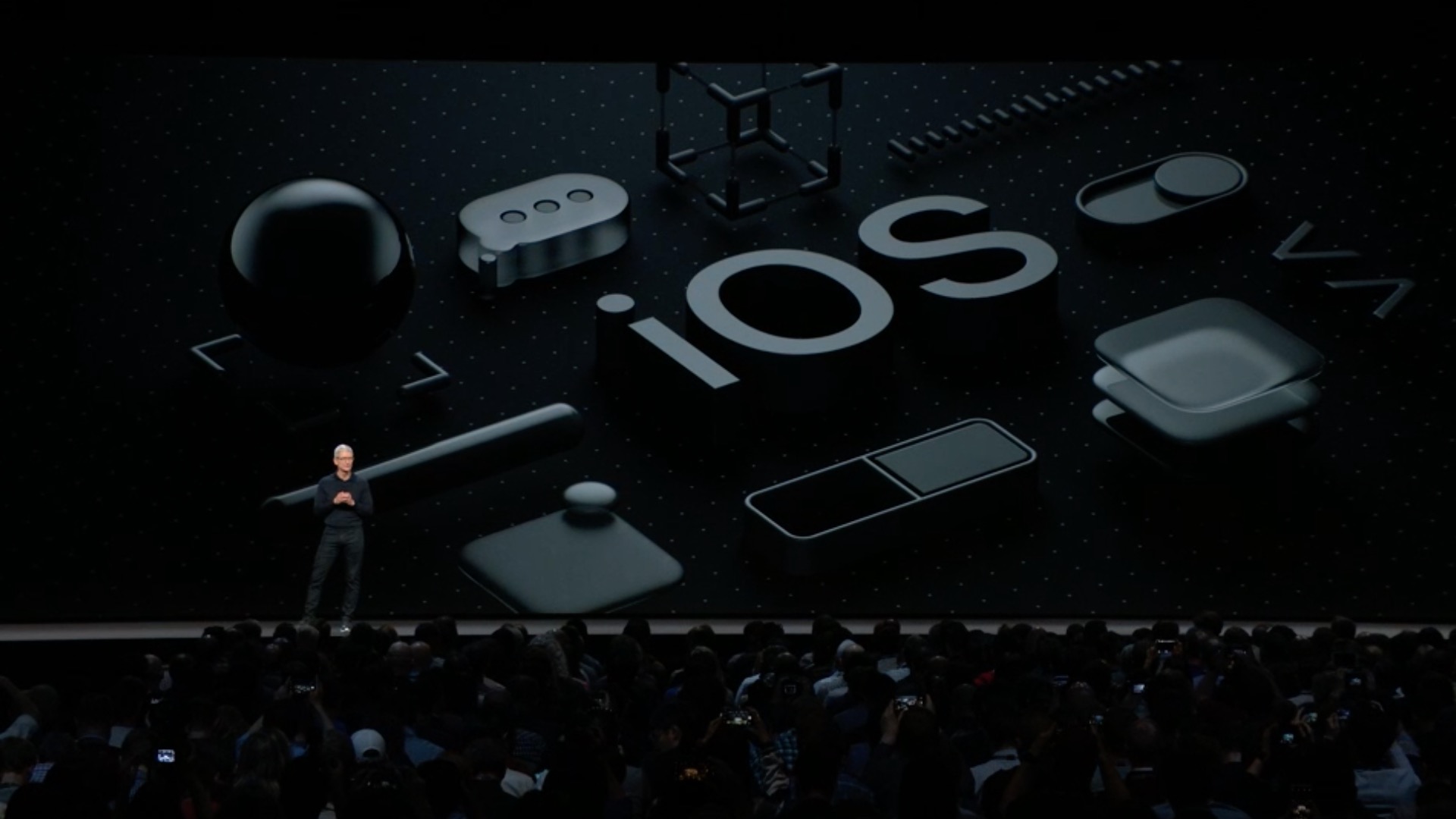
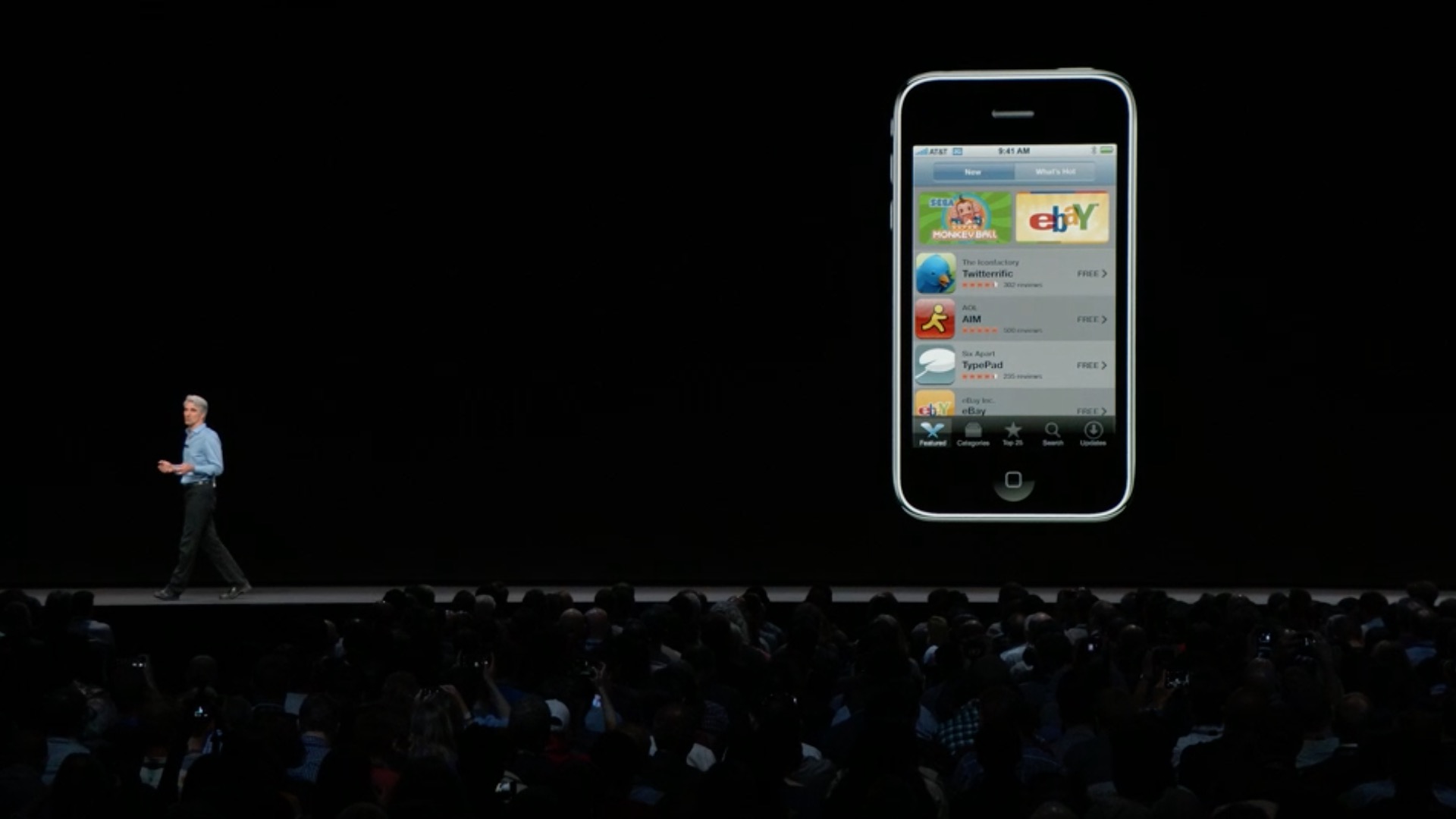
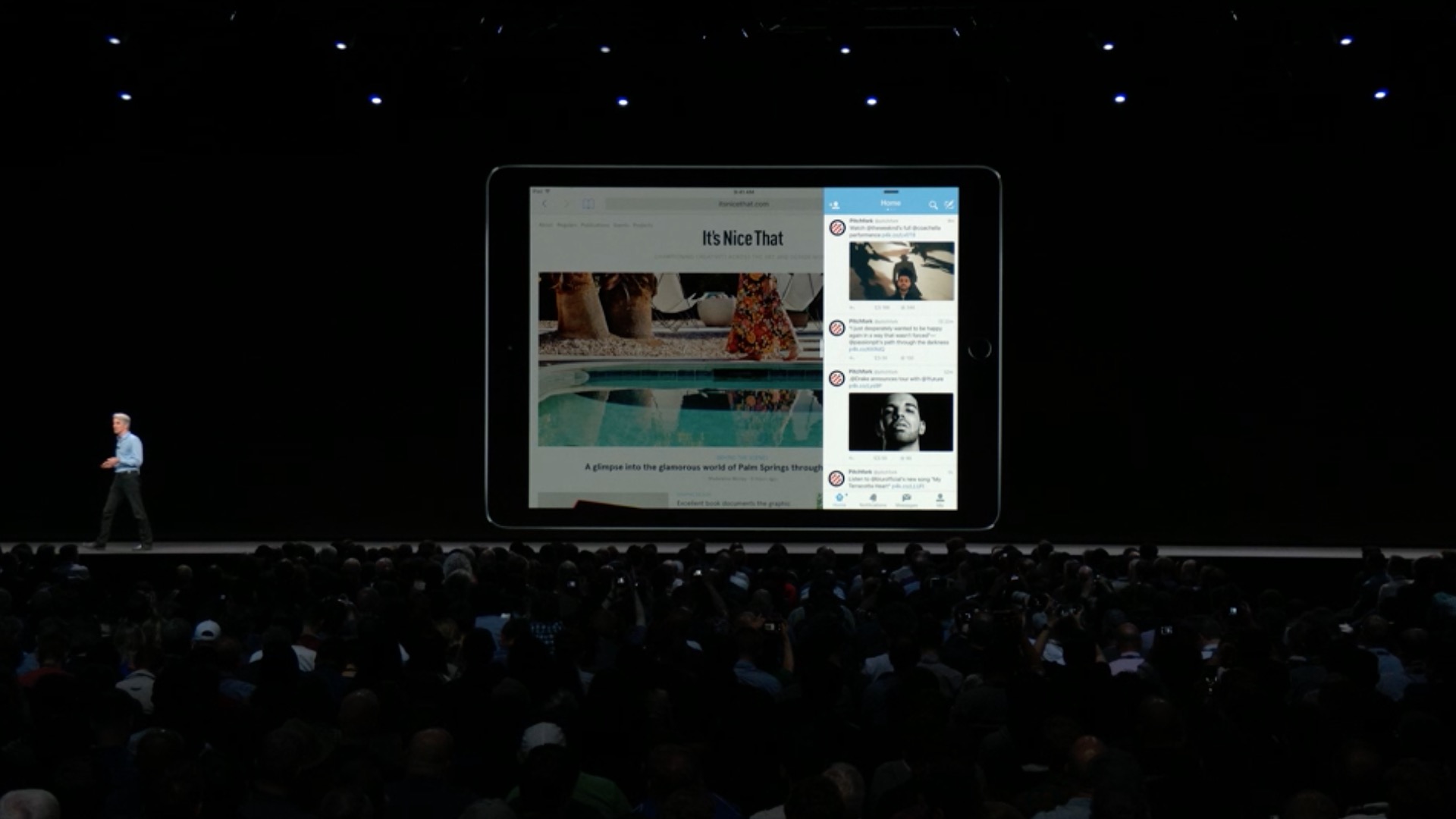
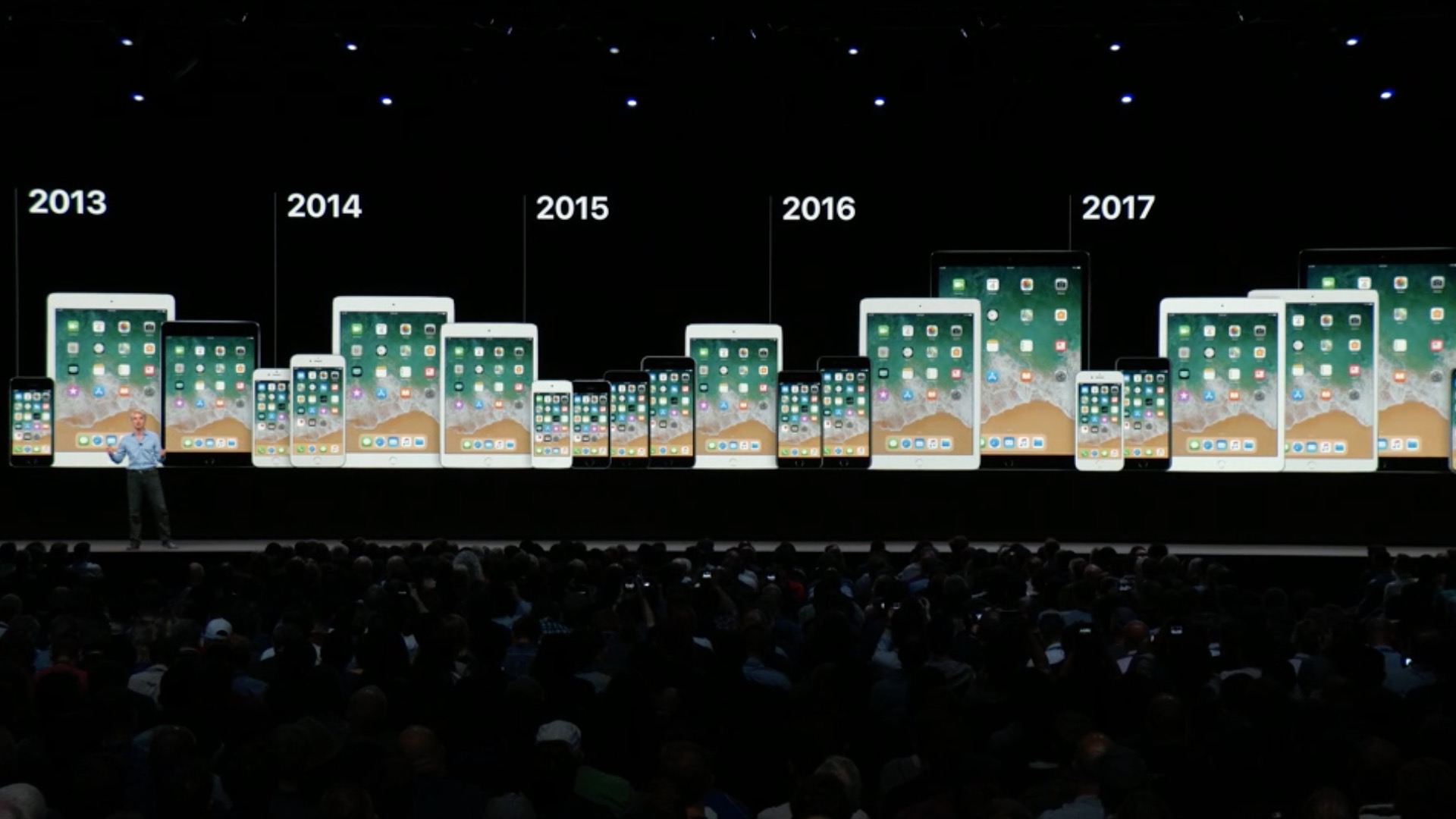
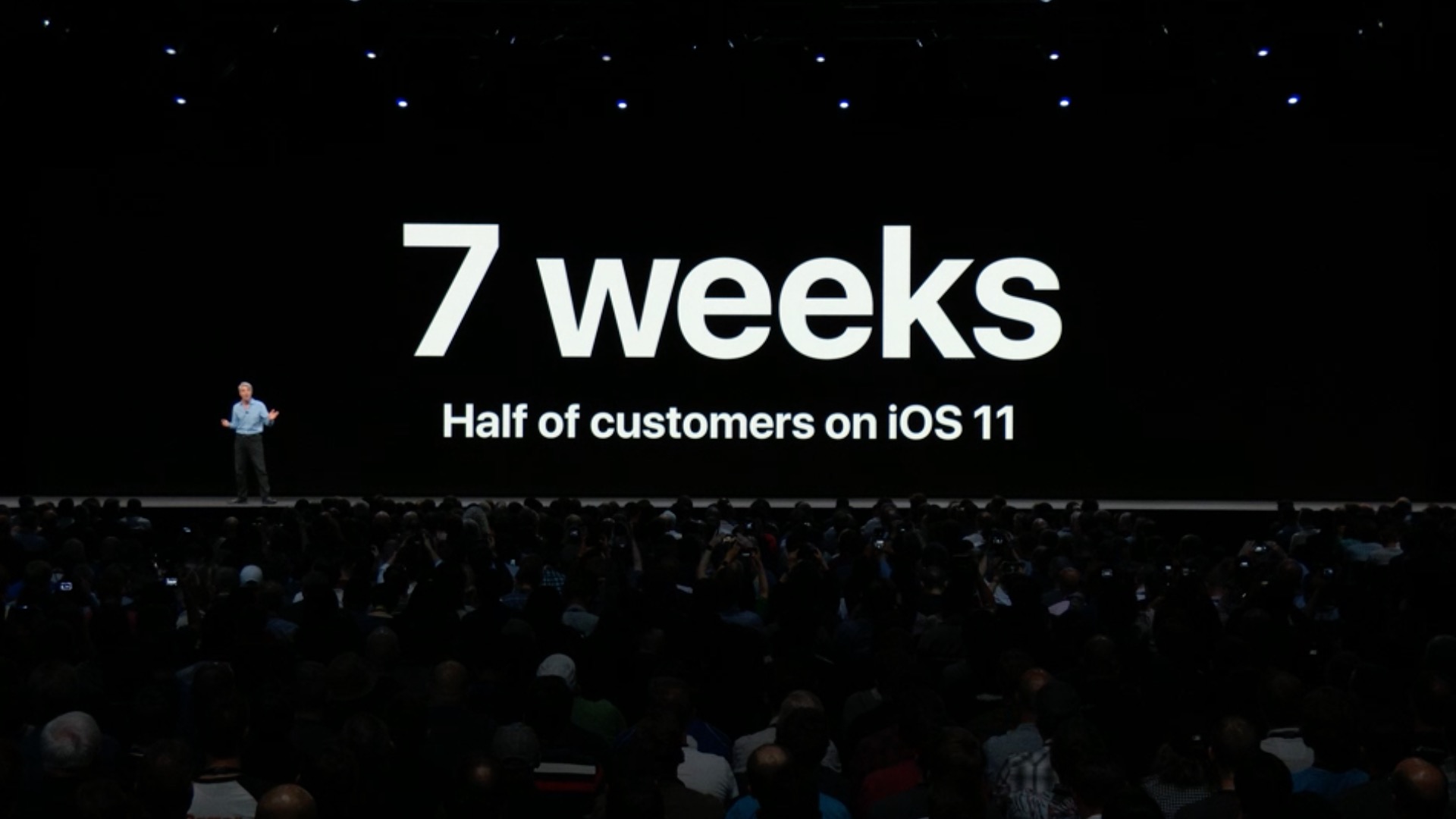
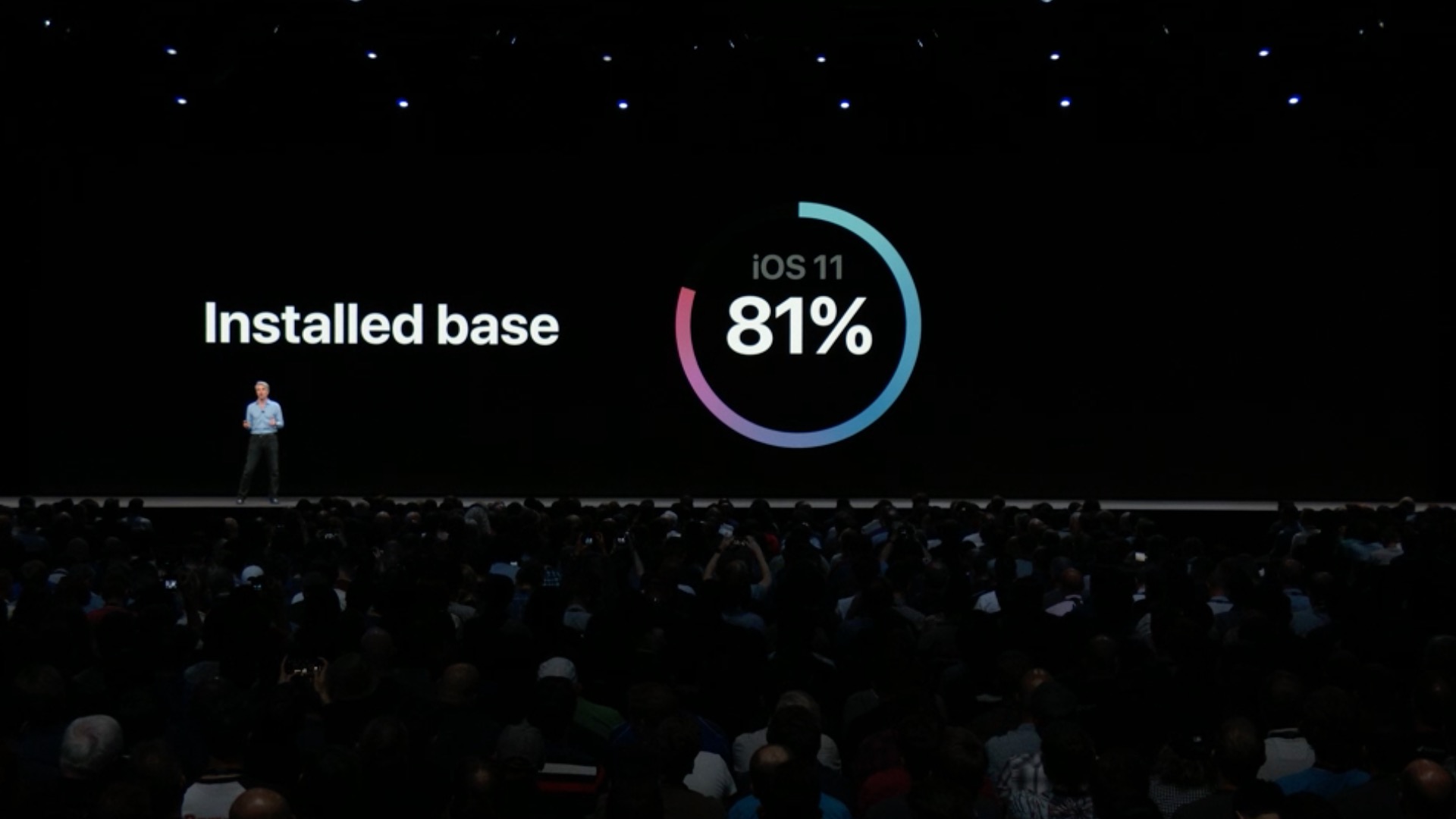
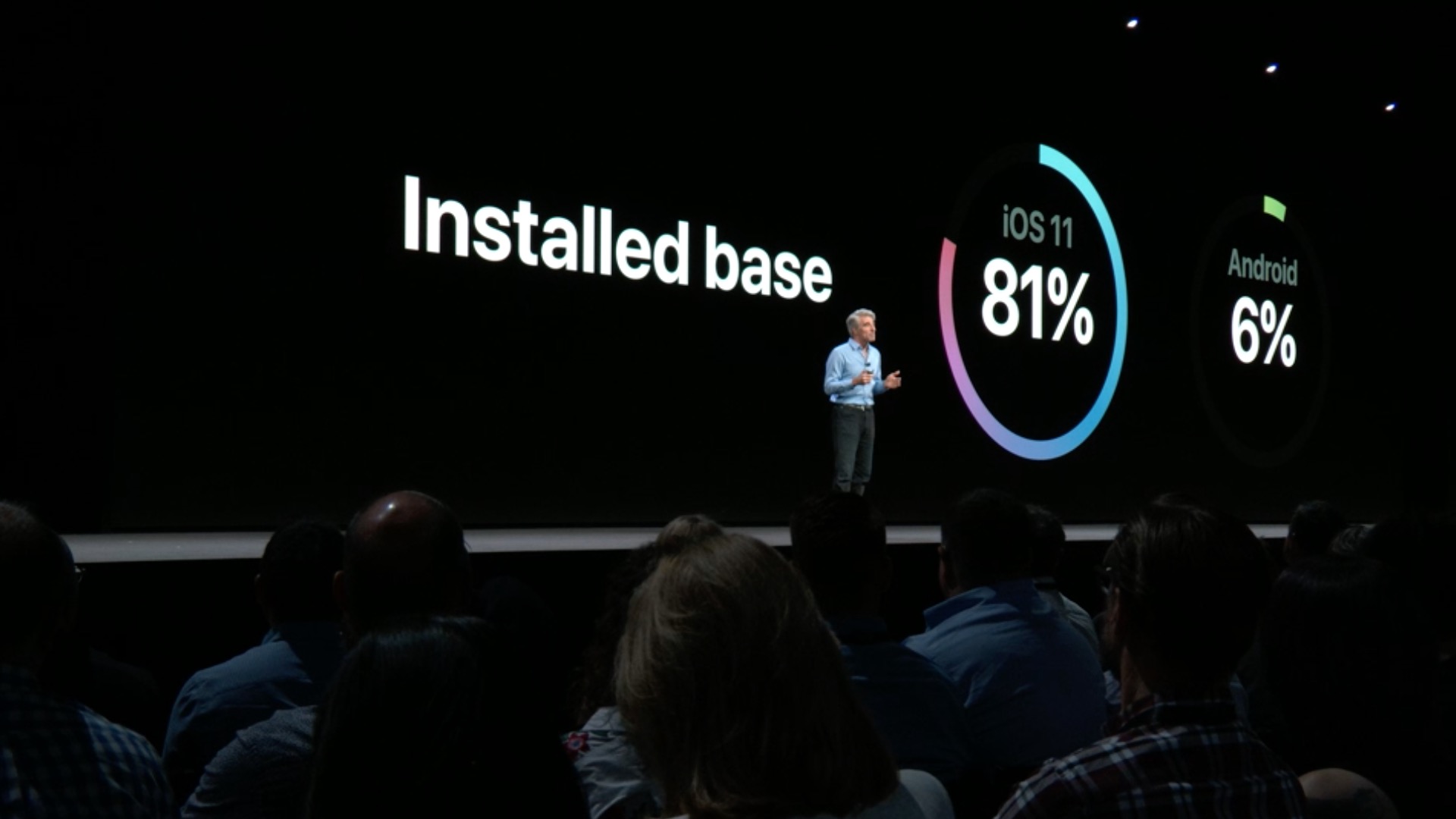
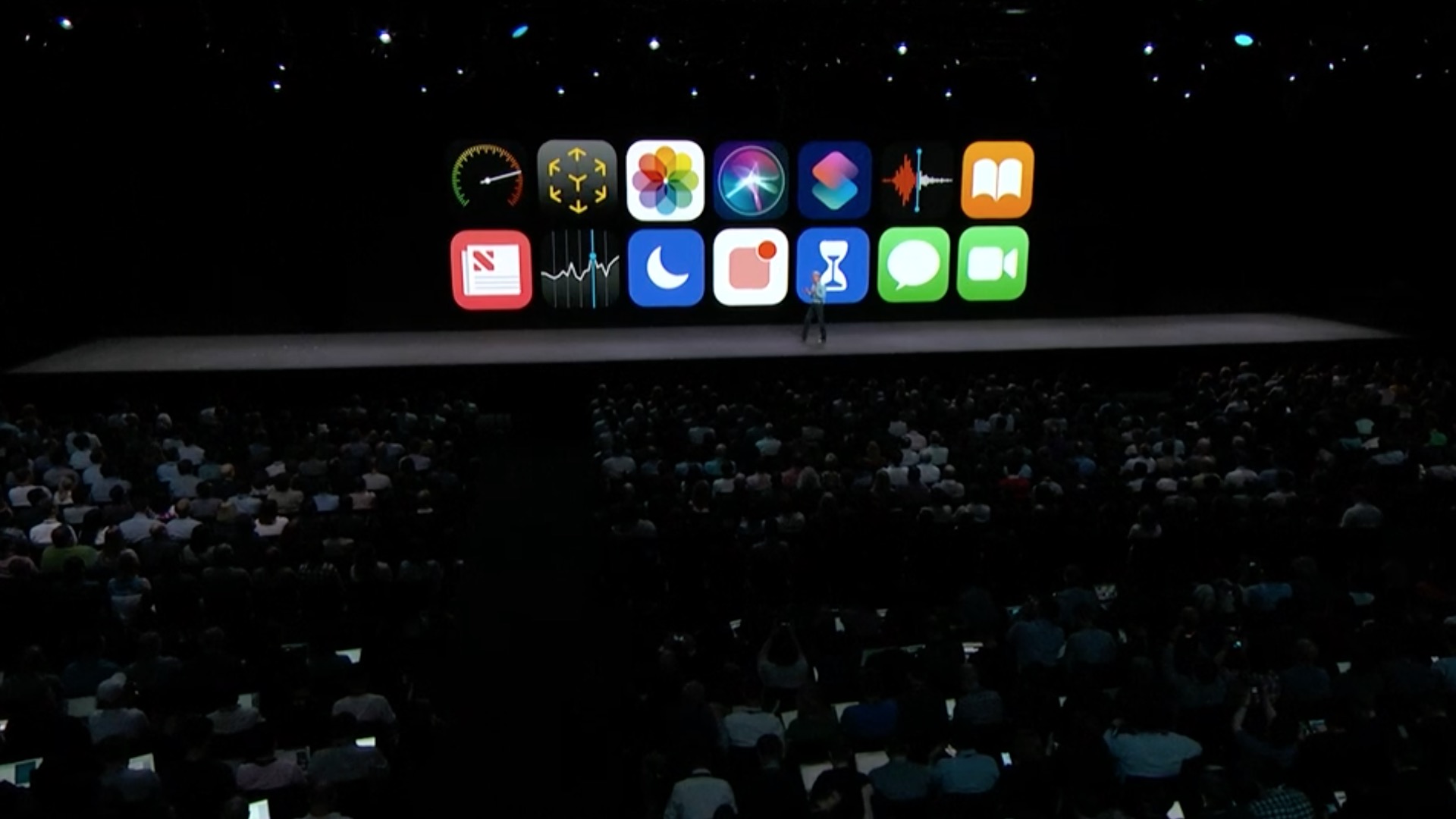
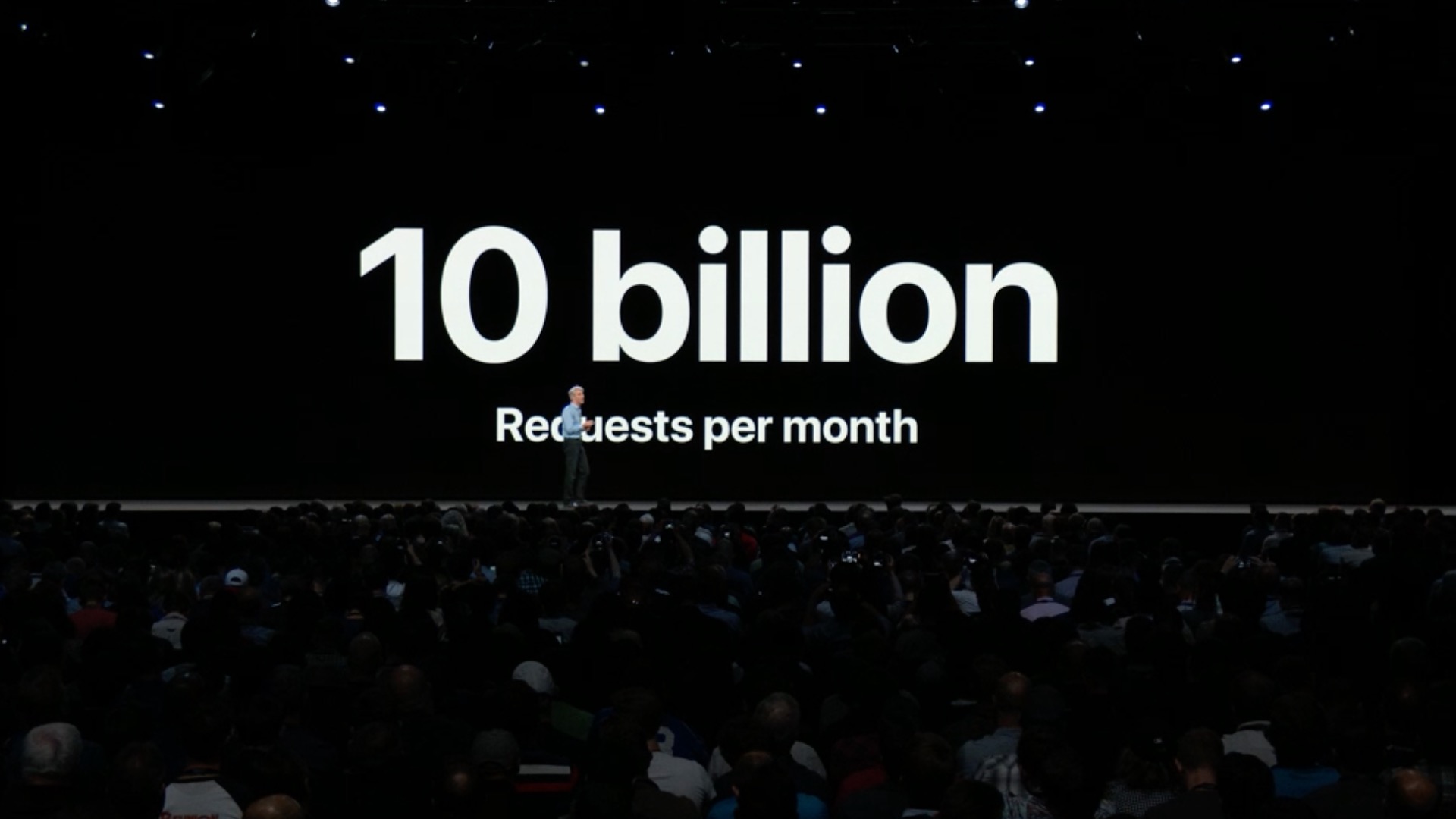
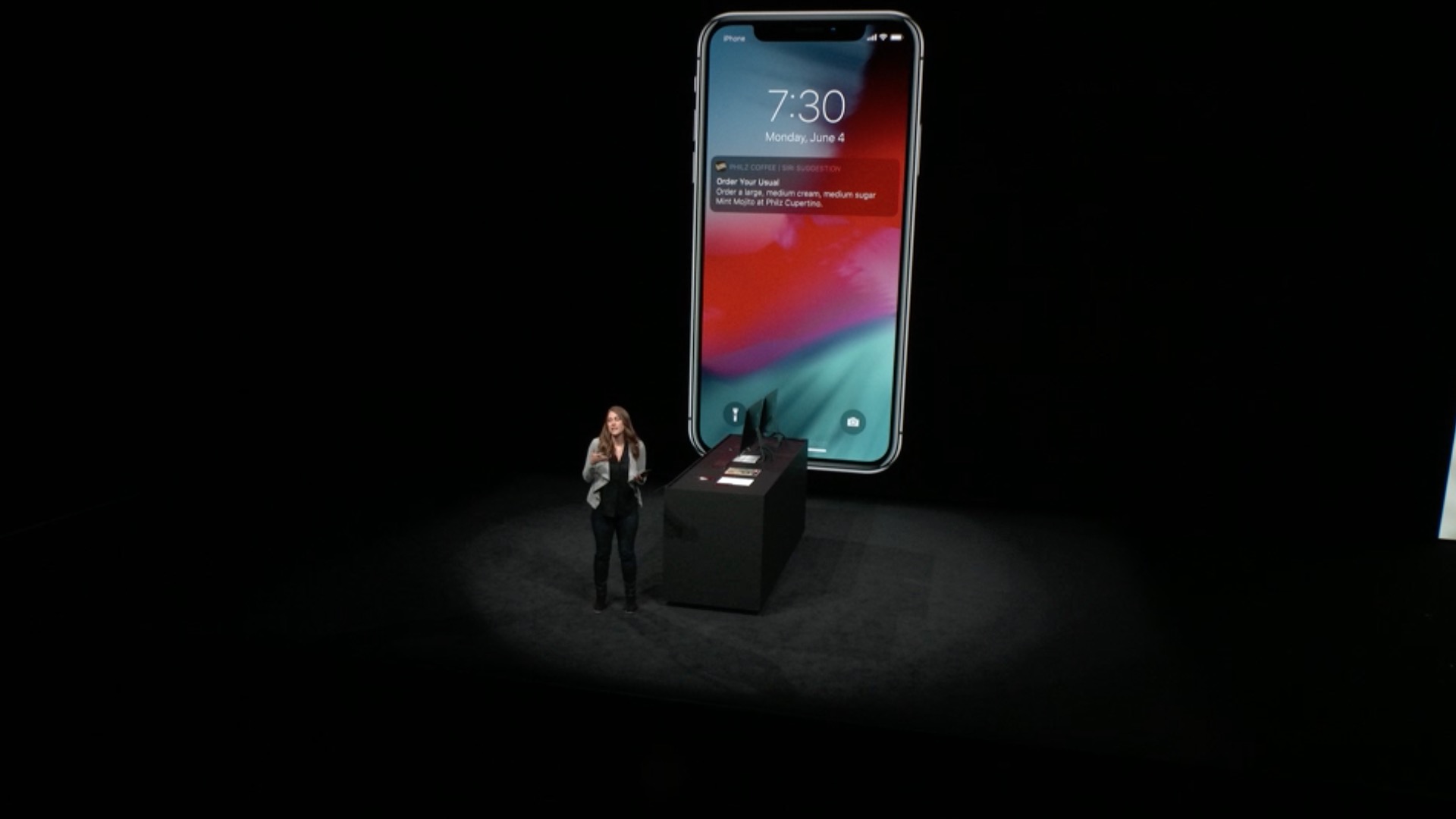
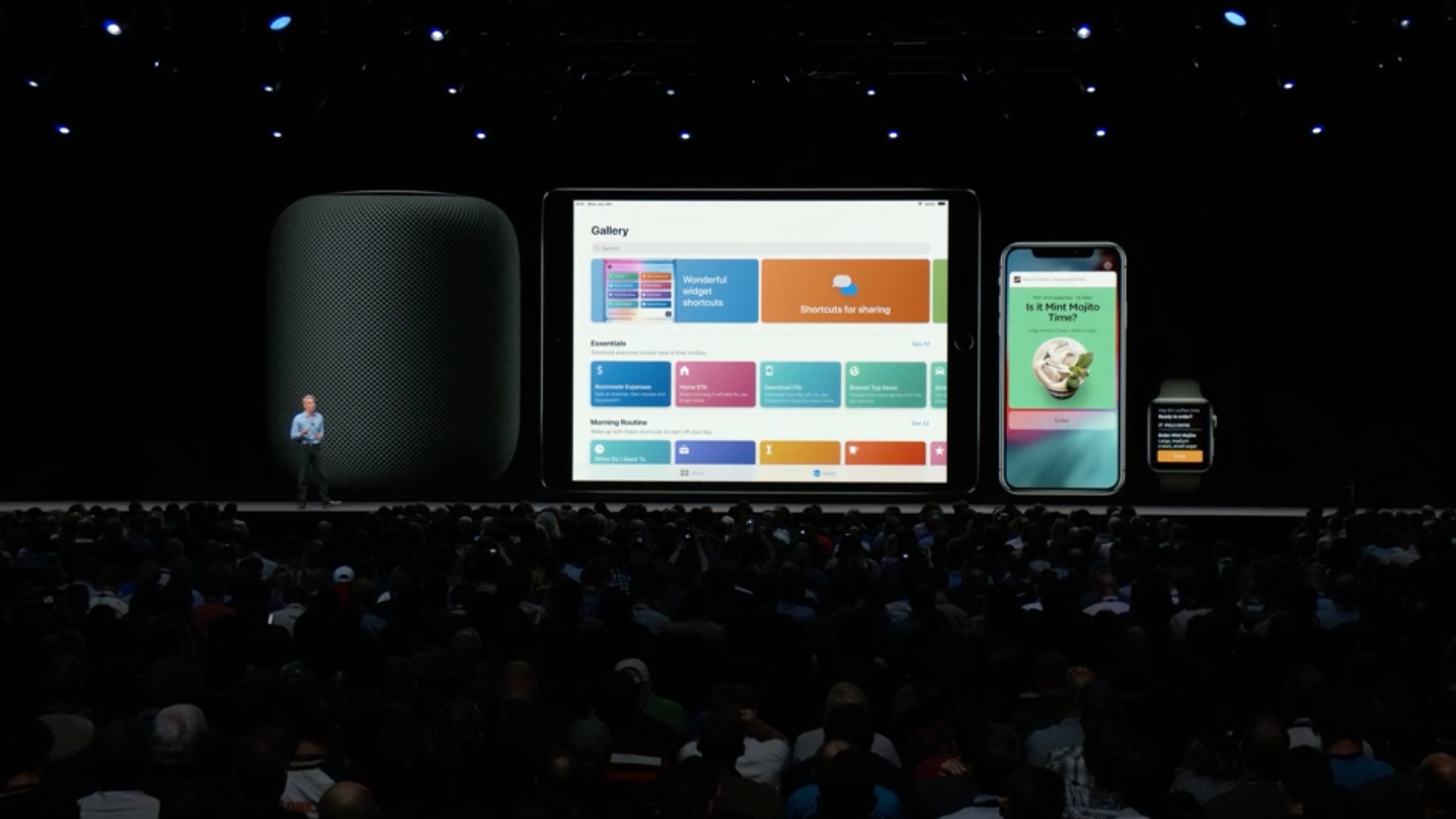
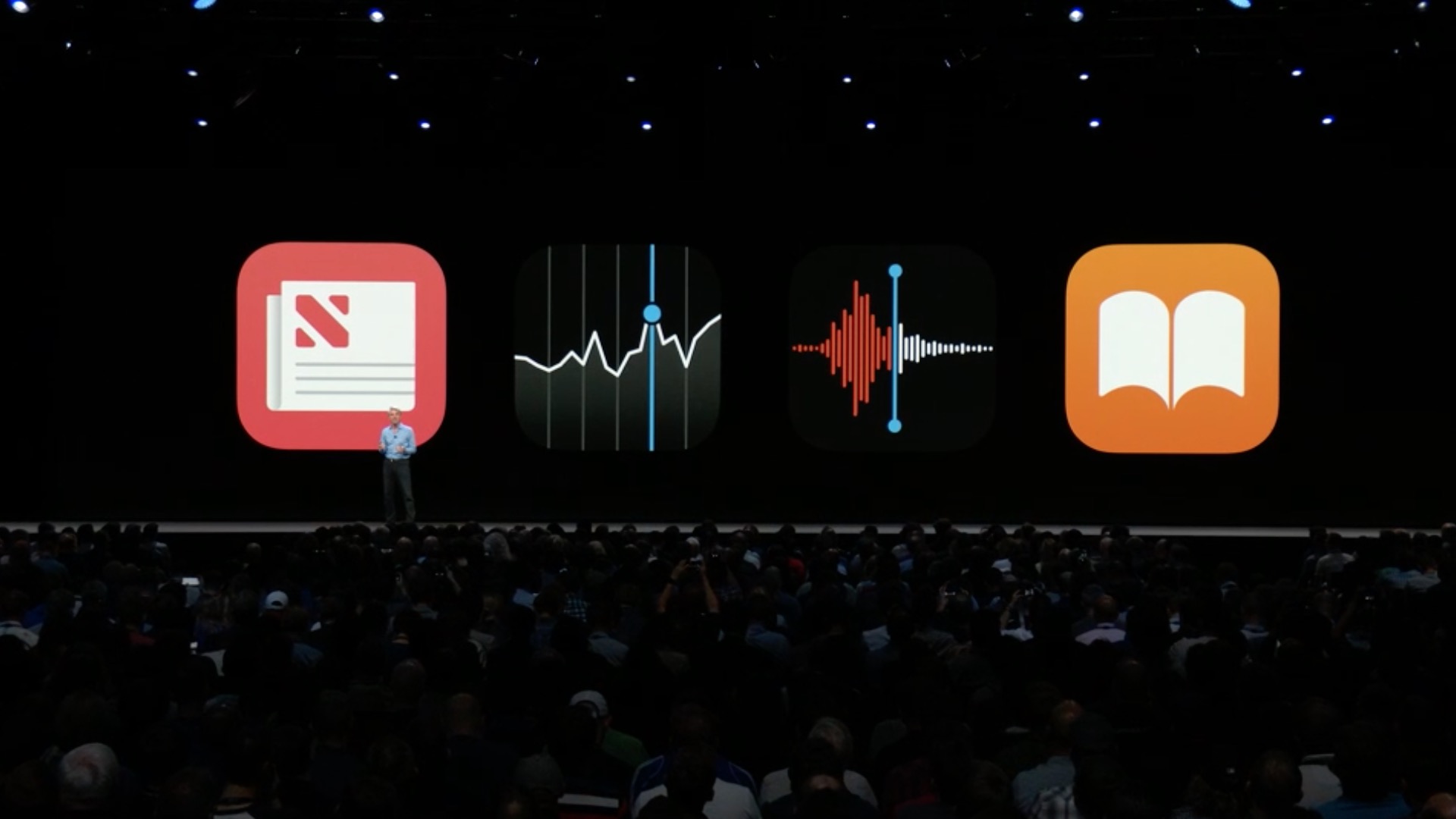
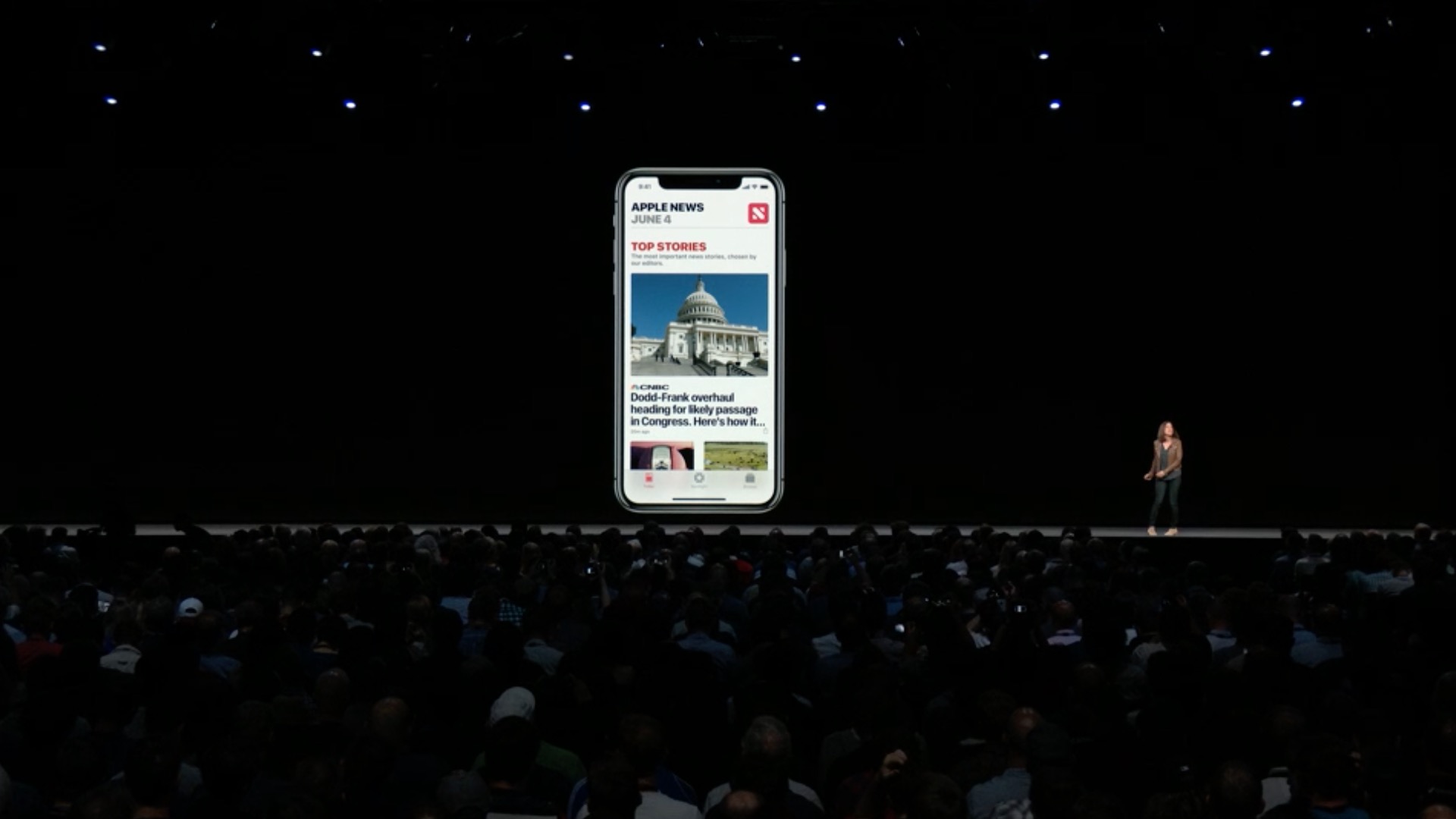
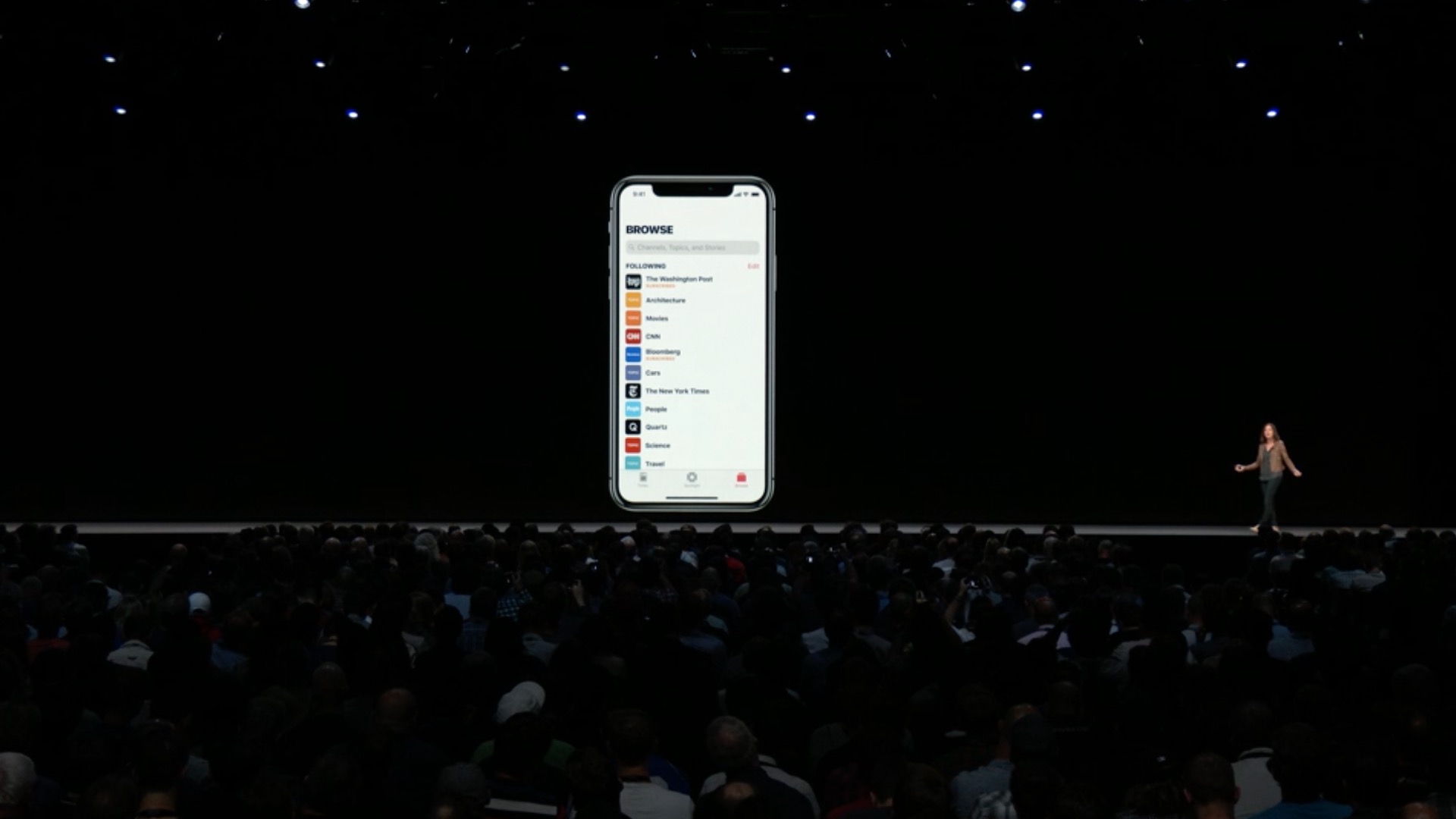
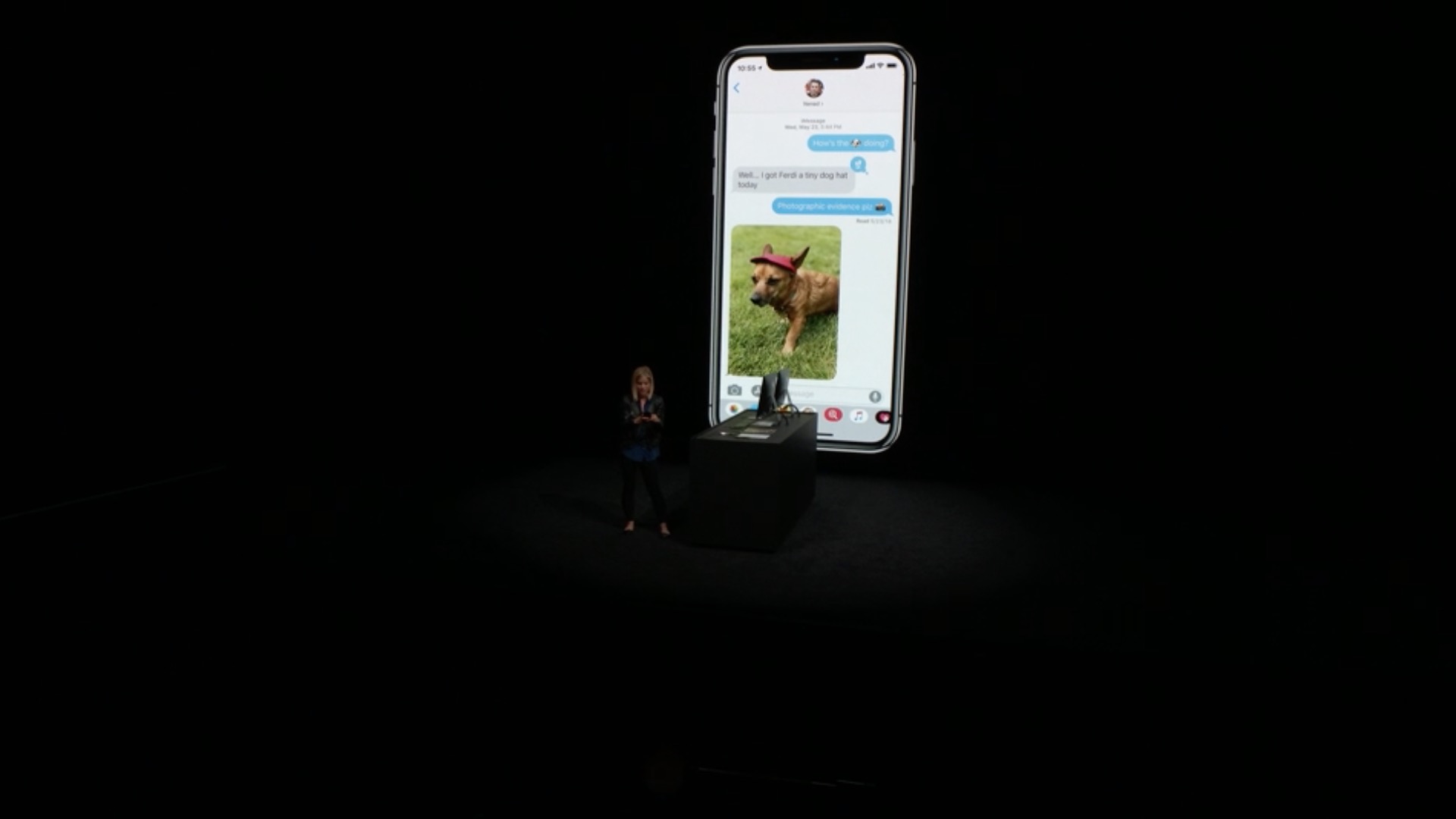
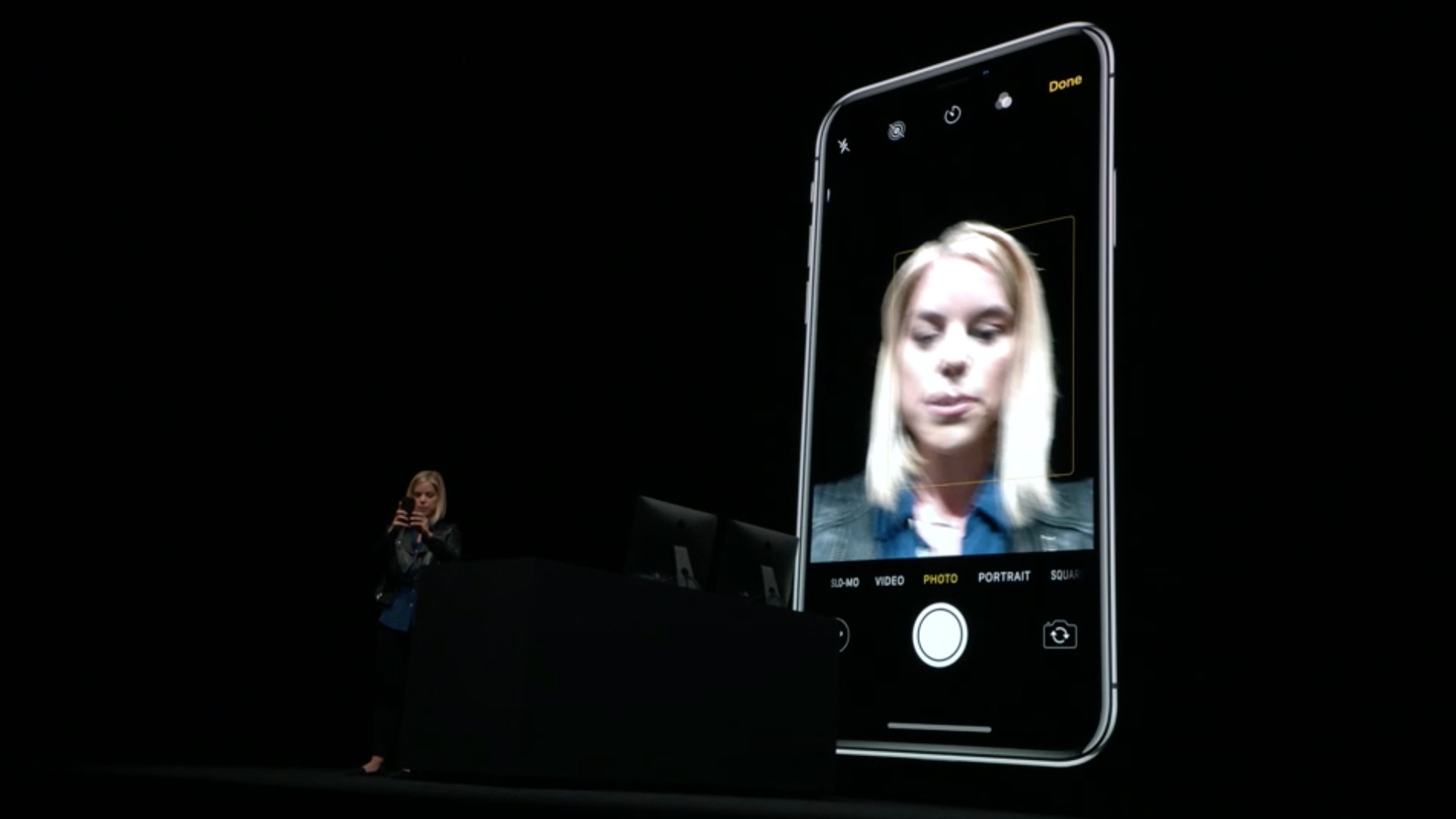
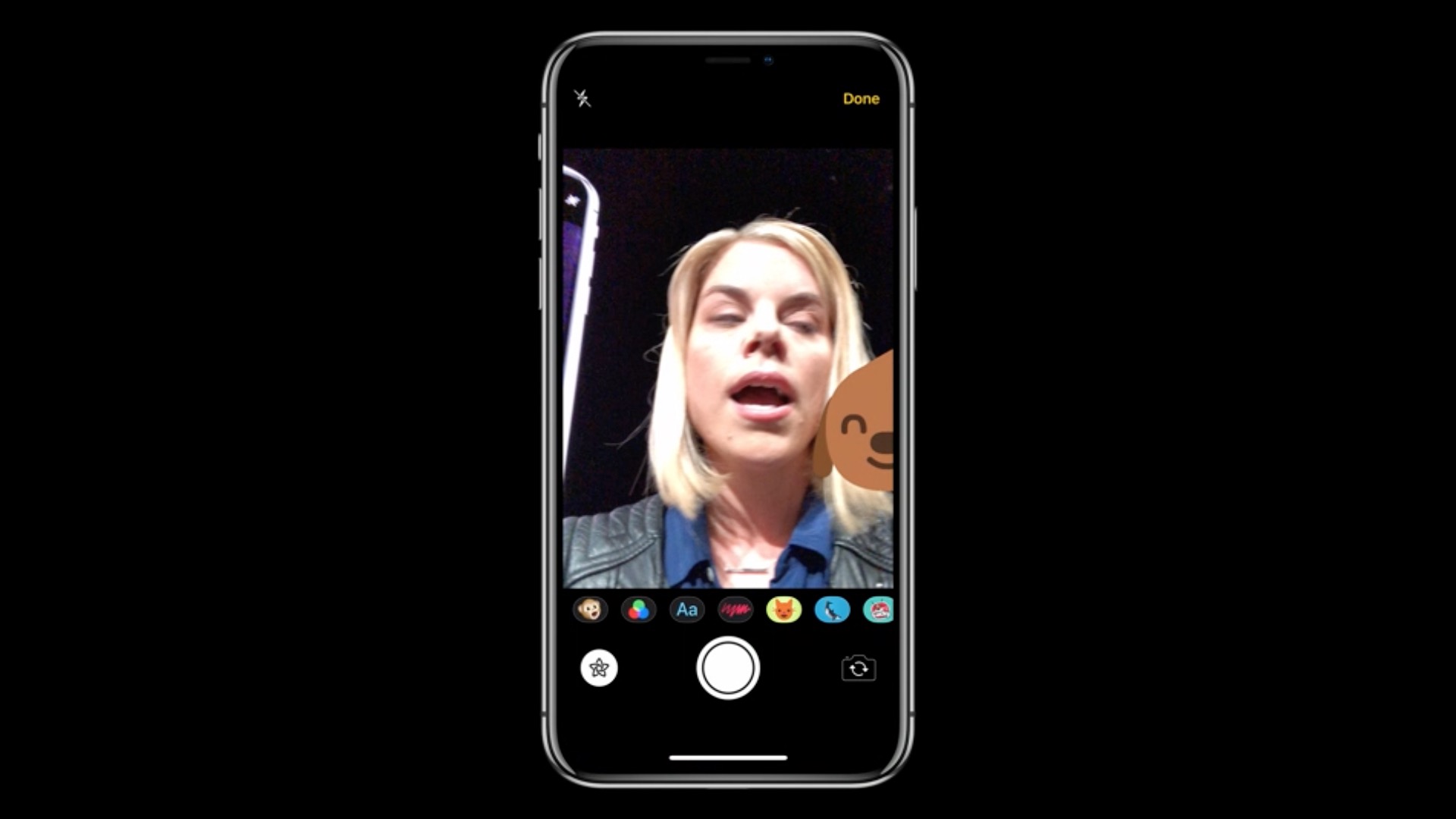
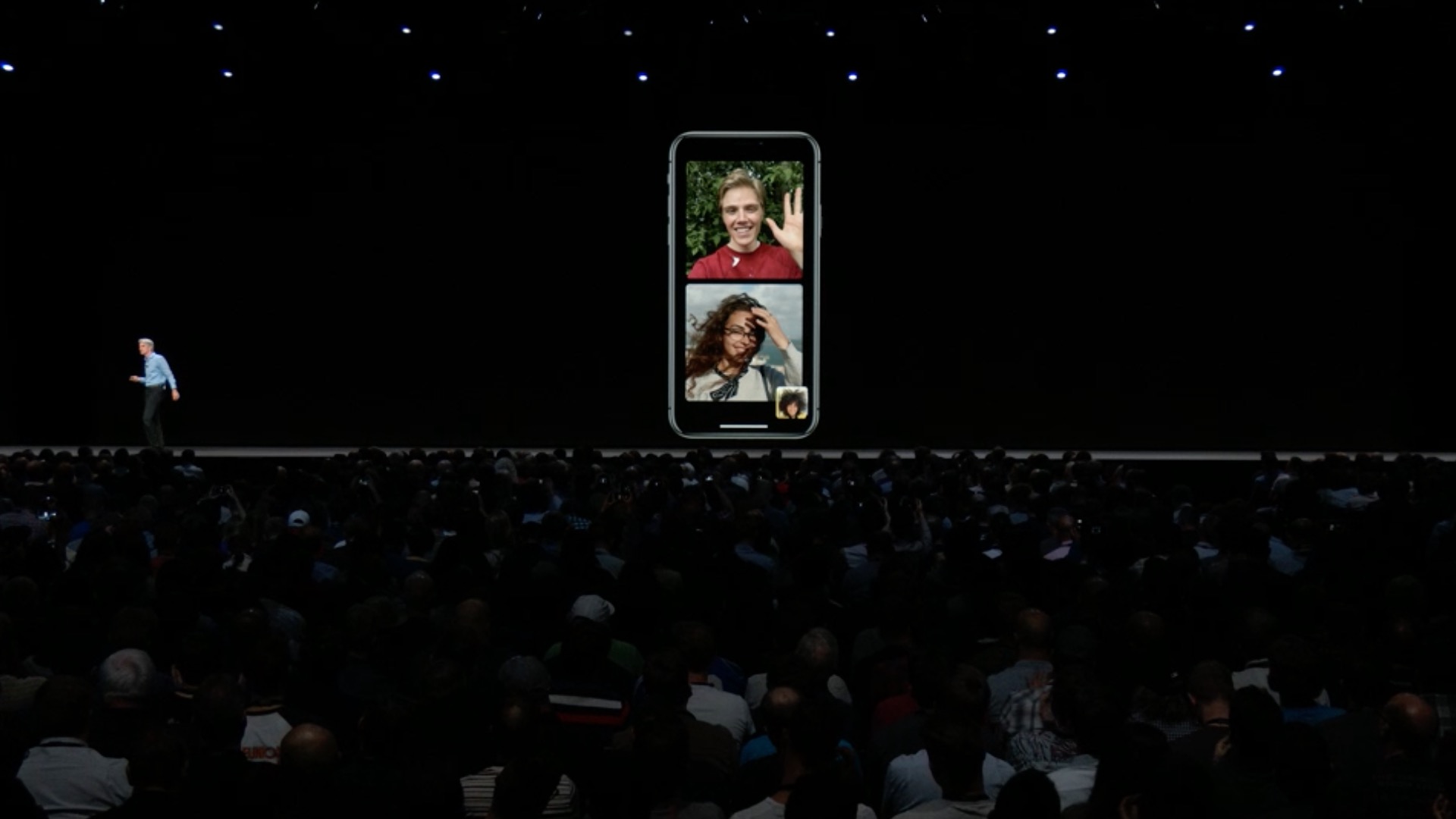
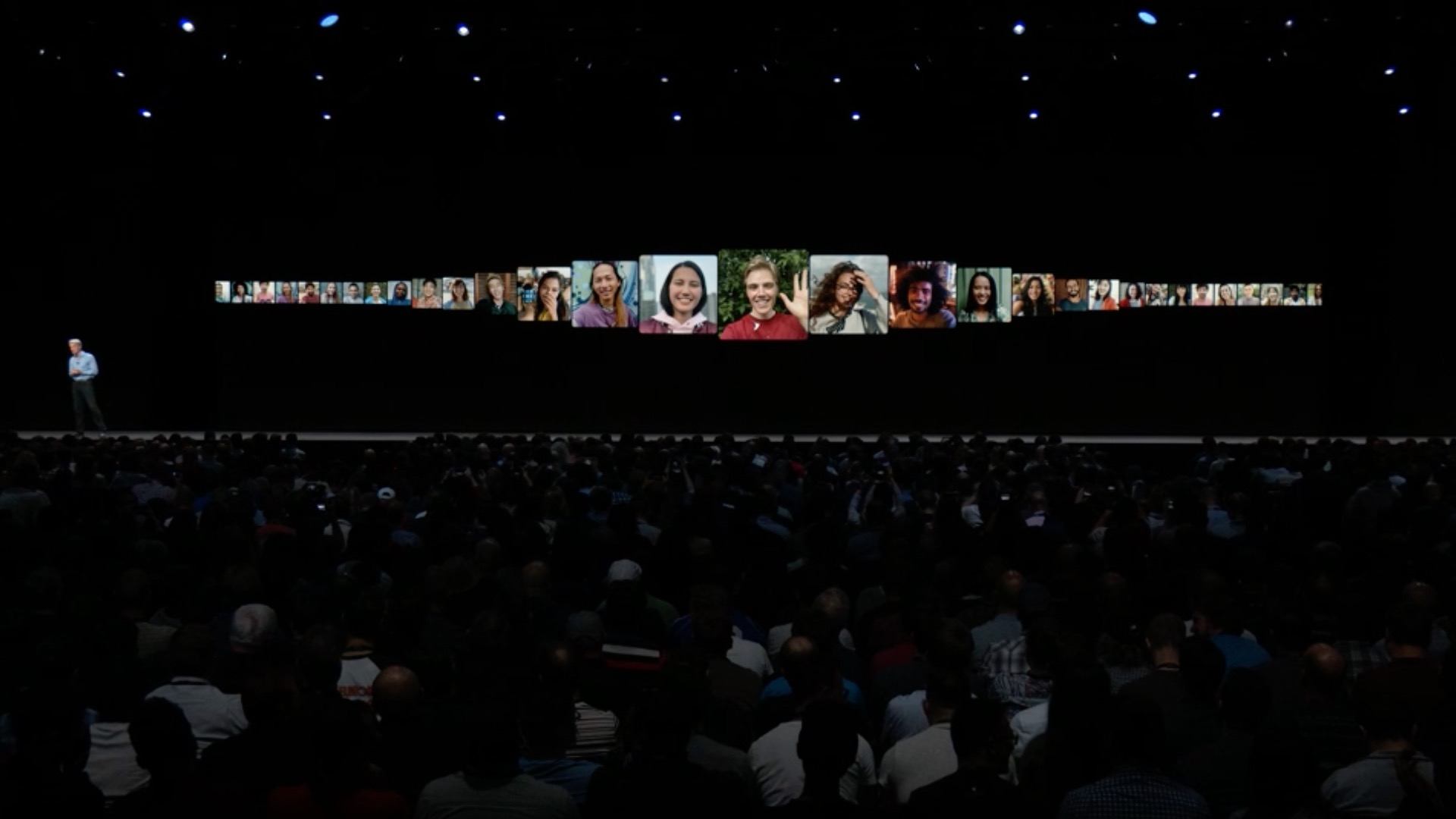
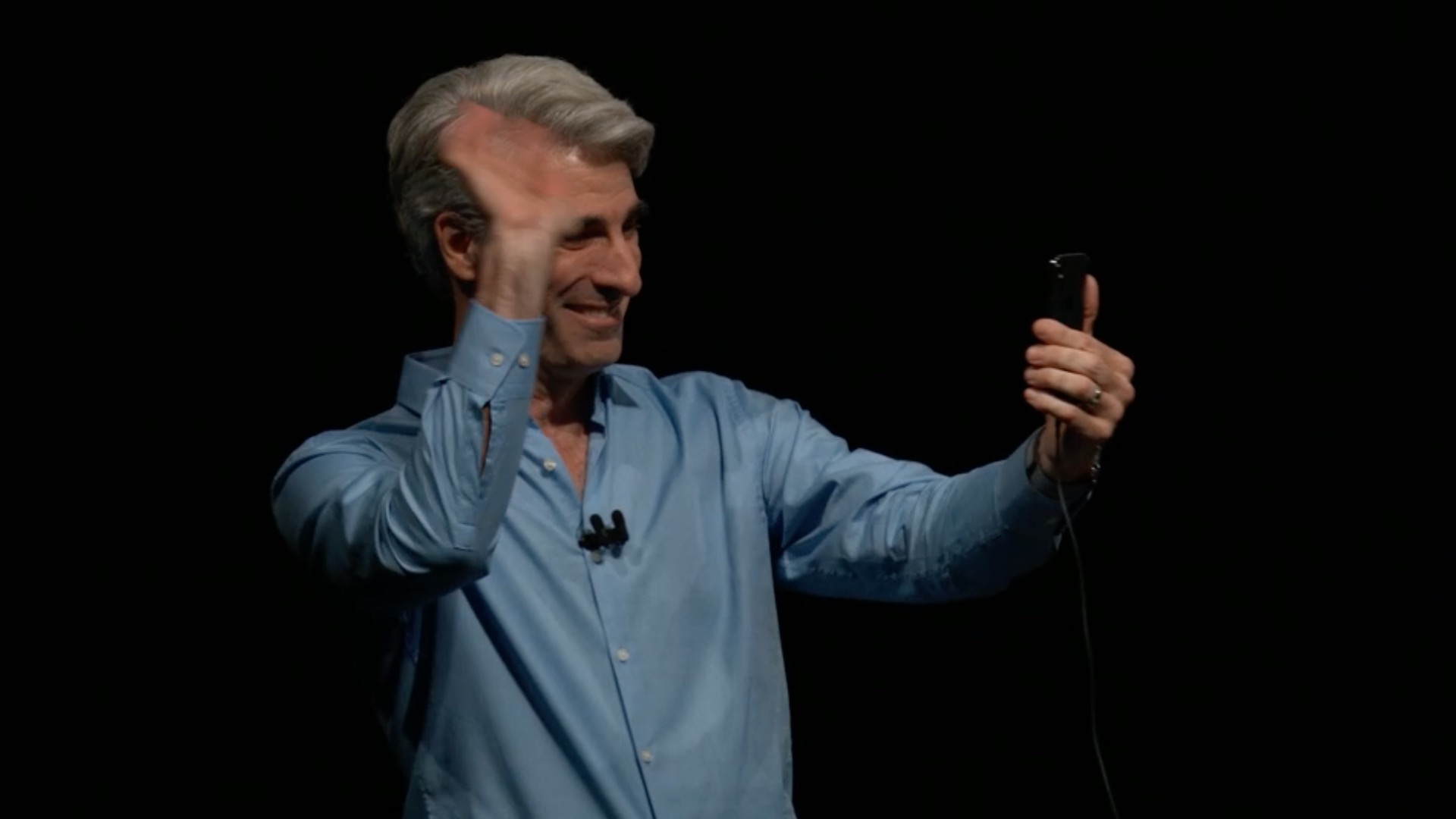
This is what it looked like in June WWDC when introducing a new iOS 12:
Gallery
How to install iOS 12
You can install the new operating system on your iPhone, iPad or iPod really easily. You can find the update in the classic place in Settings – In general – Software Update, where you just agree to everything and your device will start downloading the update. However, as we have warned several times in the past few days, the download speed can be really poor even a few hours after the update is released. Servers Applu will be extremely busy tonight, which will of course affect their speed. Of course, the update can also be installed via a computer, where after connecting to iTunes the update will either pop up on its own, or the software will offer it to you after selecting the option Check for updates. Even in this case, of course, no dizzying speed can be expected.
It is also important to note that not everyone will receive the update at exactly 19 p.m. It will appear on devices gradually after 19 p.m. Proit is necessary to wait a while.
You might be interested in
Now we have nothing left to do but wish you all the best. iOS 12 satisfied and thanks to it you will forget about last year's failure with iOS 11. He is the one Apple definitely not worth the frame and a really good system like iOS 12 could significantly help him forget.






Is it running yet?
Vintage
I don't like it
I do not have neither
Piceeeeee
Why doesn't he still offer it to me?
Still nowhere 🤦🏻♂️
Nothing works here yet.
He doesn't go
It's not yet. This site threw the article there automatically. 😊
Nic
💩💩💩😄
ProIs that an LTE machine?? :-)
Where on Mars? 😹
Now it will take time, not everyone will get it at the same moment
John on 😃
i don't have any
don't worry, they had automatic publication of the article set for clicks anyway ;)
Still nothing quite disappointing
Nothing either 🤷🏼♀️🤷🏼♀️🤷🏼♀️
nothing
Slovakia is on its way
So what will happen 🧐
Nothing 😂
Well, tooneit's happening 😑
(I.e.
it's already downloading 😁
They could LSA give someone nightly services to release these articles when it is really relevant... that's how amateurish it is...
But the current thing is... Everyone gets the update at a different time. While I already have it on AW 3, for example, my girlfriend on theirs watchOS 5 is waiting. And so it goes for all systems...
Ok, so sorry, I'm going to sleep.👍🏻
I'm already pulling :)
I'm already looking forward to the time when they'll be crying about how the battery is fucked up, that it won't last and that they didn't stay at 11.
You'd better find a girl or a boy and nestTell me the time, you little punk 😉
Cool guys...everything will be fine..:D
It is not 😀😀
Nothing too 😀
Nothing at all 🙄
I wish it would, I hope it will appear within an hour 😏😏😂
They are already downloading on one SE! Nothing yet on the second one!
Already on both iPhoneHey there 😊
It was like waiting for a paycheck 🙈
Already 🙂
so that we can at least wait until midnight dockbut I still have nothing :-D
He is already pulling me for the Xko, but he hasn't found the iPad yet
Here we go...
already
iPhone SE, it's already going.
Ipad Pro already too ;-)
Na iPhone 5S size only 1,36 GB
Hurrah, I'm going :-D
I can not find
😉✌️
It is already downloading tooneyes!
A long time ago perhaps 😉
It still doesn't work through DFU...
He arrived in Prešov 🤣
So how do you like it, I'm also offered it, but I'm still hesitating 😂😂
I have it too. Just a little battery 😞🤣 so I have to wait
Put it on the charger :-)
It's already snorting :D well, I'm curious (Y)
19.16:XNUMX p.m.
I'm downloading now.
First impressions? 🤔
It still says estimating the remaining time.
What size is it? iphone x??
I'm downloading via https://ipsw.me/#!/version on IP SE and that's it, I won't wait for them to do it
iPhone I'm also downloading 7. Size 1.56 GB
Download to iphone 6 or better notchat 11?
You can now turn off Do Not Disturb based on time, location or calendar event : I couldn't find this anywhere
Download the control center and hold your finger over the moon icon and a menu will appear.
Well, it's a half-baked solution and not very configurable.
Thanks. I didn't expect that here
Has this happened to anyone?
I'll probably stick with 10.3.3😄
Does it make a difference if I update my SE via OTA or iTunes? I wanted to put this update through itunes but it says 11.4.1 is up to date but it offered me 12 on my phone
It's already going 🤙🏼
Just a moment ago there was an hour 😂
They are in this year iOS any new wallpapers besides the red and blue one?
Also nothing and I was so looking forward to 12 😔
Can it be downloaded without wifi? Probably not what..
🎉🎉
It's already updating on the iPad, and I only have 8 minutes left on my iPhone after three quarters of an hour 😂
Done and first impressions are great
Not much after a month of use. Everyone made a science out of it
So I updated and iTunes told me that iphone cannot update, an unknown error has occurred.. and on my mobile it is stuck there as it is loading, dark screen and apple logo.. what now? :(
Let it run for a while, if it doesn't move after about 10 minutes, do it again.store via DFU. You probably have backups, right?
Yeah, thanks.. I tried to update it once more and then when the same error popped up, I reset it and it's running now..
Downloaded to Ip7 and it runs beautifully, opening all applications is faster compared to 11.4.1, I'm curious how the battery will turn out, I didn't have a problem with it before
You guys are really sheep, there's no other way to put it than to apologize. Spamming here just because of your desperation about not having the update yet. So what? Will something happen if you update it tomorrow? Is it really so revolutionary that you have to have it right now? I haven't updated in over a year (I'm still going iOS10) and I can't complain... I can already see tomorrow's comments, where you'll complain that something isn't working as it should or that your phone has slowed down...
What would I expect from people... It's the same everywhere and it doesn't matter what it is Apple
Mark you are de.il
Peter, that's a really reasonable and wise argument you've used here. ProDo you have a reason to insult me now? ProI am waiting for an answer.
Let's say, I probably won't be very strict, how much iOS 12 didn't even deserve the numerical designation 12, but maxmaybe 11.5
There are a lot of women described, but it's not a lot to make it a new version. We won't write about the speed and stability, because it should have been there iOS 11 in the base and not since the year users were waiting for salvation.
iphone7 Massacre Acceleration!!!
10.3.3 and 5s is still pedaling as it should... so why 12??????????
I'm surprised you don't have any advice. iphone 3gs would be enough for the rich
Wife ofoneused to use 3G S a long time ago and it pedaled like clockwork…
…judo…
Am I the only one who gets turned on by moving the emoticon key all the way to the left?
so my 6th was born :-D it needed a 12th as I was already fucked up from the eleventh :-D
Downloaded, I've been watching videos for 12 hours and the battery is dead 100% it worked X
When I had it installed beta version and I still have the profile there, what should I do??
https://www.letemsvetemapplem.eu/2018/09/17/jak-vystoupit-z-beta-testovani-ios-12-a-prejit-tak-na-klasickou-verzi-systemu/
Nothing new 😄 a few extra things. Navoneto misery.
Unfortunately, an error pops up when installing via iTunes :-(
iPhone 7 plus🙂 Faster running and opening of applications. Accelerated keyboard response. Great news as you have probably already read. For me 👍
Almost no difference at 5s 😭😭😭 https://youtu.be/A-NQi6c1oHE
First beta was about something else. Gradually iOS 12 slowed down to the level of 11.
It crashed for me 16 minutes before the end, but the icon keeps spinning, is there a way to restart it or do I have to wait for it to catch itself?
Oh, those are the comments that I still have nothing :D. Apple they release the update at 19:00 and people at 19:02 I still don't have it ble bleee. It's funny, but in a good way. I was a long-term Android user, so I know what it's like to wait for an update for months and not a few minutes :D. Don't be offended, I'm kicking you right now Apple by that. The update has already been downloaded and everything works as it should, not much has changed, but the only thing that pleased me were the notifications, because it was a disaster to switch to such a terrible notification system in ios compared to Android. Thank God it's already taken care of otherwise nothing like that :D
After the update, I iPhone SE It cannot be charged more than 75%.
iOS 12 great on iPhone 6 but I miss the measure app
Well, how much? iPhone 6 doesn't support AR, so you won't use it much there. Search in vain
The update downloaded relatively quickly for me yesterday, but when I click the Install button, the Update Verification fails and a message appears saying that the update cannot be installed :(
I HAVE A QUESTION ABOUT iOS 12. 🙏🏼 Can someone explain to me how the display information works under the graph in the settings - battery? 🔋For example, the display was off all night and I have 0 min under the item "Display off". The display on also does not agree. What kind of crap is this? Where is the good old "usage" and "standby"...? When I'm not on the phone, perhaps the turned off display should show minutes/hours, etc., right...? Is there anyone here who has the same problem, or who had the beta tests and understands this? Thanks.
Why do you post your question in every thread???????????????
The update went as it should, but the grouping of notifications doesn't work for me 🤨
Everything is set up as it should in the apps. In the morning the emails were nicely in one bubble and now everything is separate again 😮 iPhone 6s
New battery at the same time as the update to iOS12 na iPhone 6: from something that worked like a total failure iPhone 4 I have something that I've only seen recently at iPhone 8. I was about to get rid of it, but now it works as I always expected from Apple. I'm really happy! PS. The flashlight shortened the startup time of some applications, but after iOS 12 my keyboard doesn't crash, scrolling and the camera crashes like before – the delay fits into the animation length (so it's like zero) – compared to a few seconds in iOS11!! KONECOME ON!!!
iPad mini 4: I can't find that measurement anywhere. Do you know where I can find it? It would be cool sometimes 😉
I don't have a Hey setting. siri. Ip6 do you know where I can find it??
The top line on the display does not appear (time, battery, operator)
Proyou are nothing :)))) iPhone 5s