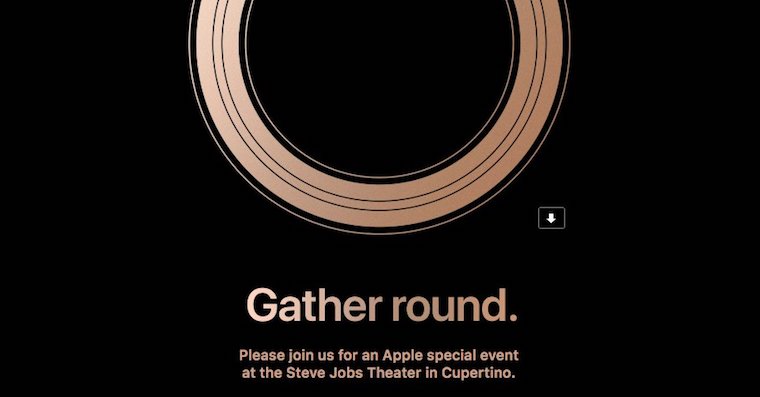
Just like every year, this year, the month of September is everyone's idol Apple fans. Today we will see the most awaited Apple conference for this year. At this conference we can look forward to the introduction of new iPhones – iPhone Xs, iPhone Xs Plus and iPhone Xc. From the line of smart watches Apple will present the fourth generation Apple Watch. Likely Apple will also start selling a wireless charger AirPower and a new case for AirPods. Among other things, we may also see new Macs, iPads and other products. On the software side, we can look forward to the official announcement of the release date of new operating systems for the public – iOS 12, macOS 10.14 Mojave, watchOS 5 and tvOS 12. Only you know what we'll see at the conference. Apple. If you want to be there, then all you have to do is watch the live stream on Wednesday, September 12, 2018 at 19:00.
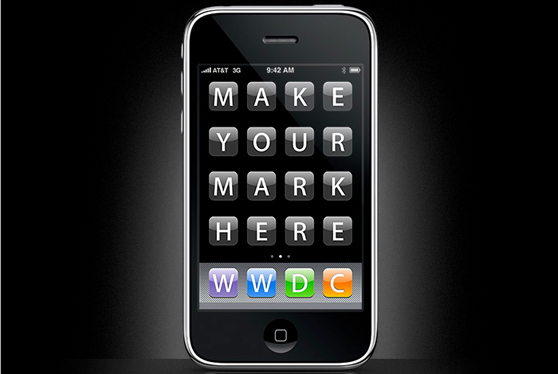
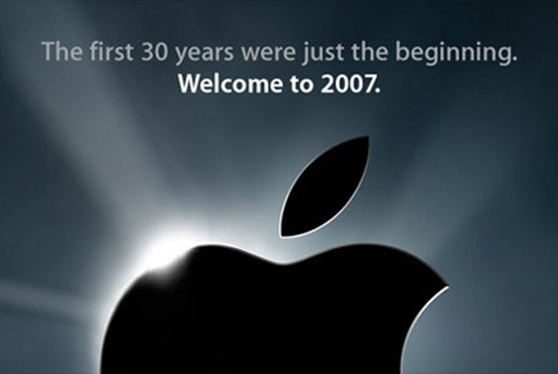
This is what the trailers for the introduction of new iPhones looked like in previous years:
Gallery
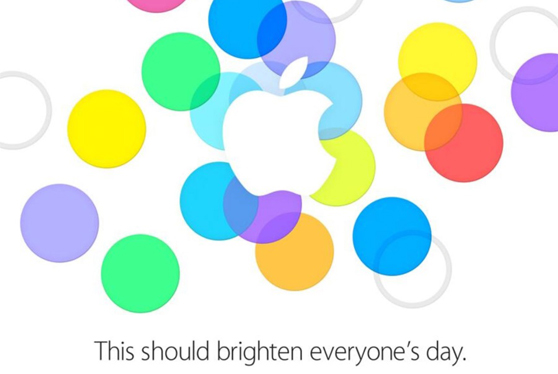
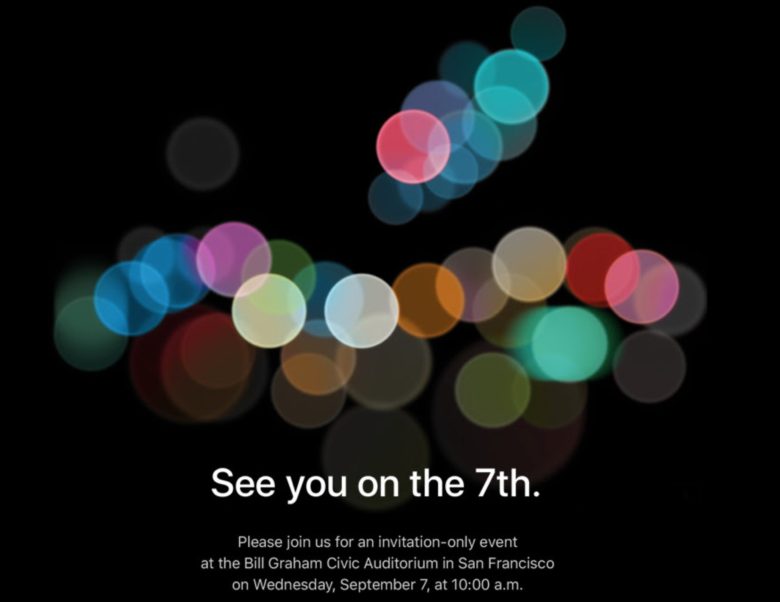
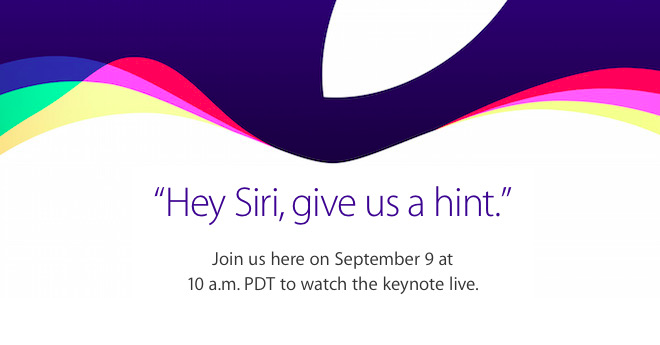

If you can't introduce new ones Apple products to wait and counting down the last hours, you are most likely wondering when and where you will be able to watch the live performance. So how to watch live streaming on Android?
Introducing not only the iPhone Xs on Android
Apple is not very friendly with Android, and therefore watching the conference is compared to Applem or Wndowsem rather more complicated. If you have the option to watch the live stream from a device other than Android, definitely do so. However, if you do not have this option, we will advise you how to watch live streaming on Android as easily as possible.
Pro To start streaming on Android, you need to Google Play downloaded VLC Player – you can do this using this link. After downloading VLC Player, launch it and click on its menu, which is hidden under the traffic cone icon in the upper left part of the screen. Select an option from the menu Mains current and paste this link into the text box:
The link will be inserted immediately after launch. keynote.
Then just confirm. The stream will not work for you for the time being, as it will only be activated when the conference itself starts.
A great option is to follow the broadcast via Twitter, where it will also be broadcast. The broadcast should be broadcast on the Twitter account Applu right here. But you need to have an account created on Twitter.
Introducing not only iPhone Xs on operating systems Windows or products from Applu
You might be interested in
You might be interested in