
Google Maps is probably used by the vast majority of us to plan our future routes. We all know that it is easy to set the route we want to take in Google Maps – but Google Maps has much more potential. In the article 7 quick and easy tricks to use Google Maps on maxIn the tutorial I prepared for you, you will find the easiest and fastest tricks that you may not have known about.
You might be interested in

You can view different routes on Google Maps
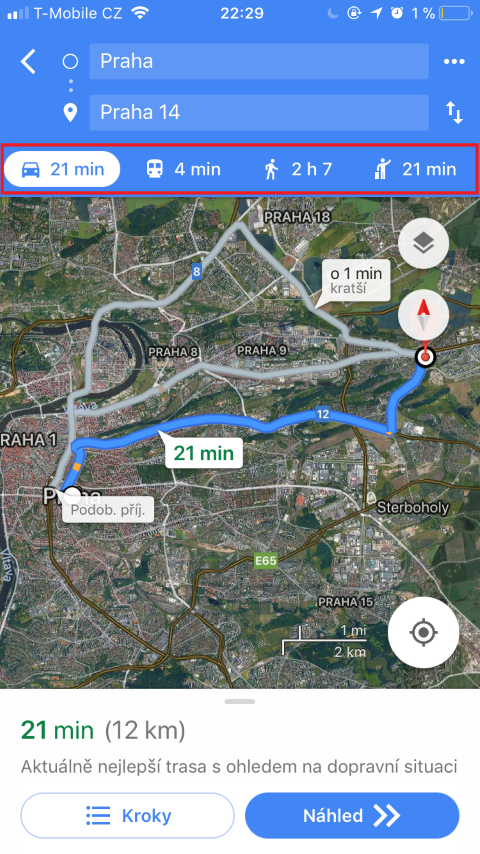
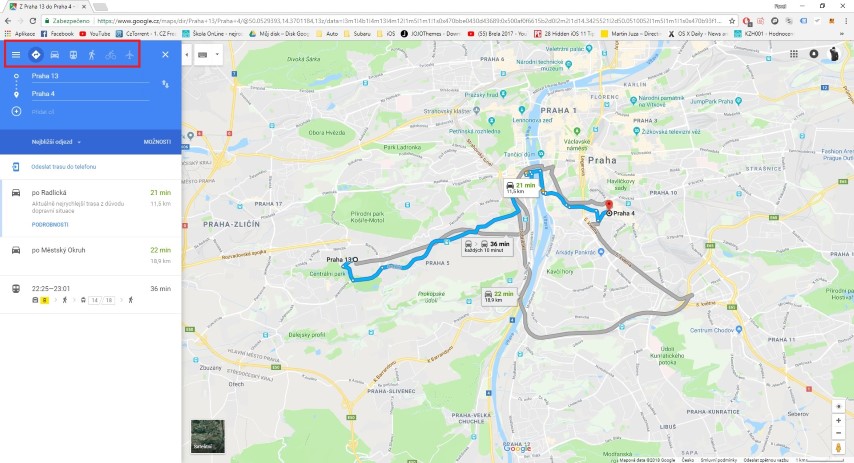
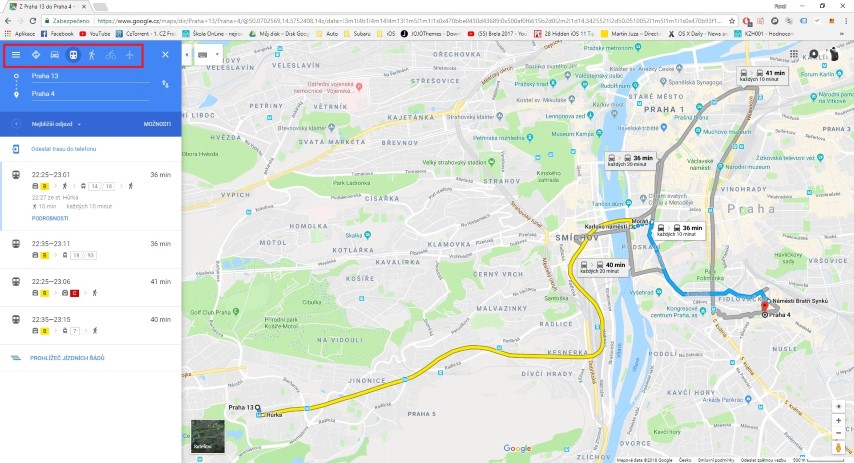
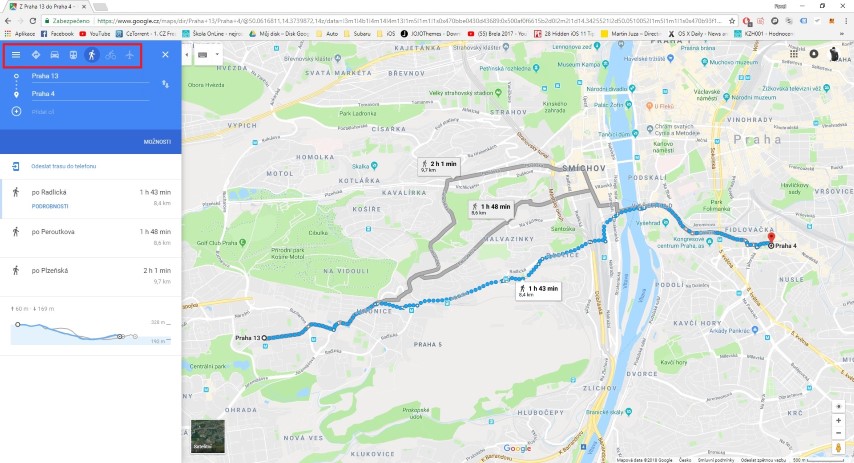
Google Maps has a function with which you can set the type of transport you want to use. Of course, this feature does not work in all cities. But if you are in a bigger city, you can plan a trip by bus or train, for example. Besides train and bus, it is also available to show the best walking route and bike route.
Gallery
Embed Google Maps on your website
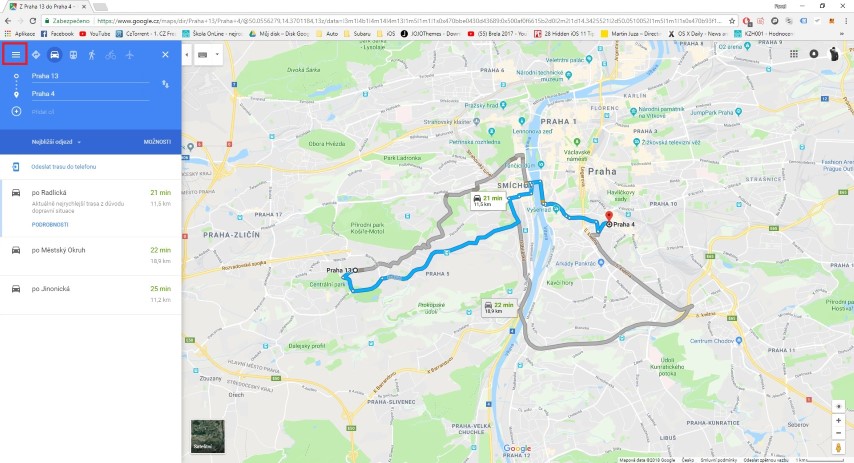
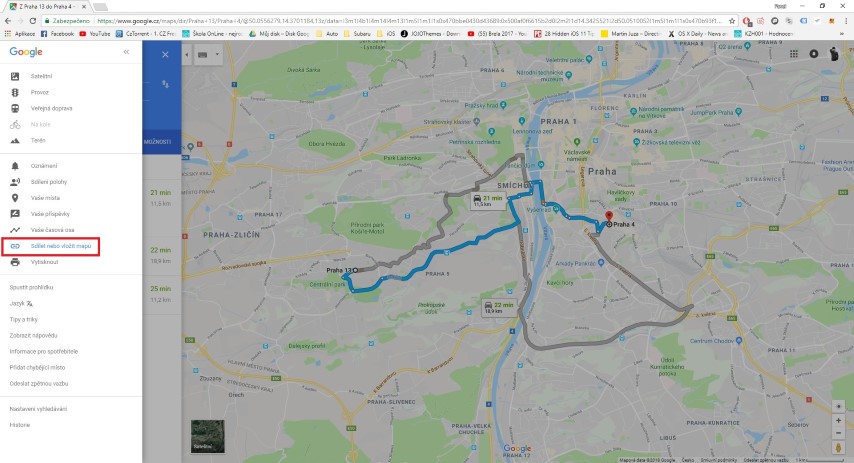
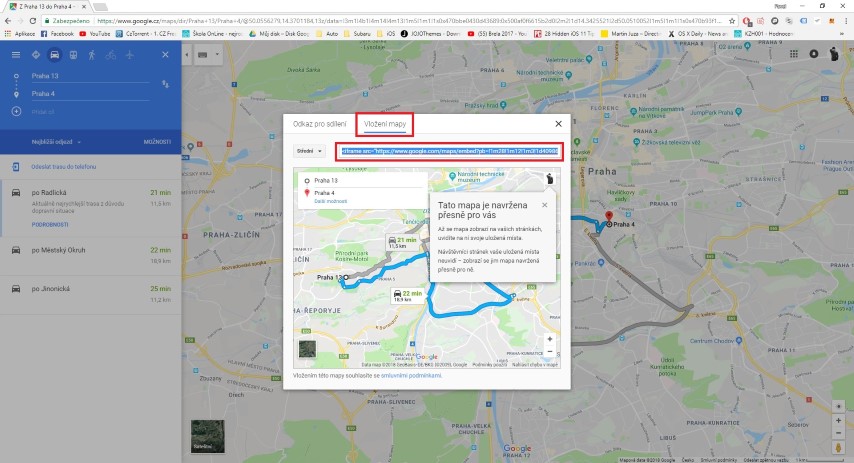
If you decide to embed one of your routes or maps on the website, you can do so very easily. Just click on the icon in the upper left corner (three lines), and then choose Share or embed the map. Then just switch to the Insert map category in the menu and set the map according to your requirements. Then you can simply copy the so-called embed code and insert it anywhere on the website.
Find your exact location even without GPS
Did you know that you don't need to activate the GPS feature on your device to find your exact position? All you need is any device that is connected to the Internet, in the case of phones or tablets in the form of a WiFi network or mobile data.
You might be interested in
Adjust the route according to your requirements
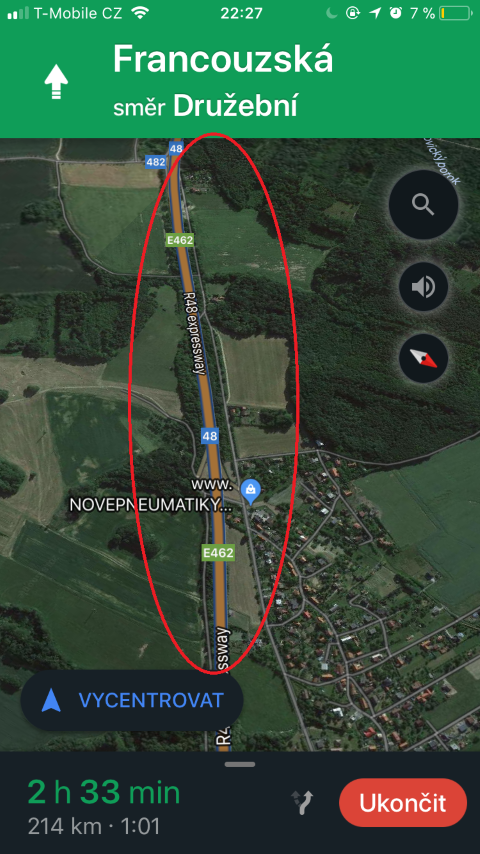
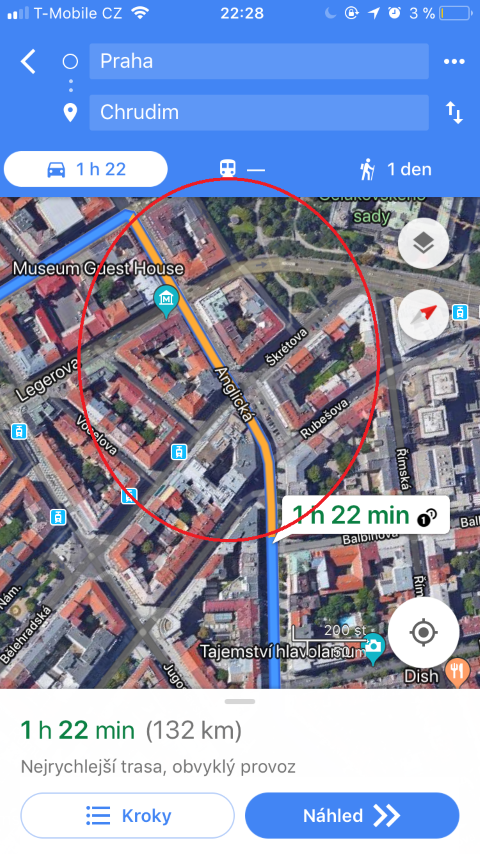
If you set a route from point A to point B, Google Maps will usually give you a choice of the three best routes. If you want to avoid a place along the route, just grab the blue line with the cursor and simply drag it to where you need it. How simple.
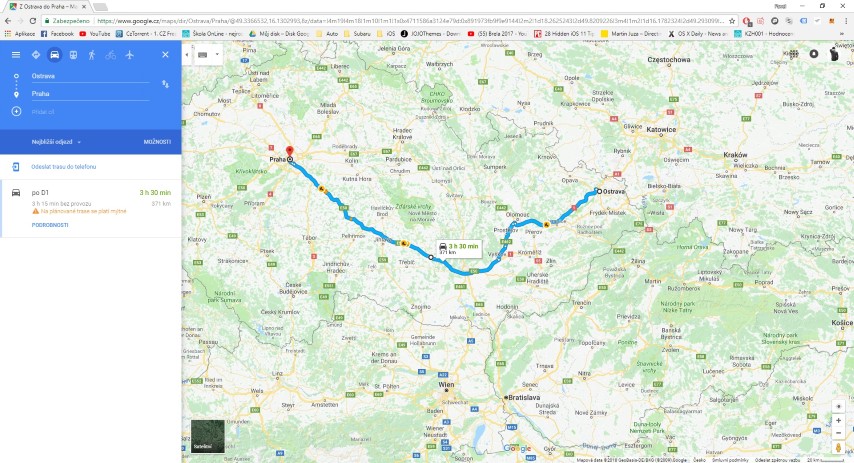
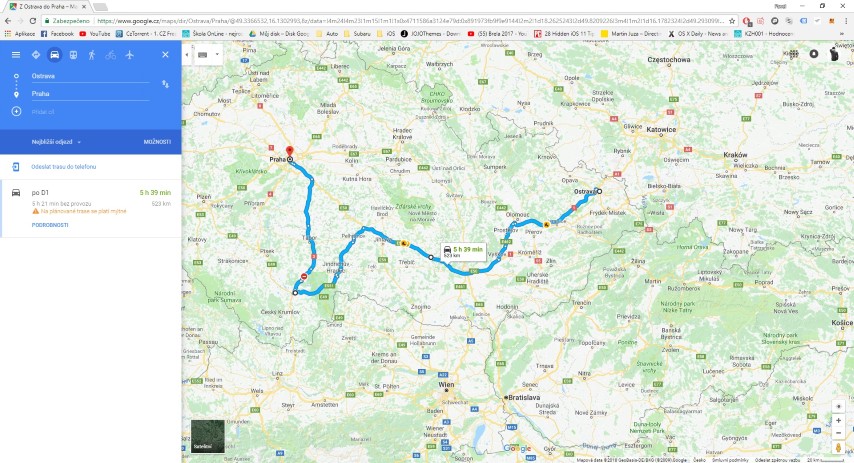
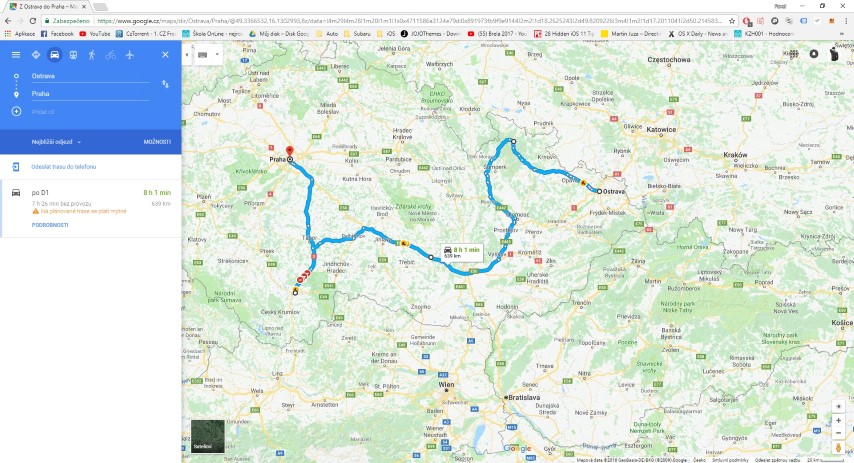
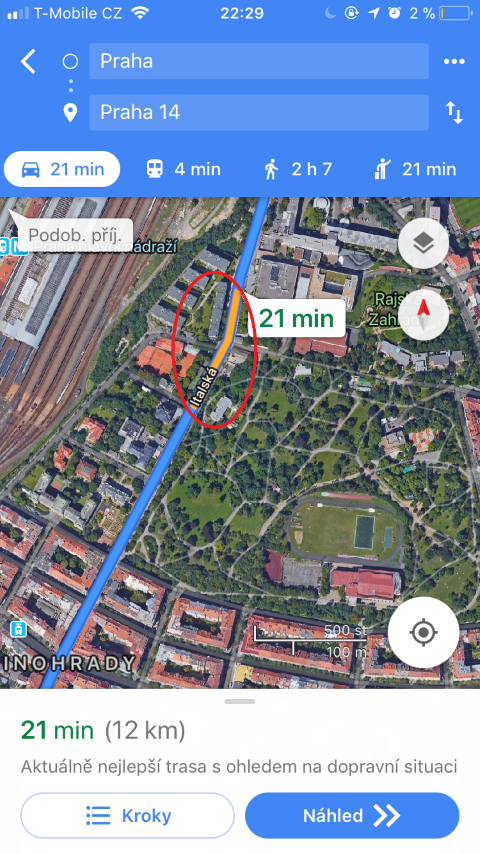
See how it looks on the go
Again, this function only works in larger cities - if you look at Google Maps, you can also see how much the route is "congested" with cars. If you see that there is a lot of traffic, combine this feature with the previous custom route feature above to create the best and fastest route.
Talk to Google Maps!
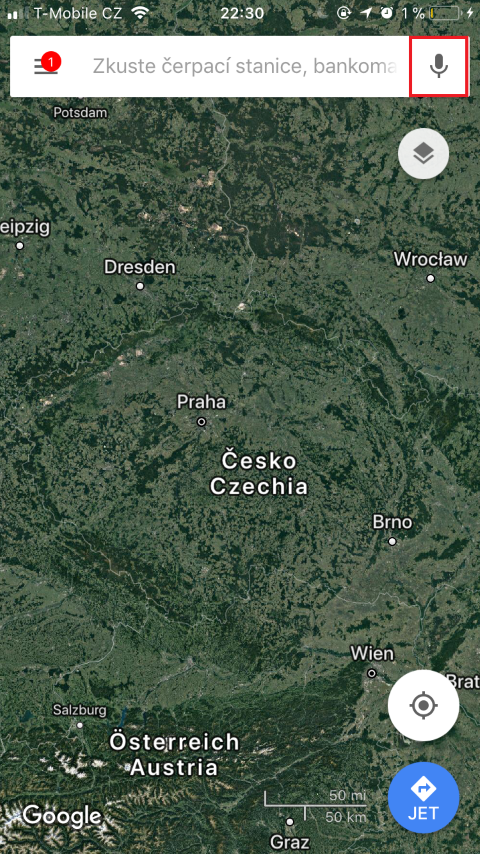
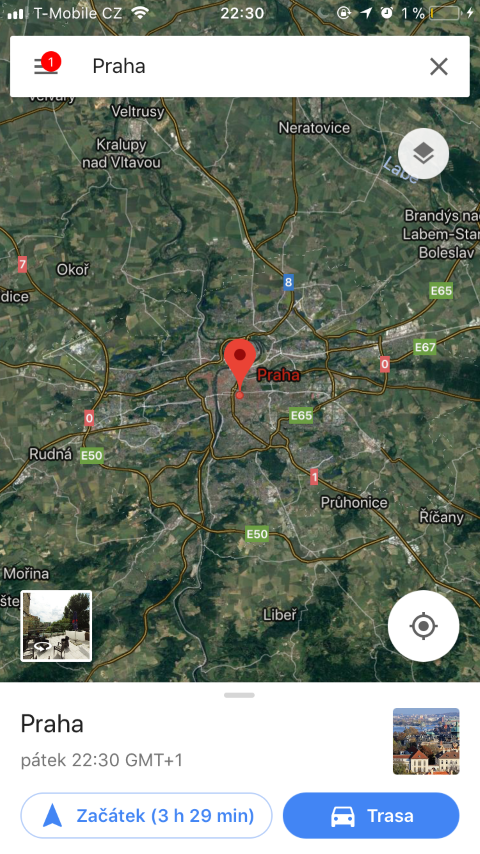
Instead of picking up your phone while driving and endangering other road users, with your phoneonem speak. Just press the microphone icon on the right side next to the search field. Then just say, for example, "Prague" or any other place you want to visit, and Google Maps will automatically start navigation.

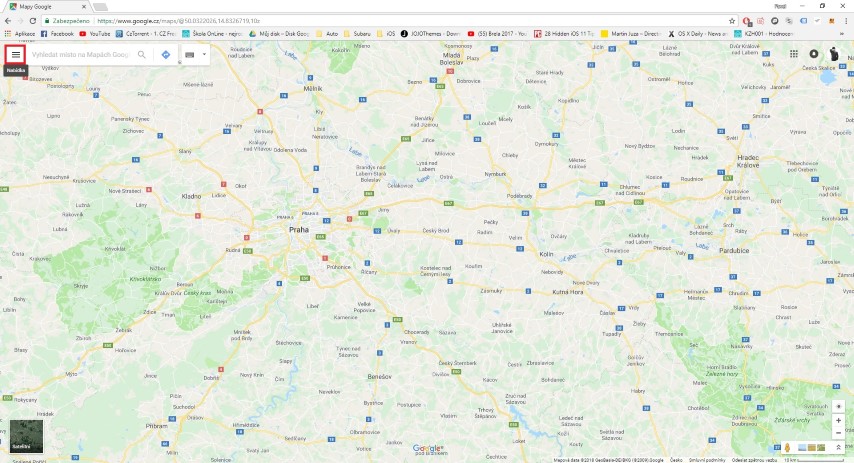
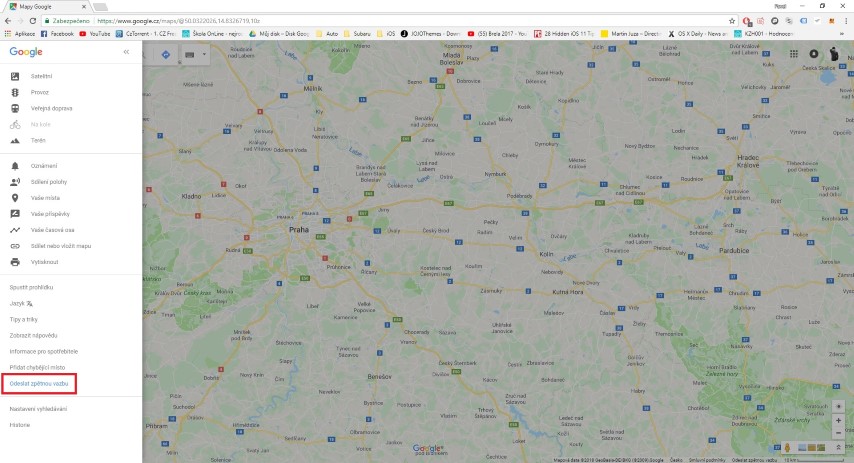
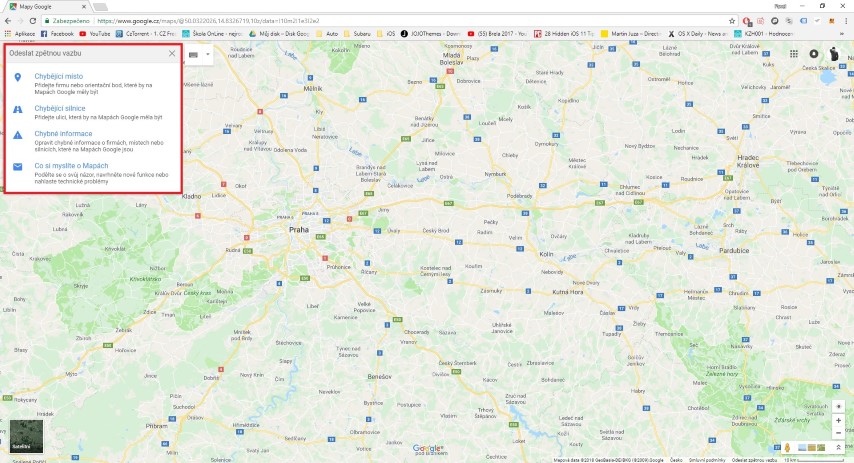
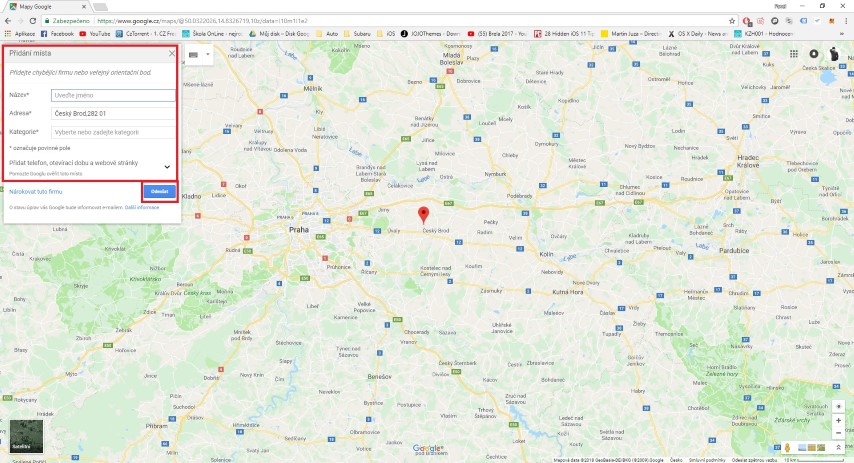
Edit locations that are not displayed correctly
If you notice any imperfections in Google Maps, or notice that the entrance of your house is on a different side than it actually is, fix it. In this way, you will help not only yourself, but also other people. Of course, you can't modify everything and move your house to the other half of the globe, but at least some changes are possible.
Gallery
I hope you learned at least something new in this article full of simple features in Google Maps. In my opinion, the most useful function is to modify the route according to my requirements, when I can choose which city I want to go through or where I want to stop. Also, the function that shows the density of traffic on your created route is not out of the question at all.



Thanks for the article. Is there any tip on how to easily send a planned route to Waze, either to my phone or to a friend's phone, who would immediately use it online?
Marketing is well managed, but the quality of Google maps is already lagging. Pro navigation useless.
Just today, just for fun, I was checking how often Google maps is cleaned... since they started building an apartment building a year ago a year ago, a block away from the house, so to my astonishment there must have been a Google map from 2015, while it is more interesting that the maps apple they were up to date as of last month, so probably behind Google Maps