
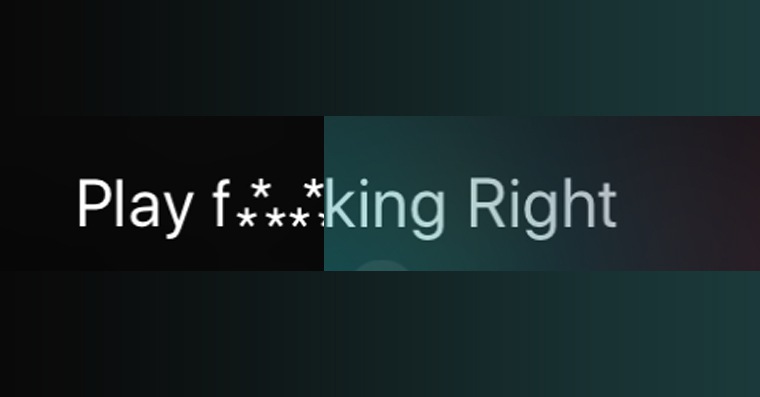
If you are using Siri and you are unable to speak to her politely – and that's just because she's a robot – I'll show you how Siri unlearn to speak foul language. Remember that even a robot in the form of Siri has a soul and your words may hurt it. Or it may hurt someone from Applewho listens to everything you say on the phone. Of course, most of the time we don't need to Siri to speak dirty words, but sometimes you may just try it. Or your child, who knows English better than you, will try it and you don't want them to see these words. So how Siri unlearn to speak foul language so that instead of foul words, she uses censorship in the form of a "beep" sound and asterisks?
You might be interested in
To put it bluntly, Siri He will definitely not curse at you, even if you have your "dirty" tongue on. He will usually find another way out and fire us off with a sentence “There's no need to say that!”. Anyway, if you keep it on the internet from Siri search and read something (in English of course), sometimes there may be a dirty word in the text. Another case can be found in many songs with English titles, where words like "f*****g", "s**t" and "b***h" are not unknown.
How to do it?
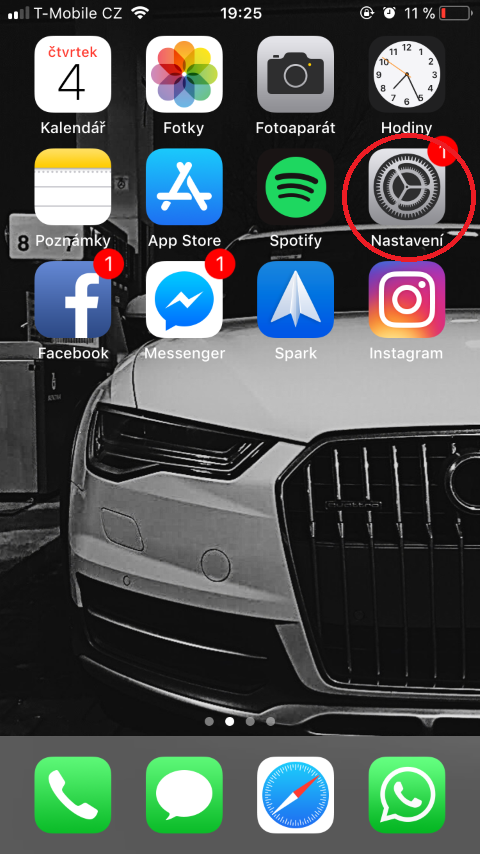
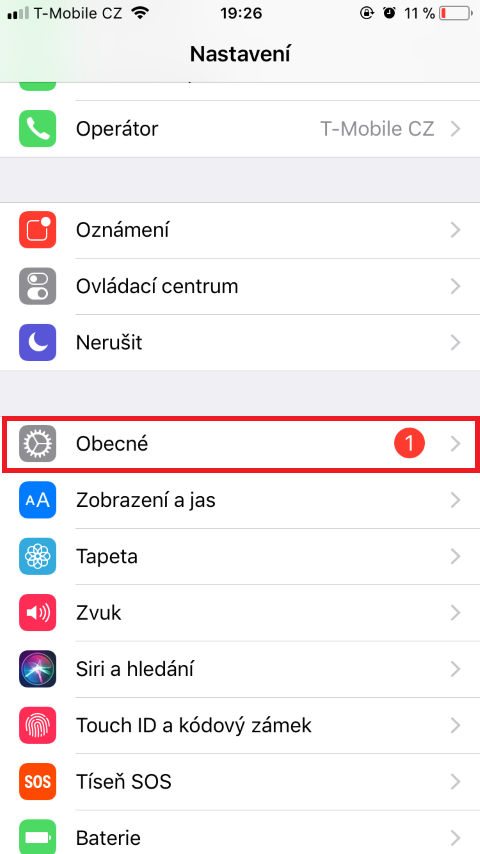
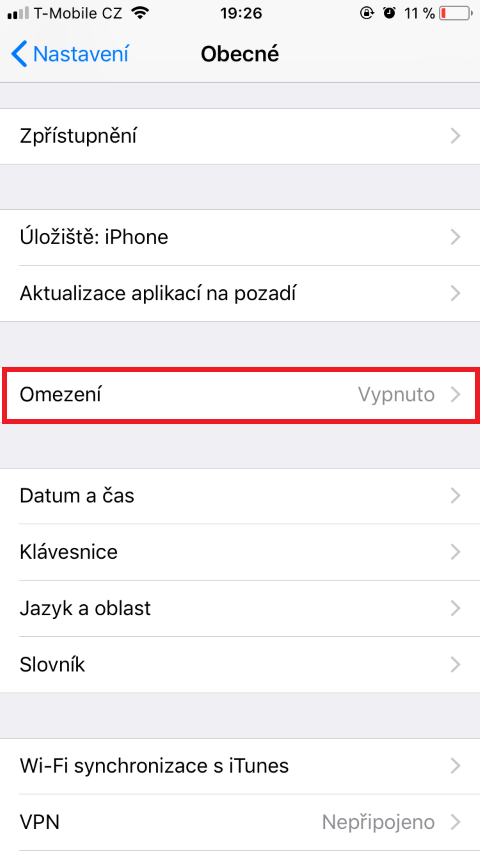
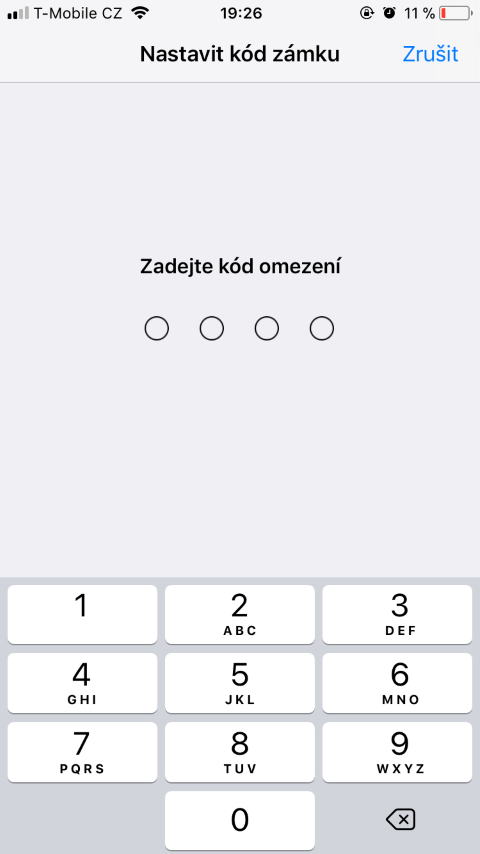
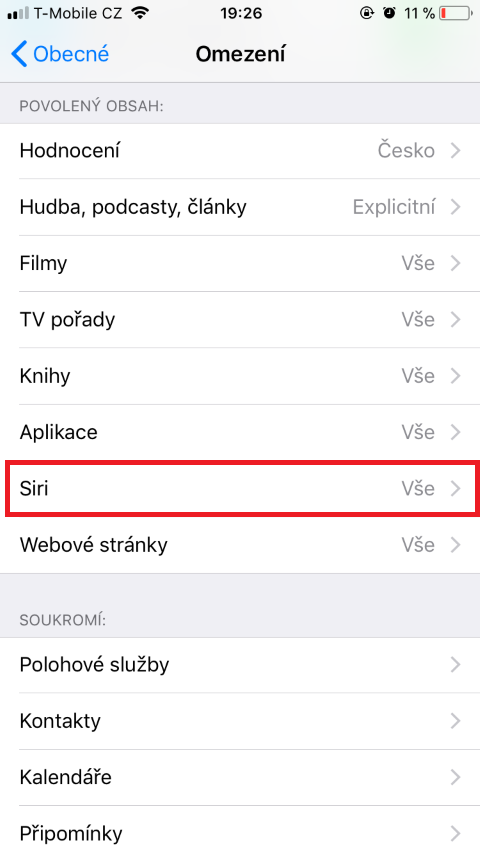
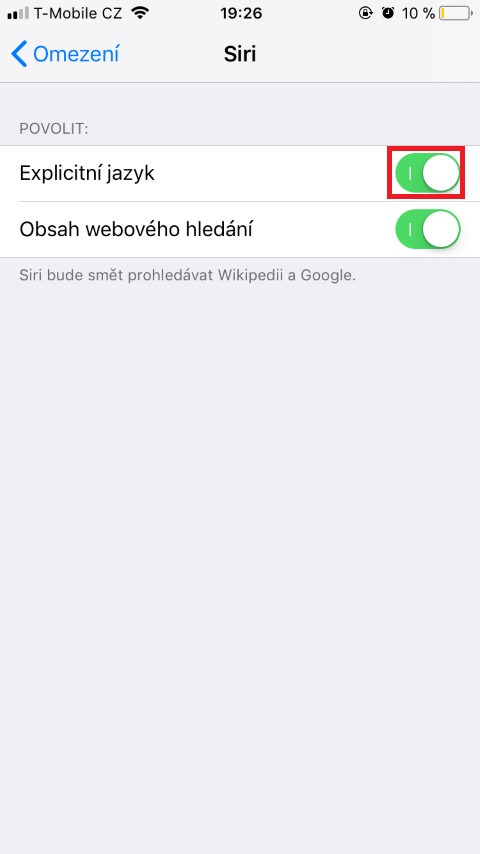
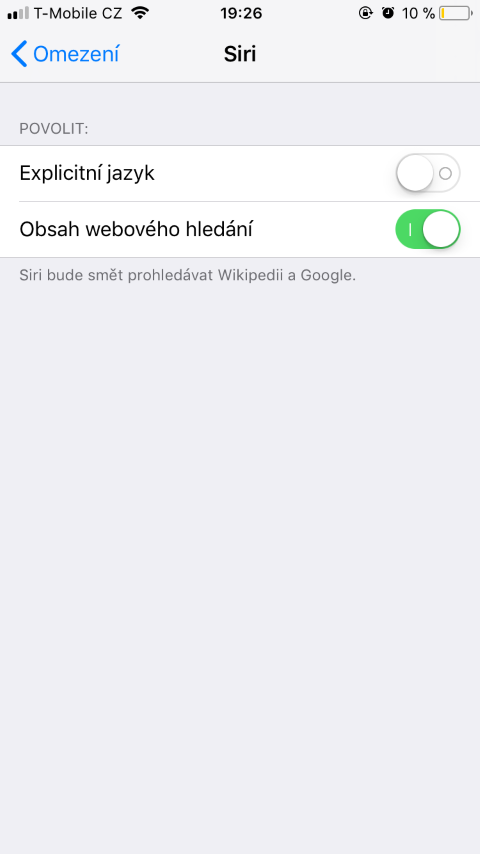
Let's go to Settings and open the box In general. Here we open the option Restrictions (if you don't already have the restriction option turned on and you're not using it, you'll need to activate it - just remember the code you choose). We go down and tap on the column Siri. Here we turn it off using the slider Explicit language. Now anytime Siri finds any inappropriate word, it will automatically censor it.
Gallery



well, let her talk like a tiler, especially so that she can speak Czech, right?
I would rather be interested in how to teach her Czech :)