
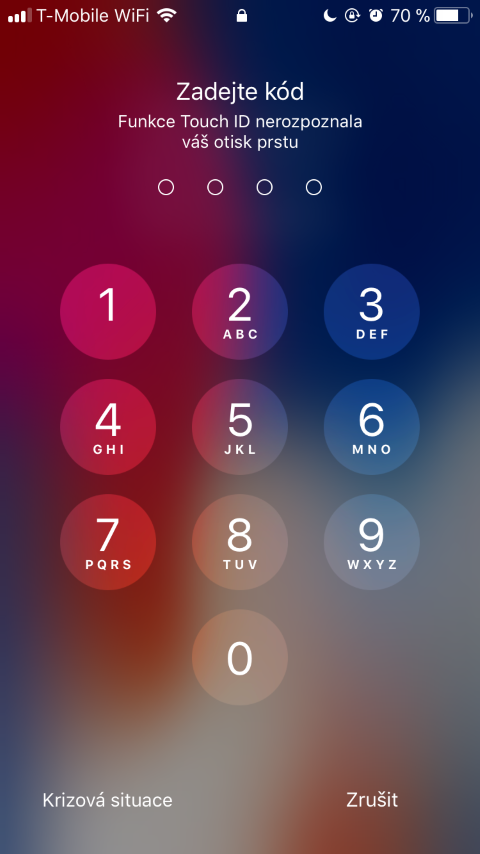
V iOS 11 is a new service built in called Emergency SOS. This feature also has a few hidden features. One of them is automatic deactivation Face ID or Touch ID. If you want to unlock your phone after activating this feature, you will have to enter a code. This can be useful if you feel in danger. For example, if you suspect that your device has been robbed or stolen. This means that the person in question will not be able to unlock your device using your face or finger. So unless you explicitly tell them your password, they will not be able to access your data.
You might be interested in
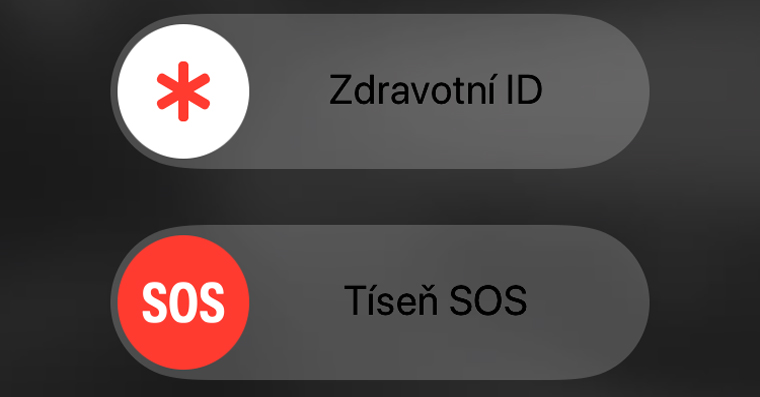
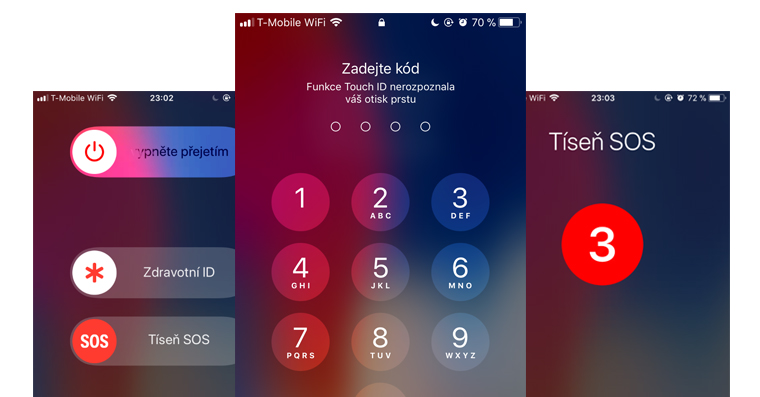
Emergency SOS is enabled by default. To activate it, you need to press the side unlock/lock button five times in a row on older devices. For newer devices, iPhone On the 8, 8 Plus, and X, you need to press and hold the side button and one of the volume buttons at the same time.
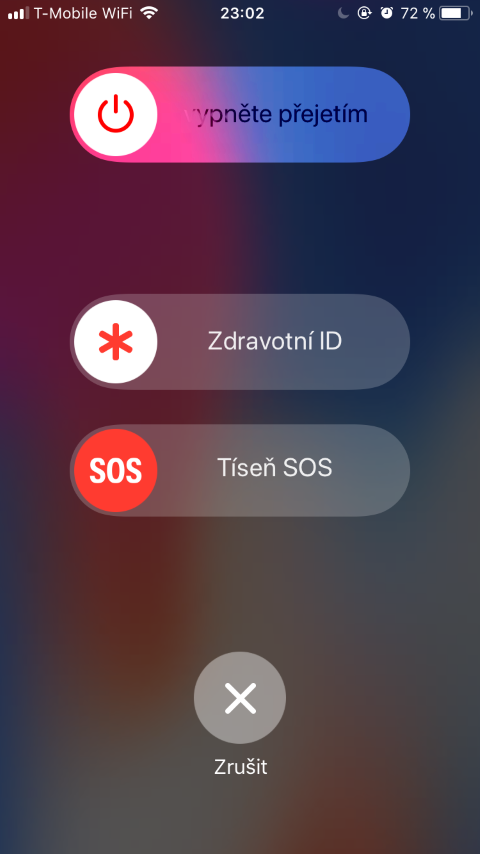
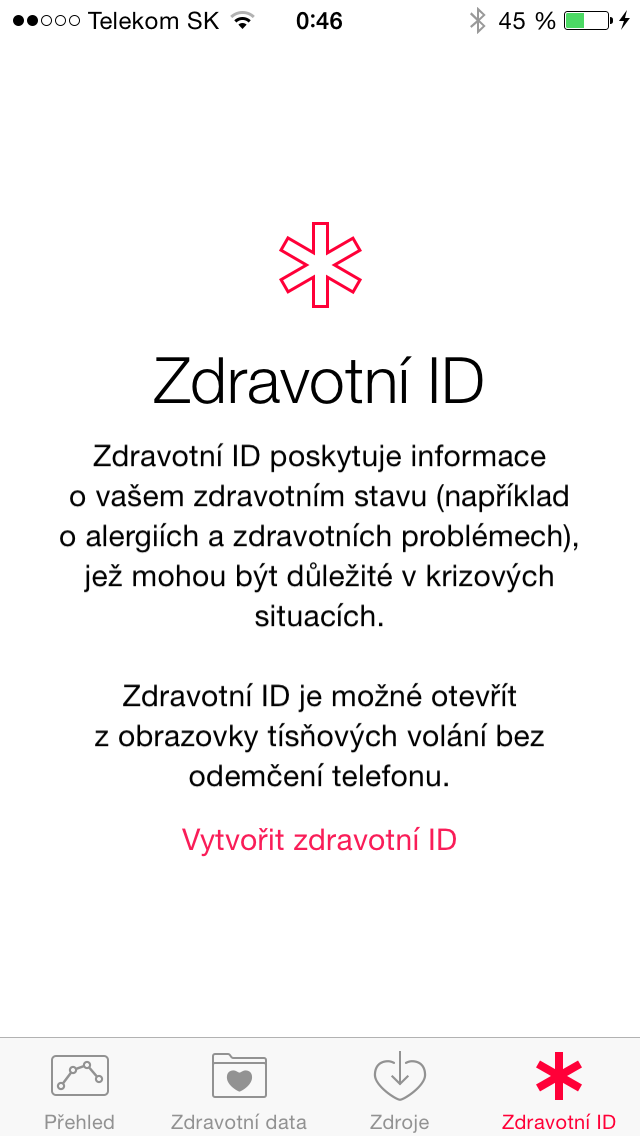
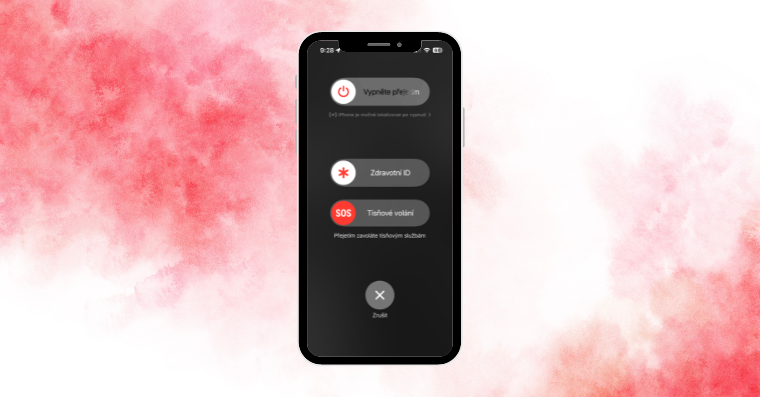
If emergency service is activated, you will see a screen where you can enter your iPhone turn off, display Health ID (if you have it set) and call Distress SOSIf you get to this screen, you have successfully deactivated Touch ID / Face ID and you will need to enter the code to unlock the device again.
Gallery


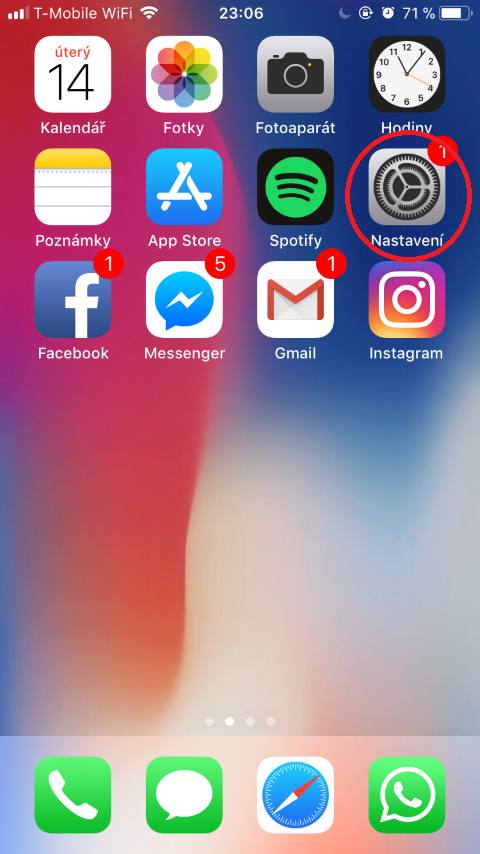
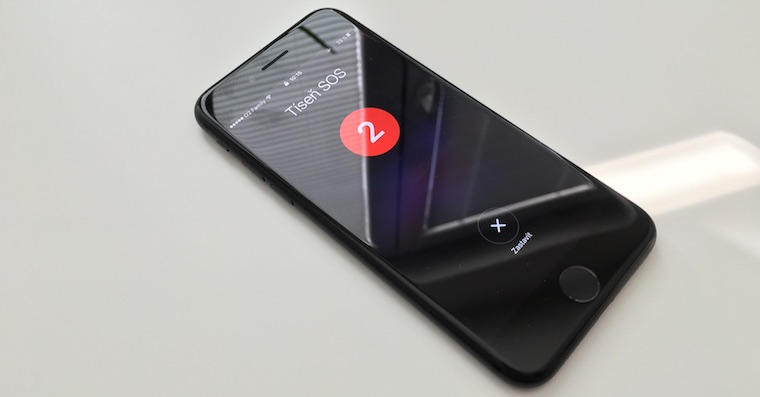
But be careful, if you have the Auto Call feature enabled in your settings, instead of this screen, your iPhone will start counting down for three seconds. After three seconds, it will start calling the emergency number 112. If you have this feature turned on for some reason, I recommend turning it off in the settings as follows: Open Settings -> Distress SOS. Here disable Call automatically.
Gallery
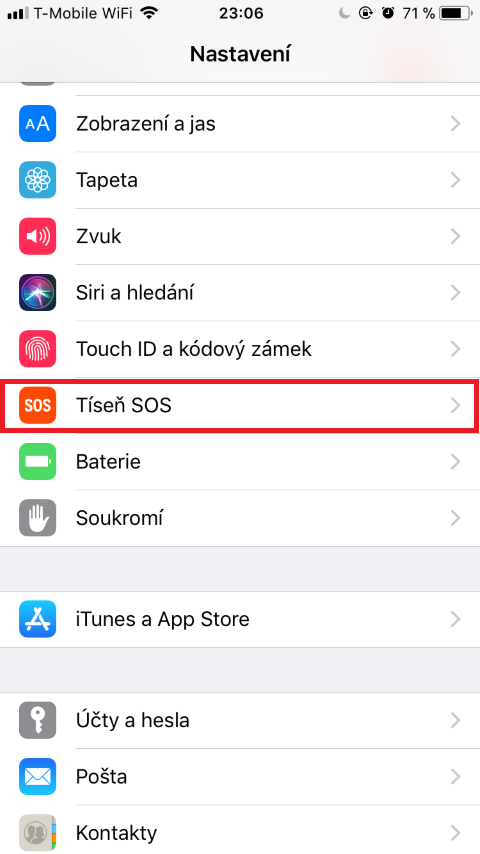
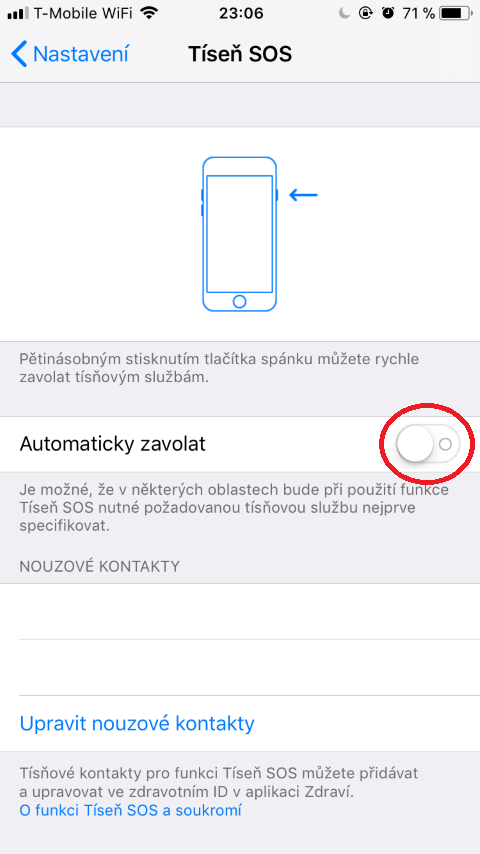

If the Auto Call function is turned off, invoking SOS will bring up the screen I described above. On this screen, you can initiate a call to the 112 emergency line by sliding the box Emergency SOS.
This feature was probably originally built to protect your device and your data in a situation where you might be incapacitated. However, this feature can also be used to specifically disable Touch ID or Face ID. This is very remarkable, because there are legal decisions, especially abroad, where the defendant was obliged to provide a fingerprint, but not a code to unlock the device. In conclusion, I hope that you will never need this feature in the future. But if you do, remember this article.

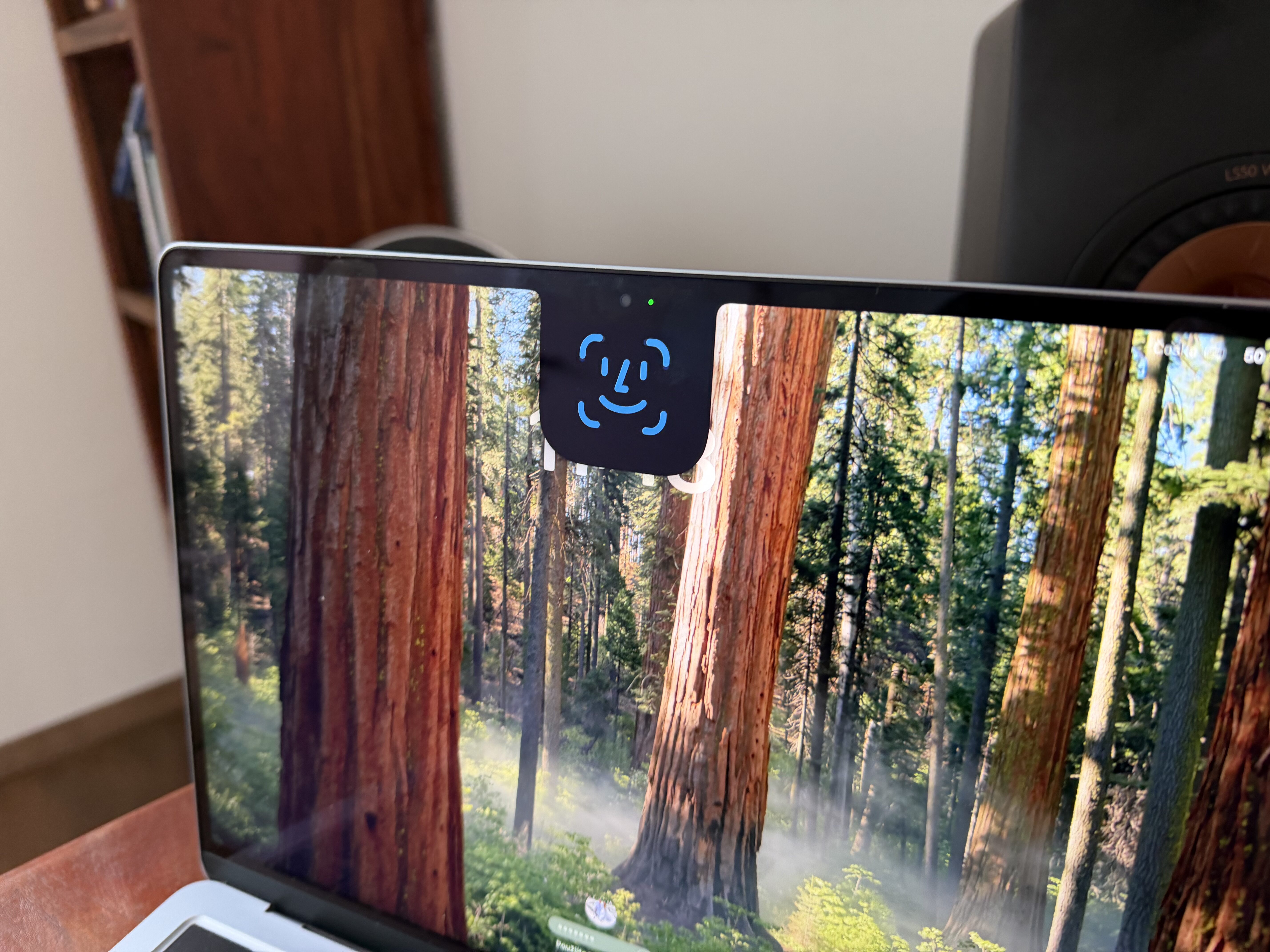






Is it possible to turn it off? Face ID on iP X completely? Or ask for a certain time after temporary unlocking?
Thanks for the info
Turn off Face ID It is of course entirely possible. You don't have to use it at all, just like with Touch ID. I don't really understand the second question. ?
Letem svetem Applem Thanks. I mean this - see photo.
When I lock iphone, so I would like to unlock it within 5 minutes without a face scan. On ip7 touch ID That's not really possible:/ so I'll ask for IP X, but I'm guessing that won't work either..
David Šuráň what you took a picture of, that means that in case of bad unlocking or Face ID or Touch ID it should ask for the code immediately or after x attempts (which you set).
Thanks for the info, good to know if something happens?
Deactivation of freezing is possible Safari?
Yeah, just, chrome browser app.