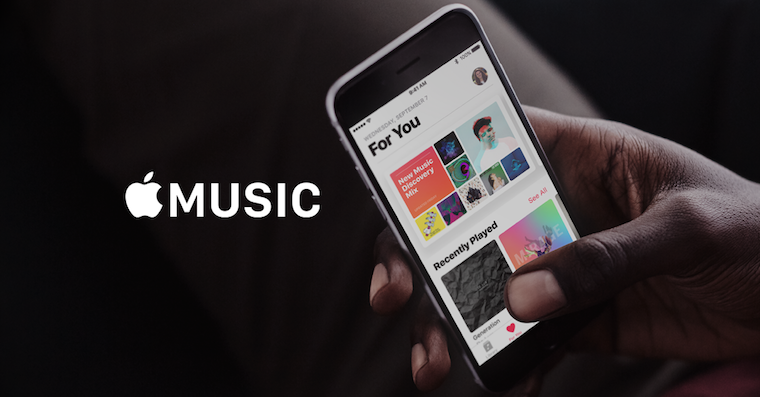
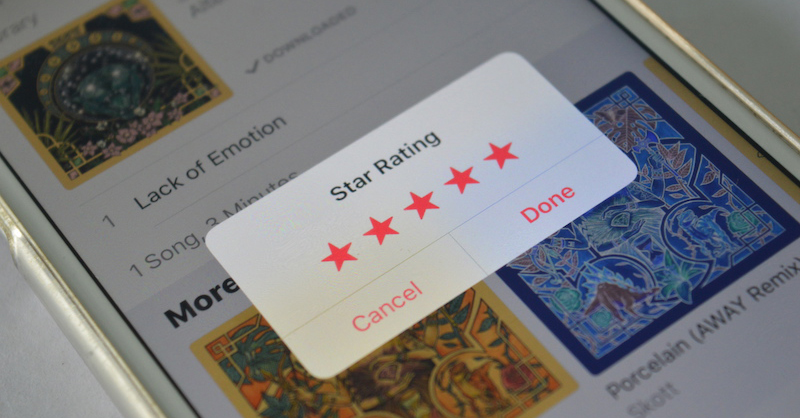
After changing the user interface of the application Apple Music Many users were disappointed. This was not only due to the relocation of controls, but also because some common ones were completely missing or hidden in the menu. Apple in the latest update, he improved the application a bit again and, in addition to the ability to turn on the old rating of songs using stars, he returned another function that was in the application before the redesign.
You might be interested in
Someone may have noticed that in the new interface Apple Music There was no way to sort playlists, albums or songs in your own way and you were limited to sorting alphabetically. But that is fixed in the new version. iOS 10.2, which the Californian company recently released, has changed. So if you have the latest version of the operating system installed for iPhone, iPod and iPad, can be found in Apple Music new sorting button in lists.
As iOS 10.2 v Apple Music change the way playlists, albums, and songs are sorted
- Open the Music app.
- In your library, open Playlists, Albums, or Songs.
- Click the "Sort" button in the upper right corner.
- Choose one of the sorting options.
Gallery
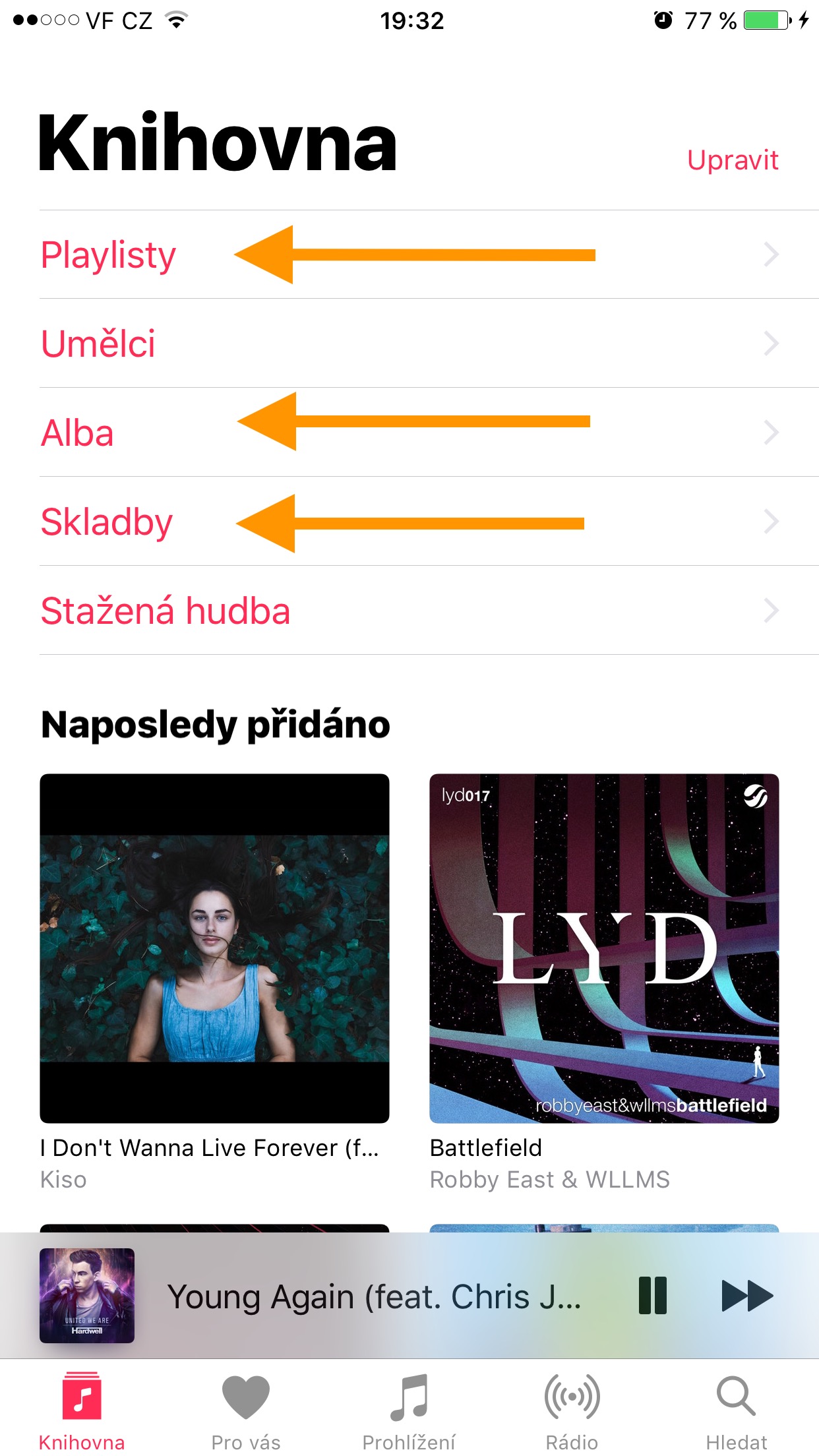
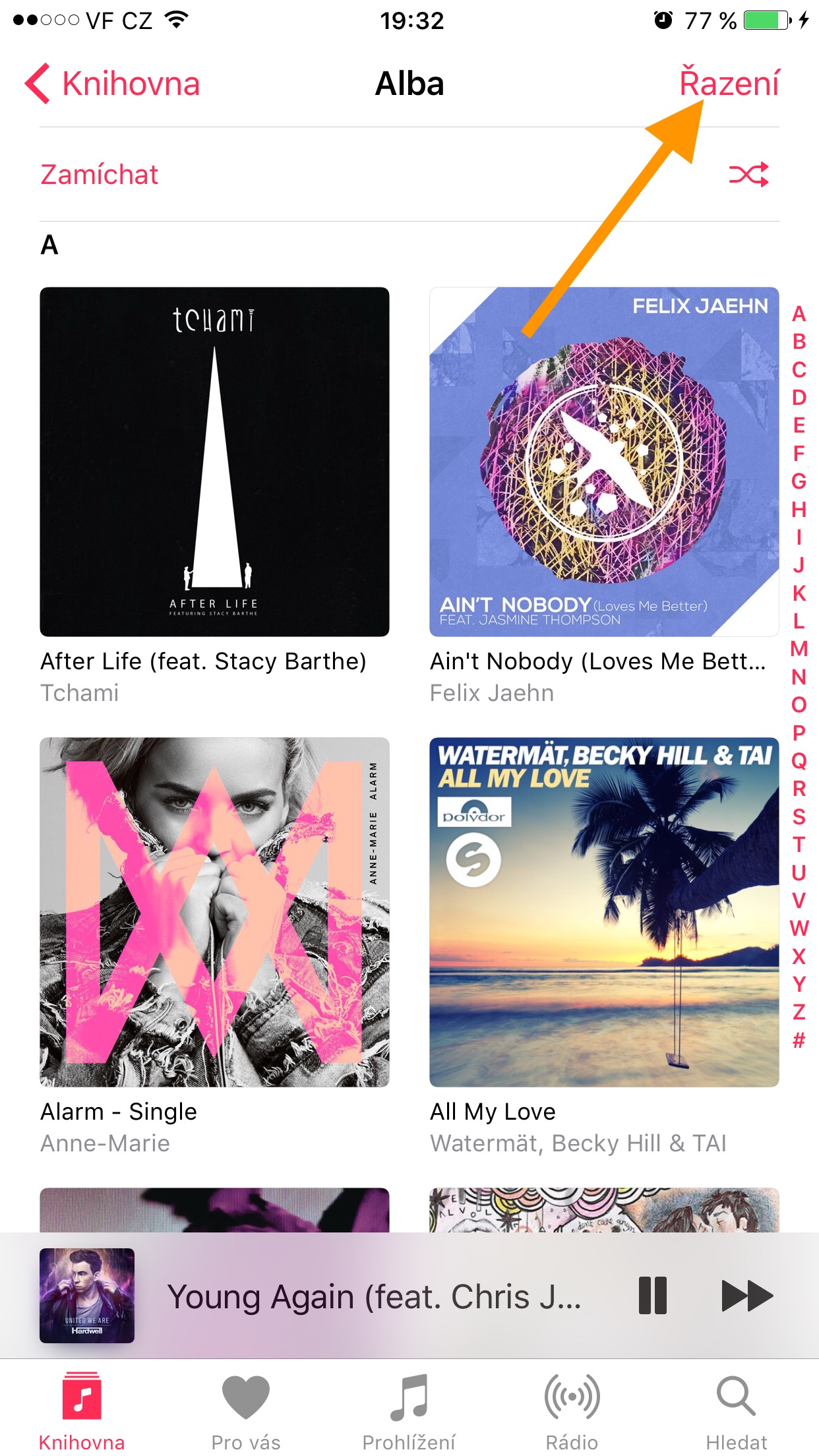
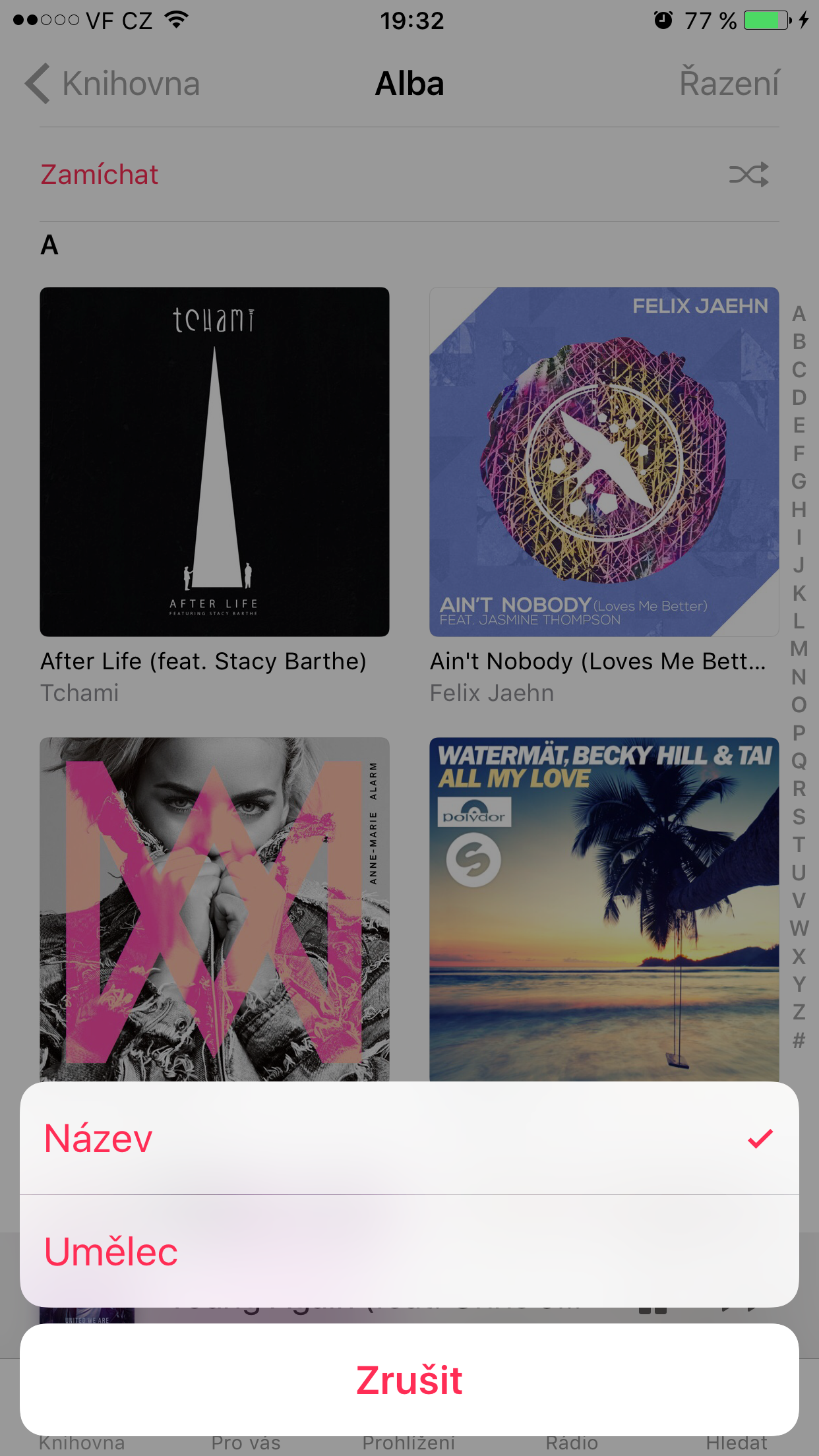
For Playlists, you can choose from playlist type, name and last added. For Albums and songs, you can then choose between sorting by name and by artist. The sorting option is missing in the library, for example, for artists, who are always fixed alphabetically.