
If you use your computer from a California company a lot forancIf you are doing engineering work, you will definitely use the option to export something to PDF from time to time. With a simple trick, you can significantly speed up this step. It all comes down to creating a simple keyboard shortcut, which you can then just press on the keyboard and the document will be exported to PDF by itself. This way, you don't have to click several times and you will save time.
You might be interested in
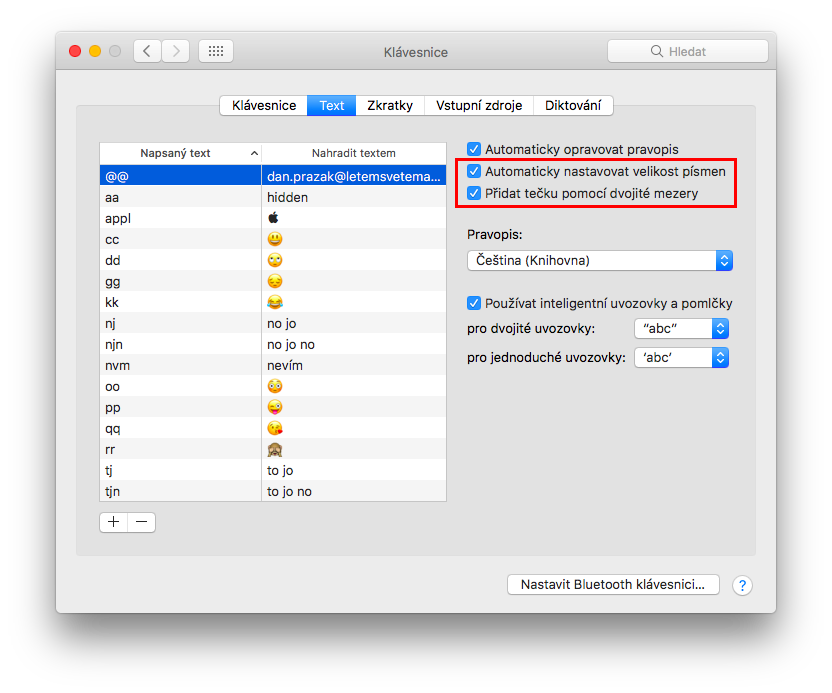
How to create a keyboard shortcut for exporting to PDF on macOS
The procedure for creating a keyboard shortcut for exporting to PDF is the same as creating a shortcut for other applications.
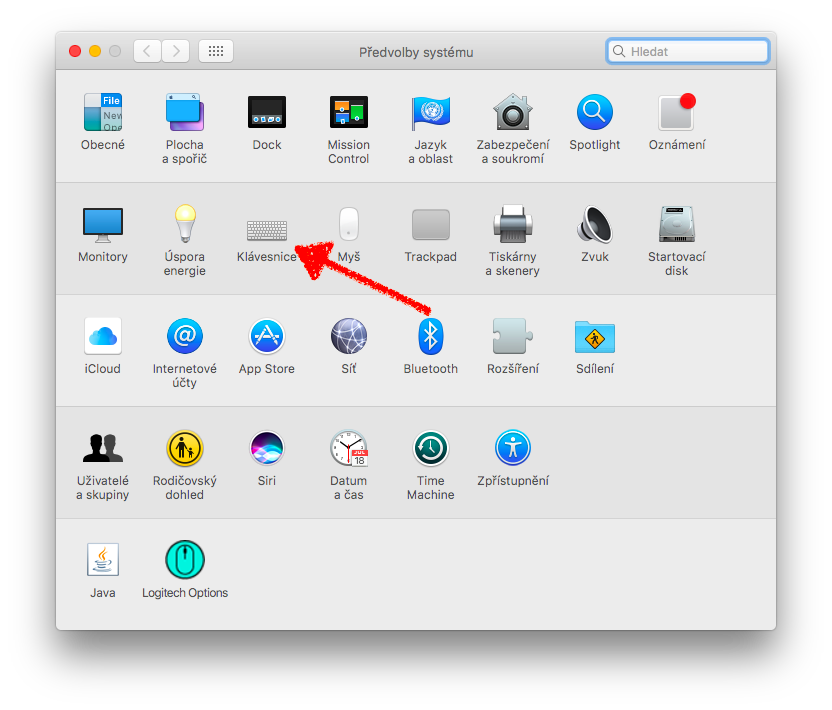
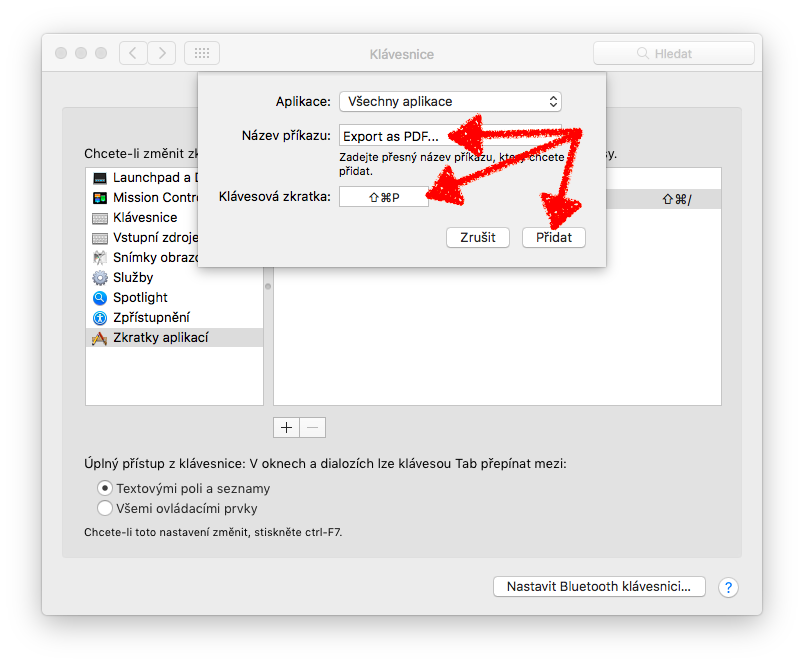
- Open System Preferences.
- Click on the image with the inscription Keyboard.
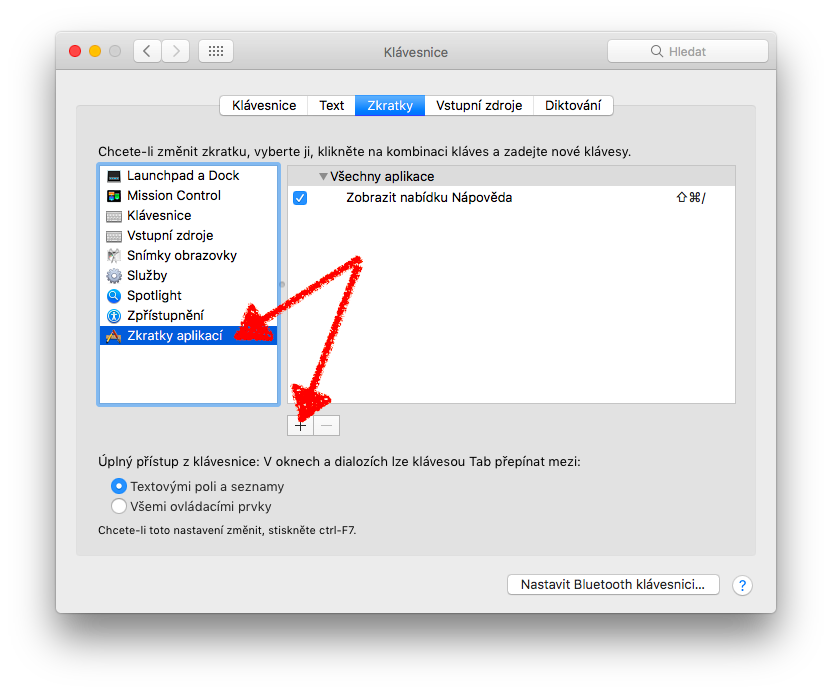
- Now select the tab Abbreviations.
- In the left menu, select Application shortcuts.
- Click the button + below the list of abbreviations.
- Select the apps in which you want to use the shortcut. You can also select all apps to make the shortcut available system-wide.
- Now the procedure will be a bit more complicated, so read carefully!
Open the application in which you want to make the shortcut available and visit the File menu in the top panel. If you see an option Export as PDF, follow the steps procedure number 1. If you see an option Convert to → PDF, follow the steps procedure number 2.- Procedure: In the shortcut creation window that you opened in step 6, type “Export as PDF…” This procedure mainly applies to system applications such as Mail, Notes, and Safari.
- Procedure: In the shortcut creation window that you opened in step 6, type “PDF…” This procedure applies, for example, to iWork applications such as Keynote, Numbers, Pages and other third-party applications.
- As the very last step, of course, the selection of the shortcut itself, which we call the function for converting to PDF, will be. Enter this in the Shortcut key field. For example, the key combination Shift + Command + P is suitable.
- Click the blue Add button.
Gallery
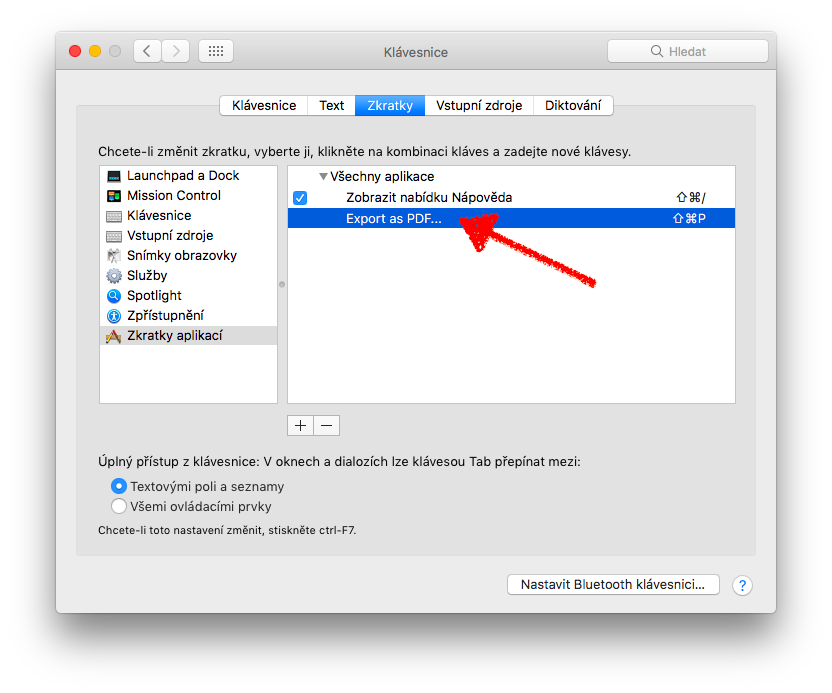
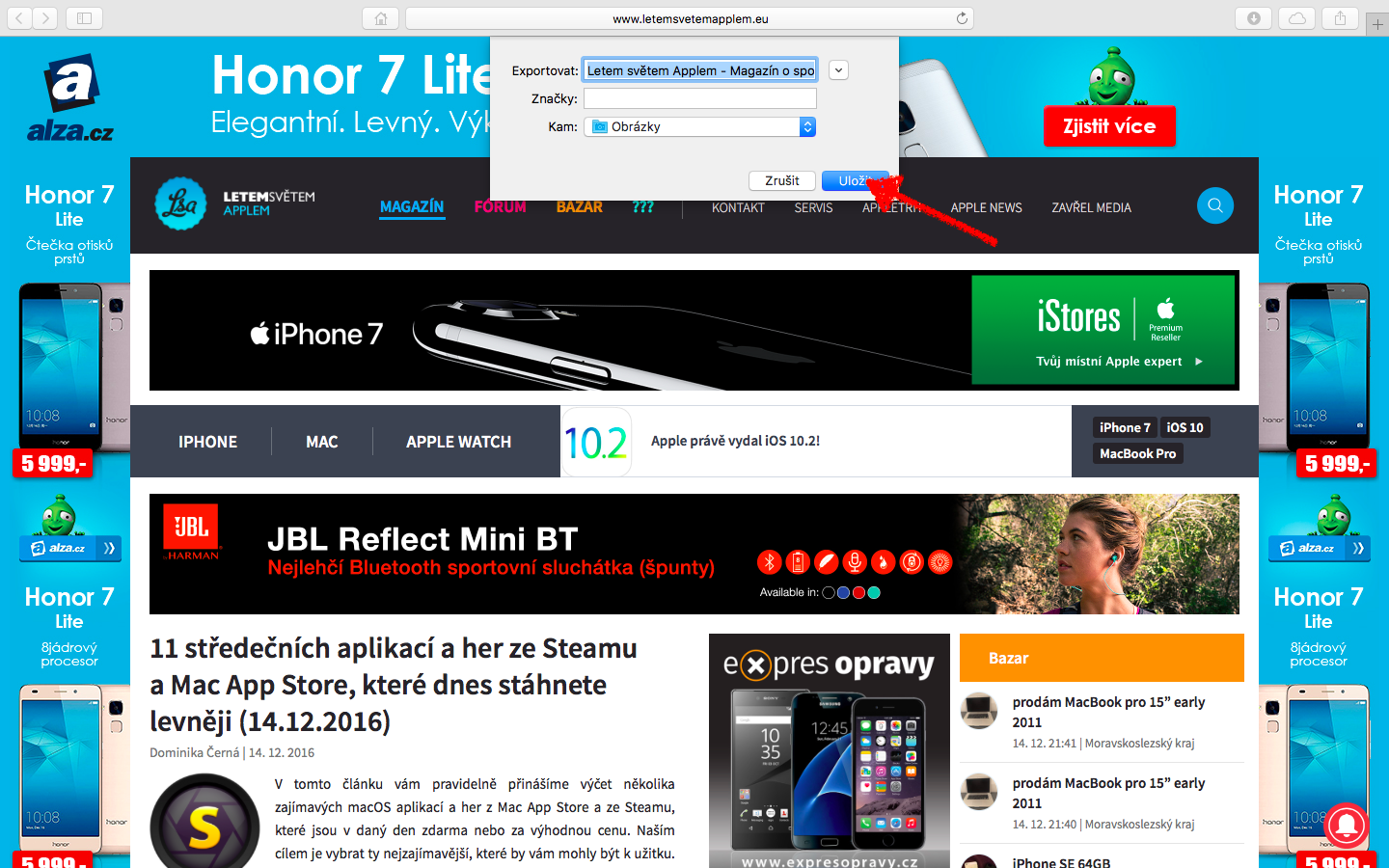
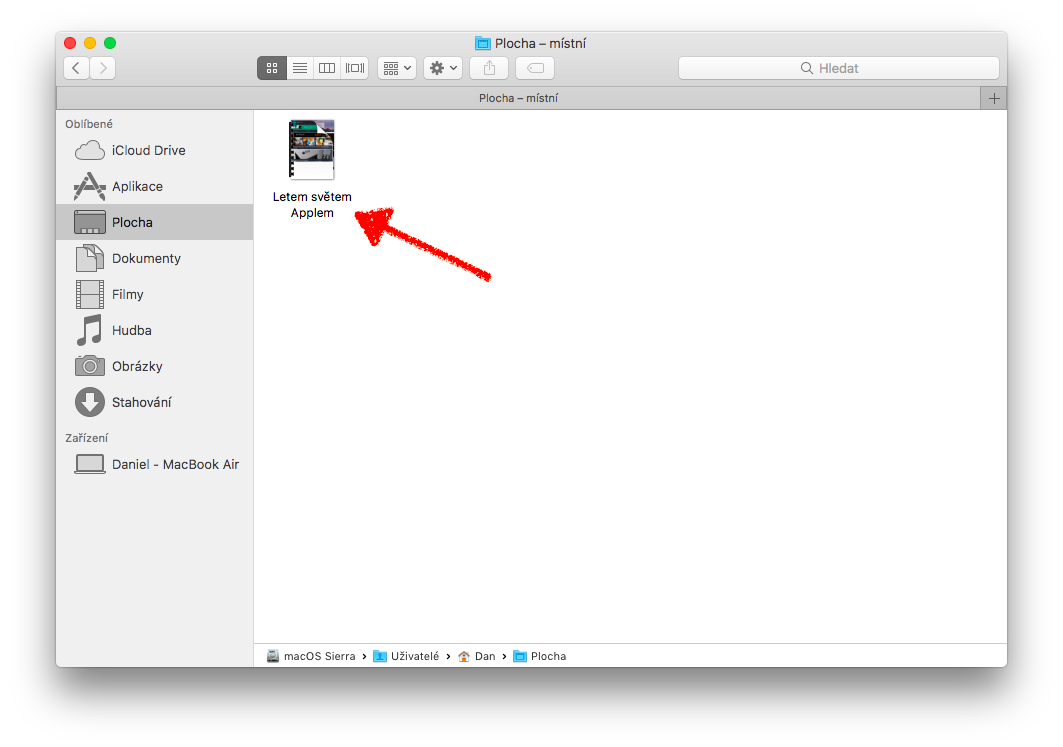
You have now successfully added a shortcut for exporting to PDF and the shortcut should appear in the settings in the list of all shortcuts.

Source: idownloadblog










Great tip, and not the first one. I've already created some shortcuts, but I certainly wouldn't have known that in Numbers should I enter "PDF..."
Díky