
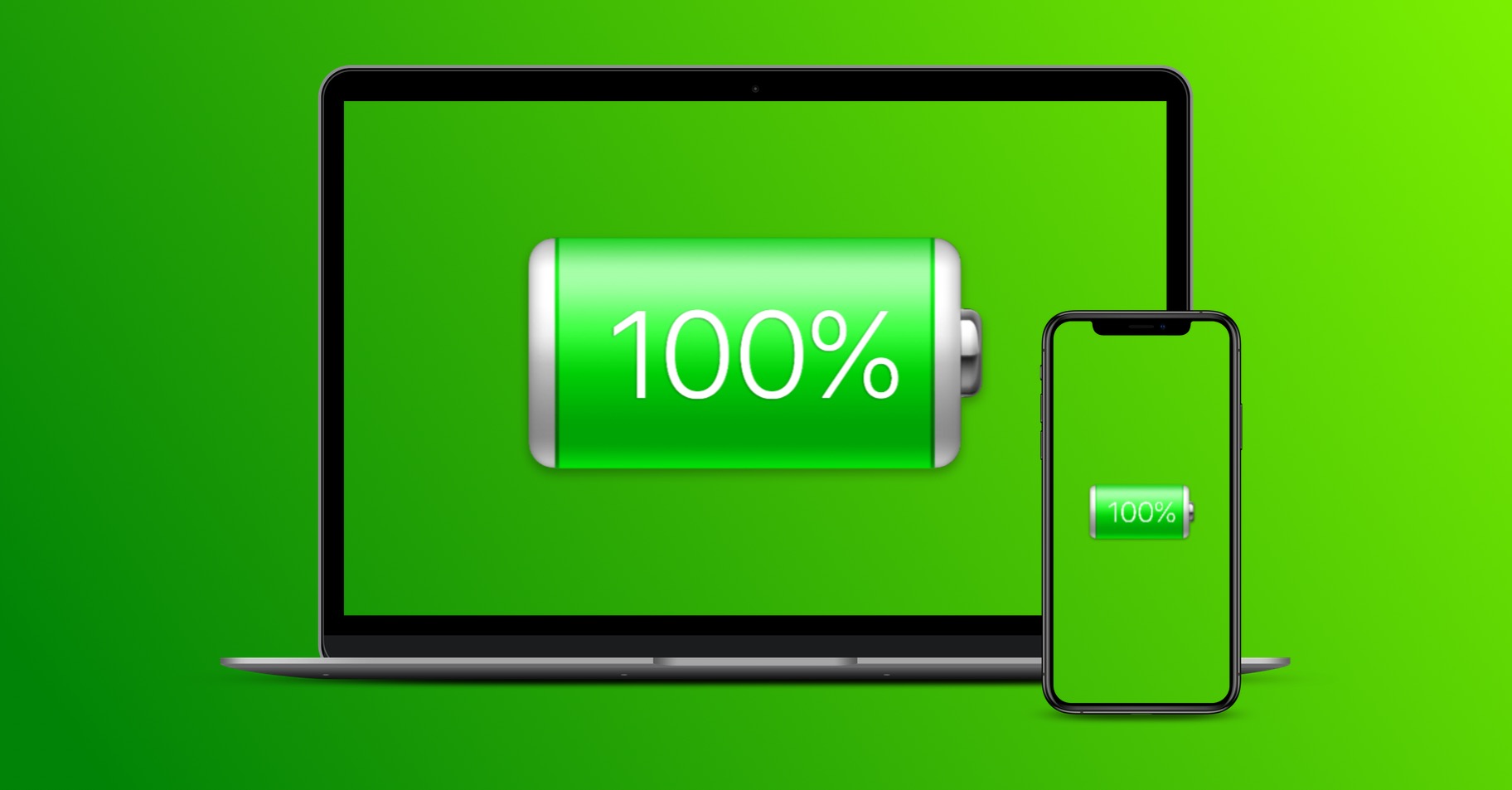
Apple solved the problems of some owners of new MacBooků Pro with battery life by removing the option to display remaining battery time in the macOS Sierra 10.12.2 update. According to the claim AppThis indicator was not reliable because different processes can have different effects on battery life and this fact cannot be reflected in the indicator. We have instructions for you on how to find out the remaining battery time even after the update.
CoconutBattery
CoconutBattery is a proven, reliable application that allows you to monitor the "health" and performance of your battery. MacBooku. The modern version of this app offers a menu in the menu bar where you can monitor the remaining battery time on any device. MacBooku, MacBooku Pro whether MacBooku AirInstalling and using CoconutBattery is probably one of the easiest methods to track remaining battery time after the macOS Sierra 10.12.2 update.
First of all, download it CoconutBattery. This is a third-party application that you will need to confirm to install. In addition to the remaining time, Coconut canBattery also monitor your battery cycles and other important parameters. We tested its installation on MacBooku Air with connected iPhonem – immediately after launch, it automatically showed not only the parameters of the computer, but also of the connected phone.
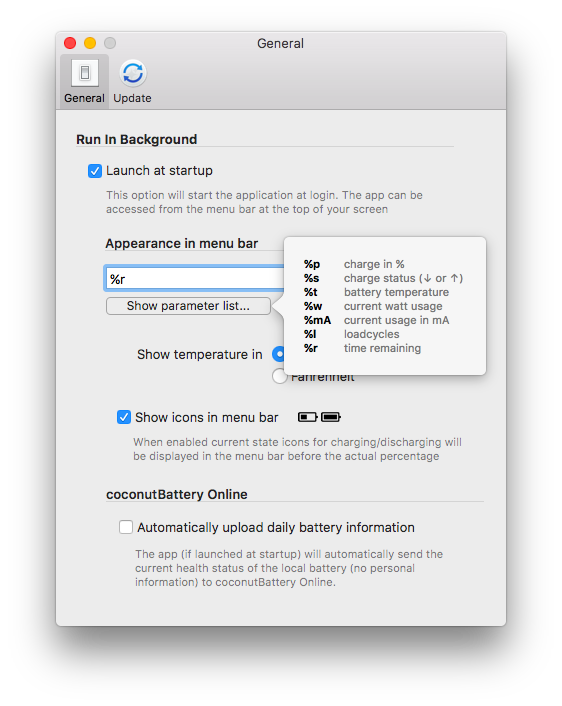
After launching CoconutBattery Click on the application name in the menu at the top of the screen and select “Preferences”. Check the option to automatically start the application when you turn on the computer and you will be given the option to display it in the menu bar. By default, the battery status is displayed in percentage, to display the remaining time you will need to enter the parameter “%r”.
Activity monitor
Activity Monitor not only tells you how much each app is consuming your Mac's battery life, but it also gives you information on how much battery time you have left. Open the activity monitor in Applications -> Utilities. In the monitor window, click on Energy and in the lower panel you will see the amount of time left on your battery. But the future of this option is uncertain - it is assumed that this display Apple will be removed during the next operating system update.

Reset battery menu
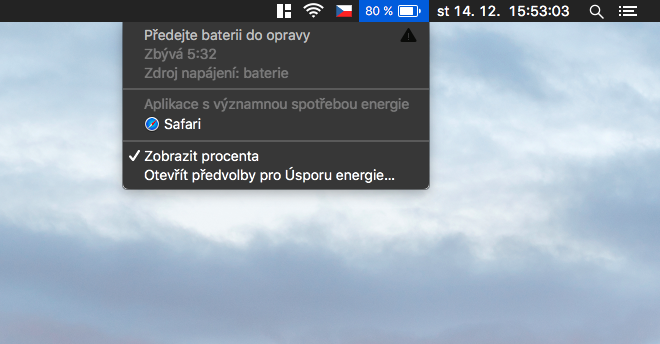
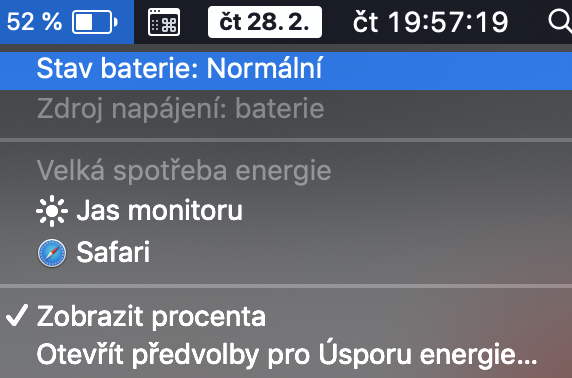
This step is a bit more advanced and requires you to delve into the system folder. It also requires you to have the appropriate file from macOS 10.12.1 or earlier. If you haven't yet nestTo update ihli, copy the file from the location /System/Library/CoreServices/Menu Extras/. Place the file named Battery.menu from an earlier version of macOS Sierra, for example, to the desktop where you can easily find it. Pro After successful completion, you will need to boot into recovery mode and after the update, you will just "replace" the relevant file.
Source: OSXDaily.com







https://www.youtube.com/watch?v=nDR05mAEEm8
And what? battery monitors?