
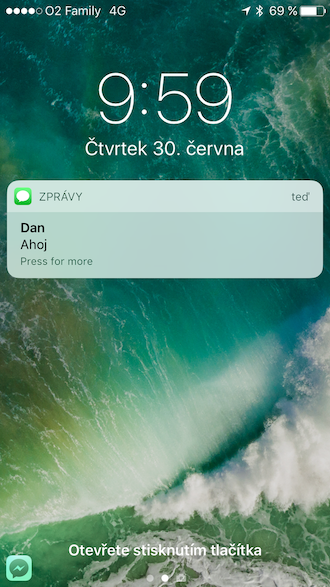
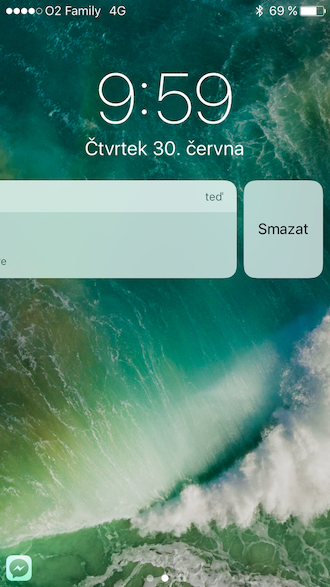
He saw the light of day an hour ago iOS 10, which is available to all users from tonight. This is a big update that changes many of the previous habits. For example, the "Slide to unlock" gesture from the lock screen, which we were used to since the first version of the system, has disappeared, or the way notifications are controlled, which is also a big change that affects us every day. So does it make sense at all iOS 10? Of course, I'll leave the decision up to you, but I'll try to help you with the following lines, in which we'll summarize what the main iOS 10 brings.
New look
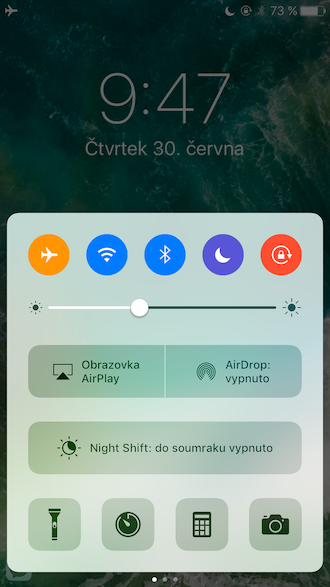
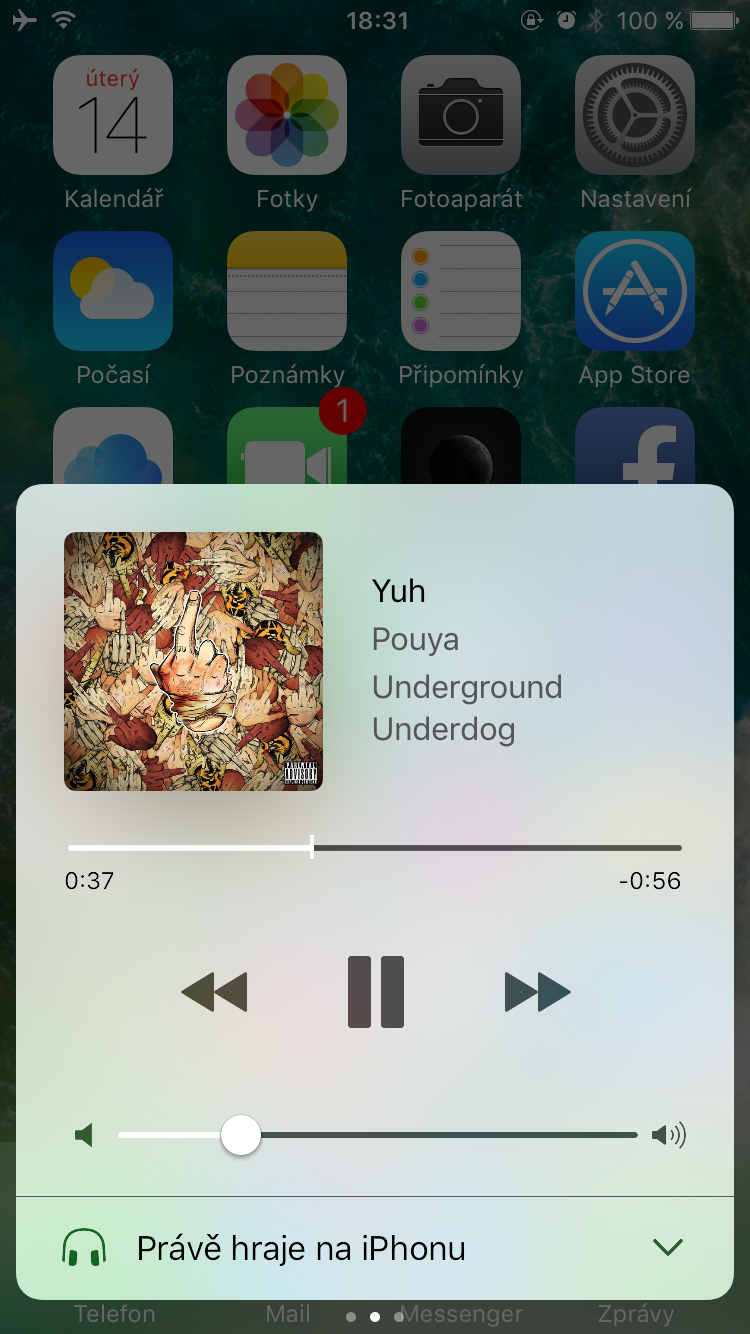
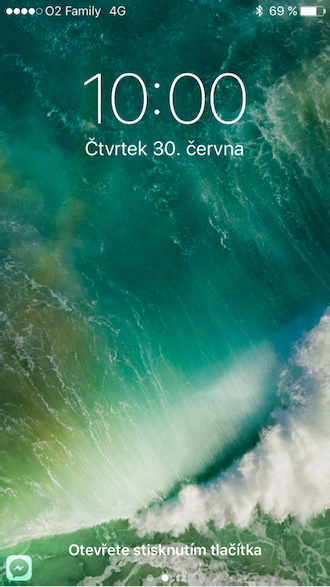
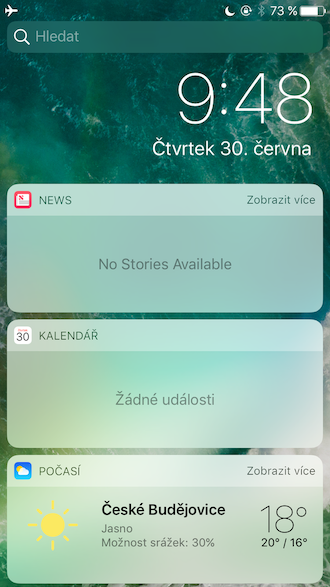
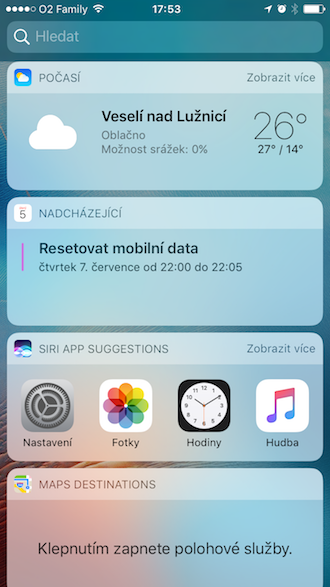
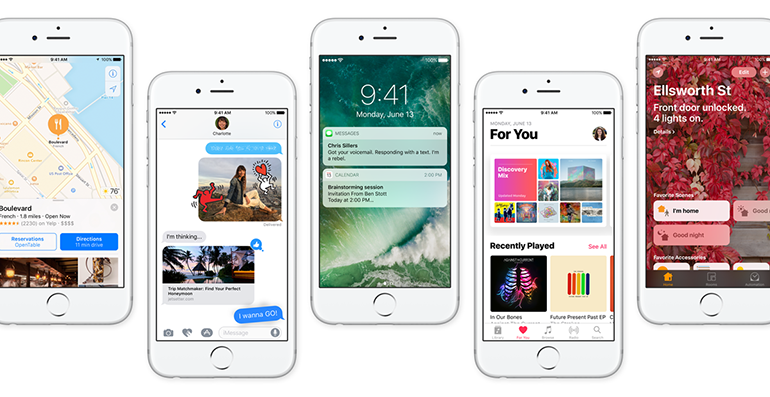
At first glance, one of the most striking innovations is the appearance of the system. These are quite big changes, although the user interface design is still riding on the waves. iOS 7. The tenth version of the system is a bit more colorful, which can be seen mainly in the notifications and control center. The main additions widgety, which show much more information from the application. The control and notification center have also seen design changes. For example, the notification center can now be moved to the sides, where you will find controls for music and HomeKit.
Gallery
Touch 3D
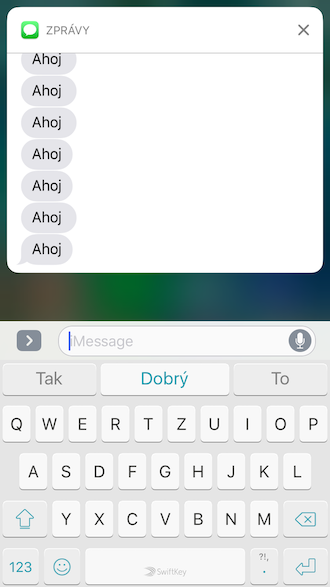
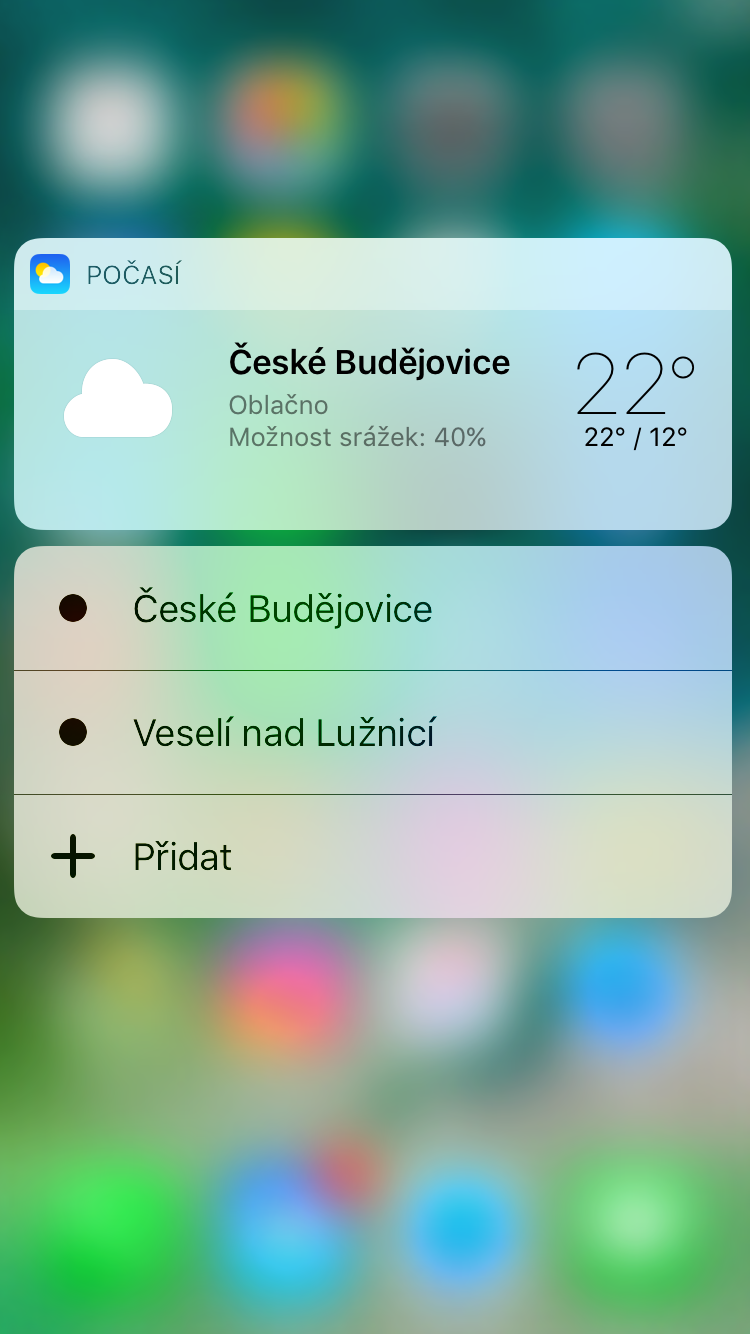
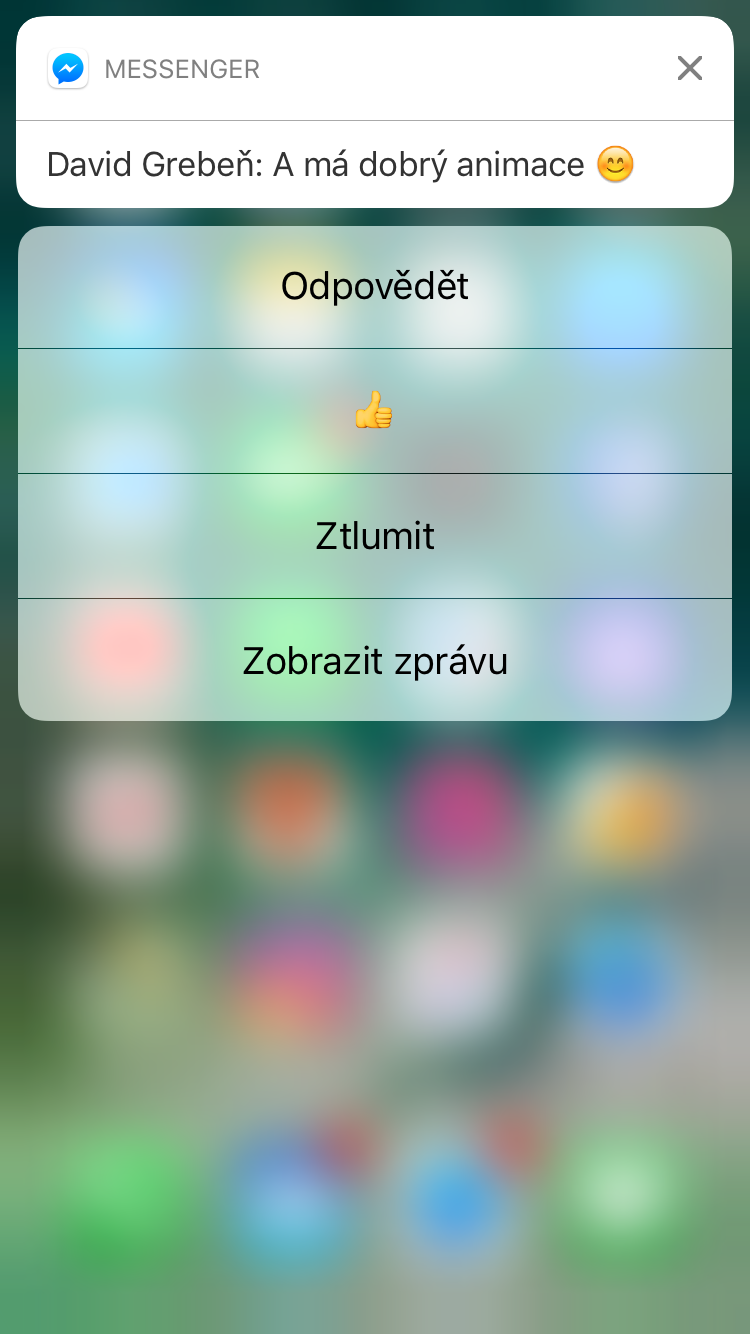
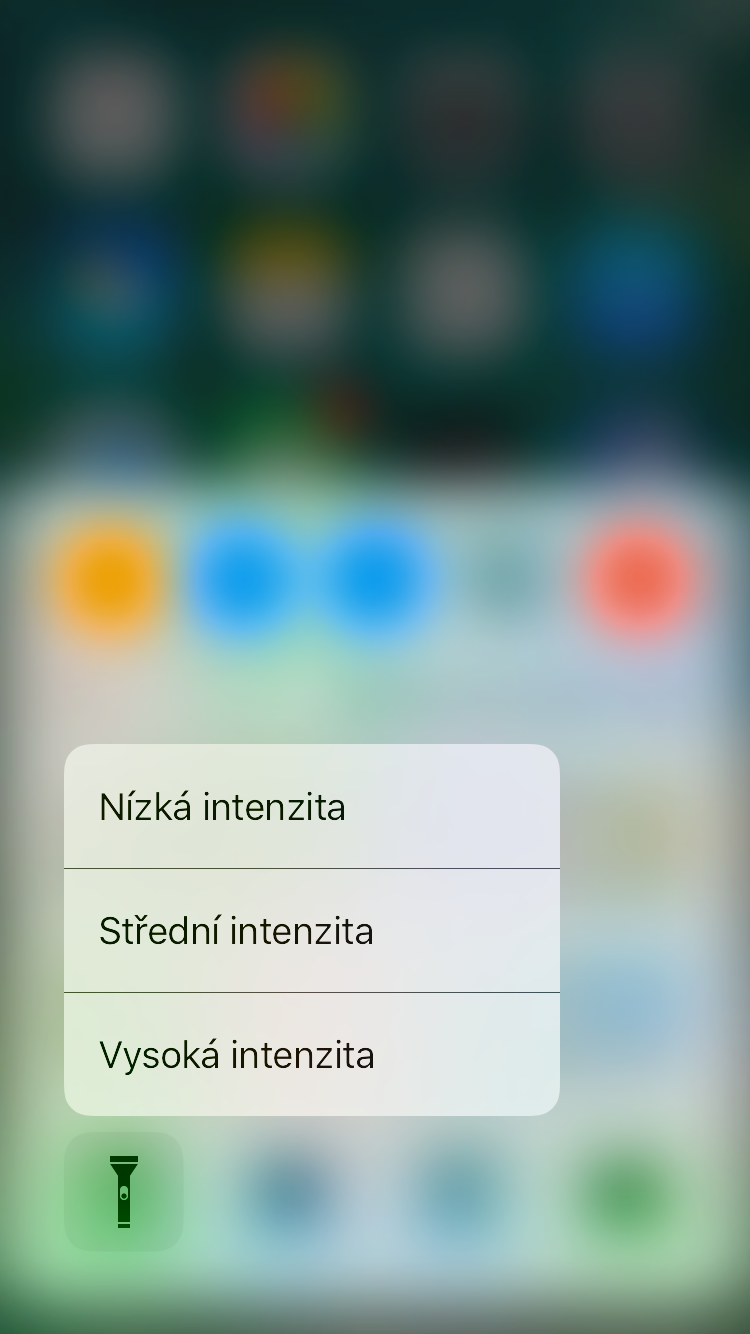
3D Touch has also seen major changes. Now, when you press an application icon, not only a boring menu appears, but also application previews that, for example, show various additional data. 3D Touch has seen major changes across the entire iOS 10 and now you can mainly control notifications with it.
Improved Photos
The Photos application, where you can find all the photos you have taken with your device, has also received several useful changes. iPhonem you take a picture of or download to it. Now you can edit photos even more. Several tools have been added that allow you to add text or images directly to the photo. New Siri It also recognizes locations or animals in photos and intelligently connects them and even links them to other, similar photos. A new tab has also been added to the Photos app Memories, in which you create some kind of albums to which you assign a video and collect all the photos and videos you want. You then name the albums, create a preview clip and music for it.
Improved iMessage
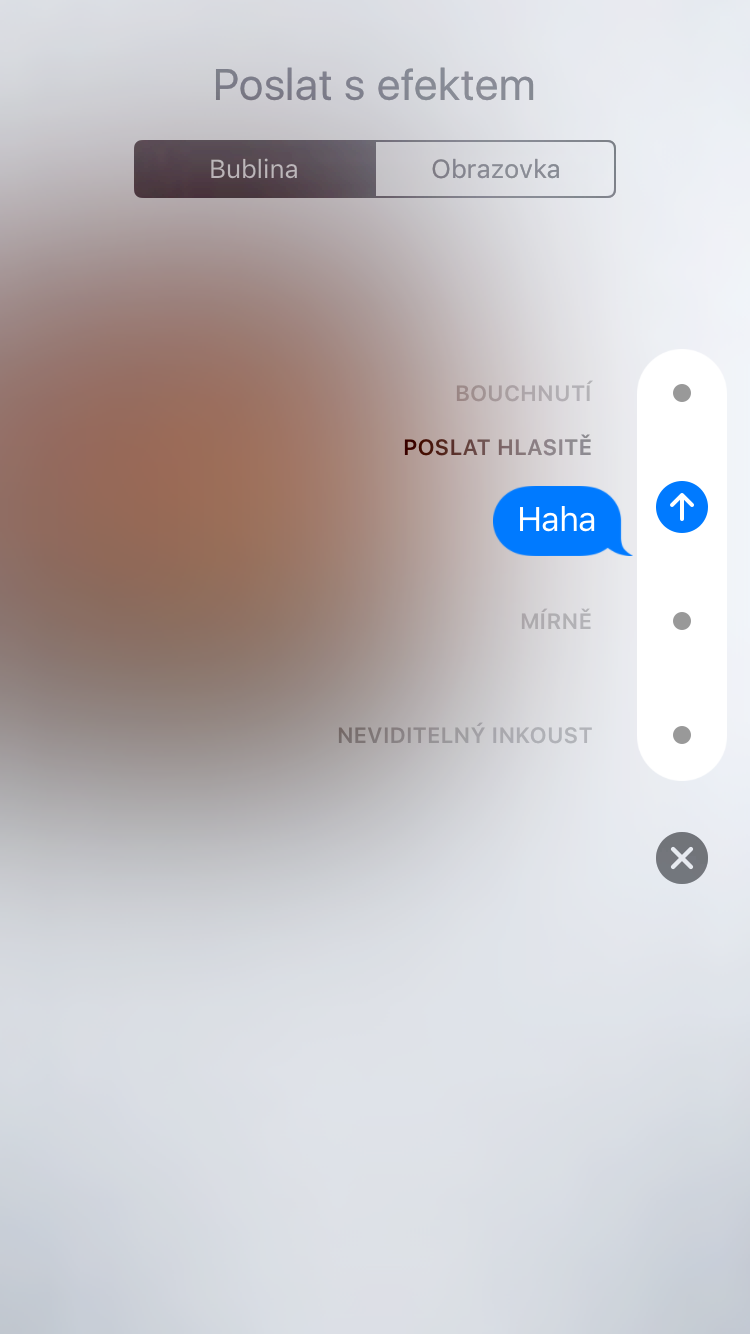
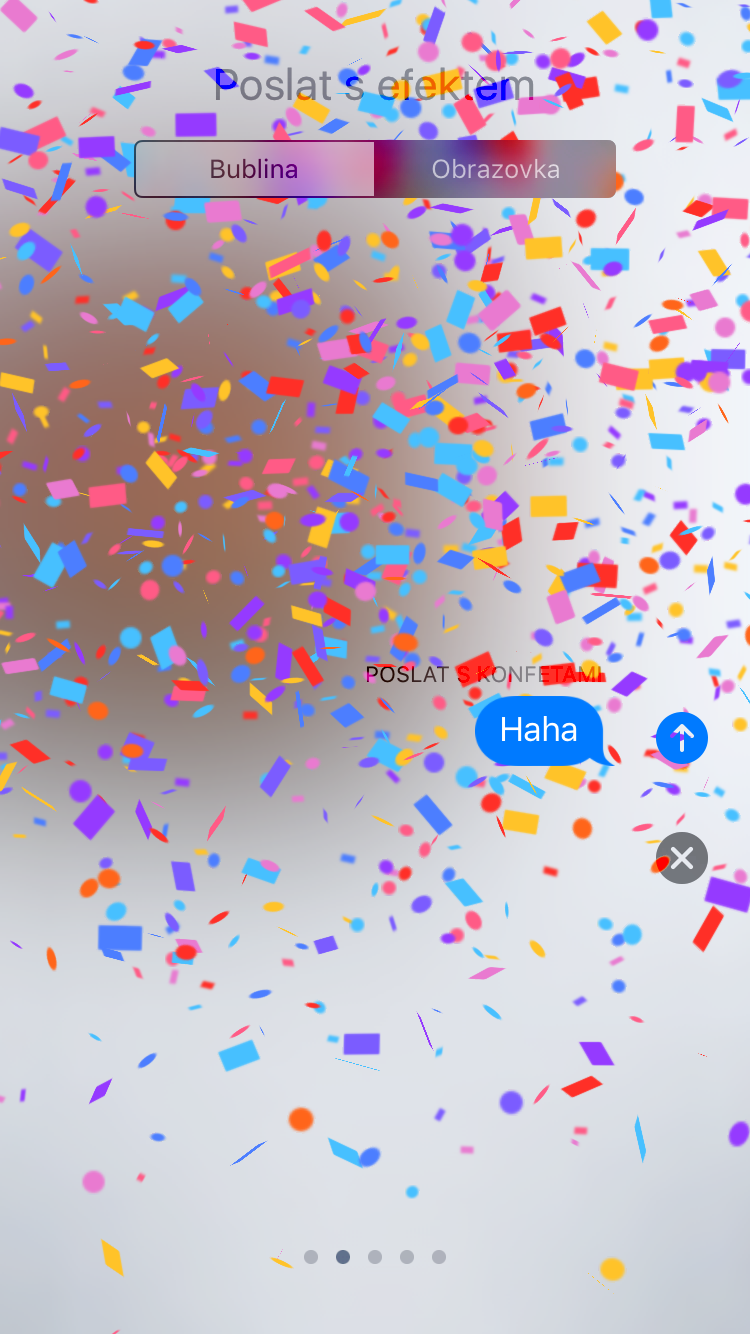
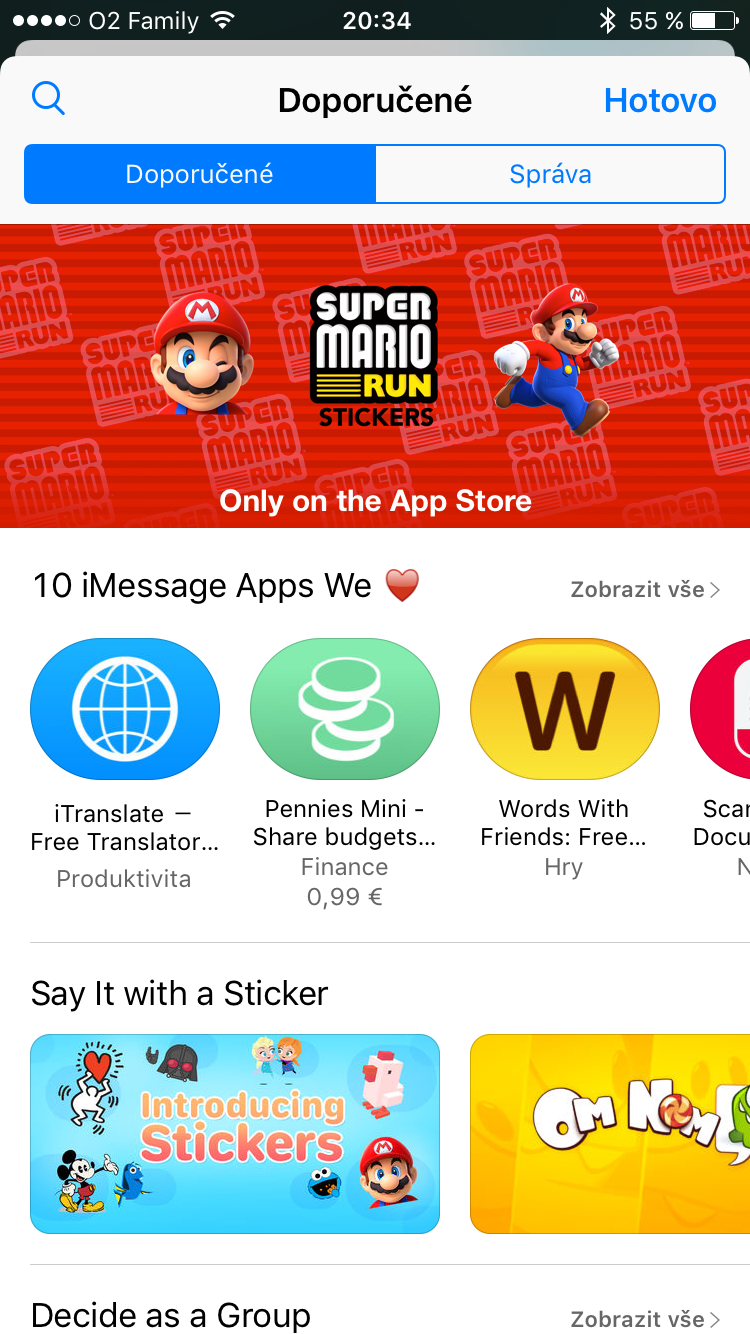
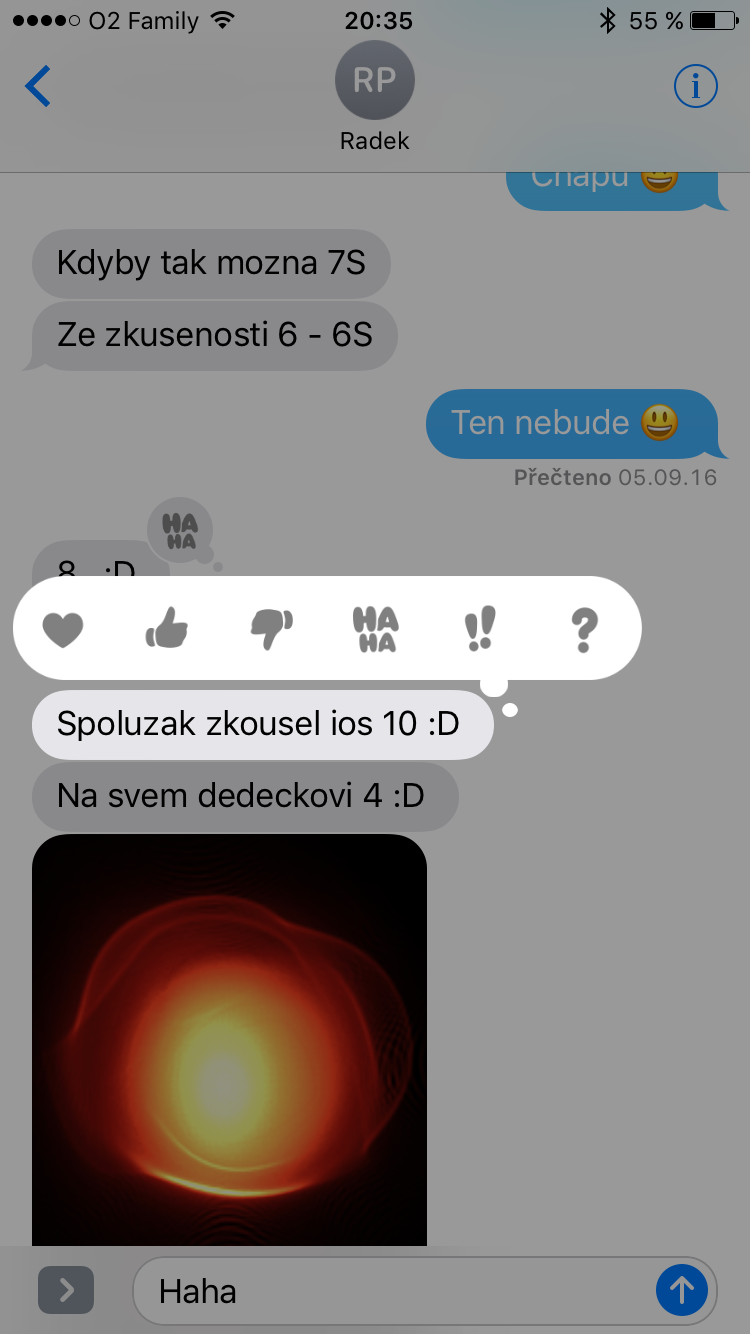
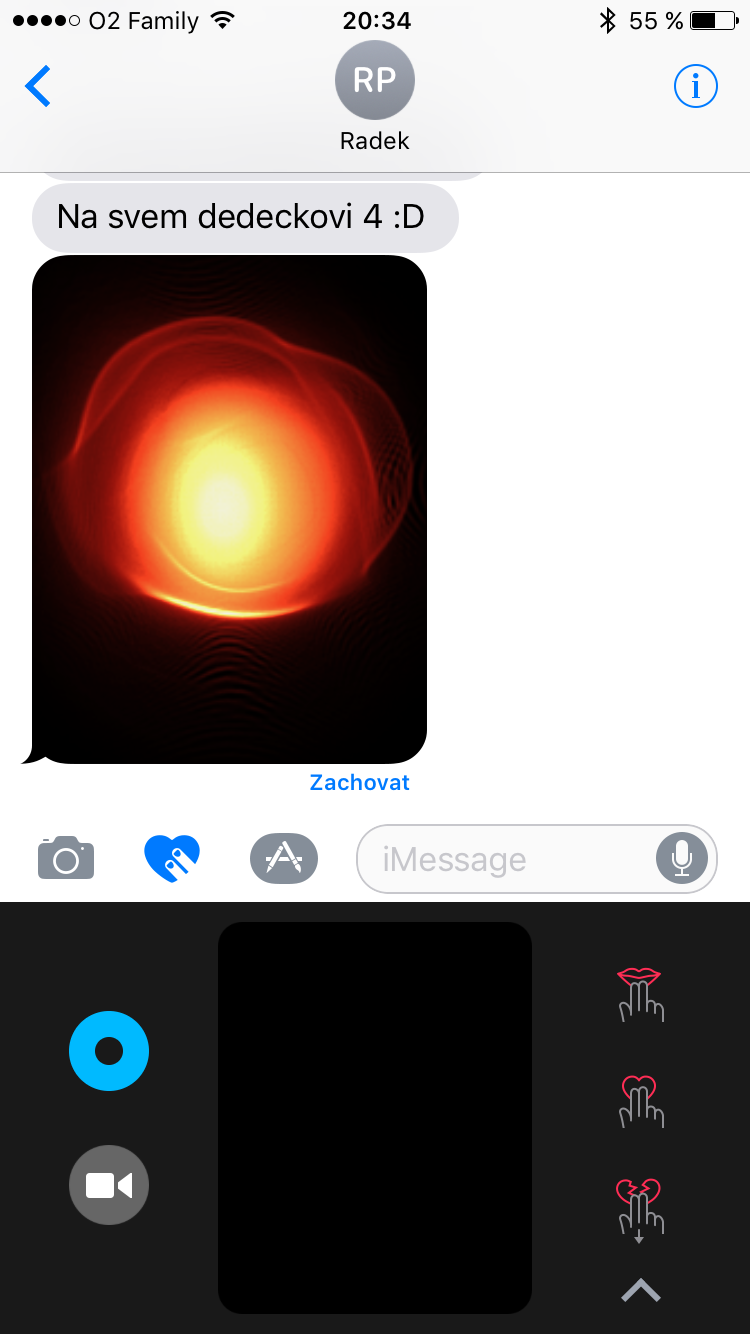
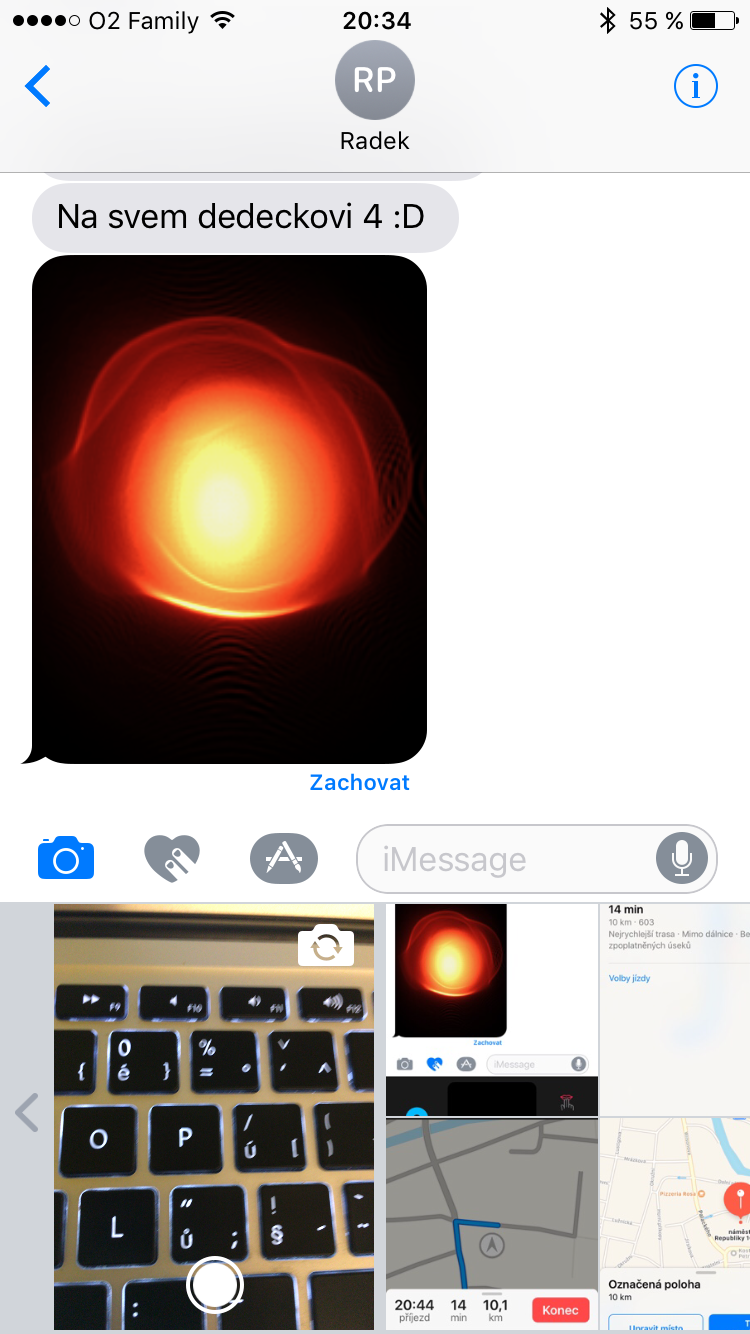
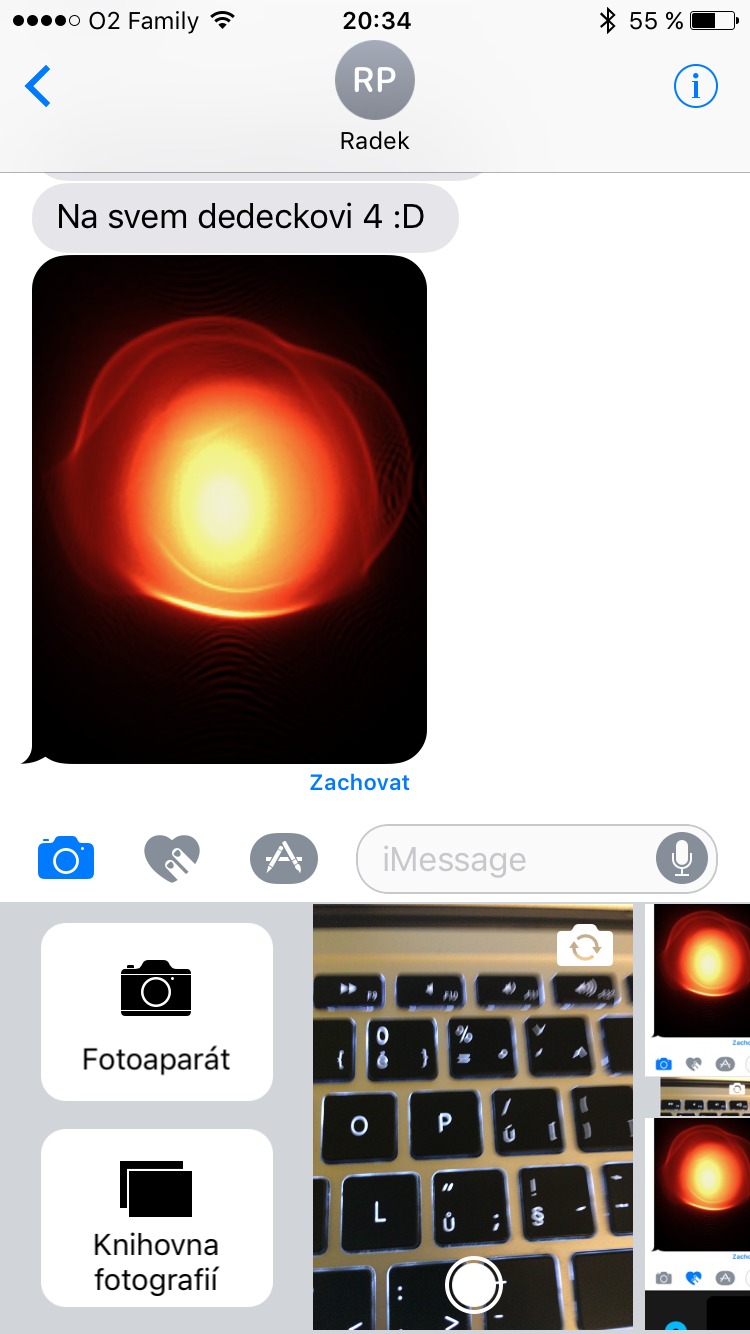
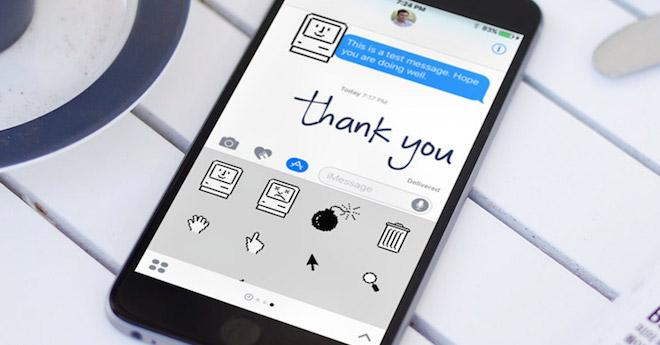
Application iMessage compared to the popular WhatsAppat or Messengershe didn't know much about it, which Apple v iOS 10 decided to change. The developers thus iMessage They have added a lot of new features. The main new feature, which we will not use for now, is the ability to send money directly via messages, but only via applications from iMessage App Store. It is also now possible to add various effects to individual messages, to the entire screen, or even react to them using stickers. There are also stickers similar to those from Messengeru or large emoticons, which we also know from other applications. A big advantage are the previews of links and videos from the web, so you can play a YouTube video directly in messages. Some will also welcome the ability to draw various animations directly on the iPhone display and send them to their friends or the ability to replace text with smileys. Apple together with iOS 10 opened the Messages app to developers, so you can download various stickers, emoticons, translators, and other apps.
Gallery
New Apple Music
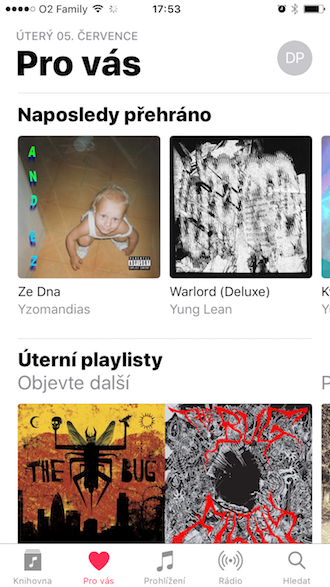
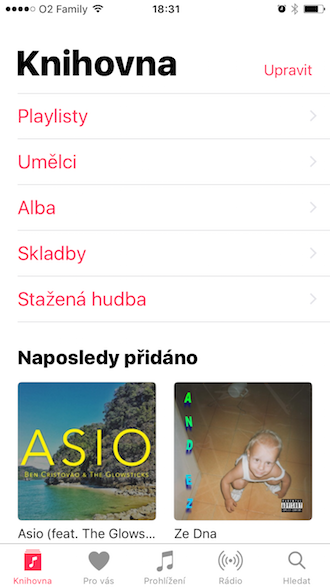
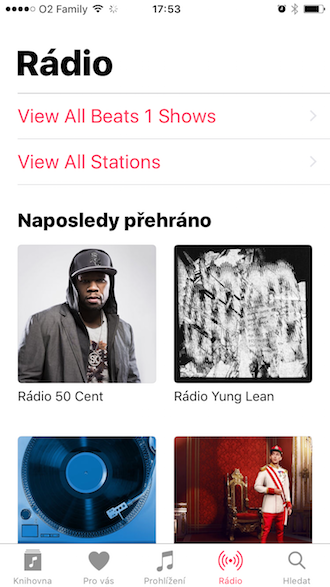
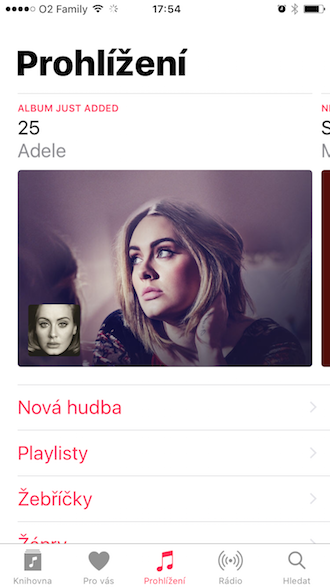
Part of iOS 10 is of course also a new version Apple Music, which you can find in the Music application. Like the system, it brings several design innovations, so we have a simpler user interface that is intended to make the service more pleasant and, above all, improve its use. All elements and inscriptions are significantly larger for easier control, for example in a car, and the main face of the Music application is the album covers themselves. Music now uses much more 3D Touch, thanks to which you can basically control it all. On older devices, a longer press works.
Gallery
Apple Maps
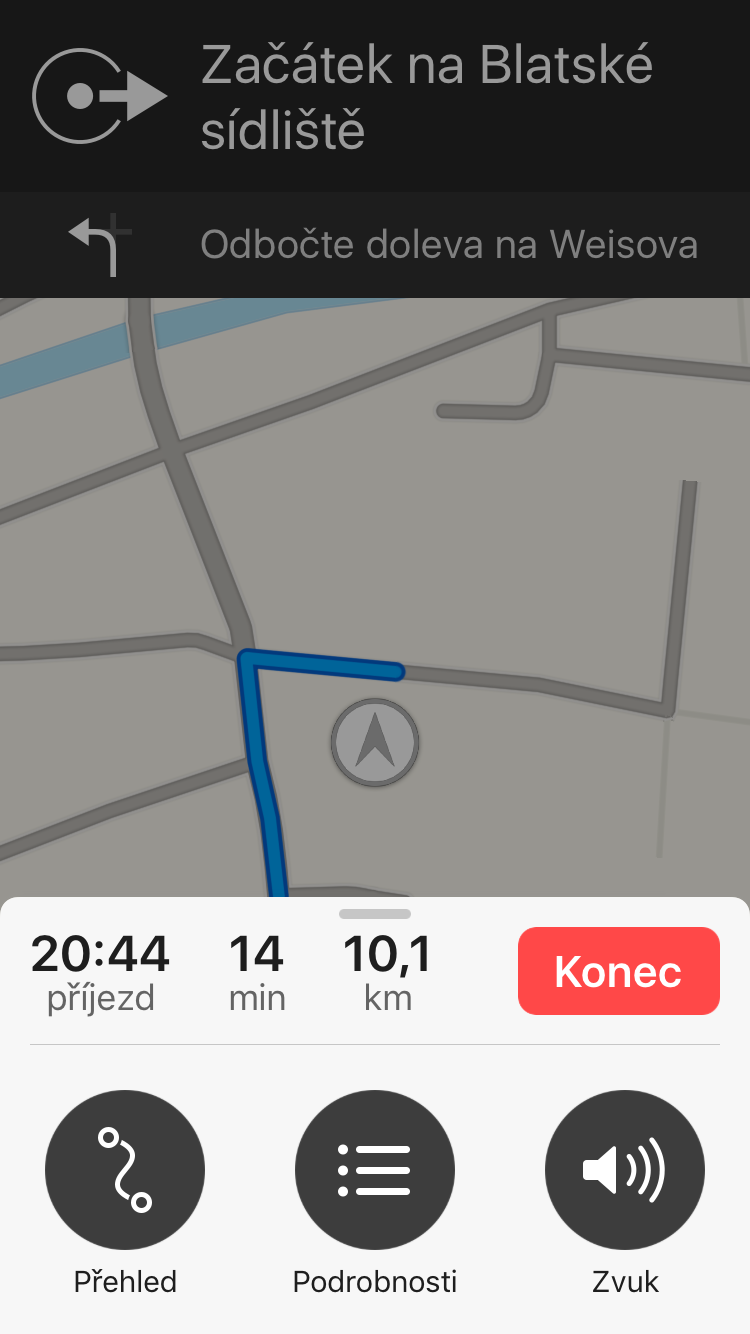
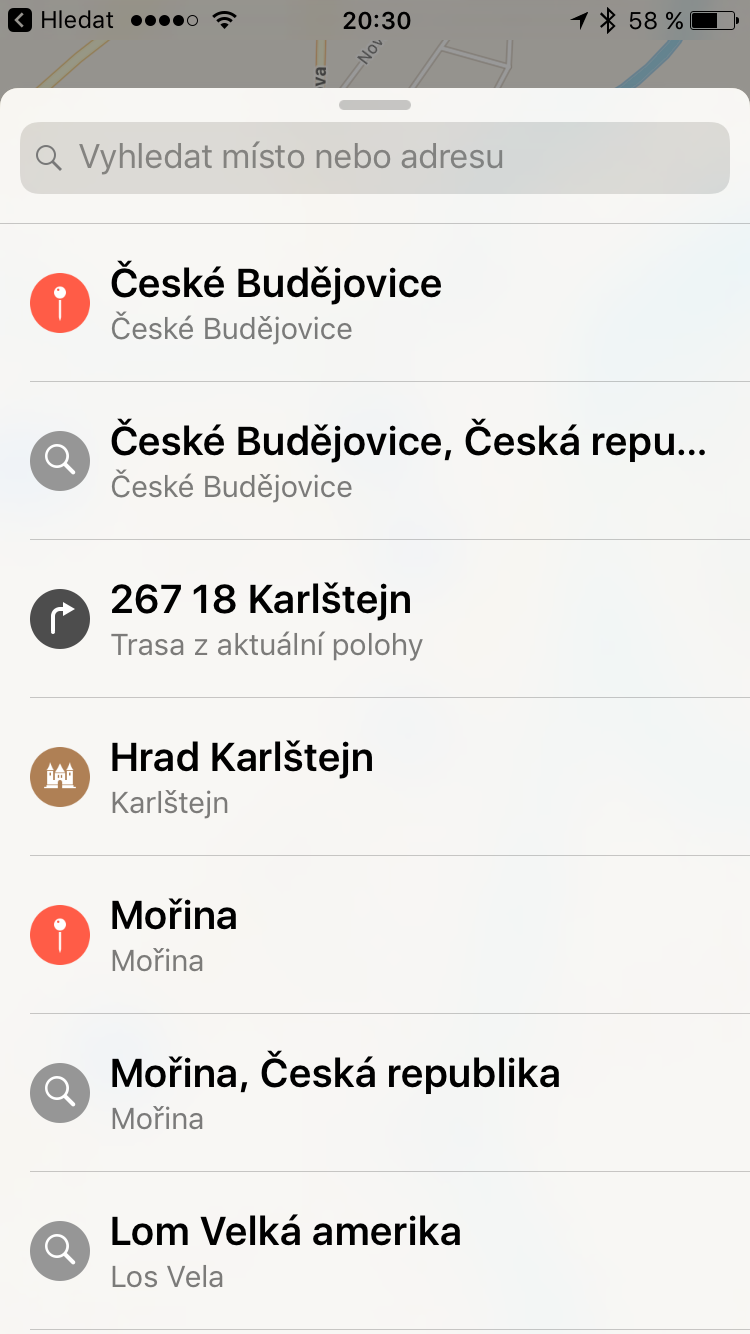
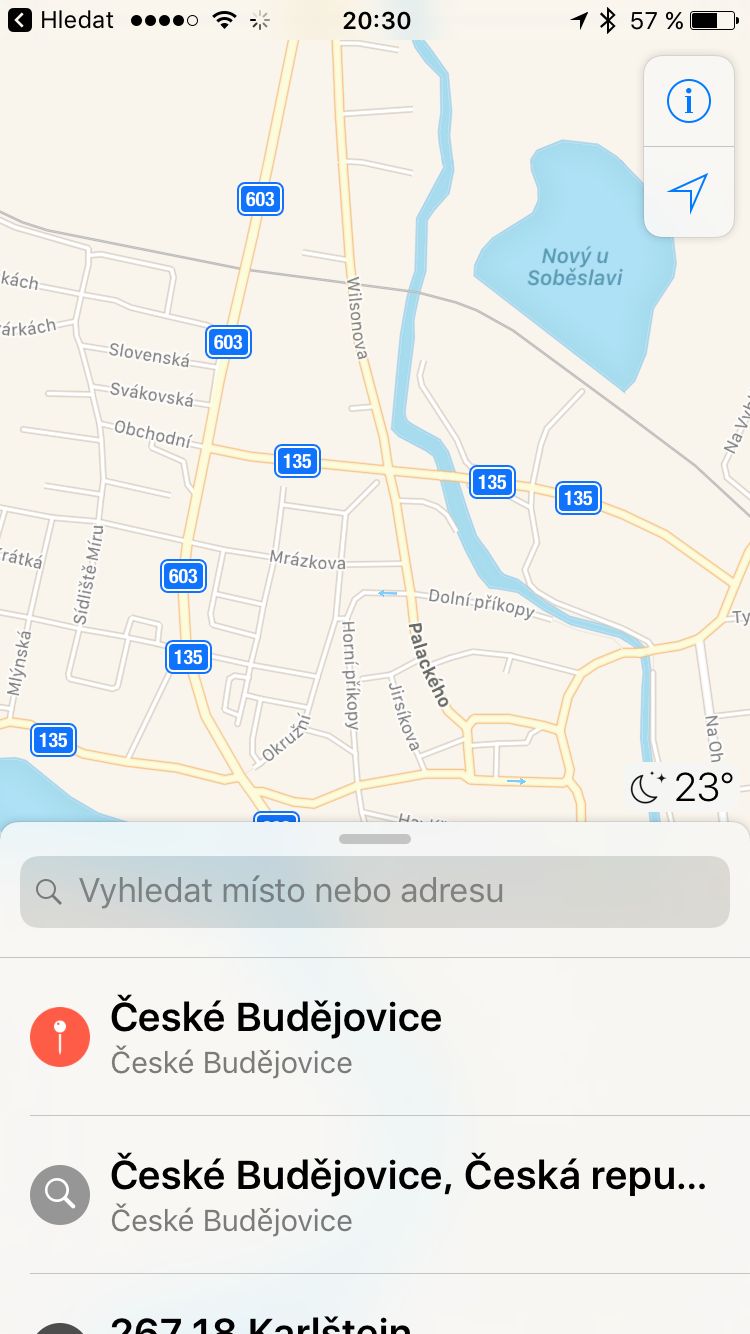
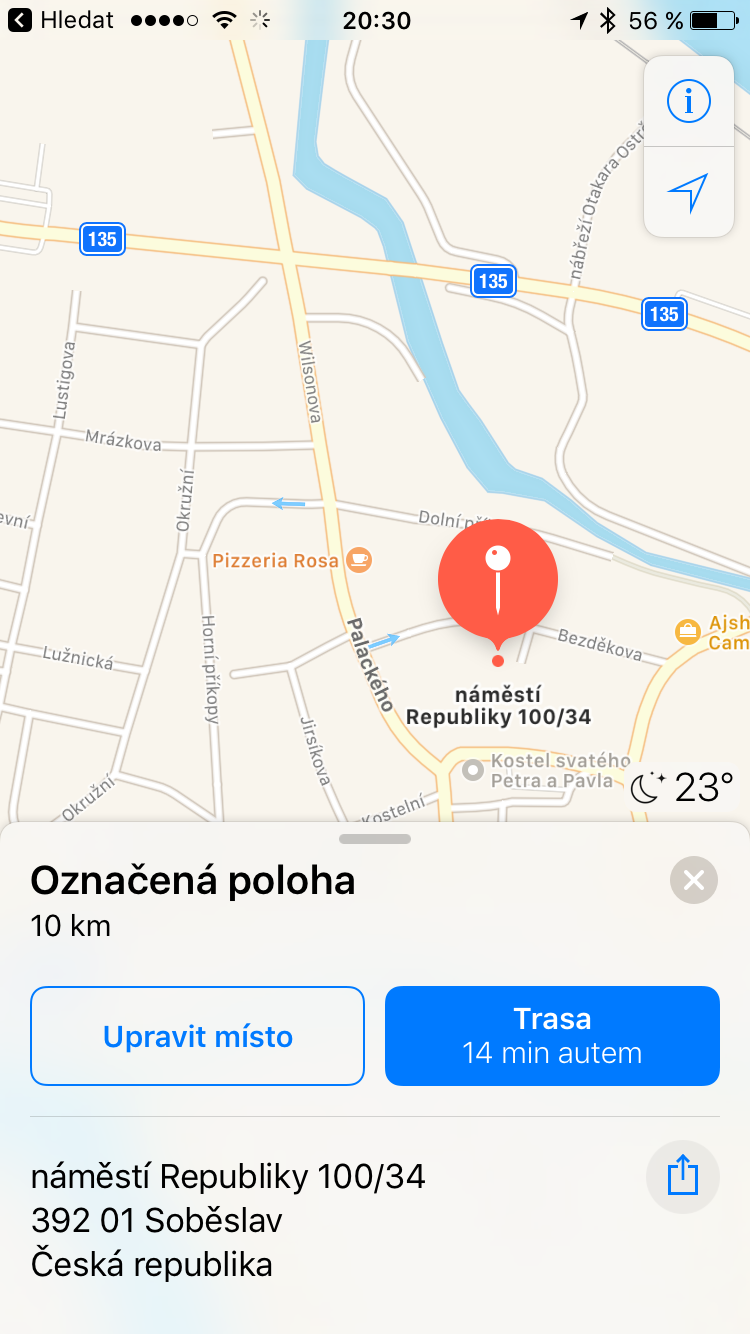
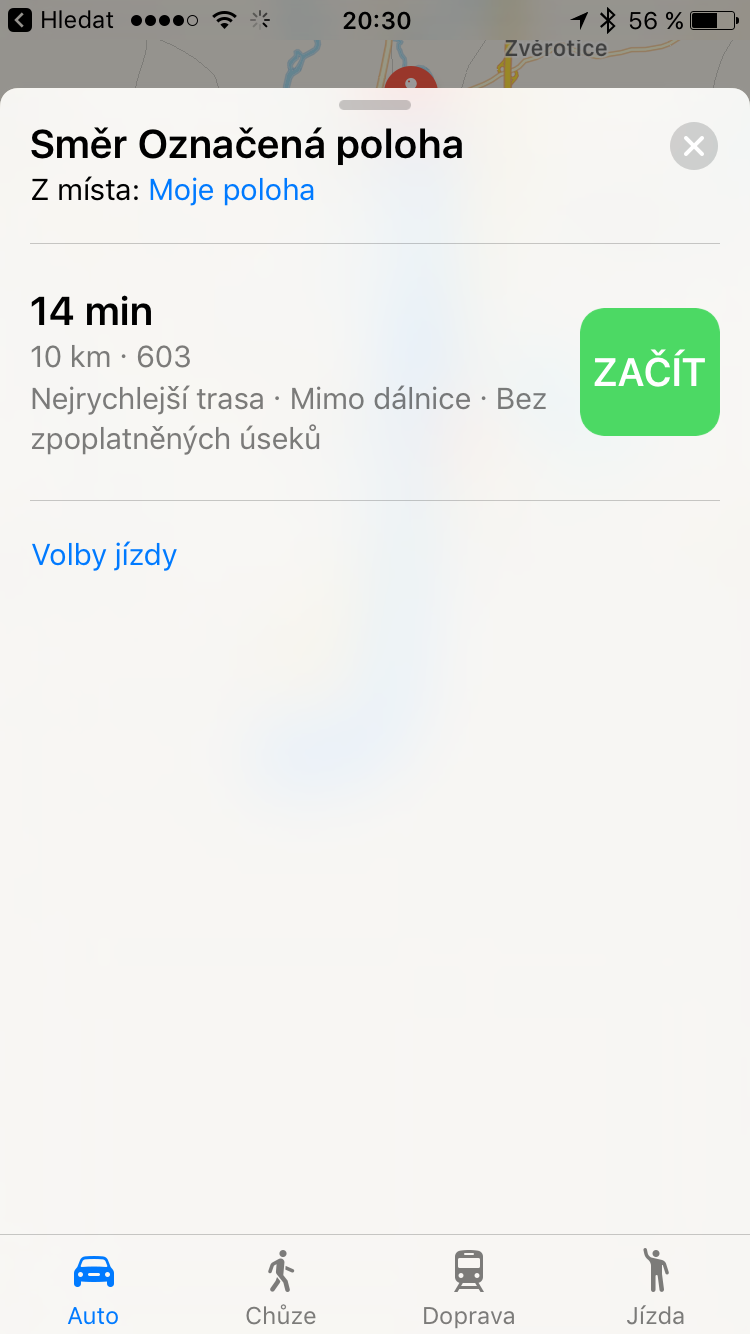
Major changes have also been made Apple Maps. Apparently, they do not offer a Street View-like function from Google, i.e. the ability to view a 3D view from the street directly on an iPhone or iPad, which was speculated about, but other news was learned. They have simpler controls and have a special bar that you can pull out from below as a control center. Apple Maps For example, they can display selected restaurants in the area or intelligently calculate which gas station you should stop at. A useful new feature is the marked location of where you parked your car, which iPhone it will recognize it by disconnecting from the Bluetooth radio.
Gallery
HomeKit application
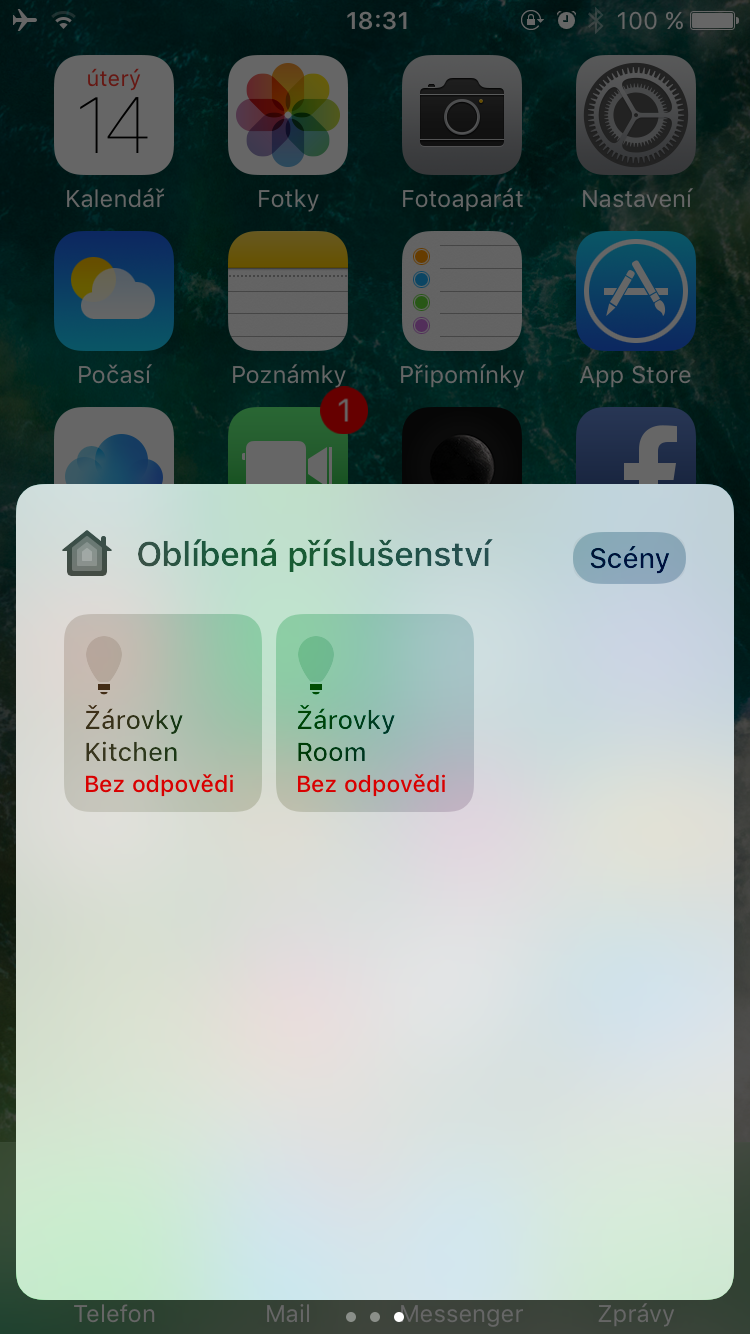
Do iOS 10 a separate application was added HomeKit, which will now take care of controlling all the smart accessories you have in your home and supports the standard from Applu. The application is Applu, in my opinion, succeeded. It offers a fresh design and you can control everything you have at home from one screen. For example, if someone now rings your doorbell, a notification will pop up and you can see who is standing at the door with the camera on your iPhone and unlock the door by swiping across the display. HomeKit The app is also available as a control center when you slide the bar up from the bottom of your iPhone.
More news
iOS 10 of course brings many more new features than just those listed above. It also saw significant changes Siri, which is newly available to developers and will therefore also appear in applications downloaded from App StoreIn addition, all applications are encrypted by default with the new system.
On iPad, you can split a window into Safari into two parts and put one panel with a web page on each side. You can also edit Live Photos, use improved Notes, which can be worked on by multiple users at the same time. You can also enjoy the new Mail application, which is now availableoneIt also shows messages you sent in the conversation and offers an improved filter.






So the notification center disappointed me a lot. It's not as elegant as it used to be. I mean now, for example, a daily overview, etc. :-( Thumbs down for the "bubbles" for me. Otherwise, more functions more joy. :-)
Now it is not possible in iOS 10 in messages, highlight a certain word and copy it. You can only copy the entire message...
And the black background of the alarm clock is also not nicer than the previous one. It's too dark...
First observations…
– totally freaked out by the photos – I hope it will be OK by morning
– when writing an SMS and "dropping" the keyboard, the written SMS will be cancelled
– the notification center is unreal – I will probably never recover from this
– while typing earlier I typed a dot/dash and the keyboard switched back / now not anymore...
– I'm afraid of what else I'll come across...
Pro I have a group of people who are responsible for this, an absolute ZERO, who are trying to show activity and totally screw up the whole (once reliable) system.22
… writing not WRITING … knock yourself out, I’m not demented :)
how does it work Proalarm? …where do I set it, or how do I run it?
I have an iP6
It doesn't work on iP6. So actually such a function does not work :D
Has the manual sort item disappeared from your notification center as well? I have it on my iPad and I'm afraid it will be the same on my iPhone. Iphone. It sorts messages and events only by date. I need them by event. Can you please confirm the impossibility of iPhone. Thank you.
yes, it's the same on the iPhone
ProWhat on earth did they throw away?
Na iPhone SE not even on iPad Air 2 sending or receiving messages with effects or animations doesn't work for me. I have the Golden Master version. It worked with the previous beta. Especially. My friend with 3D touch works fine.
Edit: if you have Limit movement turned on in accessibility, animations and effects do not work.
Hello, would it be possible to change the horrible smileys somehow? ?? or change straight to iOS 9 +?
Please don't know how it works. iOS 10 on iPad 4th Generation? Thanks?
Jirin: I don't see your problems, because of the animations and other crap ios10, when they created it, they must have been really crazy, and that's me Apple positive.
So I tested now Air Play from the notification center and it will only find Apple TV, two other devices that support Air Play can only be connected via the app, not directly from the notification center like it was possible with iOS 9. :-((
Music is total shit… Sometimes you can queue songs, sometimes you can’t. I haven’t figured out why yet. There’s far less on the screen… Instead of six albums, you can only see three, so you have to scroll a lot more… Notifications are fine for me, raise to wake works well and widgetThe lock screen icons are great... Faster animations, nice. iPhone SE
How about that black shit alarm clock.
all ios 10 reminds me of android from two years ago. Widgety I will raise the wake. Anyone who has used Android or at least follows a competing platform a little will be familiar with quite a few things. If it will Apple will continue this trend in two years ios just as overpaid with unnecessary features as touchwiz from samsung now. Not to mention that all the features ios 10 will be used only by owners iphone 6s and above. The others will only get a cut down version and if they want all the news they have to buy a new one iPhone. Politics AppIt probably pays to squeeze as much money as possible out of people for as little innovation as possible, because people eat it up. According to the posts under one article on fb, it was pretty clear that 90% of iPhone owners don't even know what functions theirs actually have iphone supports only what they are interested in and it is important that they have iphone at the same time, they only do basic things on it that even a mobile phone for two hundred can handle.