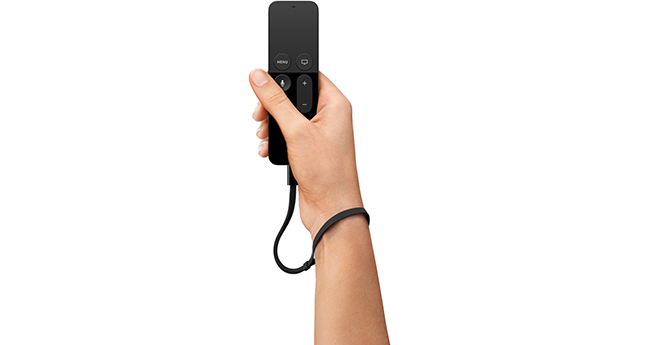
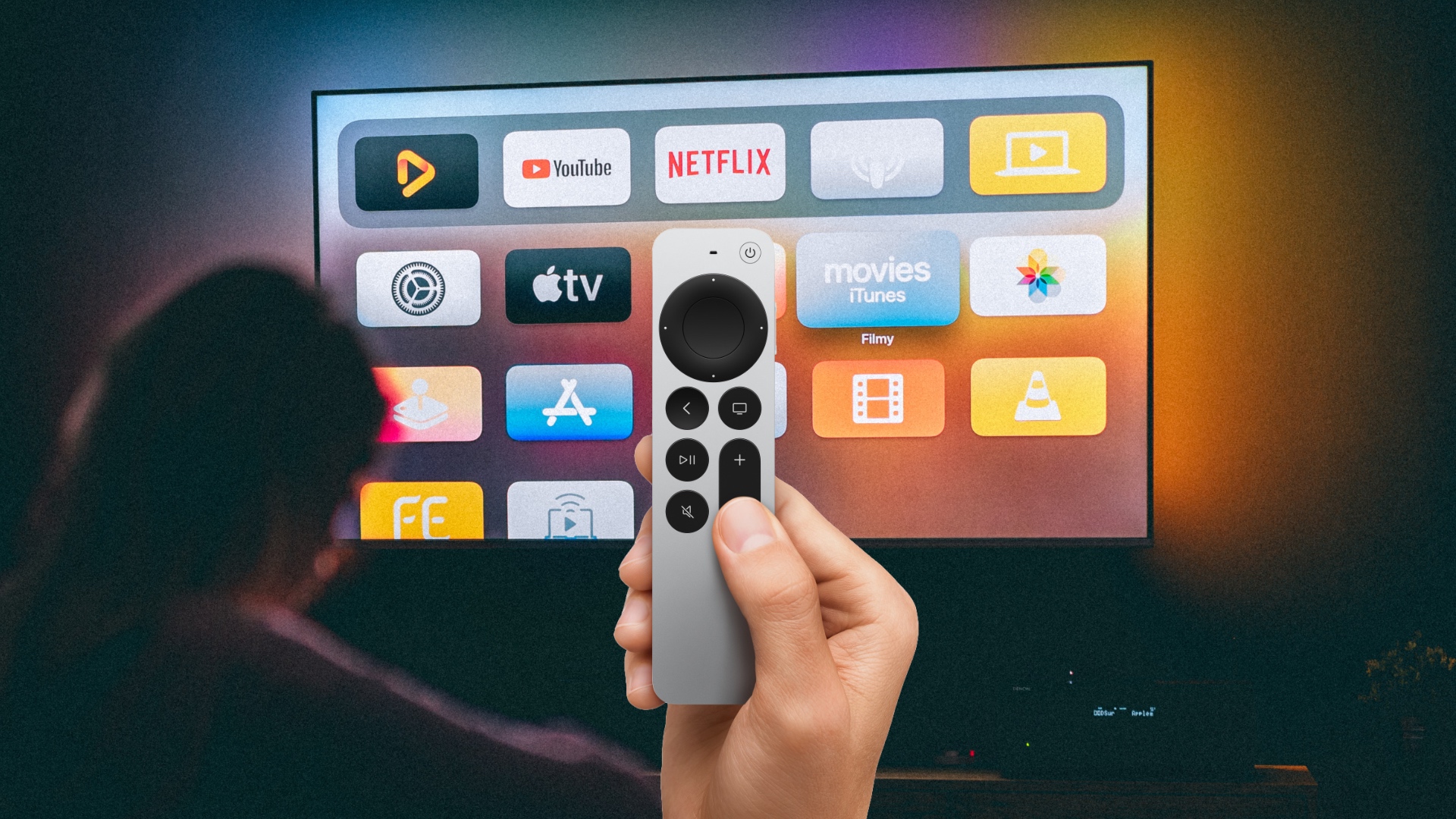
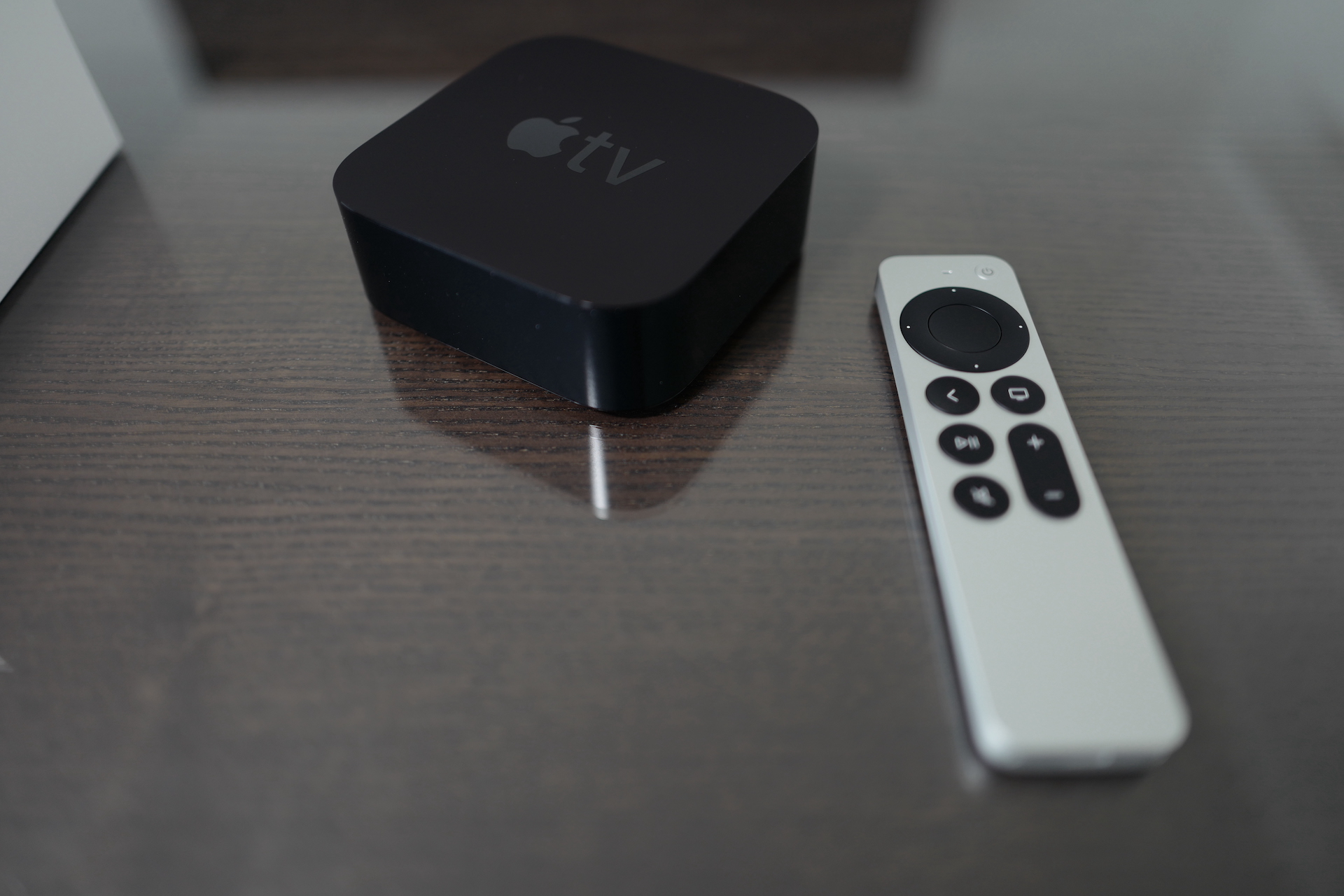
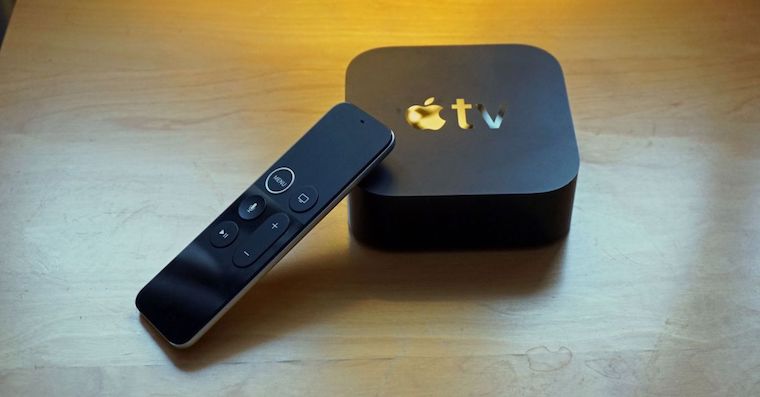
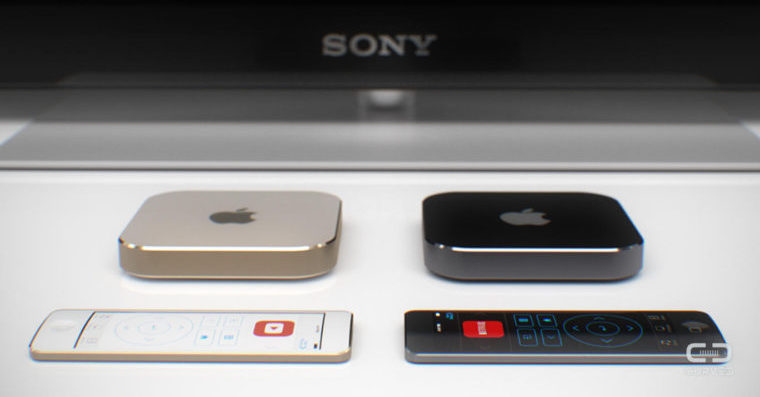
The latest Apple TV she also brought a brand new controller with her Siri Remote, which has a completely different design than the previous one and also has a built-in battery that will need to be charged from time to time using Lightning konewhich at the bottom of the controller. But you won't be doing this often, as the Remote is simple and its battery life is incredibly long. Over the past few days, I've been using it regularly - playing games, surfing the store, rewinding songs in the music library or just admiring the Parallax effect on app icons and movie covers. Plus, the controller monitors whether you accidentally activate it (turn it on Apple TV). But it's a primitive accessory without a dual-core processor and display, so don't expect to drain it quickly. In fact, I can say that for all the time I have Apple TV at home, I didn't have to connect the controller to the charger even once. But how do you know if yours has? Siri Remote enough juice?
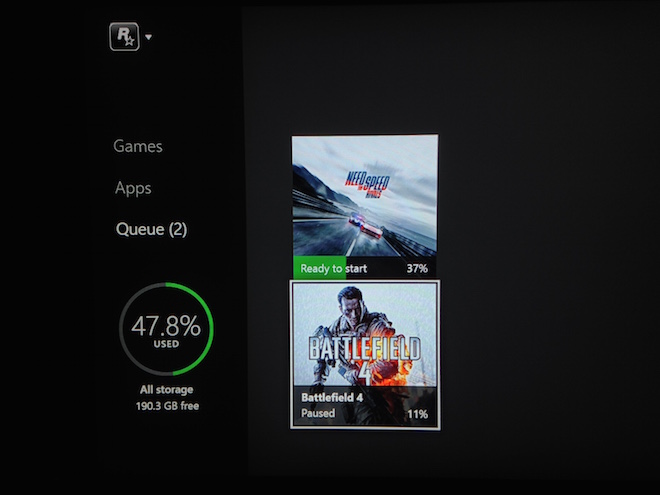
Na Apple TV it's a little more complicated than on the Xbox where I see the battery status periodically displayed in the lower right corner of the screen. On Apple TV it is possible to check the battery status in the controller Siri Remote (or in another) by opening the application settings, you enter the section Drivers and Devices and here you open the section Bluetooth. Battery status is indicated by the battery indicator on your controller. It doesn't show percentages, just an icon which I think is easy to understand. These days (at the time of writing Apple TV just started selling) there is a highancand that you will have the whole battery on the screen and its status can still move at the level of 90-100%. Here it is Apple finally states that Siri You will charge the remote only a few times a year during normal use, so you don't have to charge it every day, for example iPhone. However, if it happens that your controller runs out of battery, then be prepared that it will take approximately 9 hours for a full charge if you connect it to an iPhone/iPad charger or to a computer. The battery itself will notify you that the battery is almost empty Apple TV.