
As is known, so iPhone 5s and newer devices with the system iOS 9 support ad-blocking tools, which some users can use to prevent ads from being displayed when browsing v Safari encountered irrelevant content or targeted advertising. But do these first adblocks work reliably? This was looked at by the Fortune server, which found that adblocks on iOS they work like a double-edged sword because while it will block advertising on some sites, it will block some sites entirely or block images on them that shouldn't be blocked and people may have trouble buying content online. Internet sales specialist, Chris Mason, noticed such a lack of tuning. As a result, many pages will have missing content, broken links, or customers unable to purchase their desired content.
For example, on the Bass page Pro Shops, an e-shop specializing in hunting and fishing accessories, does not show product images if the ad blocking tool is active. On the Lululemon site, you can see the pictures, but you can't add items to the cart, and finally, on sites like Walgreens, the entire site is blocked. Here you can see that after the initial activation of adblock pre iOS you may encounter unpleasant problems. On the other hand, there is an option to add a page to the whitelist, i.e. to make an exception for it.
*Source: Fortune
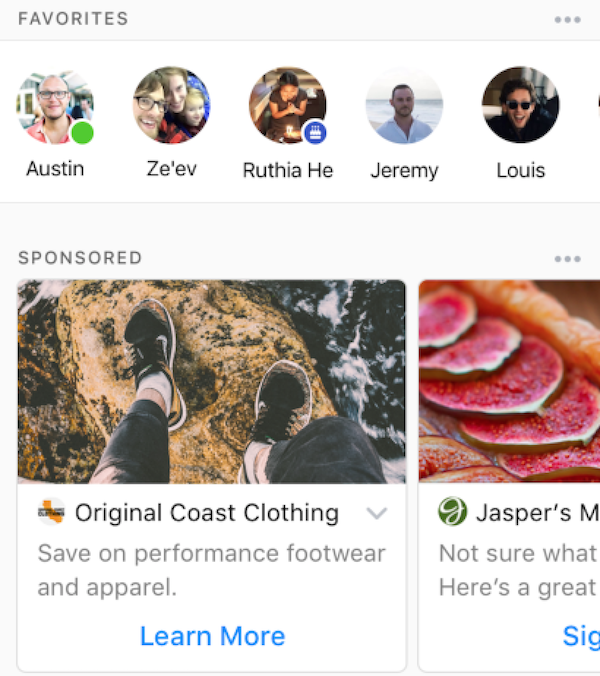
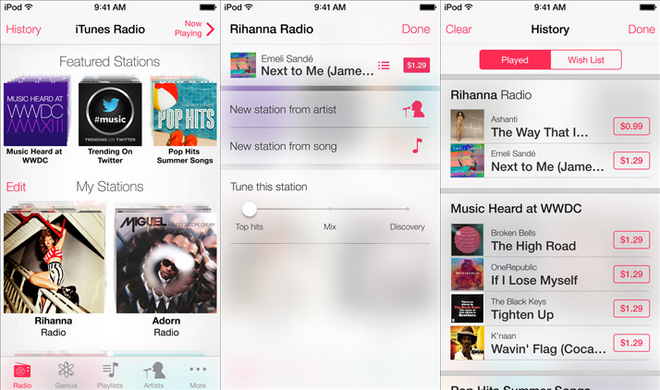





I would try to find a tool that will change the hosts file to iOS, there will probably be something for phones with JB.
The second step is to install Android into Virtualbox or Parallels. In it, update the hosts files with AdAway.apk. Then move the host file from the virtualized droid to iOS.
There is only one reason why it is so complicated, I use AdAway on two mobile phones and it blocks a large percentage of advertising. Not all of them, but most of them.
Those who have a rooted Android can install AdAway and do not need to virtualize anything.
Here is the 2 second search procedure :)
iOS Hosts File
Location of hosts file on iOS
/private/etc/hosts
Note that your pHone must be jailbroken to access the hosts file