
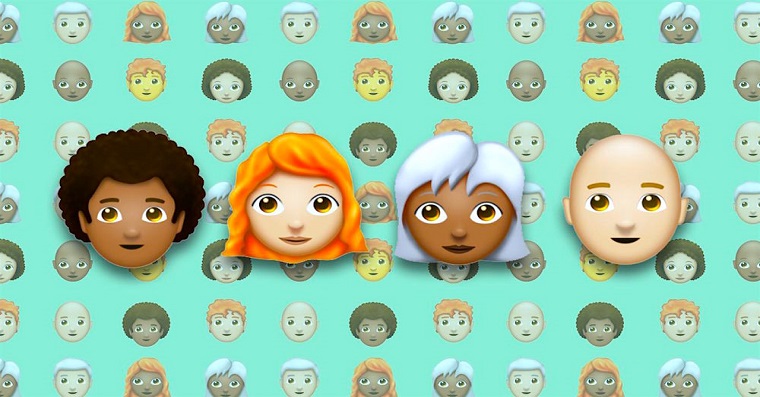
Apple released two important updates yesterday after a long time. In the case of the desktop system, OS X released 10.10.3 with a new Photos application to replace Aperture and iPhoto, as well as more than 300 new Emoticons, among which you will find some updated and some completely new, such as several different skin colors from one smiley. In the second case, then Apple published perhaps even more important, namely iOS 8.3 secondsonewith a huge list of fixes and also with more than three hundred new Emoticons. New emoticons started appearing on social networks immediately last night, because everyone wanted to try them out, but some users are seeing a strange emoticon in the form of an alien placed in a black frame. Are you one of them and are you wondering why? It's simple.
The alien emoticon, which is framed in black, is nowhere to be found among the new emoticons, but nevertheless it is displayed everywhere in some posts. This is because if someone with iOS 8.3 or OS X 10.10.3 sends one of the new Emoticons to someone with an older version of one of the systems, it will appear as an alien, because the new emoticons are not supported by their system. So if you haven't updated to iOS 8.3 or OS X 10.10.3, that's why you won't see the new emoticons, but only the alien.
Weirdest part of various emojis in iOS 8.3? When you send them to someoneone on 8.2, it shows up as an alien. pic.twitter.com/9E2t8Dc8c8
— Andre Plaut (@andreplaut) April 8, 2015

*source: cultofmac









Basically, I send smileys like :), I don't deal with the rest.
I also see an alien everywhere, especially on the entire right side of these pages and in the main banner at the top ;-).
Hey, does anyone have experience with Iphoto? I would need advice on whether it is possible to somehow get one whole folder with individual subfolders (I have photos in them) into that application so that it fits into one folder again and the subfolders are stacked into it?
ElBarto: Don't you mean in Photos?
Daniel Pražák: yeah I mean exactly that, I don't even know why I wrote iphoto :D
ElBarto: Unfortunately, this is not possible in Photos.