
If you are the owner of any MacBook Pro Unibody, you may have encountered a problem if you decided to use both of its USB ports at the same time. Personally, I use it as a USB hub Apple LED Cinema 24" Display and ports u MacBook Pro I only used it in the last few days when taking photos outside. There was a minor problem.
Apple is so obsessed with the design and visual perfection of all its products that it separated all the ports on the left side of the computer with the same large gap. Unfortunately, this gap is only half a centimeter wide. Although the design is really perfect, the view of several ports next to each other, separated only by minimum space, moreover in all cases exactly the same size. However, functionally, you may encounter a problem when using a pair of USB ports at the same time. Not only that, if you use a larger FLASH disk or, for example, a USB modem for mobile internet, you no longer haveancI also use a second USB, the problem also occurs when using USB cables. When I connected the SONY micro USB cable to the USB port, it was no longer possible to connect even a relatively thin USB flash drive.
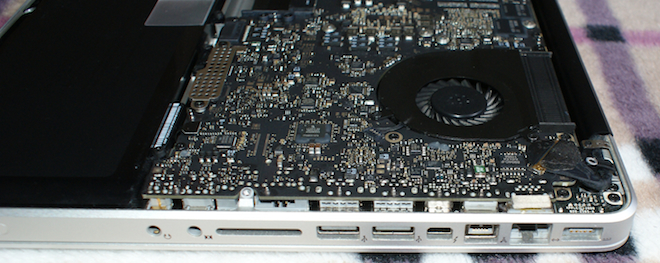
Apple uses completely different USB cables miniminimalist design, where the plastic cover isonewhich is only slightly larger than the USB itselfoneWhen you use a third-party USB device, you have to be careful that it doesn't take up two ports instead of one. There's plenty of space on your computer, and Apple could easily equip the entire left side with ports MacBook ProOn the other hand, it would already MacBook Pro It was not as perfect in design as we know it now.
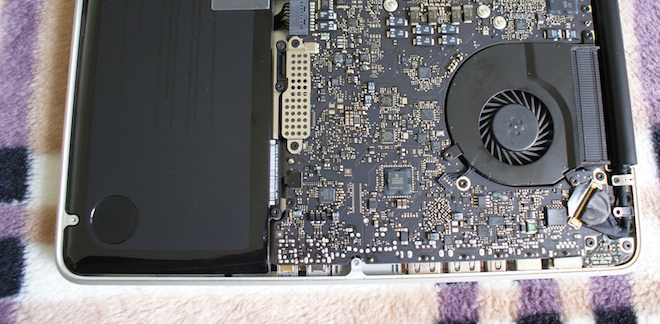
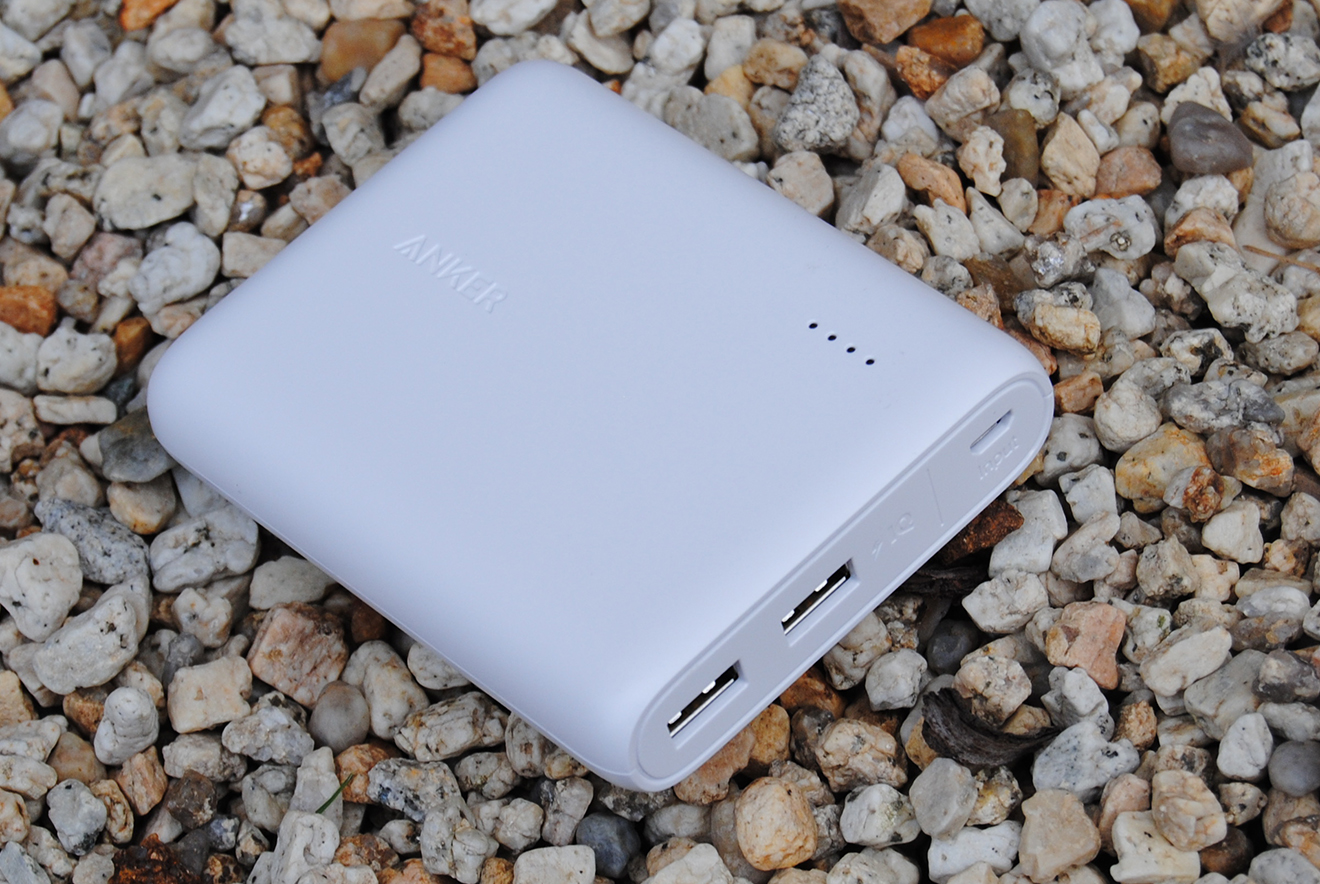


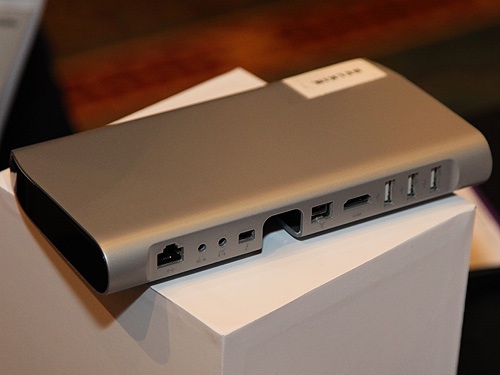
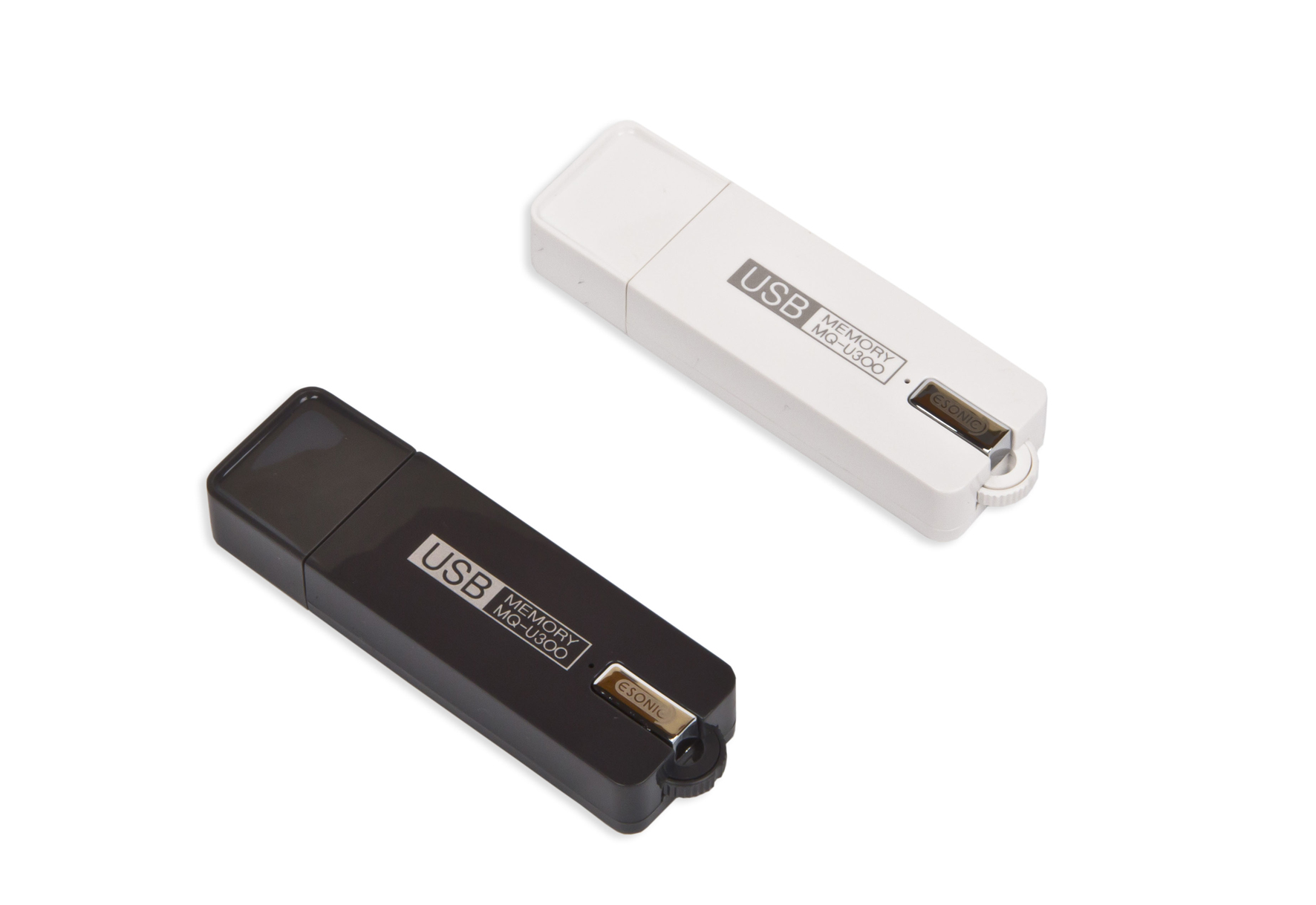
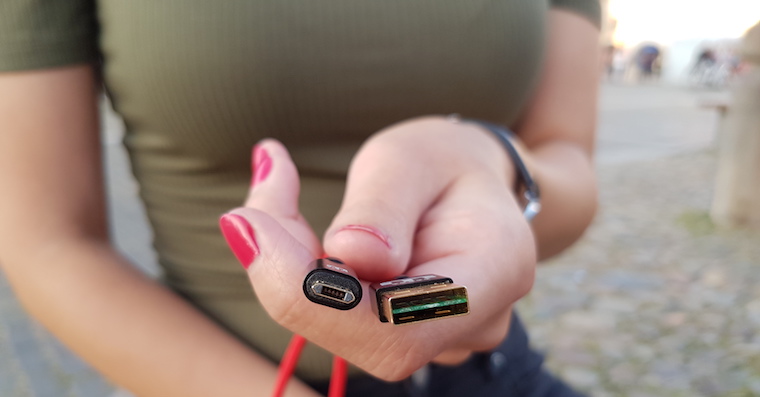

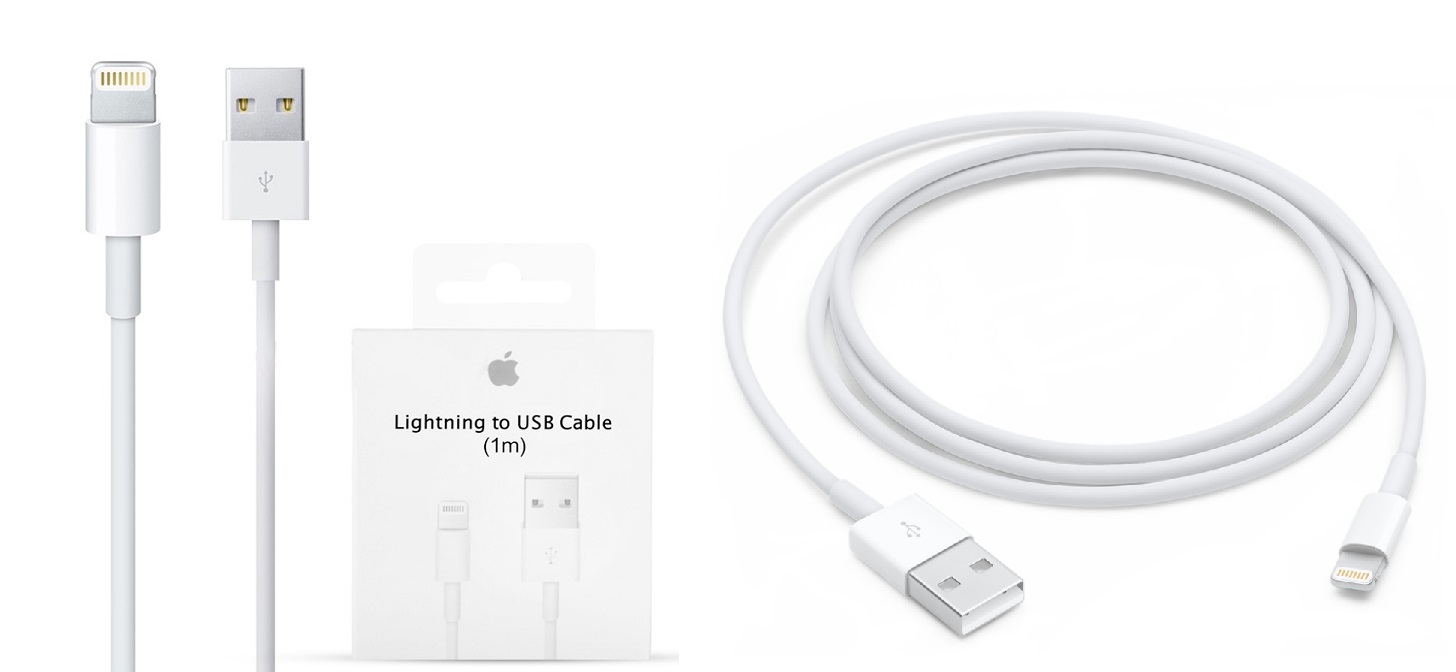



It's a pretty good functional gadget to have ports on one side. But this will come to me minia little strange. No coincidence Apple is it the best to use? It's lucky that I don't have this machine. I used to swear at things like this on a PC and not on a Mac.
Recently, this problem is not unique to u Apple; I solve it easily and cheaply with short USB power adapters with narrow ends, which Elgato, for example, usually bundles with its products.
Good morning, I have been using this design for a long time.
Where do you think they should put those ports? Instead of a battery? That's exactly what other manufacturers do.
You asked, can we continue...
Amigo MAM MacBook Pro unibody, I've never had a problem using both USB ports at the same time... but if other USB manufacturers make things so awkwardly big, I'd see a usability problem on their side, especially if it's just a cable :oD
Guys, hands down, when was the last time you really needed to occupy two USB ports on your laptop at once? Don't you think that this "pointing out" of flaws in matters that come up in practice only very, very rarely is a bit of a "frog machine"?
the iMac: Skorofo still! I have a modem + mouse right there (trackpad is good, but sometimes a mouse is better). And when I plug in a flash drive/external disk, something has to come out of the wheel... I've been too lazy to buy a proper HUB for about 2 years :D
I wanted to ask if anyone also knows the reason why Apple does not use a numeric keypad on its laptops, not even on a 17-inch one MacBooku Pro ?
it Daniel: design
that Daniel: Due to the misalignment of the keyboard, the display This is more of a problem than the convenience of a separate numeric keypad.
The text of the article, the discussion and the field for writing in the discussion are also offset, and I don't think this is a problem. But I understand that the countries that have a number in the top row instead of a number will hate the numeric keyboard and won't do it because of us.
Retina Macbook Pro It has one USB on the right and one on the left.
iPlod: Well, you just shake your head in disbelief at such users in Cupertino, when the mouse has been wireless for years :-) Why won't you build special notes :-)
Roman> I assume it's not just me, but the article, discussion and everything else are off-axis, about five cm from the edge of the monitor (but it depends on the resolution and diagonal of the monitor), everything is oriented to the left side. But that's not a complaint, it's probably the case on all websites that there are advertisements and other trailers on the right side. It was just a response to the posts above, where someone wrote that one of the reasons for not using the numeric keypad is so that the keyboard for typing is not offset from the monitor.
aimless discussion….let's move on
Numeric keyboard is a waste and today's fashion. Who uses it, 2%?
jk> I'd say anyone who needs to type a lot of numbers while working on a computer. Even though I type in all ten, I can type numbers faster on the numeric keypad even blindly. But as Jakub wrote, it is pointless to deal with it. Decision Apple we won't change :-).
to Roman Zavřel and others: The question was what I mean by the keyboard being out of alignment with the display MacBooku. Let me explain: When you type a long text on a notebook (preferably with all ten keys), your hands are positioned to the left of the display, if the keyboard also includes a numeric keypad, and not insignificantly so! It's terrible to type on and your back, neck, etc. will soon start to hurt. If you move the notebook so that you hold your hands in line with your body, the display is on the side and it won't help anyway, because your left hand is resting awkwardly on the body of the notebook. Got it? I also didn't understand for a long time why they didn't make a numeric keypad for at least the 17″ MB. Well, after a few hours of typing on the notebook with it (PC), I AppI am grateful for this "backwardness". He is not even trackpad would not be exactly in the middle, like PCs have it, because when you type you would be trackpad actually supported by the wrist, so even mousing would be more uncomfortable than it is with our large trackpadplaced nicely in the middle. If you don't understand what I'm talking about, try it.
Thanks for the light :)
kppm> I understand what you mean. Trackpad I would leave it in the middle of the classic keyboard, not in the middle of the body. And I tried to show with my example that I wouldn't mind if the laptop - screen, was not in line with the body, but slightly offset.
It's true that I don't have the experience of writing in such an off-kilter way for several hours. I have an external keyboard for larger typing. But I'm almost always using two or more monitors where I'm also off center.