
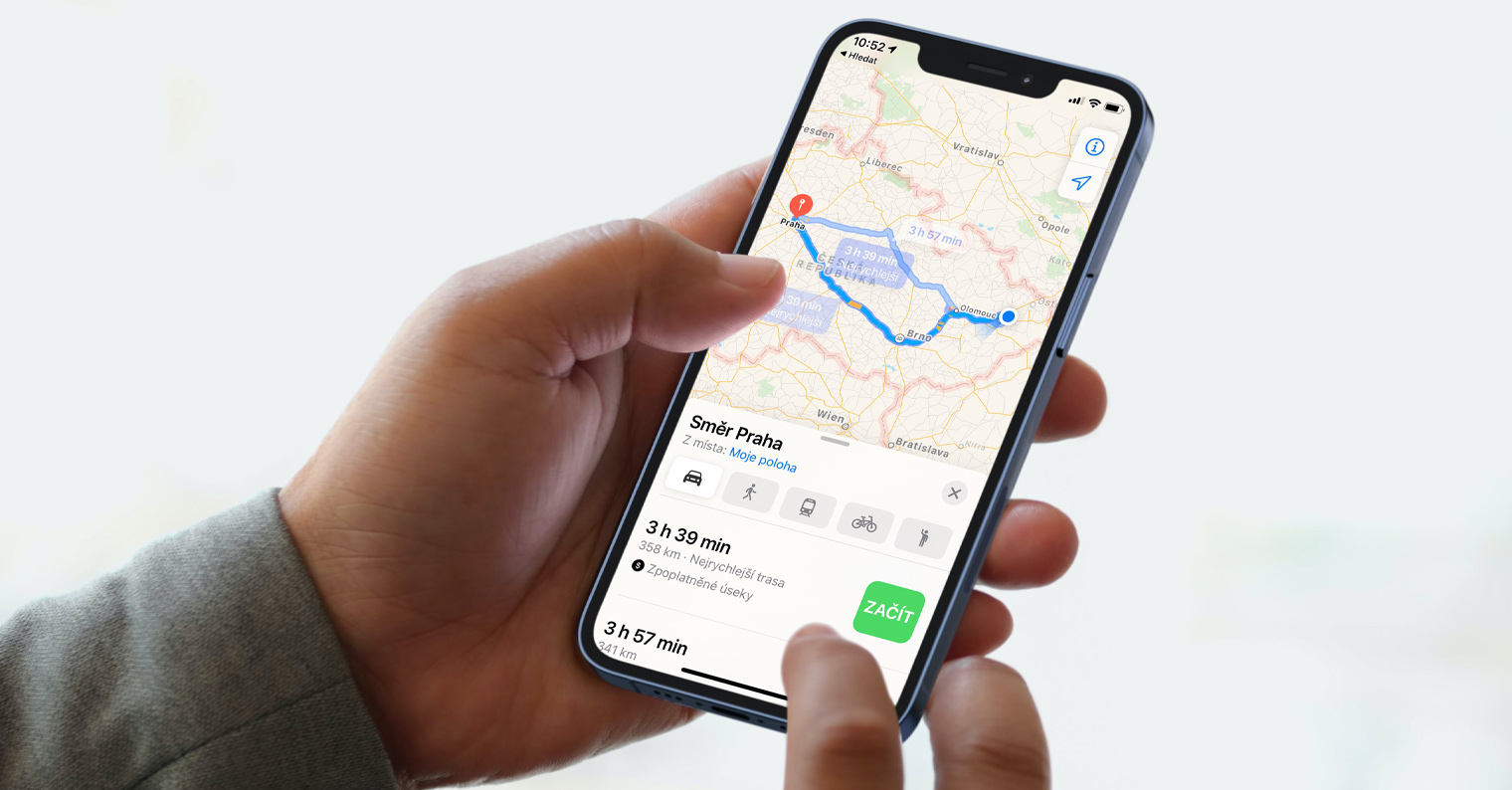
In today's article, I want to introduce four navigation applications for iPhone :Navigon, Tom Tom, Igo, Sygic. All navigations are tested on iPhone 3G 16GB with firmware version 3.1.2 with a regular car holder, moreover in the same places and under the same weather conditions. I tried to be objective and not to highlight or, conversely, not to detract from the applications, but there are such noticeable differences in the navigations that it is not very possible and some have the upper hand. So enough writing about nothing and come and see what it looks like.
Navigon 1.4 Europe
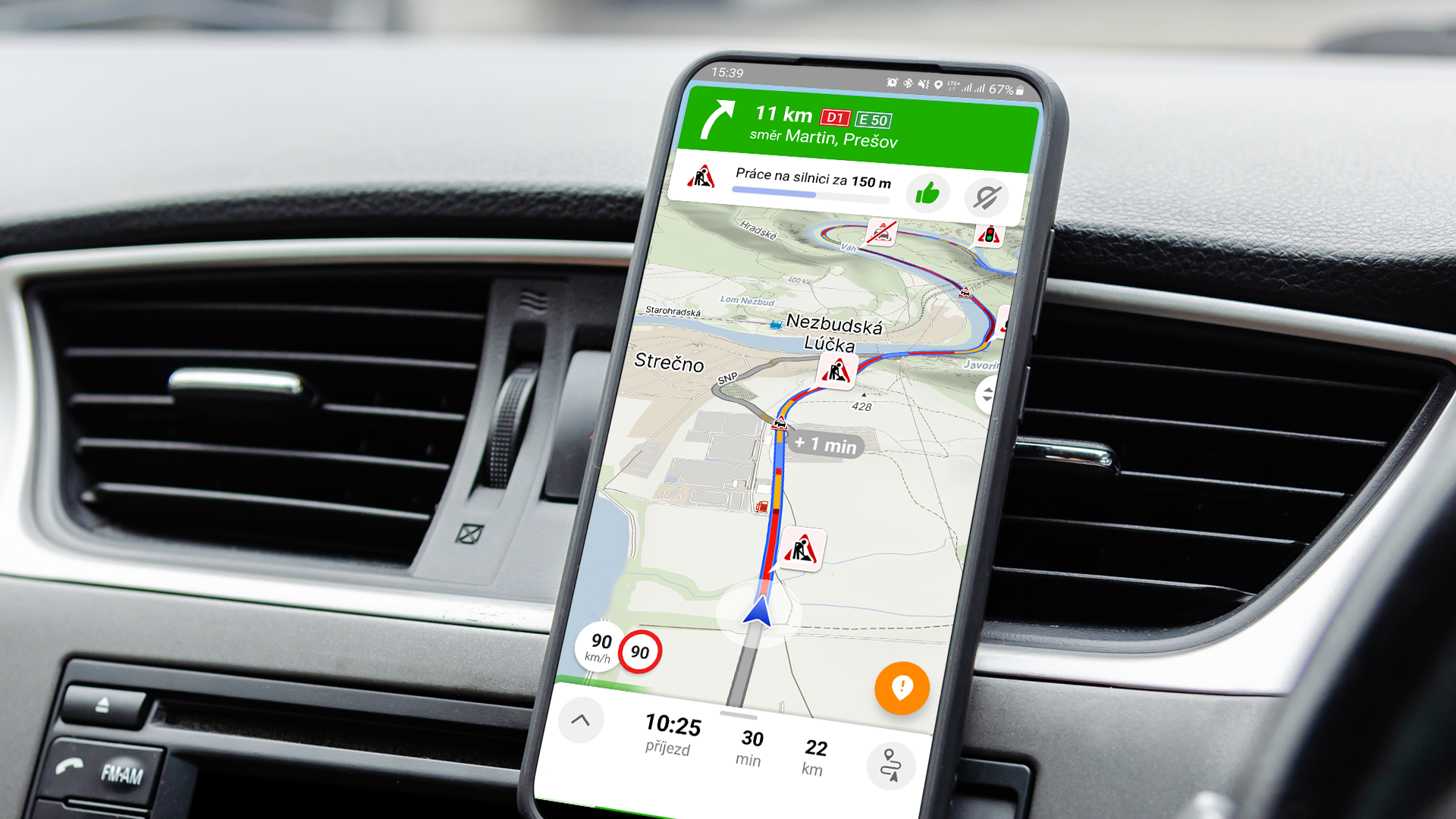
The navigation from Navigon impressed me the most. Although the actual launch takes about 15 seconds, but with a size of 1,84GB, there is nothing to be surprised about. This wait will be compensated by the fact that it will determine our exact location immediately after switching on. The maps are very well designed with all the necessary information. The menu is very user-friendly and everyone can quickly find their way around without any problems. Another thing that impressed me is that in more complex highway situations, something like a live preview, see. screenshot. In addition, this navigation can download data from the Internet and warn you of accidents and similar situations. Before version 1.4, I had a few complaints about this navigation, but today it seems to me to be absolutely top-notch. I was especially pleased and pleasantly surprised by the integration of the iPod directly into the navigation, after all, we do not find this in other navigation applications. When we purchase the version Europe, as the name suggests, contains maps of the entire Europe. Of course, it handles speed camera warnings, speeding warnings and other things that will make our lives easier. I also like the large picture that shows us how far we have to turn and when we click on it, it repeats the message. The so-called emergency assistance is also nice. This function finds the nearest hospital, police station, gas station or pharmacy.
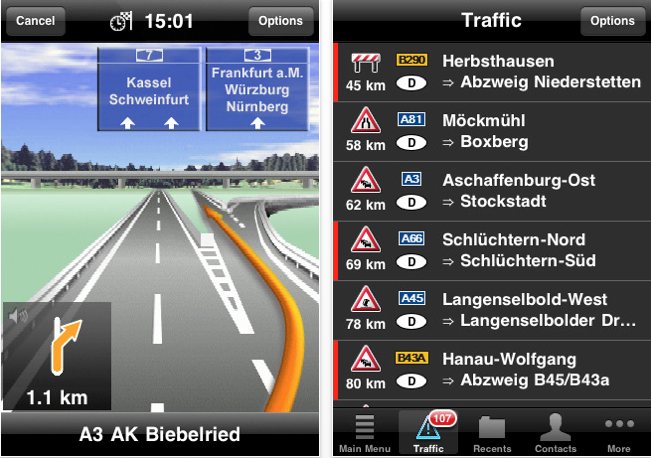
The main advantages and disadvantages of this navigation include:
+ localization accuracy
+ arrow on the route
+ fluidity of navigation movement
+ radar alerts
+ transit points
+ navigation to contacts
+ navigation to coordinates
+ home address
+ mute when using iPod
+ iPod integration into navigation
+ system keyboard
+ amount of information on the display
+ displayed status bar above the navigation (signal strength, GSM, clock, BT...)
+ map documents
– POI database for the Czech Republic
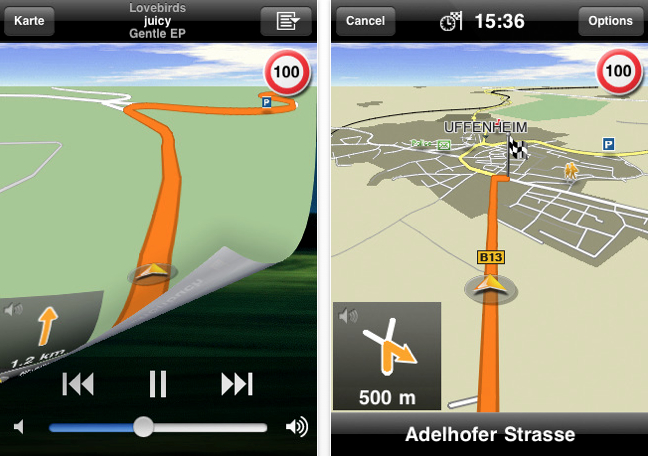
MobileNavigator navigation Eurowhen you purchase on iTunes App Store Sat 99,99 Euro here .
TomTom Easten Europe
TomTom is also aiming very high with its navigation. Although we have to buy Western and Eastern Europe separately and that will cost a lot more than Navigon, the navigation processing is top-notch. Considering how large the file is, the navigation starts quickly and loading the position doesn't take long and overall it's the same as Navigonem. Navigation also includes a radar database, assistance service, lane guidance in a clear 3D view, iPod control. The features are quite similar and quite identical to Navigonem. The only mistake I've come across is that it is very rarely delayed compared to reality, for example when turning. Otherwise, everything is excellent.
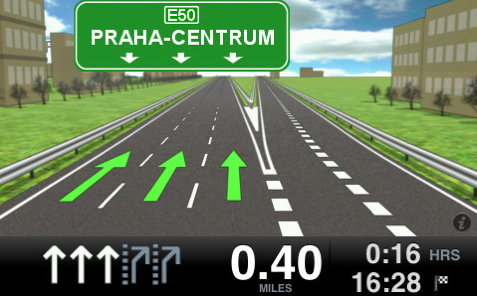
The main advantages and disadvantages of this navigation include:
+ radar alerts
+ transit points
+ home address
+ muting when using iPod
+ integration into the iPhone system
+ system keyboard
+ amount of information on the display
+ displayed status bar above the navigation (signal strength, GSM, clock, BT...)
+ navigation volume control in the app
+ map documents (TA)
+ zoom option in 3D
+ POI database
– localization accuracy (arrow on the route), noticeable delay of 10-15 m
– fluidity of navigation movement
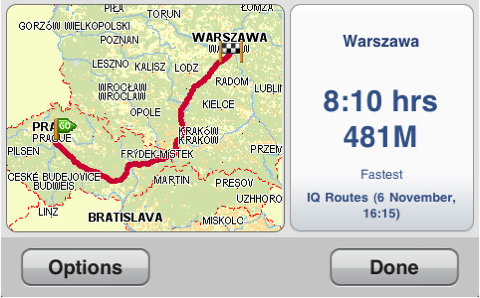
TomTom Easten Eurowhen you purchase on iTunes App Store Sat 69,99 Euro here .
Sygic 7.7.1 Europe
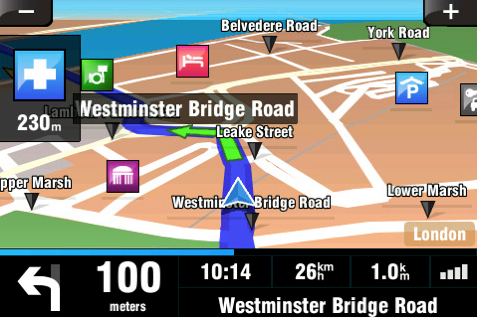
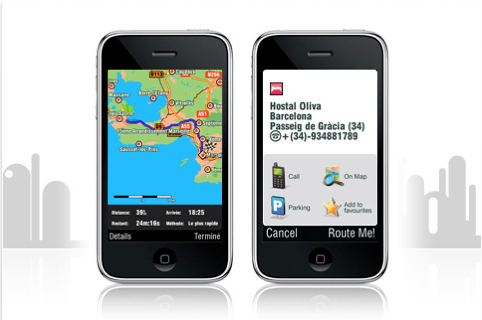
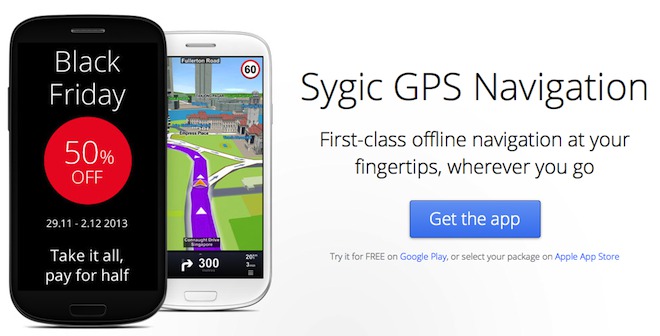
Sygic navigation is probably the least popular and widespread navigation, although I know a lot of people who can't stand it. Loading maps takes a while before they are rendered, and the graphics also seem outdated to me. It lacks a modern feel, but at least this is partially compensated by the great information on the display. Programmarians have also forgotten the fact that iPhone It has multitouch and they didn't build it into the application. The menu is quite clear with intuitive images. At least it can handle night display for navigation. But in my opinion, Sygic still has a lot to learn from the competition, if at least the price was significantly lower, they would certainly gain many more customers, but they can't compete with TomTom yet.
The main advantages and disadvantages of this navigation include:
± accuracy of localization (arrow on the route), reversing of the arrow
± fluidity of navigation movement
+ transit points
+ navigation to contacts
+ navigation to coordinates
+ home address
± own keyboard
+ amount of information on the display
+ zoom option in 3D
– POI database for the Czech Republic
– undisplayed status line above the navigation (signal strength, GSM, clock, BT...)
– navigation volume control in the application
– integration into the iPhone system (absence of multitouch!)
– muting when using iPod
– radar alerts
Mobile Maps Europe you buy on iTunes App Store Sat 69,99 Euro here .
Go My Way 2009 Europe
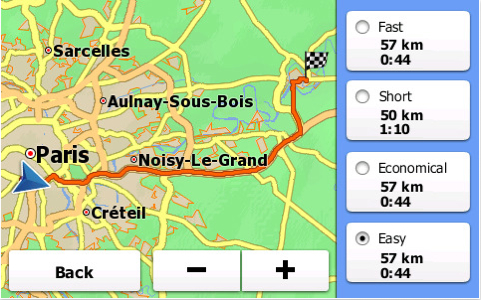
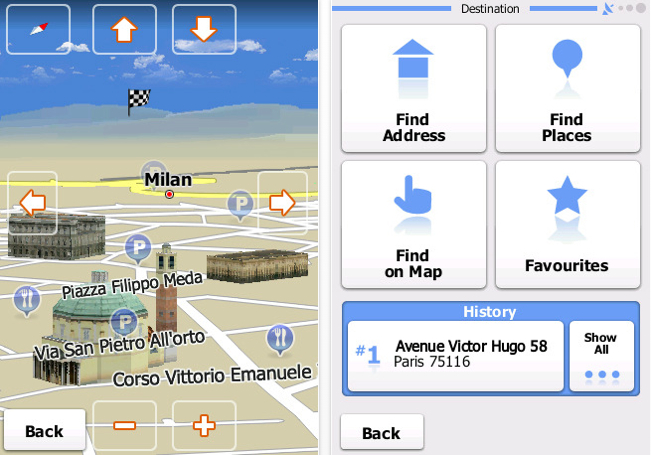
iGo is such an effort to get the most out of little, but unfortunately they forget details like speed display. It has a rather slow loading time of around 20s and the menu is very austere. But what discouraged me the most was the inability to set a home address. I see this as a problem with navigation at such a price. Although we can set all kinds of vehicles instead of the arrow that represents the vehicle, a motorcycle, a truck and the like, but I expect things from navigation other than a toy. Otherwise, the navigation is processed quite well, but the map background betrays it a little. Pleasant sound and graphic impression, monuments reworked into 3D models. But what's the point when here and there in smaller towns it warns us at a turn 5-15 seconds after we've turned. If they worked on the map data, the dream becomes a very capable and pleasant navigation, but that is not the case yet.
The main advantages and disadvantages of this navigation include:
± accuracy of localization (arrow on route), exceptionally longer delay
+ fluidity of navigation movement
± integration into the iPhone system
+ displayed status bar above the navigation (signal strength, GSM, clock, BT...)
+ zoom option in 3D
+ POI database
– navigation volume control in the application
– map documents
– radar alerts
– waypoints
– navigation to contacts
– muting when using iPod
– home address
Navigation for Europe – iGO My way 2009 can be purchased on iTunes App Store za74,99 Euro here .
Finally I would like to say that I am not a Navigator.onem or TomTom to highlight their products, but they seem to me to be better in all respects. And when I look at the popularity of these applications among users, it says it all. Of course, you won't make a big mistake by buying Sygic or iGO and you will have a decent navigation, but Navigon and TomTom are candidates for me that are worth spending so much money on. I hope that I didn't upset many fans of the navigation systems I don't praise with the article, but as I say, this is my opinion and I tried to be objective. I would also be happy if the article made it easier for someone to decide which navigation system to buy. Be sure to don't hesitate and don't believe too much talk that iPhone It is weak at navigation. Yes, it does not have a perfect GPS module, but apart from exceptional situations like in serpentines in the mountains or in big cities where there is almost no view of the horizon, I have never observed a signal dropout. If you still want to carry and take care of other devices, buy it, but iPhone is sufficient.








I use Navigon and with the use of an external GPS module on my 2G it works great, accurate to a meter. It bothers me a little that he doesn't know descriptive numbers.
I use Garmin :-) the high price of the navigation did not make me buy them. But the move from Nokia will help reduce the prices of navigation for iphone too. Then I would buy a navigon.
Well, Nokia's move seems stupid to me... they will deploy free navigation... but what will others live with? Who will pay for the development and improvement of map materials? Nobody
So I don't know if you really used it in real life, my experience is completely different :-) Navigon and TT signal do not catch at all (or. i.e. after 2 min and don't hold it), Sygic immediately, CoPilot (forgot about that one??) even better. The fact is that I use it a lot in Prague (lots of traffic), but that's the best way to tell :-)
to mertha: Well, I tested the navigation in Brno, so I'm not surprised by the difference. It's clear from the name that I'm only testing 4 software. Yes, I know for sure that it's Copilot, ndrive and other navigations, but they didn't seem that interesting to me. And about your problem: do you not have JB by any chance? That would explain a lot and if you don't, I would of course contact the navigation manufacturer and solve your problem with them and they should refund your money
but soon I will try to bring a comparison of other software for navigation;) I hope I will make you happy
iMaverick: could you tell me what GPS receiver you use for your 2Géčko? I want to buy one right now, and where and what kind, thanks
It's not true that he couldn't zoom in on Navogin's 3D view. See http://www.kamakudy.cz/?p=81. Zoom in 3D is one of the improvements of version 1.4.0, just read Whats New on the manufacturer's website ;-).
From my experience with Navigon, I cannot confirm the fast computer location finding, it can take about a minute, depending on the situation. Tested in addition to Prague throughout the country, in Germany and in Spain around Valencia, iPhone 3G 8GB. There may be differences in GPS sensitivity between individual iPhones.
And on top of that: This navigation system can download data from the Internet and warn you about accidents and similar situations.
This is true only in Western Europe, in those countries where Traffic Live works, which can be purchased for an additional twenty Es directly from the application and requires a data connection, so whoever wants to use it must either stay with a car within WIFI range :-P, or pay for not exactly cheap data roaming.
I was looking forward to TomTom for a long time, it was the first to announce itself, but it came last. Nakonec I bought Navigon, at the time I bought it, it was at a great price, it already had spoken Czech and a few shortcomings that were removed and now I have no complaints about it, excellent, it newly cooperates with Google, so another thing that I unfortunately did not have the opportunity to try. TomTom does not know Czech diacritics yet, from what I have seen, quite disappointing. If it were not for Navigon, TomTom would have seemed like a good navigation on WM, but now I can no longer say that. But today's review opened my eyes to iGo, thanks for the review :-)
Well, for my taste, there are enough errors in the review in my opinion, or rather misleading information... I will focus only on Navigon and TT.
Navigon - the internet warning of accidents etc. is not available here at all, there is no mention of the fact that the radars are only fixed and cannot be supplemented in any way. The live preview is just and only a static image, although impressive at first glance, but really only impressive. Furthermore, there is no mention of the fact that he knows both indicative and descriptive numbers...
TomTom (cybi version in which it was tested) – the arrow delay occurred only and only in the very first version! Today in version 1.3 the smoothness is also solved, nothing jerky. Radars are also fixed, with JB, unlike other navigations, you can use fully up-to-date from poi.cz and with warnings, the same classic POI. And today there is also a version for the whole of Europe (not yet in our AppStore). And the diacritics mentioned by someone, TT never knew how to do it, not even on other platforms, I don't consider it something important. And unfortunately, in the latest version, the status bar disappeared.