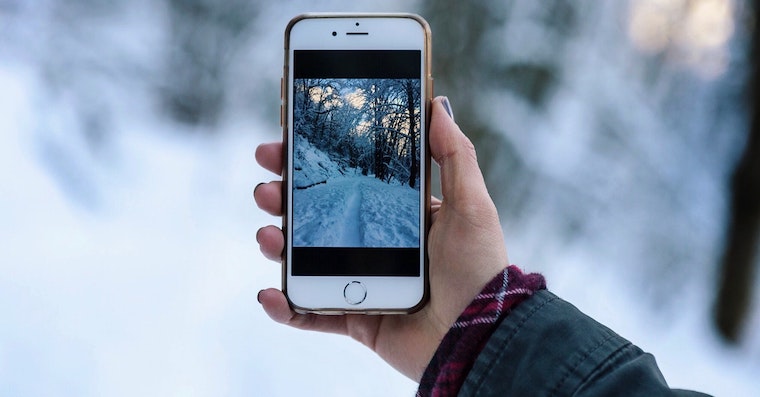
Although our winters tend to be rather mild, you may have experienced a cold weather iPhone resigned. In winter, even the Eiffel Tower shrinks by a few centimeters - metal shrinks in the cold. And yours reacts similarly iPhone, except that instead of changing shape, it can simply turn off. The reason is a combination of a metal body, a thin design and, most importantly, a sensitive lithium-ion battery that does not tolerate cold. What exactly is happening and how can this be prevented?
You might be interested in
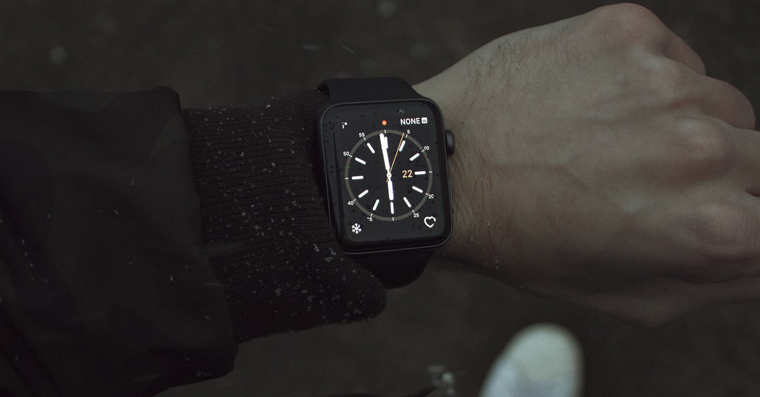
Prowhat is iPhone turns off in the cold
In the cold, the battery's ability to conduct electricity decreases - ions move more slowly and internal resistance increases. The phone is therefore unable to provide sufficient voltage for normal operation, and even if it shows 25% capacity, it may suddenly turn off. According to AppThe ideal operating temperature for iPhone is 0-35°C. Performance can drop and battery drain faster at temperatures around freezing. Once the temperature drops below this range, the device automatically shuts down to prevent battery damage.
Cold weather affects all iPhones, but older models suffer more. Their batteries have already lost some of their original capacity and are less able to handle the increased power draw. If yours has iPhone maxminimum battery capacity below 80%, it may turn off in winter even at higher temperatures than new models.
Gallery
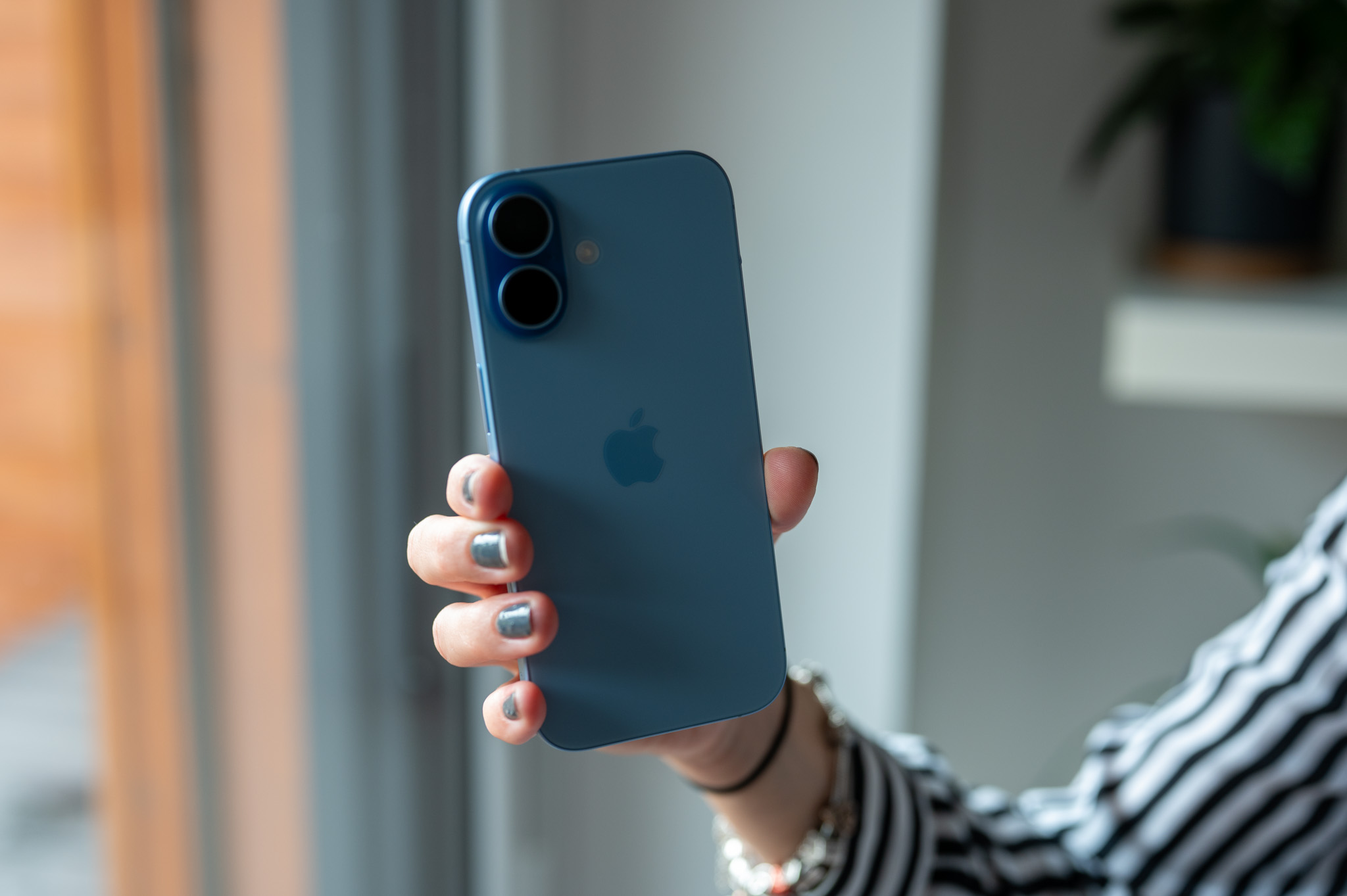
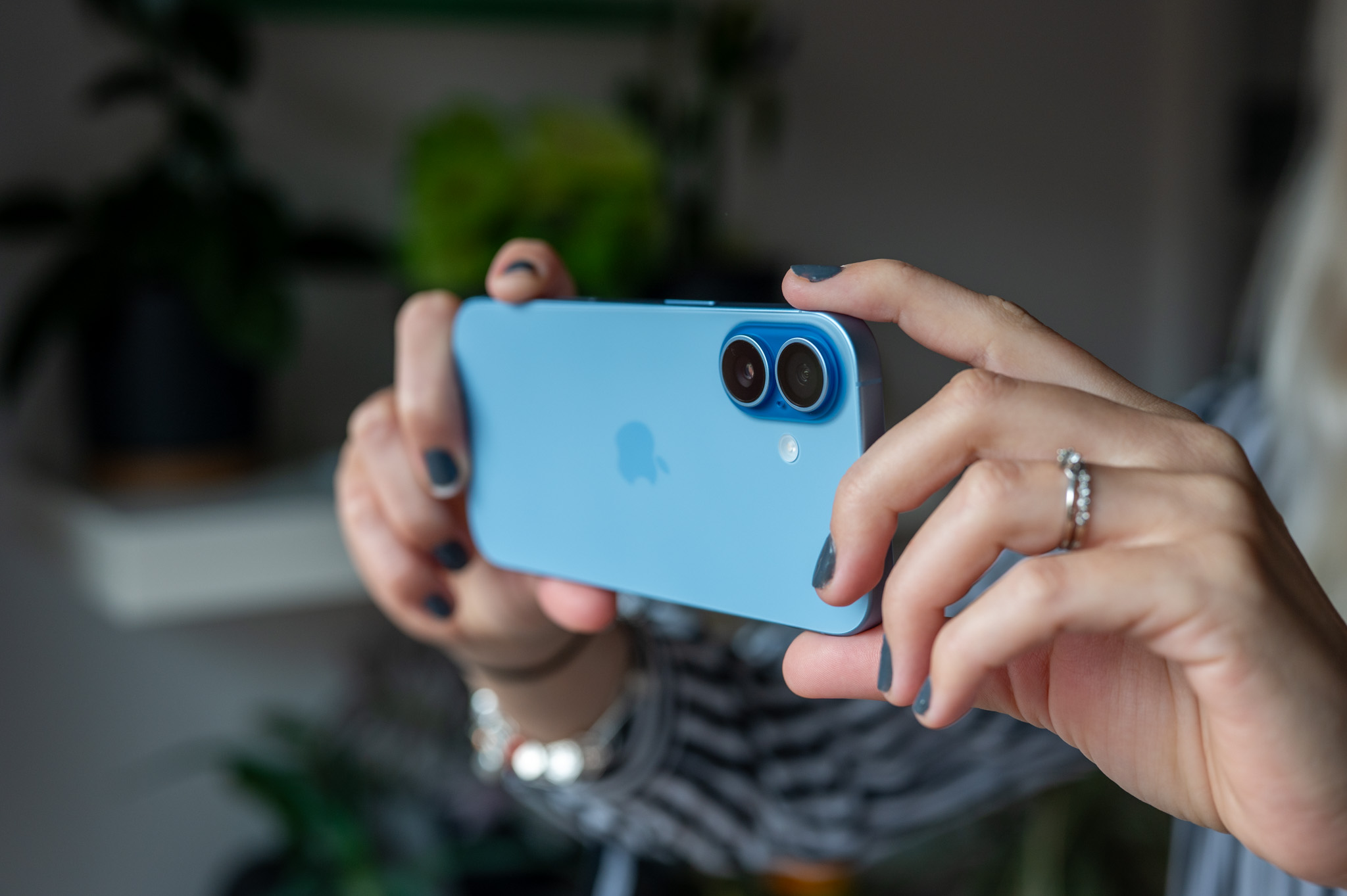

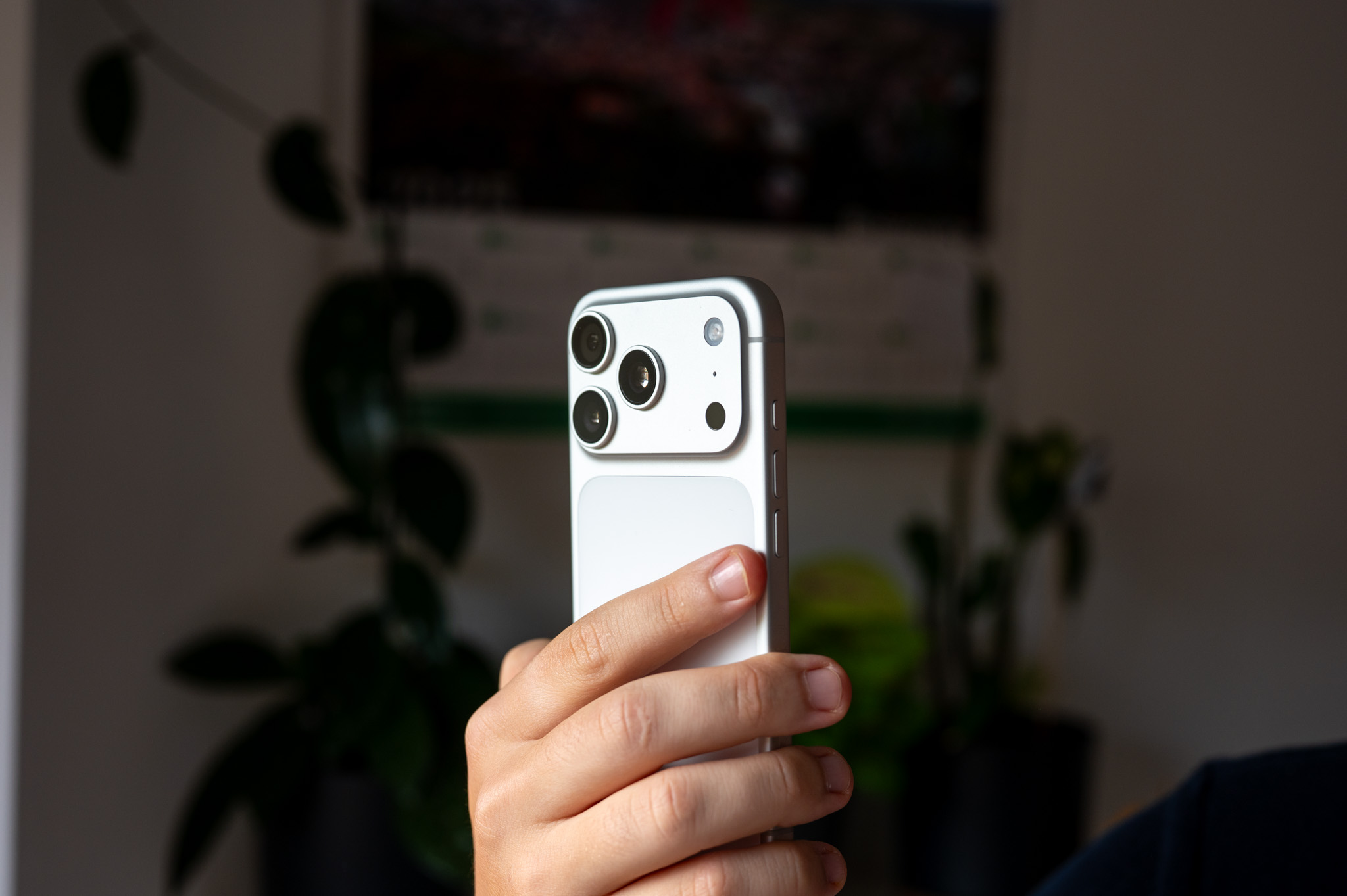

What to do when iPhone turn off
The worst thing you can do is put "frozen" iPhone on a heater or plug it into a charger. Sudden temperature changes can cause condensation inside the device and cause permanent damage. Instead, let it slowly warm up to room temperature – for example, in a jacket pocket or on a table in a warm room. It will usually wake up on its own after 10-15 minutes. If not, plug it into the charger only after it has warmed up.
How to prevent your iPhone from turning off in the cold
- Keep him warm: Wear iPhone as close to the body as possible, ideally in a pocket under your jacket.
- Use a case: A silicone or leather case will delay the device from cooling down.
- Keep it charged: A higher charge level helps the battery withstand the cold better.
- Do not expose it to frost for long periods of time: Do not leave it iPhone in the car or in a bag in the cold.
- Consider replacing your battery: If its capacity is low, winter outages will get worse.
When your iPhone If your phone turns off in the cold, it is not a malfunction – it is a defensive reaction of the battery. Once the device warms up, it will start working normally. To avoid these situations, keep your phone warm, use a protective case and make sure that the battery is in good condition. The next time your iPhone refuses to cooperate at -5°C, don't panic - it just wants to take a break from the cold for a while.