
Nowadays it is iPhone one of the most popular smartphones in the world. Unfortunately, due to its high price, it has become a frequent target for counterfeiters who try to create imitations for a fraction of the price of the original. However, a big problem is also fraudulent e-shops that offer iPhones at seemingly fantastic prices, but in the end they usually "just" rob you of your money and do not send you anything. So if you are planning to buy an iPhone from an unverified source, for example from a bazaar or over the Internet, it is important to know how to recognize a fake iPhone from the real thing. Here are some steps and tips to help you spot a fake.
How to recognize a fraudulent e-shop
1. Missing contact information
- Suspicious domain: Look at the website address. E-shops with unusual or new domains (eg ending with unusual extensions like ".xyz" or ".top") may be suspicious.
- Missing contact information: Serious e-shops always provide a contact address, telephone number, ID number, VAT number, and other necessary information. If it's missing, it could be a warning sign.
2. Too good deals
Extremely low prices are a catch: If the prices are significantly lower than the competition or are incredibly cheap, you should be wary. Fraudulent e-shops often offer unrealistic discounts to attract victims.
3. Suspicious reviews
- False or missing reviews: If an online store has few or no reviews, or all the reviews are too positive and similar, it may indicate that it is a fraudulent store.
- Verified reviews: Search for reviews on independent platforms such as Heureka, Zboží.cz or Google.
4. Security precautions
- Encrypted connection (HTTPS): Check if the e-shop has an encrypted connection (the website address should have "https" and a lock symbol next to it). The absence of HTTPS can be a sign that the site is not secure for entering payment information.
- Suspicious payment methods: If the store only accepts payments in advance (without the possibility of payment on collection or by credit card), it is good to be careful.
5. Design and grammar
- Poorly designed website: Fraudulent e-shops often have bad graphics, broken links or unprofessional design. An unclear and incomplete website can be a signal of fraud.
- Errors in the text: Grammatical errors, typos, or poor translations in product descriptions may indicate an unprofessional or fraudulent business.
6. Credibility of the e-shop
- Verified certificates: E-shops can have trust certificates (e.g. "Verified by customers" on Heureka). If the certificates are fake or missing, this is a warning sign.
- Response to inquiries: Try contacting the e-shop with questions about products or delivery. If they don't respond, it's suspicious.
7. Terms and conditions and complaints procedure
Unclear or missing terms and conditions . If the terms and conditions are unclear or the e-shop does not provide a complaints procedure, you may encounter problems when returning or complaining about goods.
8. Check on the website of the Czech Trade Inspection
You can find the option on the website of the Czech Trade Inspection view risk e-shops through search. Simply enter the password you are looking for into the risky e-shop search engine (for example: iPhone) and the Czech Inspectorate's database will show you whether the inspection has any risky e-shops in its sights.
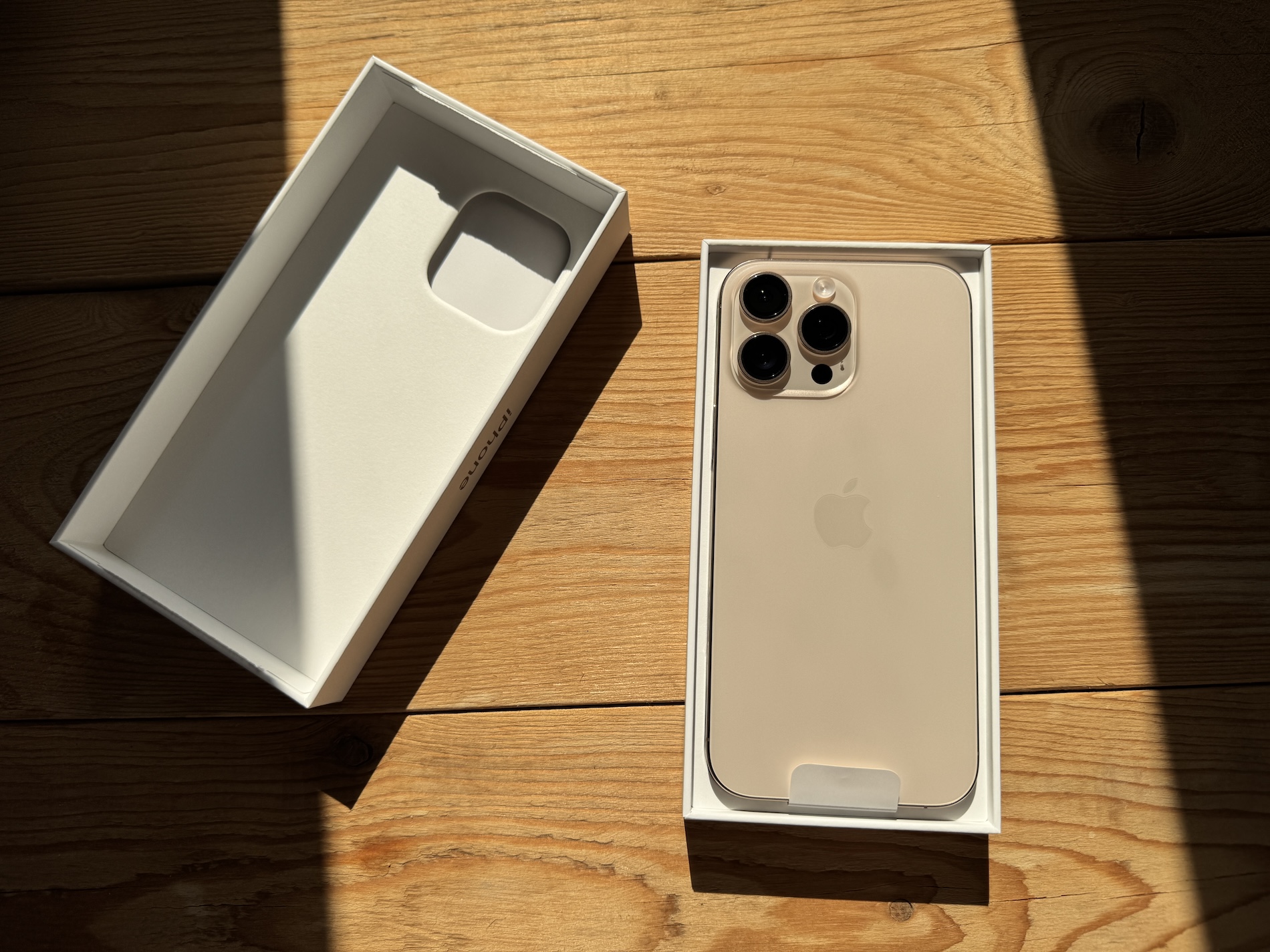
How to spot a fake iPhone
1. The price is too low
One of the first warning signs that iPhone may be counterfeit is its price. If you come across "iPhone" at an incredibly low price, you should be cautious. Original products Apple they are generally expensive, and even if there is an occasional discount or promotion, a significantly low price is suspicious.
2. Quality of processing
Apple is based on first-class design and precise processing of its products. Fake iPhones often have visible flaws in the quality of materials and build. Here are some things to watch out for:
- Buttons: The original iPhones have fixed buttons that feel robust and have a precise press. For fakes, the buttons may be looser or misplaced.
- Display: The display on fake models may have a lower resolution, paler colors or poor touch sensitivity.
- White WaveDesign logo Apple: There is a logo on the back Apple. For fakes, it is usually poorly engraved, shifted, or has different proportions.
3. Operating system
One of the most reliable ways to tell if you have an original iPhone, is an operating system check. Real iPhones use iOS, which is an exclusive operating system AppFake models often use a modified Android system that tries to mimic the look and feel of iOSHow to tell if the system is not genuine?
- Settings: Progo to the "Settings" menu. If some options are missing or do not correspond to the typical interface iOS, you probably have a fake phone. Of course, you need to have at least some knowledge of what a real one looks like. iOSHowever, since iPhones are so widespread these days, we believe that there is no problem with the right one. iOS to get acquainted either in one of the stores with iPhones on display, or on YouTube.
- App Store: Open the app store. Right iPhone she will have App Store, while counterfeit phones may have Google Play or another app store.
4. Serial number and IMEI
Every iPhone has a unique serial number and IMEI code. You can verify this information directly on the website Applu. Check the following steps:
- Go to “Settings” → “General” → “Information”. Here you will find the serial number and IMEI.
- On the official website Applu (https://checkcoverage.apple.com) you can enter the serial number to see if the phone is original and matches the model you own.
5. Checking the packaging and accessories
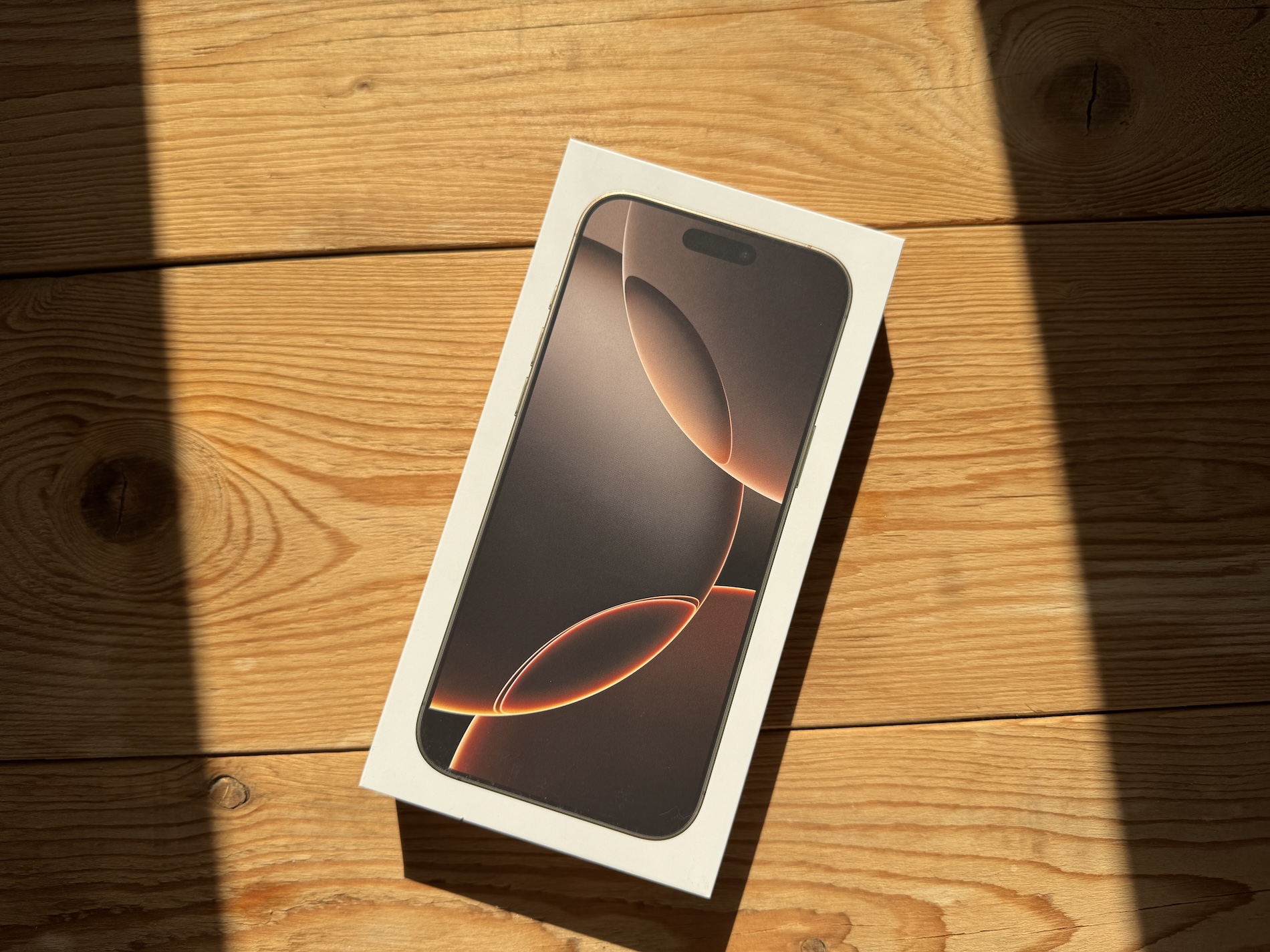
Genuine iPhones typically come in sleek packaging, with carefully arranged accessories. If the packaging appears to be of poor quality, contains incorrect or substandard contents, it may be a fake. Also check that accessories such as the charger, cable, and headphones meet the standards Applu. And of course, the IMEI listed on the packaging must match the IMEI you can find in your phone's settings.
6. Apple logo and inscriptions
Counterfeiters sometimes fail to imitate all the details of an iPhone correctly. On the back of the older original iPhones, there is, in addition to the logo Apple also several inscriptions such as “Designed by Apple in California". For fake models, these inscriptions are often missing, poorly printed or have the wrong dimensions and font.
7. Touch ID a Face ID
Touch ID (fingerprint reader) and Face ID (facial recognition) are key features of newer iPhone models. If you have a phone that is supposed to have these features but they are not working properly or are missing, you probably have a fake product. Counterfeit phones often either do not have these technologies or imitate them very imperfectly.
8. Performance
Fake iPhones often use less powerful processors and other technical components.onenty, which is reflected in their speed. Original iPhones have smooth and fluid operation, while with counterfeits you may encounter jerky animations, slow application loading or overheating of the device. You can easily check the performance, for example, via the Geekbench 6 application, which is available for download v App StoreOn the Geekbench website you will also find a database of older performance measurements that can be used to compare your measured values. And tooneIndeed, once you perform a benchmark via Geekbench, the detailed report will show information about the device on which the test was performed. This makes it easy to check whether you have a genuine or counterfeit device in your hands. iPhone.


Regarding the phone, the following should also be sufficient:
For a clean, unconfigured system, you can just use the phone with Face ID press the side button three times quickly, or for phones with Touch ID home button and Voiceover should turn on and the phone should start speaking.
If it's a system already set up, just do the same and it should turn on Voiceover or another accessibility utility.
Alternatively, just go to: Settings / Accessibility / VoiceOver and turn on the utility there.
If there is nothing like that, or the phone doesn't talk, it's not iOS.
So if a person buys iPhone in “brand” stores (includingStore, Datart, Alza) and won't buy it through strange shops or bazaars where price wins, so he can easily avoid this problem. :))