A significant number of us use Google services quite often and for a variety of purposes, whether it's navigation while driving, planning meetings and other events, shopping, entertainment in the form of watching videos and playing games, but also for work tasks such as creating and sharing documents or other types of files, research activities and of course searching the web for everything from recipes and destinations to visit during vacations, to historical facts or medical discoveries, to the latest news and almost all the information that a person living in this decade could need to know. All you need is an internet connection and practically any device such as a smartphone, tablet, laptop or computer and the world is at your fingertips.oneThe flow of information is available to us for free.
However, Google still gets something from us. Our time, attention and the amount of usable data that the company is constantly collecting, thanks to which it has information about where we go online and in real life, what we do or how often we buy a certain type of product. In Mountain View, they may also be aware that we're thinking about buying a new houseplant, and the same can probably be said for our political views or stances on more or less important social issues, while it's worth noting that these tendencies are far from just big technology companies.

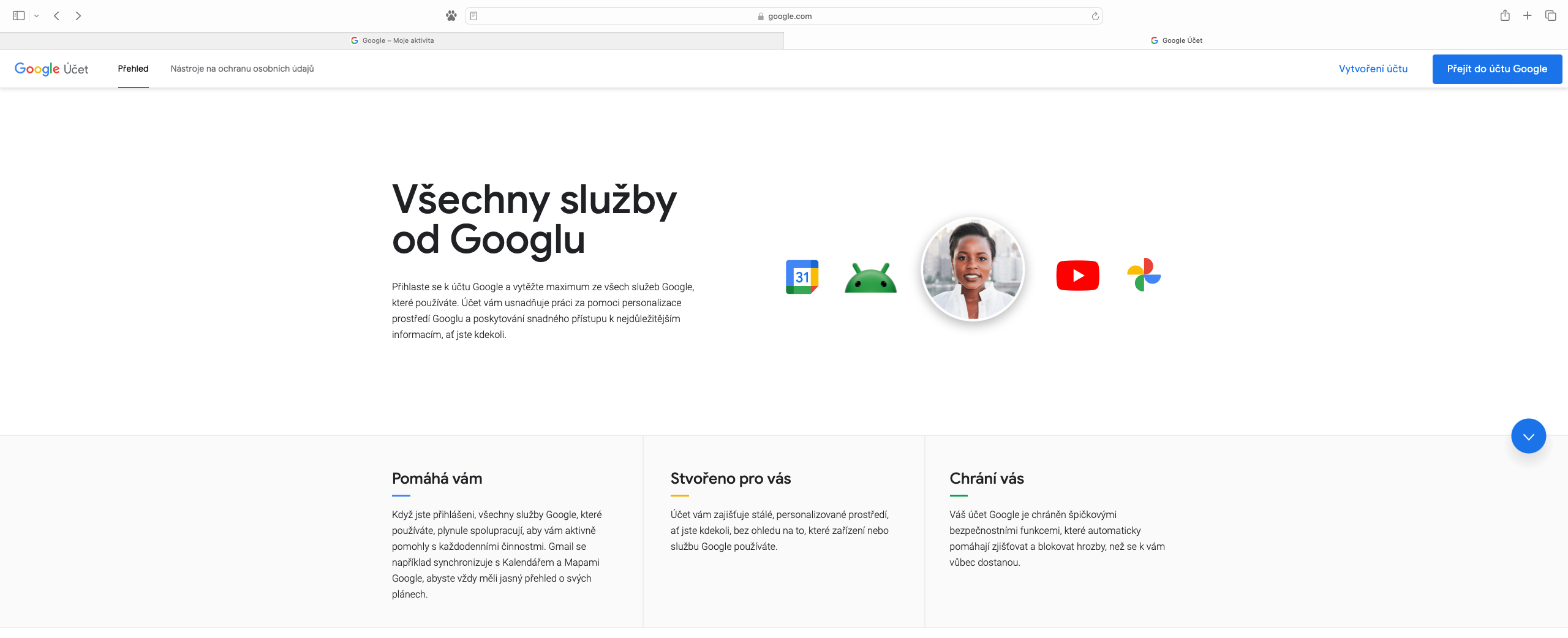
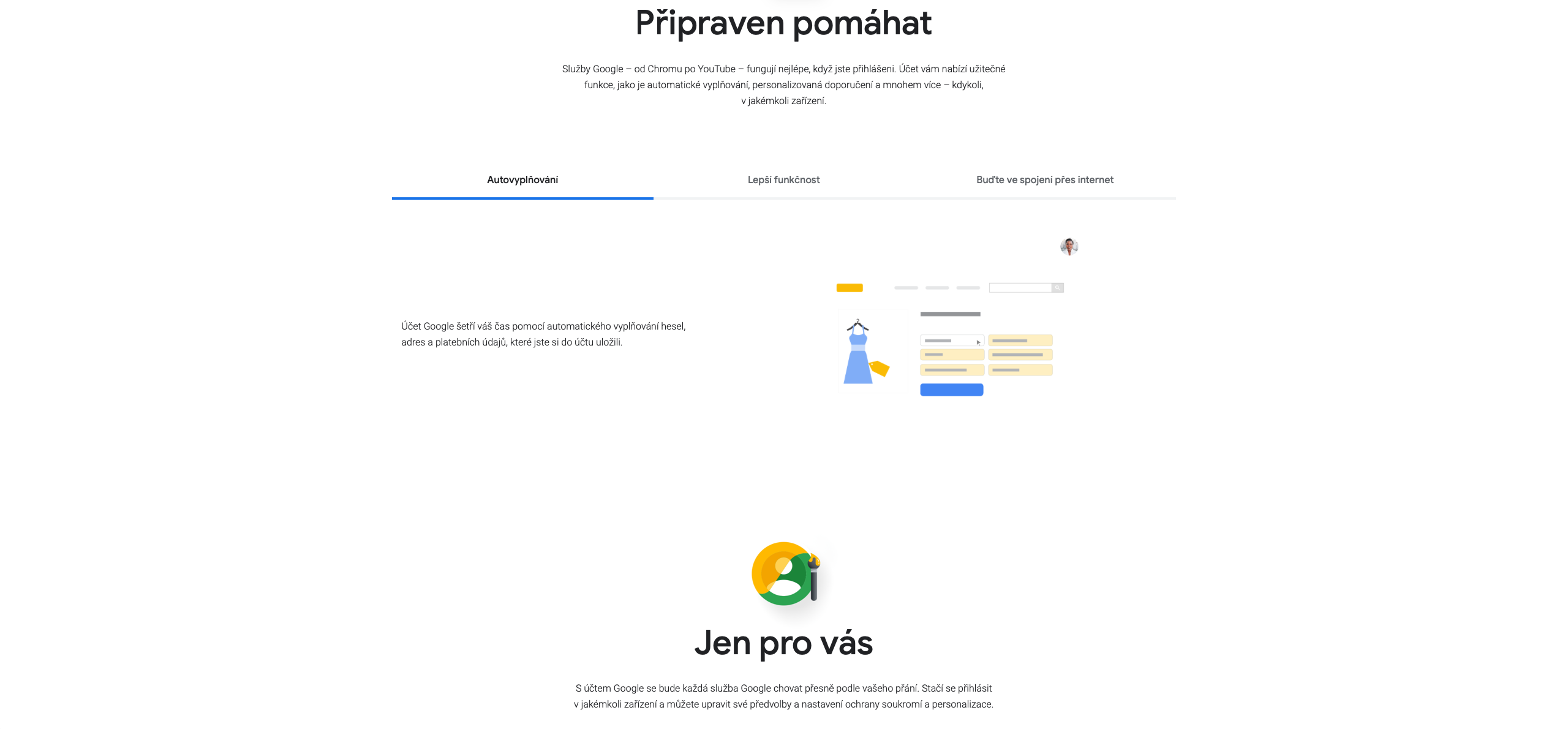
Google claims that it does not violate our privacy and only works with anonymized data when, for example, it includes a specific person in a group similar to them, say by grouping neighbors by zip code. But tools like "Account" and "My Activity," introduced in 2015 and 2016 respectively, give us a deeper look at what the tech giant actually knows about us. Through the first of them, we can find out what data the company collects about us and it is possible to change selected settings, while the second allows us to view almost all of our online activities that are linked to the Google account(s). In this way, we can erase the history and to a large extent influence the scope and accessibility of personal information.
Gallery
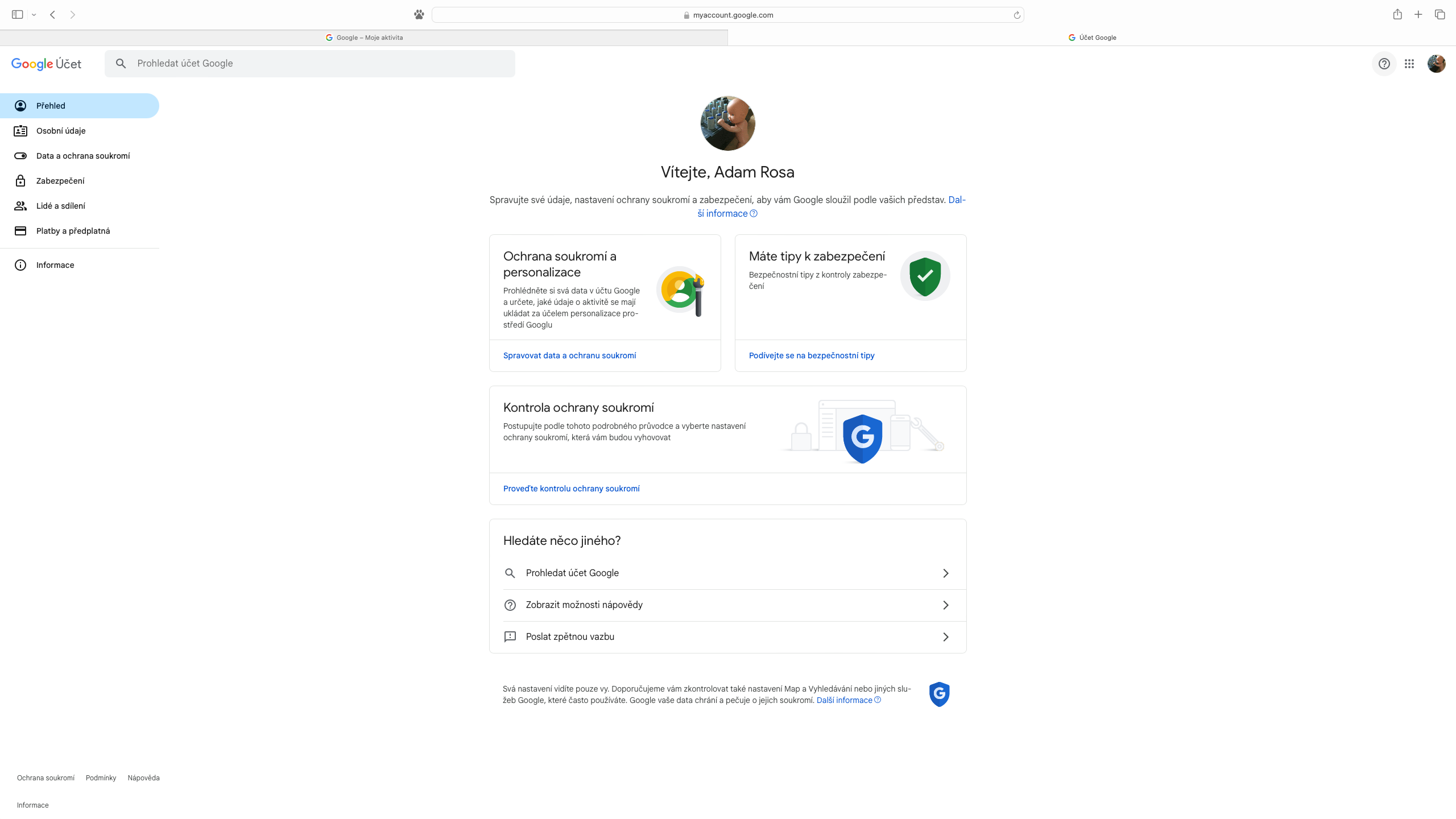
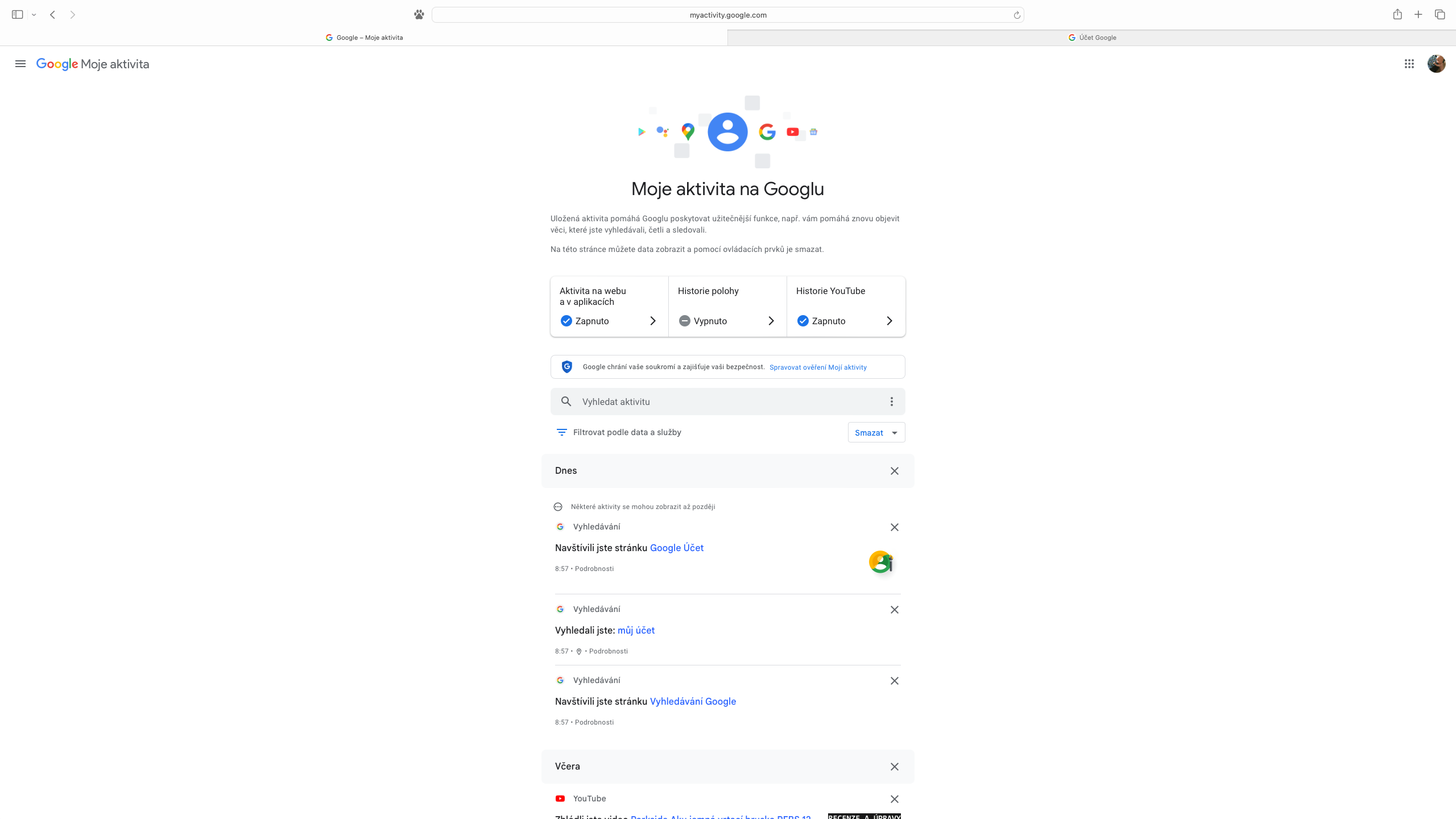
There is no doubt that monitoring our Google preferences helps to achieve greater relevance of the results and offer of the services or products searched for. However, there is also the other side of the coin, which points to the scope of the collected data, and although the company states that it does not sell information about our activity to any third party, the knowledge of the existence of extensive records in its database probably does not give a very reassuring impression. Google may also be able to track our location, giving it additional clues to research our hobbies, places we frequent, and careers. All together, it's ammunition for more precise targeting, which is what we're (currently) interested in, so we'll be more likely to click on ads that align with that.
How can our activity be viewed?
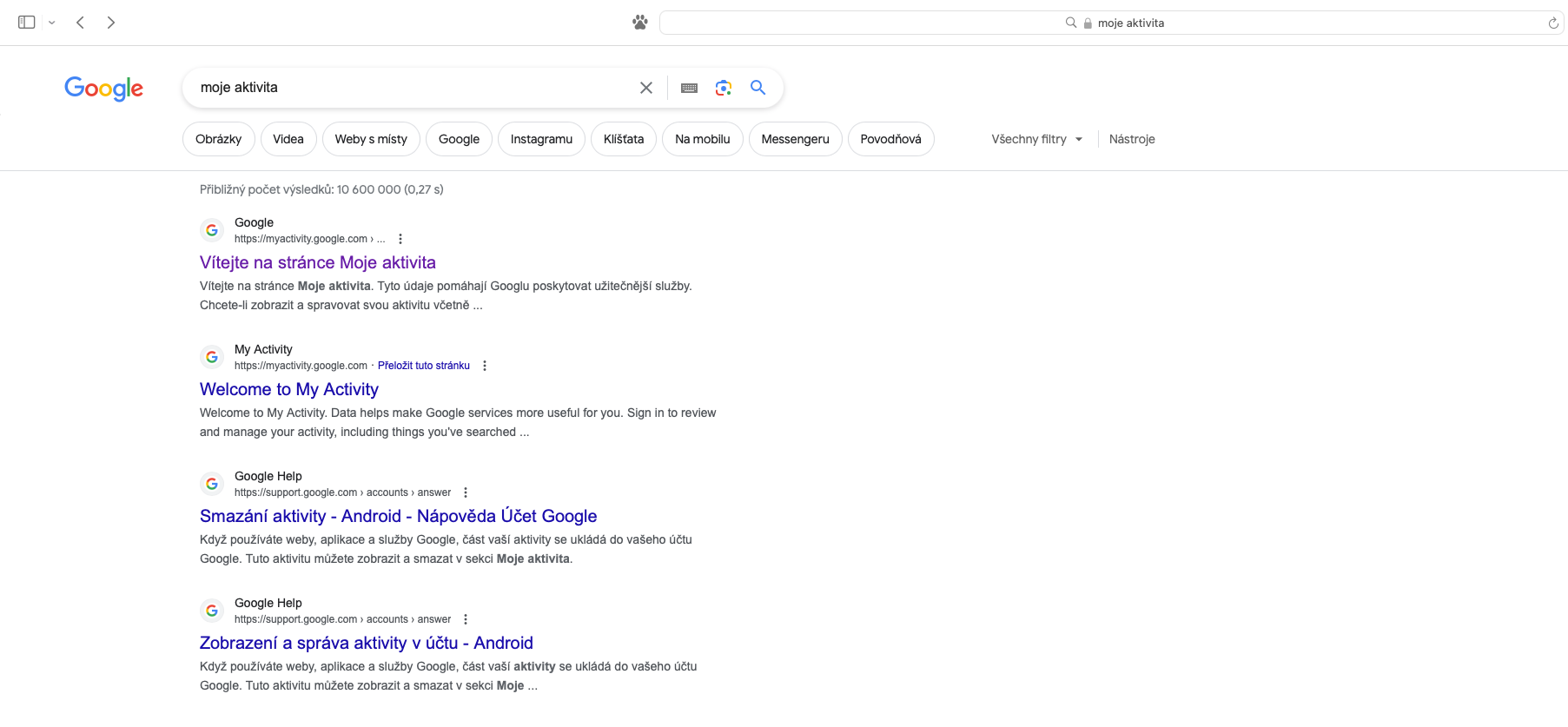
All you need to do is make sure you're signed in to your Google account, look for the "My Activity" link, and select the first of the displayed results in the order labeled "Welcome to the My Activity Page" to navigate to the individual items.
What next?
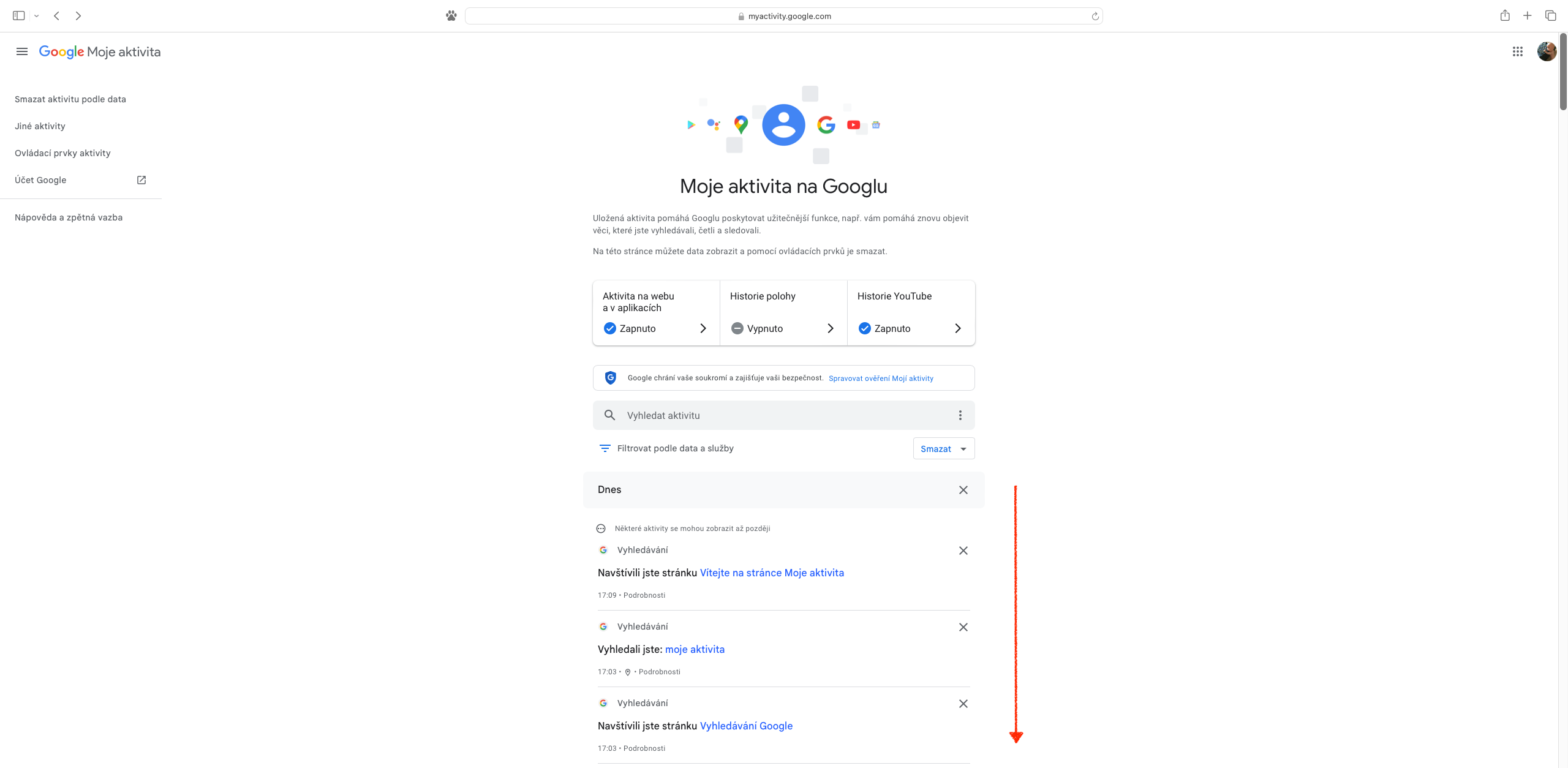
After entering this page, we can scroll down and view our internet history, which can go back several years depending on the settings. If we conclude that this is not desirable, the next step is to determine what data will be retained.
How to turn off web activity monitoring?
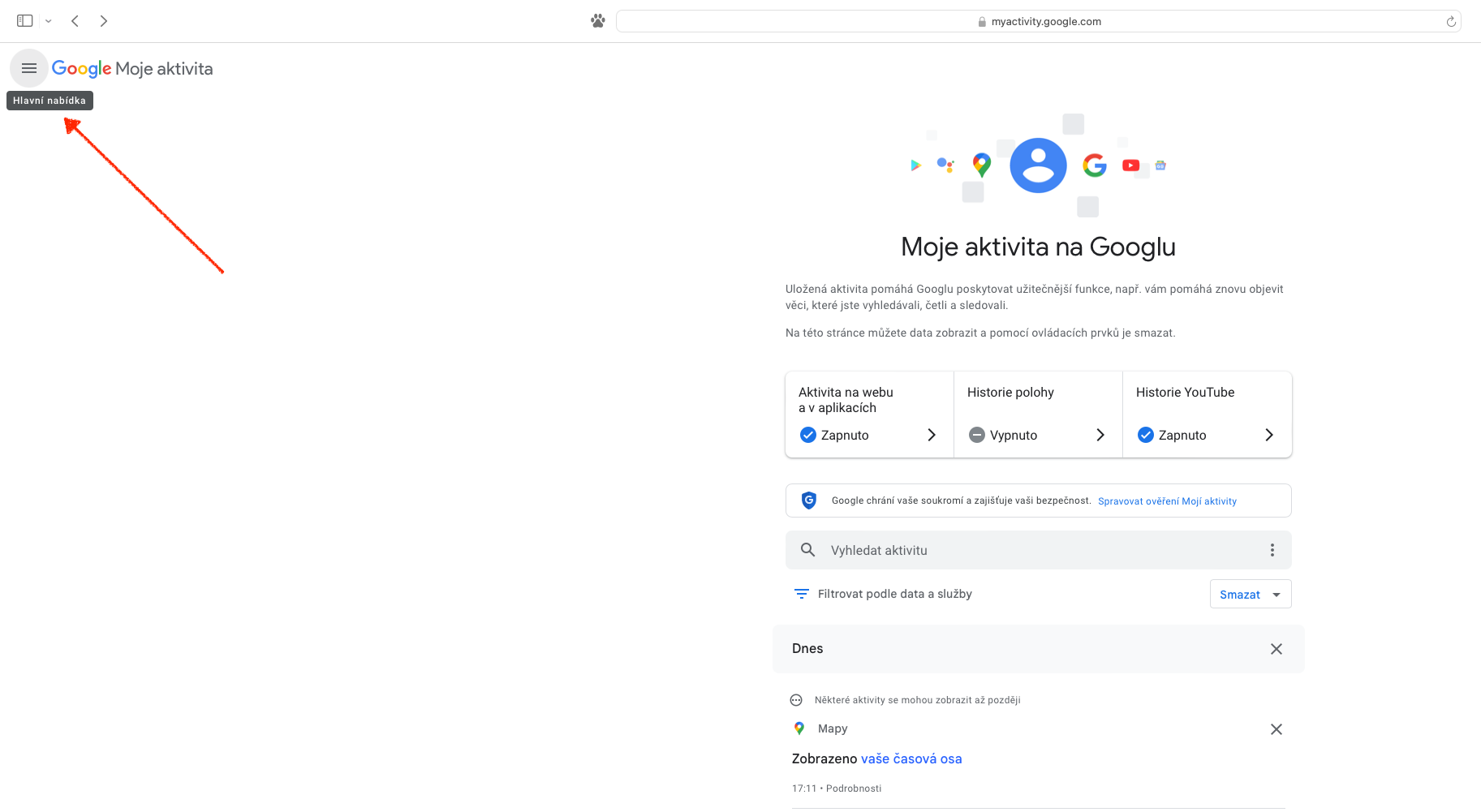
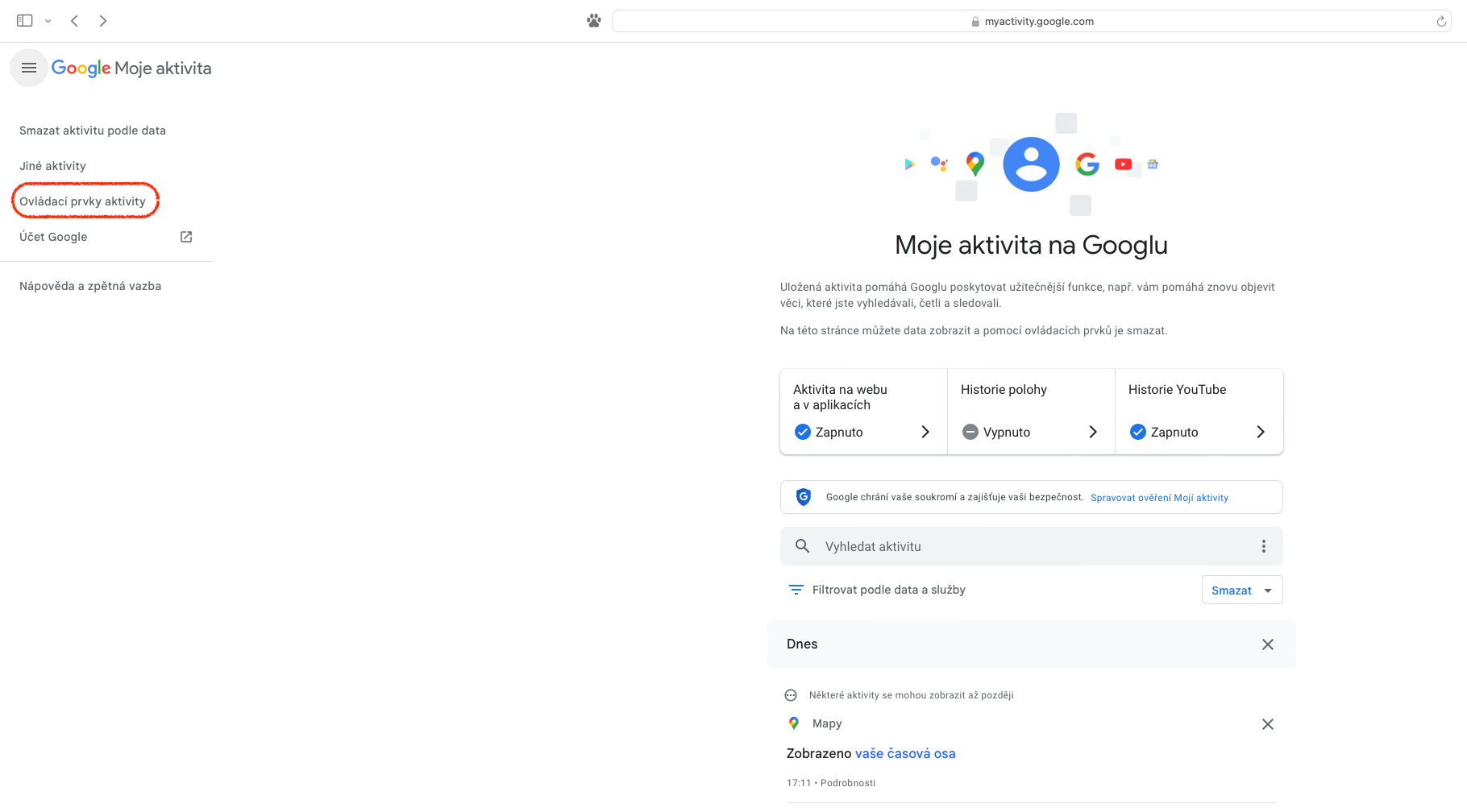
Google knows a lot about us, but a satisfied customer is still a value that means something to a company, which is why turning off web activity is a relatively simple process. On the "My Google Activity" page, just click on the menu hidden under the icon with three horizontal lines in the upper left and use the link "Activity controls". It directs the user to an explanation of which data is stored.
Gallery
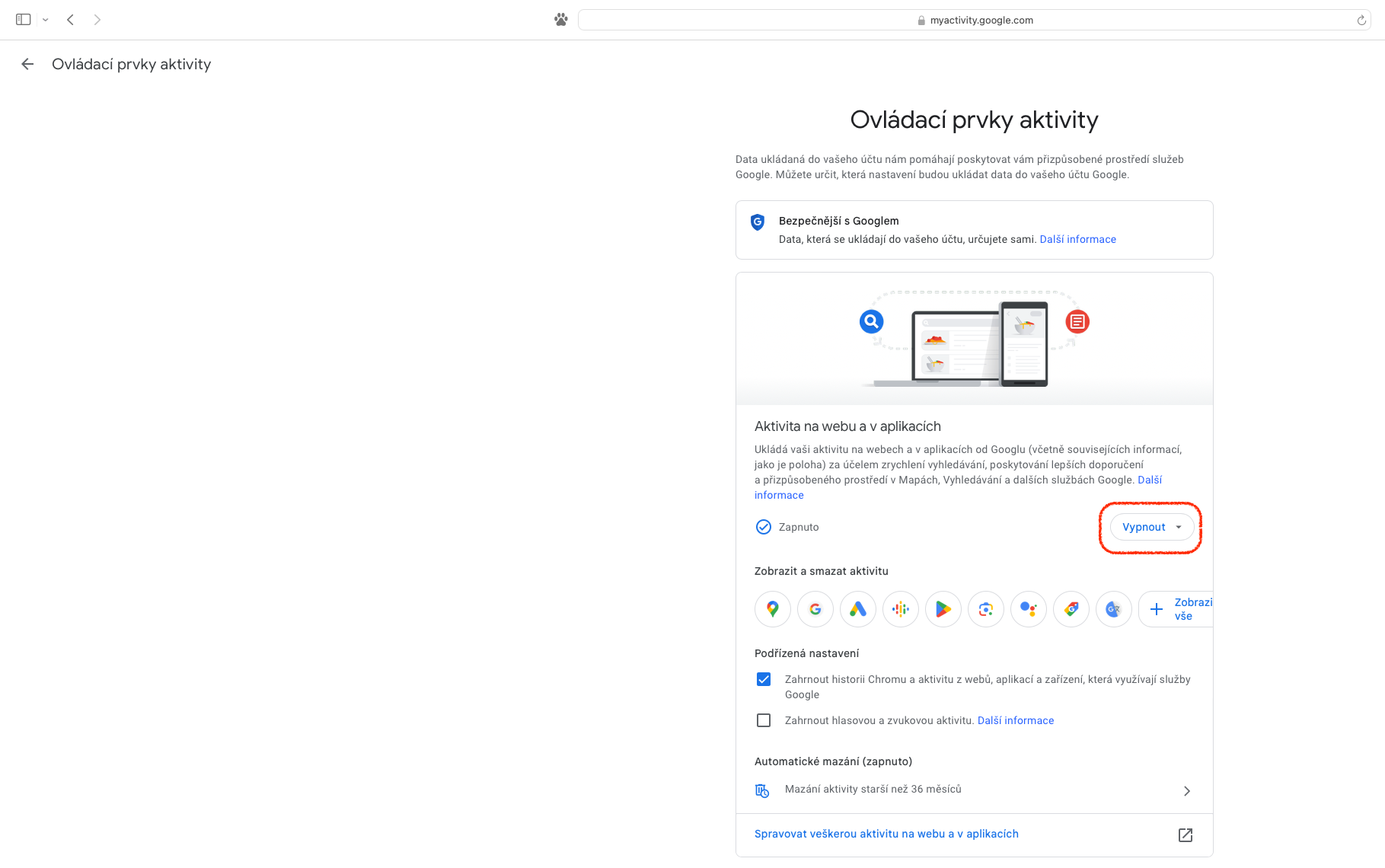
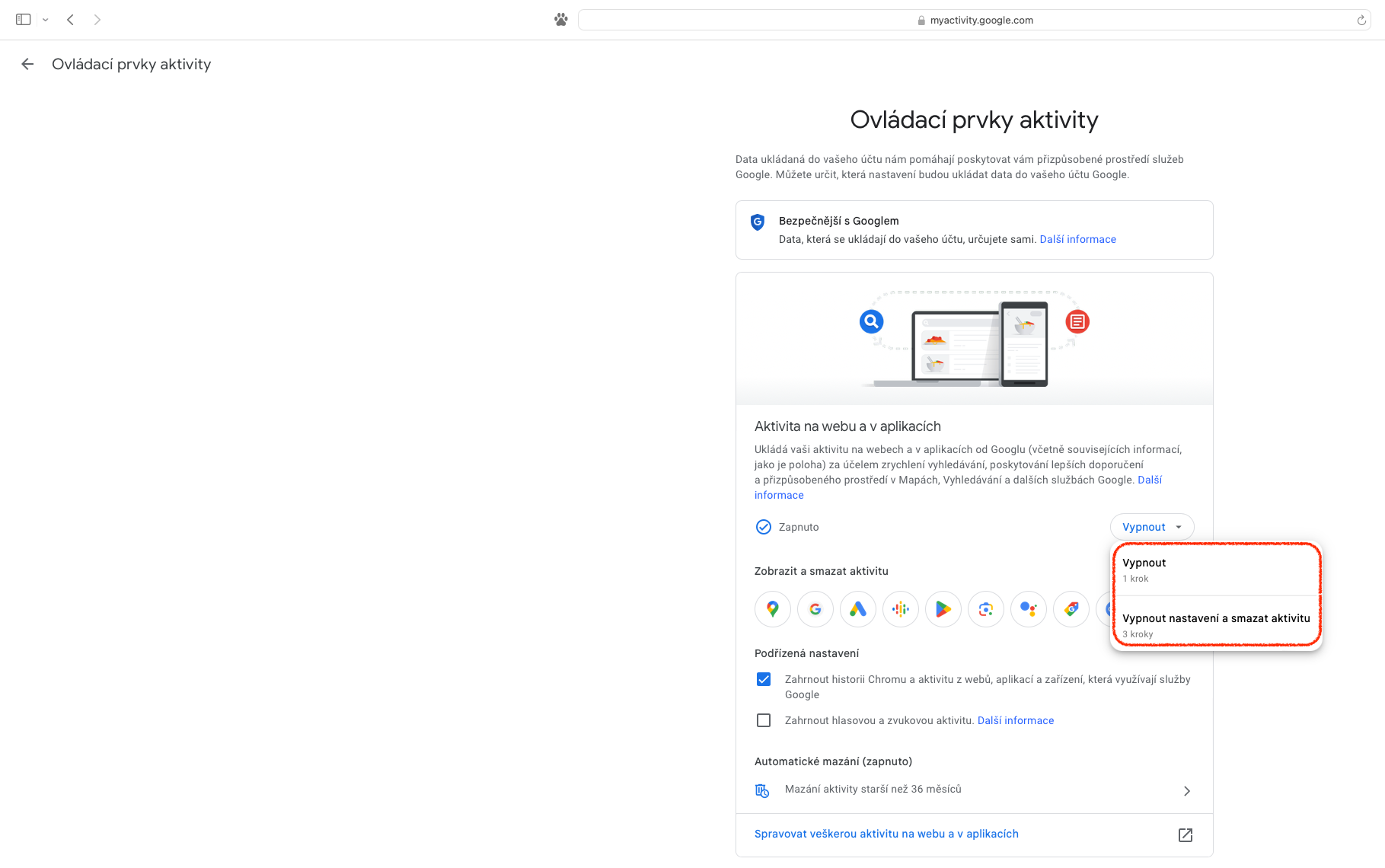
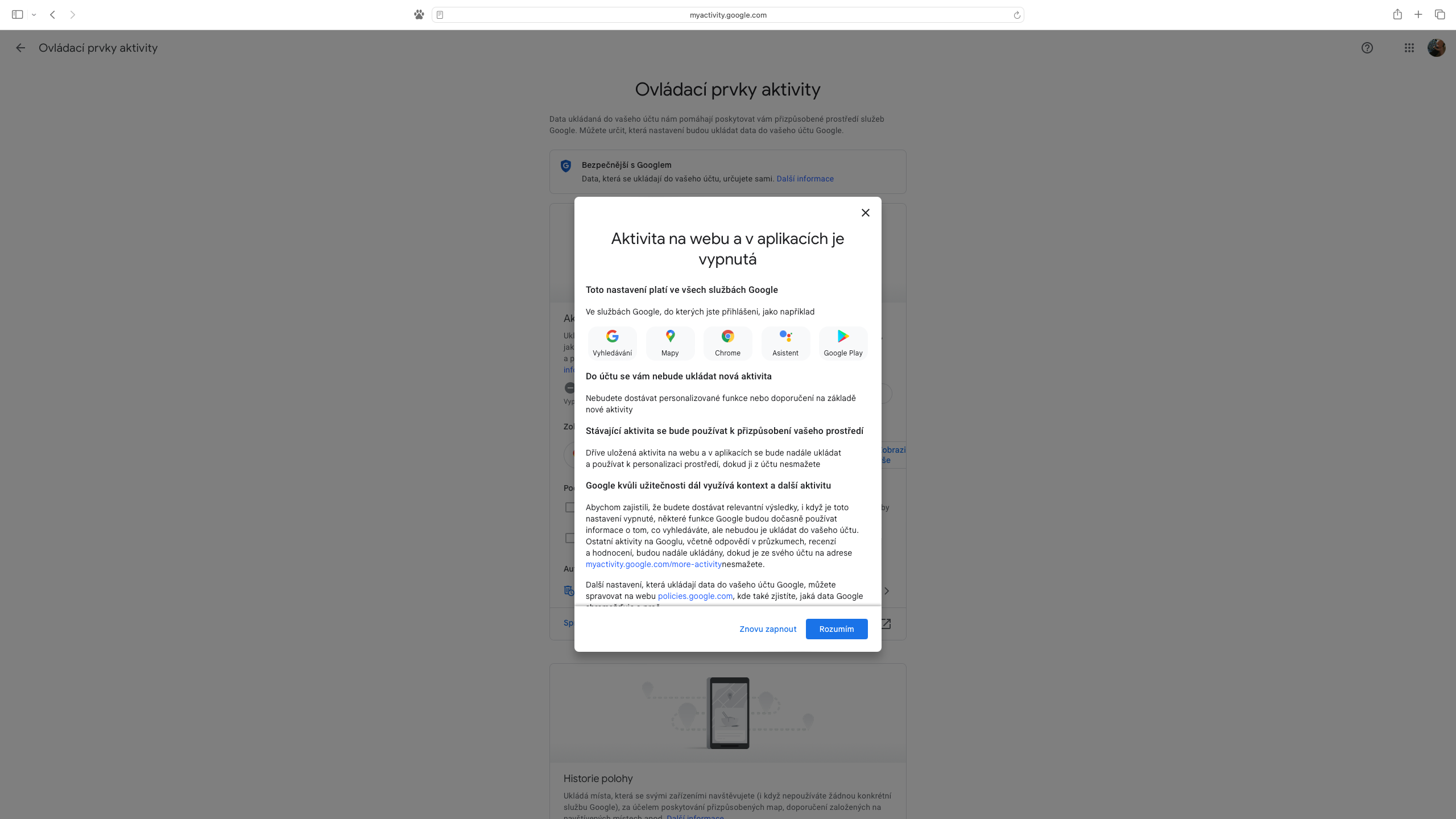
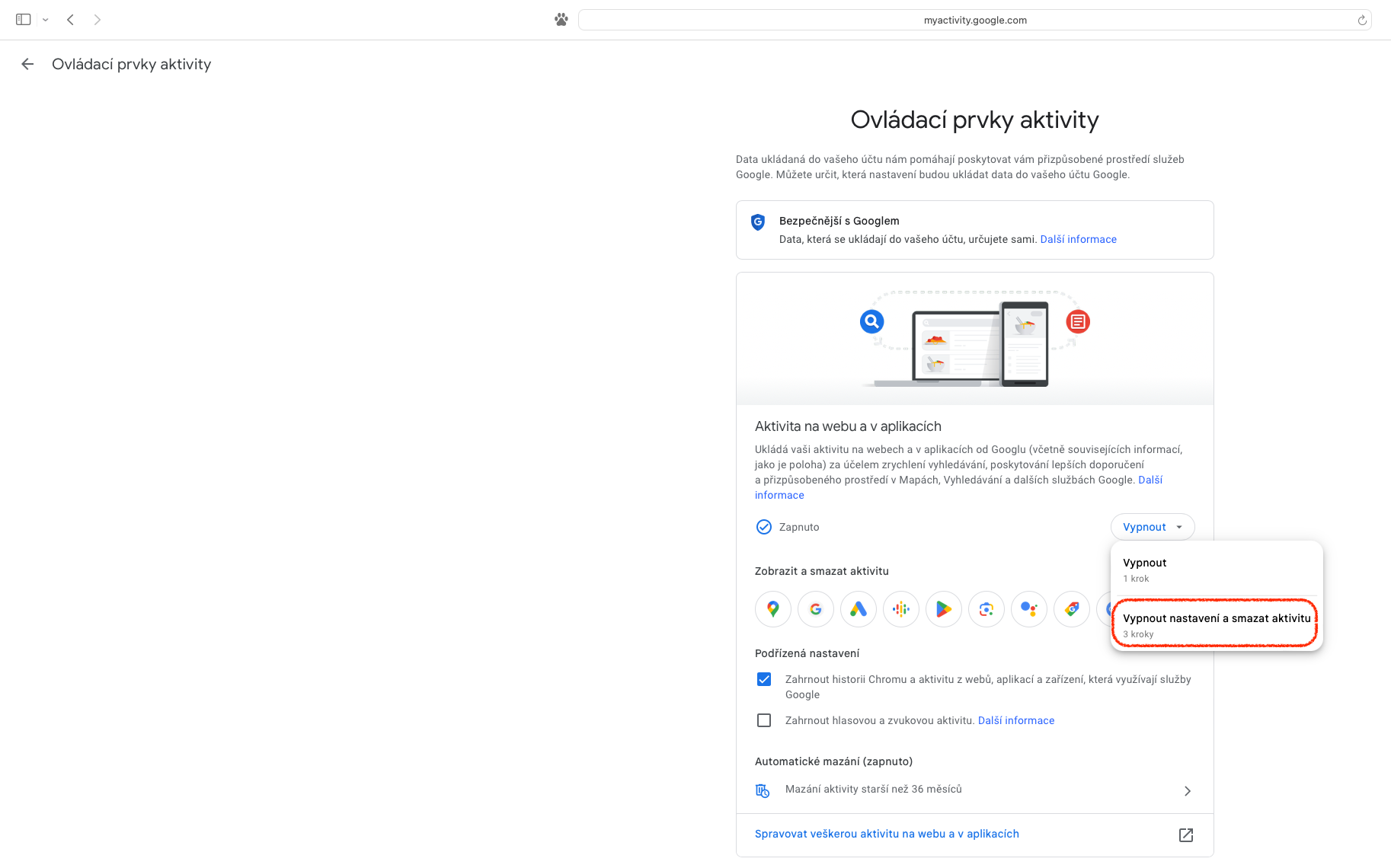
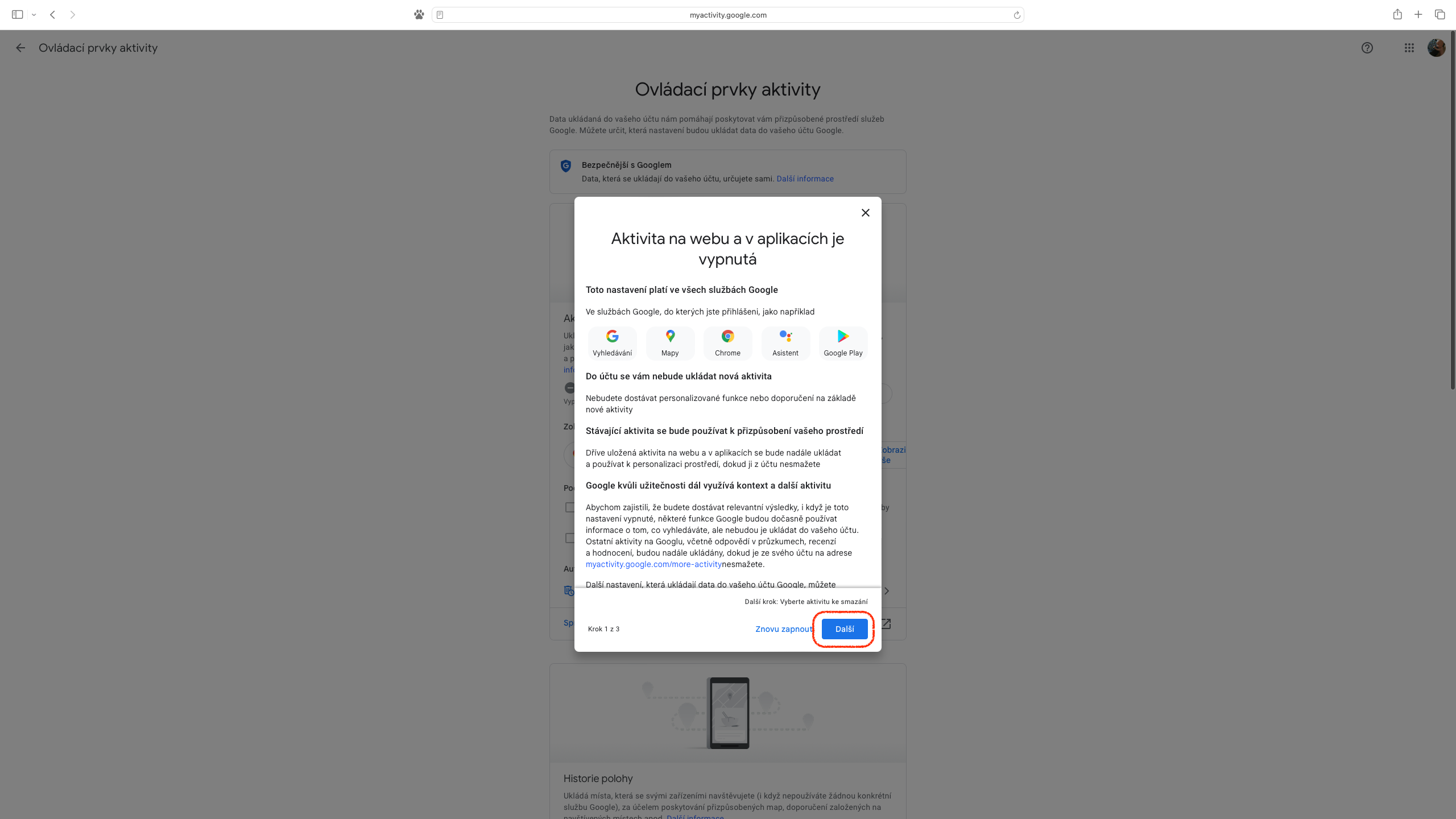
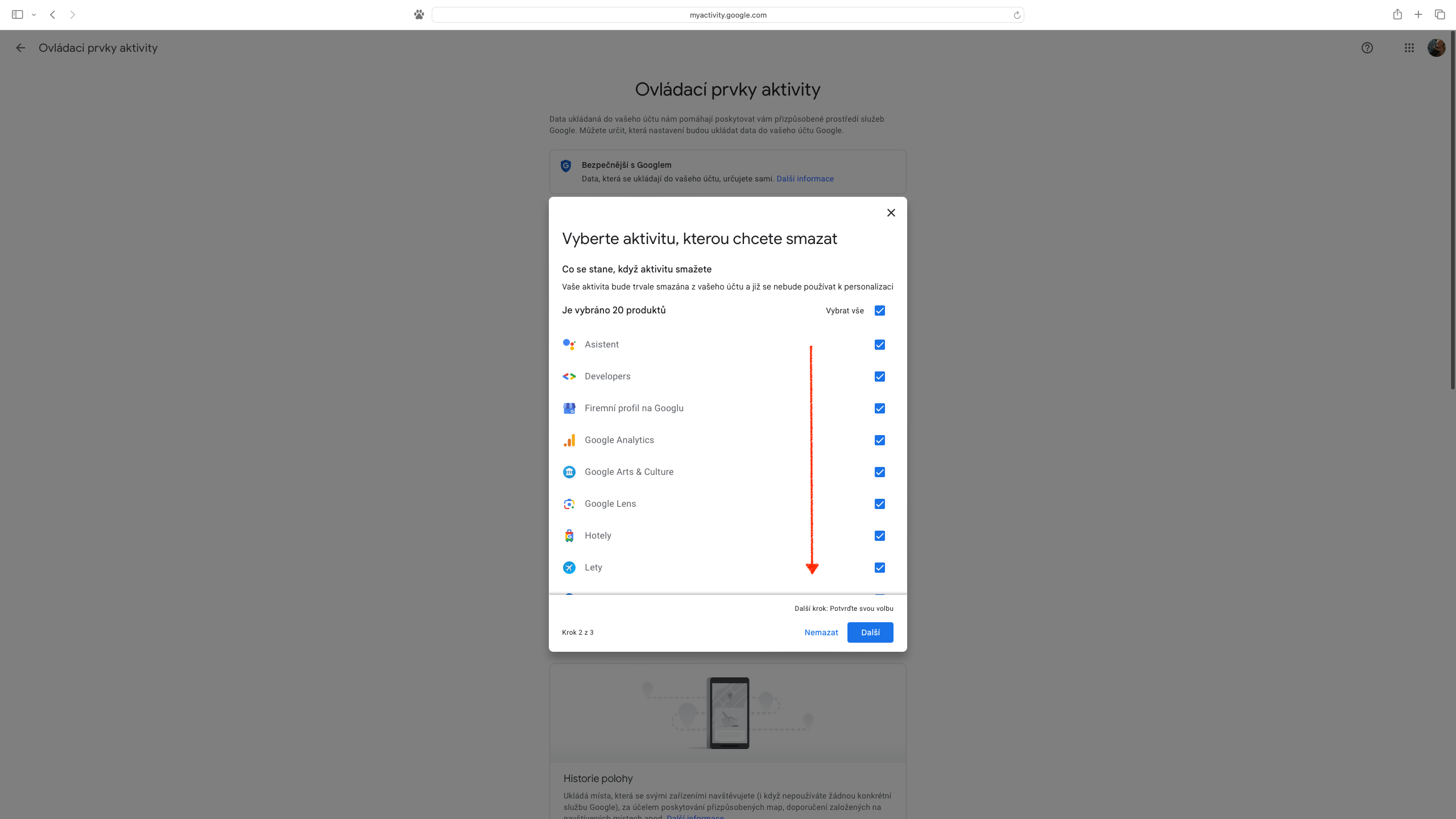
To end monitoring, click the "Turn Off" button in the "Web & App Activity" section. After clicking, you will be given the option to "Turn Off (1 step)" or "Turn Off Settings and Delete Activity (3 steps)". If you choose the first option, variantu, then after a single click we will be informed about the termination, which still needs to be confirmed via "I understand". The second option works similarly, but offers the creation of a selection of data associated with specific services or applications that will be retained and those that will be removed.
Gallery
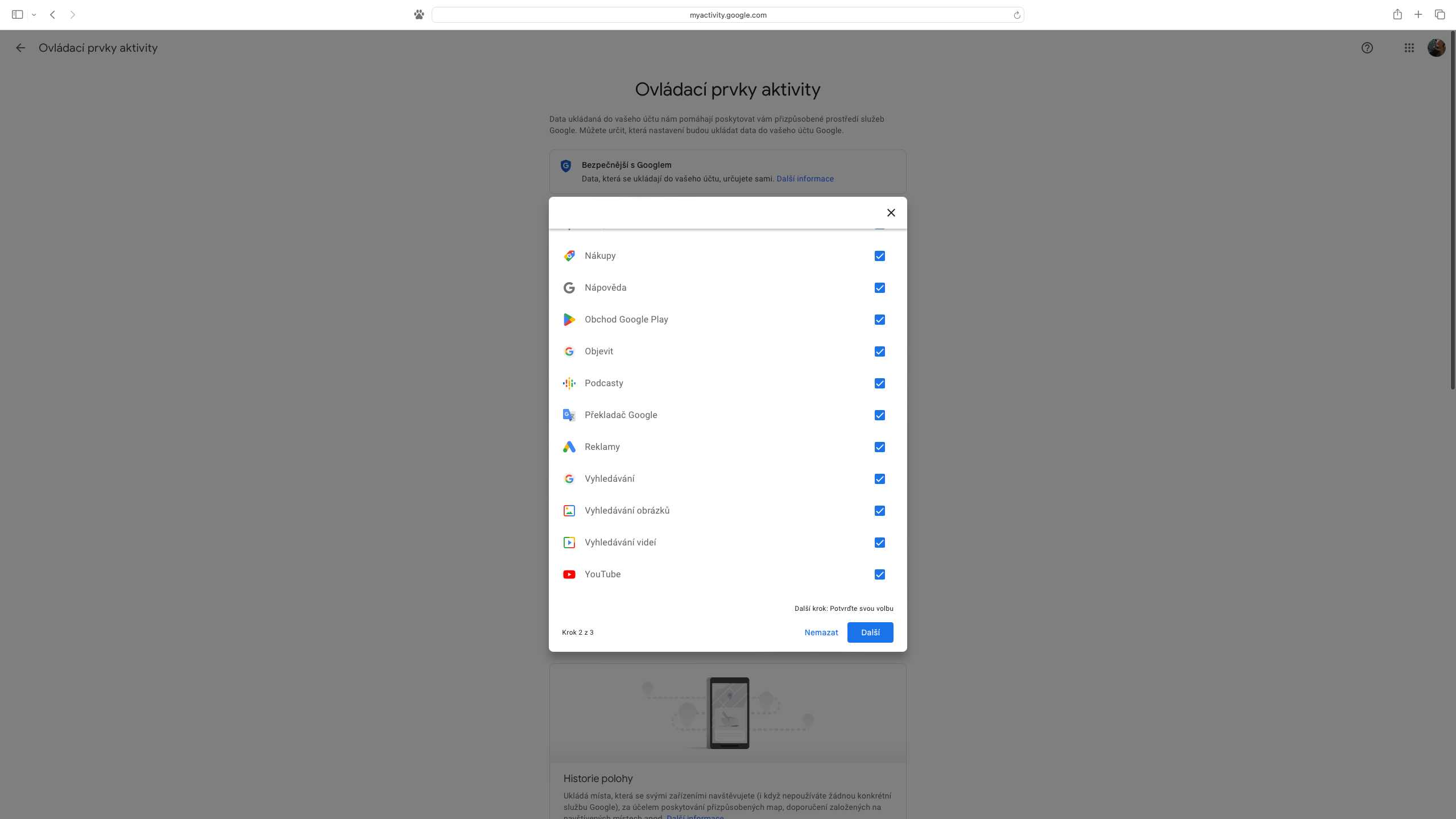
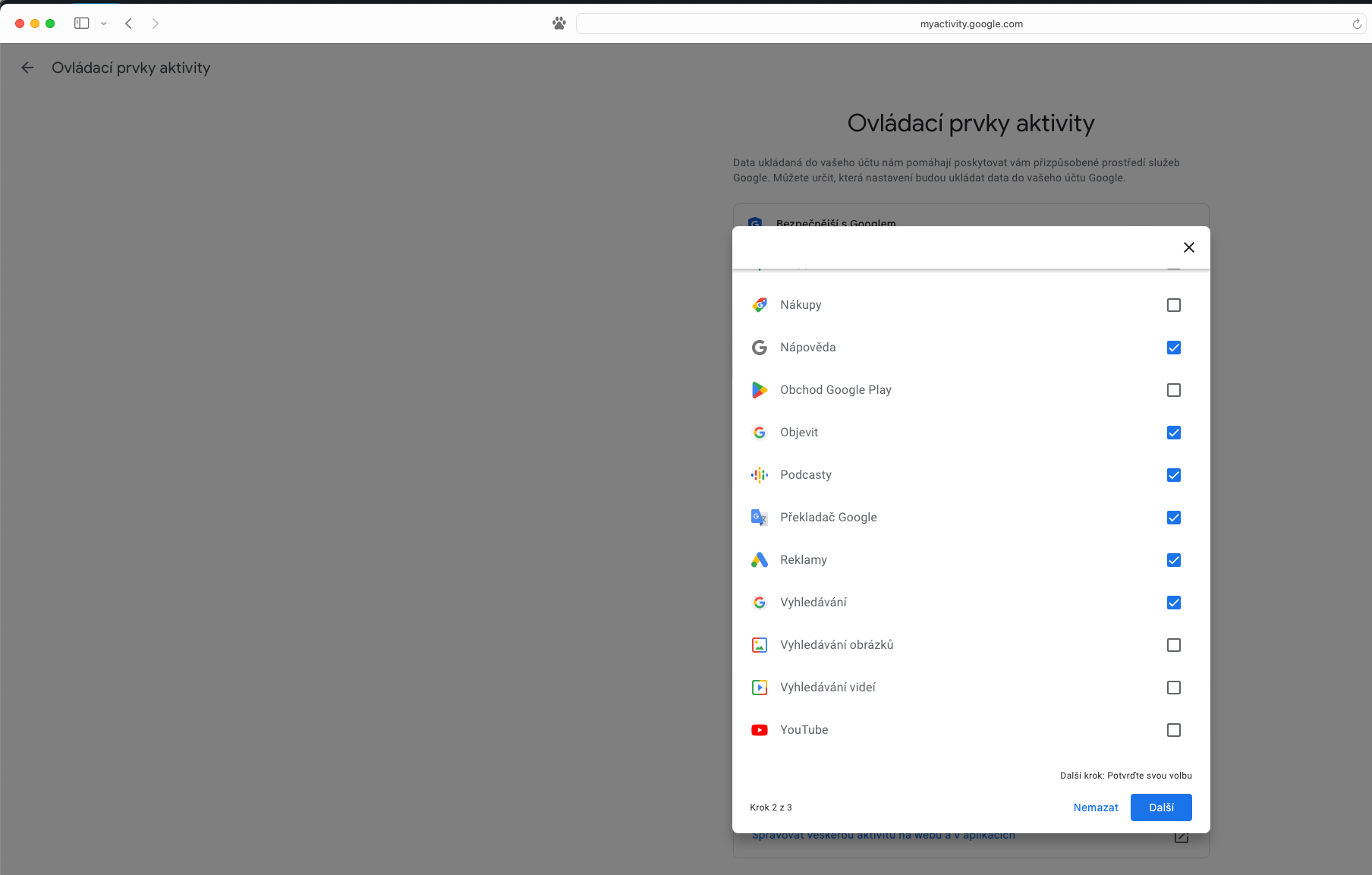
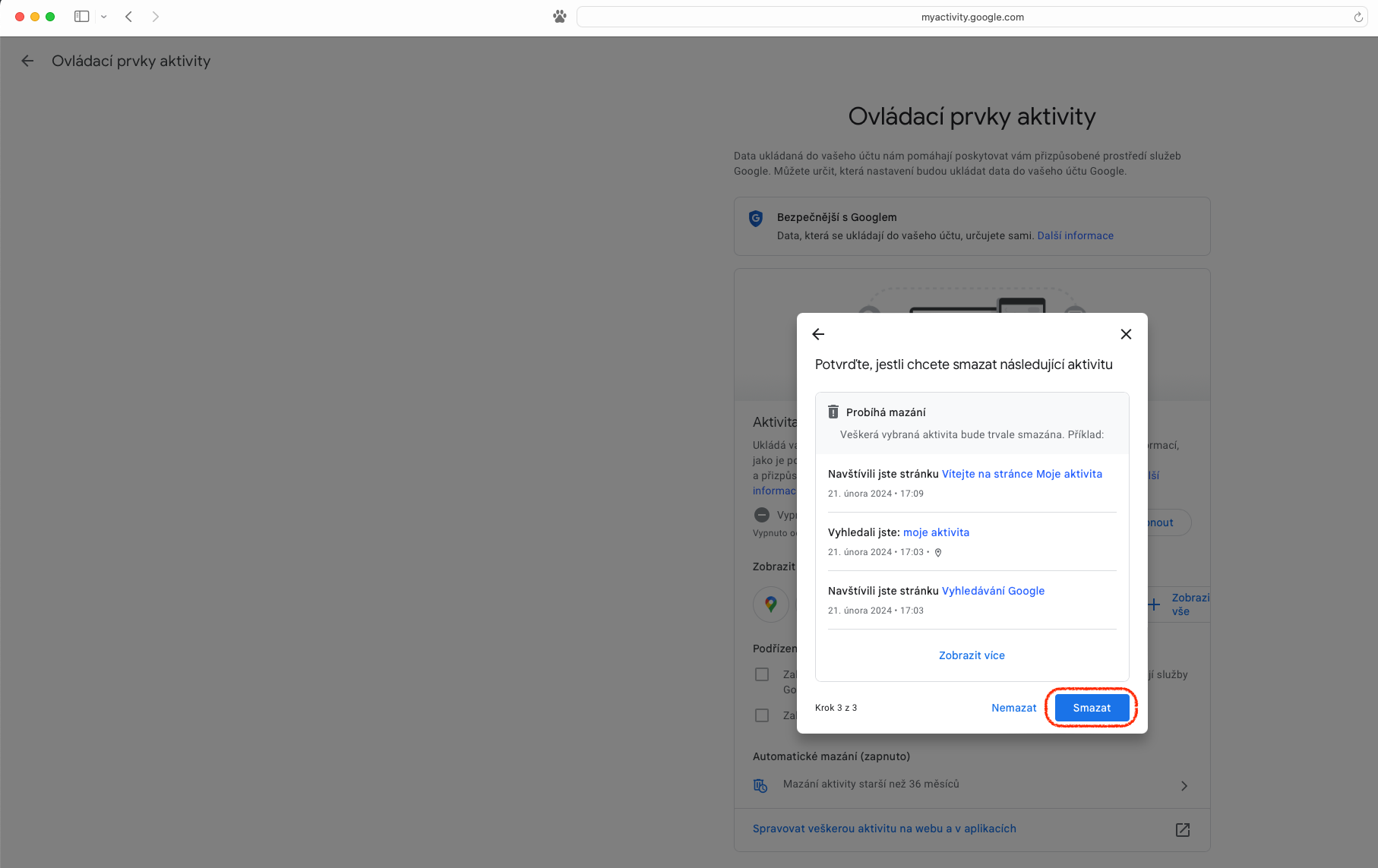
An extra step for the extra cautious
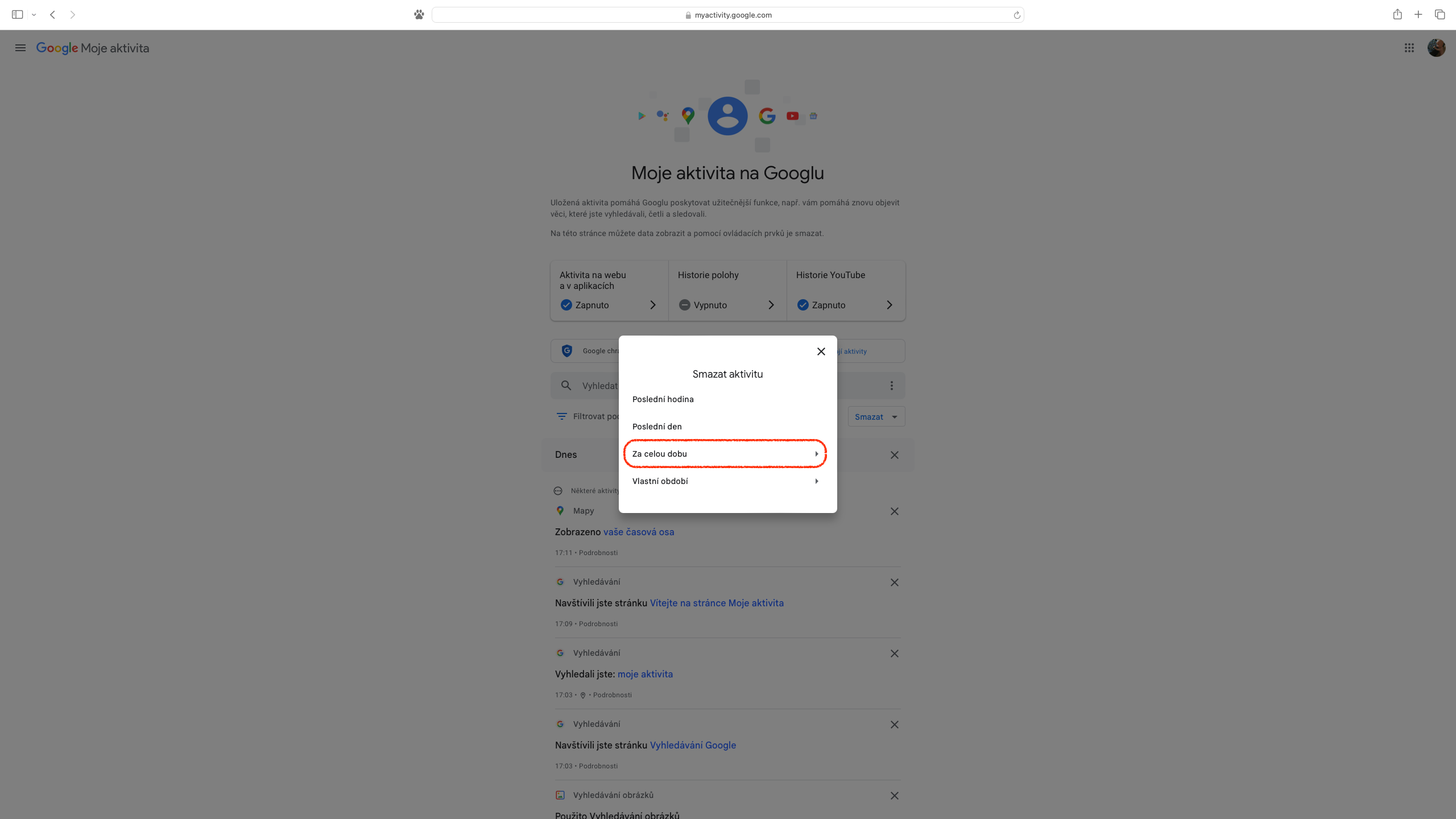
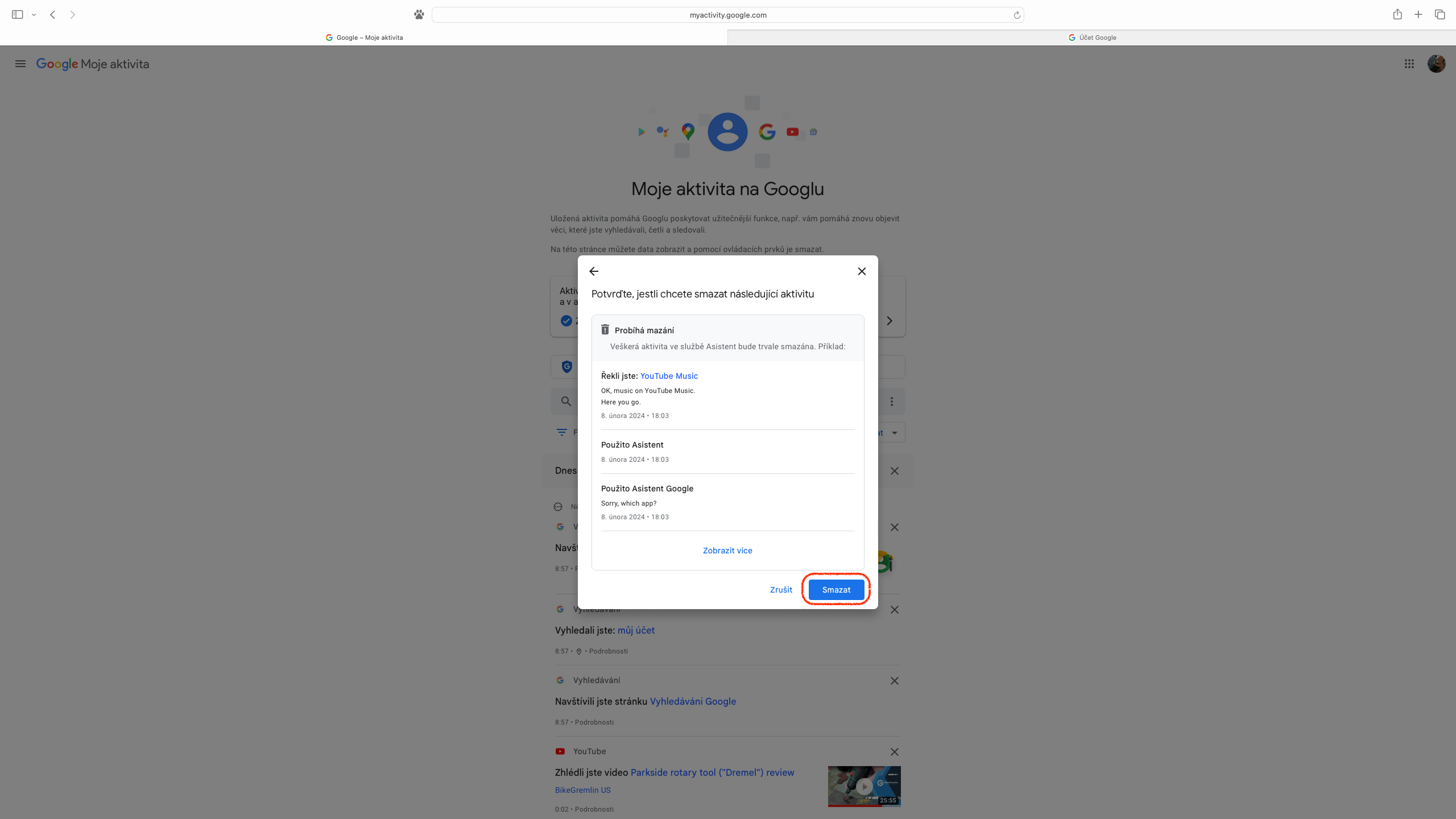
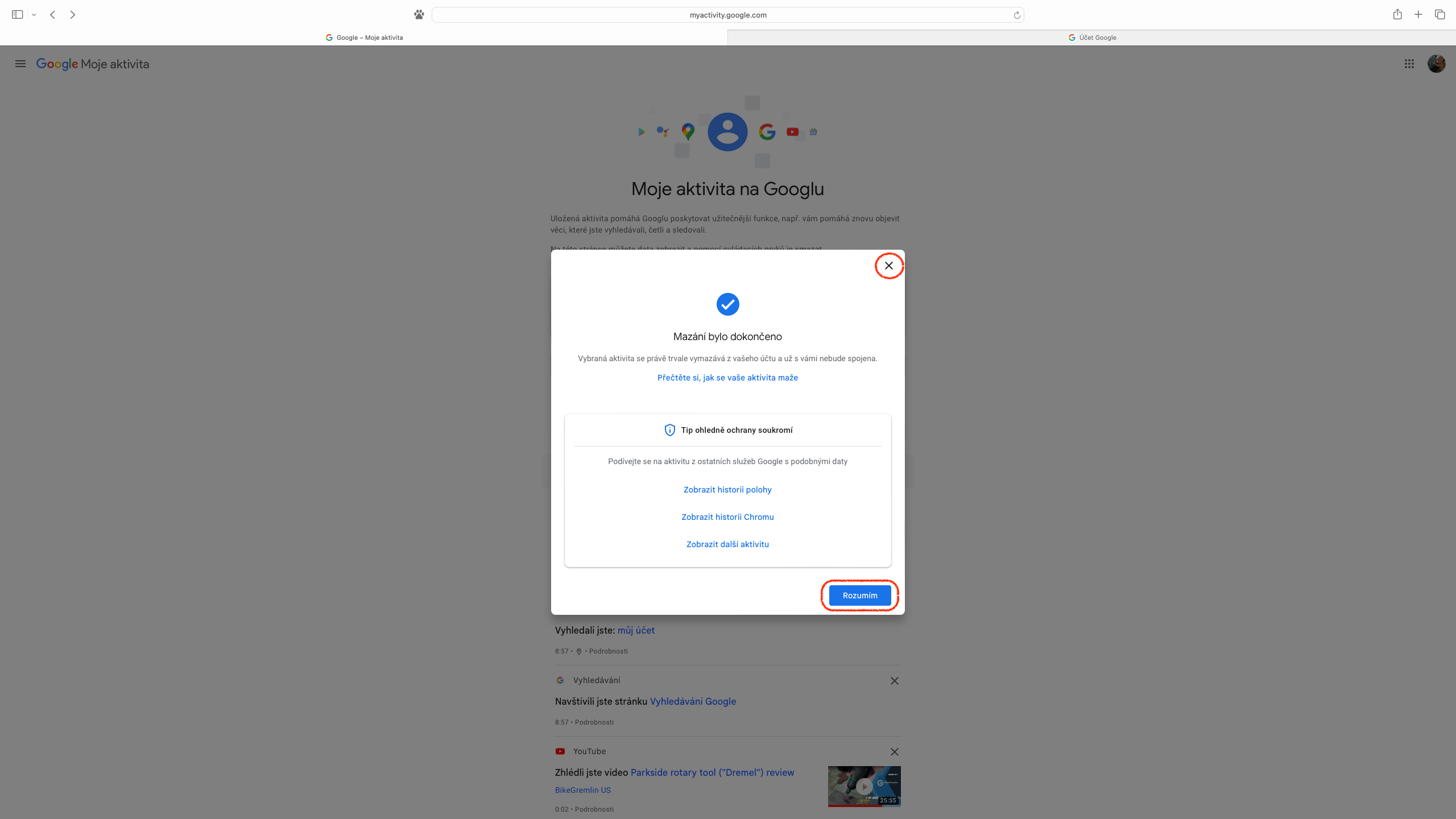
Pro For those who are surprised by the amount of data that is linked to a Google account and have decided to completely delete their web activity, there is an icon with three vertical dots on the right side of the “Search activity” field on the “My activity” page. From the drop-down menu, simply select “Delete activity by date” and then select “For all time”. Then, we can again determine whether we want to do this for all services or only for a part of them. The penultimate taskonem is the "Delete" button, followed by a list of changes made, and you can confirm your acceptance of them by clicking "I understand", or close the displayed information with a cross.
Gallery
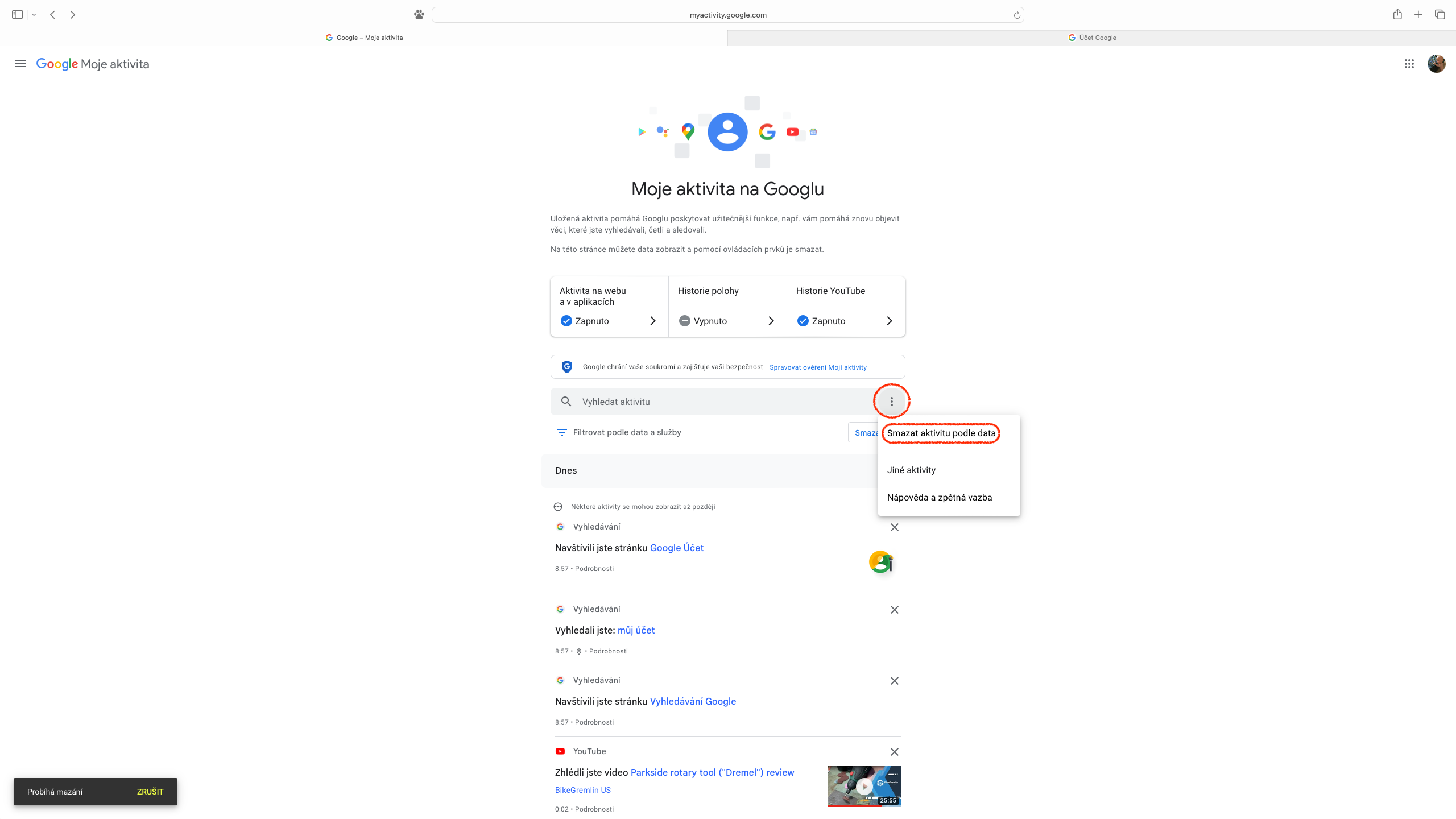
It's interesting to see what Google can work with within our accounts, and it's also quite nice to know that we can have a lot of control over it and decide when it's really beneficial for us.