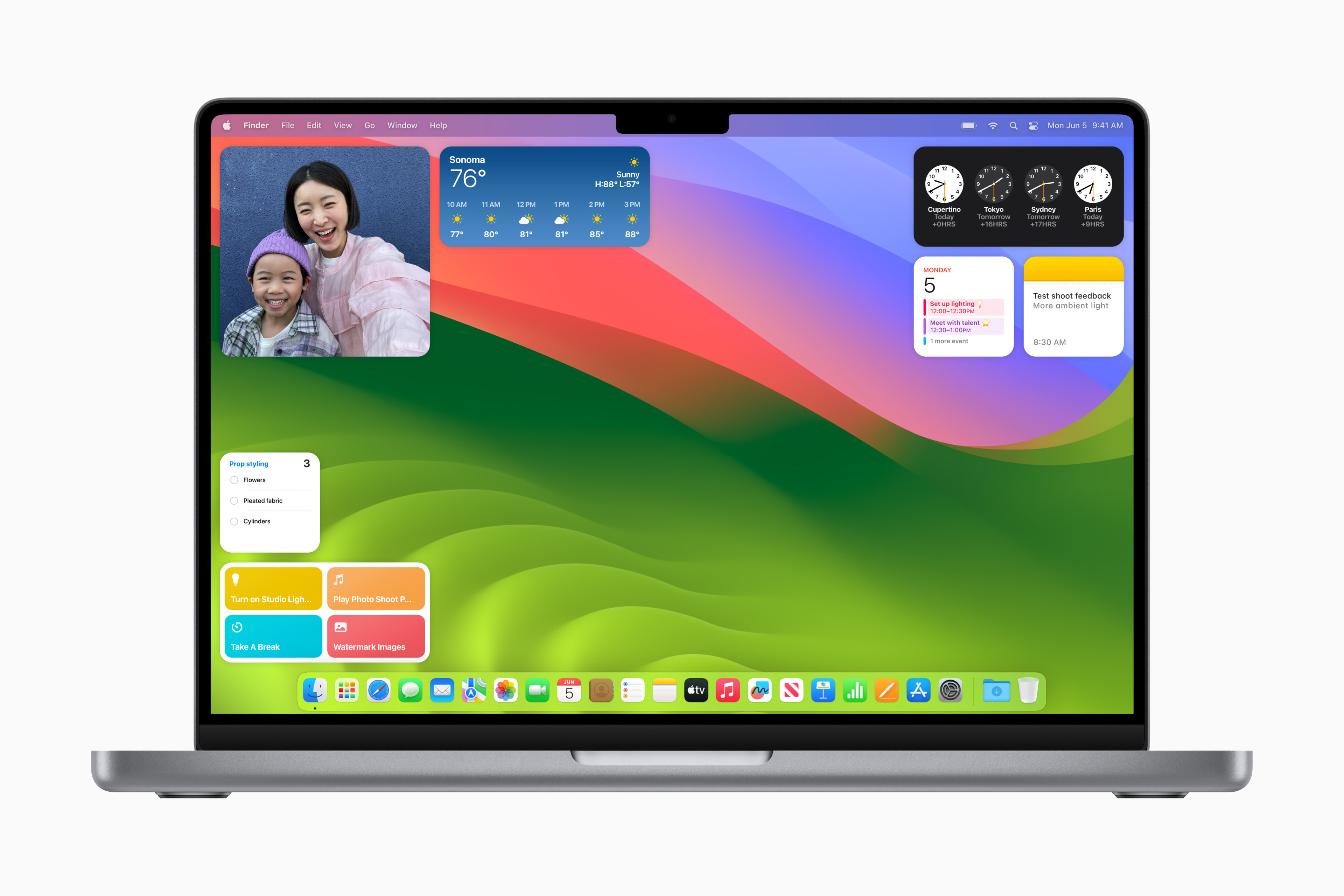
2 was released yesterday. beta macOS Sonoma 14.2, which offers a useful new feature for all fans of Shazam music recognition. Thanks to this update, it is integrated directly into macOS, and can be accessed through the menu bar or the Control Center of the computer.
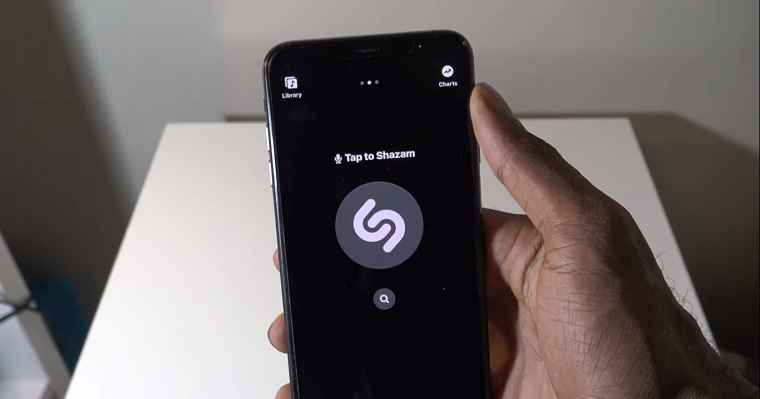
The Cupertino company acquired Shazam in December 2017 and has been gradually integrating it across all of its platforms. In iOS 14.2 please Apple for example, made on the iPhone through a special widget Control Center and the same feature is now available on Mac as well.
On macOS Sonoma 14.2 beta 2, you can now add Shazam to your Mac's menu bar or Control Center via System Preferences. Interestingly, this feature is back with version "14.2" after a gap of three years.
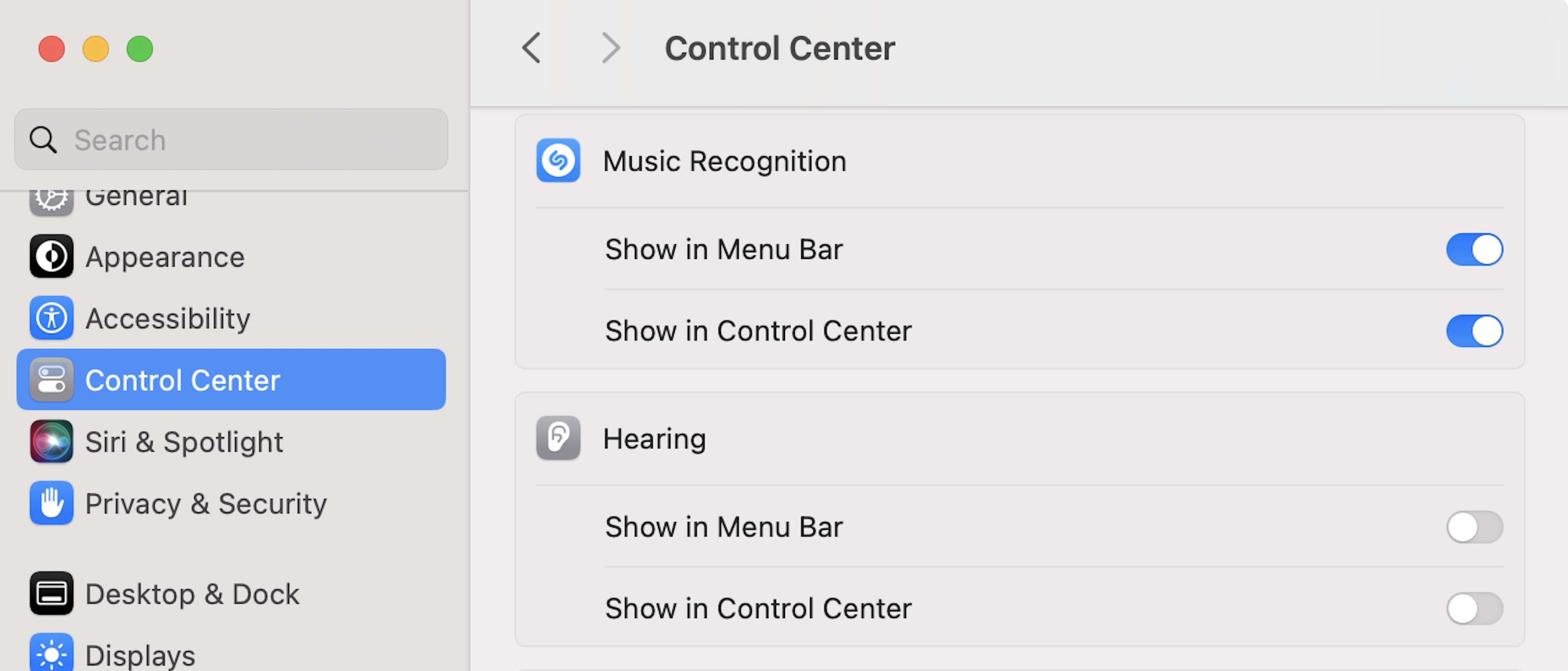
To take advantage of Shazam integration on macOS, simply open System Preferences, select Control Center in the sidebar, and look for the new Music Recognition section. Here, you'll find two toggles, one for the menu bar and one for Control Center. Previously, you could add Shazam to the menu bar using a dedicated macOS app, and on Mac, you could also request Sirito determine what song is currently playing, but now this capability is built natively into macOS Sonoma and beyond Siri.
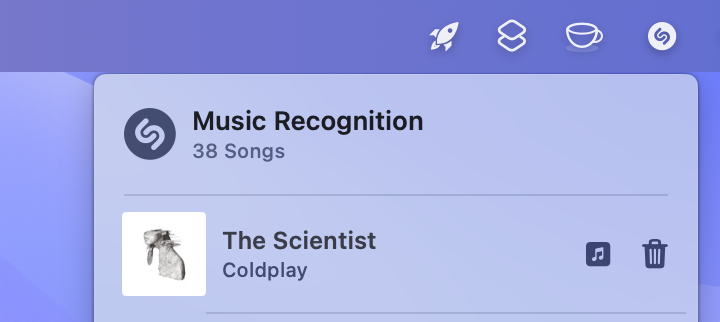
Using the Shazam icon in the menu bar, you can view the history of previously identified tracks, and clicking on the album cover will open the track in the Music app. Clicking anywhere else takes you to the Shazam website. macOS 14.2 is expected to be released to the general public sometime later this year.
You might be interested in